This post will address Binance Account Frozen, outlining the reasons why accounts are blocked, the most frequent causes of freezes, and the doable actions users can take to promptly restore access while maintaining the security and compliance of their money.
What is Binance Account?
A Binance account lets you buy, sell, and manage cryptocurrencies like Bitcoin and Ethereum. As one of the biggest crypto exchanges, users can take advantage of different services offered like spot and futures trading, derivatives, crypto and fiat savings, and even buy and sell crypto to other users.
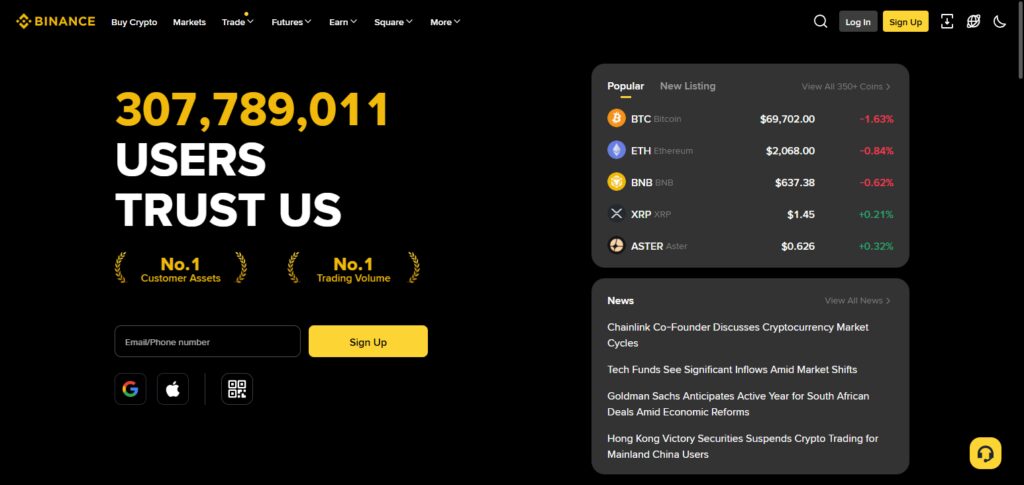
Binance guarantees account protection through security features like passwords and two-factor authentication (2FA). Identity verification (KYC) determines account access levels.
User activity on Binance accounts are monitored and reviewed to detect and prevent fraud and illegal activity. Because of this, Binance accounts are a great tool for managing crypto, but also highly regulated by local laws like anti-money laundering (AML) regulations.

Binance Account Frozen
Step 1: Understand the Reason for Account Freeze
Once you know your account is frozen, the first step is to log into the account. When checking your account, go to the notifications. They will also send you an email. If you cannot find these, go to Risk Control / Security Center. If the reason for your account freeze is because of your KYC, security, AML, or policy, it will be written there.
Step 2: Understand what Type of Freeze You Have
To find out the freeze or restriction type, you should find out if it is an account freeze on withdrawals, trading, deposits, or total account access. Once you know what type of restriction you have, you can take the right steps to recover your account faster.
Step 3: If it KYC, do the Following
Once you know what the KYC issue is, there is a need to submit additional identification documents. These include a valid document, a current clear self portrait, a current selfie and proof of your home address. You should ensure that all details are an exact match to your binance account details.
Step 4: Account Security Measures
To show Binance that the account is secure and under your control, you will have to change the account password. You remove any 2fa that you may have set on the account and then put it back. You should also remove any previously unlinked devices and then relink new ones if this is permitted. Ensure that you have verified the account access history to be sure that no access has been made on the account before you took these measures.
Step 5: What to Do After Reviewing Account Activities
Ensure that you have double checked all deposits, withdrawals and then transfers that you have made to ensure that there is no account access. Once you have collected all of the account access details, ensure that you get all of the transaction IDs (TXIDS) , and all of the wallet address and the dates of the account access. You can then send this information as a reference to the support team.
Step 6: Submit a Support Ticket
Open a support ticket with Binance through their official help center. Clearly describe the problem, include the necessary attachments, and write your User ID (UID) and transaction information.
Step 7: Be Timely with Your Responses to Binance
If Binance requests further clarifications or additional documentation, respond to avoid delaying the lifting of the freeze on your account.
Step 8: Everything is Up to Compliance
The majority of account freezes will require review and approval by compliance or the risk team. Depending on the details and how busy the team is, this can take a few hours to multiple days.
Step 9: Be Patient
If it is past the estimated review time and you have not received an update, you can respond to your existing ticket, but avoid creating additional tickets as this can further delay your review.
Step 10: Check Your Account’s New Limitations
Once the freeze is lifted, you can test your trading or the withdrawal functions with a small amount. Also check for new limitations or conditions on your account.
How to Check Why Your Binance Account Is Frozen
Binance Notifications
In your app, check the alerts or warning your dashboard has. Binance tends to provide user dashboard restrictions.
Search Your Email
In your email search the word Binance and look for emails alerts, compliance reviews, or verification alerts. Don’t forget the spam and promotions emails.
Go to the Security & Risk Control Center
In your account security, check the area of alerts for things that have been flagged and account limitations, risky logins, or account disabling.
KYC Status and Verification
On the Identification or Verification page, be sure to check that KYC is not pending, or has not been denied, or that no extra documentation is required.
Account Activity
In your account settings, check the logins and devices and the transactions for anything that has been done to trigger the controls.
How to Contact Binance Support Effectively
Step 1: Sign In to Your Binance Account
Make sure to contact Binance Support while you’re signed in to your account. This allows Binance to link the request to your account, which speeds up the verification process.
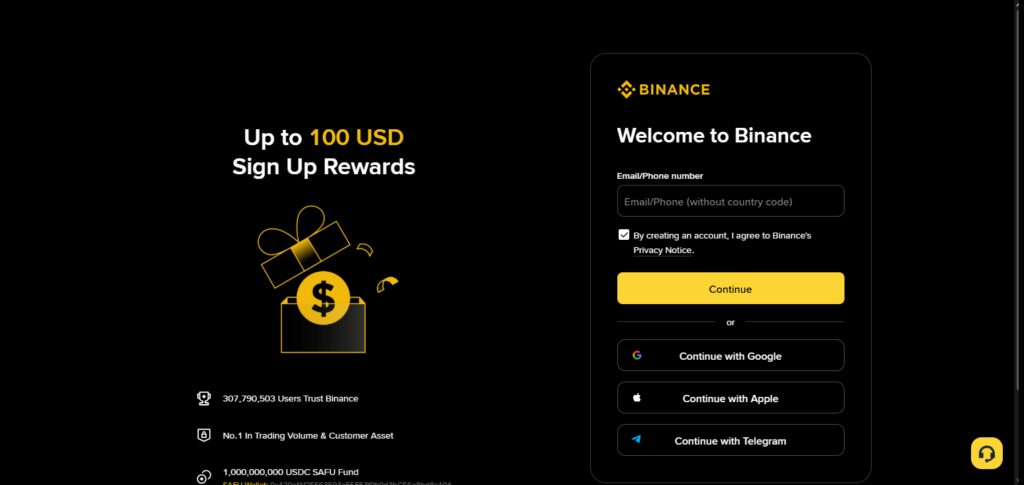
Step 2: Go to the Official Binance Support Center
In the menu on the Binance website and app, navigate to Support / Help Center. Don’t use any links to the Support Center other than the official Binance ones (to avoid phishing scams).
Step 3: Select the Relevant Issue
Select the most relevant issue from the drop-down. Account Frozen, **Withdrawal Suspended, *KYC Issue*, or *Security Review*. This helps to send your issue to the right place.
Step 4: Go to the Live Chat or Create a Support Ticket
If you want an account review done (more detailed answer, and a longer answer), you should create a compliance review ticket.
Step 5: Explain Your Problems in Detail
You need to include all the details. Errors, actions, and all the other details. If there are any messages tied to the issues, you should mention them.
Step 6: Fill Out Required Account Information
Provide your UID, email address, affected coin or network, TXID (if applicable), and relevant screenshots. Providing these details will help us investigate your case faster.
Step 7: Upload the Required Documentation
Be sure to verify your identity and provide proof of funds. If you must provide proof of a transaction, do so without delaying the process.
Step 8: Stay Alert
Prompting your case is not a good idea. You should stay on top of your emails, and messages from Binance, especially case updates.
Step 9: Follow Up After the Specified Time
You should wait the specified time for the case to be updated. After the wait time has expired, you may then respond to the case. Avoid opening a new case as it may affect the time it takes for your case to be updated.
Step 10: Test Access After Resolution Is Confirmed
When the support team has fixed the issue, test access to trading and withdrawals with a small amount of crypto. Make sure to check if there are any new limits or conditions.
What to Do If Binance Does Not Respond
Wait for the Standard Response Time
Be prepared to wait 24–72 hours for a response. Compliance reviews and account freezes can take a lot longer to process.
Reply to THIS Support Ticket
Instead of opening a new ticket, add a comment to your existing ticket. Each new ticket can reset the queue.
Use Binance Live Chat Again
Use the Help Center live chat and mention your ticket.
Check Emails and Spam
Emails are how Admins communicate, and your response may end up in Spam or Promotions.
Use Socials to Contact Support
Contact VERIFIED support accounts on social media and your ticket ID (Don’t include private info).
Check Account Notifications
Binance may have updated restrictions on your dashboard without a separate notification.
Check Document Uploads
Communications may be paused if you are missing documents. Be sure to check and submit again if necessary.
Be Respectful and Patient
Messages sent in an aggressive manner or multiple spamming in a row is only going to slow down your ticket. Politely and clearly worded follow ups get better results.
Legal or Compliance Escalation
If you have a long term freeze involving a considerable amount of capital, you should seek professional legal counsel in your jurisdiction.
Have a Backup Plan
Create a self-custody wallet and be ready to utilize other exchanges to trade as a means of mitigating risks in the course of trading.
Common Reasons Binance Freezes Accounts

KYC Complaints/Ban or Account Verification Issues
Your account might be frozen if you have not completed KYC procedures or if there are issues with the identity verification documents.
You Exhibit Suspicious Trading Patterns/Behaviour
Accounts can be frozen for having too many big and/or rapid transactions that may be out of the ordinary.
You are Suspected of Money Laundering or Other Related Financial Crimes
Accounts can be frozen if their transactions are associated with money laundering, wallets that are constantly being flagged, or are in countries where money laundering is called.
Your Account is Hacked or Someone is Attempting to Do So
Accounts can be frozen to protect against hacking if there are log in attempts from different devices.
Your Bank Reversed the Deposit
Accounts can be frozen or restricted as a result of the reverse of a bank deposit, leading to limitations on account withdrawals.
You Have Violated Binance Terms of Service
If there is known participation in market manipulation or abuse of the trading incentives, you may have your account frozen.
Payment Processor Issues
Accounts may be frozen as a result of payment disputes with P2P merchants or payment processors.
Your Account is Frozen as a Result of Government Regulations
You can have your account frozen for compliance with governmental or inter-governmental regulations.
Accessing Restricted Areas / VPN Abuse
Accessing Binance on unsupported areas or consistent use of VPNs can raise flags on compliance.
Linked or Flagged Accounts
Accounts that are linked to previously frozen or flagged accounts can also be restricted for further review.
Alternatives if Your Account Remains Frozen
Start Using Other Centralized Exchanges
While Binance is reviewing your case, you can open accounts at different centralized exchanges to continue trading.
Move to Self-Custody Wallets
Using your own private keys for a Non-Custodial wallet can help you reduce your reliance on exchanges.
Decentralized Exchanges (DEXs)
You can trade on DEXs without reliance on a centralized account.
Be Careful about Using Peer-to-Peer (P2P) Platforms
P2P might add some flexibility, but you must check the other side and trade safely according to the platform rules.
Spread Funds over Many Platforms
Don’t concentrate your assets on one exchange as it can be frozen or its policies can change any day.
Convert Assets to Stablecoins on Other Platforms
When you are facing access problems, you should manage your liquidity and minimize market exposure to volatility using other platforms to convert your assets to Stablecoins.
Get Professional or Legal Advice
If an account is frozen for the long term or the value is high, legal compliance and crypto expertise will be very meaningful.
Create a Long-Term Risk Strategy
Addressing the problem of account access restrictions for the long term will be a result of the implementation of more robust KYC, transaction monitoring, and other controlling techniques.
Conclusion
Although a frozen Binance account can be upsetting, it is usually just temporary and can be fixed with the correct strategy. The quickest methods to regain access are to comprehend the cause of the freeze, fulfill verification requirements, secure your account, and have clear communication with Binance support.
Future risks can be decreased by keeping an eye on account activity, diversifying where you keep your money, and adhering to KYC and AML regulations. Users may safeguard their assets and restore control without needless delays by remaining composed and taking the appropriate actions.
FAQ
Why is my Binance account frozen?
Binance may freeze accounts due to incomplete KYC, suspicious activity, AML reviews, security risks, payment disputes, or legal and regulatory requirements.
Is a frozen Binance account permanent?
Most freezes are temporary. Once verification or compliance checks are completed, access is usually restored unless there is a serious policy violation.
Can I withdraw funds if my Binance account is frozen?
It depends on the restriction type. Some freezes only block withdrawals, while others restrict trading or full account access.
How long does Binance take to unfreeze an account?
Resolution time can range from a few hours to several days or weeks, depending on the complexity of the case and document verification.
What documents does Binance request to unfreeze an account?
Binance may ask for identity documents, selfies, proof of address, source-of-funds details, or transaction explanations.