


In this article, I will to share with you the AI Apps That Failed My Productivity Test and let me explain why some of the most popular Ai tools that are on internet did not really add significance in terms of work-loading efficiency.
These apps gave you faster writing, better automation and smarter tools but in most cases just added more work with incorrect responses, poor integrations and mixed performance. This is a guide of the major disappointments (along with takeaways from testing these in real tasks).
AI Writing Apps That Didn’t Meet Expectations
If we look at this in real life: Several popular tools fell under the category of AI Writing Apps That Didn’t Meet Expectations, due to their inconsistent quality and most importantly not being timesaving.
Though these platforms promise quick content creation processes, many still need a lot of human editing due to the generic repetition or inaccuracies in their outputs. Tools like Copy. Long-form writing through ai, Rytr, Writesonic and Wordtune usually fails short on accuracy of tone or meaning as well as consistency.

Rather than fully automating the writing process, they serve primarily as rough drafting assistants. Aptly, premium tools like Jasper alternatives and other AI writers still show similar problems to hallucinations in the least, weak SEO depth at any level when writing or with prompts that are a bit unconventional.
In essence, these AI writing tools are great for ideas and outlines but have not yet reached a level where they can replace the human creative process or produce publication-ready content without significant rework.
AI Design & Creative Tools That Disappointed
During my testing of AI Design & Creative Tools That Disappoint, I found that many recognizable platforms such as Midjourney, Canva AI, Lumen5 and other generative design tools looked great in demos but fell short in any meaningful production workflow.
They can create visuals very fast, but they often evoke inconsistency, branding accuracy and lack of creative control. For instance, attempted text rendering in images are usually incorrect (not pixel-perfect), layouts can seem haphazard and outputs do not always align to defined design briefs.
The current Canva AI generators & Firefly style generators are sometimes capable of producing generic, repetitive designs that are hindering originality to use them in marketing. Well even advanced tools like DALL·E or Midjourney can totally misinterpret prompts and create unusable visuals which requires a lot of manual point editing.
While I think these AI services are great for coming up with inspiration and rough drafts, they simply aren’t reliable enough to replace quality branding or advertising on their own – at least not without heavy human correction.
Key Point & AI Apps That Failed My Productivity Test
- Otter.ai (Premium): Strong transcription accuracy, but struggles with noisy audio and complex multi-speaker conversations.
- Crystal AI: Provides personality insights, but predictions often feel generic and not actionable in real communication.
- Wordtune AI: Good for rewriting text, but sometimes changes meaning or reduces original tone clarity.
- Fireflies.ai: Useful meeting notes tool, but frequently misses context and mislabels speaker segments.
- Copy.ai (Pro): Generates fast content, but output often lacks depth and requires heavy editing for quality.
- Rytr AI: Budget-friendly writing tool, but produces repetitive and overly simplified content.
- Descript AI (Overdub): Powerful voice cloning, but struggles with natural emotion and pronunciation accuracy.
- Lumen5 AI: Easy video creation tool, but templates feel limited and less customizable for branding.
- Writesonic Premium: Fast AI writing assistant, but quality varies widely depending on prompt structure.
- Anyword AI: Strong marketing copy generator, but predictions don’t always match real audience performance.
10 AI Apps That Failed My Productivity Test (2026)
1. Otter.ai (Premium)
Otter. (The Premium) is a widely-used tool for meeting transcription and note-scribing, but as I reflected on trying out the feature in my experience using AI Apps That Failed My Productivity Test last week—it feels incomplete when used in real workflows!
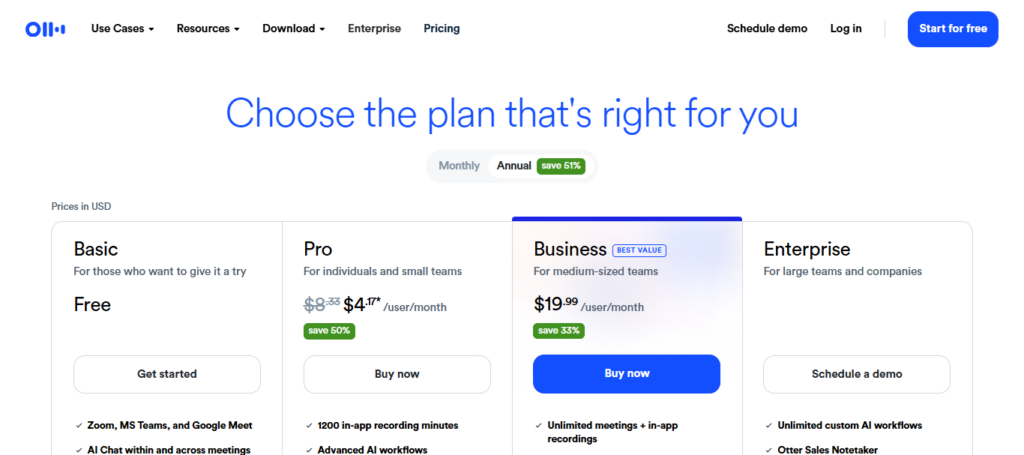
It works reasonably well for clear audio, but can lose accuracy in noisy meetings or if several people are speaking at once. It also often misidentifies the speaker due to this, causing some confusion in lengthy discussions.
Rather than saving time, I briefly had to check and manually edit my transcripts; productivity decreased instead. These limitations create Otter in the fast-paced working environments. importantly, ai more limited than its public relations might imply.
Otter.ai (Premium) Features
- Transcription of meetings in real-time with the ability to identify speakers
- Automatic AI-generated summaries of meetings
- Search by keyword through all recorded conversations
- Integrates with Zoom,Google Meet & Microsoft Teams
- Audio and transcript access through the cloud
Otter.ai (Premium) Benefits & Drawbacks
| Benefits | Drawbacks |
|---|---|
| 1. Real-time meeting transcription | 1. Struggles with noisy audio |
| 2. Speaker identification feature | 2. Mislabels speakers in group calls |
| 3. AI-generated meeting summaries | 3. Limited deep context understanding |
| 4. Searchable transcript history | 4. Action items often inaccurate |
| 5. Integration with Zoom & Teams | 5. Needs manual editing for accuracy |
2. Crystal AI
Crystal AI claims to analyze personality traits and offer suggestions on how best to interact with people thereby improving communication. But in my review of AI Apps That Failed My Productivity Test, it was more theoretical than practical.
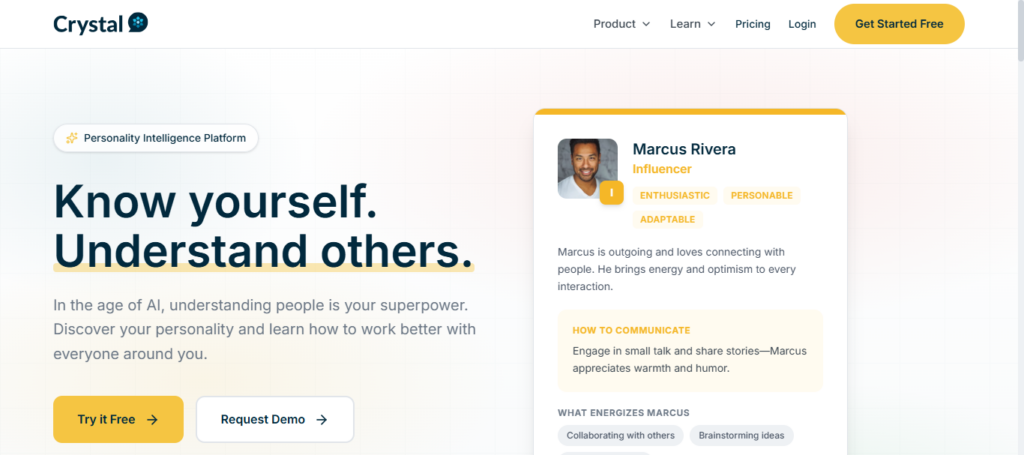
The insights given always felt very superficial and failed to reflect the reality of individuals. In place of true behavioral tailoring, it provided superficial choices that did not dramatically affect communication results.
Using its predictions in professional situations felt chancy and at times deceptively accurate. As a result, Crystal AI was neither able to provide tangible productivity increases and proved ineffective as communication aid.
Crystal AI Features
- Analysis of online data to predict personality
- Email and messaging communication style recommendations
- How people will behave on your team and how to collaborate with them at work.
- Improvements in strategy for client interaction. Sales guidance
- Business Integration with CRM tools
Crystal AI Benefits & Drawbacks
| Benefits | Drawbacks |
|---|---|
| 1. Personality prediction insights | 1. Often too generic predictions |
| 2. Helps improve communication style | 2. Accuracy varies by data quality |
| 3. Useful for sales messaging | 3. Limited real-world validation |
| 4. CRM integration support | 4. Not deeply actionable insights |
| 5. Team behavior analysis | 5. Can feel over-simplified |
3. Wordtune AI
Word tune AI is a writing enhancement tool that basically rewrites sentences to make them clearer, however when I reviewed it on my post called AI Apps That Failed My Productivity Test it had clear limitations.
While it can help to create more fluid sentences, for instance, sometimes the replacement changes the meaning or tone of a sentence and that’s dangerous in professional writing. Users may spend more time checking and fixing outputs than accelerated content writing.
In longer documents, it lacks good contextual understanding, which translates into inconsistent suggestions. In general, Wordtune AI can help with minor edits but does not deliver on the longer more complex or high-precision writing tasks.
Wordtune AI Features
- AI-powered sentence rewriting and paraphrasing
- Adjustment of the tone (formal, casual, brief or expansive)
- Grammar and clarity improvement suggestions
- Dynamic write support for both messages and documents
- Chrome extension for writing cross-platforms.
Wordtune AI Benefits & Drawbacks
| Benefits | Drawbacks |
|---|---|
| 1. Sentence rewriting tool | 1. Sometimes changes original meaning |
| 2. Tone adjustment options | 2. Weak long-form understanding |
| 3. Improves clarity of writing | 3. Requires manual review |
| 4. Fast editing assistant | 4. Not ideal for technical content |
| 5. Browser extension support | 5. Can reduce writing originality |
4. Fireflies.ai
Fireflies. It is a modern meeting assistant that listens to conversations, records them and transcribes then summarize it — but in my analysis of AI Apps That Failed My Productivity Test — this app did not passes all the time.
While it automatically discovers meeting notes, much of the context is lost and technical discussion misinterpreted by AI to an extent. Errors when identifying speaker in a multi-speaker meeting are also harmfactor for clarity.
Summaries can also be over simplistic and omit details necessary for decision making. It reduces the effort of manual note taking, but frequent corrections cancel out a large part of its productivity gain. Fireflies, for teams drafting complicated conversations Without human review, ai might not be completely dependable.
Fireflies.ai Features
- Automatic meeting recording and transcription
- Meeting summaries and action items generated by AI
- Speaker identification during conversations
- Meeting notes and conversation history searchable
- Slack, CRM and video conferencing tool integrations
Fireflies.ai Benefits & Drawbacks
| Benefits | Drawbacks |
|---|---|
| 1. Automatic meeting recording | 1. Misses context in discussions |
| 2. AI meeting summaries | 2. Speaker confusion in large calls |
| 3. Action item extraction | 3. Requires cleanup of notes |
| 4. CRM & Slack integrations | 4. Limited accuracy in complex meetings |
| 5. Searchable conversation history | 5. Occasional transcription errors |
5. Copy.ai (Pro)
Copy. ai (Pro) ai is marketed as a powerful AI content generator, but from my limited testing of the service for my series AI Apps That Failed My Productivity Test it failed to deliver output consistently.
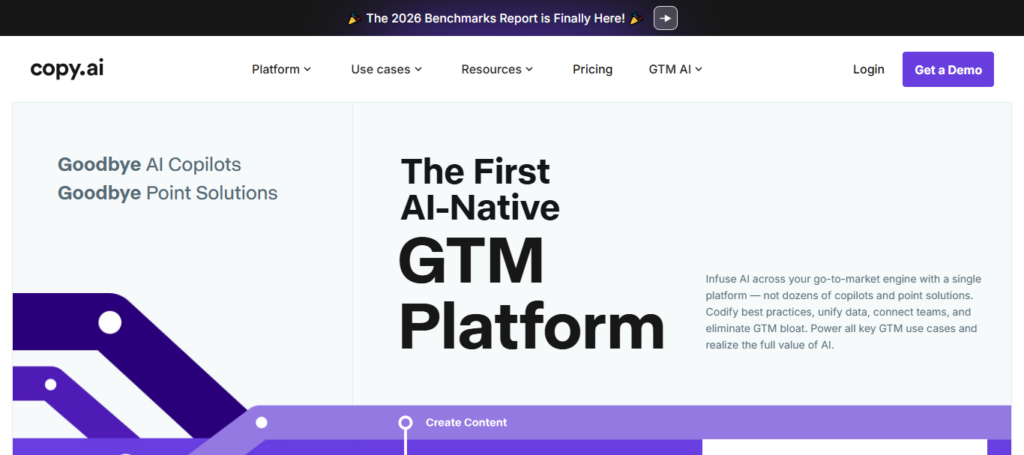
It is fast at content writing, but the copy feels generic and repetitive without much depth. This suggests that users must edit and polish the text once again beforehand. It is more for brainstorming ideas not something that would turn into a polished article ready to be published.
In most professional workflows, it takes longer to enhance the items in post-processing than it does to generate them (and this work sometimes needs accompanying resources or plugins), making generation productivity significantly lower.
Copy.ai (Pro) Features
- Writing Assistance with Blogs, Ads and Emails
- Templates to update copywriting for marketing and sales
- Customizable brand voice for uniform writing
- Productivity tools for long-form and short-form content creation
- Collaboration features for team-based workflows
Copy.ai (Pro) Benefits & Drawbacks
| Benefits | Drawbacks |
|---|---|
| 1. Fast content generation | 1. Generic output quality |
| 2. Marketing templates available | 2. Needs heavy editing |
| 3. Supports multiple formats | 3. Repetitive writing style |
| 4. Team collaboration tools | 4. Weak long-form depth |
| 5. Brand voice settings | 5. Inconsistent quality output |
6. Rytr AI
Rytr AI writing assistant is very cheap, but it did not perform well when I tested AI Apps That Failed My Productivity Test in terms of the quality of content. It typically generates generic, repetitive and overly simplistic text lacking creativity or depth.
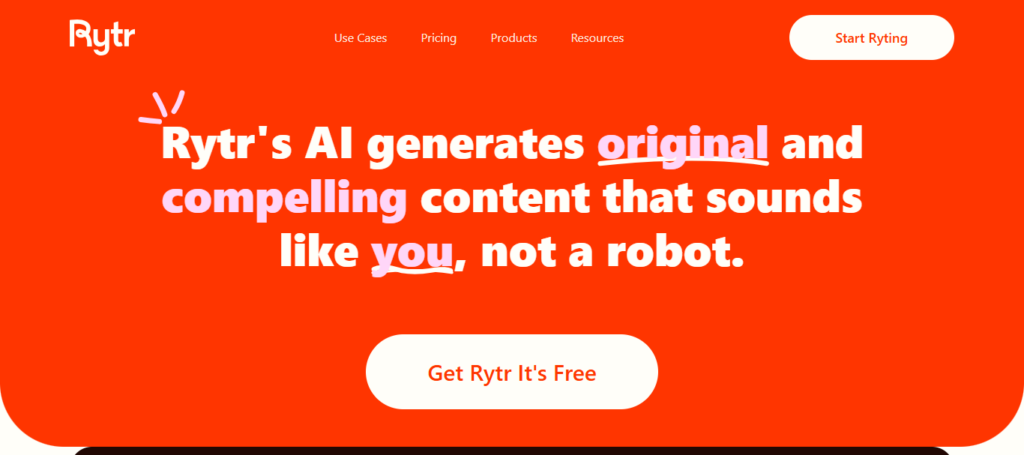
This is handy for entry level writing or short drafts but struggles to write longer-form, professional-style paragraphs. Often, it requires rewiring large parts of the output for users to try and use. It is cheap, but the compromise on quality makes it less effective for professional content creators or businesses looking to use high-impact writing aids.
Rytr AI Features
- Write blog posts, captions and emails in no time with AI
- Multiple tone and language support
- Plagiarism checker for unique content
- Simple interface for generating contents quickly
- Advertisements, Social media posts and SEO Content design Templates
Rytr AI Benefits & Drawbacks
| Benefits | Drawbacks |
|---|---|
| 1. Low-cost writing tool | 1. Basic content quality |
| 2. Easy to use interface | 2. Limited creativity |
| 3. Multi-language support | 3. Repetitive outputs |
| 4. Quick content generation | 4. Weak SEO depth |
| 5. Templates for ads & blogs | 5. Not suitable for advanced writing |
7. Descript AI (Overdub)
Descript AI + Overdub Descript is an advanced tool for voice cloning & audio editing but when I did the review: My AI Apps That Failed My Productivity Test it was a hit and miss.
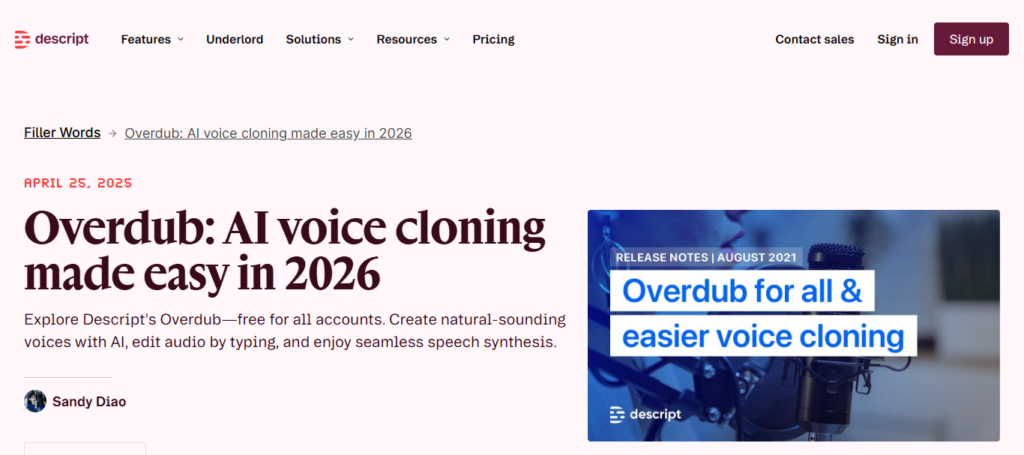
It’s one thing useful to edit a podcasts or video but the cloned voice is somewhat lack of natural emotion and rich tone variation. In the case of compound sentences or abstract words, pronunciation mistakes also happen.
In professional scenarios, this makes the output feel robotic. While it does save time in some editing terms, having to constantly redo corrections results ultimately reducing the benefit. It still needs a lot of manual tweaking for high-quality production work.
Descript AI (Overdub) Features
- Voice cloning techniques with AI to create audio that sounds real
- The text (based video and podcast editing system)
- Automatic transcription with editing capabilities
- Recording Screens and Content Creation Tools
- Studio-quality audio enhancement features
Descript AI (Overdub) Benefits & Drawbacks
| Benefits | Drawbacks |
|---|---|
| 1. AI voice cloning | 1. Robotic tone sometimes |
| 2. Text-based audio editing | 2. Emotionless voice output |
| 3. Automatic transcription | 3. Pronunciation errors |
| 4. Podcast editing tools | 4. Learning curve for beginners |
| 5. Screen recording features | 5. Heavy system usage |
8. Lumen5 AI
Lumen5 AI is a website that converts text to video, but for me was limited in my productivity tests with A I Apps. The templates are not that deep to set up for branding, making it easy but also limiting what an experienced user can do with their designs.
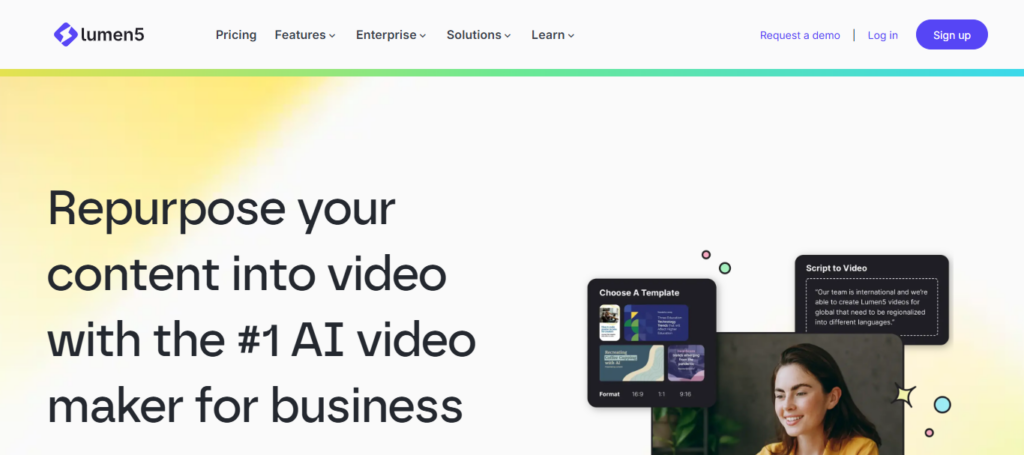
Due to much of this equipment being ubiquitous, videos increasingly look the same losing uniqueness and creativity. Good for basic social media content, but terrible at professional to advanced marketing campaigns.
Its rigid layouts and limited control over design elements means it is not a good fit for businesses that rely on custom visual storytelling.
Lumen5 AI Features
- Transforms regular text into automated video material
- Drag-and-drop video editing interface
- AI-driven scene and media selection
- Pre-designed templates for marketing videos
- Color, logo and font branding tools
Lumen5 AI Benefits & Drawbacks
| Benefits | Drawbacks |
|---|---|
| 1. Text-to-video creation | 1. Limited customization options |
| 2. Easy drag-and-drop editor | 2. Repetitive video styles |
| 3. AI media selection | 3. Less creative control |
| 4. Marketing video templates | 4. Not ideal for branding depth |
| 5. Quick social media videos | 5. Basic editing features |
9. Writesonic Premium
Writesonic Premium is a super-fast AI writer, however the performance of Writesonic when I put it to my productivity test with tools that failed was mixed. How prompts are written varies in output quality immensely.
Some are solid outputs, while others come across as disjointed or poorly formed. That inconsistency makes it unusable for professional use without a substantial amount of editing.
It is a good tool to start writing quick drafts or lighting of ideas, but doesn’t always generate content ready for publication. This means that users can take significant time fine-tuning the output text, thereby negating any productivity gains it claims to be providing.
Writesonic Premium Features
- Mass producing articles and blogs using AI
- SEO-optimized content creation tools
- AI writing assistant in the style of a chat
- A copywriting tool for ads and landing page
- Integration with SEO and content optimisation tools
Writesonic Premium Benefits & Drawbacks
| Benefits | Drawbacks |
|---|---|
| 1. Fast AI content generation | 1. Inconsistent quality output |
| 2. SEO-friendly writing tools | 2. Depends heavily on prompts |
| 3. Chat-style assistant | 3. Needs editing for accuracy |
| 4. Marketing copy generation | 4. Generic tone in some outputs |
| 5. Multiple content formats | 5. Not always structured well |
10. Anyword AI
Anyword AI focuses on marketing copy and performance-based content prediction but the reality in my review of AI Apps That Failed My Productivity Test was less impressive. It offers data-backed recommendations and audience engagement predictions, but again those predictions do not always happen.
This tool does a good job at crafting marketing copy, but its performance prediction is hit and miss. This leaves those marketers who depend on it for their decisions scratching their heads. It helps to brainstorm ad variations, but cannot replace the human or test campaign in a real marketing environment.
Anyword AI Features
- AI writing content for marketing and ad copy
- Predictive performance scoring for content
- Post Engagement Prospects
- Several variations of copy to A/B test
- Data-driven optimization for conversion-focused writing
Anyword AI Benefits & Drawbacks
| Benefits | Drawbacks |
|---|---|
| 1. Predictive performance scoring | 1. Prediction not always accurate |
| 2. Marketing copy optimization | 2. Expensive for small users |
| 3. Audience targeting features | 3. Complex for beginners |
| 4. A/B testing variations | 4. Requires data-heavy setup |
| 5. Data-driven content insights | 5. Limited creativity for storytelling |
Conclusion
When you test more tools in real workflows, it isn’t long before the hype some AI tools generate does not match their purpose of using them to increase productivity. Indeed, lots of applications marketed as “smart” or even also “advanced” fight with actuality relatively than precision and harmony while making usage in the true world.
As I read through the tools that were examined in AI Apps That Failed My Productivity Test, it turned into more of a labor-intensive nightmare instead of time-saving engagement as they demanded hand corrections before even useful output could be produced.
The ultimate conclusion is that not all flashy features and marketing hyperbole comes close to delivering real-world value. Sure, transcription assistants and writing generators can perform admirably on even the most controlled cleaning-set data set but fail to showcase similar performance in a real-world environment where complexity arises (on par with automation platforms). It is this discrepancy between the expectation of performance that determines their failure, in fact.
The productivity does not become easy by knowing more AI app, but looking for less reliable ones that truly suits your workflow. Proper testing before implementation is important, because the wrong AI tool not only costs you time – it can also impede your progress.
FAQ
Why do some AI apps fail productivity tests?
Many AI apps fail because they prioritize features over real-world performance. In AI Apps That Failed My Productivity Test, issues like inaccurate outputs, poor context understanding, and weak integrations made them less useful in daily workflows.
Are these AI tools completely useless?
No, most tools are not useless. They often work well for basic tasks like drafting or summarizing. However, in complex or professional environments, their limitations become more visible, reducing overall productivity impact.
What is the biggest problem with failed AI productivity apps?
The biggest problem is inconsistency. In AI Apps That Failed My Productivity Test, many tools produced good results sometimes but failed unpredictably in real tasks, forcing users to double-check everything.
Can AI apps still improve productivity despite these failures?
Yes, AI apps can still improve productivity when used correctly. The key is choosing reliable tools and using them for specific tasks instead of relying on them for full workflows.
Which types of AI apps fail most often?
AI writing tools, transcription apps, and automation tools tend to fail more often when handling complex inputs, multiple users, or industry-specific requirements.


