


As a freelancer in the USA, taxes can be a tricky thing to manage, especially when you have multiple clients, business expenses and need to calculate self-employment taxes. AI tax preparation tools are making this process easier by helping freelancers organize financial records, identify potential deductions and prepare tax returns more efficiently.
But the best one for you will depend on what income you have, your budget, and your filing requirements. In this guide, I will be looking at the Best AI Tax Preparation Tools for Freelancers in the USA, their key features, pricing, benefits and best use cases.
What Are AI Tax Preparation Tools?
AI tax preparation tools are digital platforms that use artificial intelligence to help you calculate taxes, organize your financial records, track business expenses, and prepare your tax returns. If you’re a freelancer in the US, these tools can help you manage 1099 income, identify potential business deductions, calculate self-employment taxes, and estimate quarterly tax payments.
Many platforms additionally offer automated expense categorization, document scanning, and accounting integrations. Features vary by provider, and some tools are designed for bookkeeping, not filing tax returns. Freelancers should check the output from AI tools to make sure they’re reporting their income correctly and meeting their tax obligations.

How to Choose the Right AI Tax Preparation Tool?
Pricing: Pick a tool that fits your budget, factoring in subscription fees, federal and state filing fees, additional services, and professional tax help costs.
Tax Filing Support: Ensure the platform can handle Schedule C, self-employment taxes, 1099 income reporting, and any applicable federal and state tax return requirements for freelancers.
Check AI capabilities: Look for auto calculations, document scanning, expense categorization and tax preparation help to minimize manual tasks and still allow you to review key financial data.
Check Deduction Tracking: Choose software that can help you identify possible deductions for business expenses, mileage, home offices, and other expenses related to your freelance work.
Evaluate Integrations: Look for tools that integrate with your bank accounts, payment services, invoicing systems, and accounting software to facilitate your financial recordkeeping and minimize duplicate data entry.
Get Help from a Tax Expert: If your finances are complicated, make sure that you choose platforms that have access to qualified tax professionals that can answer your questions and help review your tax return.
Safety First: Ask if the provider uses data encryption, secure login procedures, and transparent privacy policies to keep sensitive financial data, personal details, and banking information safe.
Ease of Use – Look for a platform that has a user-friendly layout, clear instructions, dependable customer support, and easy access to tax records to make the preparation process smoother all year round.
Key Points
1. TurboTax Premium/Self Employed
TurboTax Premium/Self-Employed is one of the most popular tax filing solutions for U.S. freelancers, and it offers an AI-assisted filing experience specifically designed for self-employed individuals. The platform offers guidance on Schedule C income, business expenses, home office deductions and quarterly tax estimates.
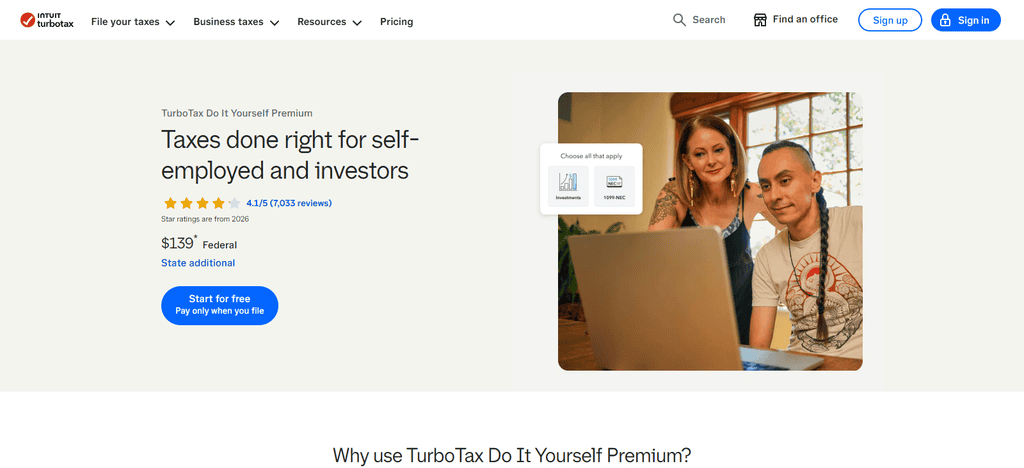
Its AI-powered tools help automatically sort expenses and identify possible deductions. It usually prices at premium levels relative to its competitors. The software can pull financial data from accounting platforms and has strong checks for accuracy before filing. Sensitive tax information is secured by encryption and secure data storage.
Main Features
- AI-powered tax preparation help.
- File Schedule C and pay self-employment tax
- Import of 1099-NEC and 1099-K documents.
- Business expense, mileage and home-office deduction help.
- Check tax returns for errors and get optional expert help.
Top Use Cases
- Freelancers with multiple sources of 1099 income.
- Business deductions for gig workers
- Independent contractors who wish to use guided tax preparation.
- Persons who are self-employed and have investment or rental income.
2. H&R Block Self-Employed
If you need a little extra help, H&R Block Self-Employed offers AI-powered tax prep with the backing of human tax experts — a good choice for freelancers. The platform enables users to track deductible expenses, report freelance income and manage self-employment tax obligations. Its guided filing process makes preparing Schedule C easy, and it helps you maximize eligible write-offs.
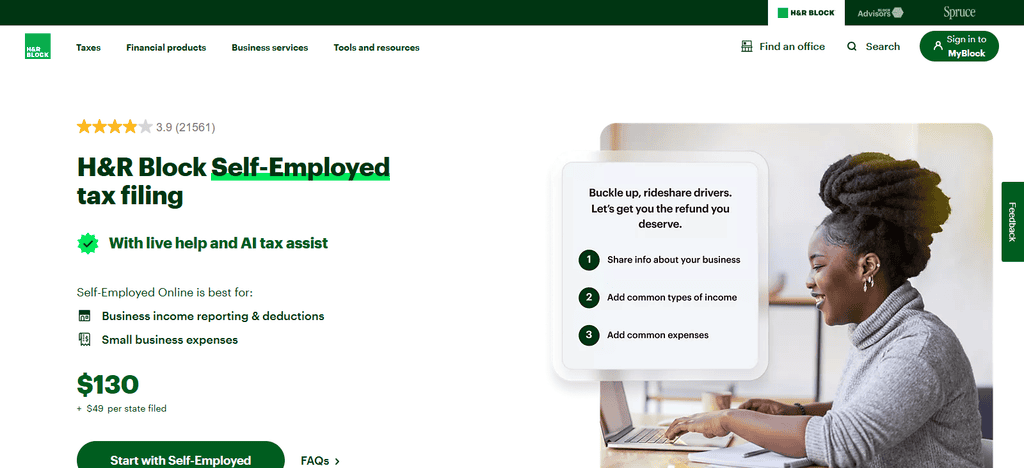
Pricing generally falls below TurboTax’s premium offerings, yet it still packs a punch with its features. The software has tools to review returns, check for filing mistakes and ensure tax compliance. Features and security measures for identity protection help safeguard your personal and financial information.
Main Features
- Assisted in preparing taxes for self-employment.
- Filing business income and expenses on Schedule C.
- Popular freelancer write-offs supported.
- Tax professional assistance (optional).
- Online filing with in-person tax service access.
Best Uses
- Freelancers who want guided tax prep.
- 1099 earners who are independent contractors.
- Self-employed people who need professional tax advice.
- Small business owners who want to get face-to-face support.
3. FlyFin
FlyFin is an AI tax platform built for freelancers, independent contractors, and gig workers. The platform uses AI to scan transactions, find deductible expenses and keep your tax records organized all year long. FlyFin also provides CPA support, adding another level of professional review.
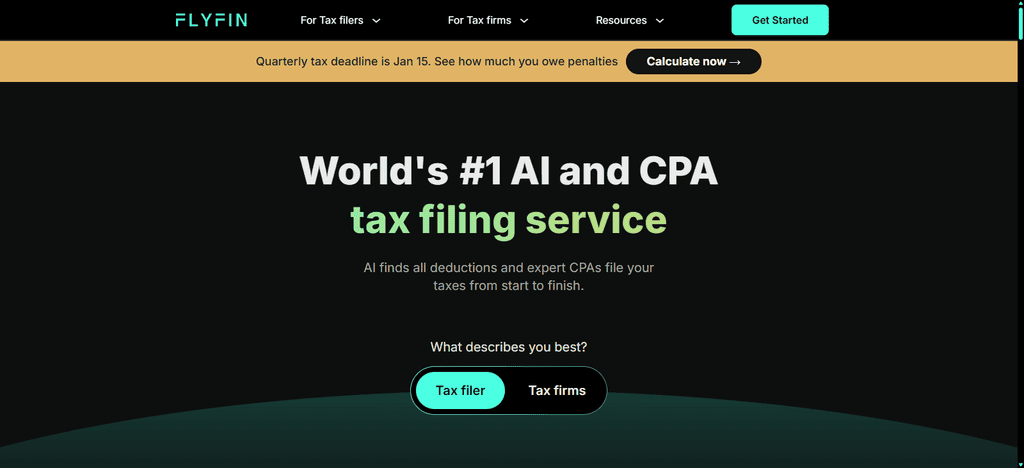
Typically, you’ll pay on a subscription basis and get tax management features beyond seasonal filing. Freelancers can use the platform to estimate taxes, track income and cut down on manual bookkeeping tasks. The automation improves tax efficiency and keeps filing accurate. The system helps keep user information safe with secure data handling and encrypted account protection.
Main Features
- AI-based identification of business expenses.
- Automatic tracking of deductions from associated financial accounts.
- Classification of income tax.
- Get help from a CPA with your tax preparation.
- Estimated self-employment tax and help with filing.
Best use case
- Lots of business transactions for freelancers.
- Gig workers who want to track deductions automatically
- Independent contractors who need help with their CPA.
- Self-employed professionals who want to reduce the manual workload of tax
4. Goalkeeper Tax
Goalkeeper Tax is for freelancers, gig workers who want to track their deductions all year long. The AI system continuously monitors all financial transactions that are connected and identifies possible business expenses that could be eligible for tax deductions. You can automatically track your income and expenses without having to enter a lot of data yourself. Goalkeeper is typically subscription-based and provides tax filing assistance.
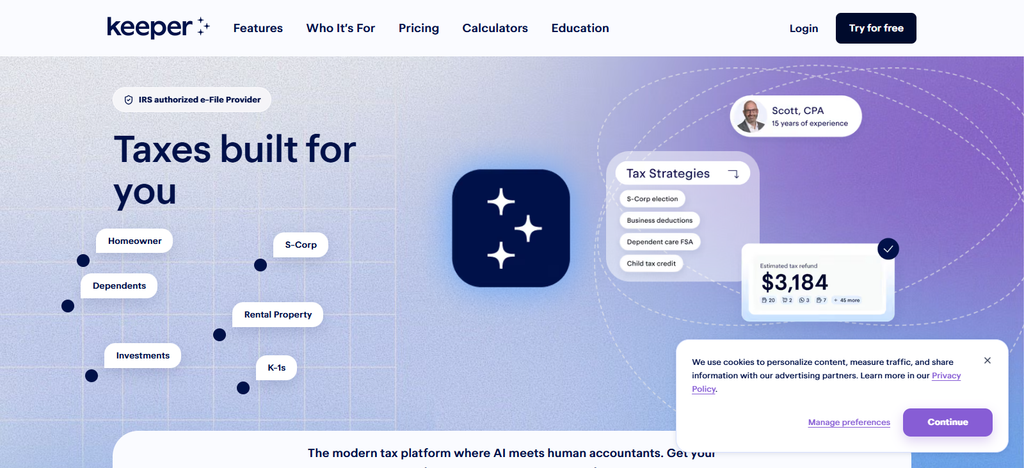
This platform is especially useful for independent professionals who want to stay organized for taxes year round, not just at tax time. Accuracy features help ensure expenses are categorized correctly, and security protections guard financial account connections and sensitive taxpayer information.
Top Features
- AI-Aided Business Expense Detection.
- Automatic tracking of expenses from linked accounts.
- Classification of tax deduction.
- Receipts and expenses processing.
- Assistance with tax filing for the self-employed.
Best Use Cases
- Freelancers keeping track of deductible expenses throughout the year.
- Gig workers who frequently purchase for business.
- Independent contractors looking for potential tax deductions.
- Self-employed professionals looking for simple expense management
5. TaxSlayer Self-Employed
TaxSlayer Self-Employed is a tax preparation platform with support specifically for freelancers and sole proprietors on a budget. It provides tools for dealing with self-employment income, Schedule C reporting and deductible business expenses. The platform also provides advice for quarterly estimated taxes and helps users navigate common freelancer tax situations.
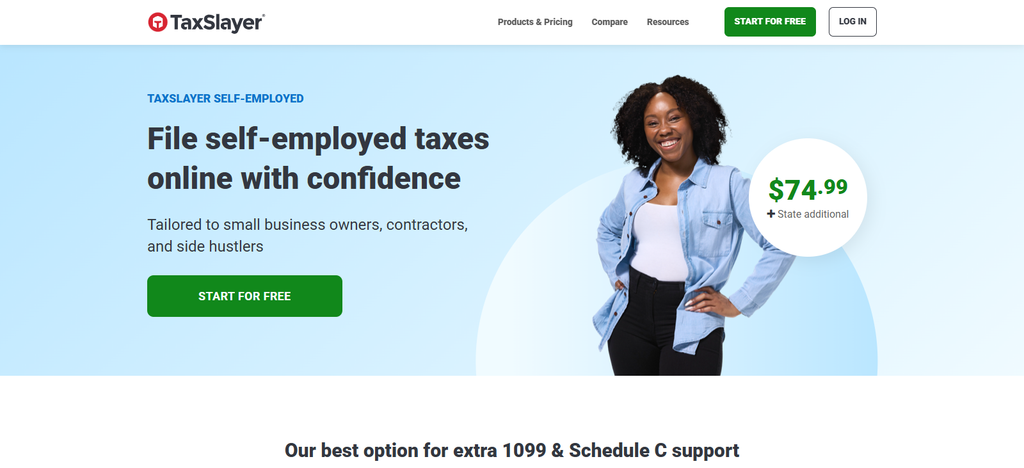
Pricing is typically lower than many of the premium competitors, which is attractive to cost-conscious taxpayers. Income and expense tracking functions enable accurate reporting and tax compliance. TaxSlayer does return reviews to help prevent filing errors as well. Security features include encrypted data transmission and secure account access safeguards.
Important Features
- Federal and state tax filing choices.
- Schedule C and self-employment tax assistance.
- Guidance on common business expenses.
- Import and input of pertinent tax information.
- Access to a tax professional (subject to plan terms)
Use cases
- Freelancers on a tight budget.
- 1099 income from independent contractors.
- Gig workers pay self-employment taxes.
- Freelancers who need tax help just once in a while
6. Self-Employed+ from TaxAct
TaxAct Self-Employed+ is designed to help the self-employed with all their self-employment tax needs. The platform helps with reporting freelance income, managing business deductions and preparing your Schedule C. Workflows facilitated by AI help organize tax information and walk users through filing requirements.
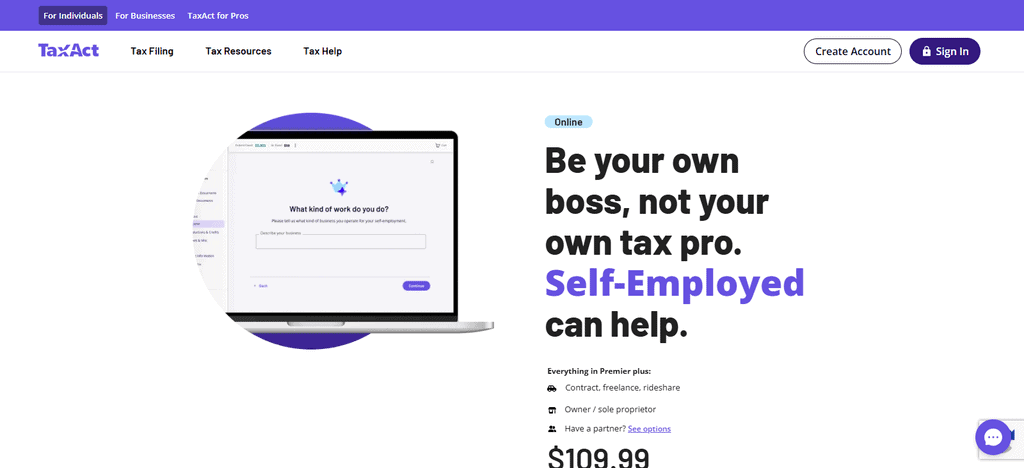
It generally costs in the range between budget and premium tax software. The platform’s organized filing process can be a big help if you’re a freelancer with a few 1099s. TaxAct also has accuracy checks to help catch possible problems before submission. The company also has security technology and account protections in place to protect tax records and personal data.
Main Features
- Preparation of tax returns for self employed.
- Reporting income and expenses on Schedule C.
- Factor in common freelancer deductions.
- Federal and State Filing Choices.
- Tools for tax calculation and return review.
Top Use Cases
- Freelancers with several 1099 forms.
- Independent contractor business profit reporting
- Qualifying deductions for self employed persons.
- Taxpayers who want a structured, self-filing process
7. QuickBooks for Solopreneurs
QuickBooks Solopreneur offers a combination of bookkeeping and tax prep features for freelancers and self-employed professionals. Users can track income, categorize expenses, and keep their financial records in order throughout the year using the platform. With QuickBooks ecosystem integration, data management and tax preparation becomes easier.
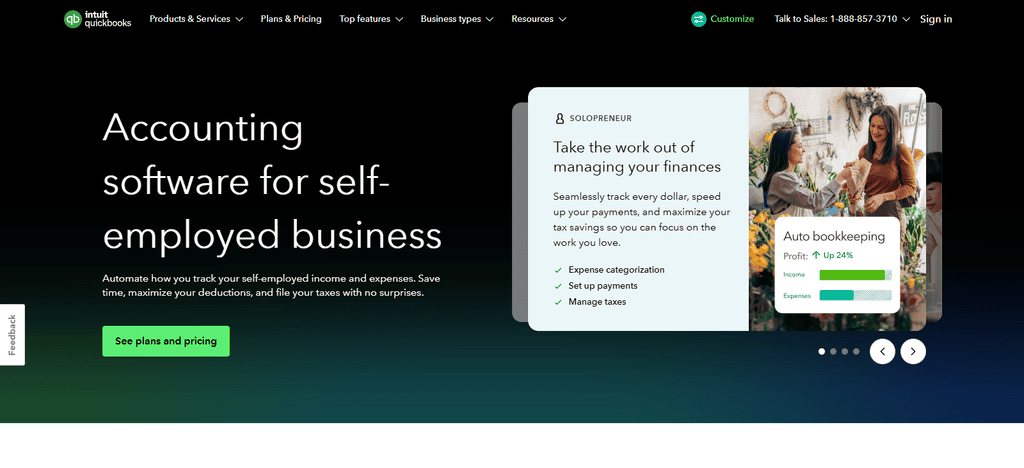
The pricing is subscription-based and the functionality is not limited to tax filing but includes accounting as well. AI-powered categorization reduces manual bookkeeping work and increases efficiency.
Freelancers can keep an eye on business performance while preparing records for tax season. Transactions are automated, leading to better accuracy. Security controls and encryption systems help protect financial and business information.
Important Features
- Tracking income and expenses.
- Importing and categorizing bank transactions.
- Tracking business mileage.
- Quarterly estimated tax calculation.
- Integration of the bookkeeping records with the tax preparation workflows.
Top Use Cases
- Freelancers who handle their business finances all year long.
- Consultants who track income from multiple clients.
- Sole proprietors keeping track of deductible expenses.
- Self-employed individuals who make quarterly estimated tax payments
8. Tax on Bonsai
Bonsai Tax is part of the Bonsai freelance business platform that makes taxes easier for independent professionals. It combines invoicing, expense management and tax estimation in one workflow. The platform helps you find tax deductions and stay organized with your self-employment finances all year long.

Pricing is typically offered as subscription plans with other freelancer management tools. Users can monitor income, track expenses and prepare for quarterly tax obligations more efficiently.
Automation cuts down on paperwork and administrative duties. Bonsai also focuses on accuracy by maintaining business records in an organized manner. Security features help keep financial information and access to accounts secure.
Main Features
- Tax estimation on the basis of business income and expenses.
- Categorizing and tracking expenses.
- Identification of tax deduction assistance.
- Information of a financial nature concerning freelance billing and accounting.
- Tax planning tools for self-employed professionals
Best Uses
- Freelancers who already use Bonsai to run their business.
- Consultants handling invoices and expenses for clients.
- Freelancers who are saving money for taxes.
- Solo business owners who keep their financial records organized for filing
9. April Steuer
April Tax offers an AI-guided approach to filing taxes, designed to make tax preparation easier for individuals and freelancers. The platform lets you report self-employment income, keep track of deductions and calculate taxes in a simplified way. Pricing is generally competitive, and it may appeal to freelancers looking for straightforward filing help.
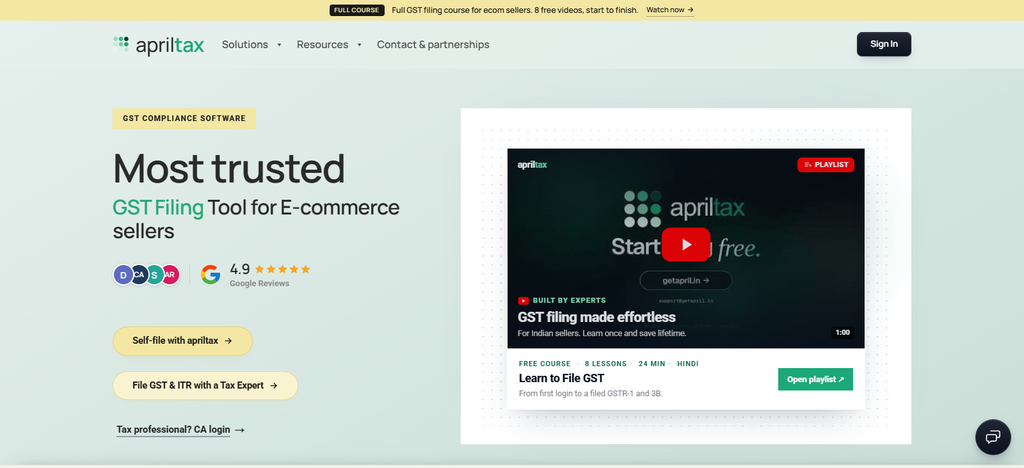
Income and expense information can be organized to help prepare accurate tax returns. Automated guidance helps users navigate filing requirements and reduce complexity.” The filing process includes verification for accuracy and to flag potential errors. There are also security safeguards in place to help protect taxpayer information and filing records.
Main Features
- Embedded tax preparation technology on supported platforms.
- Guided tax filing workflow.
- Information on qualifying income and deductions.
- Calculating taxes based on the financial details entered
- Integration with partner financial applications, if applicable.
Best Applications
- Taxpayers who file through supported financial apps.
- Qualified freelancers who seek a guided filing experience.
- Independent contractors want an integrated tax workflow.
- Those who want to file taxes within a financial platform they already use
10. Discovered
Found combines business banking and tax management tools, making it a particularly appealing choice for freelancers and solo business owners. The platform logs income automatically, categorizes expenses and helps you estimate taxes throughout the year. It brings together approaches and reduces the need for separate financial management systems.

Found offers features that help you plan for tax savings and keep tabs on your business’s cash flow. The platform helps freelancers keep track of their deductible expenses and other tax-related records to be ready for filing season. Automated tracking improves the accuracy of reporting, and banking-grade security and encryption help protect sensitive financial data and account information.
Important Features
- Business banking tools for the self-employed.
- Categorization of income and expenses automatically.
- Tax savings allocation characteristics.
- Tracking and classifying expenses for tax purposes.
- Financial Summaries to assist with tax preparation.
Best Use Cases
- Freelancers looking for banking and tax organization all in one place.
- Gig workers putting money aside for taxes.
- Individual entrepreneurs that track business income and expenses.
- Independent contractors with financial records organized prior to filing.
Conclusion
AI tax preparation tools can help freelancers in the USA more easily manage their taxes by automating expense tracking, organizing 1099 income, identifying potential deductions and simplifying tax return preparation. Platforms including TurboTax, H&R Block, FlyFin, Goalkeeper Tax and TaxSlayer provide varying levels of filing support, automation and professional help.
Compare pricing, Schedule C support, federal and state filing options, security, and expert guidance before you choose a tool. Carefully review AI suggestions and note that not all platforms offer full tax filing. The right solution can save freelancers time and make dealing with their tax responsibilities more efficient.
FAQ
What are the best AI tax preparation tools for freelancers in the USA?
TurboTax, H&R Block, FlyFin, Keeper Tax, TaxSlayer, and TaxAct are options for tax preparation, while QuickBooks Solopreneur, Bonsai, April, and Found offer different tax management or financial organization features.
Can AI tax tools help freelancers find deductions?
Yes. Some tools categorize business expenses and identify potentially eligible deductions for mileage, home offices, supplies, and other qualifying business costs.
Can freelancers use AI tools to file Schedule C?
Yes. Several tax preparation platforms support Schedule C, which eligible sole proprietors use to report business income and expenses.
Are AI tax preparation tools free?
Some offer free options for eligible tax situations, but self-employment filing, state returns, and expert assistance may involve additional charges.
Can AI calculate quarterly estimated taxes?
Some tools estimate quarterly tax payments using income and expense information. Freelancers should review estimates and applicable IRS requirements.