When you’re self-employed, managing your income, tracking your expenses, and preparing for tax season can become overwhelming. That’s why the choice of the right automated bookkeeping tools for self-employed Americans can be so impactful.
Whether you’re a freelancer, independent contractor, consultant or small business owner, the right software can help you simplify financial recordkeeping, organize receipts, automate transactions and save you valuable time. In this guide, I’ll go over the Best Automated Bookkeeping Tools for Self-Employed Americans, their key features, pricing, benefits, and limitations so you can find the right fit.
What Is Automated Bookkeeping Software?
Automated bookkeeping software is a digital tool that assists self-employed professionals in managing their financial records with less manual effort. It imports transactions from your bank automatically, categorizes income and expenses, tracks invoices, and generates financial reports.
Other tools also offer receipt scanning, bank reconciliation, mileage tracking, and tax preparation. This software helps U.S. freelancers, independent contractors and sole proprietors do daily bookkeeping and get a better view of their finances. It saves time by cutting down on redundant data input, keeps records neat for tax season, and lets business owners concentrate more on their work.

How to Choose the Best Automated Bookkeeping Software?
Evaluate Your Business Needs: Use software that fits your business model (freelancer, independent contractor, consultant, or sole proprietor) and can manage your daily bookkeeping requirements.
Compare Pricing and Plans: Look into monthly subscriptions, free plans, transaction limits, and other fees to locate budget-friendly software that doesn’t compromise on vital features.
Check automation features: Look for automatic bank feeds, expense categorization, receipt scanning, recurring transactions, and bank reconciliation to reduce repetitive bookkeeping tasks and save valuable time.
Assess Tax Preparation Support: Choose tools that will sort deductible expenses, create profit and loss reports, record mileage when applicable, and assist with Schedule C preparation for reporting to the U.S. government.
Review Invoicing Features: Look for software that generates professional invoices, tracks payments, sends reminders, and offers recurring billing to keep customer data organized and improve cash flow management.
Review Bank Integrations: Make sure the software integrates with your bank accounts, credit cards, payment processors, and desired business applications. This will ease the import of transactions and prevent the need for duplicate data entry.
Consider Ease of Use: Select a user-friendly dashboard that provides simple navigation, dependable mobile access, helpful customer support and easy reporting to manage finances effectively without requiring extensive accounting knowledge.
Security and Scalability: Evaluate data encryption, control of access, backup strategies, and scalability to ensure the software safeguards sensitive financial data and can scale with your business.
10 Best Automated Bookkeeping Tools for Self-Employed Americans
1. QuickBooks Online
QuickBooks Online is a premier cloud-based bookkeeping platform for the self-employed and small businesses. It provides a variety of subscription plans that go from basic bookkeeping to more complex financial management.
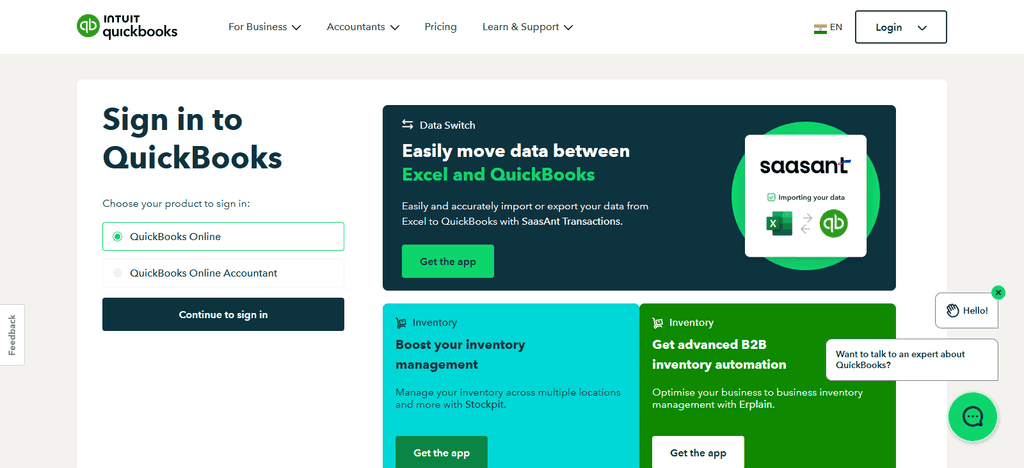
The platform automates the import of bank transactions, expense categorization, receipt capture, account reconciliation and financial reporting. Tax preparation support includes profit-and-loss reports, expense tracking and working with accountants.
You can create professional-looking invoices, accept payments online and set up recurring billing. A complete solution for automated bookkeeping and financial management, it has deep integrations with banks, payment processors, payroll services and hundreds of business applications.
Most Appropriate Use Cases
- Freelancers & consultants: Have one accounting system to track your income, expenses and business transactions.
- Independent Contractors: Keep your deductible expenses and financial records in order for you to be ready to file taxes.
- Grow small businesses. Scale bookkeeping processes as transactions and operational needs grow.
- Invoice based businesses: Create invoices, keep track of customers payments, deal with late balances.
- Accountant collaboration: Share financial reports and accounting records with your professional bookkeeper or tax preparer.
Limitations
- Subscription costs may be prohibitive for freelancers who only require basic bookkeeping.
- Higher tier plans may include more advanced features or require additional services.
- The interface can be confusing for newcomers.
- Separate payment processing fees or integrations may be required for some features
2. FreshBooks
FreshBooks is aimed at freelancers, consultants and service-based entrepreneurs who want easy bookkeeping automation. It’s pricing plans depend on the number of billable clients and features needed. The automation tools include expense tracking, recurring invoices, automatic payment reminders, and bank transaction imports.
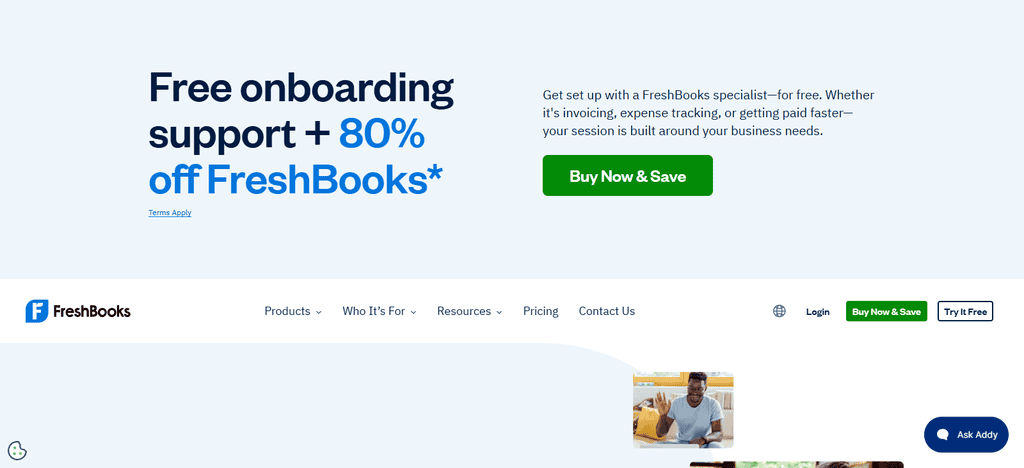
Keep your expenses in order and get a snapshot of your finances for easy tax time. FreshBooks is best known for its invoicing capabilities, allowing users to create custom invoices, accept online payments and track payment status.
It integrates with leading banks, payment gateways, project management applications and productivity tools to help self-employed professionals efficiently manage finances and billing of clients.
Top Use Cases
- Freelancers: Manage invoices, expenses and client payments.
- Consultants: Record billable hours and invoice clients for professional services.
- For creative professionals: Track project costs and client invoicing.
- Recurring services: Schedule invoices and reminders for payments.
- Basic accounting for solo service providers is handled through a fairly simple interface.
Limitations ~
- Lack of inventory management features.
- Lower-tier subscriptions may have client limits.
- Some accounting and reconciliation capabilities are plan-specific.
- Costs can also be added by more users and processing payments.
3. Xero
Xero is a cloud-based accounting platform that’s popular with sole proprietors and growing businesses. It provides different subscription levels to accommodate increasing transaction volumes and business complexity. The automation features include syncing to your bank feeds, matching transactions, expenses management, and recurring invoices.
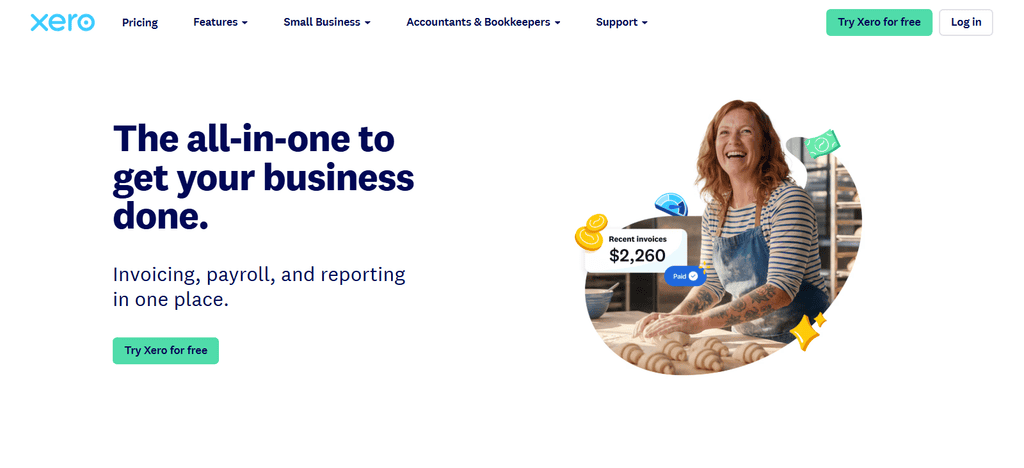
Organized bookkeeping records, financial reports and access to an accountant provide support for tax preparation. A centralized dashboard allows users to send invoices, accept digital payments and manage accounts receivables.
Xero is a great choice for self-employed Americans seeking scalable bookkeeping automation, with connections to thousands of third-party business apps, payment services, payroll systems and financial institutions.
Best Use Cases
- Growing businesses: As your business grows, keep your accounting books clean.
- Teamwork: Multiple authorized users can work together on financial records.
- International businesses: Send cross-border payments in multiple currencies with eligible plans.
- Work with accountants: Provide accounting data and financial statements to external experts.
- Businesses with a lot of transactions: Reconcile your bank transactions and assign categories to your recurring transactions.
Constraints
- Invoices and bills may be limited on entry-level plans.
- Newbies may take time to get used to its accounting workflows.
- Some payroll functions need third-party integrations.
Unique integrations and advanced features may increase the total cost.
4. Wave Bookkeeping
Wave Accounting is a popular bookkeeping solution that offers essential accounting features for free to many users. The platform will automatically import bank transactions, categorize expenses, create invoices and generate financial reports.
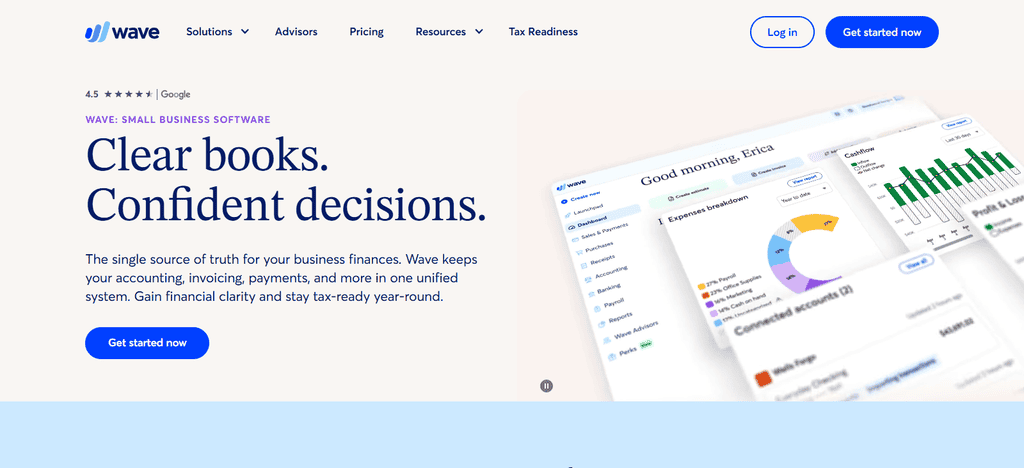
Wave can help self-employed professionals organize their records to file taxes and prepare for year-end. It has invoicing tools that allow you to create recurring bills and collect payments online.
Bank connections You can update transactions automatically, so you don’t need to enter the data yourself. Wave also connects to payroll and payment processing services, offering a simple bookkeeping ecosystem for freelancers and independent contractors who want affordable financial management software.
Top Use Cases
- Frugal freelancers: Begin bookkeeping without a hefty software subscription.
- Side-hustle owners: Separate your day-to-day income and expenses from your personal finances.
- Independent contractors: Generate invoices and keep track of all transactions.
- Solo service businesses: Customer billing and basic financial reporting.
- New entrepreneurs: Set up simple bookkeeping systems before their businesses become big.
Limitations
- Some automation features are available on a paid plan.
- Reporting capabilities are not as sophisticated as full accounting applications.
- Limited inventory management.
- Integration options may not fulfilll complex business requirements
5. Zoho Book
Zoho Books is an accounting platform that is affordable and has good automation features. It has a lot of features. It has different pricing options which is good for freelancers and small growing businesses.
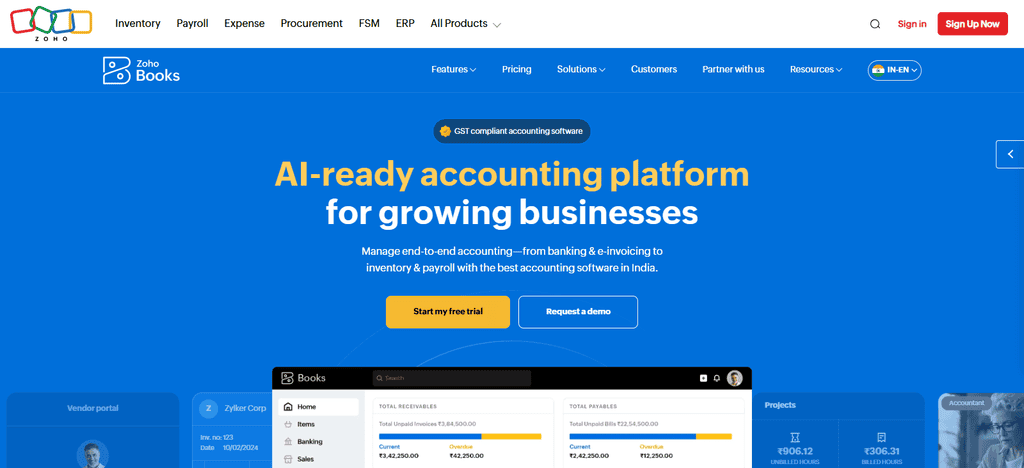
Automated workflows include things such as categorizing transactions, recurring invoices, payment reminders, bank reconciliation and expense tracking. Tax preparation features include the ability to print financial statements and organize your financial records.
There is also an invoicing system with online payments and customer management tools. Zoho Books is an economical and highly automated bookkeeping solution that integrates with banks, the Zoho family of products, and a large number of third-party applications.
Best Use Cases
- If you use the Zoho ecosystem, link accounting with other compatible Zoho business apps.
- Price-sensitive freelancers: See cheaper plans eligible for basic bookkeeping.
- Service providers: Manage your invoices, expenses and payments by customers.
- For businesses that want to automate: recurring transactions, reminders, and accounting workflows.
- Growing businesses: Scale your accounting capabilities as your operations grow.
Limitations
- Free plan eligibility and features vary by current U.S. terms.
- Higher tier subscriptions may be needed for advanced automation.
Some integrations may differ by country and plan. - New Zoho users may need some time to set up workflows
6. QuickBooks Self-Employed
QuickBooks Self-Employed is built for freelancers, gig workers and independent contractors. And the platform has simple pricing for individual business owners, not big corporations. It automates tasks like categorizing expenses, tracking receipts, monitoring mileage and automatically importing transactions from linked bank accounts.
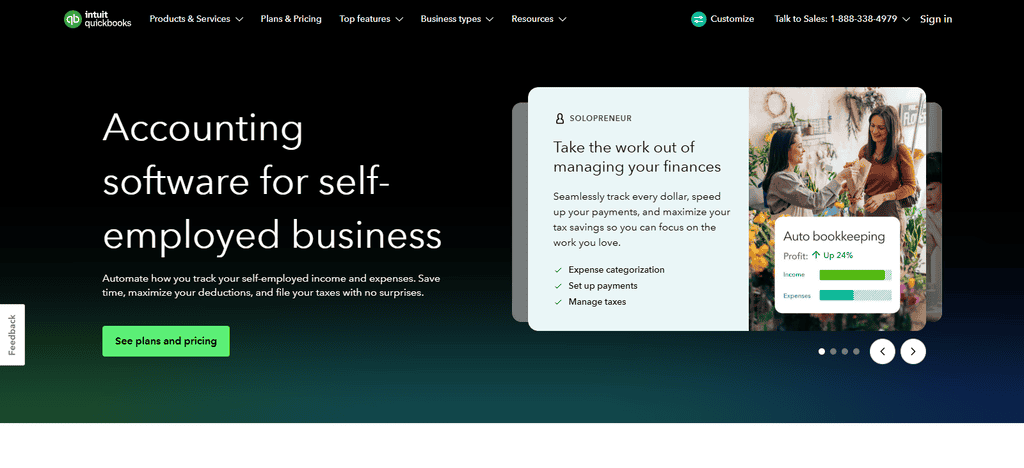
Tax support is big plus, helping users to estimate quarterly taxes and organize deductible expenses. Invoicing tools help professionals bill clients and receive payments electronically. Integrations with banking accounts, payment services and tax-related tools help users streamline bookkeeping while preparing for tax season with greater confidence.
Best Use Case Scenarios
- Gig workers: Keep personal and business transactions separate.
- Independent contractors: Track business income and expenses.
- Freelancers: Keep records for tax preparation.
- Self-employed professionals who drive: Track eligible business mileage when justified.
- Self-employed persons: Check business expenses and tax papers.
Limitations
- Product availability has changed, please check current access for new users.
- Certain historical functionality may only be available via existing subscriptions or other products.
- Inventory and business accounting capabilities are restricted.
- Users might have to upgrade to a newer version of QuickBooks
7. Bonsai
Bonsai is an all-in-one business management platform for freelancers and independent professionals. Subscription plans integrate bookkeeping, client management, contracts, and invoicing into one system. Automation includes things like expense tracking, recurring invoices, payment reminders and income categorization.
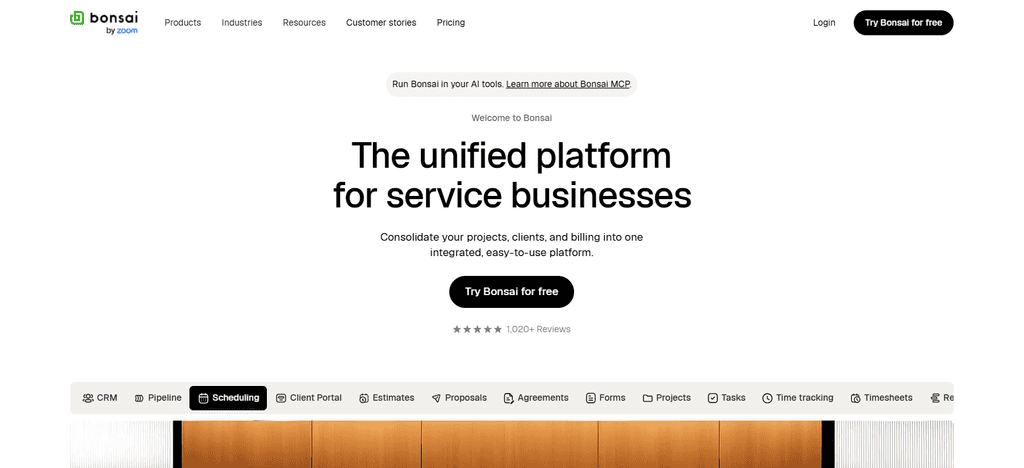
Tax Preparation Assistance helps users to categorize expenses and keep clean financial records year-round. Bonsai’s invoicing system offers online payments and recurring billing arrangements.
The platform integrates with banking services, payment providers and productivity tools, making it attractive to self-employed individuals looking for an all-in-one solution to manage their financial and business operations.
Top Use Cases
- Freelance consultants: Combining proposals, contracts and financial administration.
- Designers and writers: Client project management and invoicing.
- Self-employed: Keep records of business expenses and business records.
- Recurring-service providers: Simplify creating recurring invoices and payment reminders.
- Customer oriented business: Link customer management with administration tasks.
Limitations
- Some features require subscription choice.
- The accounting functionality may not be as comprehensive as dedicated accounting platforms.
- Make sure bank reconciliation and tax reporting requirements are met.
- Additional features or payment processing may increase total cost
8. Sage Accounting Software
Sage Accounting offers cloud-based bookkeeping solutions for small businesses and the self-employed. The platform has different pricing plans depending on your accounting needs. Automation features include bank feeds sync, automatic bank reconciliation, invoice generation, expense management, and cash-flow monitoring.
Well-organized transaction records and financial reports make tax preparation easier. A central dashboard lets users create invoices, track payments and manage customer accounts.
Sage Accounting also offers integrations with financial institutions, payroll solutions and business applications to help users minimize manual effort, reduce administrative workload and keep accurate books.
Best Use Cases
- Freelancers: Keep track of income, expenses and customer invoices where applicable.
- Small businesses: Keep organized accounting records and financial reports.
- Businesses requiring reconciliation: Reconcile imported bank transactions with accounting records.
- Expanding operations: As your financial requirements become more complex, consider expanding into other Sage accounting products.
- Businesses with Accountant Support: Share financial information for bookkeeping review and tax preparation.
Restrictions
- Users in the U.S. should check that the Sage product selected will meet their needs.
- Product availability and features vary by region.
- Some integrations and advanced functionalities may be subject to additional fees.
- Some workflows might need more accounting knowledge than simpler tools geared toward freelancers.
9. Bench press
Bench is a hybrid of bookkeeping software and professional bookkeeping services, and is a unique choice for the self-employed. “Generally, pricing is based on managed bookkeeping, not just access to the software. Bench automates transaction imports and organizes financial data. Human bookkeepers review and maintain records.
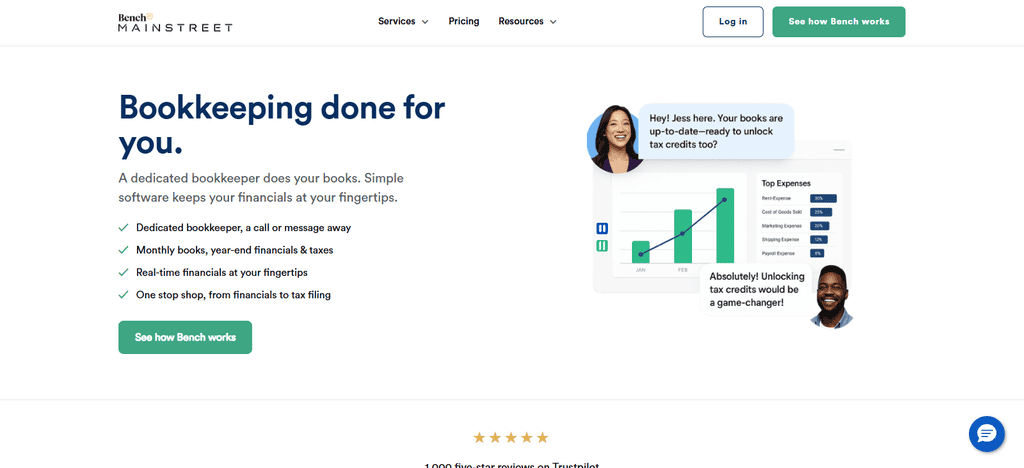
Accurate bookkeeping and year-end financial statements provide tax preparation support. It’s not the main purpose of invoicing, but it does help keep business finances organized for reporting purposes.
Bench links up to your business bank accounts and financial services, and provides a hands-off bookkeeping experience for entrepreneurs who want expert help.
Top Use Cases
- Bookkeeping outsourcing for freelancers: Whenever you can, pass on routine bookkeeping to professional help.
- Busy independent professionals: Save time categorizing transactions and organizing records.
- Small businesses that need bookkeeping support: Get help to keep financial records with an eligible service arrangement.
- Business owners preparing for taxes: Get accounting records in order for future tax review.
For the professionals who prefer to work with humans: Consider managed bookkeeping instead of managing each transaction yourself.
Limitations .
- Bench ceased operations in December 2024 so it should not be considered a currently available standard bookkeeping service.
- New customers will not be able to get access to its old service packages.
- There may be different access or migration arrangements for historical customer records.
- People looking for ongoing bookkeeping assistance should consider existing solutions
10. Puzzle
Puzzle is a modern bookkeeping platform that focuses on automation and giving business owners real time visibility into their financials. The subscription model is for users who want advanced accounting automation. The software automatically imports financial transactions, categorizes activity and keeps bookkeeping records with minimal manual intervention.
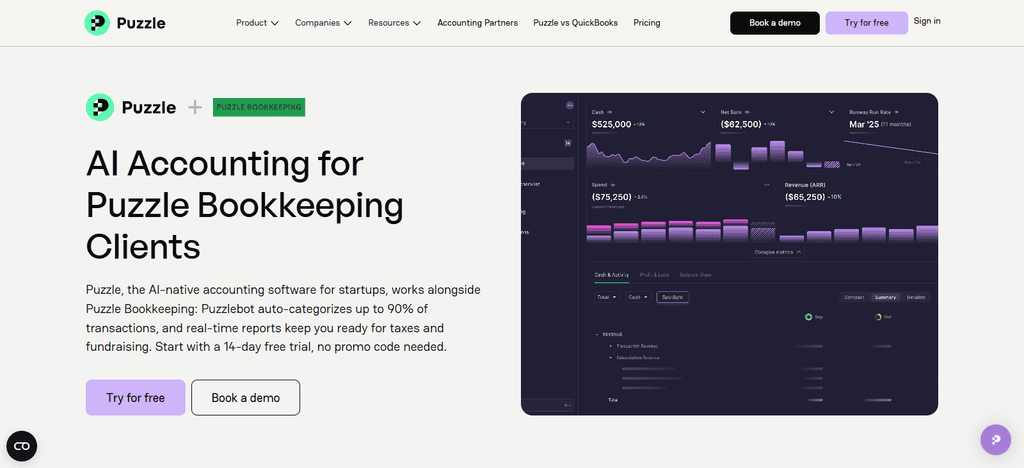
The tax preparation process is aided by having the financial data organized and the reports continually being updated. Puzzle provides invoicing and transaction-management tools that help to streamline financial operations.
Integrations with banks, payment platforms and business applications create a connected accounting workflow. Its modern interface and automated processes attract the self-employed American looking for efficient bookkeeping management.
Optimal Use Cases:
- Startup founders: Understand the financial results and structure the accounting data of the business.
- Data-driven businesses: Leverage connected financial data to enhance transparency in reporting.
- Growing Companies: Review accounting workflows as transaction volumes increase.
- Businesses helped by accountants: Assemble records for financial review and reporting.
- Users who focus on automation: Discover connected accounting workflows that eliminate repetitive data entry.
Constraints
- Some features may be more suitable for startups than for individual freelancers.
- Check U.S. tax preparation capabilities before subscribing.
- Invoicing & payment functionality is limited to existing features or integrations.
- Test bank connectivity and automation capabilities to specific business needs.
Conclusion
Automated bookkeeping software helps self-employed Americans track income, expenses, invoices, and financial records with less manual effort. Freelancers and independent contractors can choose from tools including QuickBooks Online, FreshBooks, Xero, Wave Accounting and Zoho Books, all of which have different features, price points and automation capabilities.
Your budget, number of transactions, tax preparation needs, bank integrations and reporting needs. Be sure to compare features, extra charges, security and limitations before you sign up.
Good bookkeeping software should simplify your daily financial management, improve the accuracy of your financial records, and assist you with your tax filings so you can concentrate on growing your business and taking care of your customers.
FAQ
What is the best automated bookkeeping software for self-employed Americans?
QuickBooks Online, FreshBooks, Xero, Wave Accounting, and Zoho Books are popular options. The best choice depends on your budget, automation needs, invoicing requirements, and tax preparation workflow.
Is there free automated bookkeeping software for freelancers?
Yes, Wave Accounting offers a free plan for eligible users. Zoho Books also provides a free plan subject to U.S. eligibility requirements and applicable limitations.
Can bookkeeping software automatically track income and expenses?
Yes, many tools import transactions from connected bank accounts, categorize expenses, and match payments. Users should review automated entries regularly to correct errors and maintain accurate records.
Which bookkeeping software is best for tax preparation?
QuickBooks Online and other accounting platforms can organize income, deductible expenses, and financial reports. Check whether the selected plan supports your tax workflow, including Schedule C reporting.
Can automated bookkeeping software track business mileage?
Some products offer mileage tracking or connect with mileage-tracking applications. Self-employed professionals should verify availability and maintain appropriate records to support eligible business mileage deductions.
Is QuickBooks Self-Employed still available?
QuickBooks Self-Employed has undergone product changes. Prospective users should verify current availability and consider QuickBooks Solopreneur or other suitable alternatives before choosing a subscription.