
One of the biggest challenges for small business owners is managing cash flow, especially when customer payments are late and operating expenses continue to rise. It is difficult to anticipate cash shortages, manage spending, and plan for future growth without a clear financial plan.
That’s where cash flow forecasting software can come in handy. In this guide I’ll share the best cash flow forecasting software for small businesses. I’ll cover the key features, pricing, forecasting capabilities, integrations and limitations of each to help you find the right solution for your financial needs.
Why Small Businesses Need Cash Flow Forecasting Software?
Forecast cash shortfalls: With forecasting software, companies can predict cash shortfalls in advance, giving owners the chance to adjust spending, obtain financing or collect outstanding payments from customers.
Better Budgeting: Companies can predict future income and expenses, create realistic budgets, effectively allocate assets, and have better control over daily operating expenses.

Control Expenses: By tracking future payments, business owners can anticipate vendor invoices, salaries, rent, taxes, and other financial obligations without interrupting critical business operations.
Manage cash flow: Centralized dashboards give owners a better view of expected cash inflows, outflows, and balances to help them understand their financial position and make informed decisions.
Support Business Growth: Forecasting helps businesses decide if they can afford new employees, equipment, inventory or expansion without putting undue pressure on working capital.
Enhance Payment Management: Companies can monitor customer invoices and upcoming supplier payments, identify delays in collections, and schedule transactions to ensure sufficient funds are available for essential obligations.
Less Manual Work: Automated calculations and accounting integrations decrease spreadsheet maintenance, minimize manual errors and enable business owners to spend more time on operations and planning.
Make Better Decisions Owners can use reliable cash flow projections to assess financial scenarios, assess risk, prioritize spending and make better investment, borrowing and future business decisions.
How to Choose the Best Cash Flow Forecasting Software?
Define Your Needs: Select software according to the business size, transaction volume, forecasting needs, and financial complexities that would cater to your day-to-day cash management conundrums.
Compare Pricing Plans: Look for subscription pricing, billing options, free trials, and extra fees to find the software that meets your budget and has the forecasting features you need.
Explore Forecasting Capabilities: Evaluate cash flow forecasting, scenario analysis, expense management, and short-term and long-term forecasting to improve financial visibility and decision-making.
Check Integrations: Make sure the software integrates with your existing accounting systems, banking platforms and payment tools to reduce manual data entry and keep financial information consistent.
Look for Automation Options: Choose solutions that enable automated data synchronization, recurring transaction updates and forecasting calculations to save time, reduce mistakes and simplify financial management.
Consider Ease of Use: Look for software with an intuitive dashboard, simple setup, and easy-to-understand reports, so business owners can understand forecasts without needing extensive accounting or technical expertise.
Review Security and Support: Look into data protection, controls on access, customer support availability, and training resources to ensure your financial information is secure and help is readily available.
Check Scalability: Choose software that can accommodate more transactions, more accounts, more business locations and more complex forecasting needs as your company expands.
10 Best Cash Flow Forecasting Software for Small Businesses
1. Floating
Float is a cash flow forecasting platform that enables small and growing businesses to monitor liquidity and plan financial decisions. Pricing & Plans: It has tiered subscriptions with published pricing starting around $105/month when billed annually.
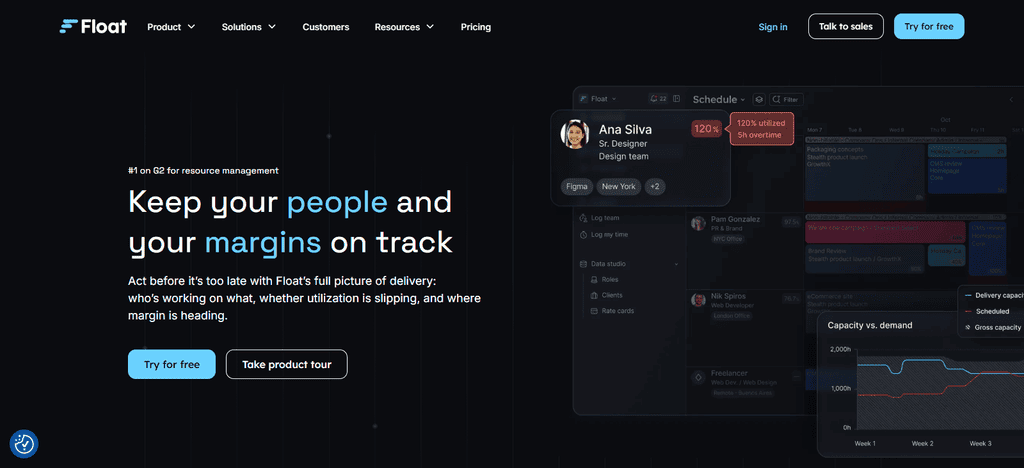
13-week rolling forecasts and monthly forecasts help businesses to track income, expenses and cash balances. Automation & AI: Smart suggestions highlight repeat spending, and help forecast invoice due dates. Integrations: Float integrates with Xero, and QuickBooks Online. Best For: Businesses that want detailed cash visibility and scenario planning.
Best Use Cases
- Weekly and monthly cash flow monitoring
- Compare financial situations before major spending decisions.
- Handling invoice payments and recurring costs
- Cash forecasts with accounting data integration
- Liquidity Planning for a Growing Small Business
Limitations
- Subscription fees can be expensive for very small businesses
- Requires compatible accounting integrations for efficient data sync
- Not as advanced financial modeling capabilities as dedicated FP&A tools
- The forecast accuracy depends on the quality of the input financial data# LivePlan
2. Live Plan
LivePlan is business planning and financial forecasting software for startups and small businesses building budgets or exploring growth opportunities. Pricing & Plans: It offers Standard and Premium subscriptions with varying features and promotional annual prices depending on the offer.
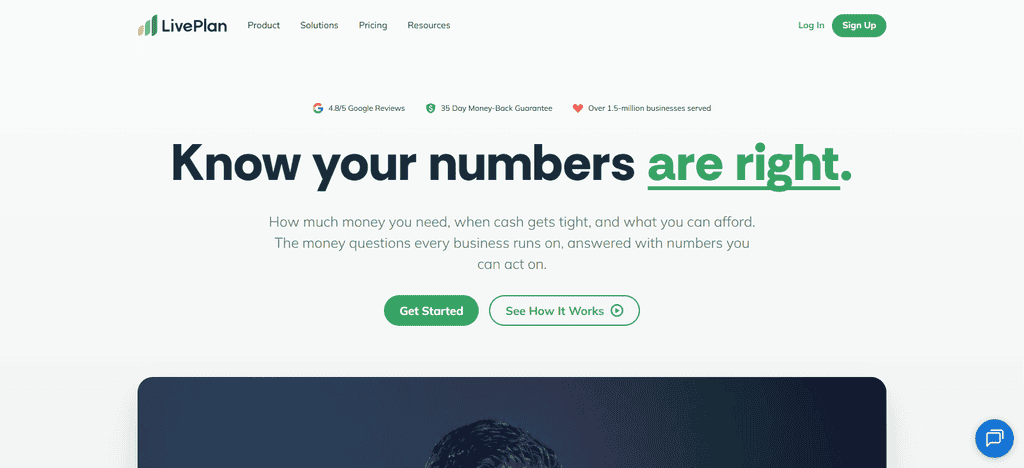
The platform also develops cash flow statements along with the projected income statements and balance sheets. AI-assisted planning aids users with developing financial assumptions and reviewing business plans. Premium connects to QuickBooks Online and Xero. #Best For: Entrepreneurs wanting financial forecasts in their business plans and performance tracking.
Best Use Cases
- Financial forecasting for start-ups
- drawing up business plans for banks and investors
- preparation of pro forma income statements and statements of cash flows
Review of expansion plans and business assumptions - How actual performance stacks up against financial targets
Limitations
- More about business planning than specialist cash management
- Subscription costs can be a deterrent for cost-conscious businesses
- Forecast quality depends on the assumptions input by the user
- More sophisticated forecasting may require additional financial tools.
3. Dry Run
Dryrun is cash flow forecasting software that helps businesses know when they’ll be paid, the risk of running out of cash and what they’ll need in the future. Pricing & Plans: Prices are based on your chosen subscription and billing arrangement.
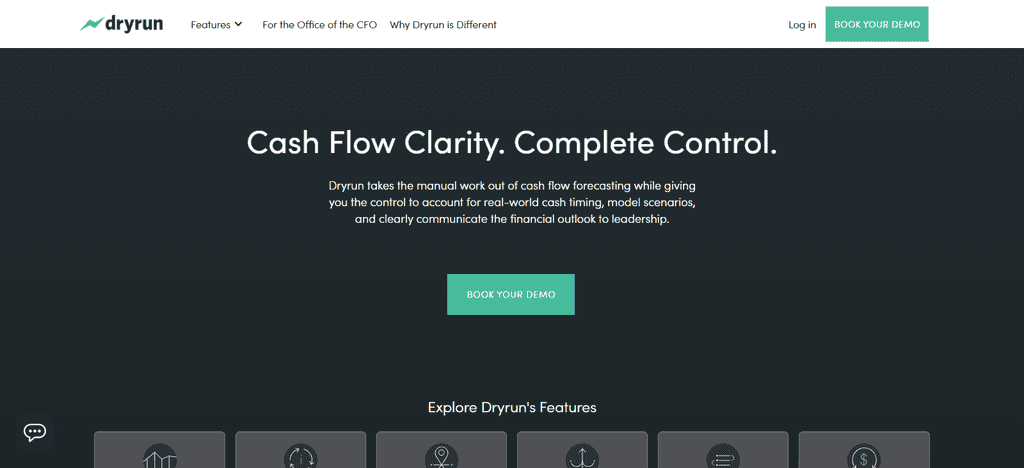
Make sure to check out the current offer before you buy. Users can build daily, weekly and monthly forecasts, including rolling 13-week forecasts. Automation & AI: Automated data syncs reduce the need for manual updates, while adjustable assumptions help keep forecasts in check.
Dryrun is integrated with QuickBooks Online, Xero, Sage Intacct and Microsoft Dynamics 365 Business Central. Best For: Businesses that need scenario comparisons and detailed cash planning.
Top Use Cases
- Preparing rolling cash flow forecasts
- Financial situation best case vs. worst case
- Planning customer payment timing and supplier expense timing
- Monitoring for possible cash shortages
- Aligning financial forecasts with accounting data
Limitations
- Higher-priced plans may be needed for advanced features
- Predictions are based on accurate financial inputs and assumptions
- Businesses with legacy accounting systems may need to enter data manually
- You may need complementary software for complex financial planning
4. Cash Flow Frog
Cash Flow Frog offers forecasting for small businesses that need more insight into their upcoming cash balances and financial obligations. Pricing & Plans It has a published Pro pricing starting at $55 per month for businesses with up to $1 million in annual revenue, with discounts available for qualifying billing arrangements.
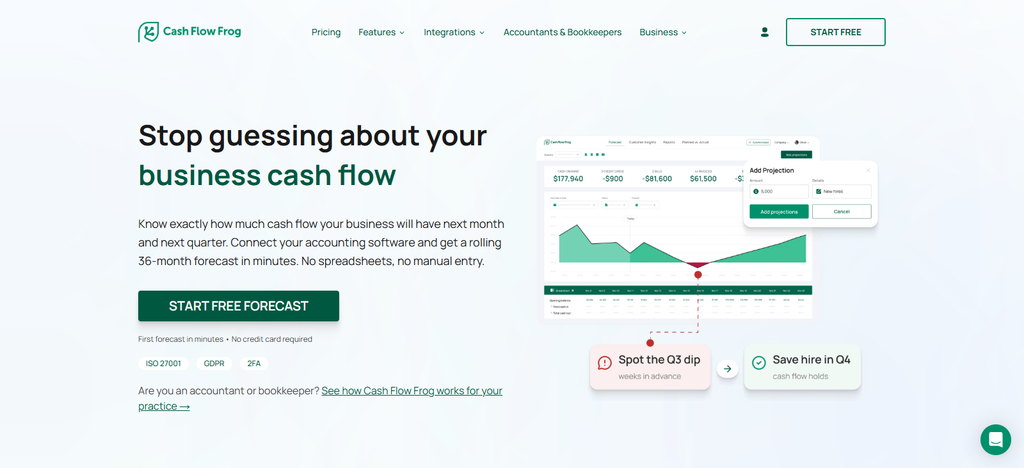
Users can build rolling forecasts up to 36 months. Automation & AI: Recurring transaction rules and automated projections reduce the amount of manual work. Integrations: Integrate with QuickBooks, Xero, Sage Intacct, Odoo, Zoho Books And FreshBooks. #Best For: Businesses looking for longer range forecasts and scenario planning.
Top Use Cases
- Forecasting cash balances in the short and long term
- Identifying possible liquidity gaps
- Contrasting alternative business spending scenarios
- Automation forecast from accounting data
- Planning for growing small business cash requirements
Limitations
- Subscription costs might be tough for some microbusinesses
- Integration availability depends on the accounting platform
- Forecast reliability depends on quality of imported financial data
- May need extra tools for businesses that need specialized financial modeling
5. Pulses
Pulse is cash-flow management software for small businesses that want a simple way to track income, expenses and cash on hand. Pricing & Plans: Pulse Basics is $29/month and the Small Business plan is $59/month, with a 30-day free trial. ** Cash Flow Forecasting: Users can see cash forecasts daily, weekly, monthly and yearly.
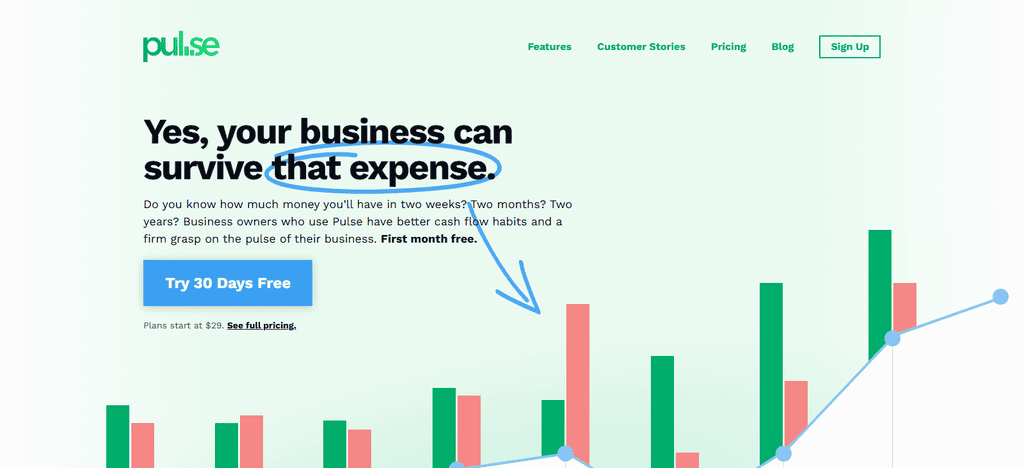
Recurring income and expenses can automatically scale in forecasts, but Pulse should not be marketed as an AI-first forecasting platform. Integrations: QuickBooks Online is supported by the Small Business plan. Best For: Owners who want simple cash planning.
Best Use Cases
- Daily and monthly cash balances monitoring
- Recording expected income and expenses
- Operational costs and ongoing costs scheduling
- Doing simple cash flow projections
- Assisting business owners with short-term spending decisions
Limitations
- Not great for sophisticated enterprise financial planning
- May lack the advanced accounting integrations of broader platforms
- Not focused on AI-powered forecasting capabilities
- Software complement for companies that need sophisticated financial reporting# Fathom
6. Fathom
Fathom is financial reporting, business analysis and forecasting combined to help small businesses understand their performance. Pricing & Plans: The subscription price is based on the number of companies connected and the package selected. Cash Flow Forecasting: Three-way forecasting connects projected cash flow with income statements and balance sheets, aiding in long-term planning.
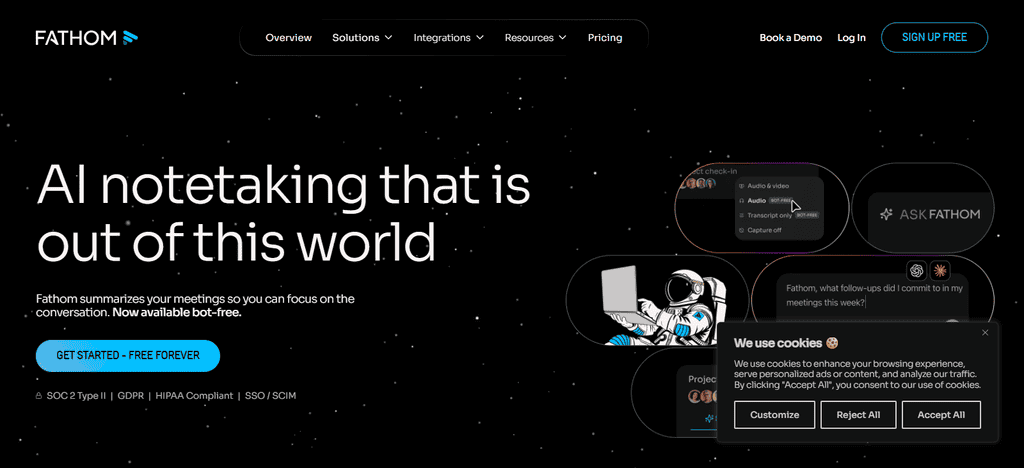
Automated reporting and syncing of financial data reduce repetitive analysis and forecasting tools help in scenario comparison. Fathom integrates with accounting systems like QuickBooks and Xero and has a few more ways to import data. Best For: Businesses and accounting advisers that require detailed reports with financial forecasting.
Best Case Scenarios
- How to understand cash flow with income statements and balance sheets
- Preparing consolidated financial forecasts
- financial scenarios comparison before expansion
- Management reporting for business owners
- Supporting accountants and advisors who run multiple businesses
Limitations
- More companies added may lead to price increases
- Accounting knowledge may be required for setup & financial modeling
- Forecast accuracy depends upon the reliability of the accounting data and assumptions
- Businesses that require dedicated daily cash management might choose a specific forecasting tool
7. PlanGuru
PlanGuru is a software for budgeting and forecasting which helps in financial planning, cash management and business performance analysis. Subscription and license fees vary by product and package. Please check current pricing prior to purchase.
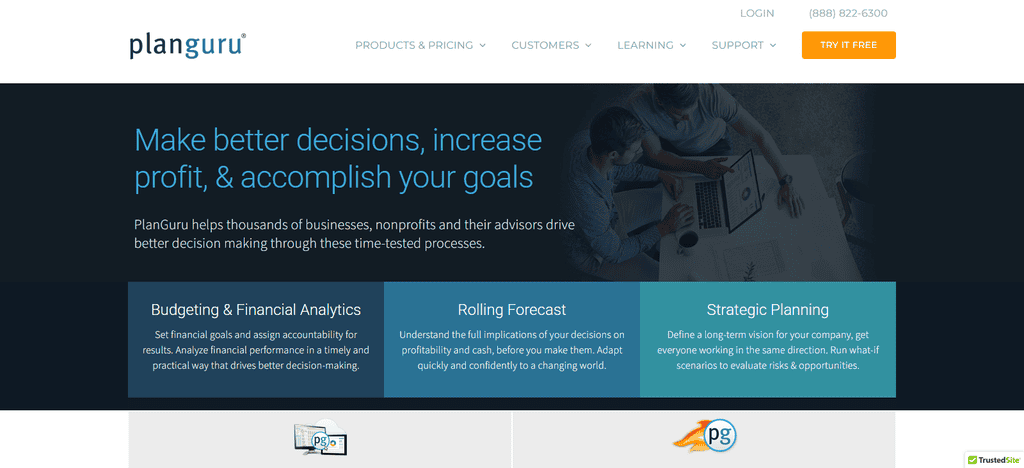
Companies can project their finances for several years, assess budgets and study the impact of operating assumptions on future financial performance. Automation & AI: Forecasting models and financial calculations can assist with streamlining planning, though capabilities vary by product.
Preparation of the financial model through data import and accounting workflows. Small businesses that need structured budgeting and detailed financial projections.
Best Use Cases to
- Preparing detailed operating budgets
- Create multi-year financial projections
- Analysis of business expansion and investment decisions
- Assessing the effect of revenue and expense changes
- Forecasting future cash needs and financial needs
Limitation
- May require an interface and modeling process learning curve
- Time consuming to initially set up financial model
- Pricing may be less attractive for very small businesses with simple needs
- Real-time cash visibility relies on data connections and update processes that are in place
8. Jirav
Jirav is a financial planning and analysis software for businesses in need of connected budgets, forecasts and performance reporting. It publishes small-business pricing that varies by package, and has separate offerings for accounting firms and advisory practices.
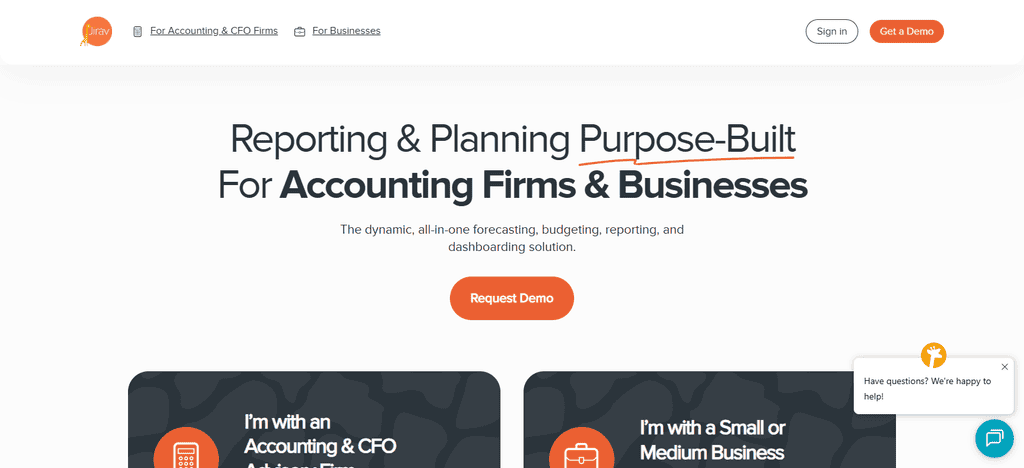
The platform connects cash flow forecasts to profit and loss statements, balance sheets, operating budgets, and headcount plans. Automation & AI: Intelligent forecasting and automatic calculations help reduce repetitive financial planning tasks.
Connect to accounting, workforce, Google Sheets, and Excel data. Best For: Expanding businesses in need of driver-based forecasting, scenario planning and more robust financial management.
Best Use Cases
- Developing driver-based financial projections
- Link cash flow projections to budgets and financial statements
- Budgeting the cost of hiring employees and payroll costs
- Financial scenario and growth strategy comparison
- Support finance teams and accounting advisors with routine forecasts
Limitations
- May be more complex than needed for businesses with simple cash flow needs
- It may be hard to justify the price for very small businesses
- May require financial planning expertise to begin
- Forecast quality depends on accurate operational data and assumptions
9. Calxa
Calxa is budgeting, forecasting and financial reporting software for small organizations, not for profit and businesses that use accounting systems. Pricing and plans: Its published Premier1 plan starts at US$174 per month, with other organizations available at an additional cost. Free trial for 30 days.
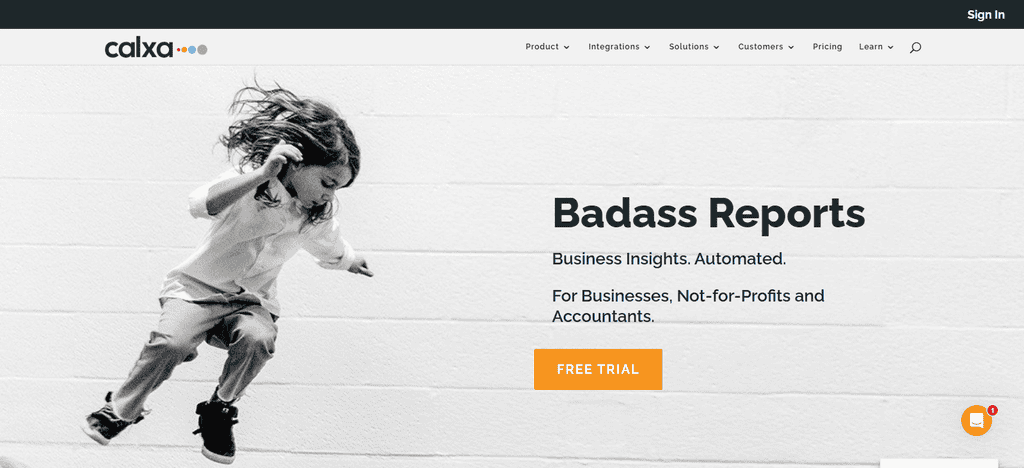
Users can create cash flow forecasts, budgets and financial reports. Automation & AI: Automated reporting and data-driven budgeting help reduce manual financial administration; it focuses more on financial planning than AI-led forecasting.
Calxa integrates with accounting platforms like Xero and MYOB. Best for: Organizations with multiple budgets or reporting needs.
Best Use-Cases
- Preparation of cash flow budget and forecast
- Budgeting for several departments or organizations
- Produce financial reports for management and stakeholders
- Comparing actual with budgeted performance
- Providing detailed reporting requirements for nonprofits and businesses
Limitations
- Some advanced reporting features require some setup
- Users not accustomed to budgeting software may find the learning curve challenging
- Integration options depend on the accounting system you use
Businesses may require additional tools for advanced forecasting enabled by AI
10. Cash Flow Planner from QuickBooks
QuickBooks Cash Flow Planner gives you cash forecasting in QuickBooks Online so eligible businesses can see what their financial future holds without having to set up a separate forecasting platform. Pricing and plans: Additional charges may apply subject to the applicable QuickBooks Online subscription and eligibility.
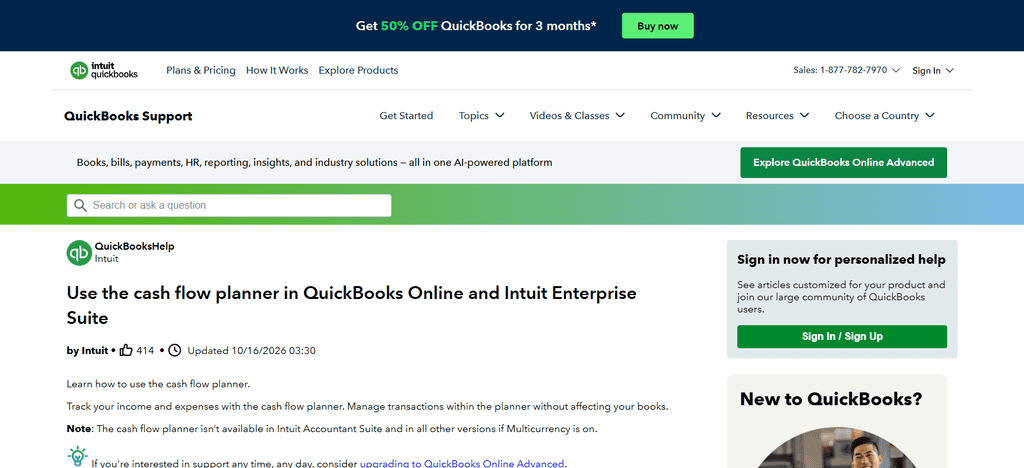
See current plan details. Cash Flow Forecasting: The planner will use the financial information available and project future cash balances and point out potential shortfalls.
Linked accounting data helps reduce manual entry, but the forecasting capabilities will depend on the product features available. The biggest benefit is QuickBooks Online integration. Small businesses that already use QuickBooks for accounting.
Best Use Cases
- Tracking projected cash balances in QuickBooks Online
- Forecast possible short-term cash shortages
- check expected income and outgoing payments
- Assisting with day-to-day decisions on cash management
- Simplify cash flow planning with existing accounting data
Limitations
- not good for companies that use accounting platforms other than QuickBooks
- Availability and functionality depend on an eligible QuickBooks Online subscription.
- The forecasts are based on the completeness and accuracy of recorded transactions
- Companies that need advanced scenario modeling may require dedicated forecasting software
Conclusion
Cash flow forecasting software helps small businesses to manage their finances, anticipate cash shortages, control expenses and make informed decisions. Depending on the tool, you can forecast, budget, create financial reports, plan for various scenarios, and more. Some common tools include Float, LivePlan, Dryrun, Cash Flow Frog, Pulse, Fathom, PlanGuru, Jirav, Calxa, and QuickBooks Cash Flow Planner.
The right one depends on business needs, pricing, integrations with accounting, automation and ease of use. Check the features, limitations and scalability of the platform before choosing one. Accurate financial data and regular review of forecasts help small businesses to manage cash better, prepare for unexpected expenses and to support long-term success.
FAQ
What is the best cash flow forecasting software for small businesses?
Float, Dryrun, Cash Flow Frog, Pulse, and QuickBooks Cash Flow Planner are options for small businesses. The best choice depends on your budget, forecasting needs, accounting integrations, and required features.
Is cash flow forecasting software worth it for small businesses?
Yes, it can help businesses predict cash shortages, manage expenses, monitor upcoming payments, and make better financial decisions. Automation also reduces manual calculations and spreadsheet maintenance.
Is there free cash flow forecasting software for small businesses?
Some accounting platforms offer basic forecasting features within eligible subscriptions, while dedicated tools may provide free trials. Check current plan availability and included features before choosing software.
How much does cash flow forecasting software cost?
Pricing varies by platform, features, and subscription plan. Some tools offer affordable monthly subscriptions, while advanced financial planning platforms may require higher payments or customised quotes.