By reducing hardware boundaries and bringing players together across consoles, PCs, and mobile devices, Best Cross-Platform Gaming Services have completely changed the gaming environment in 2026. These platforms offer seamless experiences anywhere by combining cloud gaming, crossplay multiplayer, and synced progress.
The greatest cross-platform gaming services provide flexibility, affordability, and access to enormous game libraries, making modern gaming more connected, accessible, and future-ready than ever before—whether you enjoy AAA blockbusters, competitive multiplayer, or casual and vintage titles.
Key Factors Defining Cross-Platform Gaming in 2026
Cloud Game Integration
Cloud-based technology allows users to access and stream high-quality games in real-time, reducing reliance on hardware and improving global accessibility.
Crossplay Multiplayer Integration
Gamers can compete and cooperate with users on any device. This capability unifies gaming communities across consoles, computers, and mobile devices.
Cross-Progression and Cloud Saves
Gamers can switch devices and continue their gameplay seamlessly. Progress, achievements, and purchases sync automatically across devices.
Accessibility Across Multiple Devices
Today’s gaming landscapes provide unprecedented choice and freedom to players by supporting gaming on consoles, computers, smartphones, tablets, and even smart TVs.
Ecosystems Based on Subscription Services
Diversified game libraries are now available to players through subscriptions, allowing cost-effective access to extensive catalogs spanning across several devices.
High-quality Streaming
Recent improvements in gaming technology and server infrastructure provide gaming with less latency, smoother transitions, and options for higher resolutions and faster frame rates.
Social Unified Features
Unified social features, such as friends lists, voice chat, and matchmaking across gaming platforms, improve social interactions for multiplayer games.
Cross-Platform Friendly Tools
Simplified game development through cross-platform SDKs and APIs means that game developers can, for the first time, launch multiple platform games simultaneously.
Expansion of 5G and Fiber Internet
Improved network infrastructure speeds further reduces latency and improves the reliability of cloud gaming, making global cross-play more consistent.
Cross-Platform Game Development
Games are designed to be played on any device, providing proportional gameplay across various input and performance tiers.
Key Point
| Gaming Service | Key Point |
|---|---|
| Xbox Game Pass Ultimate | Offers hundreds of games playable across console, PC, mobile, and cloud with unified progression. |
| Nvidia GeForce Now | Streams games you already own from Steam, Epic, and more with high-performance GPUs on any device. |
| PlayStation Plus Premium | Provides cloud gaming and cross-platform play for PS titles on PC, console, and mobile. |
| Amazon Luna | Cloud gaming subscription with multiple channels, playable on Fire TV, PC, mobile, and browsers. |
| Epic Online Services | Backend platform enabling crossplay, matchmaking, and friends across multiple devices. |
| Steam (Valve) | Supports cross-platform multiplayer, cloud saves, and inventory syncing for many games. |
| EA Play / EA App | Offers cross-platform progression and multiplayer for EA titles like FIFA and Battlefield. |
| Ubisoft Connect | Enables cross-platform progression, friends, and matchmaking for Ubisoft games on all devices. |
| Blacknut | Family-friendly cloud gaming service accessible on smart TVs, mobile, PC, and browsers. |
| Antstream Arcade | Retro cloud gaming platform streaming thousands of classic games across multiple devices. |
1. Xbox Game Pass Ultimate
For $16.99-$19.99/month. You can access thousands of games on Xbox Game Pass Ultimate. You stream and play games in the cloud. There are multiple cross-platform play options. You can also access EA Play.
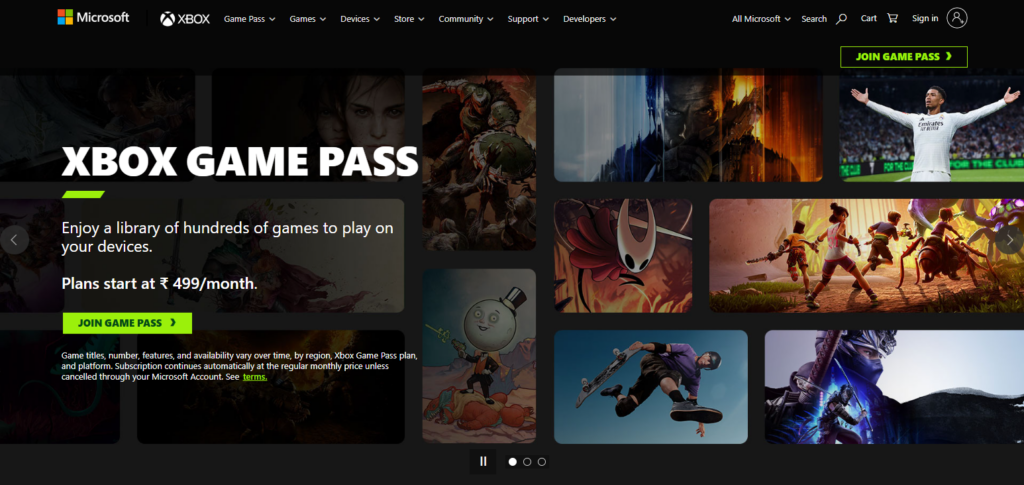
Ultimate Game Pass allows access to a library of over 100 games, providing over 300 games, with new releases, day 1 access, and the ability to play in multiplayer mode via Xbox Live10 Xbox consoles and Windows PCs.
You can also play on mobile, tablets, and smart TVs, which supports cross-platform play enhanced by cloud gaming.
Xbox Game Pass Ultimate: $16.99/month. Features
- Extensive catalog of 100s of games + newly released games.
- Cloud gaming on PC, console, and mobile.
- Cross-progression & crossplay on supported title.
- Xbox Live Gold subscription included.
- EA Play inclusion.
- Regular catalog updates + featured collections.
Xbox Game Pass Ultimate Pros & Cons
Pros
- Their game library is enormous and they constantly add new games.
- New games are added as soon as they launch.
- Their Cloud gaming services work on all systems (console, PC, mobile, and via a browser) so you can take your games anywhere.
- Their subscription includes Xbox Live Gold which is a multiplayer service that allows you to play games with others.
- You also get EA Play (more games) included for no additional costs.
Cons
- The subscription fees are on the more expensive side.
- You may miss out on some games as they may be confined to the Xbox system.
- The Cloud service is not consistently available in all areas.
2. Nvidia GeForce Now
Starting at $19.99/month, you can access 3 tiers of performance options with a free and a priority tier as well.
You can also Game Stream on Windows, macOS, and on smart TVs, Android, and iOS via browser. This service Peak cloud gaming has to offer by bringing the high end PC gaming experience to the Cloud powered hardware.
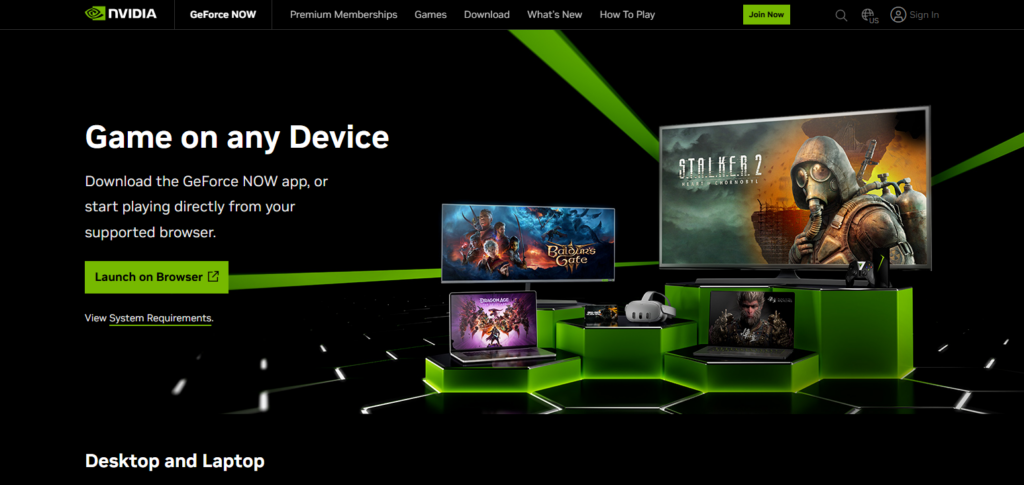
Cross platform play depends on the games support but overall you can play your games on all your devices. Best for PC gamers with existing libraries and performance without the price of high end hardware.
Nvidia GeForce Now: $0-$19/month. Features
- Cloud streaming on games you already own on Steam, Epic, Ubisoft, etc.
- Various performance levels: RTX, fps, etc.
- Cross-platform: PC, Mac, Android, iOS (browser), TVs.
- Low specs. Uses cloud GPUs.
- Library sync.
Nvidia GeForce Now Pros & Cons
Pros
- You can play titles you already have.
- Opting for the latest cloud GPUs allows for very impressive cloud gaming performance.
- You can play on a Chromebox, thin client, or another low-powered computer.
- You can play on the service with games from multiple stores (Steam, Epic, Ubisoft)
Cons
- You need to have games on individual stores to play them.
- Users on the free plan will have their sessions cut after a short set.
- Some games, for various reasons, may simply be unavailable (they may be restricted by the game’s publisher).
3. PlayStation Plus Premium
PlayStation Plus Premium combines the old school style of plunking down your card for a subscription to cloud games to stream on your PS4/PS5 and play instant classics for about $17.99/month. It’s on PS4/PS5 and Windows (cloud via app or browser) with buyers soggy with PS1 to PS5 games.
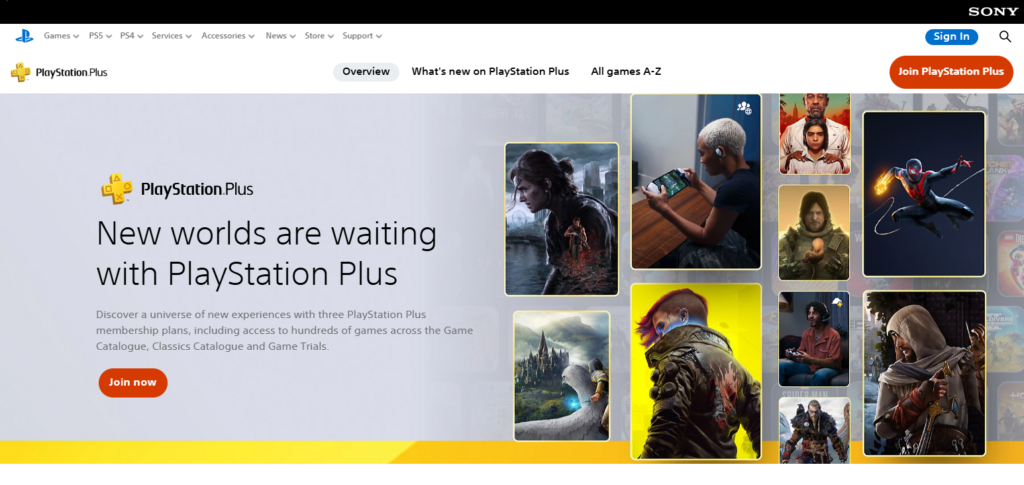
It offers access to a fine spread of devices since it’s not as widely accessible as legacy competitors. Cross play is title dependent. It’s growth is a reflection of the cloud + subscription for Sony, and a hand at PlayStation fans who want to travel and take their games with them, as more than a console.
PlayStation Plus Premium: $17.99/month. Features
- Cloud streaming on select PS4/PS5 titles.
- Achieve gaming history: access to oodles of games from the PS1, PS2, and PSP era.
- Exclusive games and games for trial.
- Online gaming included.
- Available on consoles and PC/cloud.
PlayStation Plus Premium Pros & Cons
Pros
- You can play a good library of old-school PlayStation titles.
- You can play some PlayStation games in the cloud.
- You can use the service to play multiplayer games online.
- You get monthly games and can participate in game trials before they are available to the public.
Cons
- There are fewer devices supported compared to their competitors.
- You may get their offerings and find less than you expected, as their competitors have a more comprehensive cloud library.
- Some offerings are only available to some regions.
4. Amazon Luna
Amazon Luna is an old school style subscription service at Luna+ around $9.99/month (though channels like Ubisoft+ are more). It’s on Windows, macOS, Android, and iOS (web app), Fire TV, and select smart TVs so you can stream without downloading.
Luna emphasizes growing cloud gaming and integration with Amazon services, such as Twitch capabilities and optimized rotating catalogs.
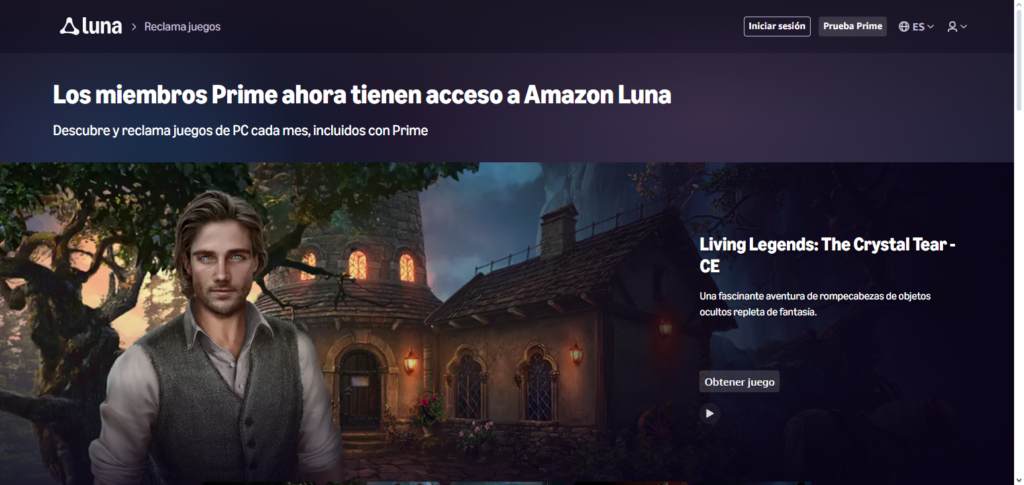
Cross-platform play and multiplayer gaming depend on games, but Luna is strong for casual gaming. This is due to accessibility across devices, which is especially true for cloud gaming.
It is most beneficial for Amazon Prime users and casual gamers who want cost-effective cloud gaming with a wide variety.
Amazon Luna: $5.99/month. Features
- Channel-based subs model: Luna+, Ubisoft Plus, etc.
- Instant play (no installs).
- Fire TV, PC, mobile, and cloud.
- Twitch for streaming and social features.
- Cost Effective Entry Point
Amazon Luna Pros & Cons
Pros
- Lower end subscription fees
- Multiple channel options (e.g., Ubisoft+)
- Works on Fire TV, PC, mobile, browser
- Twitch integration
Cons
- Smaller game library than big rivals
- Crossplay depends on individual games
- Cloud performance tied to internet quality
5. Epic Online Services
Epic Online Services (EOS) offers cross-play, matchmaking, stats, voice chat, and shared progression systems to stream users on Windows, consoles, and mobile. This is not aimed at consumers, as it is not a gaming subscription.
Rather, it is a free development backend for stream users. EOS is the foundation for multiplayer capabilities in many games, enabling developers to consolidate friends lists, invitations, and user data across ecosystems.
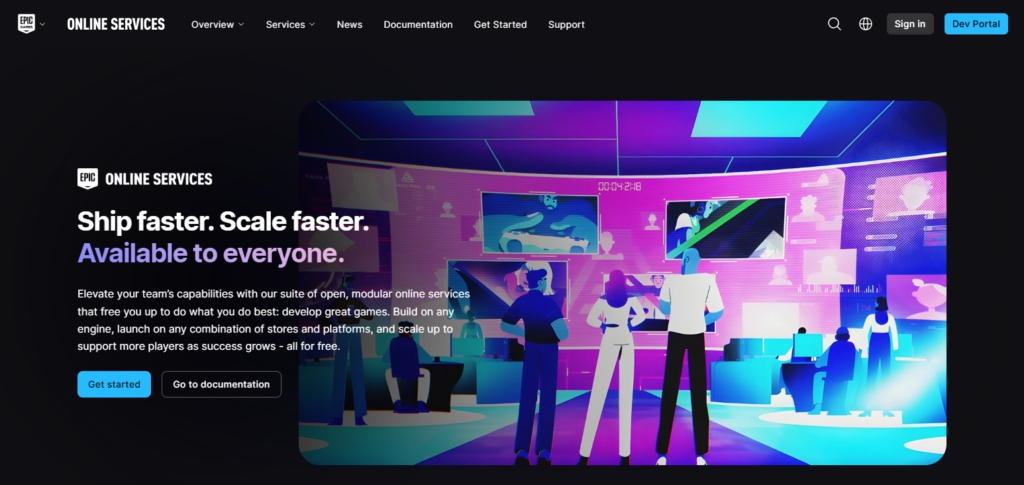
It has lowered the development threshold for cross-play integration in cross-platform games by unbundling full-service end-to-end cross-play backend solutions.
EOS is a key player in the growing development of cross-platform gaming, as it supports most consoles and games and has many major engine partnerships to provide services to numerous cross-platform titles.
Epic Online Services Features
- Free SDK for developers that allows them to enable crossplay.
- Crossplay friends & account systems.
- Crossplay matchmaking & lobbies.
- Game services (achievement voices & stats) are cloud-based.
- Platform-agnostic assistance.
Epic Online Services Pros & Cons
Pros
- Free tools for developers
- Enables crossplay, matchmaking, and shared progression
- Works across console, PC, and mobile
- Platform-agnostic backend
Cons
- Not a consumer game service
- Only useful if games implement it
- Developers must manually integrate features
6. Steam (Valve)
Steam by Valve is still the leading PC gaming service with cloud saves, inventory syncing, multiplayer, and community features that are not bound to a specific device.
Steam is not a cloud gaming service, but Steam’s Steamworks APIs and Steam Cloud support cross-platform play and cloud saves for many games on Windows, macOS, and Linux.
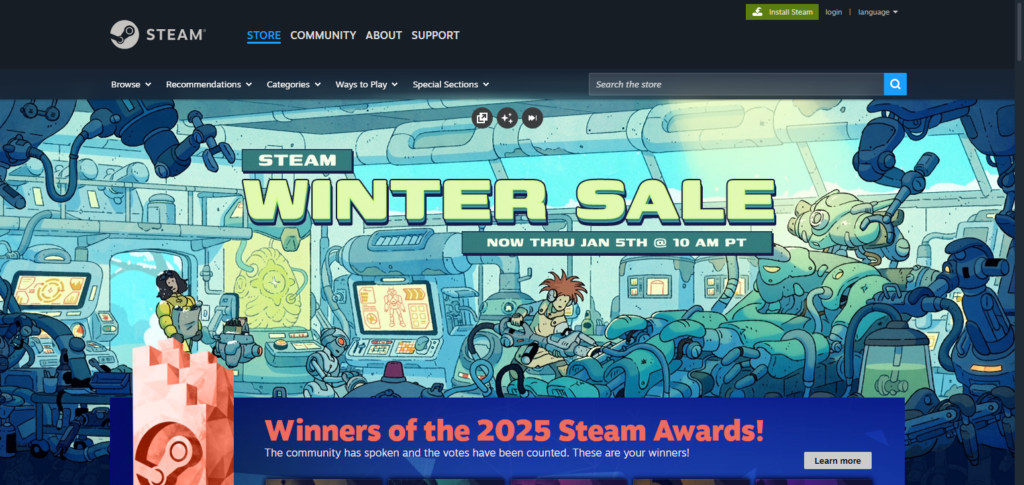
Steam has the largest digital store and active user base, making it the most important service for PC gaming.
Because of this, many developers implement crossplay between Steam and consoles. Steam is the best option for users who want flexibility, community, and cross-platform multiplayer without system restrictions.
Steam (Valve) Features
- Large community and PC game store.
- Steam Cloud Multiplay (crossplay support).
- Cloud for saves & settings.
- Support for Mods & Workshope.
- Steam Social and Chat features.
Steam (Valve) Pros & Cons
Pros
- Massive game catalog and community features
- Steam Cloud saves and settings sync
- Cross-platform multiplayer (developer dependent)
- Workshop and mod support
Cons
- Not a cloud gaming platform
- Crossplay is developer-dependent
- Limited native mobile gaming support
7. EA Play / EA App
EA Play (via the EA App) is Electronic Arts’ subscription service that allows access to EA’s curated library, early access to games, and other perks on PC, Xbox, and PlayStation. It is included with Xbox Game Pass Ultimate and cross-platform progression within EA games and cross storefront linking (Steam, Epic, EA App) is available.
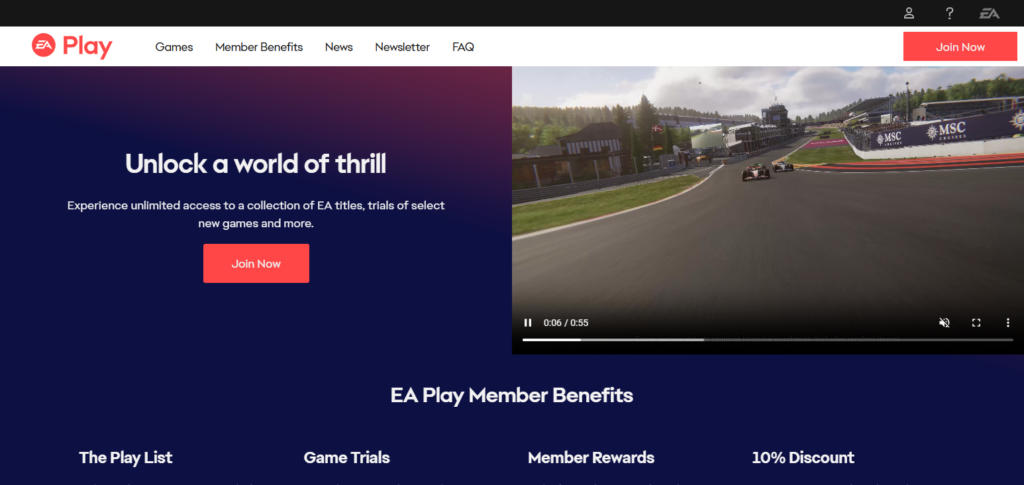
Pricing is usually in the $4.99–$14.99/month range, but can vary by region and platform, and is affected by tier and sales. EA Play is not a cloud gaming service, but EA Play is cross-platform gaming’s best option for unifying perks and access on different devices for games in franchises like FIFA, Battlefield, and The Sims.
EA Play / EA App Features
- EA Game library with additional member benefits.
- Exclusive challenges & early trial.
- Progress across consoles in some EA titles.
- Game Pass Ultimate integration.
- In-App member rewards.
EA Play / EA App Pros & Cons
Pros
- Curated EA franchise library
- Early trials and exclusive challenges
- Supports cross-platform progression in many EA games
- Integrated with Xbox Game Pass Ultimate
Cons
- Focused on EA titles only
- Not a standalone cloud gaming service
- Some premium content still costs extra
8. Ubisoft Connect
Ubisoft Connect is the cross-platform ecosystem for Ubisoft games, where you can find all your games, friends, rewards, and progression. It is free, and cross-platform progression requires no subscription.
Asubi is a backbone for Ubisoft’s games and connects with services like Amazon Luna and Blacknut through Ubisoft+ Premium.
Its growth shows how ecosystem layers improve cross-platform, cross-device integrated experiences with seamless progression and shared achievements.
For Ubisoft game players, Asubi is a cross-platform hub, and its growth reflects players’ engagement with seamless cross-device ecosystem experiences.
Ubisoft Connect Features
- Free progress on Ubisoft games.
- Friends list & social tools.
- Rewards & challenges of system.
- cloud service Integration.
- Ubisoft games are free.
Ubisoft Connect Pros & Cons
Pros
- Cross-title advancement in Ubisoft’s games.
- Integrated Friends + Social systems.
- Challenges + Rewards systems.
- Ubisoft games are free
Cons
- Exclusively Ubisoft games.
- Cloud features across games differ.
- It’s not a complete gaming subscription.
9. Blacknut
With more than 500 games for approximately $15.99/month (often with a trial for the first month), Blacknut is a cloud gaming subscription service focused on family-friendly games. Up to five profiles can be on PC, Mac, Android, iOS, smart TVs, and web browsers simultaneously.
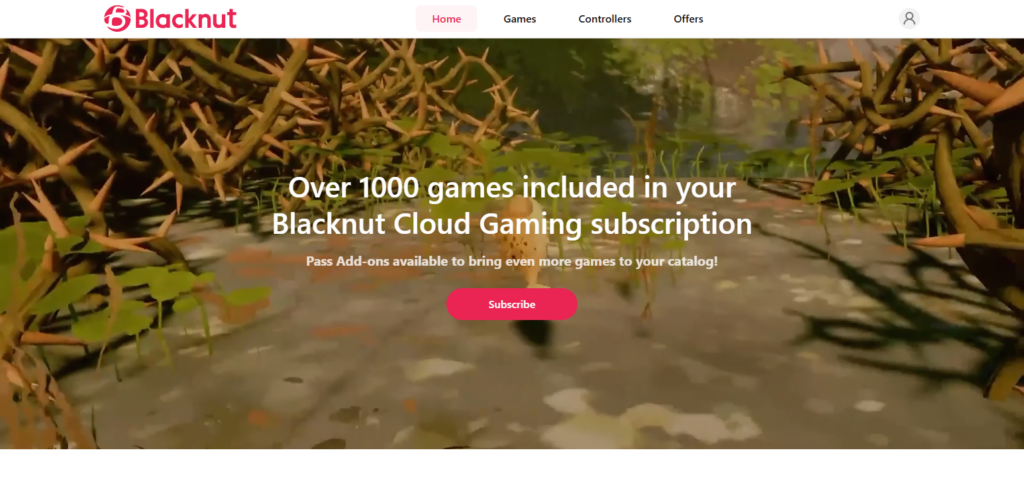
Starting a game on a TV and continuing it on a mobile device without any interruptions via cloud saves exemplifies growth and access in gaming. With local multiplayer games, it’s ideal for families and casual gamers who want a variety without buying a multitude of games.
Blacknut Features
- Family-centered games with kid-friendly profiles.
- Cloud streaming on mobile, PC, & TV.
- Install and download free.
- Simultaneous play on multiple devices.
- Games for an affordable subscription.
Blacknut Pros & Cons
Pros
- Games are appropriate for all ages.
- Multiple profiles for each family member.
- Cloud streaming on a variety of devices.
- No downloading required.
Cons
- Libraries are not as big as the big multiplayer offerings.
- A small number of AAA games that are not multiplayer.
- The experience can be very poor in Internet service.
10. Antstream Arcade
With a range of price choices, including monthly passes (~$3.99+) and annual/console editions (~$32.99+), Antstream Arcade specializes in streaming 1,300+ classic and vintage games from arcade, console, and home computer eras across PC, Mac, mobile, smart TVs, and consoles.
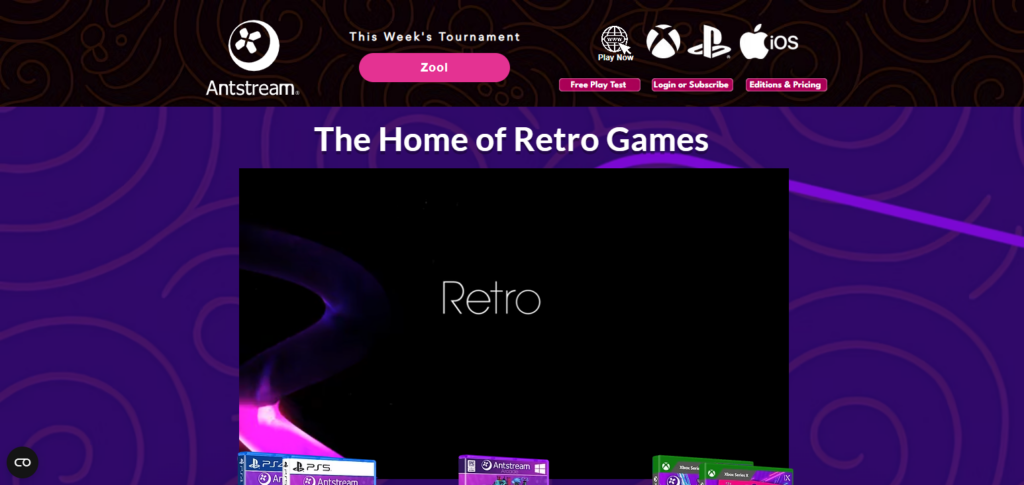
With cloud saves, weekly competitions, and leaderboards, it emphasizes nostalgia and represents a distinctive aspect of the evolution of cloud gaming that welcomes nostalgic material.
Its vast library of classics and wide platform support make it ideal for players who enjoy older games that are available anywhere without requiring outdated technology, even though it isn’t focused on contemporary AAA games or competitive multiplayer.
Antstream Arcade Features
- Streaming for Arcade/Consoles classic and retro games.
- Cloud saves and Leaderboards
- Playable on PCs, smart TVs, mobile devices, and consoles
- Community events and weekly challenges
- Nostalgic games are accessible with low barriers
Antstream Arcade Pros & Cons
Pros
- A large collection of retro games from many different consoles.
- Compatibility with PCs, smart TVs, handhelds, and consoles.
- Features for cloud saves and leaderboards.
- Community events and challenges.
Cons
- More modern AAA games are not included in the offering.
- There are better options dedicated to competitive multiplayer.
- Each game may have different emulation quality.
How to Choose the Right Cross-Platform Gaming Service?
Check Supported Devices Consider which devices are compatible with the services. Choose the one that will allow for cross-platform gaming on the most devices (PC, console, etc).
Evaluate Game Library Check for games based on your preference, including types, exclusives, and games that will be available for play on day one.
Cloud Gaming Performance If you intend on gaming via the cloud, look for services that are low latency, and have high resolutions and stable servers.
Crossplay & Progression Support Check to see if titles allow for crossplay and cross-progression. This will make it possible to continue play on different consoles with your friends.
Pricing & Subscription Value Compare monthly prices, and features to determine if the service is valuable for your budget and if it is worth the pricing.
Internet Requirements Ensure your connection is stable, and your speed is high enough for lag-free cloud gaming using any devices you want.
Game Ownership Model Consider if you prefer having a subscription that gives you access to a gaming library that rotates versus one that lets you stream owned games.
Multiplayer & Social Features Look for integrated voice chat, social lists, matchmaking systems, and other tools for cooperative and competitive gaming enhancement.
Content Updates & Support Select services with consistent updates to their game libraries and enhancements, as well as dependable customer support for sustained satisfaction.
Conclusion
Conclusion: Top Services for Cross-Platform Gaming
As of 2026, cross-platform gaming services have changed the way gamers play and enjoy titles by uniting the worlds of consoles, PCs, and mobile devices. Xbox Game Pass Ultimate, and NVIDIA GeForce Now for more serious gamers, and Steam, Epic Online Services, EA Play, and Ubisoft Connect for those who enjoy a wider crossplay and progression ecosystem all offer multi device services.
Lower stakes gaming and retro gaming with family and friends is supported by Amazon Luna, Blacknut, and Antstream Arcade. Ultimately, the best service for you is determined by your devices, budget, and gaming preferences, and with cross-platform technology, players of all preferences are receiving a more versatile and innovative gaming experience.
FAQ
What is a cross-platform gaming service?
A cross-platform gaming service allows players to access games, multiplayer features, and saved progress across different devices like PC, consoles, and mobile.