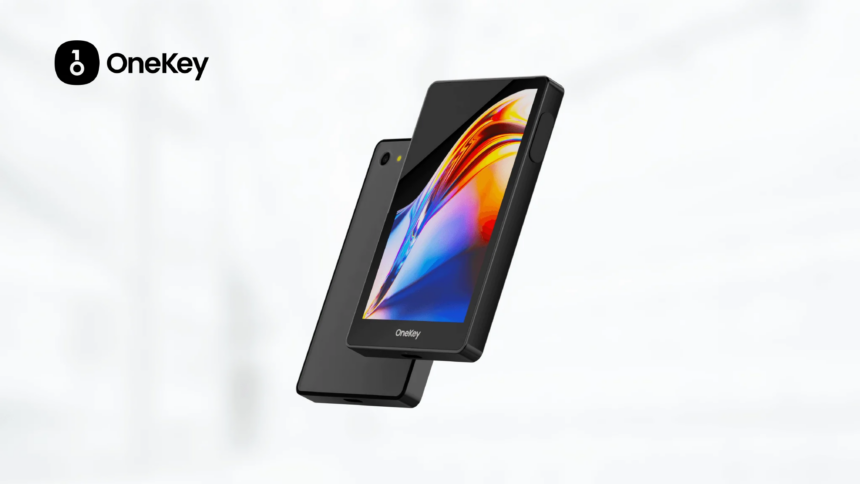
The Best OneKey Pro Hardware Alternatives will be covered in this post, with an emphasis on safe, dependable, and easy-to-use wallets that safeguard your digital valuables.
These options include strong features for both novice and seasoned cryptocurrency investors looking for reliable solutions for long-term asset security, from sophisticated encryption and offline storage to multi-asset support and smooth mobile integration.
Top 10 OneKey Pro Alternatives (2026)
| Hardware Wallet | Key Features |
|---|---|
| Ledger Nano X | Bluetooth, 5,500+ coins, Ledger Live integration |
| Ledger Stax | Touchscreen, E-Ink display, wireless charging |
| Trezor Model T | Open-source, touchscreen, Shamir backup |
| Trezor Safe 3 | Affordable, beginner-friendly, strong open-source firmware |
| Keystone Pro | Air-gapped QR code signing, fingerprint sensor |
| Ellipal Titan 2.0 | Fully air-gapped, mobile app, metal body |
| SafePal S1 | Supports Binance DEX, DeFi apps, QR code signing |
| BitBox02 | Compact, Swiss-made, Bitcoin-only or multi-coin edition |
| CoolWallet Pro | Credit-card form factor, Bluetooth, staking support |
| SecuX V20 | Large touchscreen, multi-chain support, durable design |
1) Ledger Nano X
Ledger Nano X is one of the most known crypto hardware wallets. It is compatible with more than 5,500 cryptocurrencies and works with the Ledger Live application for Windows, macOS, Linux, Android, and iOS. This cold wallet works with Bluetooth and USB-C and is equipped with a secure element (CC EAL5+) and PIN protection.
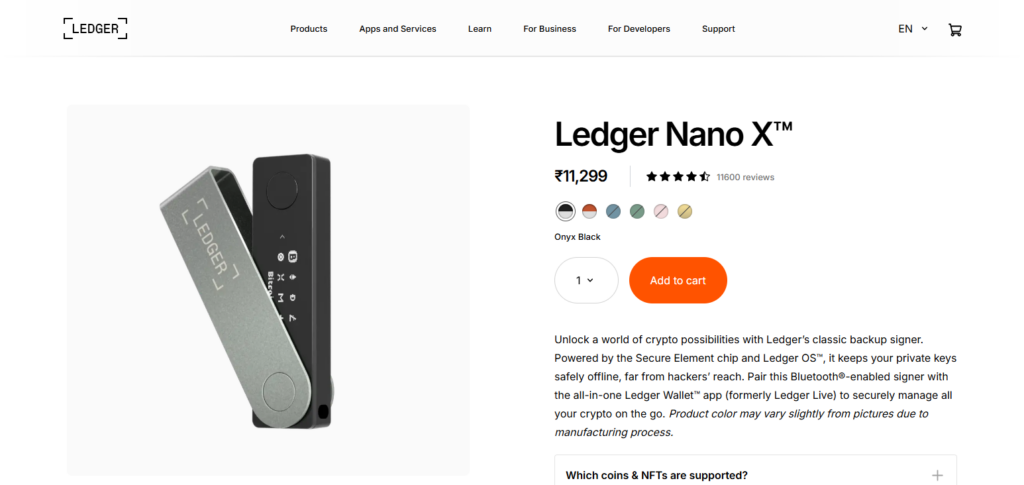
It is ideal for holding tokens, NFTs, and more. The device costs about $149 (one-time hardware fee) and no subscription is required. Sending payments does incur blockchain network fees.
You must confirm transactions on the device, which provides additional protection. Nano X is ideal for multi-asset investors and mobile users who value high security and the added Bluetooth feature.
Ledger Nano X Key Features
- Integrates with Ledger Live
- Bluetooth and USB-C compatibility
- Supports 5,500+ coins and tokens
- Secure Element Chip (CC EAL5+)
- Compatible with mobile and desktop
Pros:
- Multi-asset support
- Compact with Bluetooth
- Firmware updates are consistent
- High-level security
Cons:
- Costlier than basic wallets
- Ledger Live is needed for full functionality
- Ledger’s privacy issues were concerning in the past
2) Ledger Stax
Ledger Stax is Ledger’s high-end hardware wallet that features a curved E Ink touchscreen. Additional features include USB-C, Bluetooth, and NFC. Price-wise, it’s more expensive than most other wallets at $399+, but it does support thousands of assets and allows for seamless Ledger Live integration on mobile and desktop.
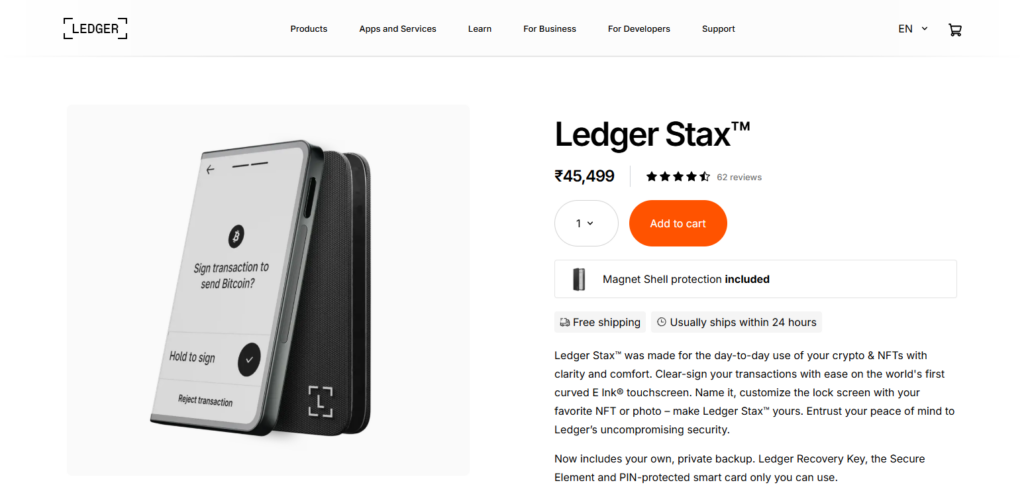
The touchscreen allows for easier transaction review and signing. Transactions can also be signed with the wireless Qi charging feature. Like with other Ledger devices, payment transactions do not incur fees. Cost-wise, payments only require a network fee. Ledger Stax log wallet’s PIN protected secure element chip.
This wallet is best for users wanting the best modern UX, high-end cold storage security, and the best wallet interaction with DeFi and NFTs.
Ledger Stax Key Features:
- Bluetooth and USB-C compatibility
- Integration with Ledger Live
- Support for NFTs and DeFi
- E-Ink touchscreen with a curve
- Wireless charging
Pros:
- Excellent functionality and design
- Seamless navigation with a large display
- Supports thousands of cryptos
- Easy charging with wireless support
Cons:
- Pricey compared to competitors
- Heavier than the Nano X model
- Limited availability during launch
3) Trezor Model T
The Trezor Model T is a touch screen, open-source, hardware wallet with access support and thousands of coins via Trezor suite and third party wallets. It costs roughly $200-$220 as a one-time fee and charges for blockchain fees during your transactions.
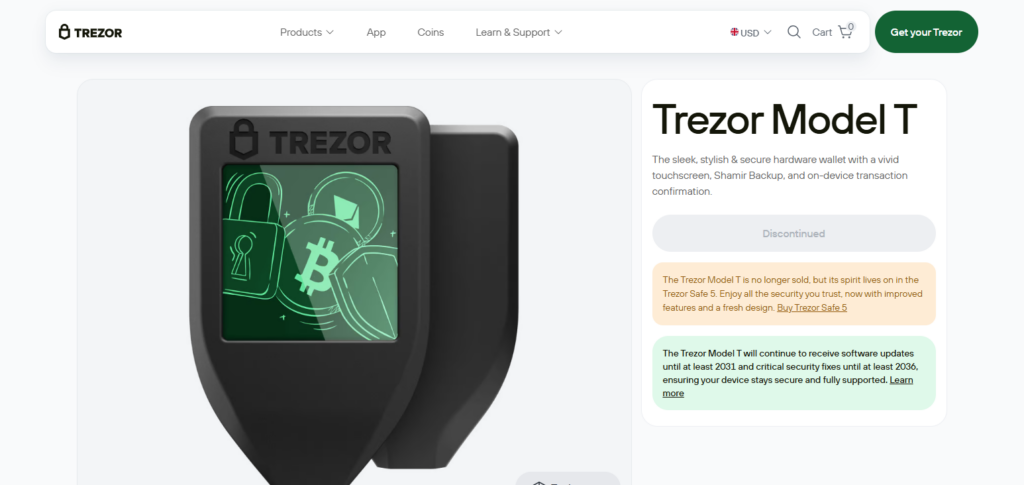
With the open-source firmware, there is transparency for users with privacy concerns; with the touchscreen there is also ease of entering PINs and passphrases on the device.
You can connect via USB-C on desktop or mobile with OTG support. Model T is best for users who want open-source firmware, long-term secure storage for Bitcoin, Ethereum, and many altcoins and prefer the user experience of a touchscreen.
Trezor Model T Key Features
- Has a touchscreen
- Firmware is open-source
- Has Shamir backup recovery
- More than 1,000 coins/tokens supported
- Has MicroSD back up
Pros:
- Recovery with open-source security is transparent
- More options with advanced recovery
- Compatible with other wallets
- Excellent community support
Cons:
- More expensive than Safe 3
- No Bluetooth
- Mobile app support is limited
4) Trezor Safe 3
Trezor also has entry-level hardware wallets, one of which is Trezor Safe 3, that has a Secure Element (CC EAL6+) for more secure and hardened key storage and a simplified screen with buttons or USB-C.
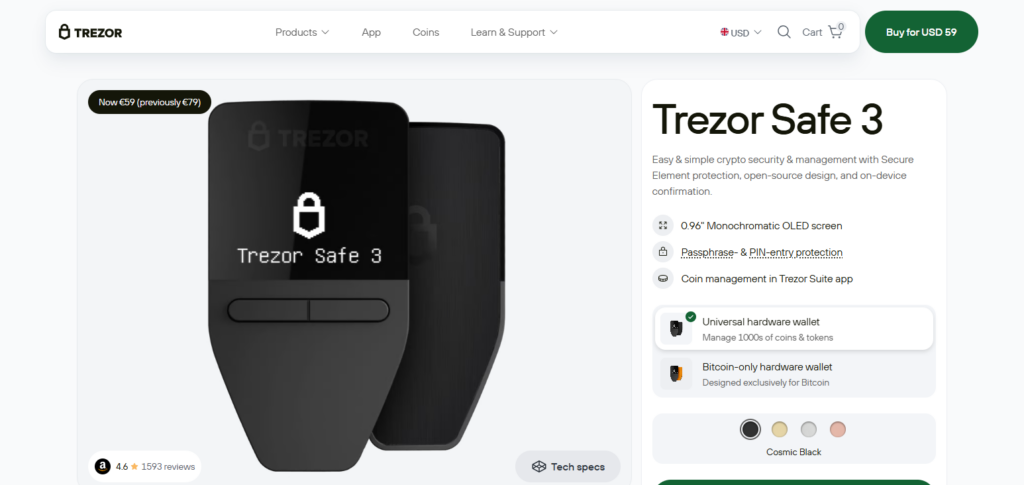
For a budget of roughly $79 – $100 one can acquire the new device which is a one-time payment, though network fees do still apply during your transfers. Safe 3 takes advantage of Trezor’s open-source firmware which allows for management with Trezor suite for Bitcoin, Ethereum and many more tokens.
It works with both desktops and mobile devices via OTG adapters. This wallet is ideal for novices and anyone who wants budget-friendly open-source privacy without losing basic cold-storage safety.
Trezor Safe 3 Key Features:
- USB-C support
- PIN + passphrase protection
- 1,000+ asset support
- Open-source software
- Affordable entry-level option
Pros:
- Good pricing
- Excellent security
- Easy setup
- Trezor is a trusted brand
Cons:
- No touchscreen
- Basic features
- Less coin support than Ledger
5) Keystone Pro
Keystone Pro is a fully air-gapped hardware wallet that charges via an optional USB-C and uses QR code signing. With a primary focus on keeping private keys secure and offline, he hardware comes with a large touchscreen and several secure elements.
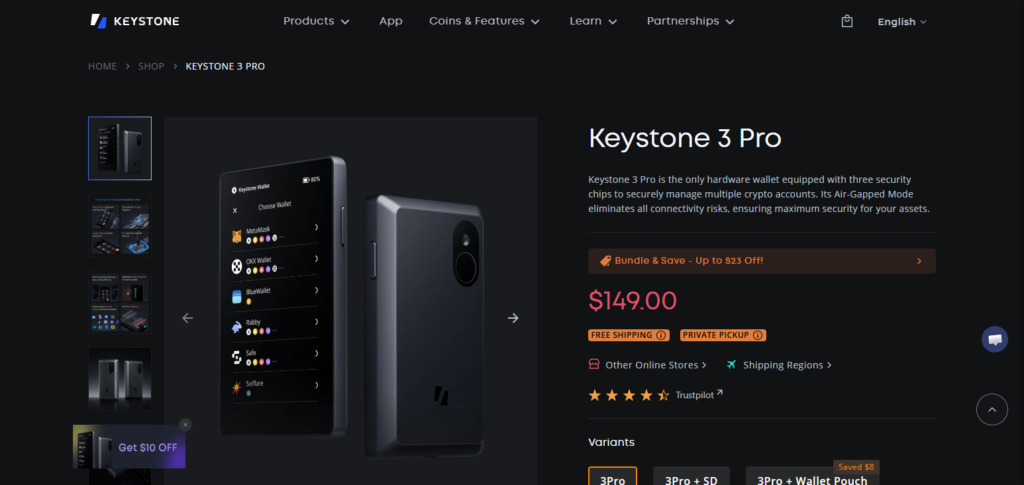
It is priced anywhere between $149-$169 and comes with no subscription; you’ll pay standard blockchain fees when sending. Keystone works with major cryptocurrencies and wallet apps via QR.
It is best for advanced users, DeFi participants, and anyone who requests the highest level of protection from online attacks, offered by seed phrase splitting and multisig workflows.
Keystone Pro Key Features:
- Sign with QR codes, air-gapped
- Touch ID
- Rechargeable battery
- Touchscreen
- 1,000+ coin support
Pros:
- Max security, offline
- Good biometric features
- Sign transactions with QR codes
- Safe for institutions
Cons:
- A bit bulkier
- pricier
- More features require mobile app
6) Ellipal Titan 2.0 (local business)
With a robust metal body and a large screen, the Ellipal Titan 2.0 is a QR-only, fully air-gapped hardware wallet built for toughness. It uses QR and the Ellipal mobile app for signing, and it supports a large number of digital assets (usually between 8,000 and 10,000+) without USB or Bluetooth.
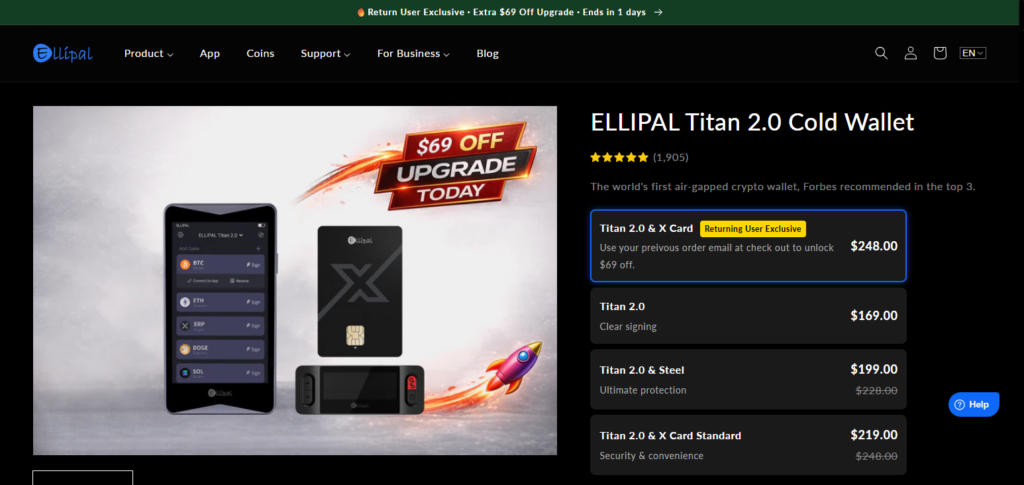
The price of the device is $139-$169 and the metal body is built for durability; however, you’ll still pay network fees for each transaction.
The strong anti-tamper design along with the air-gap isolation makes the product great for security-focused customers and those who want completely offline workflows. This is especially preferable for travelers and those dealing with a variety of assets.
Ellipal Titan 2.0 Key Features:
- Totally air-gapped
- Metal body protection
- Touchscreen
- Mobile app with QR
- 10,000+ assets supported
Pros:
- Great for physical security
- Excellent air-gap security
- Supports a lot of coins
- Good mobile app
Cons:
- No USB or Bluetooth
- Heavier than other wallets
- Mobile app dependence
7) SafePal S1
SafePal S1 is budget friendly air gapped hardware wallet and is backed by binance. They cost around $49 – $69 (one time fee). The S1 has the EAL5+ secure elements and signs QR codes with the safepal app (android/ios).
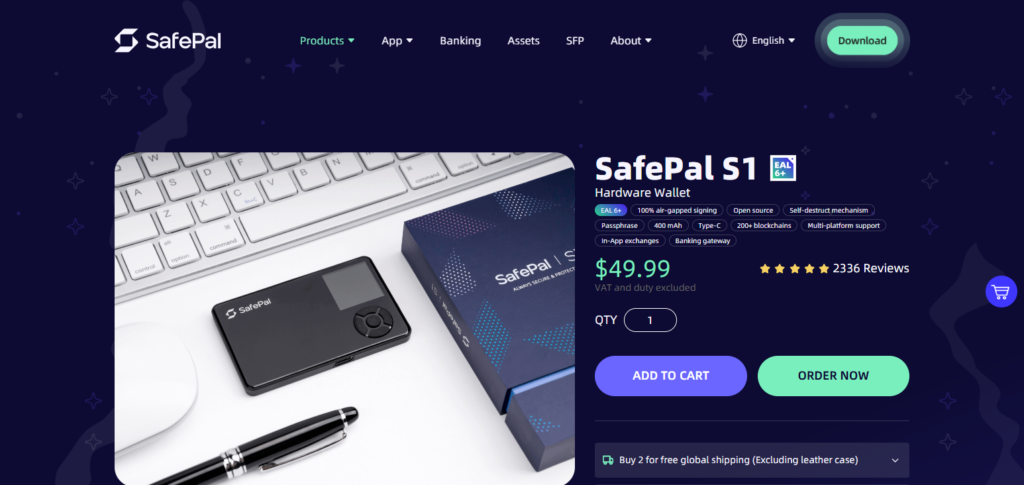
It is still cheaper than other wallets and offers signing for a variety of tokens and blockchains (no USB or Bluetooth signing). The wallet offers direct access to the safepal ecosystem with DeFi features and token swapping.
Safepal S1 is best for those who favor mobility, beginners, and value wallets with great offline signing for a low price. Also those who want to access DeFi and shift to other tokens.
SafePal S1 Key Features
- Signing of QR codes
- Secure element chip
- 30,000 + token support
- Integration of mobile apps
- Support for Binance DEX + DeFi
Pros:
- Low cost
- Support for large coins/tokens
- Integration of DeFi + NFT
- Design is compact
Cons:
- No touch screen
- Mobile app is heavily relied upon
- Design is less durable than Titan
8) Bitbox02
Bitbox02 is a simple, compact, swiss-made hardware wallet with a secure chip, and microSD backups. They cost around €109-€130 (~$120-$140) one time, and charge standard network fees when sending assets.
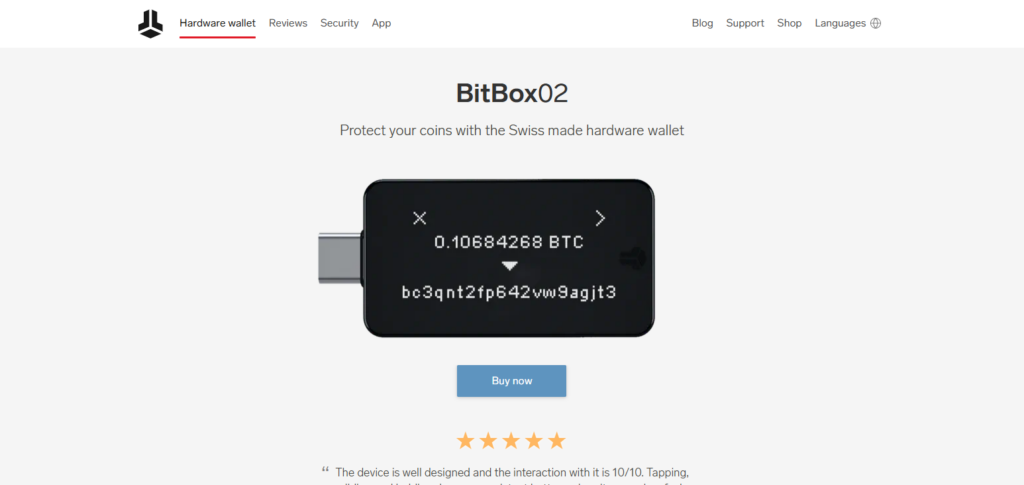
It focuses on Bitcoin, Ethereum, and ErC-20 tokens. For top-tier features, Bitbox02 is best for privacy-focused beginners. The added flexibility of the microSD chip is also great for users who like attempting new features as they arrive.
BitBox02 Key Features:
- MicroSD design and backup
- Compact design with USB-C
- Bitcoin-only and multi-coin versions
- Support for over 1,000 assets
- Open-source firmware
Pros:
- Reliable and lightweight
- Open-source security is transparent
- Advanced backup with microSD
- Swiss-made reliability
Cons:
- No support for Bluetooth
- Limited coin support compared to Ledger
- Smaller display
9) CoolWallet Pro (local business)
CoolWallet Pro is the first of its kind credit-card style Bluetooth wallet with extra portability paired with a mobile app (iOS/Android). They support 10,000+ assets. They also have staking, and mobile notifications.
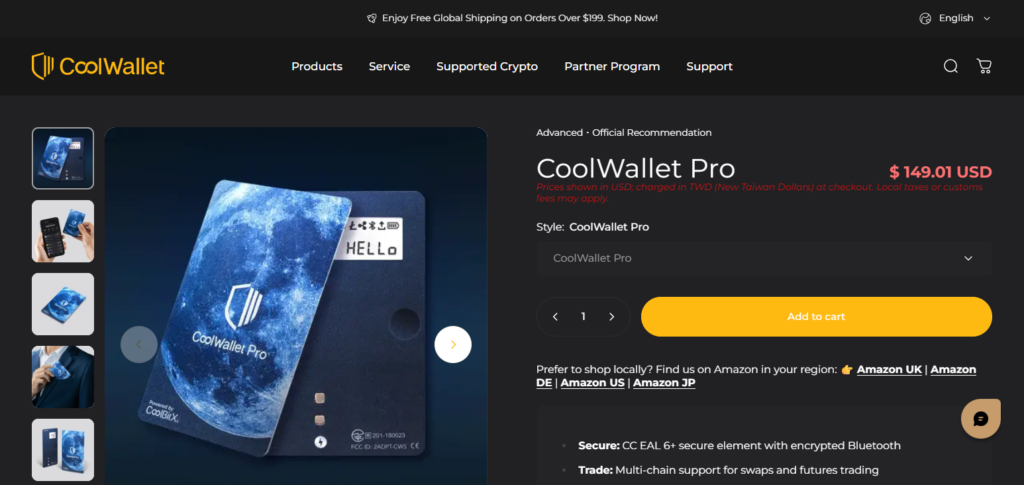
The typical price of the device is about $149-$169 for one time purchase with regular blockchain fees applicable for each transaction. The CoolWallet Pro offers Bluetooth, providing the flexibility for mobile DeFi and regular use.
It is most appropriate for mobile traders and users who appreciate flexibility, support for numerous tokens, and the additional protection of hardware cold-storage.
CoolWallet Pro Key Features
- Design of a credit card
- Small size
- Support for over 12,000 assets
- Secure chip
- Staking + Support for DeFi
Pros:
- Design for portability
- Support for DeFi features
- Coin support is large
- Wallet style that is discreet
Cons:
- screen size is small
- Dependence on mobile app
- Durability is less than metal wallets
10) SecuX V20
One example of a hardware wallet with a touchscreen is the SecuX V20, which has Bluetooth and USB-C compatibility, and generally retails for about $139 for a one time purchase.
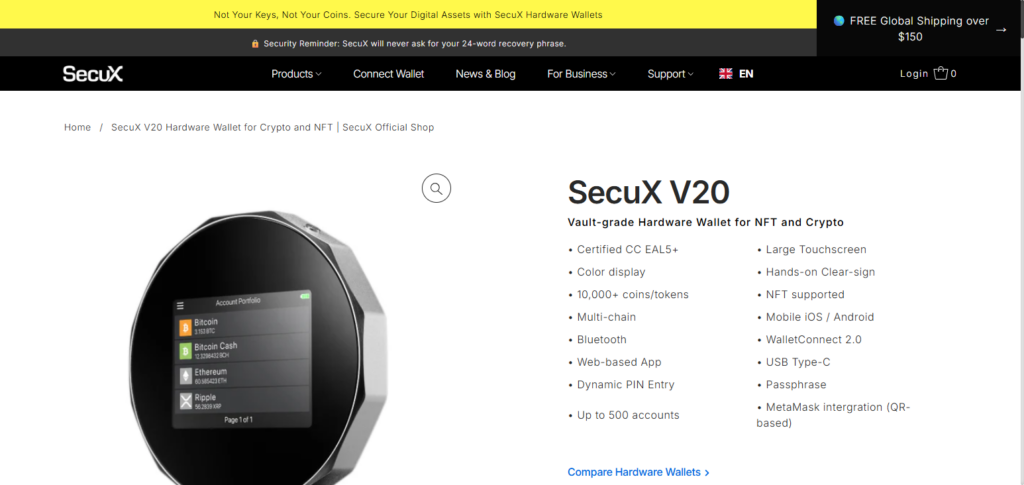
It is compatible with multiple cryptocurrencies, as well as with many NFTs and desktop and mobile applications. Like all wallets, there is a blockchain fee for payments. The touchscreen simplifies the process for users looking to review their transactions.
The best for users who value the ease of touchscreen functionality, a wide range of supported cryptocurrencies, and cross-platform compatibility without going to the premium pricing tiers, SecuX has a reputation for their strong hardware and user-friendly software design.
SecuX V20 Key Features
- Bluetooth and USB connectivity
- Large screen with a touch display
- Support for over 1,000 assets
- Secure Element Chip
- Cross-platform Compatibility
Pros
- Big display for easy navigation
- Robust security features
- Top coins and NFTs supported
- Highly intuitive interface
Cons
- Wallet is a bit bulkier
- More expensive than entry-level wallets
- Fewer coins supported than Ledger/SafePal
Conclusion
In conclusion, customers can discover wallets that suit their security requirements, asset support, and usability preferences by investigating the top OneKey Pro hardware substitutes.
Strong offline security, user-friendly interfaces, and extensive multi-chain compatibility are provided by solutions like Ledger, Trezor, Keystone, and Ellipal. Investors may choose a device that strikes a compromise between ease and institutional-grade security by comparing characteristics like durability, staking support, and mobile integration. This ensures long-term confidence in protecting their digital assets.
FAQ
What should I look for in an alternative to the OneKey Pro?
When choosing a hardware wallet alternative, consider security features (secure chip, open-source firmware), supported cryptocurrencies, ease of use, mobile/desktop compatibility, backup options, and price.
Are Ledger and Trezor good alternatives to OneKey Pro?
Yes — both Ledger and Trezor are trusted hardware wallets with strong security, wide coin support, and reliable community reputations, making them excellent alternatives to OneKey Pro.
Can I stake cryptocurrencies with these alternatives?
Some hardware wallets like Ledger support staking for certain assets via compatible apps or interfaces, allowing you to earn rewards while keeping funds secure.
Are there options with Bluetooth or mobile support?
Yes — devices such as Ledger Nano X and some Keystone models offer Bluetooth or seamless mobile app connectivity for easier on-the-go management.