With improvements in transaction speeds, DeFi activties, and the NFT market, the Best Solscan Alternatives for Solana Explorers ecosystem continues to grow and develop. With that growth the need for tools to monitor on-chain data also grows.
Solscan is a tool that has gained popularity but is not ideal for everyone in the community. These users may look for different interfaces, analytics, and dev features. Others may be in search of different Solscan alternatives.
These alternatives can provide the community, and the users in particular, with greater insights and improved trading and performance options, and new efficient ways to navigate the Solana blockchain.
What is Solscan?
Solscan was made specifically for the Solana network unlike blockchain explorers for other blockchains. They offer the best service for analyzing transactions and easily tracking activity that happens on the blockchain.
Solscan provides details on individual transactions as well as insights on multiple transactions from the same token or contract, wallet address, smart contract, etc. They offer real-time interaction so you can track the network’s activity as it happens.
This service is best for people trying to get information on the Solana blockchain for important transactions or projects. Solscan is the best for tracking activity happening on the Solana network because of the efficiency and analyzation.
What to Look For in a Solana Explorer?
While going through a Solana Explorer, the following features stand out compared to the basic functionality of a Solana Explorer:
Indexing Speed During Network Congestion
An ideal explorer, without showing stale or missing information, should be able to update its balances and transactions in real-time, without losing accuracy, even when Solana is congested.
Error and Failed Transaction Visibility
An explorer should show reverted or failed transactions, include a message with the reason for a failure, and show the relevant program logs so the user loses no time in trying to understand what went wrong.
Program-Level Transparency
Preferred are explorers that show transactions at the smart contract level and are able to show the complete flow of instructions, the programs that are called, and the sub-transactions for in-depth analysis.
Historical Data Retention
Strong explorers that do not have gaps in their data should be able to show users long ago transactions, their data, the historical performance trends of validators, and the historical behavior of a wallet.
Custom Alerts and Watchlists
An ideal explorer should allow the user to automatically monitor wallets and big token movements so that the user does not have to check manually without losing the ability to be notified of token movements.
Cross-Tool Compatibility
Significant practical value comes with the ability to integrate or export enriched data to wallets, portfolio trackers, analytics tools, or spreadsheets.
Trustworthiness of the Source
Explain the data indexing process clearly so that the developers and analysts can trust the data is accurate and on-chain.
Tracking and Privacy
Explorers that value privacy and do less tracking give users a safer experience when using the blockchain and avoid tracking them with unneeded cookies and third party scripts.
Support of the Users and Developers
Sustained and reliable accessible documentation and active communities of developers is a positive indicator of future active support and responsiveness for the changes in the functionality of the explorer.
Ability to Grow with the Ecosystem
An ideal explorer for Solana should support new token standards and upgrades to protocols and supporting new formats for NFTs and innovations in the ecosystem without delays.
10 Best Solscan Alternatives for Solana Explorers (2026)
| Explorer / Tool | Key Features & Strengths |
|---|---|
| Solana Explorer | Official Solana block explorer; transaction history, program details, validator insights |
| SolanaFM | Advanced indexing, APIs, NFT & DeFi analytics, human‑readable transaction breakdowns |
| Solana Beach | Validator dashboards, staking analytics, epoch insights, portfolio balances |
| Orb Explorer | Fast, human‑readable explorer with simplified UI |
| Step Finance | Portfolio dashboard + transaction explorer; DeFi positions, liquidity pools, NFT tracking |
| Birdeye | Real‑time token prices, liquidity monitoring, transaction explorer |
| Solana Compass | Developer‑oriented explorer; program IDs, transaction breakdowns, debugging tools |
| Solana Labs Explorer | Research‑grade explorer maintained by Solana Labs; deep program & validator data |
| Solflare Explorer | Integrated with Solflare wallet; staking, transaction history, NFT gallery |
| Solana Tracker | Lightweight explorer; wallet balances, transaction history, token transfers |
1. Solana Explorer
As the primary block explorer and part of Solana Labs, Solana Explorer provides real-time and highly accurate blockchain information. Users are able to see a variety of activities, including transactions, blocks, and account activities, without much lag.
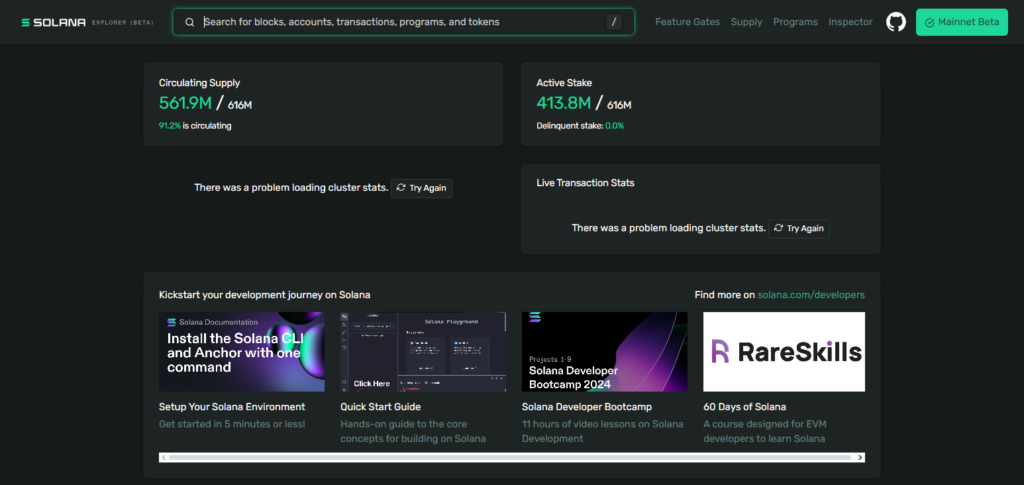
Although the analytics are more on the technical developer side, the information is dependable. NFT data is available, albeit somewhat elementary, and can mostly be seen via the various tokens and programs.
There is no mobile app. Users can access Solana’s RPC endpoints for API access, which is mostly geared toward developers and infrastructure providers.
Solana Explorer (Official) – Key Features
- Real-Time Blockchain Data: Direct access to live transactions, blocks, accounts, and programs from the Solana network.
- Validator & Network Insights: Detailed views of validators, staking status, and network performance metrics.
- Developer-Friendly Interface: Program logs, instruction decoding, and account state inspection for builders.
- Reliable & Accurate Data: Maintained by Solana Labs, ensuring high data integrity.
- RPC & API Support: Uses official Solana RPC endpoints for advanced integrations.
Solana Explorer (Official) Pros & Cons
| Pros | Cons |
|---|---|
| Official and highly accurate real-time Solana data | Interface is technical and not beginner-friendly |
| Detailed transaction, program, and validator views | Limited visual analytics and charts |
| Trusted infrastructure maintained by Solana Labs | Basic NFT insights compared to third-party tools |
2. SolanaFM
SolanaFM is a solana explorer that has one of the best structured databases and human-readable transactions. One can track transactions with real-time, better decoded and simplified complex Solana transactions.
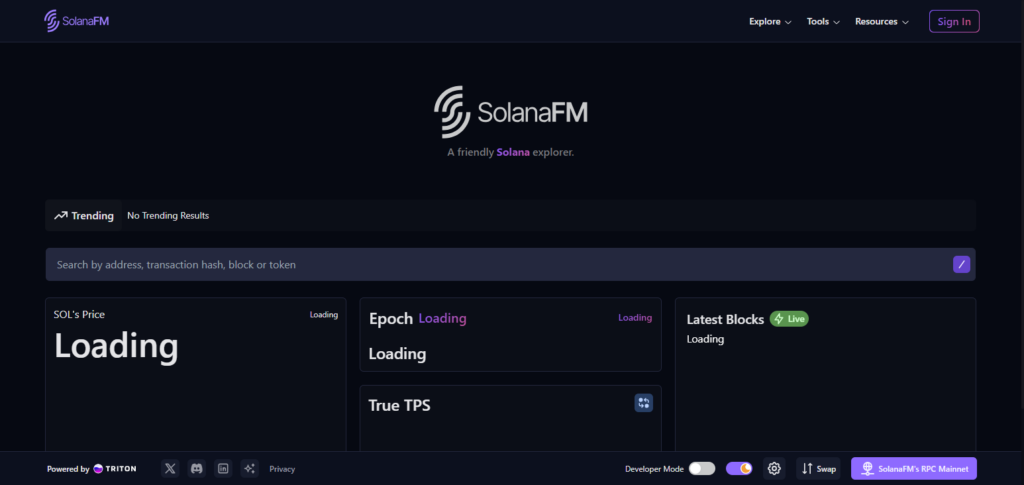
SolanaFM has analytics on wallets, programs, and validators down to NFTs, with clear metadata, mint and ownership histories.
The analytics are easily accessible and mobile optimized. One of the most used features is the API, giving developers and analytic platforms easy access to indexed data on the solana blockchain.
Key Features of SolanaFM
- Transactions Become More Readable: Transaction data that has been decoded and organized for better understanding.
- Analytics that are Advanced: Historical insights that have been located can be accessed for wallets, programs, and validators.
- Support for NFT Metadata: Mint history of NFTs, ownership, and collections can be tracked.
- User Interface that is Fast and Mobile Friendly: Designed for seamless usage on mobile and desktop.
- Access to API is Unrestricted: For each developed data index on Solana, APIs for analytic programs are available.
SolanaFM Pros & Cons
| Pros | Cons |
|---|---|
| Human-readable and decoded transaction details | Advanced tools may feel complex for new users |
| Strong wallet, program, and NFT analytics | Some features require a paid plan |
| Powerful API access for developers | Data-heavy UI on smaller screens |
3. Solana Beach
Solana Beach is an alternative to Solscan and has more features focused on network analytics and validators. It provides near real time network data on blocks, transactions, stakes and node distribution.
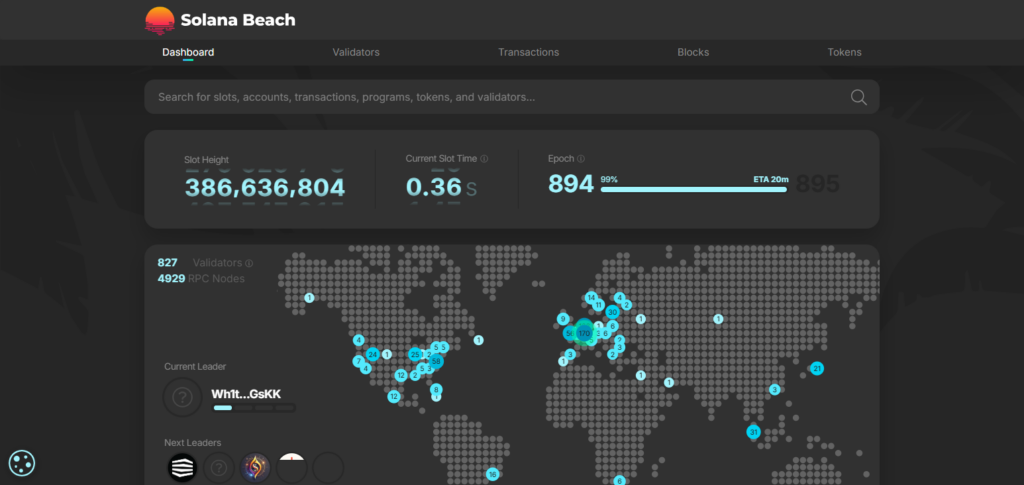
Although it has less NFT support, Solana Beach has plenty of historical performance data and analytics. It is better suited for desktop access and network analytics APIs are available, making it a better platform for validators, analysts, and infrastructure researchers.
Key Features of Solana Beach
- Analytics on the Network’s Entire Scope: Profound understanding of blocks, transactions per second, staking and the distribution of nodes within the network.
- Validator’s Performance Tracking: For uptime, vote credits, and the reward quantity.
- Historical Analytics Charts: Network and its performance metrics spanning a long duration.
- Minimal Focus on NFT: Mainly for infrastructure and technical analytics.
- Network Stats API: Access to performance data on validators and blockchains.
Solana Beach Pros & Cons
| Pros | Cons |
|---|---|
| Deep network and validator performance analytics | Very limited NFT and token insights |
| Excellent historical data and performance charts | More technical than user-friendly |
| Ideal for infrastructure and staking analysis | Less useful for traders and casual users |
4. Orb Explorer
Orb Explorer is a Solana explorer focused on speed. Solana users can get real-time transaction details without having to sift through dashboards. The explorer is designed for instant transaction confirmations, facilitating rapid lookups of wallets, and transfers of tokens.
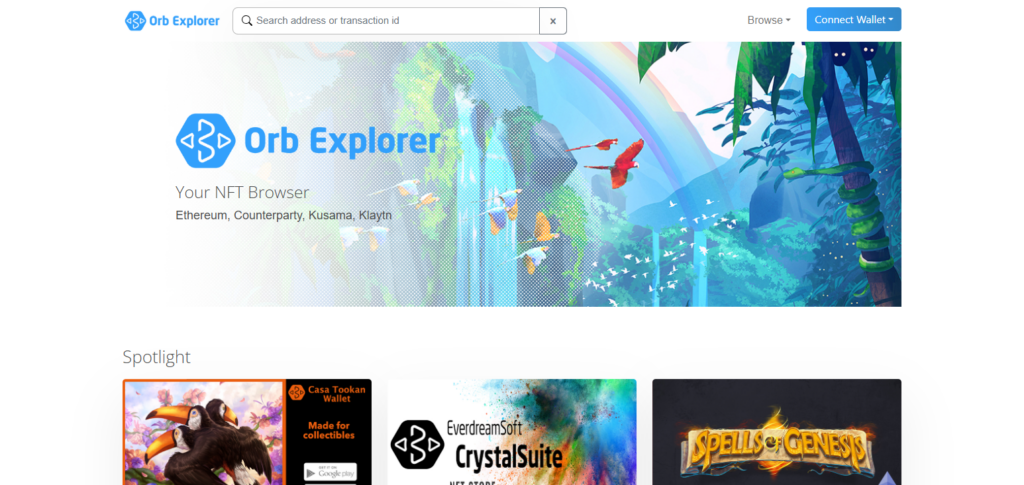
Analytics are focused on activity and transaction history. Users without deep- diving needs can appreciate asset NFTs on their wallets, albeit, quickly.
Orb Explorer is designed to provide navigation, on the go. For everyday blockchain productivity and tracking Solana assets, the explorer is limited but useful.
Orb Explorer – Key Features
- Light and Fast Explorer: Very brief loading times when looking up transactions and wallets.
- Confirmation Tracking in Real Time: Transactions can be seen in real-time.
- Basic Analytics Provided: Account and transaction history presented in a clean format.
- Details on NFT Holdership: Minting NFTs and holding NFTs in a straightforward manner.
- Optimized for Mobile: Usable on phones and tablets.
Orb Explorer Pros & Cons
| Pros | Cons |
|---|---|
| Lightweight, fast, and easy to use | Limited advanced analytics |
| Real-time transaction and wallet tracking | Basic NFT information only |
| Mobile-friendly minimalist design | Minimal API and developer support |
5. Step Finance
Aside from being a full block explorer, Step Finance offers a wide array of tools for users in the Solana ecosystem to manage their portfolios and perform analytics on their investments. They can track their wallets in real-time, analyze their DeFi positions, history, and yields from a single dashboard.
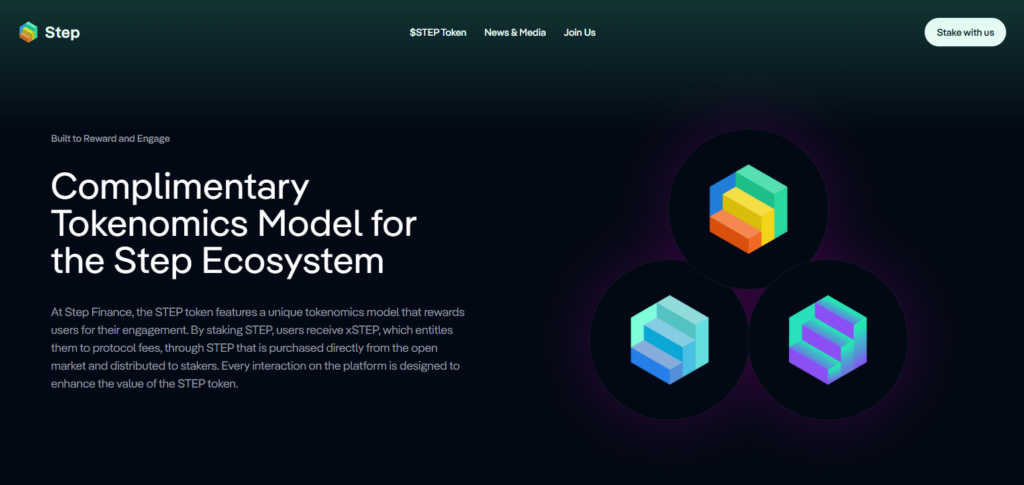
Users can appreciate the system’s strong support of NFTs and collections and access valuation and ownership data. The platform’s mobile interface is top class and offers wallet integration, enhancing user experience even more.
This platform is perfect for traders and investors in Solana ecosystem, and provides explorer tools, advanced analytics, and ecosystem data.
Step Finance – Key Features
- Complete Solana Dashboard: Explorer, portfolio, and DeFi analytics all in one.
- Live Tracking of Wallets: Balances, transactions, and DeFi positions are updated in real-time.
- NFT Analytics in Detail: Insights on collection of NFTs, valuation, and ownership.
- Metrics on DeFi and Yield: Performance data on farming, staking, and liquidity.
- Access to Ecosystem API: Analytics APIs for developers and platforms.
Step Finance Pros & Cons
| Pros | Cons |
|---|---|
| All-in-one Solana explorer and portfolio dashboard | Requires wallet connection for full features |
| Strong DeFi and NFT analytics | Can be overwhelming for beginners |
| Excellent mobile and wallet integration | Some advanced analytics are restricted |
6. Birdeye
Birdeye is a Solana analytical powerhouse driven by data. It is frequently utilized for tracking token prices and offers valuable insights into the DeFi sphere. Birdeye features live tracking of Solana tokens, real time transactions, liquidity and volume analytics, transactions over time, and historical data.
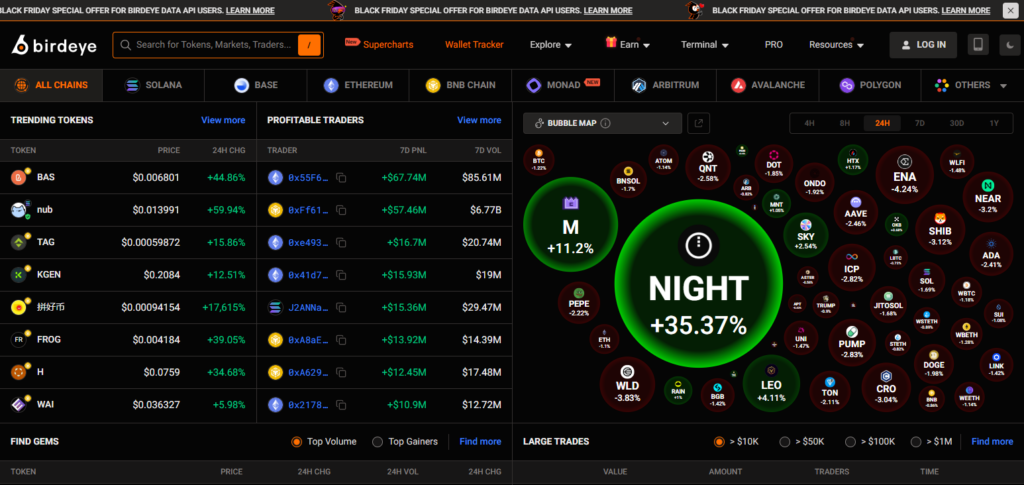
It gives real time monitoring to Solana’s market. It also offers tracking of certain NFTs and their marketplace transactions. Birdeye’s mobile interface is optimized for ease of use, and rapid dashboards are provided for more active traders.
Additionally, Birdeye’s real-time liquidity and price data are a valuable resource for developers and trading bots, making it the preferred alternative to Solscan for many market users.
Birdeye – Key Features
- Real-Time Token Prices: Offers live tracking on price, liquidity, and volume.
- Advanced Market Analytics: Analytics indicators, historical data, and charts.
- DeFi & DEX Insights: Monitoring of trading pairs and analytics for pools.
- NFT Market Activity: Market trends and analytics on activity for price discovery.
Birdeye Pros & Cons
| Pros | Cons |
|---|---|
| Real-time token prices and liquidity data | Less focus on raw blockchain transactions |
| Advanced charts and market analytics | Not suitable for validator analysis |
| Strong API support for traders and bots | Premium features may require payment |
7. Solana Compass
Solana Compass is a leader in tracking validator analytics and monitoring network performance. It provides real-time tracking of staking, validator uptime, rewards, and decentralization. Although the analytics are excellent, the focus is almost solely on the infrastructure, leaving little room for NFTs.
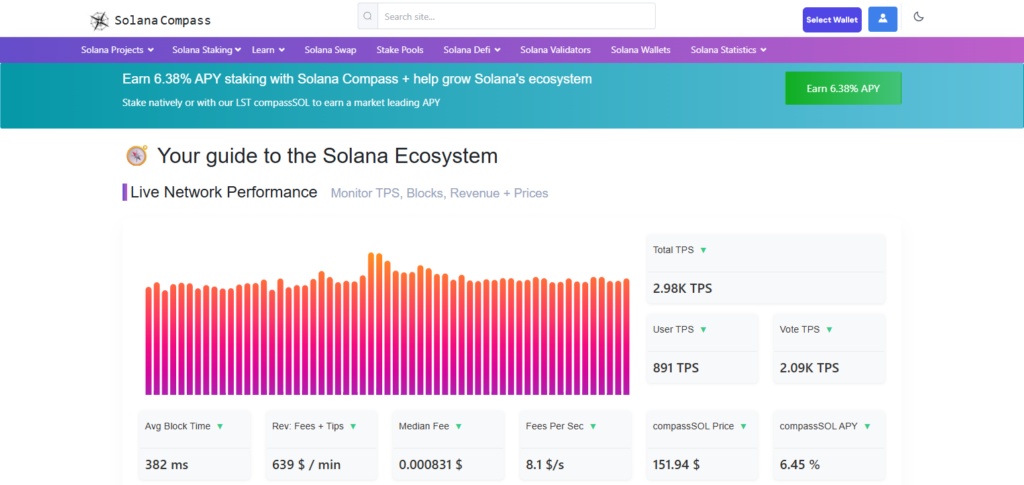
The mobile interface is highly responsive, but the advanced charts are best viewed on a desktop. API access is also provided, but only for validator and staking data.
This makes Solana Compass a useful resource for validators and delegators, but also for any user wanting to understand the health of Solana’s consensus, regardless of interest in NFTs or trading.
Solana Compass Key Features
- Validator \& Staking Analytics: in-depth analysis of validators in the system, performance along with rewards.
- Network Heath Monitoring: Decentralization, stake distribution and uptime metrics.
- Staking Analytics: Updates in real-time for both delegators and validators.
- Coverage of NFTs: more focus on infraurture than on assets.
- Variable Data: advanced users with validators and staking data.
Solana Compass Pros & Cons
| Pros | Cons |
|---|---|
| Excellent validator and staking analytics | Minimal NFT and token tracking |
| Real-time network health monitoring | Not designed for traders or casual users |
| Useful for delegators and validators | Interface is functional but less intuitive |
8. Solflare Explorer
Solflare Explorer is part of the Solflare wallet ecosystem and provides instantaneous tracking of users’ transactions, wallet balances, and staking activities in real-time. Users can view NFT collections in the explorer, and their accounts’ history, token data, and validator delegation sequences are analyzed in detail.
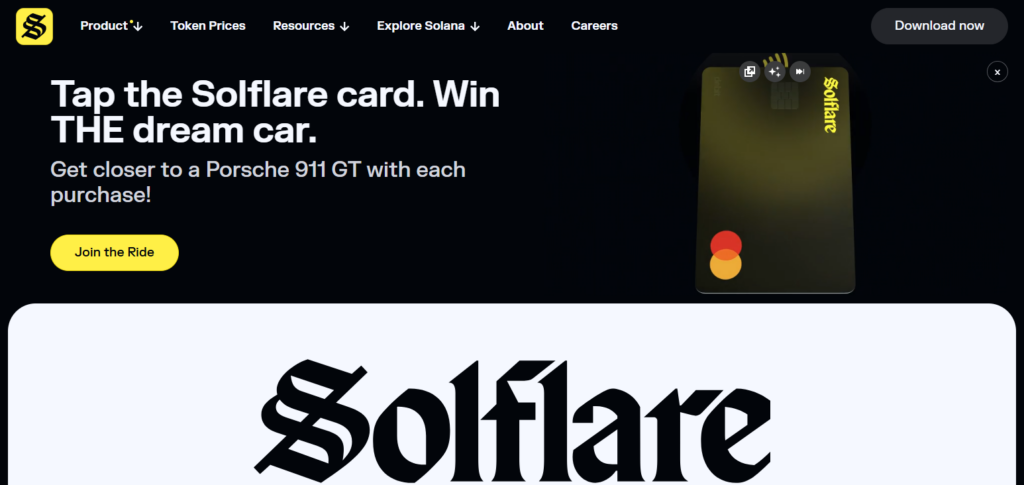
Solflare offers many mobile-friendly features and has a dedicated mobile app to enhance usability.
Users can access its APIs, but the integration is more suited to non-developers, which is why it stands out as a Solscan alternative to the more active Solana users and users for whom Solana is a long-term investment.—
Solflare Explorer Key Features.
- Integrated Wallet Explorer: Track easily with Solflare wallet.
- Analytics In Real-Time: Account balances, transactions, and staking.
- Excellent Support For NFTs: galleries of NFT, collection details, and ownership history.
- Mobile Support: apps available on IOS and android.
- Friendly Interface: best collab for beginners and long-term holders.
Solflare Explorer Pros & Cons
| Pros | Cons |
|---|---|
| Seamless integration with Solflare wallet | Limited advanced blockchain analytics |
| Strong NFT gallery and staking features | API access is restricted |
| Excellent mobile and app experience | Best suited mainly for Solflare users |
9. Solana Tracker
Solana Tracker specializes in real-time analytics of token movement, wallet activity, and market data throughout the Solana ecosystem. Users receive notifications for new transactions in wallets they monitor, and they can specify for what wallets they wish to receive alerts.
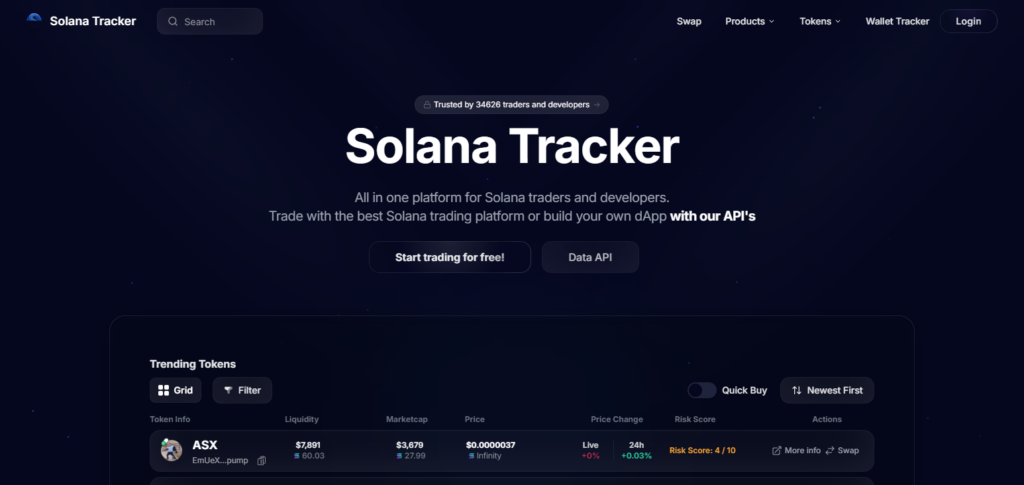
The application is responsive on all mobile devices and can track interaction within NFT marketplaces, as well as monitor activity of other tokens NFTs within a wallet. Solana Tracker supports the export of the NFT activity data to spreadsheets for a wider variety of analytics.
Solana Tracker runs analytics on historical, real-time and streaming data, and for certain datasets, real-time data streaming is available through an API. You can integrate Solana Tracker data into your customized dashboards and trading applications.
Solana Tracker – Key Features
- Monitoring of Tokens and Wallets in Real Time: Observes the movement of tokens and the activities in a wallet in real time.
- Price Trends and Alerts: Charts and notifications regarding market patterns, price alerts, and actions.
- Analytics for Die-Hard Traders: Tailored for dedicated Solana traders and analysts.
- NFT-Related Market Activity: Keeps track of the currency associated with NFTs and the tokens related to them.
- API with More Selectivity: Allows for the consolidation of data for personalized dashboards and applications.
Solana Tracker Pros & Cons
| Pros | Cons |
|---|---|
| Real-time wallet and token activity tracking | Less suitable for deep blockchain inspection |
| Trader-focused charts and alerts | NFT insights are market-focused only |
| Mobile-friendly and easy to use | Some features require a subscription |
Tips for Using Solana Explorers Effectively
Knowing How to Filter Your Searches is Important Filters specific to time, token, program, or wallet address are necessary to find the pertinent transactions without sifting through irrelevant information in highly active searches on the Solana blockchain.
Only Assess the Correct Wallet and Token Addresses Scams, fraudulent tokens, and incorrect data may be an issue with transactions or projects on Solana so wallet, token mint, and program ID addresses should be verified without a doubt.
You Should Follow the Network Activity to See if Your Transactions have been Confirmed When moving assets over to another wallet or platform, be sure to check the network activity and follow the confirmation status and slot numbers to see if transactions have been completed.
Review Metadata on NFTs and Tokens Prior to any trade, investment, or staking in assets in Solana, check the metadata on NFTs and the tokens and evaluate if the project is legit or a scam.
Review the Built Analytical Tools Identify any patterns, irregular activity, and market movement by reviewing the historical charts, metrics, and statements on Solana provided by the built analytic tools.
Custom Built Mobile-Friendly Explorers Should be Used Tracks transactions, NFTs, and wallet activities on the go without sacrificing speed, clarity, or real-time data accuracy. Custom-built explorers should be used.
Automate Data Collection with Explorer APIs Developers and analysts can use explorer APIs to collect data, build dashboards, and automate monitoring of blockchain activity to avoid manual checks on individual transactions or addresses.
Rapid Access to Saved Wallets and Programs Bookmark wallet addresses and token mints to swiftly obtain data and watch activity on multiple programs within the Solana ecosystem.
Utilize Multiple Explorers To ensure accuracy and avoid potential delays, confirm key transactions or balances on several Solana explorers instead of relying on just one.
With Great Regularity, Seek Out New Explorer Functionality, Analytics, and Updates To enhance the Solana ecosystem monitoring and to capture and understand the full potential of the Solana ecosystem, make efficient use of Solana Explorers.
Conclusion
As blockchain technology matures, along with applications and services, a growing number of Chainbeat users have more detailed, customized requests, with a need for a wider net of on-chain coverage and advanced analytical features.
First-tier alternatives have real-time analytics and monitoring, wallet profiling, on-chain metrics tracking, and more, and include Nansen, Glassnode, Dune, Terminal, Santiment, CryptoQuant, Arkham, and others.
However, all have their specialties awhich are advanced smart money tracking, deep analytical and historical data, flexible querying and more, and so depending on personalized needs, all can be more than valid replacements.
What Chainbeat alternative one decides to go with is ultimately a function of self-defined monitoring purpose, desired data granularity, and applicable level of analytical skills.
FAQ
What is Chainbeat used for?
Chainbeat is used for monitoring blockchain activity, tracking on-chain events, and analyzing transaction behavior across networks to support trading, research, and risk assessment.
Why should users look for Chainbeat alternatives?
Users seek alternatives for deeper analytics, broader blockchain coverage, advanced dashboards, better alert systems, and more detailed wallet and token intelligence.
Which are the best Chainbeat alternatives for blockchain monitoring?
Top Chainbeat alternatives include Nansen, Glassnode, Dune Analytics, Token Terminal, Santiment, CryptoQuant, and Arkham, each offering unique on-chain monitoring capabilities.
Which Chainbeat alternative is best for real-time monitoring?
Arkham and Nansen are excellent for real-time monitoring, offering live transaction tracking, wallet labeling, and alert-based intelligence across multiple blockchains.
What is the best alternative for on-chain analytics and metrics?
Glassnode and CryptoQuant are ideal for in-depth on-chain metrics, historical data analysis, and market behavior insights for traders and analysts.