
The rise of AI is changing how software gets built, from manual code-writing to simple idea-driven prompts. Top 10 AI Coding Assistants That Build Entire Apps from Natural Language guide by Pierre C the focus is on tools including GitHub Copilot, ChatGPT and Claude which convert text descriptions into fully functional applications allowing software development to be faster, smarter and more accessible.
What Are AI Coding Assistants?
AI coding tools are smart software that uses AI to assist developers in writing, generating, and improving code. Using tools such as GitHub Copilot or ChatGPT with a natural language command, you can even convert your previous specification into an entire application that is fully code functional.
They offers real-time suggestions, automates repetitive activities, and is efficient in debugging and optimization. These assistants can handle several programming languages and frameworks, allowing the development process to be accelerated.
AI coding assistants enable beginners and even professionals to develop software more efficiently by minimizing the manual labor involved, abstracting away difficult processes.

Key Point
| AI Coding Assistant | Key Capability |
|---|---|
| GitHub Copilot | Generates full functions, APIs, and app logic |
| ChatGPT | Builds apps, UI, backend logic from prompts |
| Replit Ghostwriter | Real-time app generation inside IDE |
| Cursor | Edits entire codebases via instructions |
| Bolt.new | Generates full-stack apps instantly |
| Lovable | Converts prompts into working web apps |
| Vercel v0 | Builds production-ready UI from text |
| Amazon CodeWhisperer | Generates secure, cloud-ready code |
| Tabnine | Predictive coding with customization |
| Claude | Writes structured apps with logic clarity |
1. GitHub Copilot
GitHub Copilot, an advanced AI coding assistant powered by OpenAI models, is one of the most used lately. It plugs right into IDEs such as Visual Studio Code, enables developers to write entire functions or APIs using simple prompts in plain English, and even generates the full scaffolding of an application.
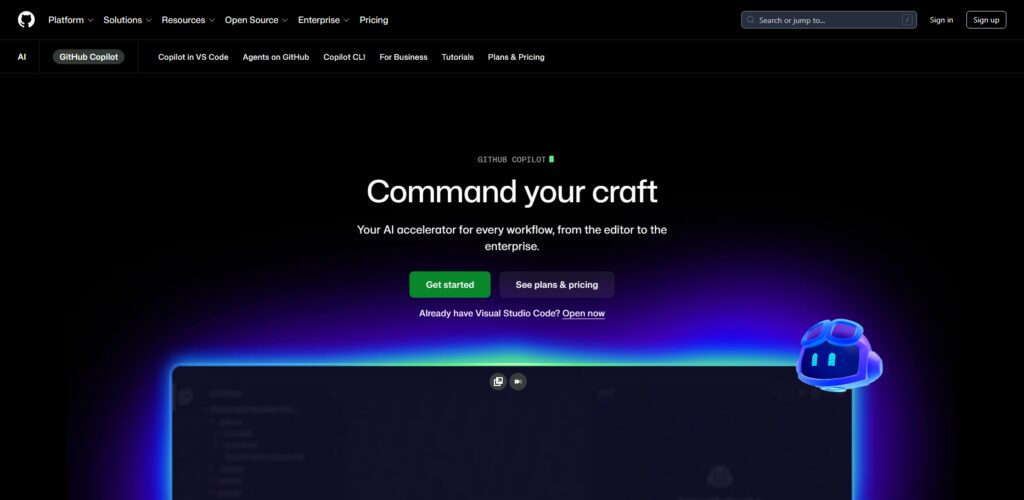
It excels in context-aware code suggestions, the ability to understand existing codebases, and exponentially speeding up development workflows.
Copilot is capable of handling languages like Python and Javascript, C++ etc,. It saves development time, increases productivity, allows beginners to learn coding patterns while giving full-stack developers a fast path to prototyping weighty applications.
What Makes It Different
- Full integration to IDE with real-time suggestions
- Context-aware coding across entire files
- Supports multiple languages seamlessly
- Trained on existing codebase to learn coding patterns
Best For
- Professional developers
- Full-stack engineers
- Open-source contributors
- Developers working in VS Code
Strength vs Limitation
- Fast code generation with some possible need for review
- High productivity but occasional inaccuracies
- Good for boilerplate but poor logic comprehension
- IDE support is strong, but you need to pay for the subscription.
2. ChatGPT
ChatGPT is an AI assistant that can construct whole apps and write native programs based solely on natural language descriptions. ChatGPT reads system prompt data after developers describe things like create a login system or build a React app with API integration then generates structured code, architecture advice and debug help.
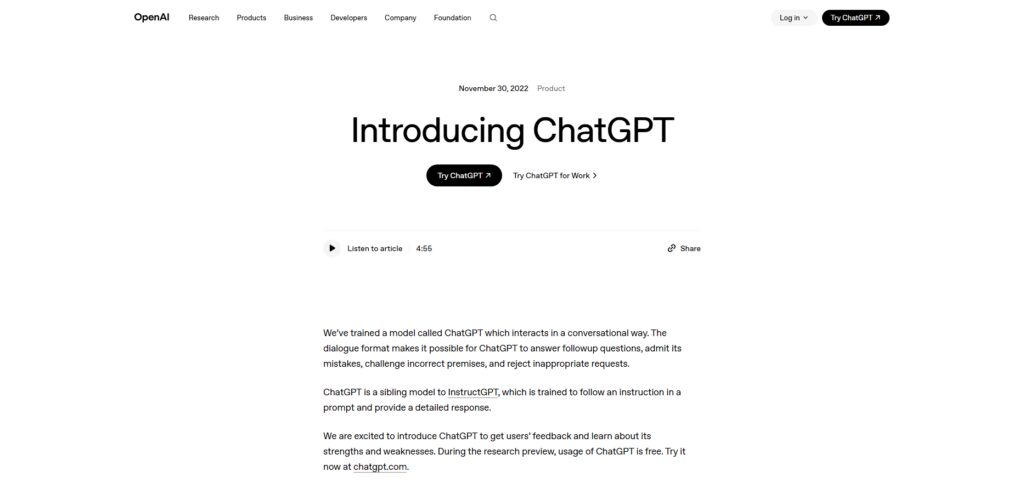
It is very flexible in that it supports multiple programming languages and frameworks. It comes with a conversational interface that lets users work through iterative refinement so you can improve and scale applications incrementally.
ChatGPT makes an all-rounder AI-powered development companion because you can use it for rapid prototyping, learning a new technology, and automating muffin-coding tasks.
What Makes It Different
- Conversational app development approach
- Multi-language and framework support
- Step-by-step code explanation
- Iterative refinement through prompts
Best For
- Beginners learning coding
- Rapid prototyping
- Debugging and optimization
- Cross-technology development
Strength vs Limitation
- Highly flexible but not IDE-native
- Fast for large apps but slow on reasoning
- Nice explanations, but prompt clarity required
- Flexible however it may require manual integration
3. Replit Ghostwriter
Replit Ghostwriter offers natural language prompts for in-browser development and entire app creation. Users can use it to describe an app and on the fly get code generated inside the Replit environment for instant testing and deployment.

Ideal for a beginner or Teams, since Ghostwriter is all about collaborative coding. It is designed to help debug, explain a piece of code, or auto-complete it.
By integrating into Replit’s cloud IDE, it removes the need for any setups, letting developers concentrate on writing apps as quickly as possible. Specifically, it is best suited for building web apps, APIs and small projects quickly with little to no configuration needed.
What Makes It Different
- Cloud-based coding with zero setup
- Real-time collaboration features
- Instant app deployment support
- Built-in debugging and explanation
Best For
- Beginners and students
- Remote teams
- Quick project builders
- Hackathon participants
Strength vs Limitation
- Easy setup but limited customization
- Fast deployment but smaller ecosystem
- Collaborative but browser-dependent
- Beginner-friendly but less advanced features
4. Cursor
Cursor is a natural language-turned-into-real-apps dev environment with AI. Cursor, on the other hand, gets much deeper with AI integration into the coding process that enables developers to write or edit or refactor entire projects only using instructions.
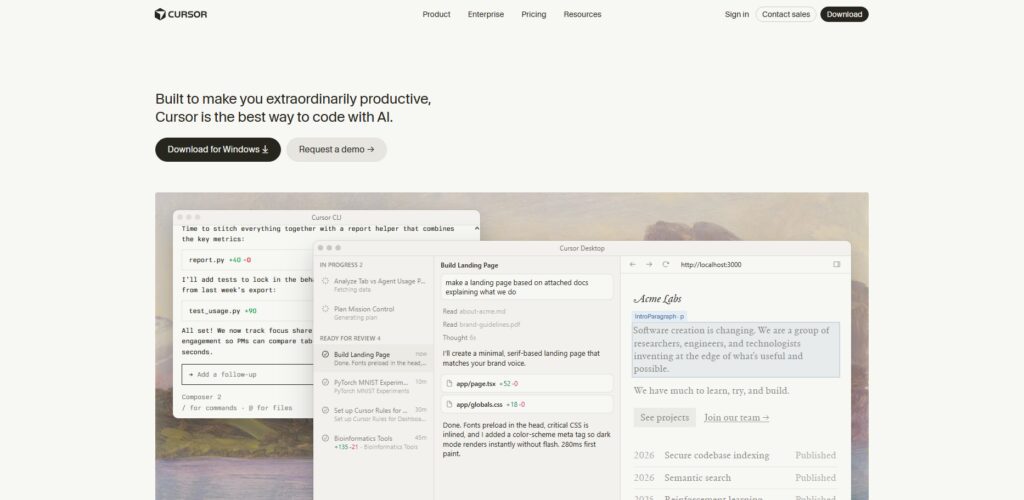
Large-scale modifications and intelligent suggestions because it understands full codebases. Therefore, Cursor is good at generating production-ready code with some level of structure, and ensuring standardization across files.
It is also framework agnostic and serves to automate repetitive tasks. That context analysis and very capable multi-file update capability makes it the tool to build reliably quickly large applications.
What Makes It Different
- AI embedded directly into editor
- Full codebase understanding
- Multi-file editing with prompts
- Advanced refactoring capabilities
Best For
- Advanced developers
- Large project teams
- AI-first coding workflows
- Productivity-focused engineers
Strength vs Limitation
- Powerful automation but learning curve
- Deep context but resource intensive
- Fast refactoring but needs verification
- Innovative but still evolving
5. Bolt.new
Bolt. new targets full-stack applications from natural language input via rapid application development. A user can explain an idea and Bolt. new creates front, back, and production-ready code in no time. Its focus on speed and simplicity makes it the perfect fit for a startup or rapid prototyping.
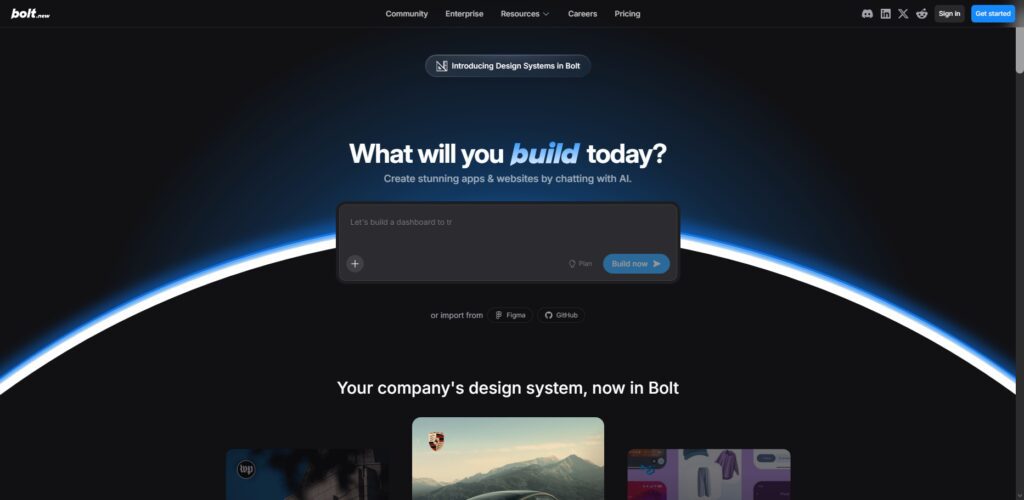
Modern framework support with built-in hosting makes it easy to deploy apps fast on the platform. It uses its AI Based Workflow to minimizing manual coding and technical setup. Bolt. new is especially powerful for non-developers and entrepreneurs looking to transition an idea into a working app quickly, without extensive programming experience.
What Makes It Different
- Instant full-stack app generation
- Minimal coding requirement
- Built-in deployment capability
- Startup-focused development speed
Best For
- Entrepreneurs
- Non-developers
- MVP creators
- Rapid app builders
Strength vs Limitation
- Extremely fast but less customizable
- Beginner-friendly but limited control
- Full-stack output but generic structure
- Easy launch but scalability concerns
6. Lovable
Lovable aims to make software development accessible by translating ideas in natural language into complete applications. With AI-driven automation, it makes UI creation easier, backend logic and database integration Lovable, on the other hand, has a great interface and focuses on design-driven development to quickly build beautiful applications.
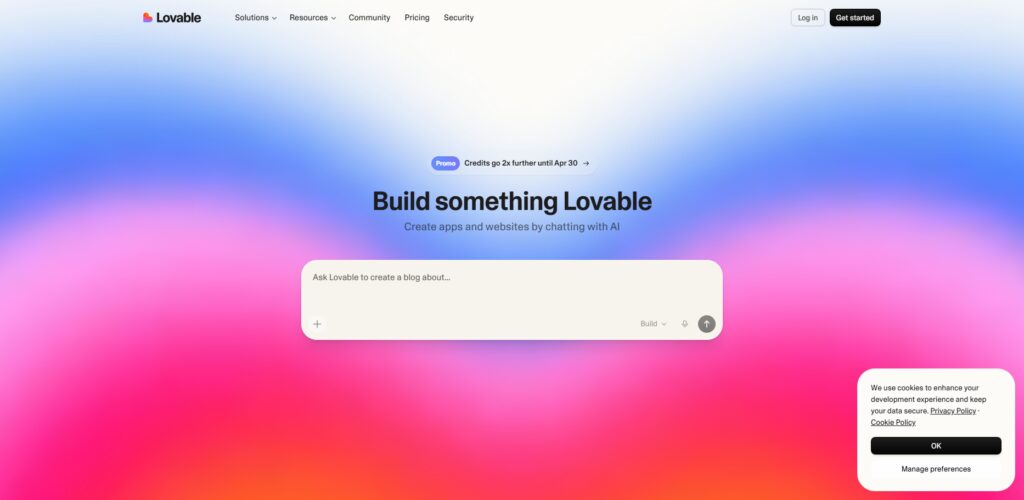
That means you can iterate very quickly, preview in real-time which is great for the product builders and designers. Lovable cuts out a lot of the complexity involved in writing these apps, which allows the development cycles to be fast, and helps empower users to write fairly scalable applications without too much technical know-how.
What Makes It Different
- Design-first app development
- Simplified UI and backend creation
- Real-time visual previews
- Focus on user experience
Best For
- Designers
- Product builders
- No-code users
- Small teams
Strength vs Limitation
- Optimize for visual (but little deep coding)
- Easy to use but less flexible
- Quickly building UI mind you with limitations on the back-end
- Beginner-friendly but not enterprise-ready
7. Vercel v0
Vercel v0 is dedicated to completing frontend components and entire UI layouts from natural language inputs. It is optimized for modern frameworks (for example, it works well with React and allows serverless deployment with Vercel).
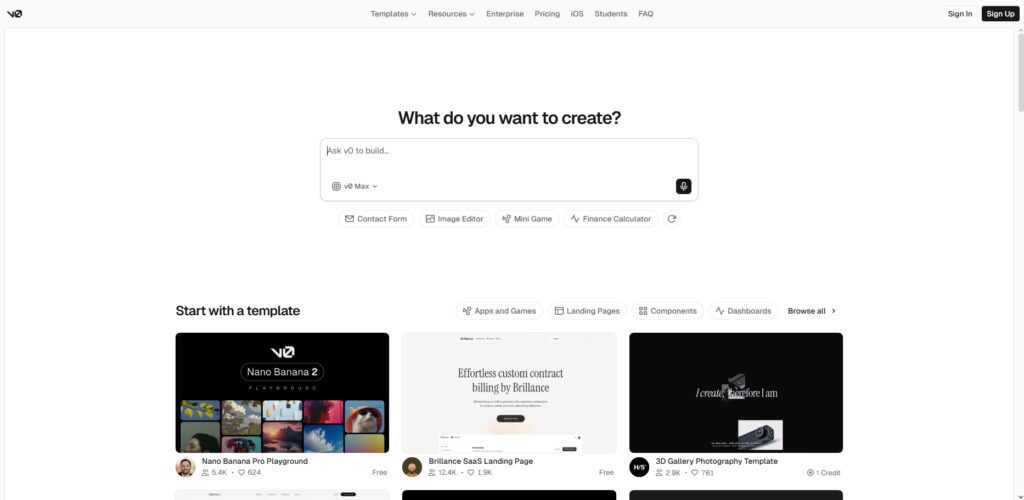
You can use it to describe interfaces, and v0 will spit out production-ready code with responsive design. Very quickly, it becomes very useful for prototyping quick UI but also reliability specific aspects of design systems.
Although it has a primary focus on frontend development, it is much meaningfully faster to build apps, linking with backend tools. Vercel v0 is particularly good at developers who need to create the best-looking UI in record time and deploy it with ease.
What Makes It Different
- UI generation from prompts
- Optimized for React ecosystem
- Clean and production-ready code
- Seamless Vercel deployment
Best For
- Frontend developers
- UI/UX designers
- React developers
- Rapid interface prototyping
Strength vs Limitation
- Excellent UI but limited backend
- Fast design but needs integration
- Clean code but framework-specific
- Deployment-ready but frontend-focused
8. Amazon CodeWhisperer
Amazon CodeWhisperer is a code generator that uses machine learning to generate code from natural language in cloud-centric environments. Because it is integrated with AWS services, it becomes very powerful to build scalable cloud applications.
In addition to providing real-time suggestions, CodeWhisperer also includes security recommendations and best practices based on AWS architecture. Automating Backends It supports multi-lingual data and helps automate backend code, API and infrastructure code.
Its emphasis on security and compliance is more suited for enterprise applications. It enables developers to quickly iterate while still delivering optimized and secure solutions in the Cloud.
What Makes It Different
- Deep AWS integration
- Security-focused suggestions
- Cloud-native development support
- Enterprise-level compliance features
Best For
- Cloud developers
- AWS users
- Enterprise teams
- Backend engineers
Strength vs Limitation
- Secure coding but AWS-dependent
- More backend support than front end
- Enterprise-ready but complex setup
- Reliable but limited outside AWS
9. Tabnine
Tabnine Tabnine is an AI-powered coding assistant concentrating on smart code completion and automation. It generates the most suitable suggestions from natural language and context using machine learning models trained on high-quality code.
Tabnine is a pretty versatile tool which can also support many IDEs and programming languages. Focus on privacy by providing local Ai models to code so securely.
By itself, it is not a complete app generator, but rather it speeds up development by helping to build (often content heavy) application parts quickly. Tabnine is extremely advantageous for teams who value security, speed, and consistent coding practices.
What Makes It Different
- Privacy-focused AI models
- Local deployment option
- Lightweight code completion
- IDE flexibility
Best For
- Security-focused teams
- Enterprise developers
- Offline environments
- Multi-IDE users
Strength vs Limitation
- Secure but less powerful generation
- Fast suggestions but limited context
- Not full app builder but light weight
- Reliable but fewer advanced features
10. Claude
Claude by Anthropic is a powerful AI model that can naturally generate entire applications through strong reasoning and long-context understanding. Its good for complex codebases, writing structured programs and providing verbose explanations.
Claude works great on challenging application development such as backend systems, APIs & multi-step workflows. Since it can process long prompts, developers can place the entire requirements of projects in front of it.
This makes Claude a best fit in building safe and accurate applications that scale well, as well as help with debugging, optimization, and documentation tasks while operating under safety protocols.
What Makes It Different
- Long context processing
- Strong reasoning ability
- Large codebase handling
- Safety-focused AI design
Best For
- Complex app development
- Backend systems
- Documentation generation
- Advanced developers
Strength vs Limitation
- Deep understanding but slower output
- Use Heavy prompts that require Large context
- Well logic supported but less IDE integration
- Reliable but limited direct deployment
How AI Builds Entire Apps from Natural Language?
When using AI, you deliver a natural language prompt that describes the application in terms of features (what it should do), design (look out) and functionality (how it works)—and advanced models for natural language processing convert human instructions directly into structured programming logic.
It understands prompt intent, context, and needs, determines user interface, backend logic, database requirements and APIs needed to create a full application blueprint automatically.
AI creates the frontend code from layouts, buttons and forms to responsive design, with frameworks such as React or in pure HTML/CSS to identify that the user interface matches the app structure and user experience described.
It will enable back-end systems by setting the server-side logic, authentication, APIs, and database connections so that full functionality can be used in the app like user management (creating users), data storage with integrations to DB, and some real-time processing also.
AI incorporates both 3rd party services and APIs such as those from payment gateways, authentication system, or cloud storage so that the application can run some complex operations without any need to manually code the external configuration.
The system builds and improves upon code it generates itself by identifying bugs, improving performance, and restructuring to make the application working better. This way your application is more functional, can move efficiently from one state of being to where you want it to be with less human effort required to produce production-ready code.
Finally, AI serves as a system for output that are ready for deployment or easily integrates with hosting platforms where users can quickly launch applications, often paired with advice on scaling, applying updates and feeding their application once development is complete.
Key Features That Matter in AI App Builders
Full-Stack App Generation
The key feature is creating frontend and backend with single prompt Tools like ChatGPT and Bolt. new fully functional applications, without hand coding, and potentially saving a lot of development time.
Natural Language Understanding (NLU)
Interpreting user prompts accurately is the key for an AI builder to be strong. More sophisticated systems (e.g. Claude) are better at more complicated directives, limiting chances that the final application has a different logic, functionality and structure than you intended.
Multi-Language & Framework Support
There must be flexibility across programming language and frameworks. GitHub Copilot- It supports Python, JavaScript, and other languages allowing developers to not only build apps but also in their preferred tech stack.
Real-Time Code Generation & Editing
Best AI tools offer real-time code suggestions and live edit. Cursor lets developers harness the power of prompts to edit entire codebases, allowing them to do so at lightning speed and with significantly less effort writing code manually.
UI/UX Generation Capability
Generate clean, responsive interfaces for modern AI builders. Vercel v0 is a collection of components made for production, allowing devs to set up aesthetically pleasing applications quickly.
API & Third-Party Integration
AI tools even need to support the functionality of integration with numerous external services such as payment gateways, authentication, cloud APIs etc. Amazon CodeWhisperer has ample strength when getting into the nuts and bolts of cloud service integrations into an application.
Debugging & Code Optimization
AI builders can’t only write code but can also read code to do bug fixes and improvements. Replit Ghostwriter and other tools in this direction, help catch errors, optimize performance or explanations of what the code does.
Collaboration & Cloud Development
Using cloud-based development environments makes collaboration and access easier. Replit Ghostwriter is perfect for distributed teams and provides real-time collaboration so multiple users can work together.
Privacy & Security Controls
There is obviously mission critical especially for enterprise Ð Security Deemed “the local AI models,” Tabnine, a company that focuses on privacy in development offers options to give assure that sensitive code remains secure and compliant with data protection regulations.
Deployment & Scalability Support
A strong ai builder should aid in deploying applications effortlessly. Hosting platforms integrate tools enabling users to quickly launch apps and scale them on-demand, be it user requests or auto-scaling, reducing the DevOps setup as well manual effort.
Future of AI in Software Development
AI will pave the way for total no code app development, where anything from tools like ChatGPT and Claude can write, test, deploy entire applications without any coding human involvement.
Natural Language programming will be your true code, as more non-developers and laypeople can build apps with simple prompts that are superseding traditional coding, expanding access to software development exponentially across industries and user groups around the globe.
Cursor is another AI powered IDE that is expected to become a standard, enabling real-time collaboration among developers at all levels and correlating between the development operations for specific tasks including intelligent debugging of code or full management of a complex codebase, changing how developers interact with software projects day today.
AI good integration with DevOps Will automate this testing, deployment and monitoring process which Will minimize errors due to human error while improving the speed by releasing any application at a faster rate with more reliability, scalability and performance of applications running in production environments.
Hybrid no-code and AI platforms like Bolt. new will be king and empower startups and companies to build scalable applications quickly without extensive technical knowledge or large teams of developers.
Enhanced Code Quality → AI will analyze customer applications and then optimize & secure them continuously, with developer tools like GitHub Copilot providing smart, context-heavy suggestions across entire development lifecycles.
They will work under the supervision of humans and developers towards architecture design, where humans give AI systems rules to follow and provide them with requirements on every piece of software that has to come out; rather than writing every line here by hand. If at all.
Conclusion
With AI code assistants, software development is quickly shifting from code into prompts. While developer productivity data across tools such as GitHub Copilot, ChatGPT and Claude indicates much higher levels of completion rates for tasks in less time and lesser repetition respectively.
Such platforms allow for end-to-end app generation, automate code quality, and empower non-programmers. Yet constraints like reliance on prompt accuracy, need for human review and security concerns still exist.
Overall, AI code assistants are really an augmentation to existing developers, not a replacement; they are powering a future of hybrid development. Where human mind gives it the control and way; AI just offers efficiency which helps them in building scalable and high-quality applications.
FAQ
Can AI coding assistants really build full applications?
Yes, modern tools like ChatGPT and Claude can generate full-stack applications, including frontend, backend, and APIs, though human review is still required for production readiness.
How much time can AI coding assistants save?
Studies and developer feedback suggest tools like GitHub Copilot can reduce coding time by up to 50–70% for repetitive tasks and boilerplate code generation.
Are AI-generated apps production-ready?
Not always. While tools like Cursor generate high-quality code, manual testing, debugging, and optimization are still necessary before deploying applications in real-world environments.
Which AI coding assistant is best for beginners?
Beginner-friendly tools include Replit Ghostwriter and ChatGPT, as they provide explanations, guided coding, and simple interfaces for learning.
Do AI coding assistants replace developers?
No. They enhance productivity rather than replace developers. Tools like Tabnine assist with coding tasks, but human expertise is still required for logic, architecture, and decision-making.