This article outlines some popular BitInvoicer Alternatives in 2026. Regardless of whether you are a small business, freelancer, or scaling company, deciding on which invoicing and billing software to use can help save time, increase efficiency, and enhance cash flow.
These alternatives are powerful enough to replace BitInvoicer, or improve features in BitInvoicer. Ranging from no-cost options to comprehensive accounting software, these alternatives are great.
Criteria for Choosing the Best BitInvoicer Alternatives
Ease of Use – The invoicing tool has an intuitive interface that is quick to set up and easy to use, even for newbies.
Invoicing Features – Features to look for are customizable invoice templates, recurring billing, automatic reminder, client portals, multi-currency support, and automated reminders.

Payment Options – Multiple payment gateways support and quick collection of online payments.
Value and Pricing – Clear pricing plans that are budget friendly to the consumer, inclusive of a free tier, that also has low transparency and low fragmented fees.
Automation and Workflows – Automated reminders, workflow triggers, smart scheduling and recurring invoices to reduce manual work.
Reporting and Analytics – Dashboards that include tax, unpaid invoices, revenue, and cash flow.
Integration Capabilities – Ability to seamlessly connect to accounting, CRM, project management, payroll, and banking tools.
Scalability – The ability to scale with your business from a freelancer to a small company to larger teams.
Security and Compliance – Compliance with global national tax/GST/VAT systems. Secure payment handling with data encryption.
Customer Support: Support options available via email, chat, phone, as well as documentation, tutorials, and training materials.
Mobile Accessibility: A responsive mobile application or mobile-friendly interface to keep invoicing tasks managed on-the-go.
Key Point & Best BitInvoicer Alternatives List
| Software | Key Features / Strengths |
|---|---|
| FreshBooks | Simple professional invoices, customizable templates, automated payment reminders, time & expense tracking tailored for service businesses and freelancers. |
| Zoho Invoice | Budget-friendly invoicing with customizable templates, recurring invoices, automated reminders, client portals, and strong integration with Zoho ecosystem. |
| QuickBooks Online | Full accounting + invoicing solution: expense & tax tracking, automated billing, financial reports, bank sync, scalable for small to mid-size businesses. |
| Wave | Fully free core invoicing & accounting features: unlimited invoices, bank reconciliation, receipts & reporting — cost-effective for very small businesses. |
| Xero | Cloud accounting with multi-currency, bank reconciliation, expense tracking, and global business tools — strong integrations and real-time dashboards. |
| Invoice Ninja | Free and paid plans with invoicing, quotes, online payments, client portals, project/time tracking, expenses, vendor management, and automation integrations. |
| Invoice2go | Mobile-friendly invoicing with simple estimates, online payments, automated overdue reminders, business reports, and device sync (web/iOS/Android). |
| Invoicera | Online invoicing & billing that supports subscriptions/recurring invoices, multiple payment gateways, client uploads, and scalability from freelancers to larger teams. |
| Hiveage | Unlimited invoicing, estimates, recurring billing, payment gateway support, time/expense tracking, reports, and mobile access — easy to use for SMBs. |
| HoneyBook CRM | All-in-one client management & invoicing — combines CRM, contracts, scheduling, payments, automated workflows, and invoices in a single platform for service pros. |
1 FreshBooks
In 2023, FreshBooks is recognized as one of the biggest players in the accounting software industry and started all the was back in 2004. FreshBooks offers users the ability to create professional invoices, track time, manage expenses, and do project billing all from one intuitive and integrated dashboard.
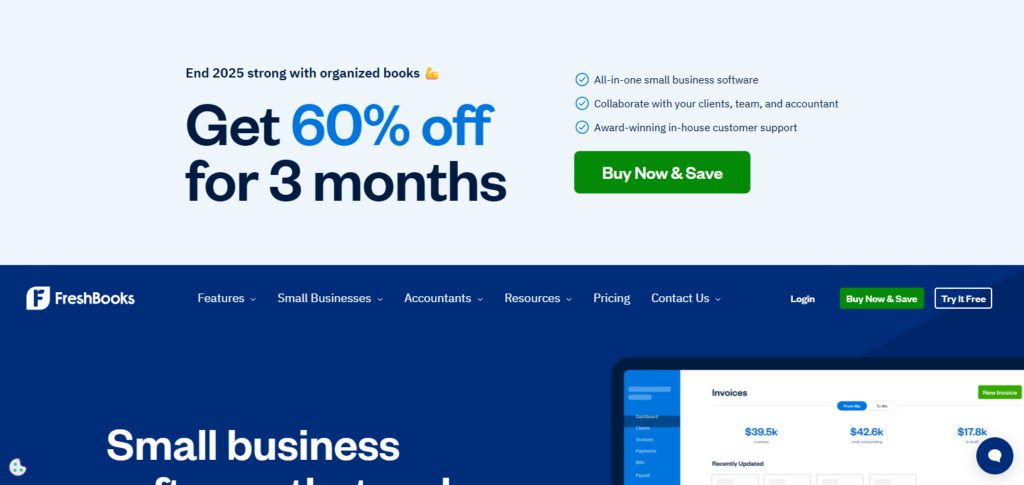
In 2026 and in the last few years, FreshBooks cost around $17-19/month and provides customizable email reminders, templates, payment processing, automated email and chat support, as well as mobile apps for expenses and time tracking.
Overall, it is ideal for those users with simple accounting and invoicing needs and want to avoid complexities of other accounting packages.
FreshBooks Features
- Professional Invoicing: You can personalize your invoices and set up invoices that will be sent automatically at scheduled times.
- Time & Expense Tracking: You can record the time spent and expenses incurred on individual projects.
- Payment Processing: You can take payments from clients using their credit card or via ACH.
- Client Portal: Clients can view invoices, make payments, and leave comments directly on the invoices.
- Reporting & Dashboards: Get visual reports on your income, expenses and other financials, and money owed to you.
- Automation: Automated payment reminders and blocking of further payments for clients if they have unpaid invoices.
FreshBooks Pros & Cons
Pros:
- Excellent for freelancers and service oriented businesses, very simple to use.
- Excellent built in tracking features for time and expenses.
- Invoices can be customized and automated, reminders can be set so they will follow-up with the clients.
- Good portable app and client portal.
Cons:
- More expensive with bigger client rosters.
- Lacks some higher accounting functionalities of more comprehensive accounting solutions.
- More expensive plans are required to utilize automation features.
2) Zoho Invoice
One of the first major players in the invoicing industry was Zoho Corporation, who in 2008 founded the first invoicing generation software, Zoho Invoice. Zoho offers and continues to offer users a *free* online invoicing platform geared specifically to small businesses.
In 2026, all of the base invoicing, quote management, expense monitoring, multi-currency billing, templates, and customer portals are still available to users at no charge, and can be optionally integrated into the broader Zoho suite.
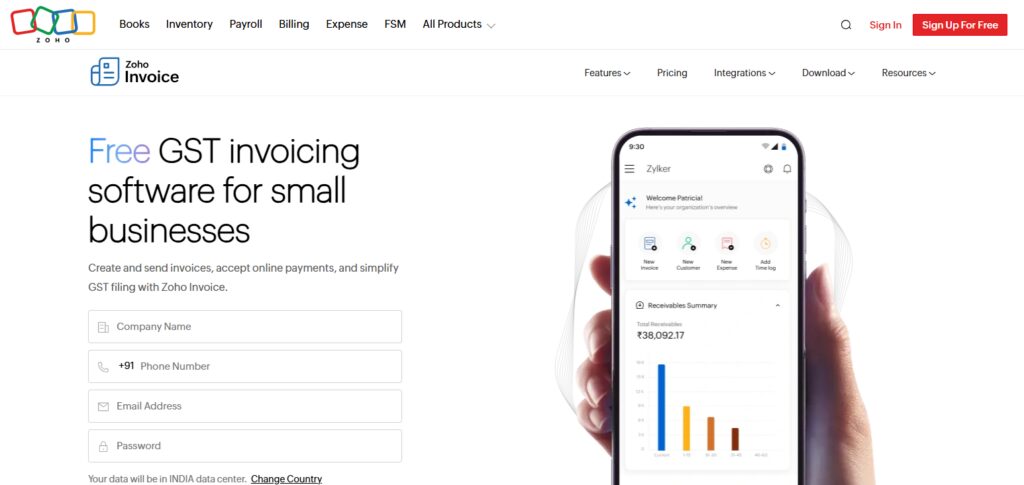
In addition, Zoho Invoice is able to expand to more complex accounting workflows by integrating into Zoho Books and the Zoho CRM. The forums and knowledge base offer free community support, with email help available from Zoho for paid integrations.
Overall, the invoicing and CRM integration with projects and finances is the ecosystem strength.
Zoho Invoice Features
- Free Invoicing Platform: Free to use for managing clients and invoicing functionality.
- Multi-Currency & Multi-Language: Supports billing and payment in different languages and currencies.
- Recurring Invoices & Payment Reminders: Automated billing and follow up on invoices.
- Client Portal: Clients can safely access their payment history.
- Expense Tracking: You can record your expenses in the system for reporting purposes.
- Integrations: You can use other Zoho products in your workflows.
Zoho Invoice Pros & Cons
Pros:
- Completely free version includes a good selection of features.
- Excellent support for many currencies and languages.
- Great integration with the entire Zoho online services (CRM, Books).
- There is good automation for reminders and billing to set for reoccurrence.
Cons:
- Financial reporting is less comprehensive than many competitors.
- Support may be lacking for free account holders.
- Must purchase a Zoho Books account to use the complete accounting functionalities.
3 QuickBooks Online
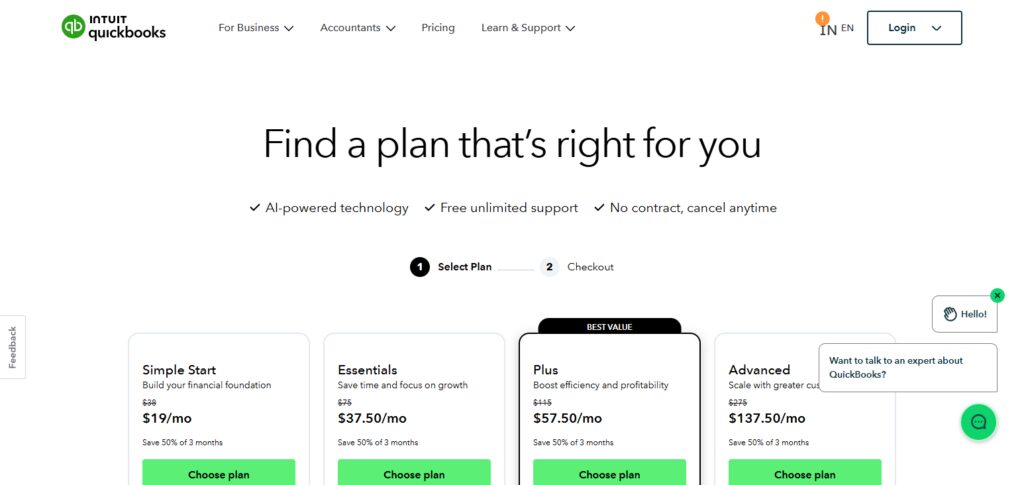
Intuit has offered QuickBooks Online since 1992. It has since developed into a multifaceted software for invoicing, expense monitoring, payroll, and reporting. Monthly charge ranges from $25 to $30/month, depending on the plan.
To Advanced reporting and multi-user access, other tiers of pricing are available. For businesses that need accounting and invoicing together, QuickBooks Online is a great option.
It has features like bank reconciliations, tax tracking, automated reminders, and customizable billing. Help for the product is available through chat and phone.
The company is rapidly growing and has many other automated products. They are the industry leaders in many areas.
QuickBooks Online Features
- Expenses and Invoicing: You can budget, manage taxes, and report on accounts and record transactions.
- Automatic Transaction Importing: Transactions are automatically imported and kept organized by bank and card account.
- Custom Invoices & Estimates: Professionally designed templates including your business’s branding.
- Automated Reminders: Helps minimize late payments.
- Payroll Support: Additional payroll for subscriber employee payment and tax submission (optional).
- Powerful Reporting: Profit and loss, balance sheet, cash flow statement.
QuickBooks Online Pros & Cons
Pros:
- Excellent for accounting and invoicing, can complete both tasks on the same platform.
- Excellent services for tax filing, reporting, and gaining insight into your businesses finances.
- Sync with bank for automatic reconciliation.
- Grows with you and your business.
Cons:
- Every month, there is a payment that is required, and it tends to be very expensive for the advanced plans.
- Payroll is an additional cost.
- Complicated to use for very small teams.
4) Wave
Wave Accounting started in 2009 from Canada and is a free accounting and invoicing platform for freelancers and small businesses. Wave provides unlimited invoicing, professional templates, receipt scanning, expense tracking, and basic financial reporting all for free; online payment acceptance is the only area where applicable fees may apply.
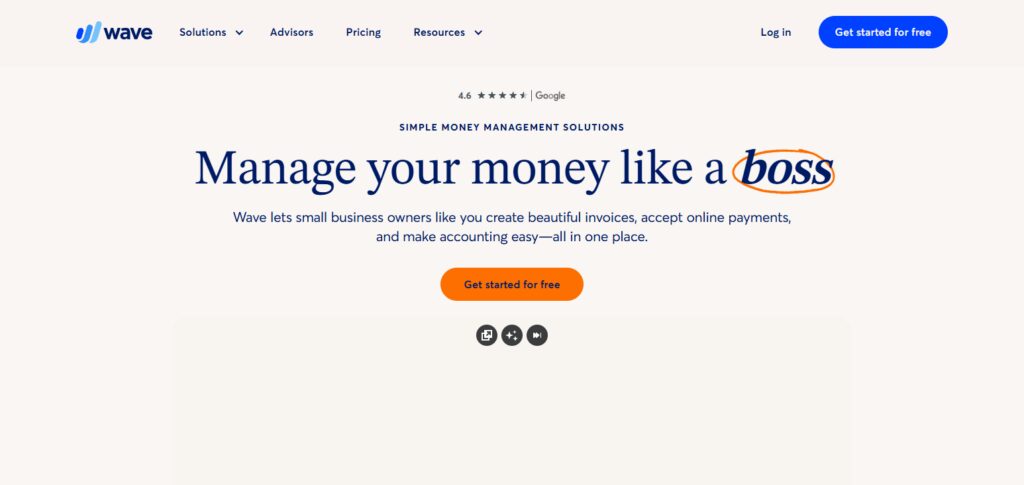
Wave is cloud-based, allowing you to send invoices, manage cash flow and track payments. Subscription fees do not apply. Help for the Wave product is available through documentation, community platforms and email. The product is ideal for single-user models and budget-tight environments.
Wave Features
- Completely Free Core Tools: Unlimited invoicing & more, and essential accounting.
- Receipt Uploading: Upload receipts using the mobile app.
- Custom Auto Reminders: Automate late payment reminders.
- Bill & Income Tracking: Monitor receivables and payables.
- Merchant Payments: Accept credit card and bank payments (with associated fees).
- Simple Interface: Straightforward for people working alone like entrepreneurs and freelancers.
Wave Pros & Cons
Pros
- There are no charges for core invoices and accounting services.
- There are no limits for invoices and client profiles.
- The interface is user-friendly and clean.
- Expense categorization and receipt scanning.
Cons
- There is no support for free plans.
- Reports that are advanced are very basic.
- There are extra charges for payable add-ons that include payroll and payments.
5) Xero
Xero is a cloud accounting company that started in 2006 in New Zealand. It includes invoicing, bank feeds, multi-currency billing, and detailed reporting.
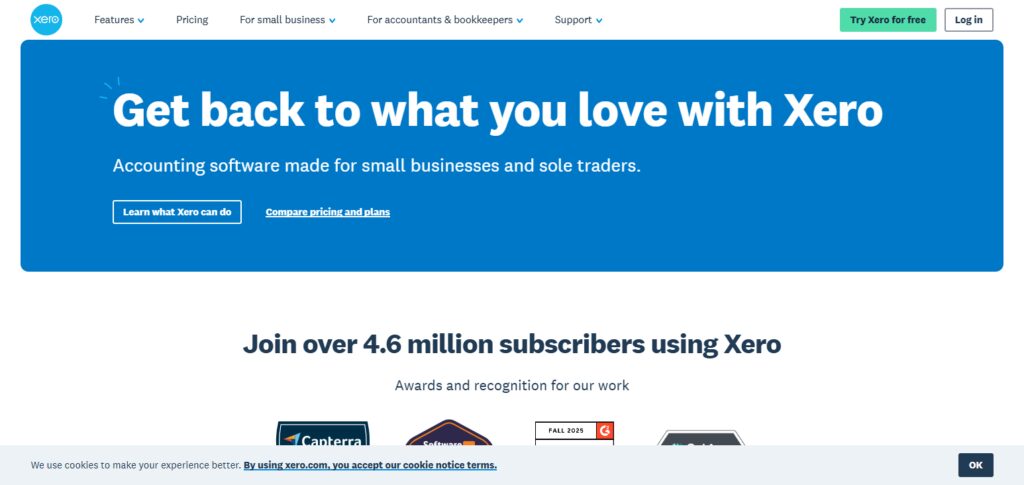
Xero pricing options begin at $29/month offering features such as unlimited invoices, payroll, and advanced reporting at the higher tiers. Xero is great for businesses with international clients and/or complex billing.
Email, articles from the help center, and forum community support are available. The user interface is designed for accountants and other advisors and works well for freelancers as well as growing companies.
Xero Features
- Cloud Accounting: Offers invoicing, bank reconciliation and cash flow monitoring.
- Multi-Currency Transactions: Invoice clients without currency conversion fees.
- Payment Integrations: Support for online payments to accelerate payment receipts.
- Inventory & Purchase Orders: Track stocked items and purchase orders (on certain plans).
- Collaborative Tools: Share accountant access and use built-in collaboration tools.
- Robust Reporting: Tailored reports of your choice with metrics and data.
Xero Pros & Cons
Pros
- There is strong accounting and invoicing in the cloud.
- Reconciliation of banks and good multi-currency is provided.
- There is flexibility and productivity for shifts.
- There is collaborative access for account supervisors.
Cons
- It is not the most cost-efficient for small projects or businesses.
- Some functionalities need add-on applications.
- Some new users might have a difficult time due to the learning curve.
6) Invoice Ninja
Invoice Ninja can be self-hosted by users and is in the cloud. Unlike established companies in the industry, Invoice Ninja is newer but quickly built a great reputation for having a free tier with features such as professional templates, automated reminders, scheduled billing, client portals, and payment methods such as Stripe and PayPal.
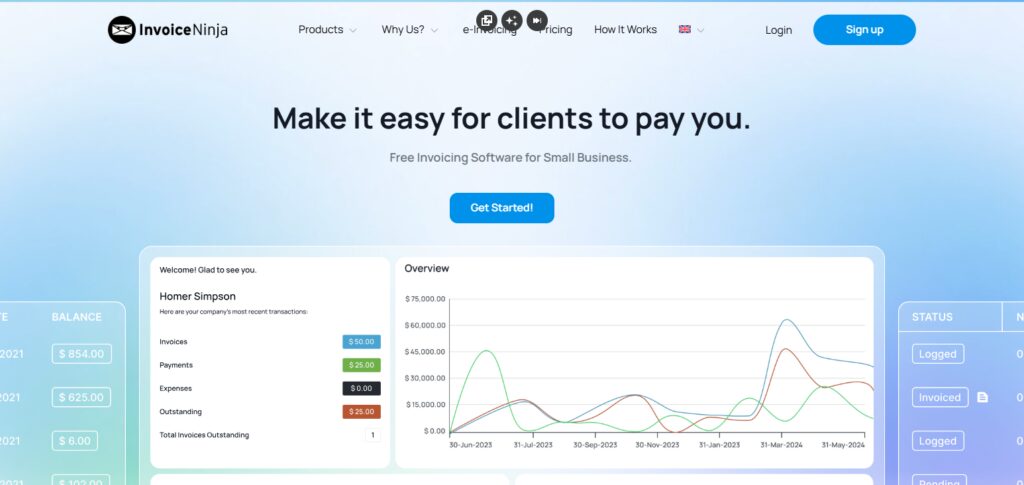
Paid tiers ($10-20/month) increase the limits on clients, allow for more advanced features, and increase customization options.
This is ideal for people with a high level of tech expertise who are running small businesses that may require extensive annual reporting. Email, forums, and guides are available for help.
Invoice Ninja Features
- Free & Self-Hosted Options: Self-hosting available for all tiers.
- Recurring Billing & Auto Reminders: Subscription invoicing is completely automated.
- Client Portal: Clients can pay invoices directly and download them.* Time & Task Tracking: Projects with time export to invoices since they are billed to clients.
- Multi-Gateway Support: Supports Stripe, Paypal, Square etc.
- APIs & Integrations: Work with other apps and automation tools.
Invoice Ninja Pros & Cons
Pros:
- The option to self-host for free is available.
- • Excellent features available for customization and automation.
- • Client portal and recurring invoices are features included.
- • Integrations and the API are very reliable.
Cons:
- Their user interface is the weakest part of their product.
- • Advanced features can be more difficult to learn.
- • Support for free plans is very limited.
7) Invoice2go
Invoice2go is a global invoicing and expense management tool that micro and small business owners worldwide can use. It began in 2002 in Australia.
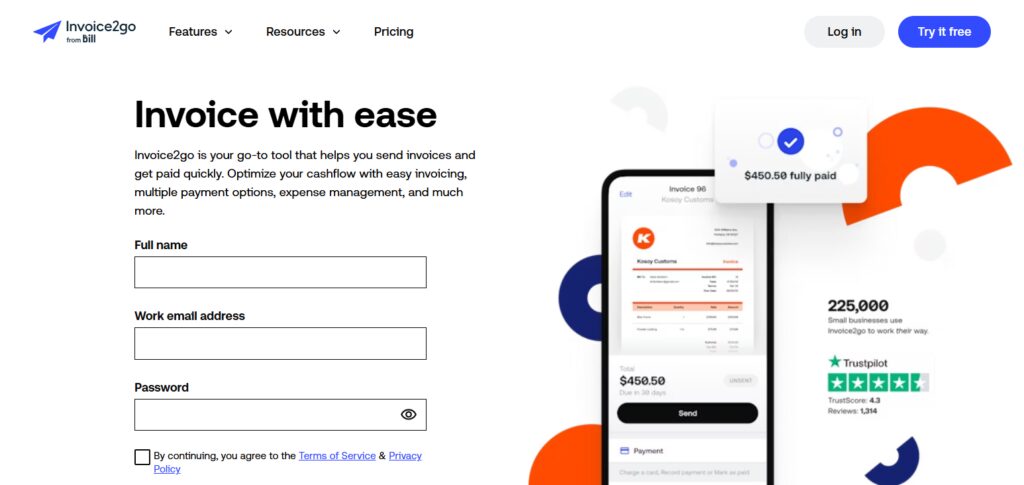
Invoice2Go is now a company owned by Bill.com that maintains ability for users to manage their invoicing, online payments, estimates, expense tracking, and reporting via a cloud-based mobile app and desktop portal.
Small businesses, especially, find their tiered pricing (Lite to Unlimited) affordable. Their support is online and via email. Their mobile feature sets that allow users to focus soley on their invoicing is a unique selling feature.
Invoice2Go Features
- Mobile First Invoicing: Billing on the go using iOS and Android apps.
- Estimates & Quotes: Convert quotes and estimates into invoices.
- Expense Tracking: Track business spend and keep record of added receipts.
- Online Payments: Payment on the platform.
- Automated Reminders: Ensures reminders are sent automatically to reduce lateness of payment.
- Simple Reports: Get an overview of your income, unpaid invoices, and other trends.
Invoice2Go Pros & Cons
Pros:
- The platform is designed for mobile use so you can easily invoice on the go.
- It is easy and fast to set up.
- Inclusive of estimates and expense monitoring.
- Online payments accepted.
Cons:
- Functionality is limited to basic invoicing features.
- Invoice volume-based pricing can be steep.
- Not suited for comprehensive accounting.
8 Invoicera
Invoicera is an online invoicing and billing software that was established in 2006 in India. It provides services for businesses of all sizes and provides automated billing, subscriptions and invoicing, and it is compatible with over 25 payment gateways.
Depending on the size of the business, there are also free plans available and the ability to upgrade for advanced automation, multi-user roles, and billing support.
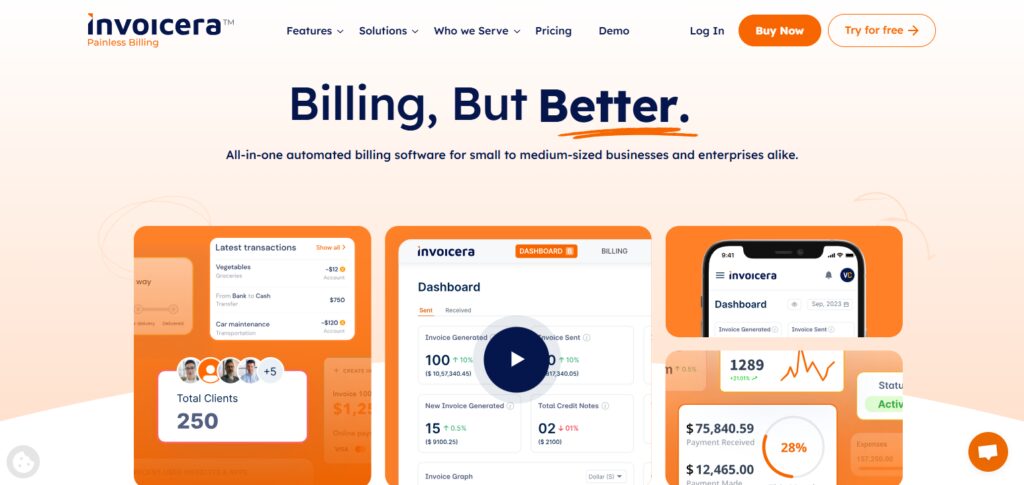
Invoicera provides options for recurring invoicing, late-fee scheduling, support for uploading excel documents, and a collaboration with Basecamp.
Their support options consist of online assistance, guidance documents, and email. It is a good fit for small to mid-sized enterprises that have a need for configurable billing and automated invoicing across their teams.
Invoicera Features
- Flexible Invoicing: Supports recurring, one-time, and milestone billing.
- Multi-Gateway Payments: Supports numerous payment processors.
- Client & Team Management: Role and permission deployment are included.
- Subscription Billing: Great for SaaS and subscription businesses.
- Automated Workflows: Create and follow-up the invoice.
- Bulk Upload & Import: Customers and items can be added through CSV/Excel.
Invoicera Pros & Cons
Pros:
- Excellent recurring and subscription billing.
- Wide array of payment gateway options.
- Allows for bulk data imports.
- Adapts to any sized business.
Cons:
- The interface is quite old-fashioned.
- Most advanced functionality is gated behind higher pricing tiers.
- Support is less responsive on cheaper plans.
9 Hiveage
The company Vesess Inc. developed Hiveage in 2014 in place of their prior platform, CurdBee. Hiveage is designed to help small businesses and freelancers invoice and manage estimates, track time, track mileage, manage recurring billing, and manage billing as well. Customers are also able to manage team access to the platform.
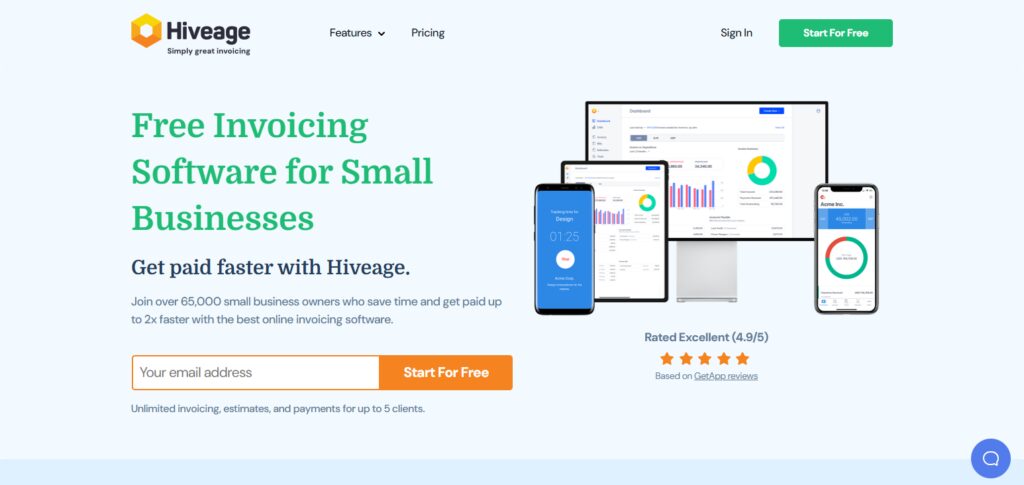
PayPal, Stripe, Square, and Braintree, the platform’s payment gateways, make online transactions possible. Subscription payment structure with pricing tiers based on additional features and user seats.
Email and self-help options are the only support channels available. Hiveage works best with companies that need customizable invoicing, expense, and time tracking.
Hiveage Features
- Team Access: Add team members and assign them roles.
- Unlimited invoices: No fee for invoices or clients.
- Recurring Billing: Repeat invoices and automate subscriptions.
- Online Payments: Track work, bill for it, and accept payment through one of the many gateways.
- Time, Expense & Mileage Tracking: For work billed on tracked time or expenses.
- Estimates & Client Portal: Professional presentations and self-service.
Hiveage Pros & Cons
Pros:
- Unlimited invoices and clients.
- Offers saved templates and time & mileage tracking.
- Multi gateway payments.
- Different members can be assigned specific team roles.
Cons:
- No comprehensive accounting options.
- Some analytics on certain features is pretty basic.
- Not as integrated with other platforms as other accounting suites.
10) HoneyBook CRM
Since 2013, HoneyBook has been combining CRM and project management with proposals, contract signing, scheduling, and invoicing, focusing on service offered by freelancers and creatives.
Pricing is around 29 dollars a month if billed yearly, with high tiers focused on offering lead capture, automation, and team functionalities. You can send invoices, schedule payments and reminders, and manage clients with coordinated touchpoints.
Support is available via online tutorials, help center, community help, and live chat. You get CRM with invoicing, and that is the most important thing for some businesses. ([Wikipedia][10])
HoneyBook CRM Features
- All-in-One CRM + Billing: Client management, sales, and invoices together.
- Proposals \& Contracts: Create, send, and eSign within one flow.
- Calendar \& Scheduling: Sync your appointments and bookings.
- Automated Workflows: Email tasks and payment requests in a sequence.
- Payments \& Deposits: Payments accepted.
- Client Portal: Communicate centrally and manage projects.
HoneyBook CRM Pros & Cons
Pros:
- Merges CRM with project management and invoicing.
- Includes scheduling and proposal generation.
- Automations for workflows.
- communicates well with clients.
Cons:
- Higher price point than basic invoicing systems.
- Some unnecessary features.
- Has quite a steep learning curve.
Comparison Table of Features & Pricing
| Software | Starting Price | Free Plan | Unlimited Invoices | Recurring Billing | Accounting Integration | Mobile App | Best For |
|---|---|---|---|---|---|---|---|
| FreshBooks | ~$19/mo | ❌ (trial) | ✅ | ✅ | ✖ (via integrations) | ✅ | Freelancers & service businesses |
| Zoho Invoice | Free / ~$9–$29/mo | ✅ | ✅ | ✅ | ✅ (Zoho ecosystem) | ⚠️ | Budget & Zoho users |
| QuickBooks Online | ~$30/mo | ❌ (trial) | ✅ | ✅ | ✅ (built‑in) | ✅ | Full accounting needs |
| Wave | Free | ✅ | ✅ | ✅ | ✖ | ⚠️ | Solo & small biz on budget |
| Xero | ~$13–$70/mo | ❌ (trial) | ✅ | ✅ | ✅ (built‑in) | ✅ | Growing & international businesses |
| Invoice Ninja | Free (up to 5 clients) / ~$14+/mo | ✅ | ✅ | ✅ | ✖ (via integrations) | ⚠️ | Customizable invoicing |
| Invoice2go | ~$5.99/mo | ❌ | Partially (paid) | ✅ (premium) | ✔ (via sync) | ✅ | Simple mobile invoicing |
| Invoicera | Varies by plan | ⚠️ | ✅ | ✅ | ✖ (limited) | ⚠️ | Scalable & subscription billing |
| Hiveage | Trial / Paid | ⚠️ | ✅ | ✅ | ✔ (via apps) | ✅ | SMB invoicing automation |
| HoneyBook CRM | ~$29/mo | ❌ | ✅ | ✅ | Partial (integrations) | ✅ | CRM + billing for pros |
Conclusion
The best BitInvoicer alternative in 2026 is most dependent on businesses size, requirements, and workflow. For freelancers and smaller service-oriented businesses, options such as FreshBooks, Invoice Ninja, and Invoice2go provide straightforward invoice creation, expense tracking, and automated reminder setting.
Companies aimed at incorporating full accounting function should go for QuickBooks Online or Xero. These software provide advanced financial reporting and bank account reconciliation.
Zoho Invoice and Wave are excellent alternatives as well as they are cost beneficial and provide automation. Service professionals in need of Client Manegement system should check out HoneyBook, which is a CRM that integrates invocing, contracts, and scheduling for payments. Invoicera and Hiveage are solid BitInvoicer alternatives that provide scalable, recurring billing and multi-gateway support.
FAQ
What is a BitInvoicer alternative?
A BitInvoicer alternative is any software that performs the key functions of BitInvoicer — such as creating professional invoices, tracking payments, automating recurring billing, and helping manage client payments — but may offer different features, pricing, integrations, or user experiences. Alternatives can range from simple invoicing tools to full accounting or CRM systems.
Which tool is the best free alternative to BitInvoicer?
Wave and Zoho Invoice are among the best free alternatives. Wave offers completely free invoicing and basic accounting features, while Zoho Invoice provides a robust free invoicing platform with multi‑currency support and automation, especially valuable for small businesses and freelancers.
Which software is best for small businesses needing both invoicing and accounting?
QuickBooks Online and Xero are excellent choices. They include full accounting capabilities — like bank reconciliation, financial reporting, and tax tracking — alongside invoicing and billing tools. These platforms scale well as your business grows.
What’s the best choice for freelancers and service‑based businesses?
FreshBooks, Invoice Ninja, and Invoice2go are designed with freelancers and service professionals in mind. They offer easy invoice creation, time/expense tracking, and mobile support that help you get paid quickly without complex accounting.
Can these alternatives automate recurring billing?
Yes — most major alternatives support recurring invoices and automated payment reminders. Zoho Invoice, Invoice Ninja, Hiveage, and Invoicera include strong automation rules for subscription or repeat billing, helping reduce manual tasks.