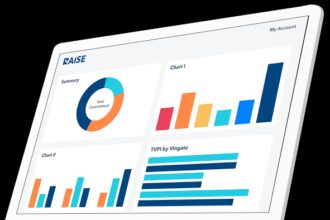


I’ll talk about the Top Enterprise Process Mining Software in this post. Organizations can evaluate their business workflows, find inefficiencies, and improve operations with the use of process mining technologies.
These platforms allow businesses to increase productivity, guarantee compliance, and make data-driven decisions thanks to capabilities like AI-driven insights, predictive analytics, and RPA integration. The secret to effective process optimization is selecting the appropriate software.
Why It Is Software for Enterprise Process Mining Matter
They Provide Insight Into Business Processes: Most companies have some sort of assumptions regarding the way their processes work. Being able to see the true workflows allows leaders to understand operational patterns as they actually are.
They Provide Insight Into Process Inefficiencies: Process mining systems are able to pinpoint areas of workflow redundancy and deviation. This allows organizations to shift their focus on process improvement and increase the productivity of their people.

Operational Quality and Risk Management: These tools monitor automation processes against the established process systems. This offers audit and operational risk certification in the case of an operational governances.
These tools Provide Insight Into Process Automation: Process mining solutions help identify repetitive and time-consuming tasks and assist in automating them with RPA, in order to save time and resources.
Promoting More Inform Decision Making: More informed decisions can be made because the reporting provides insight into what the processes were actually doing in contrast with previous covered assumptions.
Encouraging Consistency in the Process: Process Managers can increase the consistency of processes and the overall operational results of the organization.
Lower Overall Process Operational Costs: By removing process and operational redundancies, organizations can improve their overall operational process and utilize their resources in a better way.8. Boosts Digital Transformation
Benefits Of Software for Enterprise Process Mining
Efficiency Gains: Process mining software assists organizations in improving operational efficiencies by analyzing business process workflows and pinpointing areas that contain bottlenecks, redundancies, and delays.
Encourages Evidence-Based Decision Making: Mining event logs and KPIs provide enterprises with an understanding of how their business processes are performing and help leaders make better decisions.
Simplifies Compliance and Audit Readiness: Compliance in these systems help to identify process outliers that fall outside the tolerances of governing standards, regulations, and business rules. This also simplifies the process of assessing (auditing) the system.
Enables Predictive and Proactive Management: Management of processes with the aid of advanced systems that employ artificial intelligence (AI) and predictive analytics, identify and provide guidance to avoid potential operational issues and inefficiencies.
Integrates with Automation and RPA: Process mining software can integrate with automation and robotic process automation (RPA) to resolve repetitive tasks and further refine the optimization of workflows.
Cost Savings: Organizations can improve the use of their resources by reducing operational costs (expenses) through the identification of inefficiencies and streamlining processes.
Supports Continuous Improvement: Over time, enterprises can assess and improve the performance of their processes and, with the assistance of real data, implement additional optimization strategies.
Offers Transparency in Processes: Managers and stakeholders can get a holistic understanding of the functioning of various processes in the organization through visual and dashboard-related details.
Key Point & Best Software for Enterprise Process Mining List
| Tool | Key Features |
|---|---|
| UiPath Process Mining | End-to-end process discovery, integration with UiPath RPA, process conformance checking |
| ABBYY Timeline | AI-powered process discovery, timeline visualization, root cause analysis |
| Apromore | Open-source process mining, predictive analytics, process comparison |
| Minit (by Microsoft) | Event log analytics, process simulation, KPI dashboards |
| PafNow (Power BI-integrated) | Embedded in Power BI, process mapping, KPI dashboards |
| myInvenio (IBM) | AI-driven process mining, digital twin simulation, root cause analysis |
| Everflow | Process discovery, automation insights, performance tracking |
| StereoLOGIC Process Mining | Process discovery, conformance checking, predictive analytics |
| Signavio (pre-SAP acquisition) | Process modeling, process mining, workflow analysis |
| BusinessOptix | Process visualization, workflow analysis, collaboration tools |
1. UiPath Process Mining
UiPath Process Mining is a top enterprise process mining tool. It helps businesses see and understand their processes in full. It helps discover process flows in logs, identifies issues, and works seamlessly with UiPath RPA for process automation.

Its dashboards help visualize issues and improvements in the process. The platform also helps evaluate the process against a fixed workflow to help businesses optimize their processes. Its RPA integration is also great for businesses that use UiPath. It has great analytics and ease of use, which is why it is considered the best software for enterprise process mining.
UiPath Process Mining Features, Pros & Cons
Features
- Event logs for end to end process discovery
- Dashboards for real-time process performance
- Automation with seamless integration to UiPath RPA
- Workflow checking/ conformance against desired
- Analysis of root causes and process bottlenecks
Pros
- Automation acceleration with deep RPA integration
- Visualizations and tracking of key performance indicators
- Large enterprise deployment scalability
- Ecosystem community and support robust
- UiPath users will have easy onboarding
Cons
- Teams of smaller sizes can incur high costs
- Licenses for other investments needed for analytics advanced
- Insight quality depends on high data quality
- Non-technical users have the learning curve steeper
- Limited capabilities of analytics offline
2. ABBYY Timeline
ABBYY Timeline is an advanced AI driven process mining solution with an emphasis on the discovery, visual, and root-cause analytics components of the operation. It captures the event that data is from various systems to build operational dynamic timelines that assist businesses with the understanding of process bottlenecks and issues with process compliance.
Predictive insights and process changes are simulated through the platforms AI capabilities. ABBYY Timeline is best suited for industries with both intricacies of process and regulatory compliance.
With actionable recommendations and analyticals, high-level managers are empowered with the ability to easily make decisions. Timeline is a favorite of large enterprises and is widely accepted in the industry as one of the best software for enterprise process mining.
ABBYY Timeline Features, Pros & Cons
Features
- Process discovery driven by AI
- Visualizations of process steps in timelines with dynamics
- Process simulation and analytics for prediction
- Of inefficiencies, root cause analysis
- Conformance checking process automation
Pros
- Breakdowns process of visual exceptional
- Capabilities predictive strong
- Patterns hidden surface AI insights
- Support Audit and Compliance good
- Sources data of multiple with integration flexible
Cons
- Implementation of Higher effort
- Costs can be more than considerable to fully embed in the enterprise system.
- Needs solid data structuring in advance.
- Less intuitive for non-analyst users.
- Less RPA integration than UiPath.
3. Apromore
Apromore is a process mining tool that is free and open-source and features process analytics, comparisons, and discoveries. The system allows for the importing of event logs from different systems and uses algorithms to identify deviations, as well as to detect inefficiencies and the possibility for optimization.
Apromore’s open-source version is a cost-effective, flexible, and extensible option for organizations to customize the platform to their needs.
Though the enterprise-grade version offers more support and features, the free version is still a solid choice for academic research, startups, and small- to medium-sized businesses. The combination of flexibility, analytics, and affordability has made Apromore one of the best software for enterprise process mining.
Apromore Features, Pros & Cons
Features
- Available process mining engine.
- Predictive plus comparative analytics.
- Deviation detection and process replay.
- Event log import from various formats.
- Options for cloud and on-premise deployments.
Pros
- Cost-effective based on the open-source.
- Customizable and flexible solution.
- Robust community and academic support.
- Transparency in process models.
- Ability to easily share and export insights.
Cons
- Limited enterprise support on open-source version.
- Less modern UI than commercial alternatives.
- Additional training needed for advanced features.
- No built-in automation triggers.
- Optional extensions needed for advanced analytics.
4. Minit (by Microsoft)
Minit is a process mining tool that analyzes event logs, manages and tracks KPIs, and provides simulations for process optimization. Minit has a simple analytics engine that shows the underlying inefficiencies, predicts the outcomes for a process, and provides actionable insights for optimizing the business.
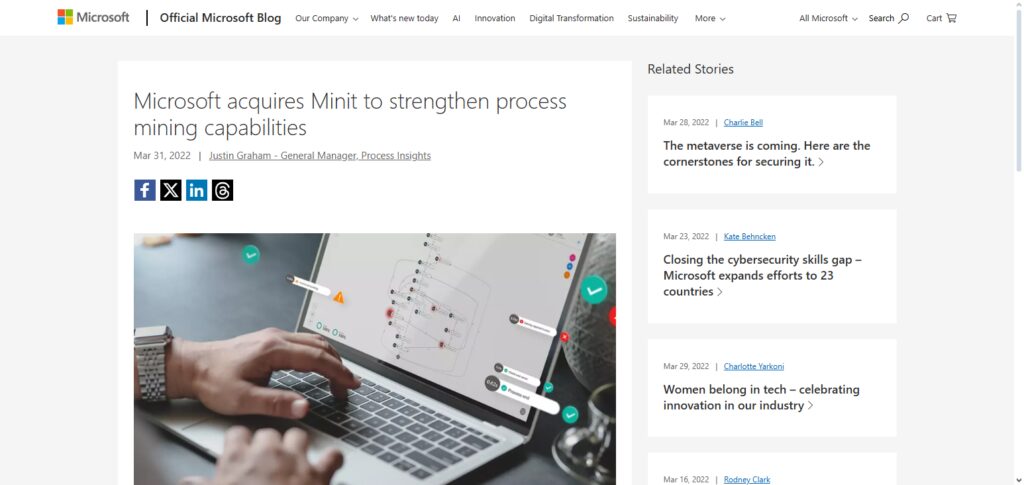
Minit offers a process visualization that differs from other process mining tools. The software is designed to integrate with Microsoft tools, making it best for organizations that utilize the Microsoft software.
Minit is one of the best software for enterprise process mining. When looking at larger companies, the enterprise-grade reporting features, deep analytics, and company-wide impact reporting at the larger scale justify the prospective higher pricing and initial setup costs.
Minit (by Microsoft) Features, Pros & Cons
Features
- Event log analytics engine.
- KPI and performance scorecards.
- Simulation and “what-if” analysis for processes.
- Tools for root cause analysis.
- Process conformance reports, automated.
Pros
- Extensive deep analytics capability.
- Seamless integration with Microsoft ecosystem.
- Strong dashboards for visualization.
- Usable for scalable enterprise use cases.
- Offers simulations and predictive insights.
Cons
- Cost more to access full features.
- Complexity can be high for initial setup.
- Utilization necessitates proficient technical skills.
- Few low-code customization possibilities.
- May be excessive for smaller companies.
5. PafNow (Power BI-integrated)
PafNow is a process mining tool embedded within Microsoft Power BI as an add-on product. It allows businesses to utilize their analytics tools to study their processes. PafNow extracts event logs, converting them to process maps showing specific bottlenecks, inefficiencies, and performance metrics. Analytics-driven process maps make it easier to identify and solve problems.
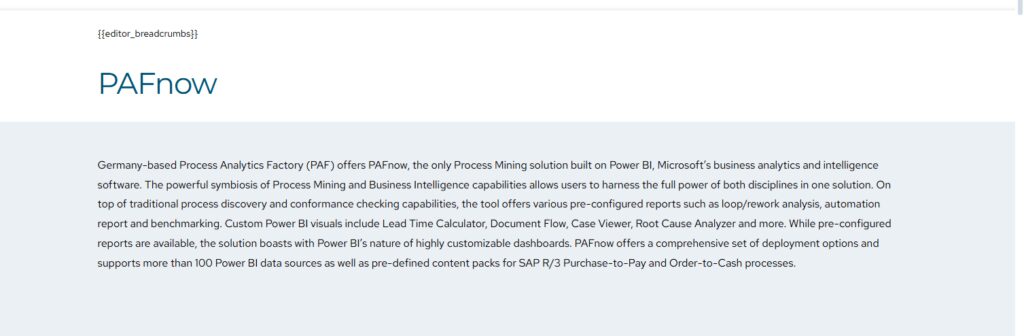
PafNow integrated with popular platforms like Power BI means integrated reporting, modified KPIs, and process interactivity without the hassle of other third-party tools. For companies that use Power BI, PafNow is an affordable option to gain valuable insights with little to no training.
While it is locked within the Power BI ecosystem and doesn’t provide as many advanced features, the incredible simplicity and seamless integration of the tool certainly places PafNow among the best software for enterprise process mining within data-driven organizations.
PafNow (Power BI-integrated) Features, Pros & Cons
Features
- In-Power BI process mining
- Automation of process maps
- Visuals for KPI and performance
- Analysis of events with drill-down option
- Integration with Power BI data models
Pros
- Users of Power BI will have an easy experience.
- Cost-efficient additional solution
- Simple to create dashboards and reports
- Good capabilities for visualization
- Existing Power BI customers find it easy to deploy
Cons
- Power BI Environment Reliant
- Advanced mining features limited
- Not a separate mining tool
- Power BI Pro and Premium are a must
- Predictive analytics are less robust than competitors
6. myInvenio (IBM)
myInvenio is an IBM offering that holds the title for being one of the best enterprise process mining software platforms. It commercially provides the best enterprise-grade process mining service and utilizes AI to facilitate Digital Twin simulation to optimize it for you.
This process mining software captures event logs through multiple systems, analyzes them, and recommends actions to solve identified inefficiencies. For organizations, it offers an option to simulate changes before actions are taken. In addition to reducing operational risks, preventing future bottlenecks is made possible through the software’s predictive analytics. AI-driven recommendations expedite process optimization.
Though it can be costly and requires the use of IBM’s infrastructure, myInvenio remains one of the best enterprise process mining platforms, as it possesses the advanced capabilities that are required for large-scale operations within the enterprise.
myInvenio (IBM) Features, Pros & Cons
Features
- Process mining assisted by AI
- Making of a digital twin of processes
- Analysis of root causes and bottlenecks
- Simulation and forecasting of the predictive kind
- Ingestion of cross-system data
Pros
- AI analytics of enterprise grade
- Simulation for future process outcomes
- Excellent for complex environments
- Integration and data protection are strong
- IBM ecosystem great support
Cons
- Implementation and licensing costs are high
- Expertise in the IBM stack is needed
- To deploy and maintain, it’s IT heavy
- Onboarding takes a long time
- Most likely not suited for short term low cost scenarios.
7. Everflow
Everflow is focused on process mining, performance monitoring, and automation insights, making it a cloud-native process mining platform. It assists organizations in discovering process inefficiencies, optimizing workflows, and monitoring operational KPIs in real-time.
Users can deploy it across an organization due to the platform’s intuitive UI and integration features that do not require complex IT setups. Everflow helps organizations implement digital transformations and fosters the ability to make process improvements using data through the actionable insights it provides.
Although Everflow’s large vendor competitors have a more extensive community and advanced analytics features, its cloud-first design and user-friendly dashboards make it one of the best software for enterprise process mining for agile enterprises.
Everflow Features, Pros & Cons
Features
- Discovery of processes in the cloud.
- Tracking performance and KPI.
- Alerts and insights in real time.
- Maps of processes that are interactive.
- Enterprise data source integration.
Pros:
- Simple to set up in the cloud and scale.
- Dashboards that are easy to understand.
- Excellent for easy and quick enterprise insights.
- No bulky devices needed.
- A rapid deployment.
Cons:
- Less active user community.
- Less analytic depth compared to large tools.
- Analytics tools that are pre-built are less available.
- Less depth in enterprise integration.
- Not as advanced in predictive analytics.
8. StereoLOGIC Process Mining
StereoLogic Process Mining aids in process discovery, compliance analysis, and forecasting, which helps in predictive analytics. Using the process mining tool, organizations are able to construct their workflows, track critical KPIs, and identify lapses in compliance with standard operating procedures (SOPs).
Process mining, including predictive analytics, helps organizations construct future process outcomes, prepare for actions, and improve process efficiencies. Operational predictive analytics are used for processes in an organization.
Although this organization has less brand awareness, and less third party integrations than the competition, comprehensive data mining and focus on enterprise systems gives StereoLogic Process Mining the ability to be one of the best enterprise process mining software.
StereoLOGIC Process mining Features, Pros & Cons
Features
- Detailed process discovery alone.
- Detection of deviation and conformance.
- Analytics of processes in prediction.
- Monitoring of custom KPIs.
- Data integration of multi-source.
Pros
- Multiple analytics workflows are detailed.
- Strong emphasis on enterprise.
- Flexible deployment options.
- Adequate integration.
- Strong tools for mapping processes.
Cons
- Market presence is not strong.
- Small Integration Partner Ecosystem.
- Documentation is less detailed.
- Required Training for advanced usage.
- UI is not easy to understand.
9. Signavio (pre-SAP acquisition legacy)
Signavio, before SAP acquisition, was the foremost in the level of design of process mining and modeling. It integrated the analysis of workflows with the management of business processes. With Signavio, organizations can model, analyze, and optimize sophisticated workflows. The result provides actionable insights to improvement and compliance.
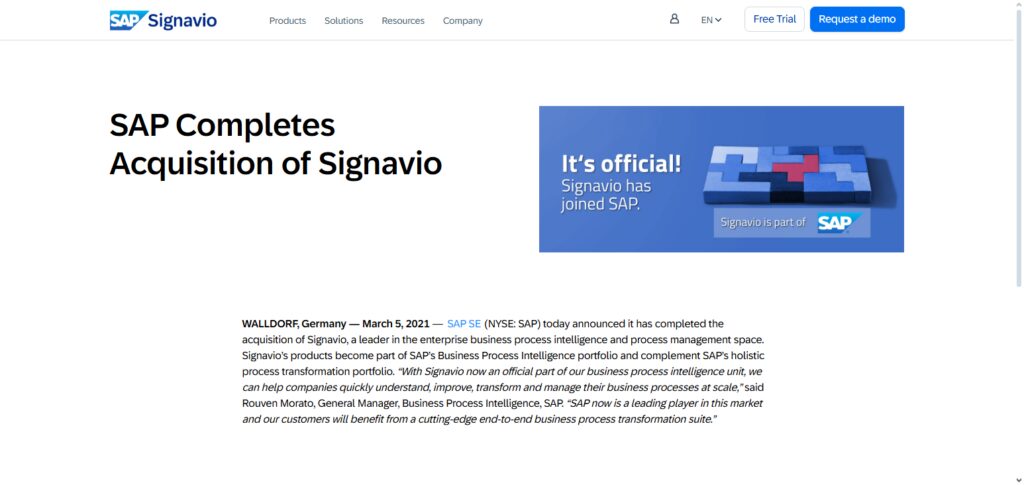
With Signavio, the collaborative features assist in visualizing the changes and simulating in turns across processes. With SAP integrated, the level of process alignment and accessibility of data for enterprises is enhanced.
There may be loss of some values in some of the features after the acquisition, however, it has some of the best process mining capabilities and process modeling. Signavio remains one of the best software for enterprise process mining especially for companies who have a SAP bias.
Signavio (pre-SAP acquisition) Features, Pros & Cons
Features
- Workflow , mining and process modeling.
- Analysis and simulation of workflows.
- Control of versions and collaboration.
- Integration of data with SAP.
- Features of governance and compliance.
Pros
- Collaborative modeling
- Strong ecosystem SAP integration
- Traceability and audit support
- Balanced BPM and mining toolset
- Easy to use Interface
Cons
- Featureset reshaped SAP acquisition
- Increased enterprise costs
- Legacy modules outdated some
- Best results require further deep configuration
- Value fully to need training
10. BusinessOptix
BusinessOptix is a process visualization, workflow analysis, and collaborative decision-making process mining and transformation platform. It helps businesses understand and analyze their operations, discover areas of improvement, and optimize business processes to meet strategic objectives.
By integrating process insight with collaboration, BusinessOptix helps organizations streamline digital transformation efforts and improve process outcomes.
While BusinessOptix does not offer advanced AI-fueled analytics found in other mining tools, it has great ease of use, a visual focus, and supports transformation projects, which makes it one of the best software for enterprise process mining for organizations focusing on collaboration and process transparency.
BusinessOptix Features, Pros & Cons
Features
- Visualization and process mapping
- Documentation and analysis of workflow
- Change and collaboration tracking
- Indicators of performance outcomes
- Platforms for integration of transformation
Pros
- Collaborative transformation opportunities
- Visual interface easy to use
- Strong tools documentation
- Workflows governance good for
- Teams strategy enterprise well with
Cons
- Deep mining analytics less focused on
- AI predictive built not
- Limited integration automation
- Visualization best not heavy analysis for
- use cases process mining complex for ideal not
Conclusion
In conclusion, an organization’s unique requirements, current IT ecosystem, and process complexity all play a role in choosing the best business process mining software. While ABBYY Timeline and Minit offer sophisticated analytics and prediction capabilities, platforms like UiPath Process Mining and myInvenio (IBM) excel in AI-driven insights and automation integration.
While Signavio and BusinessOptix concentrate on collaboration and process visualization, tools like PafNow and Apromore provide affordable solutions with smooth integration. Businesses may identify inefficiencies, streamline processes, and promote well-informed decision-making using each of these platforms.
In the end, purchasing the appropriate process mining software enables businesses to improve operational effectiveness, guarantee compliance, and assist with digital transformation projects.
FAQ
What is enterprise process mining software?
Enterprise process mining software analyzes business processes by extracting data from event logs, identifying inefficiencies, bottlenecks, and compliance issues. It provides visualizations, predictive insights, and actionable recommendations to optimize workflows and support automation initiatives.
Why is process mining important for enterprises?
Process mining helps organizations understand actual workflows, improve operational efficiency, reduce costs, ensure regulatory compliance, and identify automation opportunities. It transforms raw data into actionable insights, supporting data-driven decision-making.
Which is the best process mining software?
The best software depends on organizational needs. UiPath Process Mining, ABBYY Timeline, Minit, and myInvenio (IBM) are highly recommended for enterprise-grade analytics, automation integration, and predictive capabilities. PafNow, Apromore, and BusinessOptix are suitable for cost-effective or collaborative solutions.
Can process mining software integrate with RPA?
Yes. Tools like UiPath Process Mining and myInvenio integrate seamlessly with RPA platforms to automate repetitive tasks and optimize business workflows based on mining insights.