
I’ll go over the top VPNs for remote teams and businesses in this post. Securing corporate data and guaranteeing safe access to company resources are essential as remote work becomes the new standard.
In 2026, organizations and remote workers will need a VPN that delivers centralized management, increases efficiency, and secures critical data.
What is VPNs for Businesses & Remote Teams?
VPNs for Businesses & Remote Teams are specialized virtual private networks created to give employees who are working remotely access to company resources via safe, encrypted connections.
These systems, in contrast to standard consumer VPNs, provide centralized management, access controls, and monitoring capabilities to guarantee the security of sensitive company data.

They are crucial for contemporary hybrid and fully remote work settings because they help companies retain productivity, enforce security regulations, and allow teams to engage safely from any location.
Why Use VPNs for Businesses & Remote Teams
Secure Data Transmission: A VPN encrypts sensitive company data and protects the company from data breaches.
Safe Remote Access: Employees can reach internal systems and cloud resources from any location.
Compliance and Privacy: A VPN can assist organizations in working towards achieving industry standards. These standards can include GDPR, HIPAA or ISO.
Centralized Management: An IT team can oversee user activity, and them can implement a policy, as well as access control.
Improved Productivity: Employees can work without concern of a weak internet or blocked systems.
Reduced Cyber Risk: A VPN can lessen the threats associated with phishing or public Wi-Fi.
Scalability: A VPN can assist any size organization, from a small group up to a large company with remote staff.
Key Point & Best VPNs for Businesses & Remote Teams List
| VPN / ZTNA Solution | Key Points |
|---|---|
| NordLayer | Cloud-based VPN for businesses, centralized management, strong encryption. |
| Perimeter 81 | Zero Trust Network Access, secure remote connections, scalable solution. |
| Twingate | Lightweight ZTNA, fast deployment, no on-prem hardware needed. |
| Proton VPN | Strong privacy focus, no-logs policy, secure business communication. |
| ExpressVPN (Teams) | Enterprise VPN solution, high-speed servers, supports team management. |
| Surfshark Business | Affordable business VPN, multi-device support, strong security features. |
| Palo Alto GlobalProtect | Enterprise-grade security, integrates with firewalls, centralized control. |
| Fortinet FortiClient | Endpoint security + VPN, integrates with Fortinet ecosystem. |
| Zscaler Private Access | Zero Trust access, cloud-native, seamless remote connectivity. |
| VyprVPN for Business | Proprietary servers, strong encryption, team management features. |
1. NordLayer
Built on the reliable technology of NordVPN, NordLayer is a business-focused VPN service that uses centralized control and robust encryption to protect remote workers and scattered workforces.
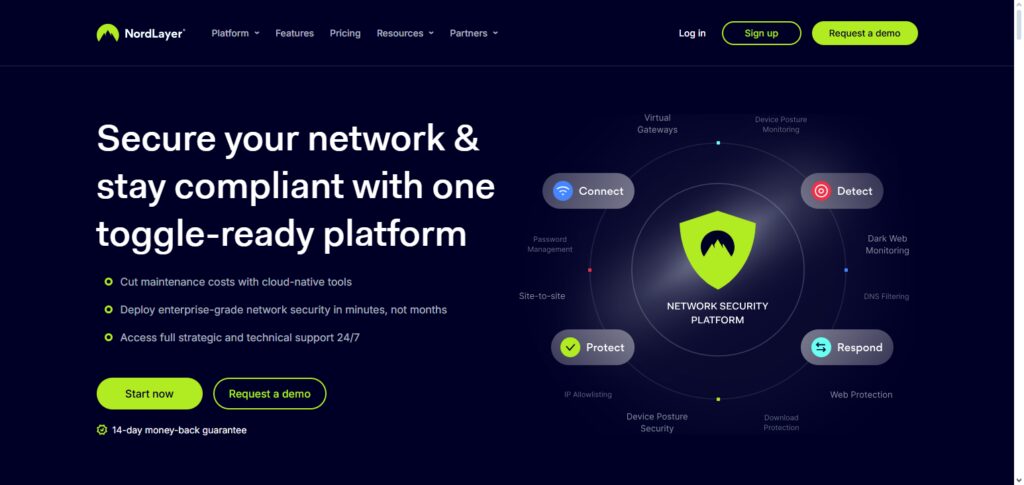
IT teams can simply control user access and network segments thanks to its Zero Trust Network Access (ZTNA), multi-factor authentication (MFA), dedicated or static IPs, and easy connection with identity providers like Azure AD, Okta, and Google Workspace.
Because of NordLayer’s cloud-native architecture, companies of all sizes can secure corporate resources, monitor activities from a single dashboard, and onboard users rapidly. Because of its scalability and security, it is considered by many to be among the finest VPNs for companies and remote teams.
NordLayer Features, Pros & Cons
Feature
- Cloud-based company VPN, that has an integrated administrative control panel.
- Is compatible with Static/Dedicated IP, and has secure remote access.
- Is compatible with Azure AD, Okta, and Google Workspace.
- Is compatible with multi-factor authentication (MFA).
- Has network segmentation as well as role-based access control policies.
Pros
- Simplified adoption, with the ability to easily scale for dispersed workforces.
- Robust security features (using AES-256 encryption).
- Sufficient support for identity providers.
- Trustworthy performance with positive uptime metrics.
- Comprehensive audit reports, coupled with activity monitoring.
Cons
- More advanced features may push you into higher-tier plans.
- Compared to other enterprise solutions, there are less advanced firewall features.
- More expensive than basic VPNs.
- Configuring is complicated for small teams.
- No integrated endpoint antivirus.
2. Perimeter 81
Perimeter 81 is a cloud-native commercial VPN and network security technology that uses contemporary Zero Trust Network Access (ZTNA) in favor of outdated hardware VPNs. It enforces multi-factor authentication, role-based permissions, and device posture checks while providing safe remote access to corporate and cloud resources.
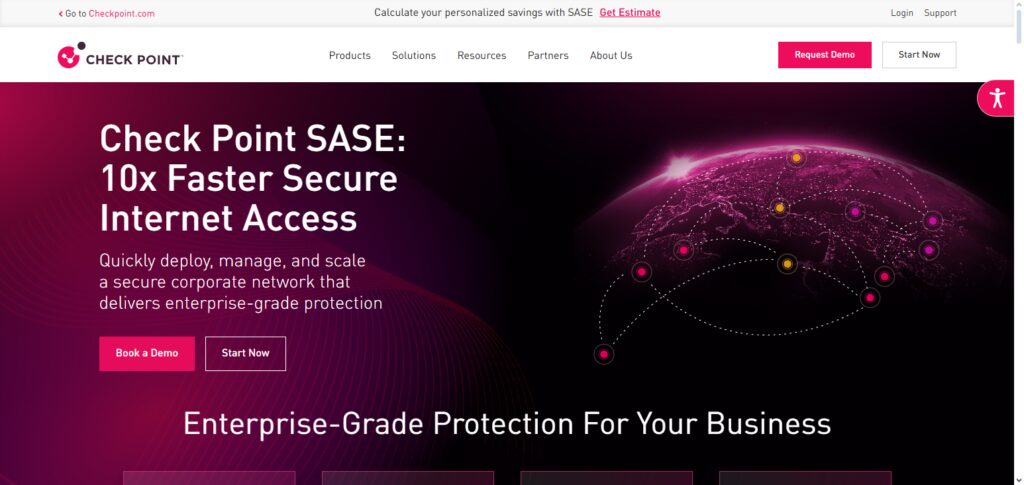
For IT organizations supporting hybrid or totally remote workforces, its single dashboard makes onboarding, policy management, and activity reporting easier. Perimeter 81 easily expands from small teams to large companies with support for AWS, Azure, and on-premises systems. Because of these factors, it is often listed as one of the top VPNs for companies and distant teams looking for flexible, safe connectivity.
Perimeter 81 Features, Pros & Cons
Features
- ZTNA Cloud-Native.
- Remote access security to on-prem apps and the cloud.
- Device posture verification.
- Centralized policy engine.
- Integration with Azure AD, Okta, G Suite.
Pros
- Great ZTNA.
- Great visibility with reports.
- Remote worker onboarding is easy.
- Great scaling from SMB to enterprise.
- Positive feedback. Support documentation.
Cons
- Small teams can be tight finanical limits.
- Learnign advanced policies can be difficult.
- Some integrations need to be set up in advance.
- Support for on-prem misisng hardware.
- More advanced features are hidden behind more tiers.
3. Twingate
Twingate is a next-generation secure remote access platform that connects users directly to certain apps and internal services rather than exposing entire networks. It does this by adhering to Zero Trust principles. It replaces traditional VPNs by never making gateways public and only allowing access after confirming user identification and device posture. It is intended for contemporary distributed teams and cloud-first environments.
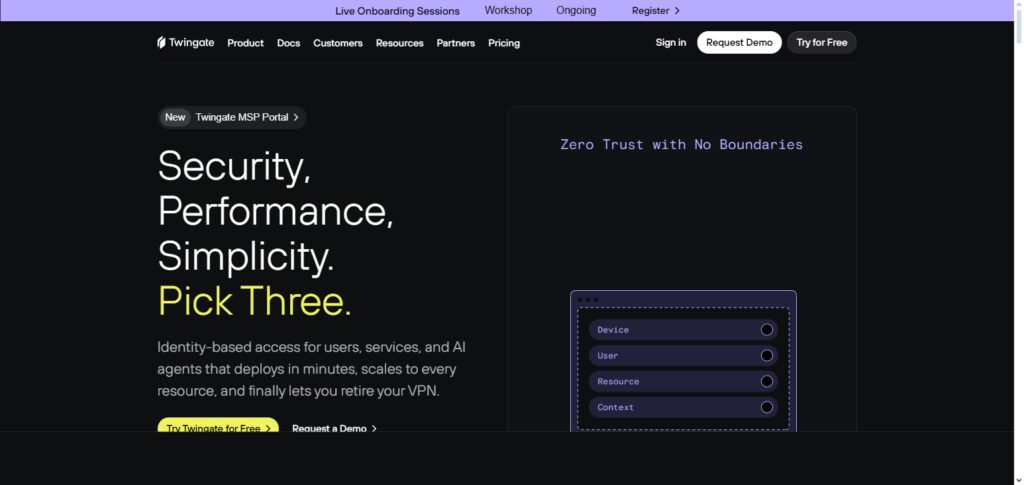
Strong and user-friendly security can be achieved by administrators through the use of multi-factor authentication, flexible access controls, and integration with current identity providers. Because of this, Twingate is frequently suggested as one of the top VPN options for companies and remote teams when reducing attack surface is crucial.
Twingate Features, Pros & Cons
Features
- Access to specific apps is granted by zero trust.
- There is no exposure to the network.
- Integration of identity providers and MFA is supports.
- There is a lightweight client.
- Access control is based on policies.
Pros
- There is a very low level of assailants.
- Less of a danger.
- Quick to implement.
- Great for new internet technologies.
- Very little loss to performance.
Cons
- A full network VPN is not included.
- A classic VPN can be expected to mean little.
- A little spell of custom set for more complex policies.
- Not enough security to go with.
- The price may increase unexpectedly.
4. Proton VPN
By encrypting data transmission and protecting remote access between employees and company networks from almost anywhere, Proton VPN for Business improves corporate cybersecurity. It supports compliance requirements (ISO 27001, SOC 2, GDPR, HIPAA), offers dedicated gateways and static IPs for controlled access, and gives administrators the ability to centrally manage user accounts, gateways, and access controls.
With a no-logs policy and cutting-edge features like kill switch protection and traffic monitoring, Proton VPN—which was developed by the same team as ProtonMail—emphasizes security and privacy. This VPN is among the finest for remote teams and enterprises, especially those with stringent privacy requirements, because of its strong security standards.
Proton VPN (Business) Features, Pros & Cons
Features
- There is encryption with AES-256 and privacy policies.
- There are separate gateways and dedicated static IPs.
- User management is centralized.
- There is a kill switch and secure routing core.
- Support for compliance (GDPR, ISO, SOC2).
Pros
- There is no assertiveness with great privacy.
- It is good for sensitive industries.
- The performance is steady.
- Great to manage users.
- The audits are compliant and the transparency is great with no logs.
Cons
- There is no comment for a network of servers smaller than the competition.
- The expense can be more hidden.
- Enterprise-Level Features Are Still Lacking
- Few Integrations With Deep Security
- Less Tools for Developers
5. ExpressVPN (Teams)
Based on the same reliable infrastructure that the company is renowned for in the consumer market, ExpressVPN for Teams provides businesses with safe, fast remote access. It allows employees to connect from different places while protecting company data with military-grade AES-256 encryption and a stringent no-logs policy.
Businesses gain from dependable, quick connectivity for remote work, collaboration, and access to vital internal systems when they have a global server network. ExpressVPN for Teams is a good option among the top VPNs for organizations and remote teams who require performance and anonymity, even though it has historically been better for personal usage. The Teams solution extends this to centralized user administration and multi-platform support.
ExpressVPN (Teams) Features, Pros & Cons
Features
- Global server network with fast speeds.
- 256-bit AES encryption.
- Management of teams in a central location.
- Support for multiple platforms.
- Split tunneling.
Pros
- Great performance with minimal downtime.
- Encrypted data with solid privacy policies.
- User-friendly interface.
- Good for teams that are distributed globally.
- Support that customers can count on.
Cons
- Features for business are not as comprehensive as for enterprise VPNs.
- Advanced Zero Trust controls are not offered.
- Network segmentation is limited.
- Increased cost per user.
- Tools for compliance are limited.
6. Surfshark Business
With an intuitive admin dashboard for controlling numerous accounts, devices, and user access, Surfshark commercial (typically sold under Surfshark Teams) expands Surfshark’s VPN features to commercial settings. Remote workers may safely connect from laptops, phones, and tablets thanks to its AES-256 encryption, global server reach, and limitless device protection.
It is more appealing to teams who want more than just basic VPN encryption because it offers additional security services like device antivirus choices and alert notifications for data breaches. It is one of the greatest VPNs for companies and remote teams, particularly those on a tight budget, thanks to its strong security, worldwide coverage, and easy administration.
Surfshark Business Features, Pros & Cons
Features
- Unlimited devices for each license (this depends on the plan you choose).
- 256-bit AES encryption.
- Central dashboard for teams.
- Add-ons for threat protection.
- Servers located globally.
Pros
- Prices are very affordable.
- The platform is user-friendly.
- Security is solid overall.
- The additional tools are helpful (like alerts for data breaches).
- Performance is fast.
Cons
- The features of enterprise IDM/ZTNA are lacking.
- Fewer integrations with corporate IAM.
- Reporting is less robust.
- Advanced protection and antivirus not included.
- The business-grade features are limited.
7. Palo Alto GlobalProtect
By integrating with the larger Palo Alto Networks security infrastructure, Palo Alto’s GlobalProtect offers secure remote access and uniform security policies to all users, wherever they may be. Beyond conventional VPN tunneling, GlobalProtect adheres to Zero Trust principles by enforcing least-privilege access and evaluating device posture and health before providing access.
By enabling granular control and visibility into remote user traffic, its integration with enterprise firewalls and threat detection engines helps businesses lower risk and safeguard important data. Because of this, GlobalProtect is one of the top VPNs for companies and remote teams that need deep security integration.
Palo Alto GlobalProtect Features, Pros & Cons
Features
- Remote access that is secure and enterprise-grade.
- Integration with firewalls from Palo Alto.
- Assessment of device posture.
- Enforcement of policies consistently.5. Hybrid ZTNA & VPN Features.
Pros
- Security is well integrated.
- Visibility and control is solid.
- Good for bigger companies.
- High-level threat prevention.
- Good logs and reporting.
Cons
- More difficult to deploy for smaller teams.
- Expensive licensing.
- Configuration is complex.
- Requires the ecosystem from Palo Alto.
- More difficult to learn.
8. Fortinet FortiClient
As a component of Fortinet’s security ecosystem, FortiClient combines secure remote access VPN capabilities with endpoint protection. It integrates closely with Fortinet’s Security Fabric for unified threat management and policy enforcement, supporting both conventional VPN tunneling and Zero Trust Network Access.
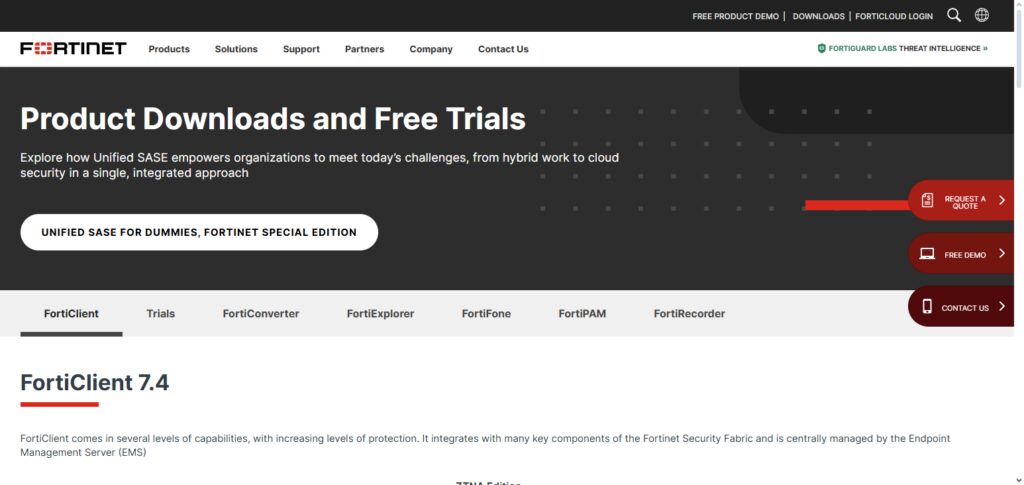
Secure connections for hybrid workforces, unified policy control, and endpoint security posture are all made visible to businesses. Organizations requiring both remote access and endpoint security in a single agent can benefit from FortiClient’s extensive feature set, which includes VPN, endpoint compliance checks, and sophisticated threat detection. It is among the greatest VPNs for companies and distant teams looking for all-inclusive security solutions because of this integration.
Fortinet FortiClient Features, Pros & Cons
Features
- VPN and endpoint protection.
- Fortinet Security Fabric integration.
- VPN modes SSL and IPSec.
- Compliance and posture checks.
- Management of FortiManager is centralized.
Pros
- Endpoint security convergence is solid.
- Fortinet tools integration is closer.
- Threat defense is strong.
- Good for mid-sized companies.
- There are plenty of features for compliance.
Cons
- Setup can be complex.
- Not good on its own in a Fortinet environment.
- A little less responsive of a user interface.
- Licensing is expensive.
- Policies are managed by FortiManager.
9. Zscaler Private Access
By connecting users directly to particular applications through cloud-native Zero Trust architecture, Zscaler Private Access (ZPA) reimagines secure remote access while never revealing the network itself.
It reduces the attack surface and stops lateral movement, which is common in traditional VPNs, by enforcing policy based on identity and context. Performance is still quick for remote workers all around the world because it scales via the cloud and doesn’t require backhauling traffic through a central data center.
ZPA is one of the greatest VPN options for companies and remote teams that value granular security and easy access to dispersed resources because of its emphasis on secure, application-level access.
Zscaler Private Access (ZPA) Features, Pros & Cons
Features
- Access that is Zero Trust and Cloud-native.
- Connectivity that is only at the app level.
- Policies configured by identity/context.
- No exposure of the network.
- Zscaler Global backbone.
Pros
- Excellent security of the least privilege is solid.
- Almost no hardware needed to scale worldwide.
- Good speeds.
- There is strong app segmentation.
- Compatible with SaaS.
Cons
- No complete network VPN.
- Price is higher.
- Required Training/Admin Expertise
- Limited use cases for conventional VPNs
- Optimal value when included with the extensive Zscaler suite
10. VyprVPN for Business
VyprVPN for Business provides small and medium-sized teams with secure remote access by utilizing VyprVPN’s unique protocols (such as Chameleon for obfuscation) and AES-256 encryption. Its business plans usually include cross-platform compatibility for major operating systems, static IP possibilities, and team management capabilities.
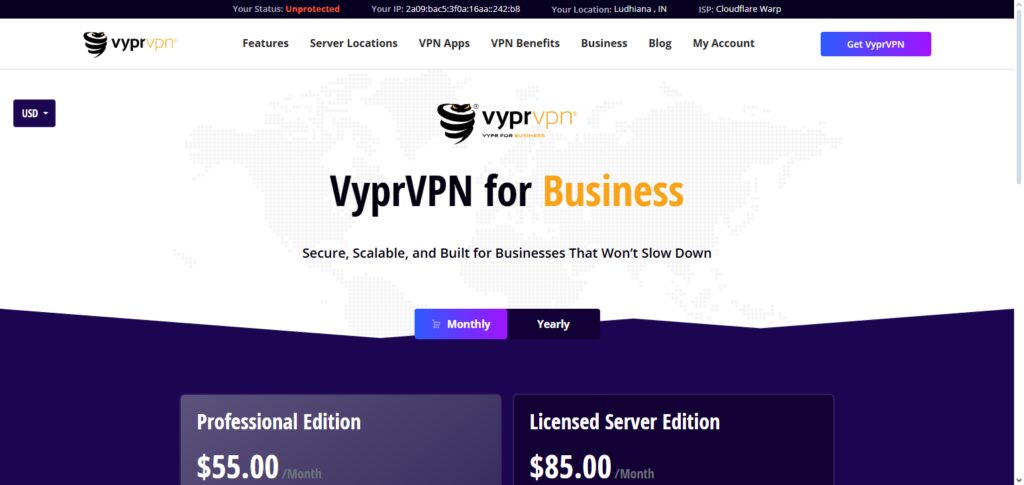
VyprVPN continues to offer a dependable encrypted tunnel for remote work and corporate connections, shielding important traffic from interception, despite customer-focused reviews noting inconsistent performance upgrades.
VyprVPN for Business continues to be one of the top VPNs for businesses and remote teams, especially when proprietary protocols help get over restrictive networks, for companies with modest security requirements and geographically distributed workers.
VyprVPN for Business Features, Pros & Cons
Features
- Chameleon Protocol
- AES-256 encryption
- Team management tools
- Static IP options
- Cross platform client
Pros
- Reliable obfuscation tech bypasses many restrictions.
- Strong focus on privacy.
- Intuitive.
- Secure.
- Networks perform reliably.
Cons
- Most corporate features are underdeveloped compared to the enterprise options.
- Less focus on corporate needs.
- Limited Business Partner Integrations.
- Limited report analytics.
- Not a true Zero Trust product.
Conclusion
In conclusion, enterprises and remote workers must choose the best VPN or secure remote access solution to safeguard confidential information, guarantee compliance, and sustain productivity.
While Proton VPN, ExpressVPN (Teams), and Surfshark Business offer robust encryption with simple management, NordLayer, Perimeter 81, Twingate, and Zscaler Private Access offer contemporary Zero Trust security.
VyprVPN for Business offers dependable encrypted connections for smaller teams, while enterprise-focused products like Palo Alto GlobalProtect and Fortinet FortiClient integrate fully with current security infrastructure. All things considered, the finest VPNs for companies and remote teams offer strong security, scalability, and manageability to let teams work securely from any location.
FAQ
What is a business VPN?
A business VPN is a virtual private network designed specifically for organizations to secure remote connections between employees and corporate resources. Unlike consumer VPNs, business VPNs offer centralized management, multi-user access, monitoring, and compliance features tailored for teams and enterprises.
Why do businesses need a VPN?
Businesses use VPNs to protect sensitive data, ensure secure communication over public networks, comply with regulations, and enable remote employees to access company resources safely from anywhere.
What is the difference between a business VPN and Zero Trust Network Access (ZTNA)?
A business VPN creates a secure tunnel for all network traffic, while ZTNA solutions like Twingate and Zscaler Private Access provide secure, application-level access, enforcing least-privilege policies without exposing the full network.
Which VPNs are best for remote teams?
NordLayer, Perimeter 81, Twingate, Proton VPN, ExpressVPN (Teams), Surfshark Business, Palo Alto GlobalProtect, Fortinet FortiClient, Zscaler Private Access, and VyprVPN for Business are among the top choices due to their combination of security, scalability, and ease of use.
How do I choose the right VPN for my business?
Consider security protocols, multi-factor authentication, centralized management, compliance, performance, scalability, and integration with existing IT infrastructure. Cloud-native solutions like Perimeter 81 and Zscaler simplify deployment for remote teams.