
The Best B2B Integration Platforms that assist companies in automating processes, streamlining data interchange, and effectively connecting with partners will be covered in this article.
These platforms make complicated interfaces between trading partners, on-premise systems, and cloud applications easier.
They improve operational efficiency, accuracy, and real-time cooperation with everything from user-friendly apps like Zapier to enterprise-grade solutions like MuleSoft.
What is B2B Integration Platforms?
B2B Integration Platforms are specialist software programs that let companies connect, automate, and control data and process sharing with their suppliers, customers, and trading partners.
These platforms, which frequently include standards like EDI (Electronic Data Interchange), APIs, and cloud-based integration, enable smooth communication between various systems, applications, and organizations.
Purchase orders, invoices, shipment notifications, and inventory updates are just a few of the processes that B2B integration systems streamline to cut down on human labor, decrease errors, increase operational efficiency, and improve supply chain collaboration. They are crucial for companies looking to maintain compliance, scale operations, and provide real-time visibility in a networked business ecosystem.
Why Use B2B Integration Platforms
Automated Document Transfer – Transfers documents [invoices, shipping notices, purchase orders, etc.] between companies automatically, eliminating the time spent on manual entry and the errors that come with it.
Operational Cost Savings – Integration of various systems and trading partners results in faster process execution, which ultimately saves time and money.
Data Integrity – Completeness and reliability of information across partners is maintained through consistency, which is ultimately the result of reduced manual data handling.
Improved Supply Chain Management – Visibility on orders, transactions, and shipments in real-time enables businesses to make data-driven decisions.
Uninterrupted Workflow – As businesses grow, new partners and technologies can be added without disrupting the existing systems.
Minimized Compliance Risk – Assists businesses with data exchange compliance, thereby minimizing compliance risk by adhering to the standard and regulatory guidelines of the industry.
Collaboration with Partners – Enhanced communication and collaboration by distributors, suppliers, and customers results in stronger collaboration.
Key Point & Best B2B Integration Platforms List
| Platform | Key Points |
|---|---|
| MuleSoft (Anypoint Platform) | Enterprise-grade integration platform; supports API-led connectivity; robust for complex B2B and SaaS integrations; strong security and scalability. |
| Informatica Cloud Integration | Cloud-native platform; focuses on data integration and management; excellent for ETL, cloud-to-cloud, and hybrid integrations; user-friendly interface. |
| Workato | Low-code/no-code automation platform; integrates cloud apps and on-prem systems; strong workflow automation; ideal for business users and IT collaboration. |
| Boomi (Dell Technologies) | Cloud-based integration platform; supports application, data, and API integration; scalable, with pre-built connectors; suitable for enterprises of all sizes. |
| SnapLogic | Intelligent integration platform with AI-powered workflows; fast integration for cloud and on-prem systems; visual, drag-and-drop interface for ease of use. |
| Jitterbit | API integration and management platform; supports hybrid integration scenarios; fast deployment; strong mapping and transformation capabilities. |
| Celigo | iPaaS solution focused on automating business processes; pre-built connectors for ERP, e-commerce, and SaaS applications; easy-to-use integration templates. |
| Tray.io | General automation and integration platform; low-code workflow automation; connects cloud apps with flexible API orchestration; good for mid-market and enterprises. |
| Zapier | No-code automation platform; connects thousands of apps; ideal for small businesses and simple workflows; fast setup with minimal technical expertise. |
| Ampersand | Cloud-based integration platform; focuses on B2B data connectivity and document exchange; simplifies complex supply chain integrations. |
1. MuleSoft (Anypoint Platform)
MuleSoft’s Anypoint Platform is one of the best B2B integration platforms due to the company starting as a connector company and still having some of the best, enterprise-level, API-led integration and connectivity solutions.
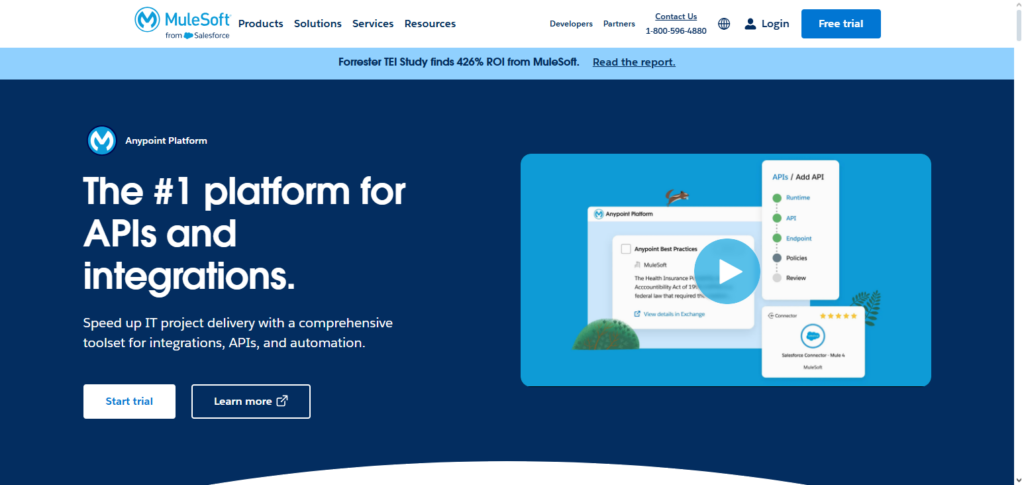
This integration platform allows companies to connect on-prem systems, cloud applications, and partner networks seamlessly. Founded over a decade ago, MuleSoft still has the best security, scalability, and a plethora of prebuilt connectors to eliminate the challenges related to integration and proprietary data exchanges.
New clients gain the ability to see and use data in real-time, deploy projects faster, and collaborate more seamlessly across and outside the enterprise systems. These factors make MuleSoft the best B2B integration solution for mission critical large enterprises.
MuleSoft (Anypoint Platform) Features, Pros & Cons
Features
- Enterprise-grade API-led integration
- On-premise and cloud connectivity
- Management and governance of APIs
- Connectors and templates that can be reused
- Analytics and monitoring in real-time
Pros
- Scalable for big companies
- API management and security are strong
- There is a large ecosystem of connectors
- It allows all of its users to use hybrid environments
- There are strong features for tracking and analytics
Cons
- Steep learning curve
- Costs for licensing are higher than other options
- Time can be required for implementation
- Developers can be required to be specialized due to systems’ complexity
- Small projects may not be as beneficial as large projects in using the platform
2. Informatica Cloud Integration
Informatica Cloud Integration is one of the finest B2B Integration Platform which is meant for hybrid integration and cloud scenarios. It deals with, data integration, ETL, and data management.
Heplis clients synchronize the the cloud with on-premise systems. Informatica intelligent mapping tools, some pre-built connectors and scalable architecture make complex workflows simple and are very viable. Organizations are able to data to direct and compliantly govern their data and optimize their operational efficiency.
Informatica Cloud Integration unifies firms to smoothen the flow of data and create better visibility of data and a more efficient and effective operational environment. Overall, Informatica Cloud Integration enables enterprises to data incompletes. Improves realtime visibility to assist in enhanced data driven decision making.
Informatica Cloud Integration Features, Pros & Cons
Features
- Integration platform that is cloud-native
- ETL tools and tools for transformation of data
- Support hybrid systems, whether cloud or on-premise
- There are connectors that are pre built
- Governance and quality of data
Pros
- Data-intensive use cases have strong support
- There is strong data governance and quality
- Systems have the ability to be easily scaled
- There is strong support for workflows that are complex
- Mapping is simplified due to tools being strong and intuitive
Cons
- There are higher tiers with premium pricing
- Simple tasks may be deemed as too confusing or complex
- Full potential with tasks can be reached through training
- The UI may not be as updated as other options in the market
- Poor fit for lightweight integrations
3. Workato
Workato is a workflow automation platforms of choice that merges cloud and on-premise systems and provides integration with trading partners without requiring a lot of programming.
Workato is very good at automated workflows where it allows a business to create automated processes, to trigger actions and to orchestrate workflows of multiple steps, much more easily than on other automation platforms.
Workato is helped by its comprehensive range of pre-made guides and templates that are a great time saver, and the excellent and guaranteed data security of the tools that they use.
It allows each side of the integration Workato is an excellent automation platform for businesses that demand quick and agile integration, helping IT departments do less manual work, making fewer mistakes and helping everyone to work more collaboratively.
Workato Features, Pros & Cons
Features
- Automation with low/no code
- Workflow management
- Large number of application connectors
- Triggers in real time
- Library for recipe sharing
Pros
- Quick to implement
- User friendly for business
- Excellent for users in need of automation
- Community and template usage are active
- Collaborates effectively within cloud ecosystems
Cons
- Large scale usage can be costly
- Lacks deep features for some larger enterprises
- Technical support is needed for some complex integrations
- Bad fit for heavy ETL
- Communication with on-premise features can be limited
4. Boomi (Dell Technologies)
Boomi, which is part of Dell Technologies, is a cloud-based integration platform and one of the top contenders of the best B2B (business to business) integration platforms.
It provides service offerings of application, data and API integration all in an elastic and flexible architecture, which is very suitable for companies regarding the size of the corporation.
It enables to seamlessly integrate cloud applications, on-premise systems and partner networks to guarantee the continuity of accurate data flows and the enhancement of operational efficiencies.
Boomi provides considerable monitoring, error tracking, and providing reports to businesses to determine the level of agility and performance of their B2B integrations, which enables these companies advanced systems.
Boomi (Dell Technologies) Features, Pros & Cons
Features
- iiPaaS (Integration Platform as a Service) that is cloud-based
- Interface that allows the user to drag and drop
- Management of API (Application Programming Interface) lifecycle
- Connectors that are pre-built
- Dashboard for centralized monitoring
Pros
- Easy to implement
- Flexible hybrid integration
- Suitable for Small and Medium sized Enterprises (SMEs) as well as large corporations
- Workflows can be maintained easily
- Library of connectors is excellent
Cons
- Cost increases with demand
- Advanced analytics are limited
- Custom logic can get complex and require code
- Interface can be confusing
- Quality of support can fluctuate
5. SnapLogic
SnapLogic is one of the best B2B (business to business) integrations. It is SnapLogic which provides their clients to integrate to manage all of their cloud applications, on-premise systems, and third-party services in a reactive and real-time monitoring system.
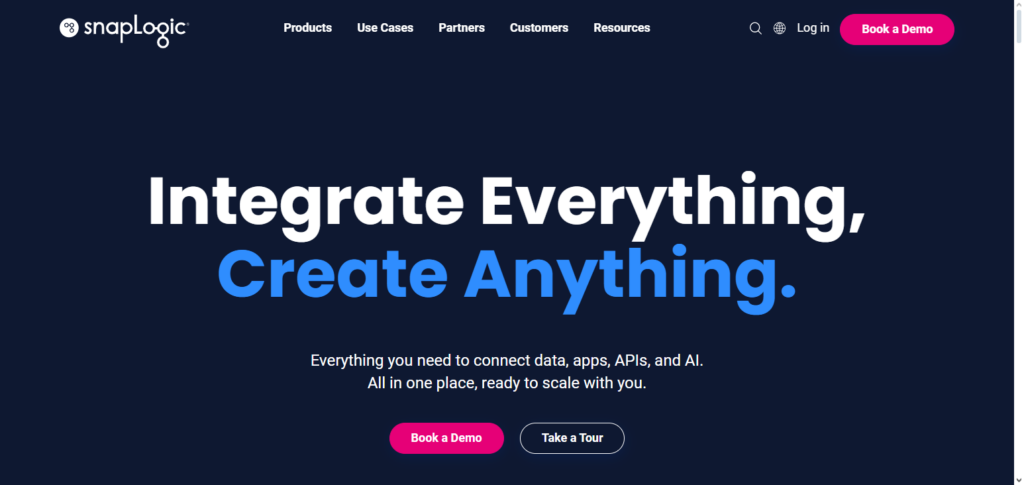
SnapLogic is one of the best B2B Integration platforms because of their AI (artificial intelligence) powered workflows, cloud first design and leverages applications, which work to optimize their integrations. It helps to determine errors and automate work completion in a ration that reduces the time and cost. SnapLogic is applicable for organizations that focus on B2B Integration.
SnapLogic Features, Pros & Cons
Key features
- Platform integration that is powered by AI.
- Workflows are automated intelligently.
- Interface that is drag and drop.
- Snaps that are pre-built.
- Processes in real-time.
Pros
- Assisted AI for integrations that are fast.
- Design for workflow that is visual.
- Strong capability in real-time.
- Good for migrations towards cloud.
- Ability to increase computing power
Cons
- Costs can be expensive
- Higher complexity to gain full command of advanced AI capabilities
- Some connectors are more restrictive
- Support of hybrid models is less than optimal compared to alternatives
- Some tuning of performance is required from time to time
6. Jitterbit
Jitterbit is considered by many to be the top B2B integration platform as it pertains to API integration and management. The platform allows for the connection of SaaS, on-premise, and legacy systems with the flexibility of hybrid deployment.
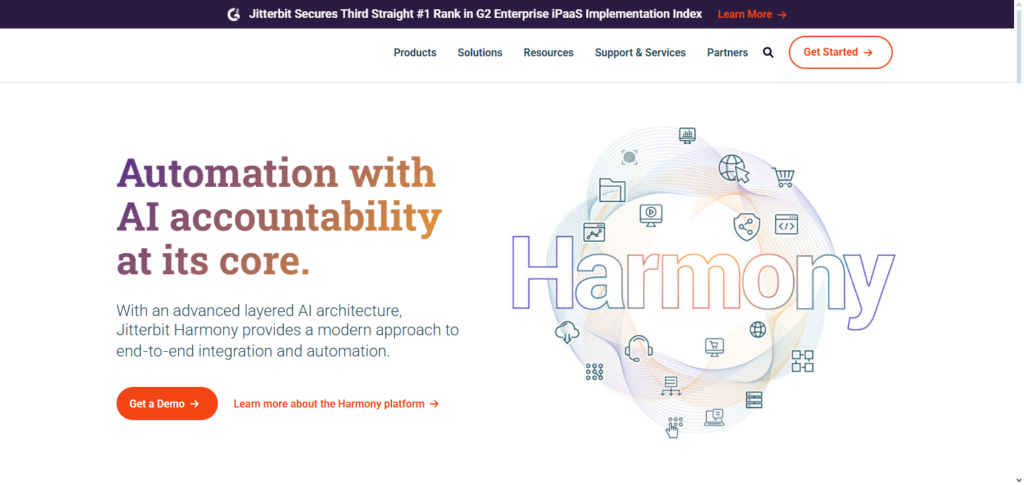
Jitterbit includes tools for mapping and transformation of data, as well as with API orchestration, pre-built templates, and advanced integration to alleviate the trouble of complex integration workflows. Businesses experience rapid deployments with fewer errors, and greater data consistency and accuracy.
The ability to monitor data in real time provides greater visibility and overall operational performance. The high level of security, flexibility, and reliability Jitterbit provides for B2B integrations, alongside the user-friendly interface, makes it one of the best options for large, fast growing companies.
Jitterbit Features, Pros & Cons
Features
- Integration of APIs
- Hybrid cloud solutions
- Tools for mapping
- Templates for common scenarios
- Process data in real-time along with batch processing
Pros
- API orchestration capabilities
- Mapping & transformation of data is simple
- Supports hybrid scenarios
- Fast project initialization
- Good patterns for references
Cons
- Prices are in the middle
- Ecosystem is smaller compared to leaders
- Advanced analytics is absent
- Can improve the Interface
- Not the best for large workloads in enterprises
7. Celigo
Celigo is one of the top B2B integrations platforms, with a focus on providing automated processes across cloud applications. The company’s cloud SaaS offerings, including iPaaS, provide integration of ERPs, e-commerce, and other SaaS systems with prebuilt templates and connectors. The ability to streamline workflows and sync data saves time and effort to enhance overall operational efficiency.

With a low-code integration system, both technical and business users can manage the integrations by themselves and maintain data integrity through monitoring and error management tools. Celigo is designed for businesses that need quick deployment and want to have scalable integrations that will allow them to work with partners complex in a secure environment.
Celigo Features, Pros & Cons
Features
- IPaaS from the cloud
- Emphasis on integration of SaaS with ERPs
- Templates for simple integrations
- Dashboards for monitoring
- Automation of workflows
Pros
- Configuration is simple
- Good connectors for SaaS + ERP
- Monitoring is done well
- Costs are decent for the middle of the market
- Good time to setup
Cons
- Poor API management
- Less customizable
- Support for legacy systems is limited
- No hybrid community
- Monitoring is weak
8. Tray.io
Tray.io is one of the most flexible cloud application integration and automation tools available on the market right now. The service provides organizations the means to automate their cloud and on-premise systems using orchestrated APIs and automate multi-step workflows.
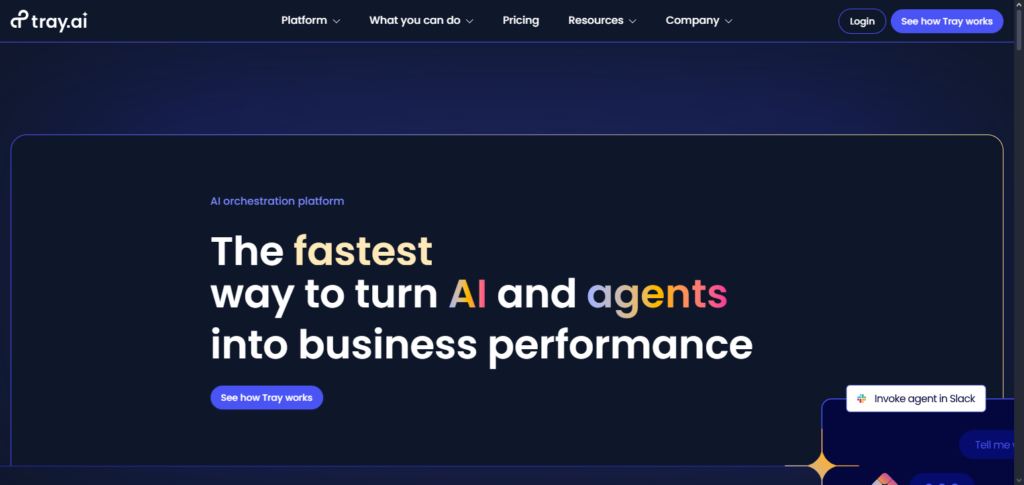
With the use of Tray.io’s visual workflow builder and reusable system connectors and templates, work efforts are simplified and workflows can be debugged easily. Furthermore, Tray.io’s cloud application is monitored and protected using secure IT methods and compliance standards.
The integration of automation features makes it possible for Tray.io to serve mid-market enterprises. Businesses of all sizes, therefore, are able to maximize their automation processes.
Tray.io Features, Pros & Cons
Features
- Automation with low code
- Orchestration of APIs
- Building of workflows visually
- Multiple connectors in the cloud
- Seamless Automation
Pros
- Highly adaptable
- Suited for Mid-sized and larger enterprises
- No coding skills required for business staff
- Outstanding visual workflow construction
- Excellent assistance and documentation
Cons
- Prices can rise exponentially
- Beginners may find it difficult
- Some additional functions require some level of programming experience
- Does not include heavy ETL tools
- Limited processing when offline
9. Zapier
Zapier is the most popular no-code automation tool and one of the top integration vendors for basic workflows and small firm automation. The platform provides workflow automation that is integrated with numerous cloud applications and simple, repetitive task actions.
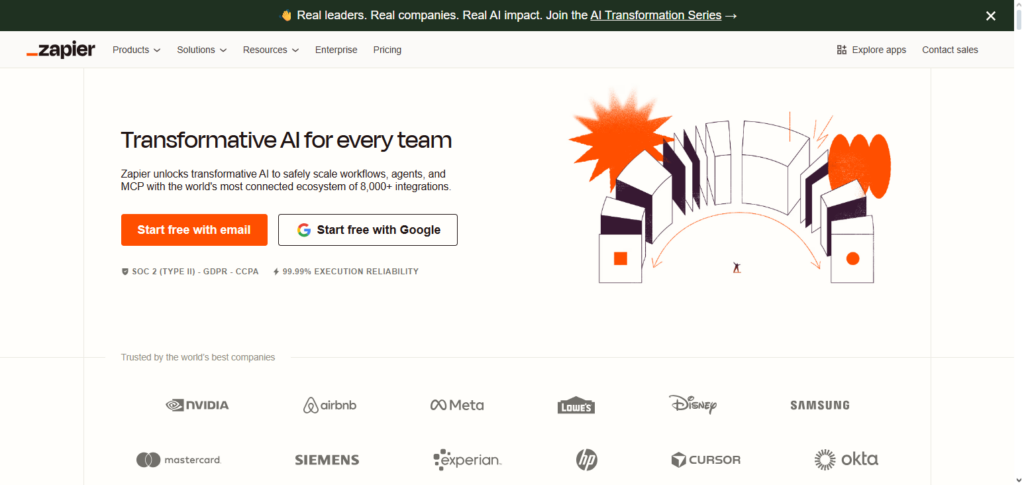
Zapier provides integration tools (Zaps) that enable users to automate their workflows through simple plug and play connectors. The platform reduces operational activities that are manual and workflows that are error-prone. The service is recommended for new businesses that are small and for automation tools that are simple to deploy, cost-effective, and flexible.
Zapier Features, Pros & Cons
Features
- Automation without coding
- Connects to thousands of applications
- Workflows involving trigger and action
- Easy to use interface
- Instantly ready
Pros
- Very user-friendly
- Suitable for small enterprises
- Immediate operational use
- Very reasonable cost for entry level
- Vast array of services linked
Cons
- Not designed for enterprises
- Basic functions of data conversion
- Not suitable for on-location systems
- Lacks detailed control
- Limited reporting
10. Ampersand
Ampersand specializes in B2B integration, facilitating supply chain and partner network connectivity through an advanced cloud-based integration platform. The platform eliminates the complexities associated with data sharing, document processing, and the integration of business processes across companies.

The platform boasts of full-fledged compliance with B2B standards, formats, and secure messaging. The platform is engineered to accommodate companies of all sizes, with graduated pricing modeled on the architecture of the platform.
Conflict management is improved operational visibility, resource and, efficiency, through tracked, automated tasks, and workflow analytics. Supply chain functions, integrated with B2B frameworks, can be improved to help companies in today’s B2B environments.
Ampersand Features, Pros & Cons
Features
- Digital data interchange for business
- Focus on the supply chain
- Uses standard documents
- No manual intervention in workflows
- Connectivity with partners.
Pros
- Excellent integration with supply chain
- Eases on-boarding of partners
- Good with regulatory compliance
- Automated data exchange in documents
- Grows with the network of partners
Cons
- Limited use due to niche focus
- Smaller network of connectors
- Not as well known as the big players in the market
- Feature sets may seem limited/specific
- There may be reduced flexibility in integration logic
Conclusion
For companies hoping to improve cooperation, streamline operations, and maintain smooth data flows with partners, suppliers, and customers, selecting the best B2B integration platform is essential. From enterprise-grade API administration to low-code automation and cloud-first connectivity, platforms including MuleSoft (Anypoint Platform), Informatica Cloud Integration, Workato, Boomi, SnapLogic, Jitterbit, Celigo, Tray.io, Zapier, and Ampersand each have special advantages.
The size, complexity, and integration requirements of an organization determine the optimal platform. All things considered, using these leading B2B integration platforms guarantees operational effectiveness, data correctness, real-time visibility, and scalable expansion, making them essential for contemporary companies operating in an interconnected ecosystem.
FAQ
What is a B2B integration platform?
A B2B integration platform is software that enables businesses to connect, automate, and manage data exchange and processes with partners, suppliers, and customers. It supports seamless communication between applications, systems, and organizations, often using APIs, EDI, or cloud-based connectors.
Why do businesses need a B2B integration platform?
B2B integration platforms reduce manual work, improve data accuracy, speed up business processes, and provide real-time visibility. They enable companies to collaborate efficiently with partners, ensure compliance, and scale operations without disruptions.
Which are the best B2B integration platforms?
Some of the best platforms include MuleSoft (Anypoint Platform), Informatica Cloud Integration, Workato, Boomi (Dell Technologies), SnapLogic, Jitterbit, Celigo, Tray.io, Zapier, and Ampersand. Each platform has unique strengths, from enterprise-level API management to no-code automation.
What factors should I consider when choosing a B2B integration platform?
Key factors include scalability, ease of use, security, number of pre-built connectors, support for cloud and on-premise systems, workflow automation capabilities, real-time monitoring, and cost.