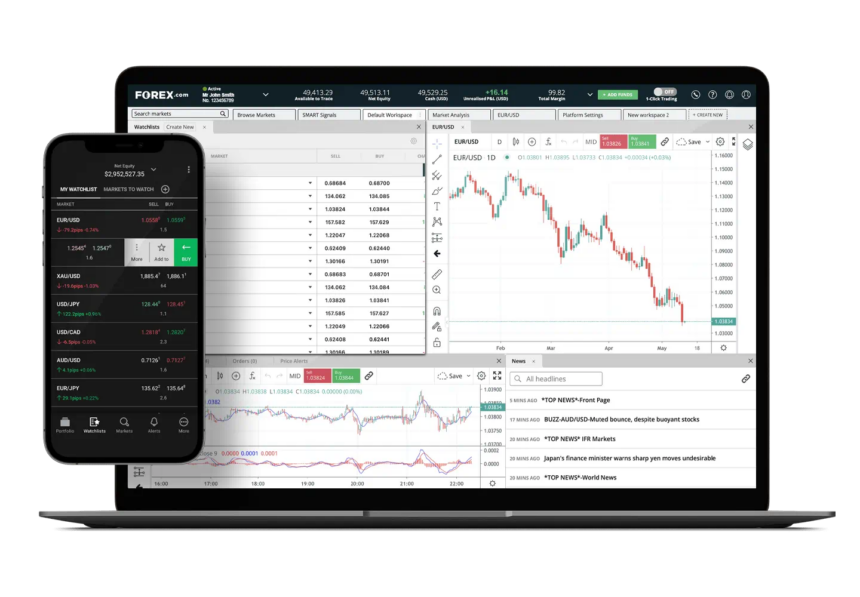
The Best Forex Charting Tools that assist traders in analyzing market movements, spotting trends, and making data-driven trading decisions will be covered in this article.
For both novice and experienced traders looking for accuracy, efficiency, and better performance in the forex market, these tools provide sophisticated indicators, real-time charts, and customizable features.
What is Forex Charting Tools?
In order to assist traders in analyzing market trends and price behavior, forex charting tools are software platforms or apps that show currency price movements in visual chart formats.
To aid in trading decisions, these tools offer timelines, sketching tools, technical indicators, and real-time or historical data. To determine entry and exit points, comprehend market trends, and successfully manage risk in the forex market, forex charting tools are crucial.
Benefits Of Forex Charting Tools
More Thorough Market Evaluation: Charting tools let traders gain a good understanding of price movements, trends, and patterns, which allows for more informed decision-making.
Correct Trade Timing: Patterns, charts, and technical indicators help traders pinpoint better timing for transactions in the forex market.
Insights About the Market in Real Time: Charting tools provide traders with live updates, which helps them respond to real-time changes in the market.
Support for Risk Management: Charting tools help traders set technical stop-loss and take-profit levels.
Identifying Trends: Charting tools help traders identify bullish, bearish, and range bound market conditions.
Tailored Indicators: Charting tools allow traders to apply their own indicators to the chart.
Enhanced Strategy Creation: Historical data and backtesting allow traders to enhance and refine their trading strategies.
Flexibility in Time Frames: Charting tools provide different time frames to accommodate different trading strategies such as scalping, day trading, swing trading, and long-term trading.
Key Point & Best Forex Charting Tools List
| Platform / Tool | Key Highlight |
|---|---|
| MetaTrader 4 (MT4) | Industry standard for automated forex trading |
| MetaTrader 5 (MT5) | Faster execution & depth of market |
| cTrader | Transparent pricing with Level II depth |
| NinjaTrader | Advanced backtesting & automation |
| ProRealTime | Web-based with powerful indicators |
| MultiCharts | EasyLanguage & portfolio backtesting |
| MotivWave | Institutional-grade wave & market profile |
| FXCM Trading Station | Strong order execution & analytics |
| OANDA fxTrade Charts | Accurate pricing with historical data |
| Investing.com Charts | Free global market charting & indicators |
1. MetaTrader 4 (MT4)
MetaTrader 4 (MT4) is one of the most prominent trading platforms for the global forex market because of its speed, simplicity and stability. The platform also comes with advanced charting options and lets users set their own technical indicators, trade automatically by using Expert Advisors (EAs), and perform third-party plugin analysis.
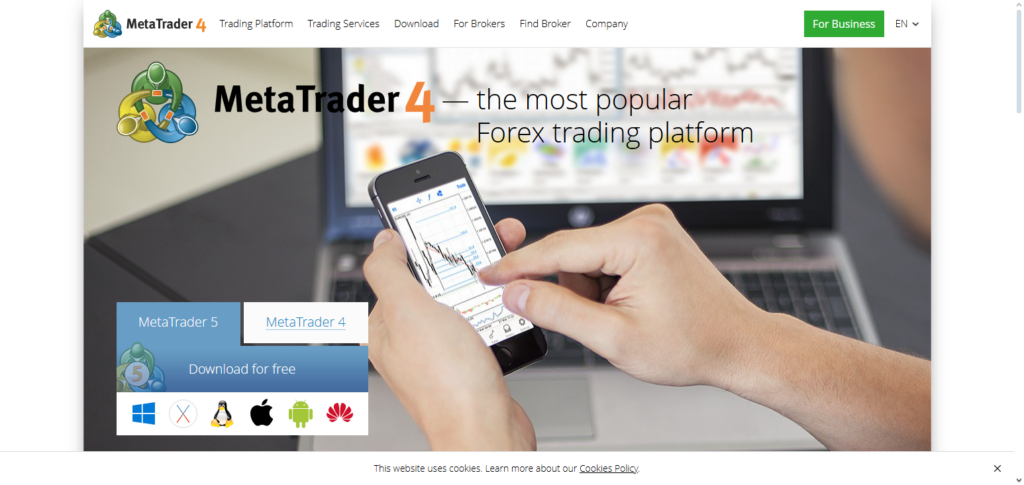
Among trading platforms, MT4 is ranked among the Best Forex Charting Tools because of its lightweight design and compatibility with so many brokers. One-click trading, as well as the ability to analyze past price data, and test trading strategies makes it perfect for all forex traders.
MetaTrader 4 (MT4) Features, Pros & Cons
Features
- Forex charts with 9 different time intervals
- 30+ built-in technical indicators
- Automate with Expert Advisors (EAs)
- Trade with a single click
- Compatible with most brokers
Pros
- Easy to use for beginners
- Large userbase with community created tools
- Lightweight and stable
- Great for automated forex
- Free with most brokers
Cons
- Only forex and CFDs
- Old design
- Less trading indicators than MT5
- No built-in economic calendar
- The strategy tester is slower
2. MetaTrader 5 (MT5)
MetaTrader 5 (MT5) is an improved version of MetaTrader 4 (MT4), and it is an advanced platform that offers access to multiple assets and powerful trading capabilities. It has new features such as improved order execution speed and a calendar for economic events. MT5 also offers trading in Forex, stocks, commodities, futures, and cryptocurrencies.
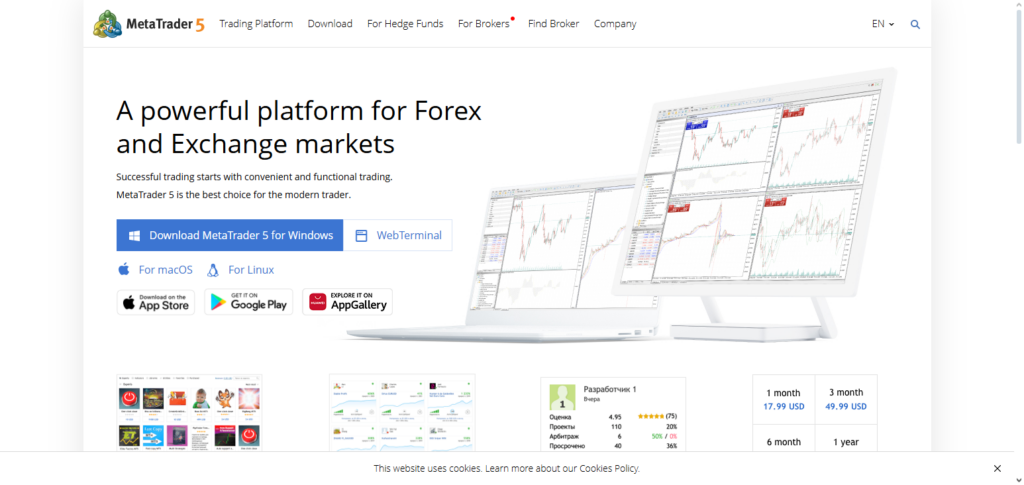
Of all the Top Tools for Charting Forex, MT5 is one of the best for charting and has the best analytical features. The platform offers improved testing of trading strategies and other algorithms through MQL5. MT5 is a great choice for traders who want professional multi-asset charting and trading capabilities, as well as a robust platform to trade on, due to its modern design and more order types.
MetaTrader 5 (MT5) Features, Pros & Cons
Features
- Supports trading for multiple asset classes
- 21 time intervals for trading and 38 different indicators
- Depth of Market (DOM)
- Advanced strategy tester
- Integrated economic calendar
Pros
- Better and faster than MT4
- more analytical and trading tools
- Supports trading of stocks and futures
- Better backtesting
- Better user design
Cons
- More complex than MT4
- Not all brokers support MT5
- MT4 has More EAs than MT5
- More complex
- More system resources required
3. cTrader
cTrader is one of the best options for ECN and professional Forex traders because of its simplicity and accuracy. The platform offers multiple charting options, including detachable charts for custom layouts. There is also a full suite of more than 70 indicators to choose from. cTrader is one of the Top Tools for Charting Forex because of its user experience and execution speed.
For technical traders and analysts, there is a lot of clarity and speed when charting and making moves. Customers can also create and trade algorithms through a feature called cTrader Automate (cAlgo). For clean and professional charts, cTrader is mostly used among scalpers and day traders.
cTrader Features, Pros & Cons
Features
- Level 2 pricing (ECN)
- more than 70 built-in indicators
- Advanced order capabilities
- cAlgo automation
- multi-chart and flexible layouts
Pros
- Modern and user-friendly* Useful for Scalping
- Pricing Transparency
- Great Charting
- Speedy Execution
Cons
- Limited Brokerage Options
- Smaller User Base
- Less Community Indicators
- More tedious Automation
- Harder for New Users
4. NinjaTrader
NinjaTrader is a trading platform recognized for its analytics, customization, and automation. Mainly used for futures trading, it also offers forex trading with advanced order management, charting tools, and market replay features. Still, its robust ecosystem positions it as a top forex charting trading tool for data-driven traders.
NinjaTrader offers tailored trading strategies, extensive backtesting, custom indicators, and algorithmic trading with NinjaScript. The platform is a robust choice for system developers and experienced traders who seek in-depth market analysis, precise execution, and advanced charting.
NinjaTrader Features, Pros & Cons
Features
- Great Charting
- Advanced Order Flow
- Automated Using NinjaScript
- Market Replay & Testing
- Supports Additional Monitors
Pros
- Powerful Market Analysis
- Great for Algorithmic Traders
- Highly Customizable
- Futures Trading
- Excellent Charting
Cons
- Difficult Learning Curve
- Not User-Friendly
- Limited Forex Options
- Additional Features Require Payment
- More Complicated Set Up
5. ProRealTime
ProRealTime is a web-based charting and trading platform with a user-friendly design and sophisticated tools for technical analysis. Over a hundred indicators, configurable charts, and drawing tools with live data are at the disposal of the traders. It is also possible for users to design and automate their own strategies without the need for advanced programming skills.
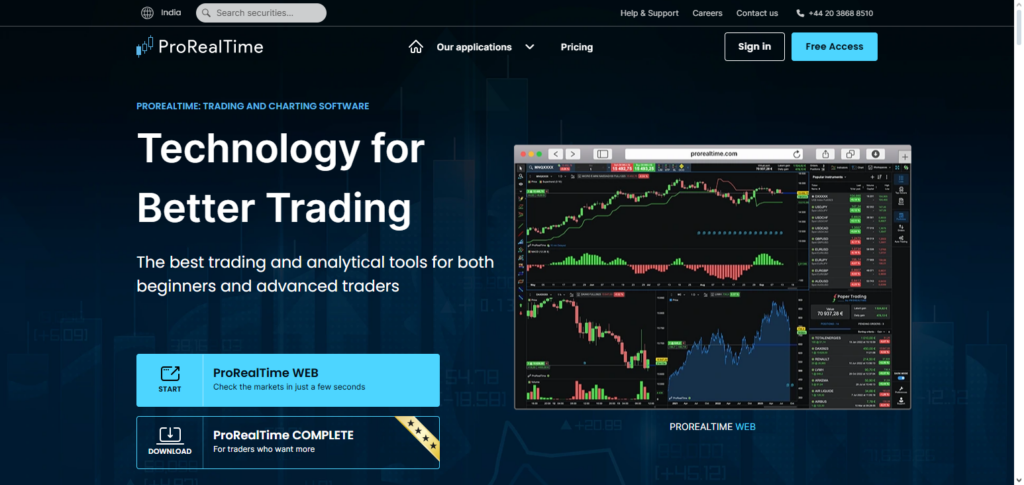
Among the Best Forex Charting Tools recognized ProRealTime is good for swing and position traders as well. It is good for forex, stocks, indices, and commodities. It works with most brokers and its cloud-based service makes it good for traders that need simplicity, but also advanced analytics to work with.
ProRealTime Features, Pros & Cons
Features
- More than 100 Indicators
- Access via Web & Desktop
- Strategy Automation
- Real-Time Data
- Technical Interface
Pros
- Simple Interface
- No Installation
- Good Analysis
- Stable Performance
- Good For Swing Trading
Cons
- Limited Brokerage
- Premium Pricing Required
- Less Automation
- More Community Support Needed
- Not Good for Scalping
6. MultiCharts
MultiCharts is an ideal trading platform for algorithmic and system traders where advanced strategy development is needed. Its features include professional backtesting, portfolio charting, and seamless integration with several data feeds and brokers. With powerful features, MultiCharts is among the Best Forex Charting Tools for testing and developing automated trading systems.
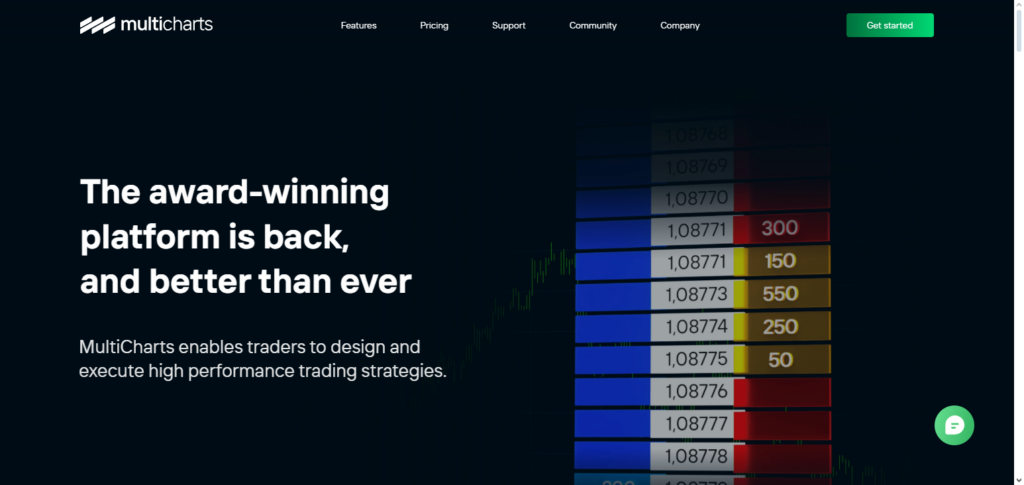
EasyLanguage and PowerLanguage, make strategy coding easy for traders with algorithmic trading knowledge. MultiCharts offers reliable historical data testing, fast execution, and analysis at multiple time frames making it the best option for hedge-fund-style strategy developers and advanced traders.
MultiCharts Features, Pros & Cons
Features
- Backtesting for Portfolios
- Support for EasyLanguage
- Analysis Across Multiple Timeframes
- Fast Execution
- Supports Multiple Data Feeds
Pros
- Sweet for system traders
- Robust strategy testing
- Professional-grade analytics
- More than one way to customize
- Reliable platform
Cons
- Complicated for novices
- Paid software
- Monotone
- Needs technical knowledge
- Smaller clientele
7. MotivWave
MotivWave is an advanced trading platform that specializes in technical analysis that uses Elliott Wave structures, Fibonacci analysis, and market structures. On the trading platform, users can find advanced-level tools that aid in wave counting, and have the ability to recognize patterns and profiles, and this is available for the forex market and all of the other available asset classes.
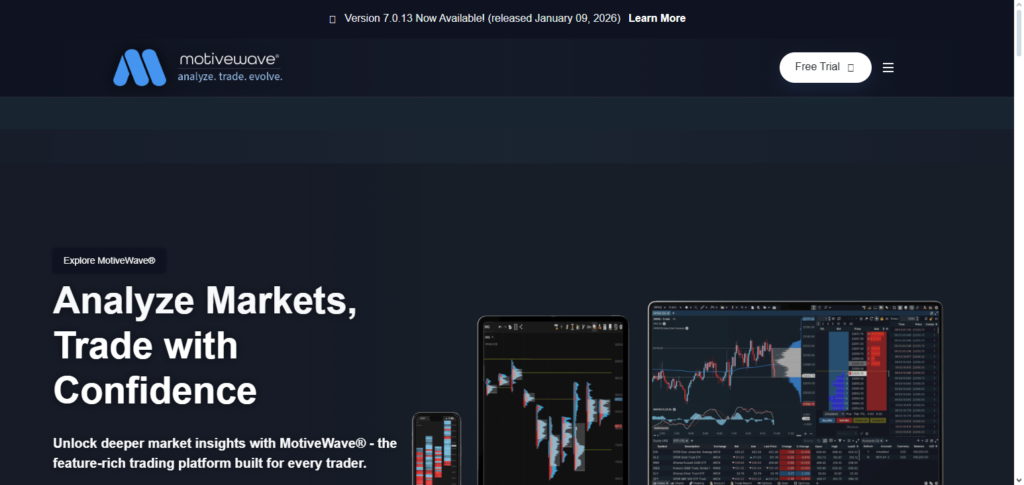
With no data feeds, no other forex charting tools grant the capabilities and features that MotivWave offers to its users. Later, MotivWave added the ability to automate strategies and analyze multiple markets. Although this trading platform can take a while to learn, it offers more advanced features than other platforms.
MotivWave Features, Pros & Cons
Features
- Elliott Wave analysis
- Fibonacci & Gann tools
- Market profile & volume tools
- Automation of strategies
- Support for multiple assets
Pros
- Best for high-level analysts
- Institutional level tools
- Technically precise modeling
- More than one way to customize
- Excellent data integration
Cons
- Very high level of skill required
- Pricey updates
- A system that is too sophisticated for novices
- Complicated primary system
- Needs advanced knowledge of markets
8. FXCM Trading Station
FXCM Trading Station is the only platform that FXCM clients can use. It was designed by FXCM to allow clients to trade through the platform and analyze the market. The platform offers in-the-moment analysis through customizable charts, news headlines, and sentiment indicators.
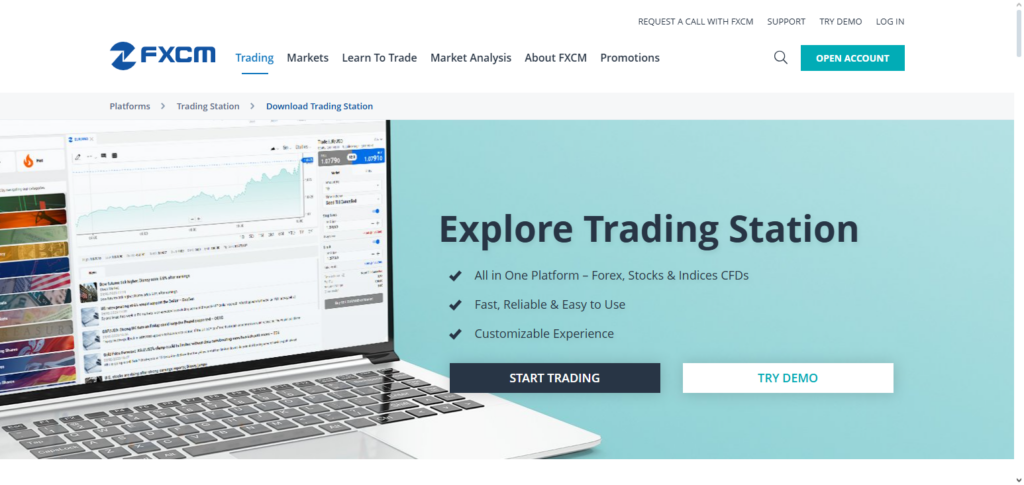
The platform also offers features such as advanced orders and automated trading. Due to its strong analytics and risk management, it is considered one of the Best Forex Charting Tools.. The platform caters to all levels of experience from beginners to intermediates as it balances usability and power in its analytics.
FXCM Trading Station Features, Pros & Cons
Features
- Charts that integrate with brokers
- Advanced types of orders
- Performance analytics
- Automated trading support
Pros
- Most efficient for FXCM users
- Consistent execution
- User-friendly
- Integrated analytics
- Solid risk management
Cons
- Exclusively for FXCM clientele
- Less types of indicators
- More options for customization
- Not friendly to multiple brokers
- Charts are visually basic
9. OANDA fxTrade Charts
OANDA fxTrade is another platform that is considered one of the best Forex Charting Tools. The reason it is considered one of the best is due to its reliable historical data, accurate data, and real-time Forex Charting. The platform also prides itself in transparency by providing simple charts with the necessary indicators.
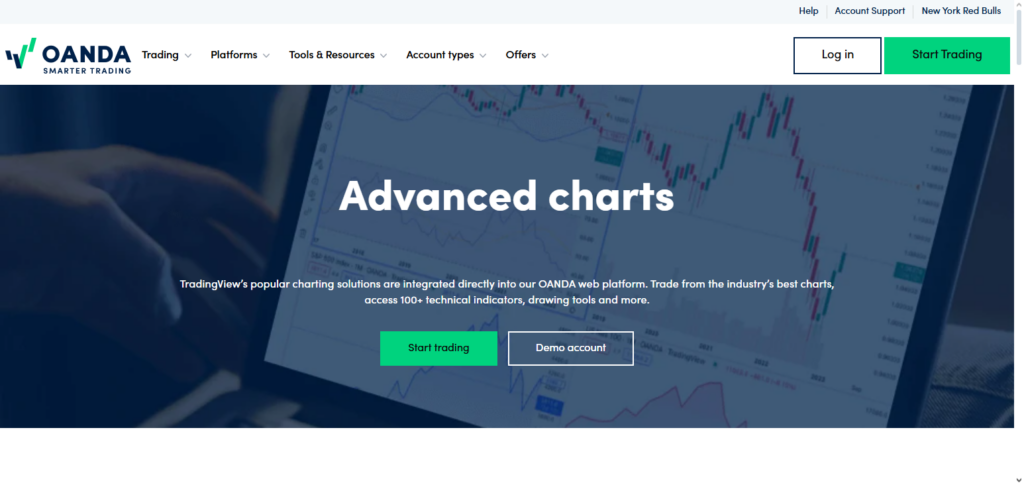
Stakeholders value reliance and data accuracy as it helps them make critical decisions. The platform has low customization, but due to its stable and reliable nature, it is a great choice for Forex traders. It offers precise risk management and consistent data among the market.
OANDA fxTrade Charts Features, Pros & Cons
Features
- Up to date precise pricing
- Charts that are easy to use
- Access to previous data
- Tools to manage risk* Mobile trading support
Pros
- Accurate data
- Good broker environment
- Intuitive interface
- Strong transparency
- Consistent performance
Cons
- Customization is limited
- Less available indicators
- Simple charting tools
- No advanced tools
- Broker-locked system
10. Investing.com Charts
Free online charting tools with worldwide market coverage, including forex, equities, cryptocurrencies, commodities, and indices, are offered by Investing.com Charts. Real-time market data, technical indicators, and interactive charts are all available on the platform.
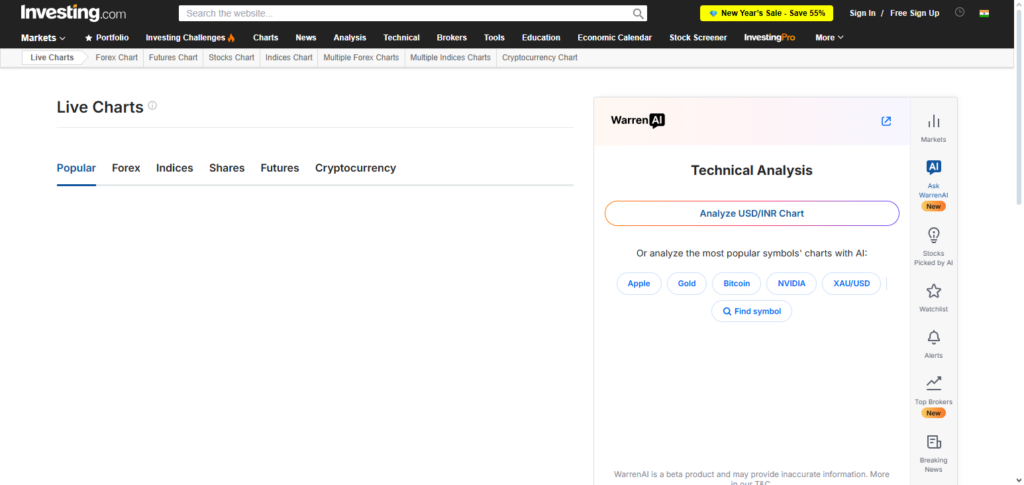
Investing.com is regarded as one of the Best Forex Charting Tools for market research and analysis instead of direct trading due to its extensive feature set. Beginners and analysts who require rapid access to price movements, economic developments, and technical signals may find it very helpful. Investing.com Charts are perfect for high-level technical analysis and market monitoring because they don’t require installation.
Investing.com Charts Features, Pros & Cons
Features
- Charts
- Covers all major markets
- Most indicators available
- Integrated economic calendar
- No registration required
Pros
- Completely free
- Friendly for beginners
- Quick dashboard for the markets
- No need to download anything
- Great for studying
Cons
- Can’t use it to buy or sell
- Customization is limited
- Free version is ad supported
- No automation
- Some markets have delayed data
Comparison table
| Platform / Tool | Key Strength | Best For | Asset Coverage | Customization | Key Highlight |
|---|---|---|---|---|---|
| MetaTrader 4 (MT4) | Lightweight & stable | Forex traders | Forex, CFDs | High (Indicators, EAs) | Industry standard for automated forex trading |
| MetaTrader 5 (MT5) | Multi-asset support | Advanced traders | Forex, Stocks, Futures, Crypto | Very High | Faster execution & depth of market |
| cTrader | ECN-focused trading | Scalpers & day traders | Forex, CFDs | High | Transparent pricing with Level II depth |
| NinjaTrader | Professional analytics | Futures & algo traders | Futures, Forex | Very High | Advanced backtesting & automation |
| ProRealTime | Clean technical analysis | Swing & position traders | Stocks, Forex, Indices | High | Web-based with powerful indicators |
| MultiCharts | Strategy development | System traders | Stocks, Futures, Forex | Very High | EasyLanguage & portfolio backtesting |
| MotivWave | Elliott Wave tools | Technical analysts | Forex, Stocks, Crypto | Very High | Institutional-grade wave & market profile |
| FXCM Trading Station | Broker-integrated tools | FXCM users | Forex, CFDs | Medium | Strong order execution & analytics |
| OANDA fxTrade Charts | Real-time pricing | Forex traders | Forex | Medium | Accurate pricing with historical data |
| Investing.com Charts | Market-wide coverage | Beginners & analysts | Stocks, Crypto, Forex, Commodities | Medium | Free global market charting & indicators |
Conclusion
Making wise trading decisions, enhancing technical analysis, and successfully managing risk all depend on selecting the Best Forex Charting Tools. While cTrader and NinjaTrader provide professional-grade accuracy for active and algorithmic traders, MetaTrader 4 and MetaTrader 5 offer industry-standard automation and dependability.
While FXCM Trading Station and OANDA fxTrade Charts offer broker-integrated accuracy, sophisticated tools like ProRealTime, MultiCharts, and MotivWave serve traders that depend on detailed technical techniques. Investing.com Charts is still a great option for market research and rapid analysis. The ideal tool ultimately depends on your analytical requirements, trading style, and level of experience.
FAQ
Which forex charting tool is best for professional traders?
Professional traders often prefer cTrader, NinjaTrader, ProRealTime, or MultiCharts. These platforms offer advanced chart customization, depth-of-market data, algorithmic trading, and high-level technical analysis features suitable for experienced traders.
What are the Best Forex Charting Tools for beginners?
MetaTrader 4 (MT4), MetaTrader 5 (MT5), and Investing.com Charts are considered the best for beginners due to their user-friendly interfaces, free access, and wide availability of technical indicators. These tools help new traders understand price action, trends, and market behavior without complex setups.
Are free forex charting tools reliable?
Yes, many free tools such as MT4, MT5, and Investing.com Charts are highly reliable. However, premium versions usually provide faster data, advanced indicators, automation, and enhanced backtesting, which can be beneficial for active traders.
Can I use forex charting tools on mobile devices?
Most of the Best Forex Charting Tools, including MT4, MT5, cTrader, OANDA fxTrade, and Investing.com Charts, offer mobile apps for Android and iOS, allowing traders to analyze markets and manage trades on the go.
Which charting tool is best for automated forex trading?
MetaTrader 4, MetaTrader 5, NinjaTrader, and MultiCharts are ideal for automated trading. They support custom indicators, Expert Advisors (EAs), and strategy backtesting, making them popular among algorithmic traders.