A startup’s success or failure in today’s fast-paced digital world might be determined by the software they choose. The Best SaaS Platforms for Startups offer ready-to-use solutions that boost collaboration, streamline operations, and facilitate quick expansion without requiring expensive infrastructure.
SaaS technologies enable startups to concentrate on innovation, evaluate ideas more quickly, and scale effectively while remaining flexible and competitive in a constantly changing market. These tools range from project management and automation to customer relationship management and communication.
What are SaaS Tools?
SaaS tools or software as a service tools are applications that are provided over the web. They are cloud-based, and users can access them over the web without having to install or maintain software on their local machines.
These tools are provided by the vendors, and costs and technical efforts are significantly lower. Email services, project management tools, CRM or accounting software are examples of such tools.
These SaaS tools provide digital convenience collab, and remote work. They provide accessibility, ease of scaling, automatic software updates, and subscription-based pricing.
Why use a SaaS platform to build your product MVP?
Faster Time-to-Market
You can build your MVP in a matter of days, simply because you don’t need to develop a SaaS background infrastructure from scratch.
Lower Development Costs
They’re much cheaper for startups with limited budgets, because, without SaaS platforms, MVP development already comes with expensive upfront costs of infrastructure, hosting, and ongoing maintenance.
Scalability from Day One
SaaS platforms can all scale, so your MVP will never have to suffer from toxic growth. You can easily add new users without changing the service architecture.
Built-in Security & Compliance
Your MVP will be handling sensitive information, and most SaaS platforms can help you comply with aspects of the GDPR. They have encryption, backup, and access control mechanisms.
Focus on Core Features
You can focus on the aspects of your product that give you a competitive advantage instead of wasting time on build infrastructure, tooling, and systems maintenance.
Easy Iteration & Updates
You won’t be locked into a single, outdated version of a product. These platforms allow you to change your MVP easily based on your users’ needs in a matter of days.
Prepared for Integration
SaaS platforms provide built-in tools for payments, marketing, and analytics, enabling effortless extension of MVP functionality on a need-basis.
Lowered Technical Risk
During early phases of product development, utilizing dependable SaaS platforms greatly decreases infrastructural failure, performance risk, and technical debt, significantly lowering overall risk.
Key Points of Popular SaaS Platforms
| Platform | Key Point (Main Strength) |
|---|---|
| Trello | Simple Kanban boards for visual task management and team collaboration |
| Asana | Advanced project management with timelines, dependencies, and workflow automation |
| Teamwork | Client-focused project management with billing, time tracking, and agency-friendly features |
| SmartTask | Combines task management, CRM, and team collaboration in one platform |
| Basecamp | All-in-one team communication hub with to-do lists, chat, and file sharing |
| ClickUp | Highly customizable productivity suite with docs, tasks, goals, and dashboards |
| Zapier | Workflow automation tool connecting 6,000+ apps without coding |
| HubSpot CRM | Free CRM with marketing, sales, and customer service automation |
| Airtable | Flexible spreadsheet-database hybrid for organizing projects and data visually |
| Slack | Real-time team communication with powerful integrations and channels |
1. Trello
In October 2023, Trello is still one of the best companies that started in 2011 within the USA and specifically the New York area. It is currently one of the best visual tools in the project that use boards, lists, and tasks that help to organize people more effectively.
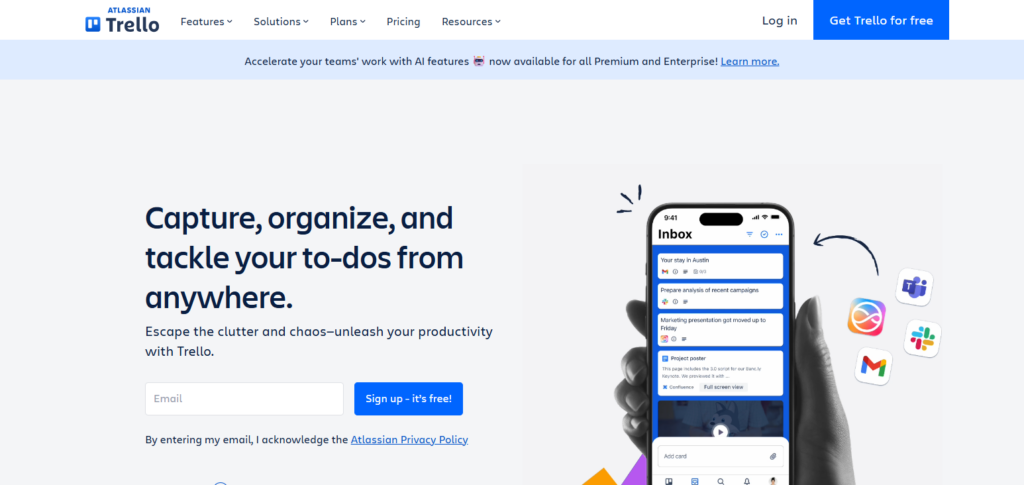
Due to its ease of use, it is currently one of the best SaaS Platforms for Startups. Trello is even helpful in assigning tasks, creating due dates, attaching files, automating processes, and integrating with multiple external tools.
Trello differentiates itself with its user experience and a simple workflow that makes it best suited for new companies, freelancers, and small businesses.
Trello – Main Features
- Boards, lists, and cards in a Kanban style
- Task management via drag and drop
- Task assignments, due dates, and checklists
- Integrations with Power-Ups (Google Drive, Slack, Jira)
- Butler enables Automation
- Comments and attachments for files
- Access via mobile and web applications
- Interface is beginner-friendly and straightforward
Trello – Pros & Cons
Pros:
• Simple and very easy to operate
• Clear visual task tracking on Kanban boards
• Helpful integrations via Power-Ups
• Suitable for simple workflows and smaller teams
• Has a free version
Cons:
• Lacks a lot of features for advanced project management
• Options for advanced features are add-ons
• Not suited for teams or departments of large sizes who will require complex reports
2. Asana
Asana commenced operations in 2008 and is located in San Francisco, USA. It provides an effective work collaboration and management solution. It enables teams to organize, monitor, and control projects, facilitating the use of timelines, task dependency, and reporting tools.
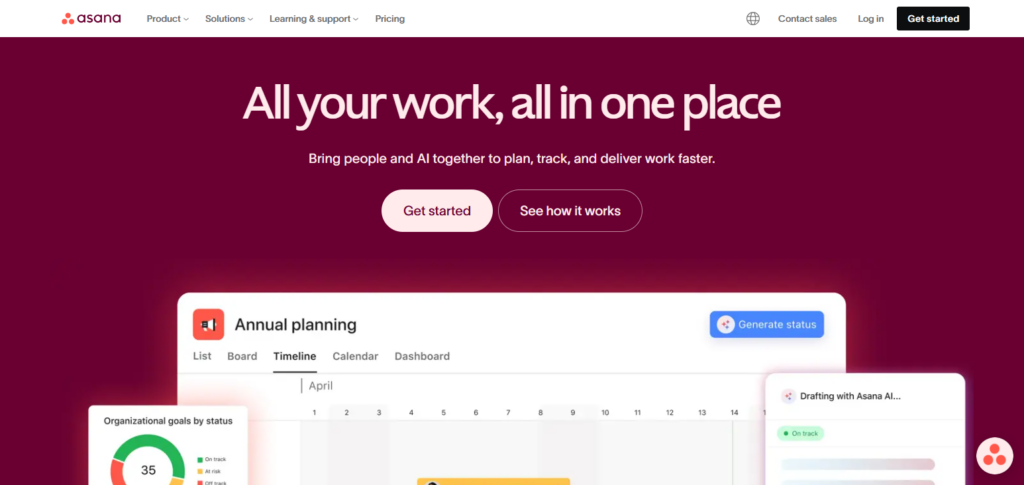
Asana is also recognized as the Best SaaS Startup because of its flexibility and refined workflow automation. Some of its effective dashboards include project dashboards, goals, workload, and task management and it links with Slack, Google Workspace, and other popular tools.
Asana is suitable for startups focusing on accountability, visibility, and moving from small teams to rapidly scaling teams.
Asana – Main Features
- Management of tasks and projects
- View in Timeline (Gantt)
- Dependencies and priorities associated with tasks
- Reporting and dashboards for each project
- Automation of workflows via rules
- Tracking of goals and OKRs
- Management of team workload
Asana – Pros & Cons
Pros:
• Excellent tools for project and task planning
• Can select views: List, Timeline, Board
• Great for automation, has options for dependencies
• Can produce reports and has useful views for the tasks
Cons:
• Not easy to use, complexity can be an issue
• High feature access is reserved for the advanced options
• Takes time for new users, learning new layouts is expected
3. Teamwork
Teamwork is located in Cork, Ireland and began operations in 2007. It is a collaboration and project management tool intended primarily for customer-centric teams.
It has client management and reporting tools, task management, time tracking and invoicing, document sharing, and client communication functionalities making it one of the Best SaaS Platforms for Startups.
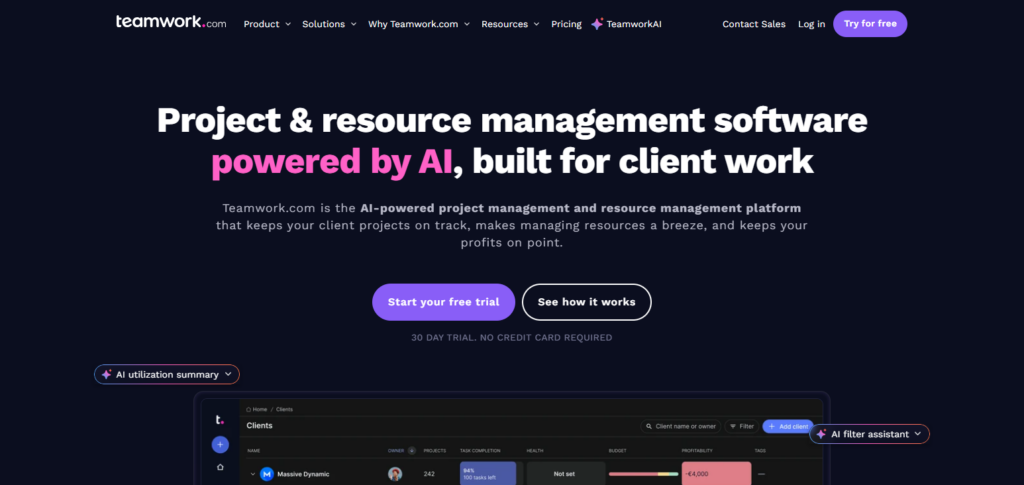
Its primary advantage is in client project management, allowing startups to coordinate project deliverables, deadlines, and payment in a centralized platform.
Teamwork is advantageous to service-centric startups, agencies, and consultants, who require client visibility, and also demand a high degree of control on internal productivity and workflow.
Teamwork – Main Features
- Management of projects with a client focus
- Milestones and lists of tasks
- Time tracking and billing
- Access and permissions for clients
- Collaboration and sharing of files
- Templates for projects
Teamwork – Pros and Cons
Pros:
• Great for projects that have clients
• Includes time tracking and billing
• Has good task and milestone management
• Good collaboration tools
Cons:
• Some tools seem a bit crowded
• Fewer integrations compared to some other tools
• Higher learning curve required for new users
4. SmartTask
SmartTask is an India-based project and work management tool founded in 2017. They offer features such as task management, project tracking, CRM, and team collaboration.
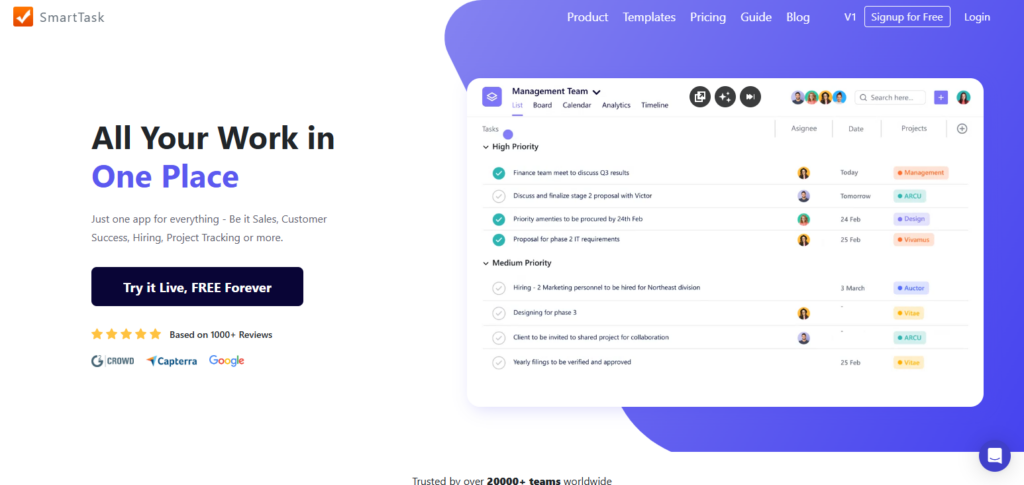
SmartTask is one of the Best SaaS Platforms for Startups because of their affordability and all-in-one service. SmartTask also includes features like task dependencies, recurring tasks, time tracking, dashboards, and automation.
They combine Project Management and CRM features, which is a benefit for Startups managing their internal and customer workflow with several tools.
SmartTask – Main Features
- Management of tasks and projects
- Sales pipeline and built-in CRM
- Tasks are dependent and recurring
- Tracking of time and reports of productivity
- Dashboards that can be customized
- Workflows for Automation
SmartTask – Pros and Cons
Pros:
• Integrates a CRM with task management
• Good for startups due to low pricing
⦁ Simple task monitoring and managing
⦁ Integrated employee performance monitoring
Cons:
⦁ Less connections with other programs
⦁ Less polished design for UX
⦁ May be too basic for large enterprise systems
5. Basecamp
Basecamp is a project management and team communication platform that was founded in 1999 and is located in Chicago, USA. They focus on simplicity and clarity. Basecamp is one of the Best SaaS Platforms for Startups that offers features like message boards, to-do lists, schedules, file storage, and real time chat.
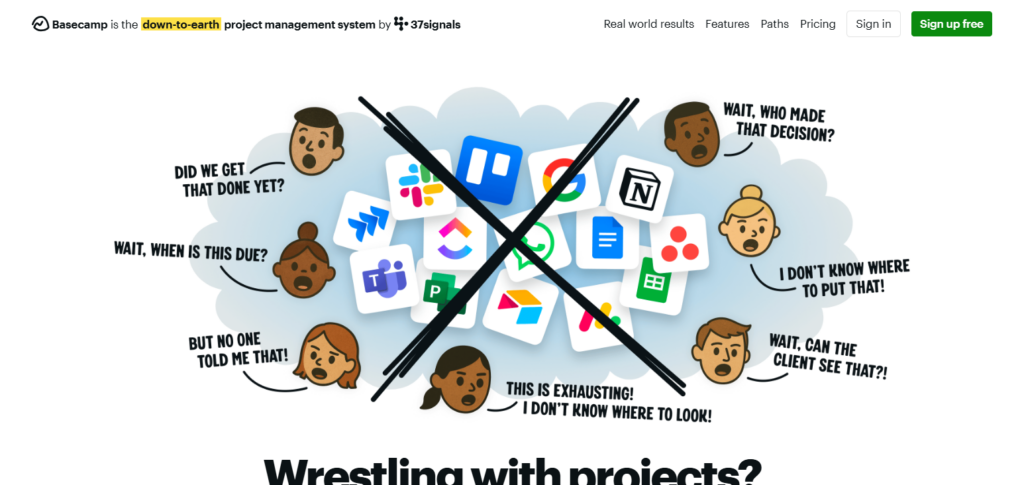
They make complexity a non-issue by keeping all project communication in one place. Basecamp also has a flat pricing model, which is great for growing startups. They work best for teams that want straightforward collaboration rather than advanced project management features.
Main Features
- Project communication in one place.
- To do lists.
- Messaging boards with announcements.
- Group conversations through Campfire.
- Sharing documents and files.
- Timelines and calendars.
Basecamp Pros & Cons
Pros:
⦁ Extremely basic and straightforward for everyone
⦁ Consolidated all communication and file management in one application
⦁ All users can be included in a single collaboration at a single flat rate
⦁ Perfect for smaller organizations
Cons:
⦁ Lacks all enhanced project management functionalities
⦁ Does not feature task dependency building or reporting functions
⦁ Lacks most features for effective detailed quantitative resource management
6. ClickUp
ClickUp is based in San Diego, USA, and has operated since 2017. The company offers numerous tools, including task and document management, setting goals, dashboards, and document time tracking.
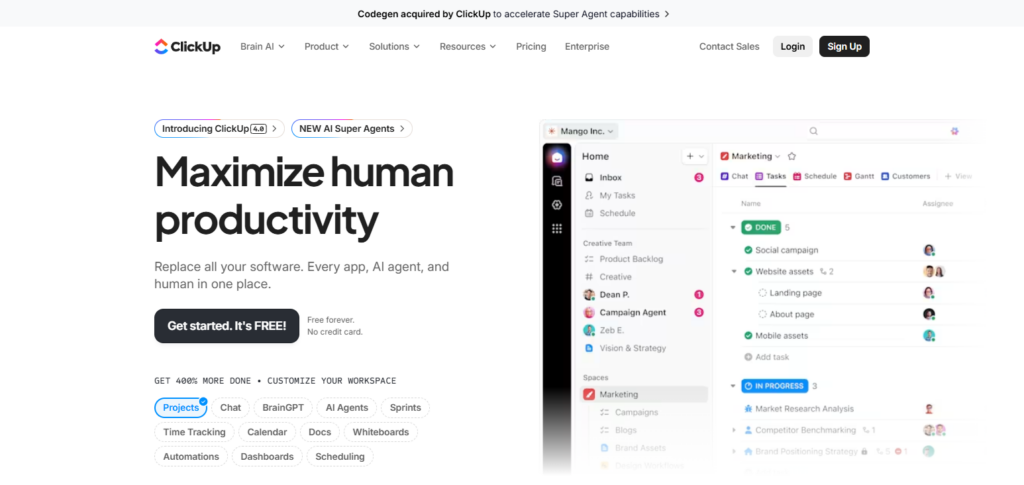
ClickUp is one of the most customizable SaaS platforms. The ability to work in project management using list, board, Gantt, and calendar views makes the program so powerful.
Startups using Clickup will experience increased efficiency and lower costs due to the ability to consolidate and eliminate multiple tools. The program is great for rapidly growing companies with complicated workflow and project requirements.
ClickUp – Main Benefits
- Fully featured productivity app.
- Choose a view for your project: list, board, Gantt, or calendar.
- Custom workflows with task automation.
- Dashboards with goals, docs, and time reporting.
- Customizable fields and statuses.
ClickUp Pros & Cons
Pros:
⦁ Extensive in features and can be modified
⦁ Merges task lists, documents, objectives, time management
⦁ Flexibility with task view configurations
⦁ Good for automating and having system connections
Cons:
⦁ Can be tough for people inexperienced in the platform
⦁ Some users indicate that the system can be slow
⦁ Requires work time to tailor the system
7. Zapier
Zapier, an automation service connecting various apps, has been operational since 2011. The company is also based in California, USA, and is one of the most time-saving and low-labour SaaS tools.
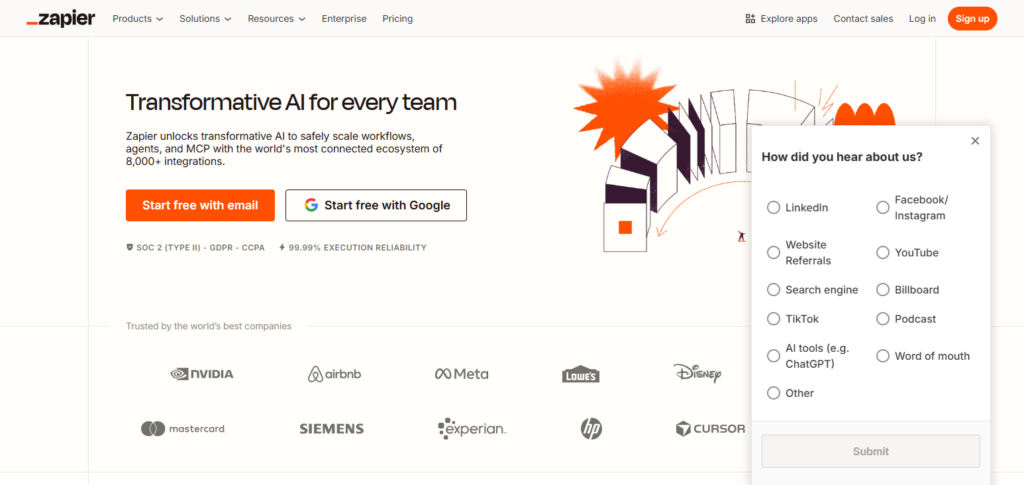
The service lets users build “Zaps,” or automated actions across apps like Gmail, Slack, HubSpot, and Trello. The program’s large range of simple integrations makes it invaluable for companies seeking to grow and automate non-repetitive tasks.—
Zapier – Main Features
- Automate workflows with no coding.
- Over 5,000 apps compatible.
- Create Zaps: multi-step workflows.
- Set triggers to complete actions.
- Use filters for logic.
- Set actions to a timer.
Zapier Pros \& Cons
Pros:
- Streamlines redundant tasks
- ⦁ Has the capacity to pair with most platforms
- ⦁ Does not require ability to code
- ⦁ Lowers the cost to complete a task and corrects problems in task completion
Cons:
- Costs become significant with basic extensive usage
- ⦁ Difficult and complex task automation
- ⦁ Primarily influenced by automation with third party systems
8. HubSpot CRM
One of the oldest company operating in customer relationship management is HubSpot CRM. It opened its doors in 2006. It is located in Cambridge, Massachusetts, USA. HubSpot is a customer relationship management service that integrates service automation, marketing, sales, and customer service.
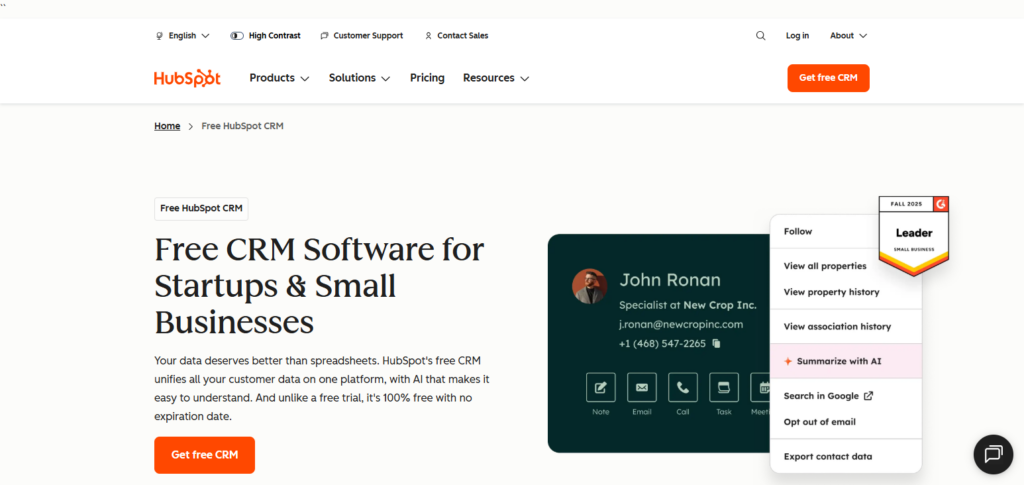
HubSpot CRM is included in Best SaaS Platforms for Startups since it provides the most core functionalities for free, and it is easy to scale. The companies that utilize the service of HubSpot can utilize features like contact management, email tracking, pipeline management, analytics, and marketing automation.
The strengths of HubSpot are it is easy to use and it has a complete ecosystem that allows small companies to manage customer journeys from starting as a lead to having a close to a long term relationship with the company.
HubSpot CRM – Main Features
- CRM available for free with many paid options.
- Manage contacts and leads.
- Keep track of your sales pipeline.
- Email tracking and templating.
- Automate your marketing.
- Ticketing for customer support.
HubSpot CRM Pros \& Cons
Pros:
- Standardized core CRM is provided without cost plus optional payment for more advanced features.
- Marketing Services Automation
- Reporting and analysis
- Integration capabilities
Cons:
- Add-ons can lead to significant cost increases over time
- Some high-end marketing tools can be pricey
- Complex for new users during setup
9. Airtable
Airtable is one of the oldest companies that made easy to use products and democratized the way people can use something. It was the first company to combine a very simple to use spreadsheet with a database.
Airtable is also one of the Best SaaS Platforms for Startups. It provides simple and flexible products that can be customized to the need of the team.

Startups can use this service to manage their project, their content. plan their project, manage their customer relationship and manage their inventory.
The most visual part of their service is that it can be seen and managed with a grid, a calendar, a Kanban board, or a simple gallery. It is Very suitable for startups that need Proper and structured data to be managed with minimal effort.
Airtable – Main Features
- Spreadsheet-like database
- Tables and fields custom tailored
- Various perspectives (Grid, Kanban, Calendar, Gallery)
- Automation of workflows
- Linking of relational data
- Use case templates
Airtable – Pros and Cons
Pros:
- Airtable can be used as either a database or a spreadsheet
- Views can be customized to fit the needs of various teams
- Automation and apps can be used
- Data that needs to be tracked can be put into a structure that is good for keeping track of
Cons:
- For users who may not be tech savvy it can be a bit complicated
- If you go to the higher tiered subscriptions it can be a bit pricey
- Capabilities offline for the service are a bit limited
10. Slack
Founded in 2009 and based in San Francisco, USA, Slack is a team communication application focused on providing structured messaging in place of emails. Its focus on improving collaboration and streamlining communication has earned it a place in the Best SaaS Platforms for Startups.
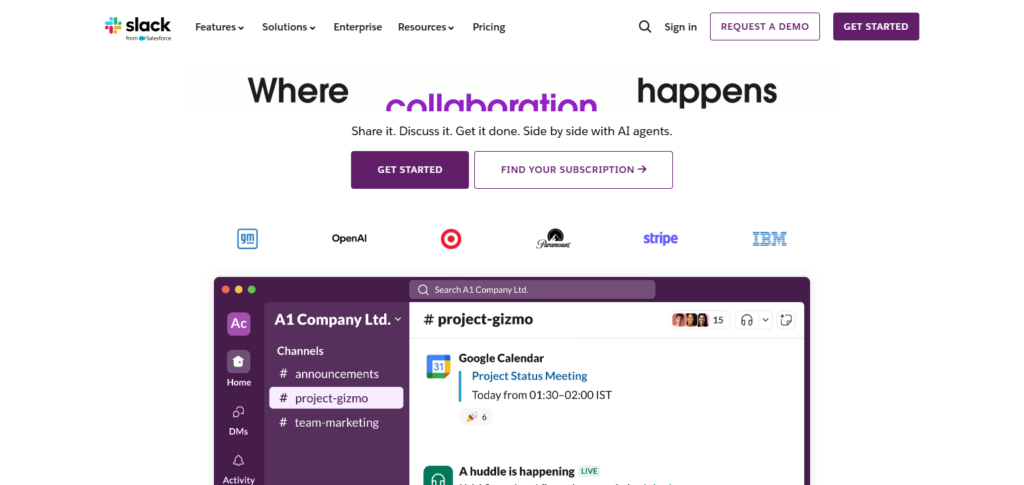
Slack has channels, direct messages, file sharing, voice calls, and connection capabilities with hundreds of SaaS tools.
Slack has the integration and collaboration capabilities to support a fast growing startup or remote team environment with the communication needs that are needed to support clear and instant messaging.
Slack – Main Features
- Organized channels for team discussions
- Private and group chats
- Sharing and searching of files
- Calls for voice and video
- Automation of workflows
Slack – Pros and Cons
Pros:
- Communication in real time can be done super well
- Talks get organized in different channels
- Integrations of other apps work great
- Calls via voice and video can be done
Cons:
- Notifications can get noisy
- Lost chat
- Costs can get high in larger teams
Key Considerations When Choosing a SaaS Development Platform
Scalability Select a platform that can accommodate new users, growing workloads, and performance optimization without the need for large architectural transformations or expensive migrations when your SaaS product grows.
Security & Compliance Strong data protection, encryption, restrictions on access, and other compliance with regulations such as GDPR, SOC 2, or ISO are necessary to protect customer data and build trust.
Customization & Flexibility The platform should enable custom features, integrations, and workflows, thereby allowing your SaaS application to meet the specific needs of a business and sustain further development down the road.
Integration Capabilities Choose a platform that has the ability to integrate easily with third-party APIs, payment processors, customer relation management, and analytics tools to provide a cohesive SaaS ecosystem.
Cost & Pricing Model Consider initial costs, subscriptions, usage-based pricing, and potential hidden costs to confirm ongoing affordability aligned with your startup or business’s budget.
Development Speed An ideal platform should enable faster development with reusable components, automated tools, and easy access for developers to optimized resources to reduce time-to-market and enhance productivity.
Performance & Reliability Select a platform with a good infrastructure and proven track record providing consistent performance. Look for high uptime, good response time, load balancing, and reliability.
Assistance & Engagement Quality documents, quick response support, and developer community all combine together to solve problems and speed up learning during the development process.
Ongoing Support/Updates The system should deliver regular updates that address issues and enhance system efficiency which should do so with little or no downtime. This lessens the support burden for your development team.
Single Supplier Dependency Risk Think about how easily you will be able to transfer your data, program code and application infrastructure out to avoid being overly tied to one vendor and hindering your adaptive options.
Conclusion
Determining the Saas applications for a startup is extremely important as well. Integrating tools like Trello, Asana, ClickUp, HubSpot CRM, Slack, and Airtable allows new companies to refine their processes and optimize their organization and scaling.
These products are able to lessen the time of development, save money, and offer flexibility without needing a significant amount of technical work.
The proper Saas tools permit startups to concentrate on providing the best Customer service and innovating new products. Ultimately, startups are able to choose the products that will help them remain competitive, adaptable, and able to succeed in the future.
FAQ
What are SaaS platforms for startups?
SaaS platforms are cloud-based software tools that help startups manage tasks, communication, CRM, automation, and data without installing or maintaining software locally.
Why are SaaS platforms important for startups?
They reduce costs, speed up operations, improve collaboration, and allow startups to scale quickly without heavy investment in infrastructure or technical resources.
Which SaaS platforms are best for early-stage startups?
Popular options include Trello, Slack, ClickUp, Airtable, and HubSpot CRM due to their ease of use, affordability, and scalability.
Are SaaS platforms secure for startup data?
Yes, most reputable SaaS platforms offer strong security, encryption, backups, and compliance standards to protect business and customer data.
Can startups scale using SaaS platforms?
Absolutely. SaaS platforms are designed to scale with growing users, data, and workflows, making them ideal for fast-growing startups.