
Selecting the Best Workflow Automation Platforms for Enterprises by the year 2026 will not focus only on efficiency Of course, automation reduces inefficiency. But automation will need to provide scalability, compliance, and intelligent decision-making for enterprises as they deal with larger operations and more complicated business processes.
Automation will be the structure for extending collaboration, optimizing workflows with AI, and providing secure governance. Wrike will help users design work processes, whereas Celigo will help in system integration. Automation platforms eliminate manual inefficiencies, system integration, and digital transformation. This report will cover the best enterprise automation tools for workflow.
What Is Enterprise Workflow Automation?
Enterprise workflow automation connects and links departmental and cross-system business processes, covering multiple steps, and eliminating inefficiencies and manual work passing. This technology uses tools like CRM, ERP, HR, and Finance systems, automation engines, APIs, and AI to facilitate smooth data flows and decision making.
Organizations can use enterprise workflow automation to easily embed triggers, rules to route work and requests, approvals, and audit trails. Because of these features, organizations can mature their operations, increase employee productivity, and enhance compliance and regulation while continuing to modernize their business.

Large organizations can use enterprise workflow automation to easily manage and securely run complex flows across different work processes.
Key Point
| Platform | Key Point |
|---|---|
| Wrike | Flexible project + workflow automation with strong collaboration features. |
| altaFlow | Native Salesforce integration and drag‑and‑drop automation. |
| Screendragon | Enterprise-grade AI orchestration for complex workflows. |
| Moxo | Secure client collaboration and workflow portals. |
| monday AI Workspace | Visual boards, automations, and cross-department workflows. |
| Miro | Real-time whiteboarding integrated with workflow automation. |
| Lucidchart | Diagram-driven workflow mapping with live editing. |
| Kissflow | Low-code app building with strong BPM automation. |
| Qntrl | Granular process control and compliance-ready workflows. |
| Celigo | 1,000+ integrations for enterprise SaaS automation. |
1. Wrike
Wrike costs $9.80/user/month and is targeted towards teams and enterprise-level customers. It is used for the orchestration of workflows and projects across multiple departments. Its core automation tools are low-code and include AI and API-based tools. It supports multi-step workflows with approval.
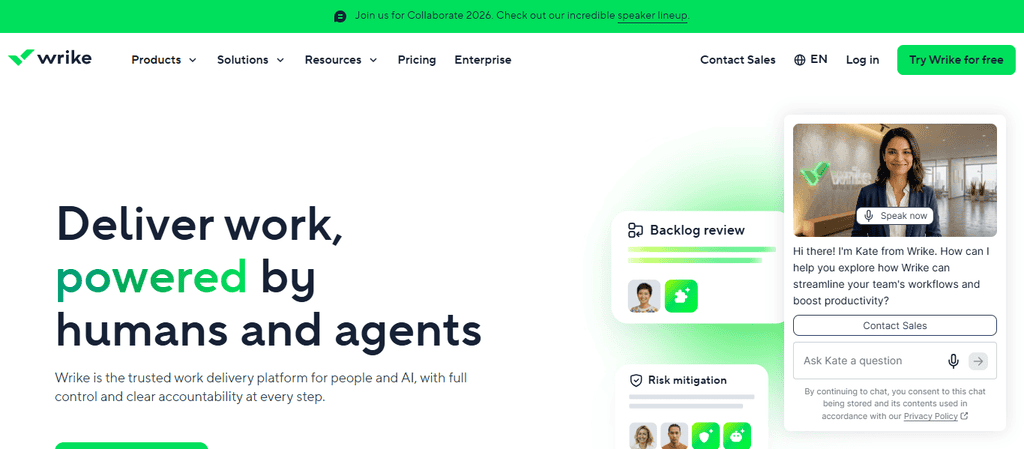
It integrates with a number of cloud, HR, ERP, and CRM systems. It uses AI to assist with predicting tasks and automating the creation of workflows. It includes built-in approvals that require human input. It can be used by a global workforce of thousands of users. It has RBAC. It supports SSO and audit logs.
It supports deployment in a hybrid and cloud environment. It has dashboards, tracking, and analytics for executions and monitoring. It is ideal for enterprises that are looking for an advanced tool to accommodate their needs for automating workflows and projects.
Wrike Features
- Workflow automation: Assigns and manages tasks and task relationships.
- Task automation: Uses rules for actions and approvals that recur.
- Integrates: Connects with CRM, ERP, HR, cloud applications.
- Dashboards: Provides real-time visibility into the progress of workflows.
- AI recommendations: Prioritizes tasks and suggests workflow based on artificial intelligence technology.
Pros:
- Large global teams across departments.
- Strong collaboration across departments.
- Automation via low-code and APIs is flexible.
- Secure governance with RBAC and audit logs.
Cons:
- Per-user pricing.
- Complex setup for advanced workflows.
- Limited functionality offline.
2. altaFlow
altaFlow offers custom enterprise pricing focused on automating document workflows and Salesforce. Its primary use case is streamlining and automating the approval of contracts and compliance-related workflows with a heavy document focus.
Its core automation requires no code and uses intuitive, drag-and-drop tools. It supports complex document workflows across multiple departments. It has Salesforce, finance, and integrates with ERP systems.
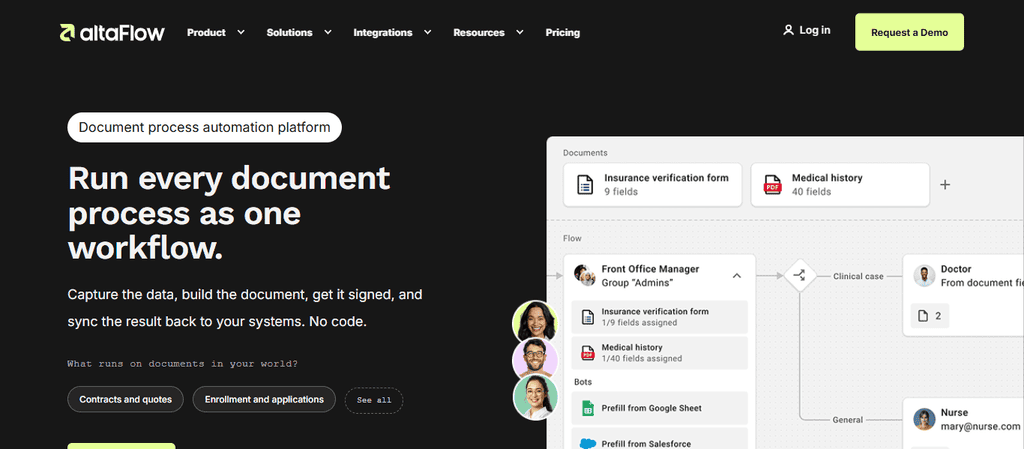
It uses AI to support intelligent document routing and NLP automation. It can handle central approvals that require human input. It can accommodate large teams in a regulated industry. It has compliance-ready RBAC and audit logs.
It has a cloud-first deployment with hybrid support. It offers analytics and compliance dashboards focused on workflow. altaFlow is ideal when an enterprise seeks to integrate automation tools focused on document workflows that integrate with Salesforce.
altaFlow Features
- Automation of contracts and contract approvals: Document automation.
- Deep integration with the Salesforce CRM: Salesforce-native.
- No-code builder: Drag and drop to build workflows.
- Workflows for compliance: Designed for regulated industries.
- Analytics: Measures compliance of document flows.
Pros:
- No-code setup for non-technical teams.
- Salesforce integration.
- Compliance is well suited for finance and healthcare.
- Scales well in regulated industries.
Cons:
- Limited outside the Salesforce ecosystem.
- Higher enterprise pricing.
- Fewer advanced AI features.
3. Screendragon
Enterprise software for AI-powered workflow orchestration, Screendragon, is priced for managing complex enterprise workflows, mainly in marketing and creative fields. Integrations include different CRMs and ERPs, along with IT service management applications and cloud applications.
AI workflow agents automate and optimize processes and make decisions. The software performs automation of hybrid AI and can manage multi-step cross-departmental workflows. It is designed for large enterprises, and thus, it is scalable globally.
It also has SSO, RBAC, and other security and compliance features. Deployment is primarily done in the cloud and in hybrid environments. It provides advanced monitoring, analytics, and detects issues with workflows. The software is well suited for enterprises that need AI workflow orchestration across marketing, operations, and IT.
Screendragon Features
- Automates complex workflows with AI agents: AI orchestration.
- Designed for creative and campaign workflow management: Marketing workflows.
- Across-department automation: Handles multi-team process management.
- Advanced workflow analytics: Analytics.
- Integrates with CRM, ERP, ITSM: Integrations.
Pros:
- AI-based decision making.
- Advanced analytics and workflow management.
- Scales globally for large enterprises.
Cons:
- Premium pricing.
- Lengthy learning curve.
- Not best suited for SMBs.
4. Moxo
Moxo is also an enterprise license software, focusing on customer-facing portals, and has an emphasis on secure customer collaboration and workflow automation, mainly used in the banking, insurance, and consulting industries.
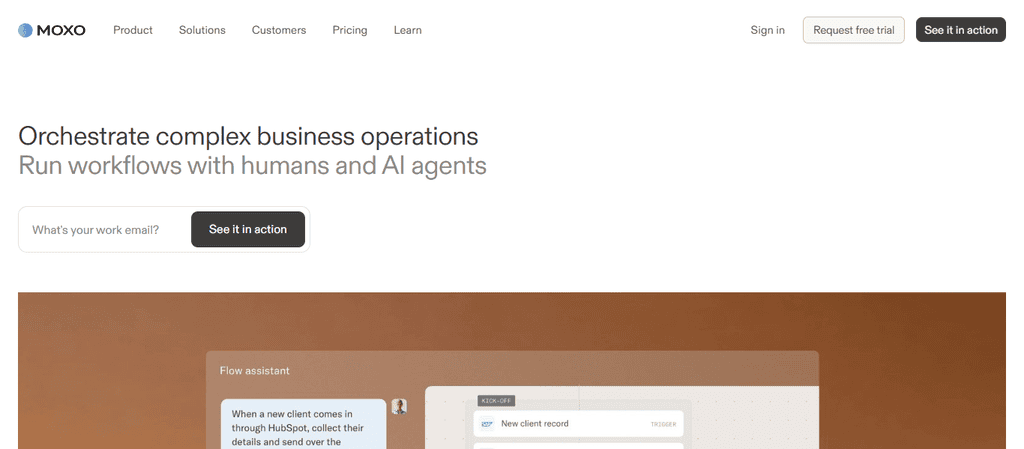
Core automation is designed to be low code and includes APIs. Client approval-based workflows that are multi-step are also supported. Integrations include CRMs, ERPs, and finance systems. AI technology supports intelligent client routing and document automation. The software includes client escalation approvals.
It has a global scale with a focus on service-heavy enterprises. Security features include RBAC, audit logs, and compliance-ready governance. Deployment is primarily cloud-first. Monitoring includes tracking and reporting on client workflows. This software would be well suited to enterprises wanting a secure customer-facing workflow portal with collaboration.
Moxo Features
- Client Portals: A secure workflow hub designed for clients.
- Collaboration Portals: Secure workflow portals for external partners.
- Collaboration: Real-time client interactions. –
- Workflow approvals: Embedded client approval functions. –
- API connectors: Links to CRMs and Finances. –
- Compliance dashboards: Tracks regulated workflows.
Pros: –
- Excellent for client-facing workflows. –
- Strong enterprise-grade security. –
- Scales across service-heavy industries. –
- Easy client approval management. –
Cons: –
- Limited customization. –
- Higher enterprise pricing. –
- Niche focus on client workflows. –
5. Monday AI Workspace and Miro comparison
Monday AI Workspace starts at $10 per user, per month, and has enterprise pricing to scale. Customizable project and workflow management is the primary use case. A key feature of primary automation is an AI and API workflow framework regarding multi-step collaborative workflows.
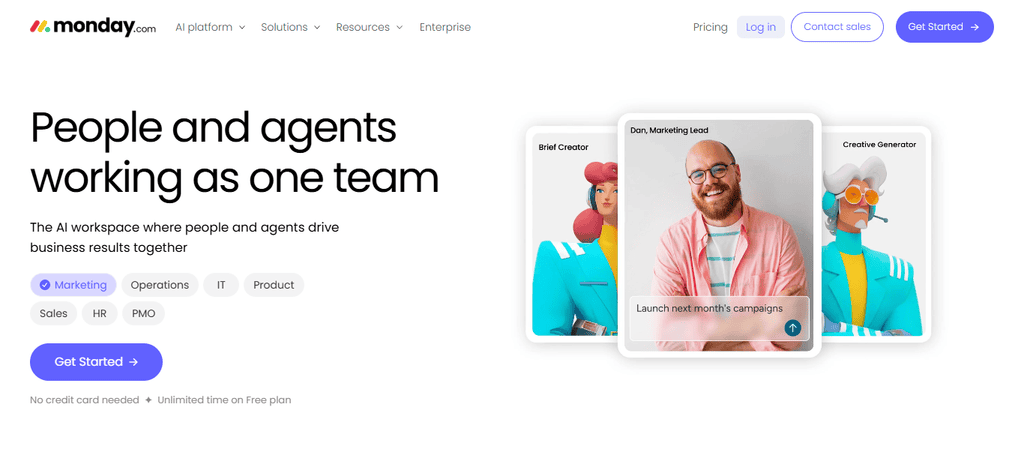
It has an AI tool to create workflows, predict tasks, and automate workflows, and is built with human-in-loop approval automation. It has big enterprise use case and secure features for global operations scalability such as audit logs, RBAC, and SSO.
Cloud-first deployment is provided, with dashboards for analytics and automation workflow progress tracking. It is used for enterprise automation of custom workflows and AI tasks for project workflow management.
monday AI Workspace Features:
- Workflows with visual boards: Create workflows with drag and drop.
- AI Automation: Creates workflows and tasks predictively. –
- Integrations: CRM, ERP, HR, ITSM. –
- Dashboards: Workflows and analytics. –
- Customizable workflows: workflows tailored to your team.
Pros: –
- Friendly user interface. –
- Integration eco-system is strong.
- Enterprise level scalability.
- Automated workflows optimized by AI.
Cons:
- Cost goes up per user.
- Advanced BPM is limited.
- Requires a cloud setup.
6. Miro
Miro’s pricing is also per user, starting at $8 per user, per month, with varying enterprise pricing. The primary use case is collaboration and workflow automation through real-time co-creation and whiteboarding. Automation in Miro is built with an API connector, allowing the software to host collaborative workflows across various teams.
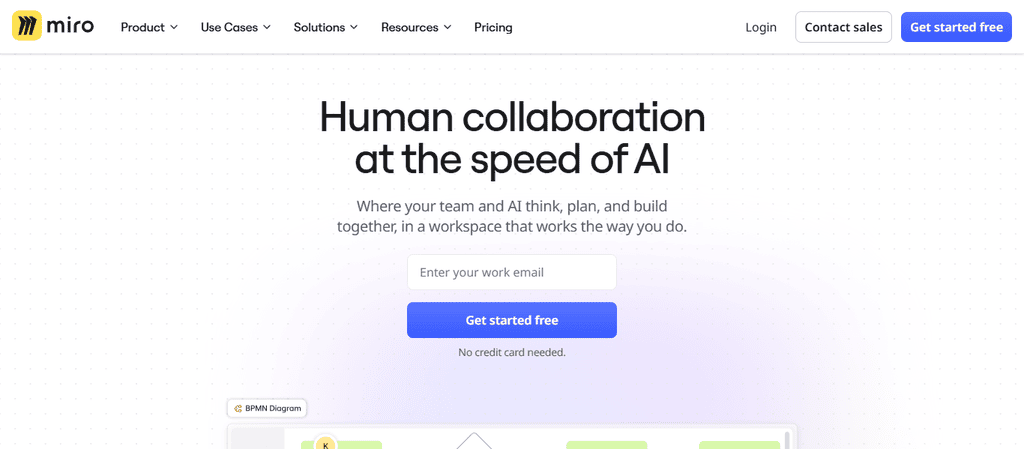
Like Monday AI Workspace, Miro also utilizes AI to assist in intelligent workflow and automation. Like Monday AI Workspace, Miro has human-in-loop approval for collaborative workflow decisions.
Miro also has global enterprise scalability and security features such as RBAC, audit logs, and SSO. Miro deploys collab workflow analytics compatible with cloud and desktop apps. It is designed for enterprise workflow automation with AI in real-time co-creation.
Miro Features
- Whiteboarding: Real time collaboration
- Workflow automation: Built in task automation
- Collaboration: Multi user editing
- Integrations: CRM, ERP, HR, cloud applications
- Analytics: collaboration and workflow automation analytics
Pros: –
- Excellent for brainstorming and co-creation –
- awesome company wide tool adoption –
- scalability on a global scale –
- robust collaboration tools –
Cons: –
- Limited BPM
- Prices scale with users
- Not optimal for compliance intensive workflows
7. Lucidchart
Lucidchart has a starting price of $7.95/user/month as it’s designed to support large enterprise diagram-centric workflow automation. It offers low-code automation and API support. It builds multi-step workflow diagrams.
It integrates with CRM, ERP, HR, and ITSM. AI makes it simpler to automate workflows and diagrams. It offers embedded human-in-the-loop approvals for workflows. It scales globally to offer large enterprise support.
It provides multi-factor authentication and controls for SSO, audit logs. It prioritizes a cloud-first approach for deployment. It offers real-time analytics to track and analyze workflow activity. This solution is best for enterprise automation of workflows with integrated visual diagram collaboration.
8. Kissflow
Kissflow offers automation for enterprise visual workflows and BPM at a starting price of $10/user/month. It offers low-code automation with AI and API support. It’s designed to support complex workflows across departments.
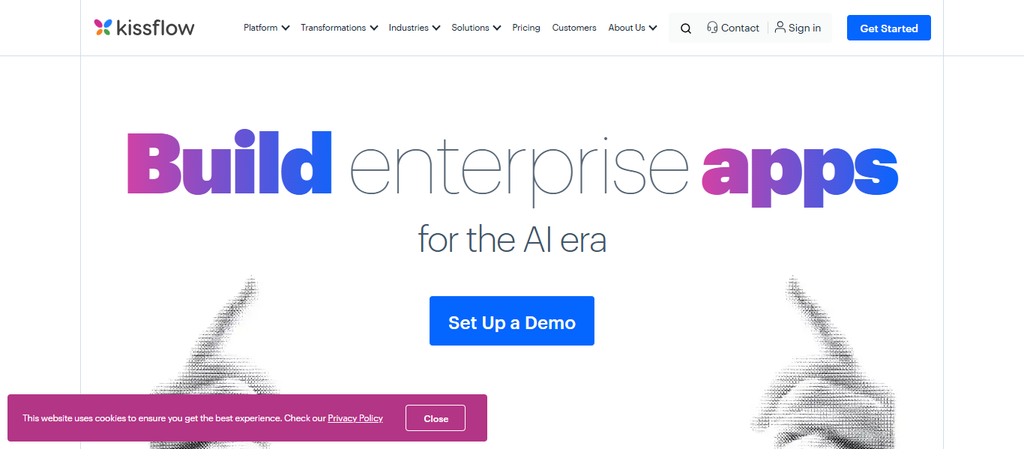
It integrates with CRM, ERP, and HR along with finance systems. It also offers AI for document automation and workflow creation. It supports human-in-the-loop approval functions. It also supports large enterprise operations globally.
It offers RBAC, SSO, audit logs and compliance controls. It has a cloud, hybrid, and on-premise deployment model. It’s designed to offer workflow analytics and help find bottlenecks in the workflow. This solution is best for enterprise automation of BPM with low-code flexibility.
Kissflow Features:
- End-to-end process management- BPM automation.
- Custom workflow builder- Low-code automation.
- CRM, ERP, HR, finance integrations.
- Workflow performance analytics.
- Governance-ready workflow compliance controls.
Pros:
- BPM Automation.
- Strong low-code builder.
- Global scale.
- Choice of deployment models- hybrid.
Cons:
- Complex set up.
- Propensity for higher cost as userbase scales.
- IT participation necessary for most complex workflows.
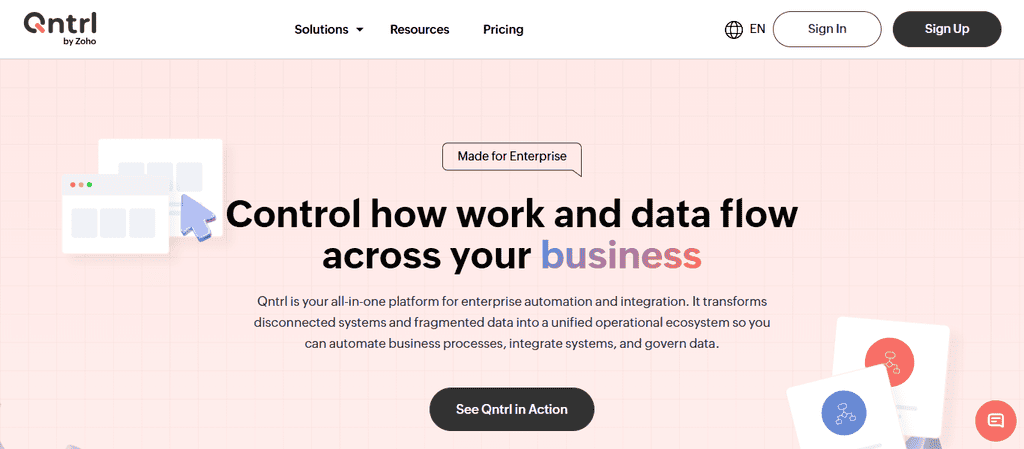
9. Qntrl
Qntrl pricing starts at $8/user/month, and increases based on enterprise requirements. This solution targets advanced automated process management with a strong focus on customization and control.
Core automation is low-code with API support. Qntrl can handle advanced, controllable and compliance oriented workflow automation. It integrates with CRM/ERP/HR/ITSM applications and uses AI to assist in advanced automation and intelligent decision-making.
It embeds human-centric approvals for compliance-oriented workflows. It supports large enterprise requirements on a global scale. It has RBAC, SSO, audit logs, and compliance governance. It supports cloud and hybrid deployment.
It also provides advanced analytics and observability. It’s ideal for enterprises seeking advanced powered-automation with compliance oriented workflows.
Qntrl Features:
- Granular BPM- precis workflow control.
- Compliance workflows- Designed for regulated industries.
- CRM, ERP, HR, IT Service Management integrations.
- Workflow analytics- Observability.
- Permissions – Governance tools.
- Audit logging.
Pros:
- Strong compliance framework.
- Granular workflow control.
- Global scale.
- Strong data governance tools.
Cons:
- Longer learning curve.
- Less AI integrations.
- Costs scales per user.
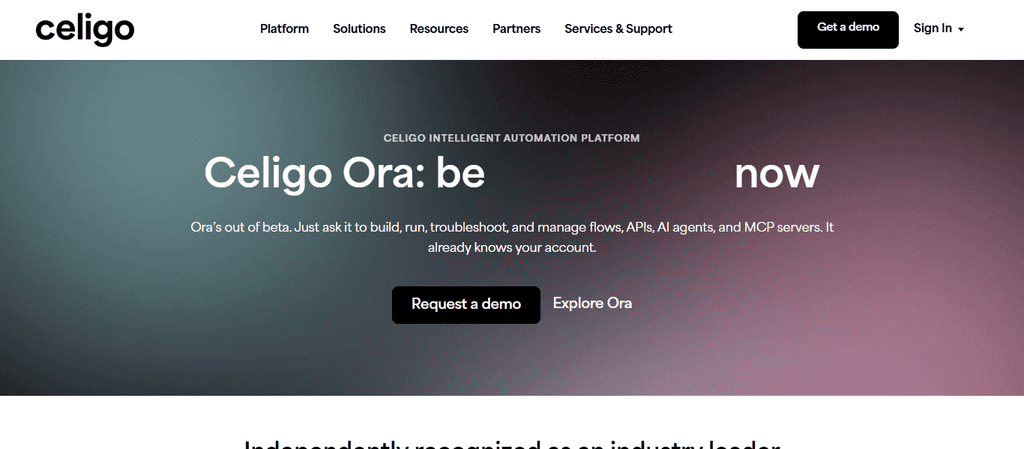
10. Celigo
Celigo pricing starts at $20/user/month, with custom pricing available at the enterprise level. This solution targets SaaS automation and workflow management with prebuilt application integrations.
Core automation is API-based, with some low-code support. Celigo automates workflows across multiple SaaS applications. It has over 1,000 integrations with CRM/ERP/HR/finance/ITSM applications.
It has AI to assist with intelligent integration mapping and automation. It has human-centric approvals. It supports large enterprise global requirements. It provides RBAC, SSO, audit logs, and compliance control.
It has a cloud-first deployment. It provides integration analytics and workflow management. It is the best choice for enterprises focused on SaaS automation and deep integrations.
Celigo Features
- 1000+ SaaS application integrations- Pre-built connectors.
- Automated app integrations- End-to-end workflows for SaaS applications.
- Custom integrations- Workflows via APIs.
- Integration analytics- Performance insights.
- Automated workflows- AI.
Pros:
- Deep SaaS integrations library.
- Automated workflows for SaaS applications.
- Global scale.
- Strong data governance tools.
Cons:
- High cost.
- Complex set up for advanced workflows.
- Limited human touch support.
Why Enterprises Need Workflow Automation in 2026?
Operational Efficiency
Enterprises accelerate both processing and help drive business growth with minimized turnaround times and greater productivity per department due to automation which helps reduce operational expenditure.
AI-Powered Decision Making
Processing and approvals of tasks are done at optimal speed by AI-driven workflows. Insights are uncovered, and resources are optimally utilized enabling all decisions to be made at speed.
Optimized Scalability
Communication, governance, and efficiency of processes do not suffer due to the automation of workflows that support global teams across multiple departments.
Seamless Integration
Data can flow across all enterprise systems and departments when automation integrates CRMs, HRs, ERPs, finances, ITSMs, and cloud apps.
Governance & Compliance
Automation of compliant workflows eliminates operational risk, maintains regulatory and industry compliance, and facilitates auditing.
Human-in-the-Loop
Automation maintains oversight for the accuracy of decisions and process accountability.
Process Analytics & Monitoring
Automation fosters continuous process improvement with real-time visibility into all processes, workflow analytics, and execution.
Digital Transformation Catalyst
Workflow automation embeds AI to drive process modernization facilitating enterprise competitiveness.
How to Choose the Right Workflow Automation Platform
Business Use Case Fit
Think of workflow tools that help solve real-world problems that your enterprise is facing. Align the automation tooling with your core business processes that include customer-engagement tools, project management workflows, or even core compliance processes.
Automation Type
Find out how tools support different forms of automation. This could be a combination of no-code, low code, or RPA automation, as well as frameworks that utilize APIs and AI. Select automation tools that best fit your enterprise complexity needs and organization skills.
Workflow Complexity
Look for a tool that can support basic processes as well as advanced automation tools that can handle workflows spanning across departments. Keep an eye out for scalability.
Integration Capabilities
Check if tools provide integration frameworks with the various apps used in a business including Sales, HR, Finance, Cloud, and legacy apps. Integrations help reduce data silos.
AI Capabilities
The best tools offer a comprehensive framework of AI that includes intelligent process automation, automation of decision making, natural language processing, and automation of document processing.
Human-in-the-Loop
Tools that can embed human-centered automation of approval processes, task management, and workflow orchestration are a good way to strike a balance between automation and compliance oversight.
Security & Governance
Adopt tools that offer enterprise-grade RBAC, SSO, and auditing features. This helps you ensures compliance with regulatory standards and trusts your automation frameworks.
Deployment Flexibility
Check for cloud, on prem or hybrid deployment models as per your IT needs and compliance frameworks.
Conclusion
As we look to 2026, we can see how automating workflows in the enterprise will drive substantially more efficiency and scalability along with greater digital transformation. When an enterprise integrates AI into its CRM, ERP, HR, finance, and ITSM systems and automates them, there is virtually zero user inefficiency, and enterprise-wide, cross-department workflows lose virtually all complexity.
The governance, compliance, and monitoring tools in Wrike, Kissflow, and Celigo ensure automated enterprise systems operate safely and accountably. Based on intelligent systems, workflows can provide speed with oversight through user interactions and approval systems.
The automation of workflows allows enterprises to stay competitive and adapt quickly to changes in the global business environment while reducing cost and maintaining a competitive edge.
FAQ
What is enterprise workflow automation?
Enterprise workflow automation is the use of technology to streamline, connect, and execute multi-step business processes across departments, reducing manual work and improving efficiency.
Why do enterprises need workflow automation in 2026?
It enables operational efficiency, AI-driven decision-making, scalability, compliance, and digital transformation, helping enterprises stay competitive in a rapidly evolving business environment.
Which platforms are best for workflow automation?
Top platforms include Wrike, altaFlow, Screendragon, Moxo, monday AI Workspace, Miro, Lucidchart, Kissflow, Qntrl, and Celigo.
How do enterprises choose the right platform?
They evaluate business use case fit, automation type, workflow complexity, integration capabilities, AI features, human-in-the-loop support, security, governance, and deployment flexibility.
What are the core automation types available?
Platforms offer no-code, low-code, RPA, API-based, AI-powered, or hybrid automation depending on enterprise needs and technical expertise.