To stay productive in a world run by information overwhelm, managing data better has never been more valuable. These are only some features AI-driven tools that have changed how we research, store, and find information to create a more intelligent and organized pipeline.
Best AI “Second Brain” Software for Personal Knowledge Management These applications serve as the intelligent extension of our memories, augmenting and expediting productivity, learning, and decision-making in our daily lives.
What is AI Second Brain Software?
AI Second Brain Software is an umbrella term for AI-powered digital tools that help a person capture information, classifying and storing it so it can be accessible later when required. They are systems that can manage notes, ideas, tasks, and knowledge in an organized manner like an external brain.
These tools facilitate knowledge management by leveraging technology via features such as automatic summarization, smart search, and contextual linking—distinct from traditional note-taking applications.

They eliminate information overload by organizing the data into actionable insights. Some popular tools like Taskade, Notion AI and Obsidian also allow users to construct their private knowledge systems that supersede decision-making, creativity, and storing information in-memory for a longer time.
Top 10 AI “Second Brain” Tools (Key Points Table)
| Tool Name | Key Point (Accurate & Concise) |
|---|---|
| Taskade | AI-powered workspace combining notes, tasks, and automation; creates a continuous loop of capture → intelligence → execution for a fully active second brain system. |
| Notion AI | All-in-one workspace with AI for summarization, databases, and structured knowledge management, widely used for flexible personal and team PKM systems. |
| Obsidian (with AI plugins) | Local-first PKM tool with bidirectional linking and graph view; AI plugins enable semantic search and intelligent knowledge retrieval. |
| Recapio | AI research assistant that converts videos, articles, and web content into structured, searchable personal knowledge with summaries and insights. |
| Mem AI | Automatically organizes notes and surfaces relevant information using AI, reducing manual tagging and improving recall efficiency. |
| Tana | Combines graph-based knowledge management with AI to structure notes dynamically and enable advanced linking and retrieval of ideas. |
| Capacities | Object-based PKM system where AI helps connect ideas, turning notes into structured knowledge networks for deeper thinking. |
| Buildin | All-in-one second brain platform for creators with fast databases, collaboration, and content monetization features. |
| Timeln | AI knowledge graph tool that auto-structures notes, PDFs, and videos into connected “Memory Maps” with natural language querying. |
| KeepClaw AI | AI agent-based second brain that auto-tags, connects ideas, and generates insights from stored knowledge in real time. |
1. Taskade
Taskade is an all-in-one platform that brings together note-taking, task management, and automation into a single system powered by AI. It leverages AI agents that think, plan and automatically run workflows to convert ideas into work.
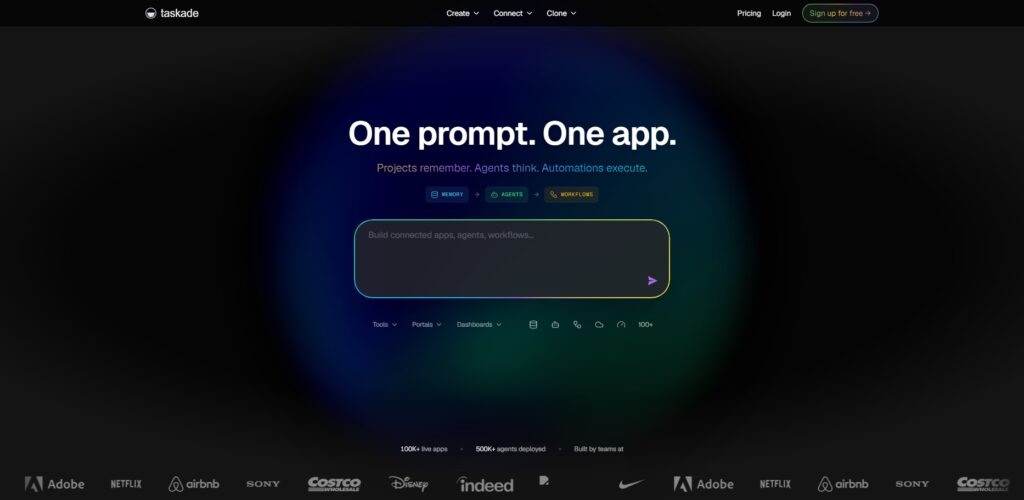
With views such as mind maps, boards and lists, the platform visualizes knowledge. Taskade itself comes with integrations for ways to work and collaborate in real-time, it functions optimally for teams as well.
Standing in between modern productivity systems, Figure 1 Here — Taskade: Top Second Brain Software with AI Personal Knowledge Management connects memory, intelligence and execution as a successive loop.
Core AI Strength
- Generating tasks, notes, plans and other related items instantaneously on prompts with AI agents automates and streamlines the workflows saving users hours of planning manually which translates to better productivity.
- It allows teams to brainstorm, organize ideas, and execute projects by operating in a single workspace, coupled with the help of AI in real-time collaboration.
- AI-based suggestions for Knowledge VisualizationSystem with mind maps, boards, and listsMulti-view system
- Idea pipelines that run from capture to execution without context fall off between tasks and projects.
Best For
- For teams who require collaborative AI workspace to control their projects, tasks and knowledge in an organized and synchronized place.
- Creators looking to transform ideas into structured workflows in the hope of reducing repetitive endeavors using selective automation from an intelligent AI assistant.
- AI-based systems for speedy planning, execution, and iteration with no tools and much efficiency in startups.
- Professionals looking for the swiss-army knife of productivity with a single cohesive knowledge management platform instead of constantly switching between many disconnected applications.
Limitations
- Less powerful deep knowledge graph capabilities than advanced PKM tools that deal with highly complex idea linking and relationships.
- For a beginner, it can feel quite overwhelming with so many features, views and AI automation options available in one go.
- Customization depth is lower than development-oriented tools such as Obsidian that support a large plugin ecosystem.
- Need Stable Internet Connection since most of the AI features rely on cloud-based processing & mostly offers live updates.
2. Notion AI
Notion AI: Notion AI is a very powerful and integrated not-taking platform with various databases and the ability to use writing combos; hence discussed as an all-in-one workspace with AI capabilities. You can organize knowledge via structured pages, relational databases, and user-defined templates.
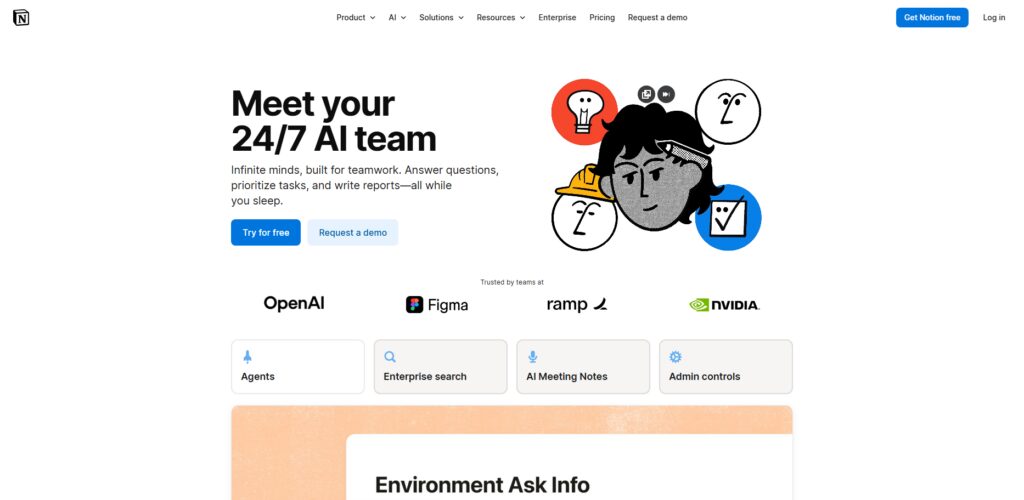
This AI assistant has the potential to summarize content, generate ideas and even answer questions based on data stored. And its drag and drop block system allows you to create customized pipelines for both personal and professional use.
It’s also read as one of the clean interface and expandable knowledge organization into modern productivity tool, Best AI “Second Brain” Software for Personal Knowledge Management – Notion AI
Core AI Strength
- Summaries, content and answers are generated directly within notes using our integrated AI writing assistant, thus improving documentation and making knowledge more discoverable.
- A supercharged database system organizes information in tables that are linked to one another, making it easy to manage personal knowledge building workflows and scale up over time.
- By obtaining the relevant information quickly from the large workspaces using AI search, it boosts productivity and decreases knowledge find time.
- It offers flexible templates and modular blocks, allowing users to create their own knowledge system powered by AI-generated automation and insights.
Best For
- Ideal for Beginners looking for a beginner-friendly platform to manage notes, tasks and AI without deploy the GitHub or meet technical configuration before using it or an advanced set-up.
- People who Share knowledge, documentation, workflows across a visual space for work.
- Students, will organize their study materials, notes and research with summaries provided by AI and structured database systems.
- Individuals create personal dashboards embedded with productivity, learning, and integration in one digital place.
Limitations
- Limited offline capacity makes it less usable where internet access is not available or unstable for a long period of time.
- Compared to dedicated AI-native tools that are focused entirely on intelligent workflows, AI automation is very much behind the times.
- On very large databases or complex workspaces with tons of content and relations, the performance starts suffering.
- Limited customization flexibility compared to more open-source tools which might have deeper plugins and scripting capabilities.
3. Obsidian (with AI plugins)
Obsidian is a local-first knowledge management tool with a strong focus on privacy and bidirectionally linking your ideas together to create deep context. Graph view visually represents connections between notes and helps savvy users create an actual knowledge network.
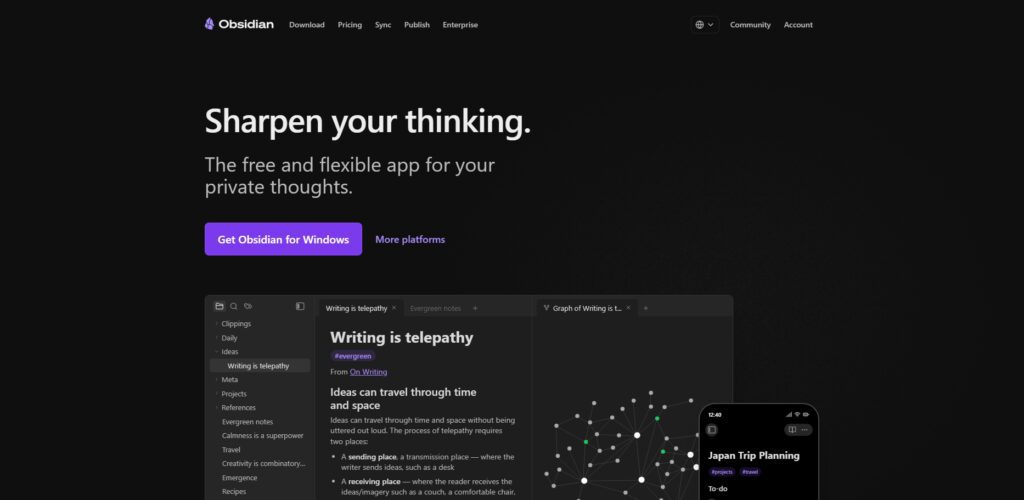
AI plugins allow it to support semantic search, filling gaps in information with summarization or intelligent generation of content. All data stays local, giving total control and security.
After many years of experimentations, the Best AI “Second Brain” Software for Personal Knowledge Management – Obsidian is uniquely powerful and customizable with an unparalleled plugin ecosystem compared to other advanced thinkers and researchers by nature.
Core AI Strength
- Creating deep knowledge graphs connecting ideas through bidirectional linking leads to better long-term thinking and allowing the information saved to be contextualized later.
- Intelligent note-taking: Semantic search, summaries, and content generation powered by AI plugins.
- Full data privacy is guaranteed by a local-first storage with complete premium access to the knowledge of users without reliance on cloud systems.
- A powerful and versatile system that allows users to create their own plugins, themes & workflows for more systematic advanced personal knowledge management handling.
Best For
- Data-based thinking systems for making structured connections between knowledge over long periods of time, enabling researchers to develop deeper understanding and forms of meaning through linking.
- Local-storage-loving, privacy-focused users who want full control over their data without the need for cloud services.
- Power Fiends — those who are good with setup and customization to string together the knowledge management system of their dreams
- Writers and thinkers connecting complex ideas, notes, and sources into networks of knowledge for deeper insights
Limitations
- Less beginner friendly, requires more technical set up and learning time than some simpler ADS tools.
- AI functions are reliant on plugins, which you may need to configure and are potentially less integrated than a native AI implementation.
- Limited time-working collaboration and shared knowledge management operations with no built-in capabilities.
- Users expecting modern, polished UI experience will feel the interface to be very minimalistic and not so intuitive.
4. Recapio
Recapio is a structured knowledge building tool powered by AI that helps converting videos, articles and anything else available on the internet into knowledge. It makes your learning process faster and efficient, automatically extracts key insights and presents them in concise summaries.
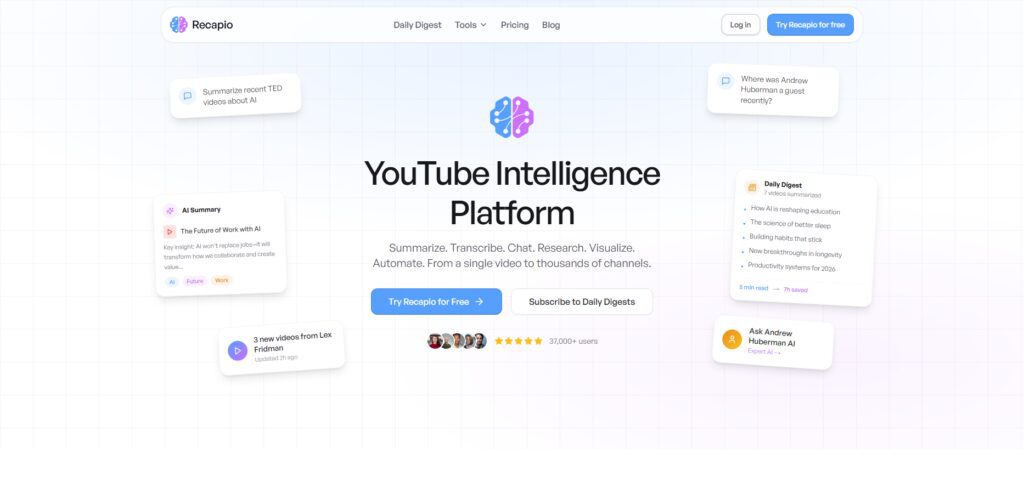
It is particularly useful for students and researchers who need to process large amounts of information quickly. It helps you understand it by highlighting the key points and supports multiple content formats.
The top three — which they discussed in our series— are the most valuable because they help to make raw content easily digestible, and turn it into knowledge ready for action in a modern learning workflow.
Core AI Strength
- In summarizing videos, articles and websites into nuggets of insights for our consumption, AI helps in saving time and enables us to consume information more efficiently.
- It scans for the high-level info automatically, taking unstructured content and transforming it into structured knowledge that is searchable for reference.
- Allows for different content formats, meaning that learning developers are able to store a variety of resources in one place.
- Facilitates learning by emphasizing salient information and diminishing information load from the large amounts of content.
Best For
- Students who are looking for quick and concise summaries of lecture notes, articles, and videos to study more efficiently or understand difficult material.
- Manual review of entire materials versus researchers analyzing large amounts of content and extracting the main insights
- Professionals keeping their industry knowledge and trends with summarize reports, knowledge curation/knowledge extraction.
- Content consumers who prefer quick learning and information absorption from content without spending hours poring over raw materials.
Limitations
- Poor functionality on anything but summarization/has no real knowledge management features, in terms of linking/deep organizing.
- Often loses nuance in summarizing complex, highly technical content
- Reliance on AI correctness can sometimes lead to partial or somewhat inaccurate summaries.
- Not ideal for building long term interconnected knowledge systems – Not full PKM platforms
5. Mem AI
Mem is an AI-native note-taking platform that Structures Information Autonomously (and updates when new information is added). Instead, It retrieves notes from the search based on meaning by using context-aware search that improves recall efficiency.
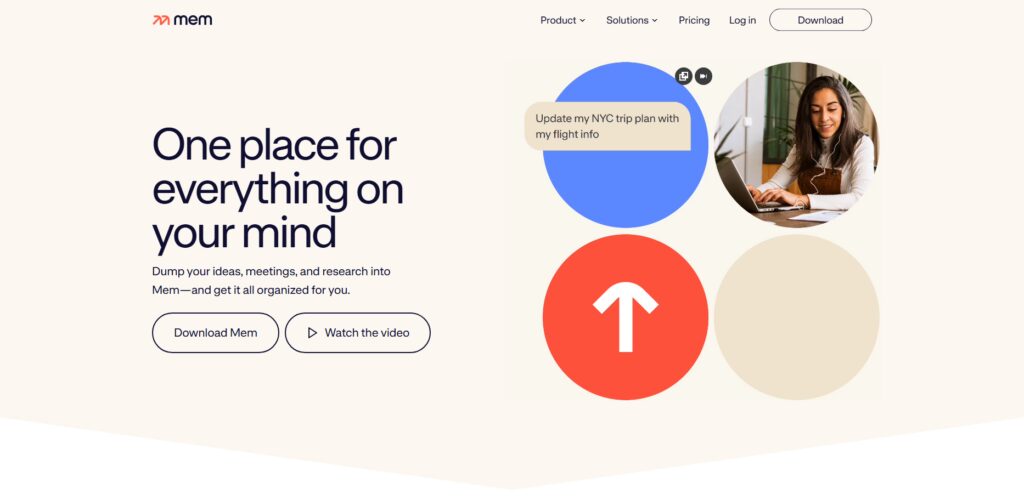
It dynamically creates relations between notes and surfacing relevant information on demand. Its barebone user interface is speed and simplicity personified, which works great for fast thinkers.
This makes Best AI “Second Brain” Software for Personal Knowledge Management – Mem AI one of the most seamless capture and intelligent retrieval systems you’ll find in modern productivity ecosystems.
Core AI Strength
- And uses AI to auto-organize notes, which is different from manual tagging, folders or categorization.
- Context-aware search retrieves relevant information in real-time driven by user queries and activity patterns.
- AI connects related notes on the fly, using node-based knowledge retrieval to enable recall of associated ideas in a coherent manner and cut down information fragmentation.
- Minimalist interface centered on speed and simplicity, for the swift capturing and retrieval of ideas.
Best For
- Professionals who want to quickly capture their notes, without spending time manually organizing or structuring them.
- User seek a simple and clean experience, with AI automating the majority of knowledge management tasks.
- This enables fast thinkers filming ideas on the go who can later fetch these ideas through smart search functionality.
- People not wanting to use any complex setups but have a very low friction information bridge experience.
Limitations
- Less customization and control than more powerful tools with flexible structures and workflows.
- Heavily dependent on AI automation means less control over how notes are organized.
- Not ideal for those who like to tag, categorize or create in-depth knowledge structures.
- Fewer features than all-in-one productivity and knowledge management platforms
6. Tana
Overview — Tana is a next-generation AI knowledge management system, using nodes and structured tags (supertags) as the basis. It keep plain notes but turns them into a structured, queryable data that allows the user to organize the points more dynamic.
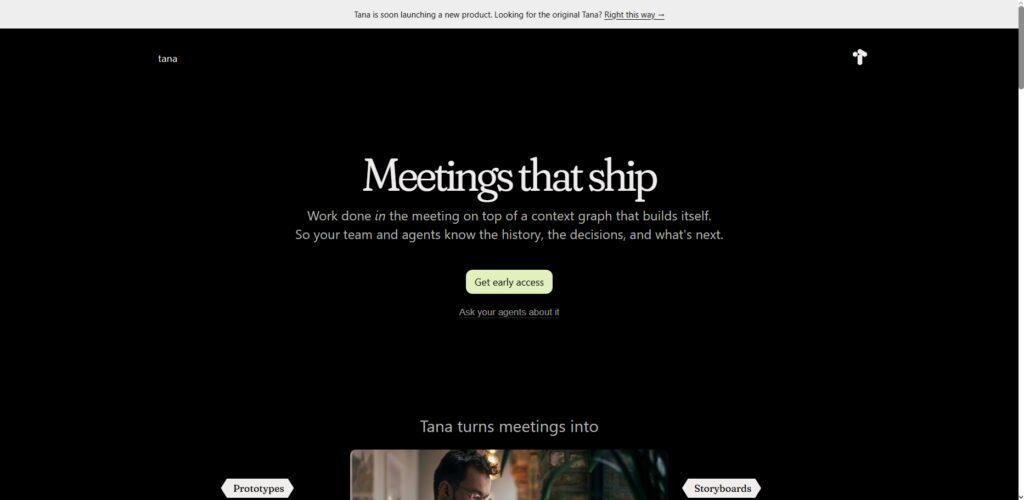
The tool, which has AI features for summarisation, auto-tagging and intelligent search through the workspace. A great command-based interface speeds up your working process albeit with a bit of learning required.
The advanced systems include 10 Best AI “Second Brain” Software for Personal Knowledge Management – Tana, which has a massive potential to scale knowledge management using graph structure and database capabilities.
Core AI Strength
- Graph-based system organizes knowledge by dynamically storing its structure via nodes allowing organizing this information flexibly and in a more scalable way.
- Supertags (automated categorization, linking and retrieval of notes using minimal manual effort) use AI technology.
- Allows us to quickly speed through workflows and perform operations on knowledge structures with a command-based interface.
- Provides a hybrid type of system with strong database capabilities merged together with knowledge graph.
Best For
- Advanced users creating complex knowledge systems with high configurability and deep connections.
- Power users dealing with huge datasets and needing knowledge organization systems that scale
- Users who want a high-powered command based workflow to interact with their knowledge base faster.
- Anyone interested in the next-gen tools that combine both graphs and a database (wish I said this first) as well as some AI functionalities y0 know it.
Limitations
- Not beginner-friendly — steep learning curve for those not accustomed with graph-based systems.
- The interface can seem quite complicated, especially compared to more straightforward note taking applications.
- Small ecosystem and community right now in comparison to more mature tools like Notion or Obsidian.
- Takes time to fully leverage advanced features and workflows.
7. Capacities
Among other things Capacities is an object-based personal knowledge management tool where notes are treated like structured entities such as people, books or projects. The method aids users in establishing meaningful relationships between ideas and advocating contextual relations.
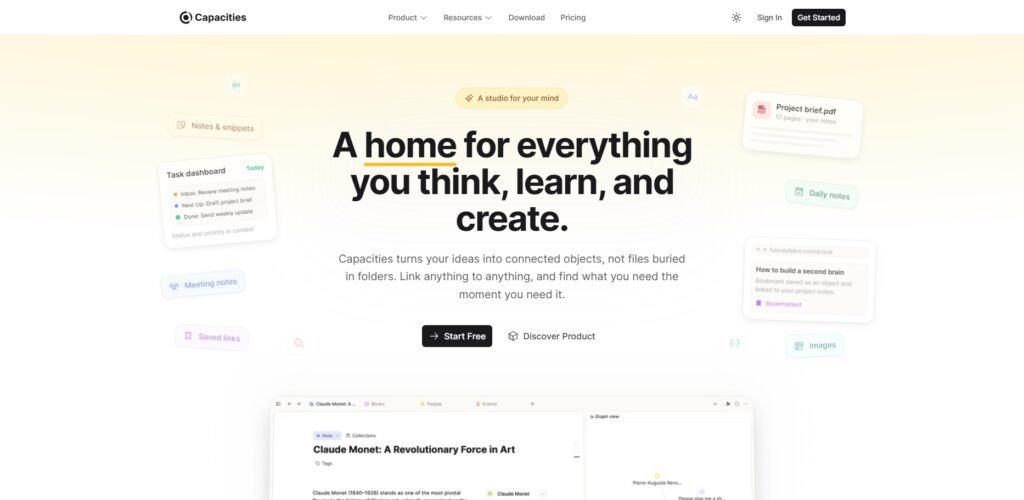
That includes AI features, such as summarisation and intelligent search, that bolster knowledge discovery. It also provides a graph visual of possible connections between objects.
AI Second Brain Software for Personal Knowledge Management Capacities is a modern, intuitive method to stay on top of creative workflows and knowledge connections.
Core AI Strength
- With an object-based system that sees every note as an entity with structure, it becomes easier to keep everything organized and utilize context for proper functionality.
- Unrelated objects with referenced likeness create a visual and creativity while enhancing their concepts through interconnected thinking.
- Effortlessly Solutions Inform and Insights link structured knowledge objects with the help of AI.
- Modern interface allowing intuitive navigation and visual representation of knowledge networks.
Best For
- Creating ideas visually and structuring knowledge through objects and relationships.
- Designers and thinkers who prefer to visualize the workflow over traditional text-based note-taking systems.
- When users ask for more than just folders and lists to manage their memory.
- Personas that need a creative or flexible PKM tool for brainstorming and ideation
Limitations
- Fewer integrations with external tools relative to more mature platforms.
- Work in progress, therefore, some of the advanced features may not be fully there or stable.
- Not for people who like taking handwritten notes or organized database systems.
- Tuts and shared templates are harder to come by because of a smaller user community.
8. Buildin
Buildin Buildin is an all-in-one knowledge management tool for creators and teams. It offers a simple interface for note-taking, document organization with some collaboration features — an all-in-one solution.
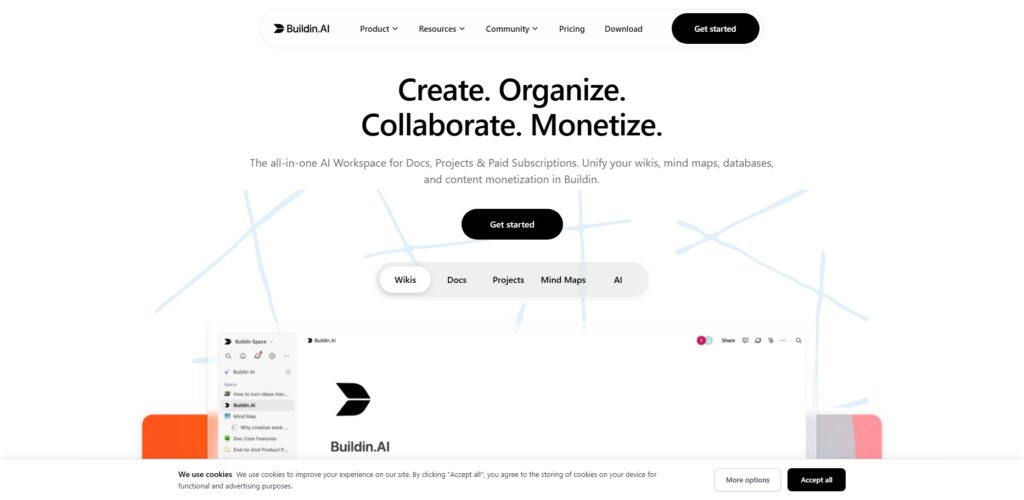
Thus, it comes supporting the Structured Database — an environment that allows efficient content management with opportunities for monetization. It is faster than a majority of programming language and thus good for beginners.
The Best AI “Second Brain” Software for Personal Knowledge Management – Buildin here is a report to handle, harness and generate knowledge in this fast-evolving task environment.
Core AI Strength
- An integrated platform that carries knowledge management, content creation and monetization functionalities together.
- Fast hub can store and retrieve structured information in a manner that is efficient.
- AI improves productivity with aid in content writing and curation.
- Basic interface designed for rapid onboarding and usability for new users.
Best For
- Centralized platform for content creators to manage all their ideas/documents/monetization strategies
- Groups working together over common knowledge and works in simplified, effective workflows.
- Individuals who want a simple to use tool that is not difficult to setup or learn.
- During this time users looking for better productivity along with content management system.
Limitations
- Advanced AI features fall short compared to dedicated AI-first tools.
- Less integrated and smaller ecosystem than a platform that is widely adopted.
- Does not suit extremely intricate knowledge management systems with the need for deep level customization
- Not fully scalable for larger enterprise-level organizations with base needs.
9. Timeln
Timeln is an AI-powered platform that instantly transforms your notes, PDFs and videos into structured memory maps.
Visuals summarize the relationship between basic information in an easily understood manner. It allows users to query their knowledge base in natural language.
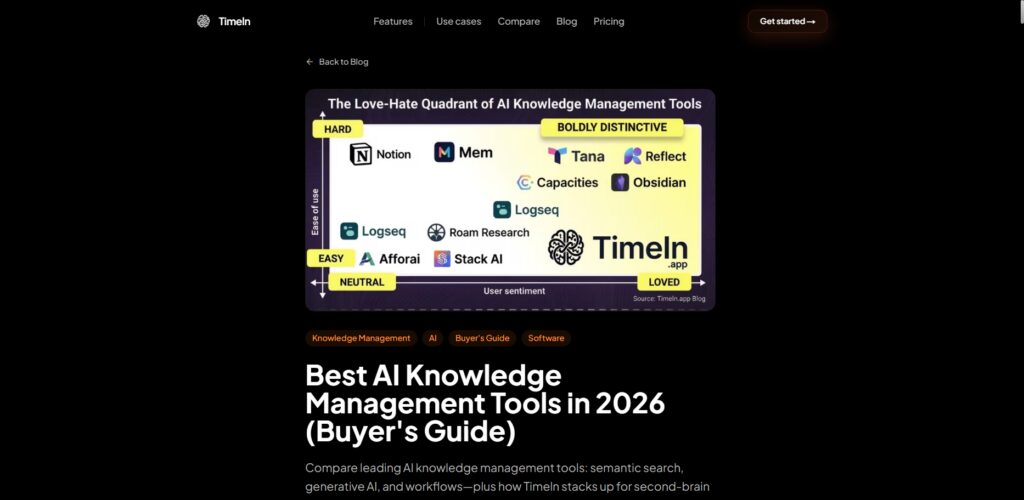
The tool is great specifically for visual learners who learn through graphs. Innovative Learning Systems: Best Ai “Second Brain” Software For Personal Knowledge Management
Core AI Strength
- Turns notes and content into visual memory maps to better visualize and understand convoluted blobs of information.
- AI organizes knowledge into scalable digital graphs, allowing ideas to connect to one another and relates better.
- Domain Intelligence Natural language queries allows users to easily engage with the knowledge base.
- Supports many content types to cover the full scope of knowledge integration
Best For
- Diagrams and structured maps being able to help visual learners understand the concepts better.
- Integration of study materials into a visual system that students can easily understand.
- Users that use AI to explore knowledge graphs for learning and research purposes
- Those who favor knowledge visualization or connect in the best way to intuitive information.
Limitations
- Incipient platform with far fewer features than established competitors.
- May not offer advanced customization features for intricate workflows
- Support and resources more limited due smaller community.
- As the platform matures, it might see gradual improvements in performance and scalability.
10. KeepClaw AI
KeepClaw AI is an intelligent second brain system that utilizes autonomous agents to automatically capture, manage and analyze information. The algorithm learns based on user data, giving real-time insights to help enhance decision-making.
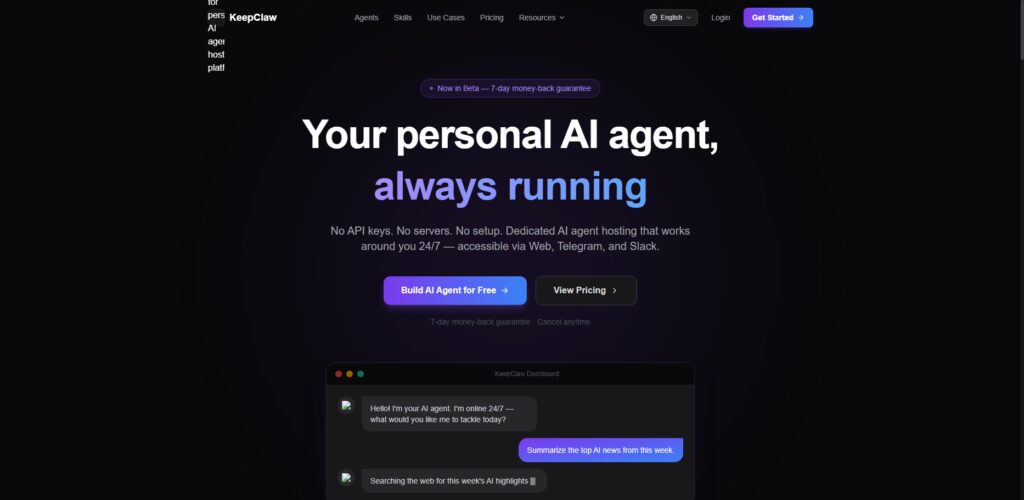
It also supports natural dialogue making it an easy tool to query stored knowledge. With its focus on automation, it reduces a lot of manual work. AI Productivity of Tomorrow, 10 Best AI “Second Brain” Software for Personal Knowledge Management
Core AI Strength
- AI agents automatically capture, tag, and link up knowledge without your manual intervention.
- They generate real-time insights from the data they store which lead to better decision-making and greater productivity.
- It allowed for easy querying and information retrieval via natural language interaction.
- It is a continuous learning system that learns and delivers better results based on how past users engaged with your content.
Best For
- People who seek full-fledged manipulated knowledge management without sorting.
- People who need real-time insights and data-driven decision support systems.
- People looking at productivity tools driven by next-generation AI
- Users, more automation-centric who want an intelligent system as opposed to manual workflows.
Limitations
- New platform including features that are still in development or testing and with high level of potential stability issues.
- If you use AI heavily then you are effectively losing control of how knowledge is organized.
- Less customizability compared to conventional PKM systems.
- Relies on AI precision for essential knowledge management endeavors.
Why AI Second Brain Tools Are Important
So many articles have been posted everywhere to make people aware of the importance of second brain tools AI because today is an era in which information overload —even simple concepts are difficult to absorb.
These tools are proficient with using AI to capture, organize and retrieve knowledge quickly without the need of trying to remember every detail in a manual way. They enhance productivity through automated note summarization, idea association, and quick search of contextually related resources.
AI second brain systems extend learning and creativity by linking insights across fields. They act as an external memory, supported by better decision-making skills and long-term knowledge retention — making them necessary for everyone from students to professionals who work with a significant amount of information every day.
Key Features to Look For
AI-Powered Search and Retrieval
With advanced AI search capabilities, a user can simply type a natural language query and find relevant results, saving time compared to manually browsing through volumes of stored notes.
Automatic Summarization and Insights
AI needs to summarize all relevant information and give key takeaways from long content, such as articles, notes & videos to help users save time and be able to focus on the main points faster.
Knowledge Linking and Graph System
A robust linking mechanism allows to interconnect related ideas via bidirectional links and/or knowledge graphs, enhancing comprehension, context understanding, and retention of domain knowledge across multiple topics for a long time.
Automation and AI Agents
Things like creating workflows or tagging should be done by agents or AI automation features that alleviate manual work to free individuals to do everything else, and increase system efficiency and overall productivity.
Multi-Format Content Support
The tool should handle a wide range of content types — text, images, PDFs, videos or web clips to let readers consolidate the varied sources of knowledge in one place.
Collaboration and Integration
Integrations with common tools and real-time collaboration features allow teams to share knowledge, collaborate better and provide a single source of truth for communication and project management.
Privacy and Data Control
Features like strong security, local storage alternatives for client information and control over possession of their info maintain that data Safer–that is crucial for any business expert that needs to manage sensitive or secret knowledge as well as paperwork.
Benefits of Using AI Second Brain Tools
Improved Productivity and Efficiency
AI second brain tools generate tags, manage tasks, automate note organization, and front-end information by automating manual work; they allow you to focus on the important part while sorting searching hundreds of notes was never just one click away instead of at least HOURS worth of heavy lifting app then document retrieval with information automation.
Better Knowledge Organization
They organize information with AI-based categorization, tagging and linking tools to keep a clear and organized system of collecting and accessing personal and professional knowledge.
Faster Information Retrieval
Users can search across notes, ideas or documents within seconds with intelligent search and contextual information gathered around files eliminating the stress of scrolling through messy folders.
Enhanced Learning and Memory
AI tools when summarizing content and linking associated thoughts bring users a better understanding of concepts at a quicker pace while also strengthening long-term memory retention as knowledge is organized more effectively and in more meaningful ways.
Reduced Mental Load
They serve as an external brain that ends up storing the information for you and managing most of the mundane tasks, which also helps reduce cognitive effort by relieving your memory in the course of performing daily work or study activities.
Smarter Decision-Making
By providing insights generated using AI along with organized knowledge, it allows for a quick understanding of information which in turn enables you to make better data-driven decisions – both personally and professionally.
Continuous Knowledge Growth
These systems continuously learn and adapt, allowing users to develop a dynamic knowledge base that grows over time, keeping the information relevant, current and useful for future learning.
Conclusion
It has changed the way we capture, organize, and use information — which is why AI second brain tools are essential to modern knowledge management. Data from studies on productivity present a clear picture that via AI-Powered automation, we can drastically reduce the time spent searching and managing information while enhancing task performance in terms of accuracy and recall.
However, that machine learning shows that AI is even more beneficial when accompanied by systems in programs such as Taskade, Notion AI and Obsidian. With the exponential increase in the volume of data, doing things manually is not an option anymore.
AI second brain software offers the capacity to not just store knowledge but create insights, and is fast becoming a must-have tool in learning and productivity for online learning economy readiness.
FAQ
What is the best AI second brain tool?
The best tool depends on user needs. Data shows Taskade excels in automation, Notion AI in all-in-one usability, and Obsidian in privacy and deep knowledge linking capabilities.
Are AI second brain tools free or paid?
Most tools offer freemium models. Basic features are free, while advanced AI capabilities like automation, summaries, and integrations typically require paid subscriptions for full functionality.
Which AI second brain tool is best for beginners?
Data suggests Notion AI is best for beginners due to its simple interface, templates, and easy setup, making it ideal for users new to personal knowledge management systems.
Can AI second brain tools replace traditional note-taking apps?
Yes, they go beyond traditional apps by adding AI-powered features like summarization, smart search, and automation, making knowledge management more efficient and intelligent than manual note-taking systems.
Are these tools safe for storing personal data?
Most platforms use encryption and security protocols, but privacy levels vary. Tools like Obsidian offer local storage, while cloud-based tools require trust in provider security policies.