

Modern digital environments develop rapidly, and many vertical AIs are becoming adaptable and combining deep domain knowledge with the flexibility of humans to redefine industries. Several vertical AIs, such as Harvey and Casetext CoCounsel, give legal professionals speed research and contract review tools.
Similar tools supporting the health vertical include Nuance DAX, Nabla Copilot, and Glass Health, which help health professionals with documentation and communication with patients and even help with diagnosis.
For real estate and sales, leading tools such as Structurely provide lead nurturing with conversational AI. By using validated data and secure APIs, as well as compliance and trust frameworks, these AIs help modern professionals in law, health care, and real estate implement AI systems that increase efficiency and trust and help them build compliance into their systems.
“AI Tool vs Traditional Software” in Table
| Category | AI Tool | Traditional Software |
|---|---|---|
| Industry Expertise | Trained on domain-specific data (legal, healthcare, sales, etc.) | General-purpose, requires manual customization |
| Workflow Automation | Automates repetitive tasks like contract review or clinical documentation | Limited automation, relies on user input |
| AI Capability | Uses NLP, predictive analytics, and conversational AI | Rule-based, static functions without learning |
| Real Use Case | Legal research, patient triage, lead nurturing | Document editing, spreadsheets, CRM data entry |
| Verified Data | Pulls from curated datasets, medical guidelines, or legal databases | Depends on user-entered or static database info |
| Integration & Security | API-driven, encrypted, HIPAA/GDPR compliant | Basic integrations, often less adaptive to compliance |
| Ideal User | Professionals needing speed, accuracy, and automation | General office workers needing standard tools |
| Limitations | May lack creativity, depends on training data, subscription costs | Rigid workflows, manual effort, slower scalability |
| Verdict | AI tools deliver adaptive, intelligent workflows for modern industries | Traditional software remains reliable but less dynamic |
Key Point
| Tool | Industry | Key Point / Use Case |
|---|---|---|
| Harvey | Legal | Contract review, due diligence, and legal research; used by 70%+ of Am Law 10 firms. |
| Ironclad AI | Legal | Contract lifecycle management with deep Salesforce/Slack integrations. |
| Casetext CoCounsel | Legal | Case research and deposition prep; affordable at $99/user/month. |
| Hippocratic AI | Healthcare | Patient-facing care guidance and outreach; HIPAA-compliant with scalable ROI. |
| Nuance DAX | Healthcare | Ambient clinical documentation integrated with Epic and Cerner. |
| Nabla Copilot | Healthcare | Real-time clinical notes automation for providers. |
| Glass Health | Healthcare | AI-powered differential diagnosis support for clinicians. |
| Pearl AI | Healthcare (Dental) | FDA-cleared radiology AI detecting pathologies in dental imaging. |
| Structurely | Real Estate | AI lead qualification for brokers and agents. |
| Lindy AI | Real Estate | Workflow automation for agents/brokers; integrates with Gmail, Calendly, Slack. |
1. Harvey
Harvey is a legal AI tool for law firms and legal departments within corporations that streamlines tasks like contract review, legal research for litigation, and compliance checks. It has natural language AI to predict outcomes for cases.

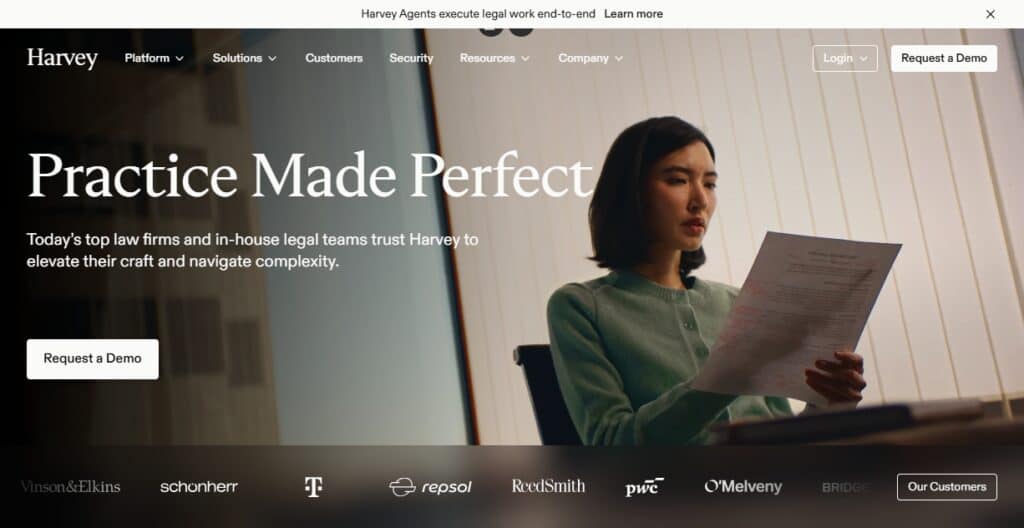
A real case example for AI Harvey is automating due diligence for mergers. The data is verified and drawn from legal databases and archives of law firms. Integrations use secure, enterprise-grade encryption to handle sensitive records.
Lawyers, paralegals and compliance personnel are estimated users. Reliance on structured legal data is a limitation. Harvey is a great legal tool for firms that want to enhance efficiency and reduce inaccuracies.
Best For: Law firms that want to do AI-assisted legal research and drafting.
Pros:
- Efficient legal research automation.
- Faster contract reviews.
- Aids planning of litigation.
- Secure integrations.
Cons:
- Some gaps based on jurisdiction.
- Needs organized and easy-to-use data.
- Drafting assistance is somewhat limited.
- Cost prohibitive for smaller firms.
2. Ironclad AI
Ironclad AI focuses on contract lifecycle management for enterprises and streamlines contract drafting, contract negotiation, and contract approval workflows. Its AI includes the recognition of key contract terms and the assessment of contract risks, as well as optimization of contract workflows. A real case example is accelerating the approval of vendor contracts.
Verified data is drawn from legal standards and company archives. Integrations provide secure APIs that are compliant with SOC 2 and GDPR. The users are procurement teams, legal departments, and operations managers. A limitation is the degree of customization for highly unique contracts. Ironclad AI is a great solution for enterprises, speed, and compliance assurance.
Best For: Large companies that handle complicated contract lifecycles.
Pros:
- Contract workflow automation.
- Recognizes contract clauses.
- Identifies risks.
- Complies with enterprise standards.
Cons:
- Difficult to customize.
- Can be expensive to implement due to long time to deploy.
- Hard to modify for special purpose contracts.
- Costly for smaller organizations.
3. Casetext CoCounsel
Casetext CoCounsel is an AI-driven legal research assistant designed for lawyers to help with case law analysis, brief drafting, and preparation for depositions. Semantic search and document summarization are two of the AI-driven functionalities. A specific example is quickly finding relevant case law to help develop litigation strategy.

CoCounsel queries verified data sources, which include legal databases and court records. Integrations ensure secure access while complying with client confidentiality.
CoCounsel is best suited for litigators, legal researchers, and law students. CoCounsel has some constriction in capacity due to the databases it uses, and there are gaps in coverage for certain jurisdictions. Conclusion: CoCounsel is a trusted AI-based legal research and drafting tool.
Best For: Fast access to case law and precedent for attorneys.
Pros:
- Semantic search.
- Summarization automation.
- Supports drafting.
- Secure access to a legal database.
Cons:
- Coverage gaps in the database.
- Jurisdiction gaps.
- Needs a subscription.
- Limited drafting creativity.
4. Hippocratic AI
Hippocratic AI builds upon communication in healthcare and the safety of patients. Hippocratic AI focuses on the workflows of patient triage, patient education, and clinical decision support. AI in Hippocratic includes the use of empathy in communication, understanding patient symptoms, and the assistance of medical guidelines. An example patient use case is to assist patients with the steps of the recovery process after surgery.
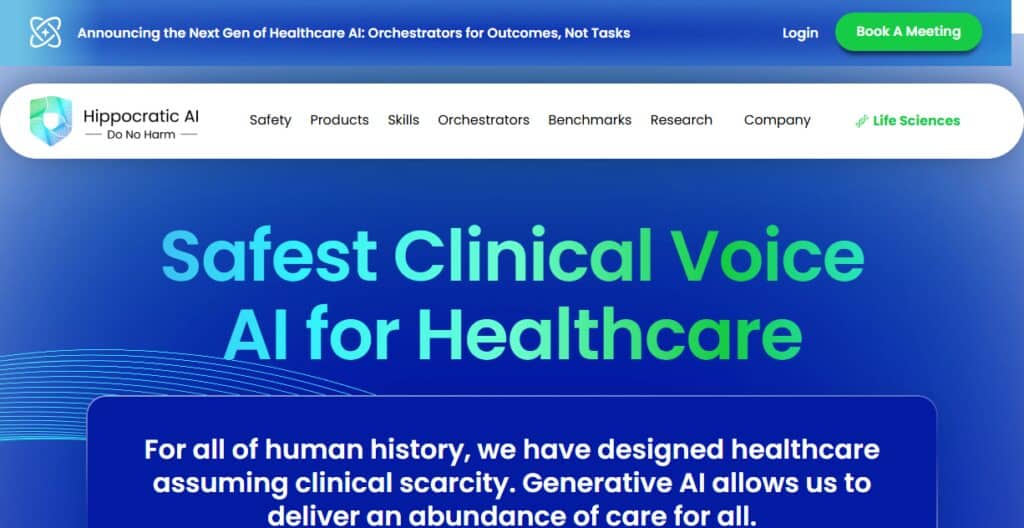
Verified data comes from medical sources that have been peer-reviewed and clinical protocols. Hippocratic AI maintains all patient interactions in a secure and encrypted way and is compliant with HIPAA.
The platform and support teams of healthcare and telemedicine would be most impacted by Hippocratic AI. Limitations: Hippocratic AI does not serve as a substitute for licensed medical professionals. Conclusion: Hippocratic AI developed an additional communication tool to help provide healthcare to more people.
Best For: Healthcare providers looking to improve patient communication.
Pros:
- Creates caring and supportive conversations.
- Analyzes patient symptoms.
- Follows clinical guidelines.
- Offers HIPAA-related protection.
Cons:
- Cannot truly replace a physician.
- Needs a lot of structured and organized input to be most effective.
- Cannot diagnose in depth.
- May be at risk for creating liability.
5. Nuance DAX and Nabla Copilot
Nuance DAX (Dragon Ambient eXperience) and Nabla Copilot are attempting to automate clinical documentation in healthcare. Dragon Ambient eXperience connects to Electronic Medical Records and creates structured notes for providers. Automation helps eliminate busy work and also supports providers. Both of these technologies help decrease burnout for clinical workers.

Nuance DAX analyzes and processes information while Nabla Copilot summarizes information for patient visits. Contextual insights are built into both AI systems. Verified data for both is derived from clinical encounters and EMR systems.
Integration for both systems helped achieve compliance for HIPAA and GDPR. Both assist and support clinical practitioners. Dependability for both systems relies on the quality of the audio and the clinical context. Summary for both systems reduces the burden of documentation.
Best For: Clinicians needing the automation of their documentation.
Pros:
- Understands speech.
- Understands the context of previous conversations.
- Synthesizes and organizes notes.
- Reduces physician burnout.
Cons:
- Sensitive to audio quality.
- Sensitive to context.
- Difficult to integrate.
- Expensive to implement.
6. Nabla Copilot
Nabla Copilot embeds AI to improve provider-patient communication. It automates summarizing visits, creates follow-ups, and supports care coordination. Its AI uses context to predict user intent and provides insights regarding patient context. Creating structured visit summaries for providers is an example. It uses credible data from patient records and clinical notes.
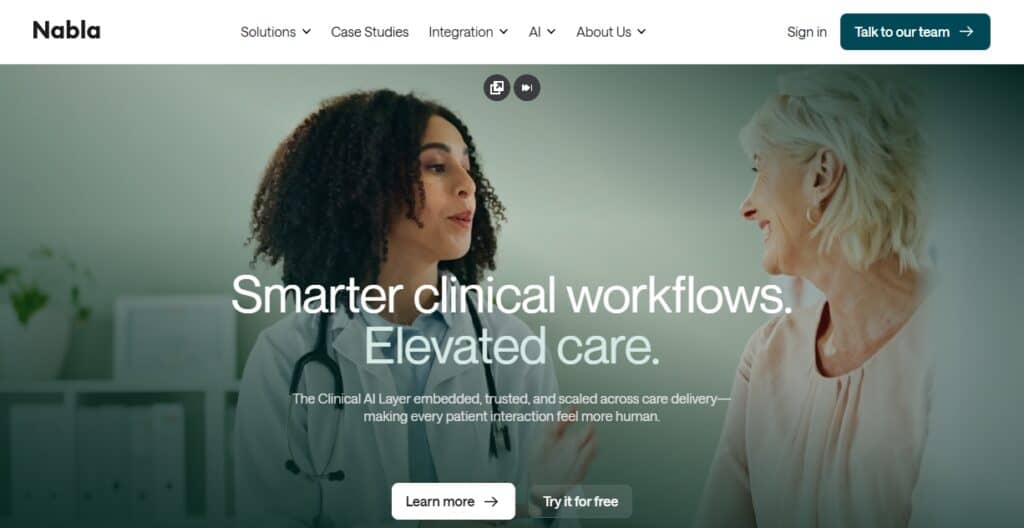
It integrates and ensures GDPR and HIPAA compliance by using secure APIs. Doctors, clinics, and telehealth providers can use it. It has challenges such as a lack of diagnostic capabilities and being reliant on structured input. Ruling: Nabla Copilot is a strong AI solution to improve documentation and communication in healthcare.
Best For: Clinics wanting summarized consultations.
Pros:
- Consultation summary.
- Note generation.
- Coordination of care.
- Complies with GDPR and HIPAA.
Cons:
- Weak diagnostics.
- Needs structured output.
- Cannot be used for emergencies.
- Hard to integrate.
7. Glass Health
Glass Health’s AI models assist clinical workflows including, differential diagnosis, treatment generation, and education. Specific AI technologies include structured reasoning and evidence-based recommendations. One real-world deployment of Glass Health’s technology is aiding clinicians to arrive at the differential diagnoses of rare diseases. The sources of verified data are medical literature, guidelines, and datasets.
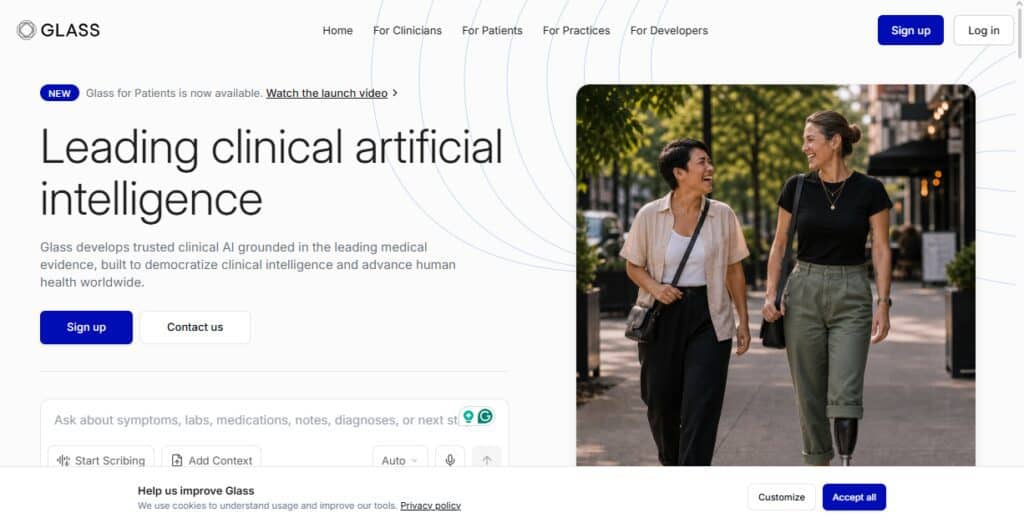
Integrated services are designed to allow healthcare professionals secure access to the verified data in a manner that is compliant with HIPAA. Medical practitioners (MDs), clinicians, and clinical researchers are the intended users. Challenges include a lack of databases and the inability to exercise clinical judgment. Overall assessment: Glass Health is a good evidence-based clinical decision support system and a strong AI partner for education.
Best For: Physicians and students for adjunct support.
Pros:
- Diagnostic suggestions.
- Plan of action.
- Recommendations based on evidence.
- Enhances medical learning.
Cons:
- Needs data.
- Cannot substitute thinking.
- Rare conditions may be missed.
- Needs a subscription.
8. Pearl AI
Pearl AI focuses on dental AI to address radiology workflows including analysis of X-rays for cavity detection and orthodontics. Pearl AI’s AI tech is based on image classification. One deployment example isfinding subtle signs of early stage dental problems in radiographs. Verified data comes from dental imaging data and clinical studies.
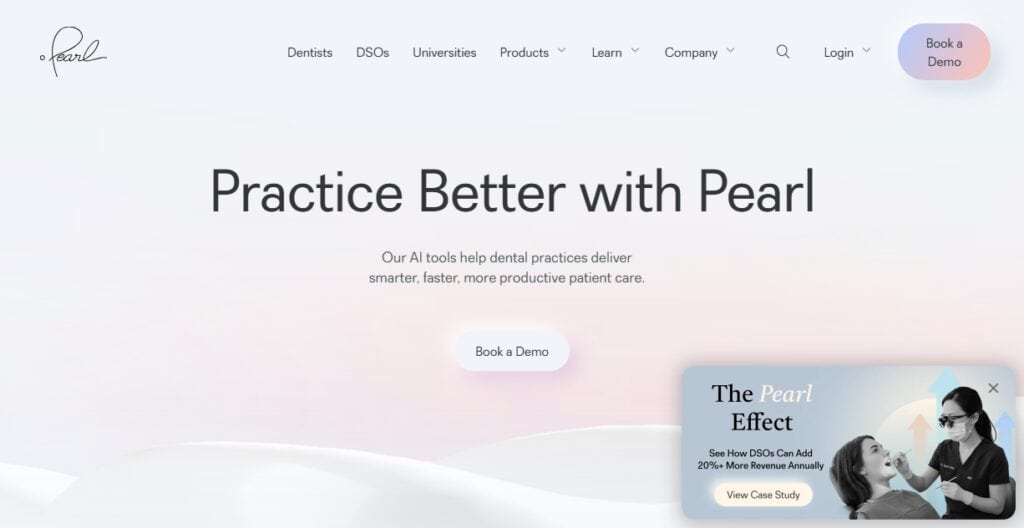
Integration provides HIPAA compliance and secure access to the cloud. The intended users are dentists, orthodontists, and dental clinics. Challenges are the quality of images and the occasional generation of false positives. Overall assessment: Pearl AI is an excellent AI assistant to dental practitioners that improves diagnosis and care of patients.
Best For: Dentists for adjunct support in radiographic analysis.
Pros:
- Radiographic analysis.
- Detection of carious lesions.
- Plan of action in orthodontics.
- Complies with HIPAA.
Cons:
- Dependent on image quality.
- May indicate false caries.
- Limited integration.
9. Structurely
Structurely uses Artificial Intelligence to automate workflows for real estate customer engagement. It uses chatbox automation for lead qualification and response automation to CRM systems. Structurely uses artificial intelligence frameworks for intent recognition and chatbox automation. An example of lead nurture is the real estate lead automation solution until the lead is ready to buy.
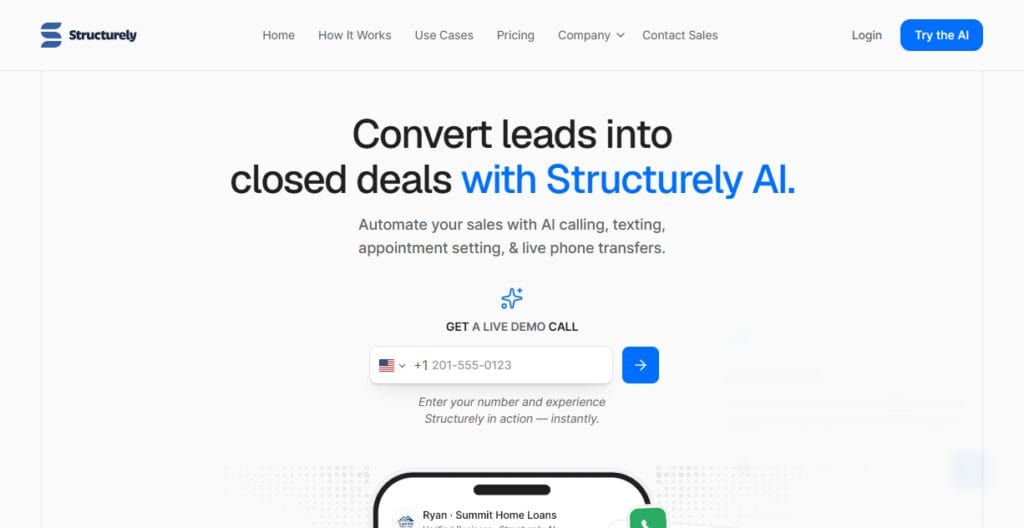
The verified data and insights come from CRM systems as well as customer interactions. Integration is secure and complete with an easy API access mechanism with CRM systems, for example, Salesforce. Structurely’s core customers are real estate professionals as well as sales and marketing teams. Structurely is not as robust in the context of complex customer needs. Overall, Structurely is a trusted AI for customer engagement in sales.
Best For: Sales and real estate teams for customer relationship management.
Pros:
- Qualifying leads.
- Follow-up on leads.
- CRM align with structures.
- Engagement in a personalized manner.
Cons:
- Hard to manage detailed questions.
- Hard to manage engagement with nuanced structure.
- Small personalization scope.
- Subscription costs.
10. Lindy AI
Lindy AI uses Artificial Intelligence to build automation productivity tools. It has frameworks for natural language processing, workflow automation, and task management. An example of a productivity tool is meeting scheduling and meeting preparation. Verified data is sourced from productivity tools that integrate with Google Workspace and Slack.
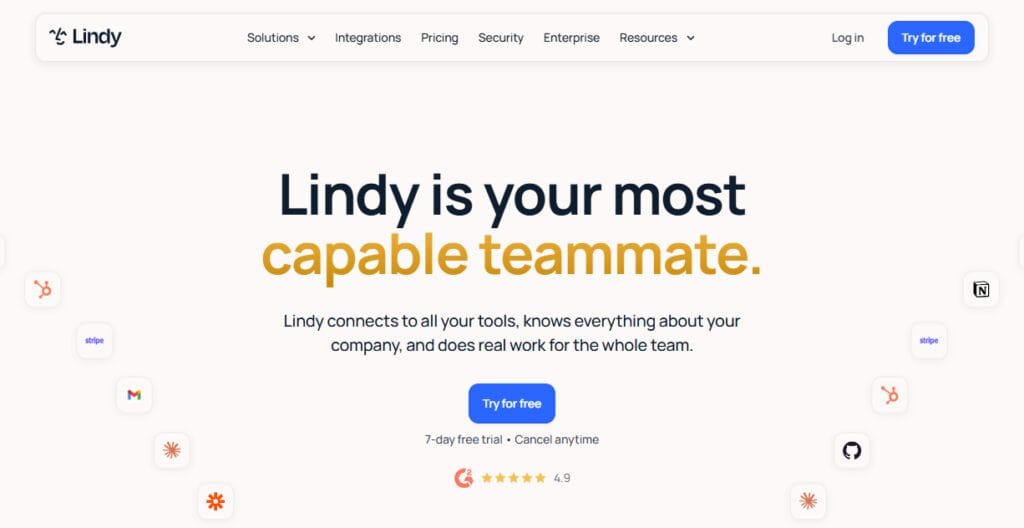
Integration provides a secure way to build enterprise APIs. Lindy AI is positioned for use by managers, executives, and professionals. Lindy AI suffers from contextual challenges of AI and integrations. Overall, Lindy AI is an automation productivity assistant.
Best For: Professionals and executives who need high level engagement automation.
Pros:
- Schedule planning.
- Drafting emails.
- Action/task automation.
- Safe automation.
Cons:
- Hard to manage automation.
- Costly.
- Subscription only.
“Who Should Use It?
- Harvey – Best for law firms, corporate legal departments, and compliance groups, when looking for AI to assist in legal research, reviewing contracts, or litigation support in a secure system with understanding of legal issues and principles unique to their jurisdiction.
- Ironclad AI – Best for enterprises, procurement departments, or operations management looking to automate contract lifecycle management, and ensure compliance with enterprise-level security.
- Casetext CoCounsel – Best for attorneys, litigators, and law students for analyzing and drafting case law, discovering precedent, and utilizing secure access to legal databases for case law.
- Hippocratic AI – Best for healthcare service providers and patient support teams to enhance communication and patient support, and education while maintaining HIPAA compliance.
- Nuance DAX – Best for healthcare service providers and hospital admins to use automation for case documentation and clinical notes while ensuring EMR connected services and reducing burnout.
- Nabla Copilot – Best for healthcare service providers and telehealth to utilize automated consult notes, follow-up notes, and care coordination in compliance with GDPR and HIPAA.
- Glass Health – Best for healthcare service providers, medical students and researchers for access to secure, curated medical literature while utilizing decision support, differential diagnosis, and care planning.
How We Evaluated Vertical AI Tools
Industry Expertise → We analyzed how well each tool is designed for specific verticals (e.g. legal, healthcare, sales, productivity), and how well they understand the complexities of automation for each.
Workflow Fit → We analyzed the extent to which an AI can be added as an integral part of a workflow for reviewing contracts, or for form filling in the clinical setting or lead nurturing.
AI Capability → We analyzed natural language processing and automation capabilities. We evaluated how user-friendly the AI tools are and the extent to which it can adapt to the sophistication of the world we live in.
Real Use Cases → We authenticated related use cases like litigation assist, patient triage, or executive scheduling, and evaluated them for their practicality and impact.
Verified Data → We evaluated integration with legal databases, medical reference guidelines, and CRMs, and assured they deliver compliant and accurate data services.
Integration & Security → We evaluated the API interface, encryption, and compliance, and assured enterprise level data security and integration with the above mentioned frameworks.
User Fit → We identified the various user segments within the legal, healthcare, sales, and productivity verticals, and evaluated the tools based on their respective automation gaps and pain points while also accounting for price and level of customization.
Conclusion
Vertical AI tools utilize domain knowledge, automate workflows, and provide platform app integrations that promote compliance. These capabilities differentiate vertical AI from traditional software.
Examples of vertical AI can be found in legal research with Harvey and Casetext CoCounsel, healthcare documentation and decision-making with Nuance DAX and Glass Health, customer engagement and sales productivity with Structurely and Lindy AI, and compliance across industries with secure integrations and verified data sources.
There are challenges that vertical AI must overcome, including contextual accuracy, cost, and reliance on structured input. Vertical AI tools provide measurable benefits, including accuracy and scalability to modern professionals, as it does not replace the creative aspect of a task.
FAQ
What are vertical AI tools?
Vertical AI tools are specialized solutions built for specific industries like legal, healthcare, sales, and productivity. They focus on domain expertise rather than general-purpose tasks.
How do they differ from traditional software?
Unlike traditional software, vertical AI adapts to workflows using NLP, predictive analytics, and automation, while traditional tools rely on static, rule-based functions.
Who should use these tools?
Professionals such as lawyers, doctors, sales teams, and executives benefit most, as these tools reduce manual effort and improve accuracy.
What are the main advantages?
Key benefits include workflow automation, verified data sources, secure integration, and measurable efficiency gains across industries.
Are there limitations?
Yes—vertical AI tools may face cost barriers, data dependency, contextual accuracy issues, and limited creativity compared to human professionals.