In this article, we’ll analyze the Top Developer Portals for Engineering Teams and point out the platforms that facilitate development with features like software discovery, documentation, self-service automation, service ownership, and engineering collaboration.
We will compare their features, customizability, integrations, automation, and AI against their competition, weighed against each other with respect to their pricing, pros, and cons to assist engineering managers with their selection of the best Developer Portal for their teams.
What Is a Developer Portal?
Developer portals provide engineering teams one source of truth for finding available services, documentation, ownership, and ways to develop the services. Portals can integrate multiple service catalogs and APIs along with source control, CI/CD pipelines, infrastructure, and service monitoring systems as well as self-service workflow ecosystem integration.
A developer portal helps platform teams to develop consistent and standardized boilerplate engineering frameworks and practices. Modern developer portals are easily integratable with tools such as GitHub, Jira, the cloud, and various observability systems and offer cooperative automation for routine tasks and collaboration throughout the lifecycle of software development.

Portals help engineering teams navigate an organization’s information quickly and efficiently and automate routine tasks within the context of software development.
Why Engineering Teams Need Developer Portals in 2026
Single Source Software Discovery: Developer portals provide Software as a Service (SaaS) product unification including a comprehensive view of API products, supporting documentation, and ownership details. Hence, software discovery not longer requires multiple tools.
Self-Serve Engineering ‘Tasks’: Currently, developers rely on platform teams to perform a variety of Hyper Automated Engineering (HAE) ‘tasks’ such as creating services, provisioning resources, deploying environments, and executing workflow automation. However, with the introduction of portals, developers can now execute these tasks with a self-serve approach.
Improved Service Ownership: Portals enhance ownership of services and applications pushed into production by making owners easily identifiable.
Standardized Development Workflows: Engineering teams now have the ability to create templatized workflows in order to drive application development.
Improved Developer Tool Experience: Cross-tool integration reduces friction and simplifies access to the resources needed throughout the Software Development Life Cycle (SDLC).
Engineering Governance: Developer portals empower engineering teams with self-service scorecards, checks, policies, and ownership rules in order to govern engineering within a safe perimeter for security, reliability, documentation, and operational readiness.
Platform Automation: Engineering teams can leverage integrations with Cloud, CI/CD, Kubernetes, Infrastructure, Monitoring and Collaboration tools to achieve process automation.
AI-Powered Dev Assistance: Modern developer portals leverage AI to provide product recommendation, automate documentation, execute recommended processes, and provide natural language search to help developers answer questions quickly.
Engineering Unified Services Visibility: Developer portals provide unified services and engineering resource visibility to organize dependencies, teams, and environments.
Key Points
| Developer Portal | Type | Best For | Key Capabilities | Main Strength |
|---|---|---|---|---|
| Backstage | Open-source developer portal | Large engineering teams with platform teams | Software catalog, templates, TechDocs, plugins, integrations, ownership | Maximum customization & extensibility |
| Port | Commercial SaaS developer portal | Teams wanting fast self-service | Software catalog, self-service actions, scorecards, workflows, integrations | Fast implementation and strong self-service |
| Cortex | Commercial developer portal | Engineering organizations focused on software quality | Service catalog, scorecards, standards, ownership, engineering metrics | Engineering standards and scorecards |
| OpsLevel | Commercial developer portal | Teams managing large service ecosystems | Service catalog, ownership, scorecards, checks, self-service actions, RBAC | Service ownership and operational standards |
| Atlassian Compass | SaaS developer experience platform | Teams using Atlassian tools | Component catalog, health metrics, scorecards, integrations, component search | Strong Atlassian ecosystem integration |
| Roadie | Managed Backstage platform | Teams wanting Backstage without managing it themselves | Backstage catalog, templates, plugins, integrations, TechDocs | Managed Backstage experience |
| Spotify Portal | Internal developer portal | Organizations looking for Spotify’s newer portal approach | Developer portal, service discovery, developer workflows, integrations | Spotify’s developer-experience approach |
| Humanitec | Platform orchestration / IDP layer | Platform teams automating infrastructure delivery | Platform orchestration, environments, deployment workflows, resource management | Infrastructure orchestration behind developer workflows |
| Kratix | Open-source platform orchestration framework | Kubernetes/platform engineering teams | Promises, platform APIs, self-service workflows, Kubernetes integration | Kubernetes-native platform automation |
| Configure8 | Internal developer platform | Engineering teams seeking automated platform workflows | Service catalog, self-service, infrastructure workflows, integrations | Developer self-service and platform automation |
1. Backstage
Backstage launched as an internal developer portal framework at Spotify in 2020. Since then, it has been published for open-source use. Clients can install Backstage themselves and control the infrastructure and data associated with it. Control over the infrastructure and data is valuable for corporate software.
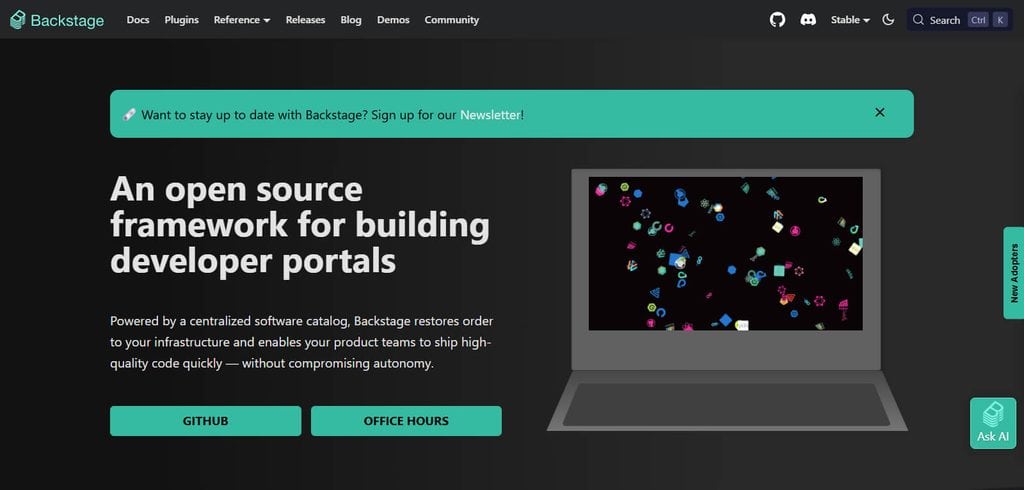
The software catalog, information about ownership, associated documentation, templates, and search capabilities form the core of the platform. Search is supplemented by a large ecosystem of added-on modules. Backstage’s software is free. However, organizations must budget for costs associated with hosting, repairs, upgrades, and the software engineering staff. The AI capabilities depend on the added-on modules and integrations.
The level of extensibility is quite high as teams can implement added-on modules, develop integrations, and design their workflows. Backstage’s flexibility and control provides the most value to engineering firms with dedicated platform teams.
Features
- Software Catalog: Centralizes software, APIs, and their metadata and contact information.
- Software Templates: Enables developers to build projects along predefined paths.
- TechDocs: Co-development guides and components documentation.
- Plugin Ecosystem: Supports integrations and custom plugin development.
- Self-Service Workflows: Allows teams to build automation for self-service engineering of the platform.
Pros
- Wide automated integrations and plugins.
- Strong software catalog.
- Customizable.
- Aligned well with platform needs.
- Sufficient for complex enterprise customizations.
Cons
- Complicated self-hosting set-up.
- Self-hosting requires maintenance.
- Advanced engineering required.
- Can lead to overly complex integrations.
- AI integrations may be lacking.
2. Port
Port is a self-service developer portal that centers around a unified catalog of software. It uses automation and self-service functionality in combination with scorecards, and engineering visibility. Its deployment model is cloud/SaaS and so it requires little work to implement.
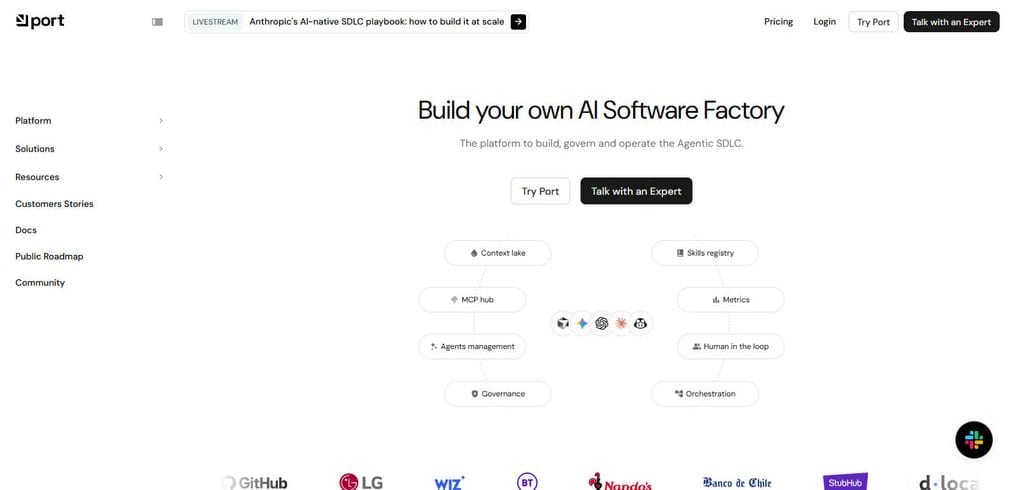
Port charges via a software as a service subscription that is flexible enough based on what an organization needs. AI can assist software development and support automation and discovery of engineering information. Level of customization is very high and is achieved through configurable connectors and workflows.
Port brings together developer portals and engineering systems in a way that lets teams view and automate tasks associated with development. It is ideal for organizations that want a portal built for them quickly without the time and effort of building and maintaining one.
Features
- Software Catalog: Centralized inventory of software and services, resources, and team ownership.
- Self-Service Actions: Automate infrastructure and engineering workflow tasks.
- Blueprints: Enable teams to develop models for software and engineering resources.
- Scorecards: Defines and drives engineering standards.
- Integrations: Connect the portal with toolchains from development, cloud, CI/CD, and operations.
Pros
- Faster to set up compared to building a portal step by step.
- Strong self-service workflow automation.
- Customization is possible without full platform ownership.
- Easy to use for engineering standards.
- Platform engineering is well suited for modern workflows.
Cons
- Grey-market and not officially supported by an entity.
- Code and integrations may not be updated as required.
- No UI/UX building blocks.
- No official support for customizations.
- No extensible AI integrations
3. Cortex
Cortex focuses on developer portfolio management, ownership of services and APIs, development engineering standards, and customizable scorecards. Cortex offers Software as a Service (SaaS), which means engineering teams don’t have to worry about deploying and maintaining the developer portal.
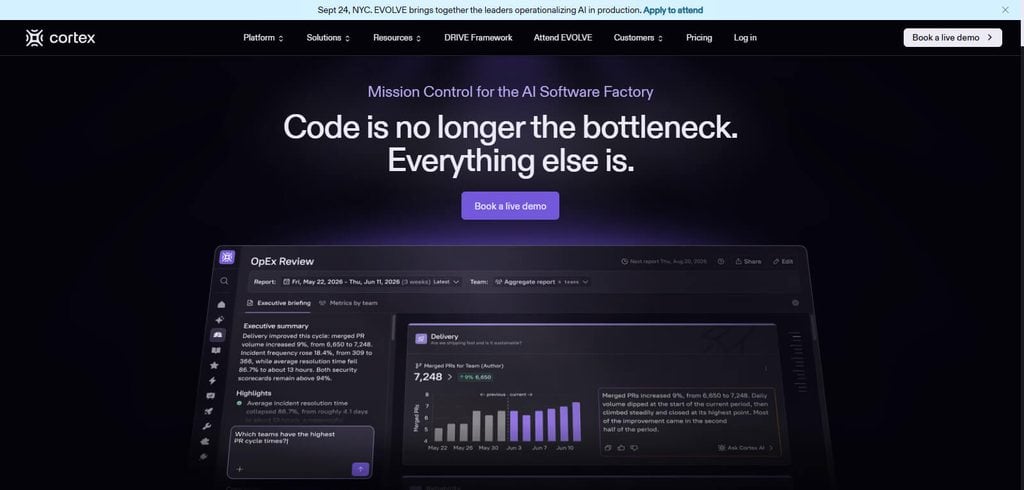
Cortex’s pricing, like most Software as a Service (SaaS) providers, is customized on a case-by-case basis. Cortex is built on top of AI to help manage and discover the engineering information within a development workflow. Customization is possible for catalogs, scorecards, integrations, and the engineering framework.
Much of Cortex’s value stems from providing a solution for standardizing services to a large degree and establishing an engineering maturity plane for platform teams. The greatest differentiator for Cortex is its focus on owned development services and engineering scorecards as opposed to a documentation portal.
Features
- Software Catalog: Automatically organizes software ownership and discovers components for self service.
- AI-Powered Catalog: Engineering relationships are discovered and enriched with AI.
- Scorecards & Checks: Capability for self-service and engineering standards.
- RBAC: Team engineering resources access controlled with automation and self-service workflows and actions.
Pros
- Self-service workflow automation.
- AI-Catalog.
- Discovers software ownership visibility.
- Standards defined for engineering.
Pros
- Licensing concerns.
- Best value with strong coverage of engineering data.
- Some capabilities may depend on plan level.
- Initial configuration may incorporate platform team.
- Want complete open source control.
4. OpsLevel
OpsLevel creates developer portals using service catalogs, ownership, scorecards, and standards frameworks, all complemented by features for developer self-service. Their cloud-based deployment means teams don’t have to maintain the underlying portal infrastructure. In addition, their pricing model is usually mostly bespoke to an organization’s needs, and is therefore commercial.
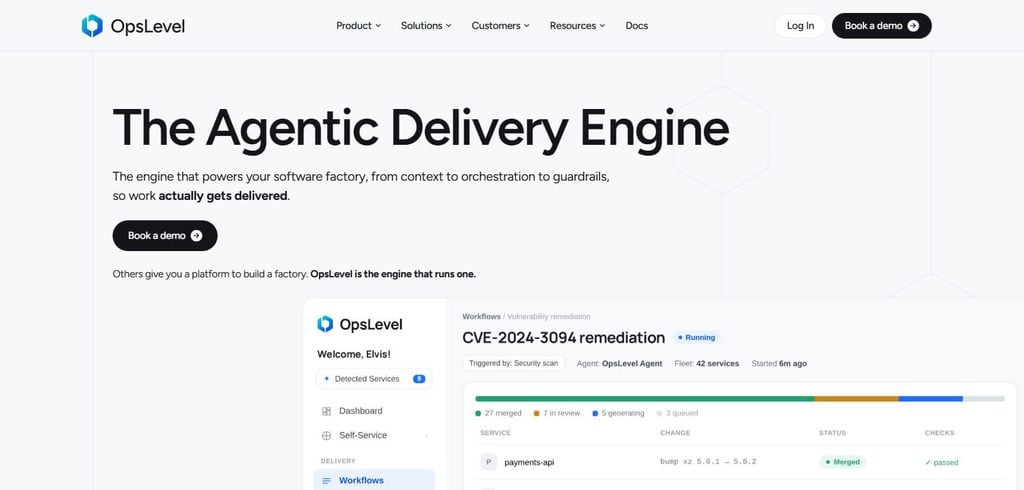
AI can help developers and platform teams find engineering information and work with catalog metadata. This makes OpsLevel’s service catalog more useful than a static directory. Customizability is high, and includes configurable service definitions, checks, integrations, scorecards, and workflows.
OpsLevel integrates with a variety of engineering and operations systems to provide a complete view of a service and its health. OpsLevel is best suited to engineering organizations to help them better define service ownership, set standards, and create automated operational checks.
Features
- Software Catalog Automation framework to discover and organize software components and ownership.
- AI-Powered Catalog Framework to discover engineering information.
- Scorecards and Checks Framework for definition and measurement of engineering standards.
- Self-Service Automation to execute actions and workflows.
- RBAC Framework to define access and control to engineering resources. (OpsLevel)
Pros
- Strong service discovery and ownership visibility.
- AI-assisted catalog enrichment.
- Good self service automation.
- Centralized experience for engineering teams.
Pros
- Strong flexibility for Atlassian software users.
- Dependency and component visibility.
- Scorecards for engineering health.
- Managed cloud services.
- Connected well with the workflows offered by Atlassian.
Cons
- Prior interest in Atlassian products primarily needed to enjoy full benefits of the other features.
- More advanced options available in the premium version.
- Less customizable than an open-source option.
- The Atlassian ecosystem is where teams will derive the most value.
- Customization through Forge requires development knowledge.
5. Atlassian Compass
Atlassian Compass is built for organizations already using the Atlassian ecosystem and provides a way to manage developer experience and software catalogs through the cloud. As a SaaS product, customers don’t have to worry about managing the underlying software.
Atlassian Compass uses a pricing model similar to Atlassian’s Commercial Cloud, so the final price will depend on the Atlassian environment and plan the organization already has. Atlassian Compass excels in ecosystem connectivity, with particular strength in the areas of Jira and other development workflows.
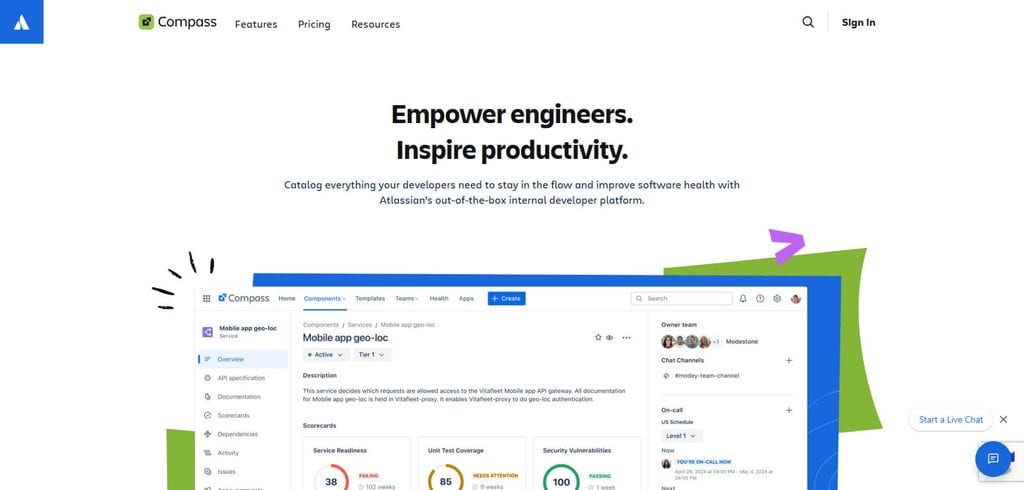
While AI capabilities would benefit from the broader Atlassian ecosystem of intelligence and automation, capabilities will vary depending on the plan and the configuration of the product.
Customization of Atlassian Compass is at a moderate to high level, with components, scorecards, integrations, and workflows that are configurable. It is ideal for engineering teams to help plan, develop, own, and manage the health of their software in their Atlassian ecosystem.
Features
- Component Catalog: Centralizes services, applications, libraries, and dependencies.
- Component Health: Provides visibility into engineering health.
- Scorecards: Measures reliability, security, compliance, and operational standards.
- Search & Custom Fields: Makes engineering components easier to discover and classify.
- Extensibility: Supports APIs, integrations, and custom apps through Forge.
Pros
- Strong fit for Atlassian users.
- Excellent component and dependency visibility.
- Useful engineering health scorecards.
- Managed cloud experience reduces maintenance.
- Strong integration potential with Atlassian workflows.
Cons
- Most attractive for organizations already using Atlassian.
- Advanced capabilities may require premium plans.
- Less customizable than a fully open-source framework.
- Teams outside the Atlassian ecosystem may get less value.
- Customization through Forge requires additional development knowledge.
6. Roadie
Roadie is a developer portal built on Backstage and designed for organizations that wish to have some level of Backstage functionality without the need to manage a large developer platform. Roadie offers a SaaS model.
This means a substantial part of the infrastructure and work associated with running the platform is managed for the customer. Roadie’s pricing is generally based on the needs of the organization and the chosen plan, with a commercial model.

AI can be implemented using some 3rd party tools integrated with Backstage or some of the existing build tools that combine with Backstage. The level of customization is high because teams have access to Backstage’s extension model. This is paired with fully managed Backstage functionality and offered engineering support.
Roadie has software catalogs, docs, templates, connectors, and developer workflows. It is ideal for organizations with limited resources to manage and operate Backstage for hosting, upgrades, plugins, and operational maintenance.
Features
- Managed Backstage: Provides a hosted Backstage-based developer portal.
- Software Catalog: Centralizes services, teams, ownership, and metadata.
- Self-Service Actions: Enables automated developer workflows.
- TechDocs: Supports documentation directly within the portal.
- AI & Integrations: Includes AI capabilities and a broad plugin/integration ecosystem.
Pros
- Reduces Backstage maintenance requirements.
- Retains much of Backstage’s flexibility.
- Managed hosting and upgrades.
- Strong integration and plugin support.
- Useful for teams wanting Backstage without operating it themselves.
Cons
- Commercial cost compared with self-hosted Backstage.
- Less infrastructure control than running Backstage yourself.
- Organizations become dependent on the managed service.
- Highly customized workflows may still require expertise.
- Migration from a heavily customized Backstage setup can require planning.
7. Spotify Portal
Spotify Portal is Spotify’s managed developer experience built on top of the Backstage ecosystem. It offers organizations a more managed approach to internal developer portals. Spotify Portal has a managed/ SaaS deployment model, unlike traditional Backstage installations. Pricing is based upon the organization and the selected offering and is commercially based.
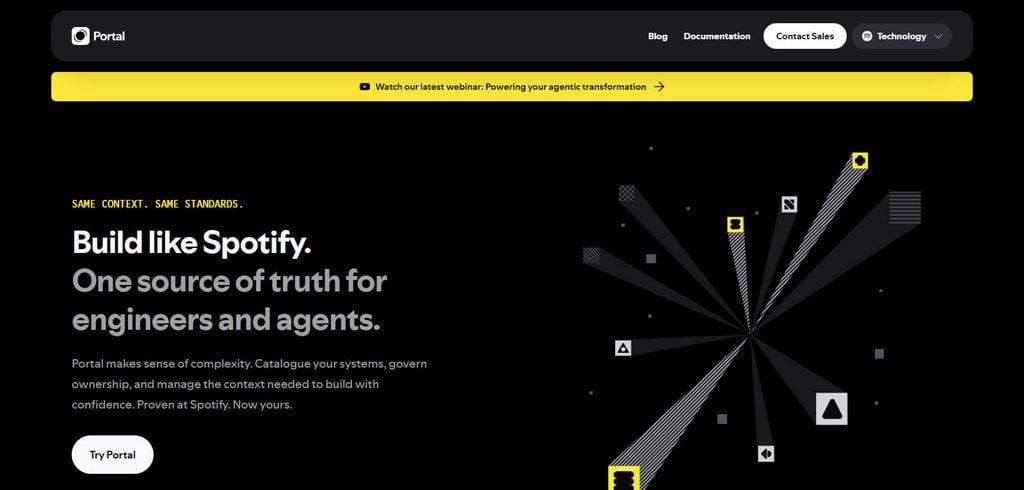
The Spotify Portal provides customers the ability to search and audit logs along with a catalog of software, software frameworks/templates, and TechDocs. Spotify has invested in additional capabilities to their Portal, and these include AI connectivity for agents and framework tasks. Spotify has AI framework extensions and software built to enhance its ecosystem.
Customization is extensive, as it allows users to change integrations, plugins, configurations for the catalog and search, authorizations, branding, and allows fine-grained control of the administration. It is extremely useful for teams that want the operational benefits of an ecosystem that Backstage provides, and that need more of the maintenance to be handled by Spotify.
Features
- Software Catalog: Centralizes ownership and control of services and APIs.
- Software Templates: Supports teams in creating standardized development.
- Soundcheck: Ensures engineering standards and offers checklists and guidance.
- Setup Wizard: Helps configure the Spotify Portal.
- Backstage Foundation: Managed Backstage by the original Backstage Team. (Backstage for Spotify)
Pros
- Serializes Backstage for Spotify portal with rich configuration.
- Strong out-of-the box Software Catalog.
- Includes templates to facilitate standardized development.
- Soundcheck supports engineering standards.
- Lower operational burden from Backstage.
Cons
- Proprietary solution rather than using the Backstage open source project.
- Less flexibility than a fully self-hosted solution.
- More tailored integrations may need Backstage expertise.
- May have more than what smaller teams need.
8. Humanitec
Unlike most developer portals, Humanitec focuses on platform orchestration. Its primary offering is not a software catalog. Its deployment model is a managed SaaS solution for its platform orchestration services. Humanitec employs open standards and ecosystem components, and charges a commercial price in the enterprise level, which is not typical of a ‘free portal’ model.
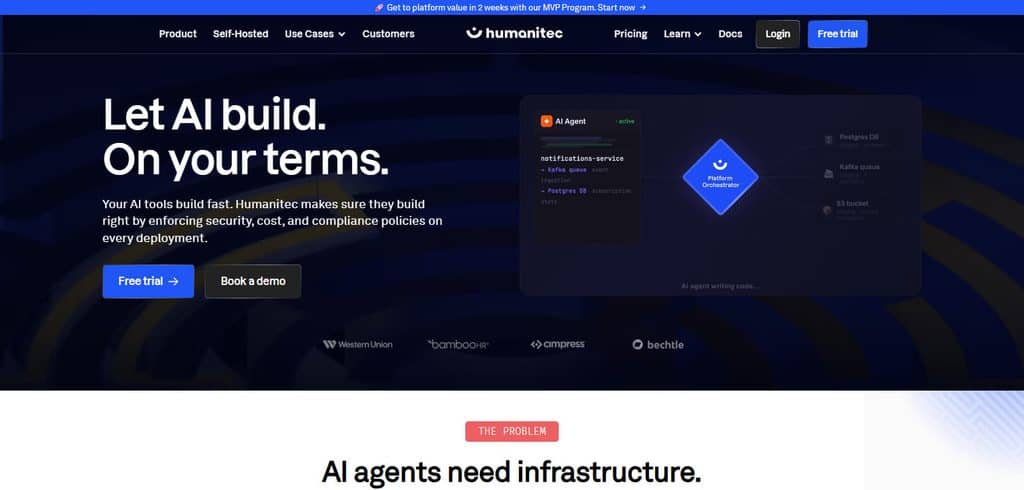
The main functionality of the platform is to empower developers to request environments and infrastructure via commonly defined workloads, while disparate infrastructure logic is controlled by the platform teams. For Humanitec, primary identity is focused on orchestration and automation, over AI capabilities.
Customizability, especially for platform teams to control environments, resources and deployment policies, is offered at a high degree. Humanitec caters to organizations that wish to offer its developers self-service automation–not just a self-service catalog for developers.
Features
- Infrastructure Automation: Manages the provisioning and control of infrastructure.
- Environment Management: Helps developers create, manage, and modify development environments.
- Deployment Management: Manages deployments of applications with governance.
- Developer Resource Requests: Eliminates continuous, tedious ticketing for developers to request resources and environments.
- Policy & RBAC: Infrastructure governance, permission management, policy automation.
Pros
- Good engineering capabilities
- Great Automation capabilities for engineering
- Resources self-service for developers
- Supports integration with Terraform, OpenTofu, and others
- Great focus for Governance and standardization
Cons
- More advanced than simple Developer portals
- Requires platform-engineering
- Considerable cost
- Requires careful planning of infrastructure
- May be more than what is needed for teams wanting just docs and service discovery
9. Kratix
Kratix is an open-source framework for platform engineering that helps developers build their own services and infrastructure with a set of platform APIs and shared platform services. Kratix tends to be self-hosted and Kubernetes-centric, giving platform teams a great deal of flexibility in the delivery of services and infrastructure.
The pricing model is open source, so the software itself does not have a normal SaaS subscription model. However, teams still incur cost on infrastructure and engineering. While Kratix’s AI capabilities aren’t its main draw, its strength is platform automation and self-serve services.
High flexibility and extensibility means that teams can build their own platform services, workflows, and policies. An advanced understanding of platform engineering is necessary to take advantage of Kratix in order to create a custom developer portal, as opposed to purchasing one.
Features
- Platform Services: Services for platform teams that are designed to be used as building blocks.
- Developer focused interfaces that allow them to engage with the capabilities of the platform.
- Kubernetes-Native Approach: Engineered to operate in Cloud Native and Kubernetes situational frameworks.
- Composable Architecture: Framework that enables platform capability development by combining several reusable elements.
- Open Source: Emphasizes flexibility for teams building their internal platforms.
Pros
- Supports internal reusable platform building services.
- Open Source developer driven architecture.
- Highly flexible.
Cons
- Advanced technical skills are needed.
- More complex than a traditional developer portal.
- Kubernetes focused architecture.
- Organizations are responsible for maintenance and operations of the solution.
- Not the easiest way to build a managed developer portal for teams.
10. Configure8
Configure8 supports developers by consolidating engineering services and their relationships in a single view of dependency and ownership with a focus on providing an internal developer platform. Its deployment model is primarily commercial SaaS, meaning teams do not have to manage portal infrastructure.
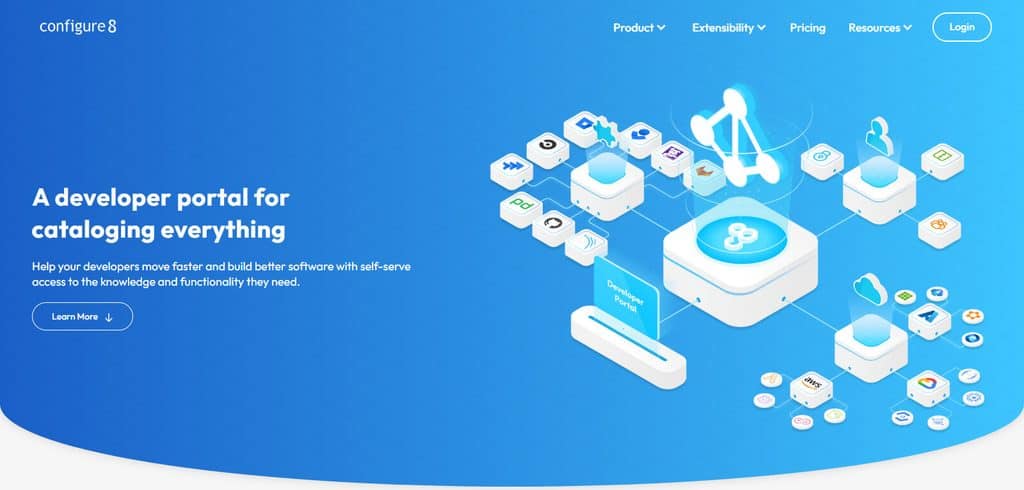
Its pricing model is generally commercial and is based on the organization’s requirements and the selected capabilities. Although the product supports AI for engineering discovery and automation and interaction with platform data, AI is not the center focus. Regarding the product, there is a high degree of service customization with configurable service relationships, automation, and engineering workflows.
Configure8 emphasizes service dependency visualization and software architecture. It is intended for engineering departments that require higher service visibility and topology, automation and an improved developer experience.
Features
- Software Catalog: centralized repository of engineering services.
- Relationships among services: Visibility on relationships between service elements.
- Ownership of services: ties software to corresponding teams.
- Developer Workflows: Offers engineering automation and self-service use cases.
- Architecture Visibility: Allows organizations to see their software ecosystems and their interconnections.
Pros
- There is good service and architecture visibility.
- This is good for viewing dependencies.
- Engineering information can be centralized.
- There is lots of flexibility.
- Developer self-service workflows and platform workflows can be supported.
Cons
- There is commercial licensing to think about.
- There will need to be integrations with existing engineering systems.
- There will be a need for the catalog data to be accurate.
- There could be platform team work required for advanced implementation.
- There could be more features than there is need for smaller engineering teams.
Conclusion
When considering a developer portal in 2026, an engineering team’s size, workflow, and degree of automation will determine the best choice. For those teams with a strong platform engineering capability, Backstage and Kratix can offer more API customizability. For the teams in which developer experience, service ownership, and self-service are more important, then Port, Cortex, OpsLevel, and Configure8 can offer more managed services.
Atlassian Compass will be a better choice for teams that have a significant investment of services in the Atlassian ecosystem. For teams considering a managed Backstage, then Roadie and Spotify Portal are good options.
Humanitec is better for automating platforms for infrastructure orchestration. Each of the platforms can be evaluated in terms of developer adoption, integration depth, extent of customizability, governance, AI integration, maintenance effort, and total cost of ownership.
FAQ
What is a developer portal?
A developer portal is a centralized platform that helps engineering teams discover services, access documentation, understand ownership, create software, and complete development or infrastructure tasks through self-service workflows.
Why should engineering teams use a developer portal in 2026?
Developer portals can reduce developer friction by bringing service catalogs, documentation, automation, ownership information, integrations, and engineering standards into one accessible environment.
Which is the best developer portal for engineering teams?
There is no single best option for every team. Backstage is strong for customization, Port for self-service, Cortex for engineering standards, OpsLevel for service ownership, and Humanitec for platform orchestration.
Is Backstage free to use?
Backstage is open-source software, so there is no conventional software license fee for the core project. However, organizations should account for hosting, customization, plugin development, upgrades, security, and ongoing platform-engineering maintenance.
What is the difference between Backstage and Port?
Backstage is an open-source framework that organizations can customize and operate themselves, while Port is a managed commercial developer portal designed to provide configurable catalogs, self-service workflows, automation, and engineering visibility.