


Your best option depends on whether you need tax filing, bookkeeping, or both. The best services for filing 1099 and self-employment returns are TurboTax Premium, H&R Block Self-Employed, FreeTaxUSA, TaxAct and TaxSlayer. TurboTax and H&R Block provide the most guidance, but at a higher price.
Freelancers who want to track expenses year-round, find deductions, and file taxes professionally will find Goalkeeper to be the best option with one plan. QuickBooks Solopreneur, FreshBooks, Bonsai and Wave handle invoices, income, expenses and contractor payments better, but most need separate tax-filing software. FreeTaxUSA or Wave are both good choices for DIY filers on a budget. If you want help from experts, go with TurboTax, H&R Block or Goalkeeper.
What Is 1099 Tax Filing Software?
1099 tax filing software is a digital tool designed to help independent contractors, freelancers, gig workers and self-employed professionals prepare and file their tax returns. It helps users report income from forms such as 1099-NEC, 1099-MISC, and 1099-K, while organizing business expenses and eligible tax deductions.
The platforms also offer Schedule C and Schedule SE calculations, self-employment tax estimates and simplified federal and state tax filing. Some software automatically tracks expenses, imports tax documents, quarterly estimates and expert help to make tax preparation easier and more accurate.

How to Choose the Best 1099 Tax Filing Software?
Key Points
| Software | Key Point |
|---|---|
| TurboTax Premium | Comprehensive Schedule C support, deduction guidance, 1099 income reporting, and estimated tax calculations. |
| H&R Block Self-Employed | Combines self-employed tax filing tools with access to tax professionals and optional in-person assistance. |
| FreeTaxUSA | Free federal filing with full support for Schedule C, self-employment tax, and common freelancer deductions. |
| TaxAct Self-Employed | Provides 1099 income reporting, business expense tracking, and self-employment tax calculations at a competitive price. |
| TaxSlayer Self-Employed | Designed for independent contractors with industry-specific deduction assistance and Schedule C preparation. |
| Keeper | Automatically identifies potential write-offs and helps freelancers organize deductible expenses year-round. |
| QuickBooks Solopreneur | Combines income tracking, expense management, mileage logs, and tax preparation tools in one platform. |
| FreshBooks | Integrates invoicing, expense tracking, financial reporting, and tax-ready records for independent workers. |
| Bonsai Tax | Offers expense tracking, tax estimates, invoicing, and business management tools tailored to freelancers. |
| Wave | Provides bookkeeping and expense-management features that help simplify 1099 tax preparation. |
1. TurboTax Premier
TurboTax Premium (formerly Self-Employed) is a guided tax-filing platform for freelancers, contractors and small-business owners. The federal price is usually around $139; state returns are sold separately, and you pay extra for live help from an expert. It supports 1099-NEC, 1099-MISC, 1099-K income, Schedule C and Schedule SE.
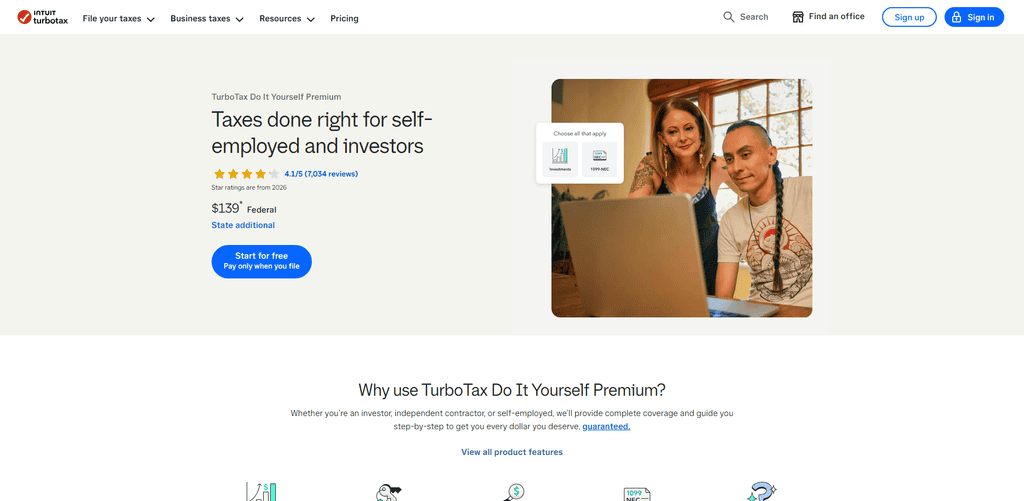
The interview-style workflow walks users through entering income, vehicle, home-office and other business expenses, flagging potential deductions along the way. TurboTax has strong form imports, mobile photo capture, and optional CPA/EA support. Best for users who want extensive guidance at a higher price.
Key Features
- Helped prepare and file self-employment taxes.
- Support for Schedule C and Schedule SE
- 1099-NEC, 1099-K and other tax documents are importable.
- Calculates business income, deductible expenses and qualifying deductions.
- Provides access to tax expert help with eligible plans.
Top Use Cases
- Several income streams for independent contractors.
- 1099 income and business expense reporting for freelancers.
- Gig workers seeking tax prep assistance.
- Freelance professionals needing professional tax help.
2. Self Employed H&R Block
H&R Block Self-Employed is for sole proprietors, freelancers and contractors who need Schedule C filing and business-expense support. Its price online is $130 plus $49 per state for federal listed, though promotional pricing can vary.
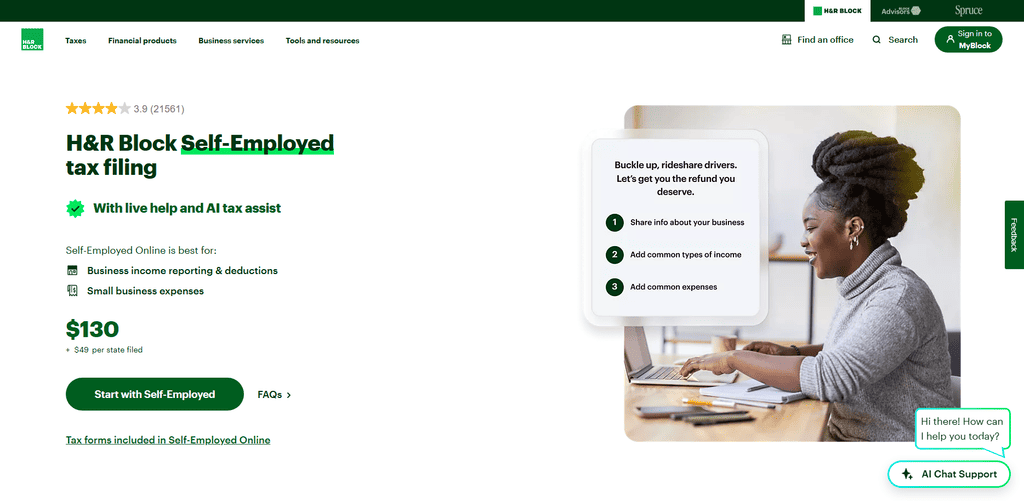
It includes self-employment income, common 1099 forms, business expenses and freelancer deductions, and comes with unlimited expert help, AI Tax Assist and access to live tax professionals.
Features
- Imports 1099 forms and eligible income records
- C filing and self employment income supported.
- Identifies business expenses and tax deductions.
- Contains tips on how to calculate your self-employment tax.
- Provides online help from tax experts and in-person support options.
Top Use Cases
- Filing taxes on your own as a freelancer.
- Contractors who receive 1099-NEC payments.
- Gig workers who have deductible business expenses.
- Self employed people who want access to tax professionals.
3. FreeTaxUS
For self-employed filers who feel comfortable preparing their own return, FreeTaxUSA is the cheapest option. Federal filing is free even for Schedule C and Schedule SE, while state returns run about $15.99 each. Optional Deluxe Support is $7.99 and Pro Support is $64.99. It supports 1099-NEC, 1099-MISC, 1099-K, Schedule C and Schedule SE with more than 350 credits and deductions.
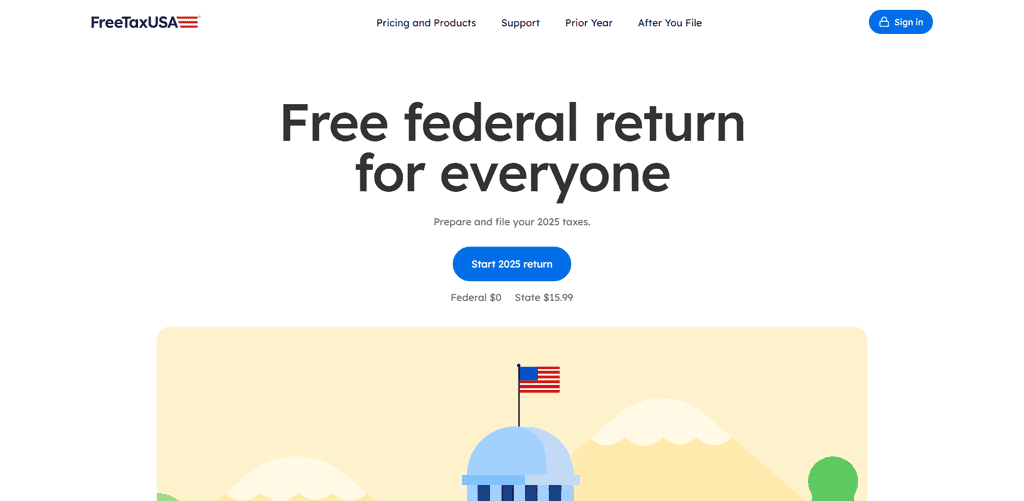
Income and expenses are usually entered manually or uploaded from documents rather than imported automatically from banks. Its simple interface and email/chat support make it great for budget-minded filers who don’t need hand-holding. Which Tax Prep Software Is Best for Filing Your Taxes Online: TurboTax vs. HR Block
Key Features
- Schedule C’s for Federal Income Tax.
- Manages self-employment income and business expenses.
- Contains Schedule SE for self-employment tax.
- Available as a paid add-on. State tax filing.
- Offers optional professional assistance via eligible plans.
Best Applications
- Freelancers looking for cheap tax filing.
- Freelancers with simple Schedule C returns.
- 1099 workers doing their own tax preparation.
- Self employed persons wishing to reduce filing costs.
4. TaxAct for the Self-Employed
TaxAct Self-Employed is aimed at freelancers and independent contractors who want a mid-priced DIY filing product with business guidance. Its online plan for self-employed individuals begins at $109.99 federal and $64.99 per state. It supports 1099-MISC and other self-employment income, Schedule C, Schedule SE, quarterly estimated-tax planning and deduction maximization.
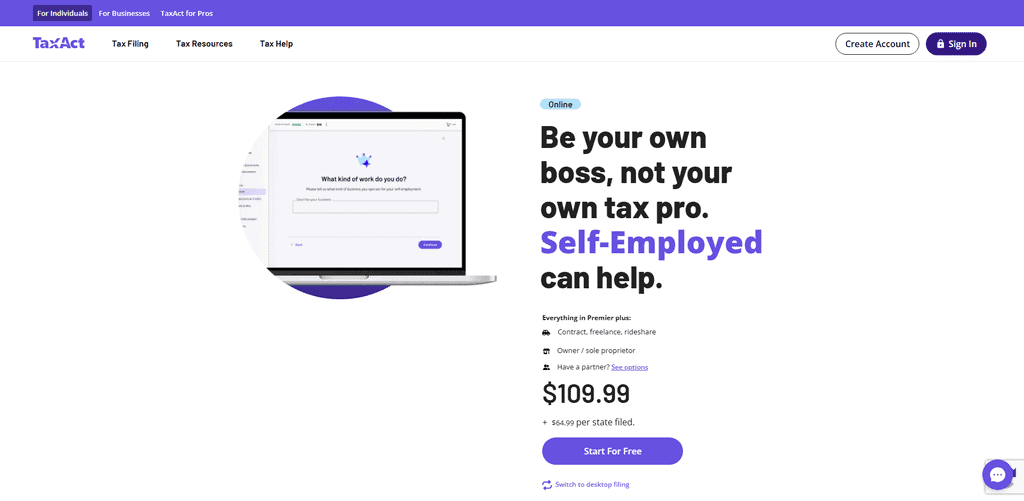
TaxAct has more structure than basic budget platforms, thanks to its bank imports and guided workflows for tracking business income and expenses. Customers can access tax and technical support during preparation, and the company guaranties accuracy. It’s a good option for filers who want more guidance than FreeTaxUSA offers, but without the TurboTax prices.
Main Features
- Oversees tax deductions and applicable tax credits.
- Supports Schedule C reporting and self employment income.
- Provides advice on calculating self-employment taxes.
- Can report multiple income types including qualifying 1099 income.
- Provides tax preparation help with qualified expert-assist options.
Best Use Cases
- Freelancers who make money from freelance contracts.
- Self-employed professionals who have both W-2 and 1099 income.
- Business owners with small businesses reporting business income and expenses.
- Experienced taxpayers opting for guided DIY filing
5. TaxSlayer for the Self-Employed
TaxSlayer Self-Employed is a value-focused filing platform for 1099 earners and small business owners. The cost is approximately $74.99 federally plus $47.99 per state or about $122.98 with one state return. Includes Schedule C, Schedule SE, 1099 management, credits, deductions and access to tax pros with self-employment expertise.
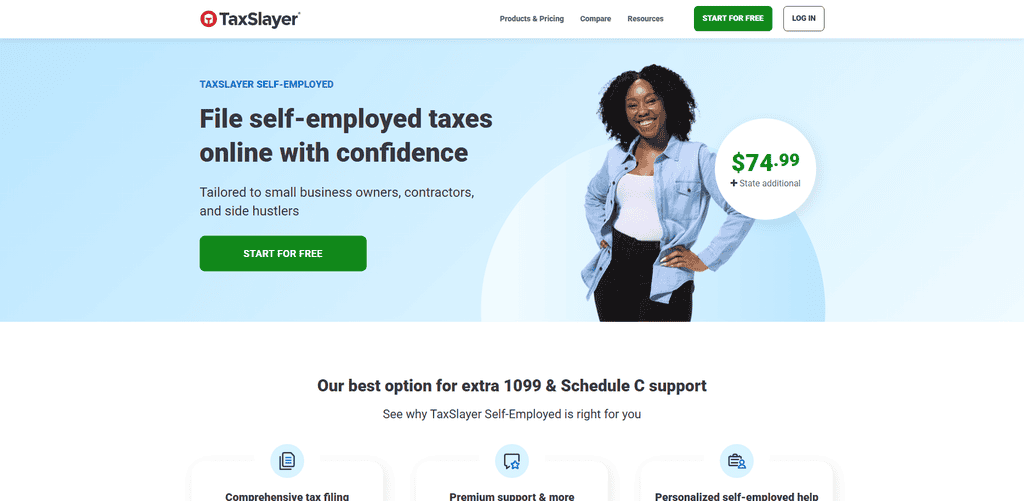
You’ll mostly enter income and expenses manually, but the platform does walk you through common contractor deductions and quarterly estimates. The biggest benefit is professional access at a lower price than TurboTax or H&R Block. TaxSlayer is the top choice for cost-conscious self-employed filers who want a named self-employment product and expert help.
Key Features
- Allows reporting of Schedule C business income.
Uses the appropriate tax forms to calculate self-employment taxes. - Assists in reporting freelance income and deductible expenses.
- Allows access to tax professional assistance via eligible services.
- Handles individual federal and state tax returns.
Top Use Cases
- Self-employed persons seeking low cost tax preparation.
- Freelancers, 1099 income.
- Workers in the gig economy with earnings from self-employment.
- Self-employed taxpayers requiring basic professional tax advice
6. Keeper
Keeper bundles bookkeeping, deduction discovery and tax filing into a single subscription, making it especially appealing to freelancers and 1099 contractors. Their Bookkeeping Only plan costs $20 a month. The Standard plan costs $199 a year and includes federal filing and up to two state returns. Premium $399 annually.

Business $1,199 annually for S-corp or partnership filings. Goalkeeper links financial accounts, tracks income and expenses, scans receipts and uses AI to find potential write-offs. Standard and Premium returns are reviewed and signed by a tax professional;
Premium includes quarterly estimated-tax support, consultations, amendments and audit assistance. Goalkeeper is best when you want year-round tax prep and filing together.
Main Features
- Automatically finds potential business tax write-offs.
- Categorizes qualifying expenses according to related financial transactions.
- Tracks business expenses and freelance income.
- It helps to keep tax records organized during the year.
- Offers professional help and filing of self-employment taxes via qualified plans.
Top Use Cases
- Freelancers who want automated expense tracking.
- Regular business buyers who are freelance contractors.
- Gig workers who are eligible for tax deductions.
- Self employed professionals who need tax organization all year round.
7. Solopreneur QuickBooks
QuickBooks Solopreneur is a bookkeeping-first software for one-person businesses such as freelancers and single-member LLC owners. The Lite plan is $20 per month, and Simple Start is $38 per month. Promotional pricing may be available for the first three months.
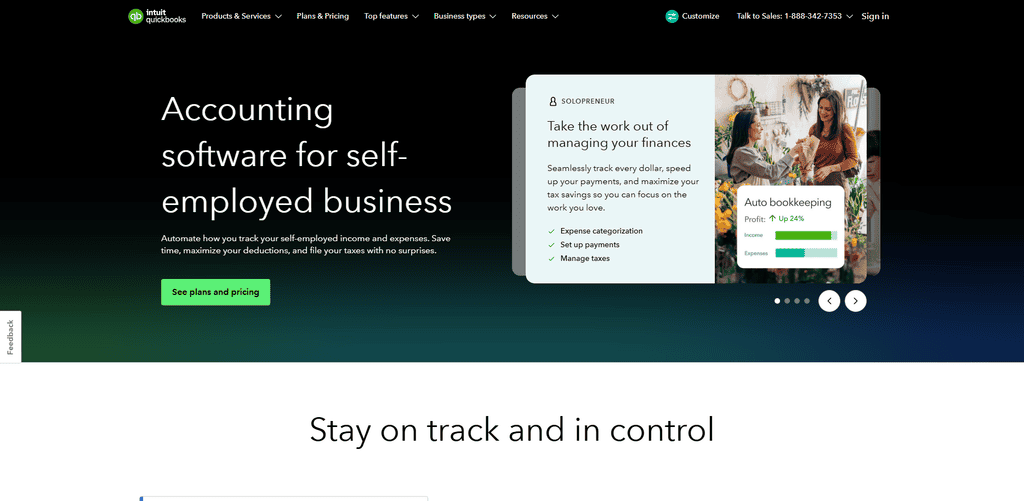
It can organize 1099 contractor data for preparation and filing and tracks income, expenses, mileage, invoices, receipts and contractor payments. Its tax tools are designed for Schedule C filers, and TurboTax offers assisted tax preparation for an additional fee.
Quickbooks does a good job of automation, reporting and integration with the Intuit ecosystem but filing is not fully included in the base subscription.
Main Features
- Keeps track of self-employment income and business expenses.
- Automatically sorts transactions into categories.
- Keep track of business trip mileage.
- Prepares financial records for tax filing.
- Tax estimates & Tax reporting assistance
Best Use Cases
- Independent contractors who do their own bookkeeping.
- Freelancers monitoring income from several clients.
- Self employed professionals tracking their business mileage.
- Solopreneurs getting their finances ready for tax season
8. FreshBooks
FreshBooks is primarily invoicing and accounting software for freelancers and service businesses, not a full tax-filing service. Standard plans include Lite ($23/month), Plus ($43/month), Premium ($70/month) and custom-priced Select; the introductory promotional rates may be lower.

Unlimited expense entries, receipt scanning, bank imports, time tracking, invoicing, estimates and tax-time reports. FreshBooks does not include federal or state tax filing; users typically export reports or manually enter data for an accountant or separate tax software.
The level of customer support depends on the plan, with Select providing dedicated support and onboarding. It’s great for client-facing freelancers who need clean invoicing and organized books.
Key Features
- Offers professional level invoicing and payment tracking.
- Keep an eye on business expenses and operating costs.
- Provides help with reporting income and expenses.
- Maintains files of receipts and records of financial transactions.
- Prepares accounting reports for tax preparation.
Best Use Cases
- Freelancers processing client invoices and payments.
- Project income tracked by independent contractors.
- Business expenses for consultants tracking
- Freelancers and independent contractors keeping a set of organized financial documents for tax purposes.
9. Taxing Bonsai
Bonsai Tax is a tax add-on for freelancers that’s part of the larger Bonsai business platform. Bonsai also offers contracts, proposals, invoicing, and client management. Bonsai doesn’t charge a separate monthly fee for Tax. Instead, tax tools are included with a paid Bonsai plan (after a seven-day trial).
It helps freelancers track business expenses, estimate quarterly taxes and automatically find potential tax write-offs. It is built around 1099 contractor income and self-employed workflows, but it is not a full-service tax-return filing product by itself. Bonsai is a great option for freelance professionals who want a single freelancer workspace that takes care of contracts, invoicing, expense tracking, and tax prep support
Key Features
- Organizes income and expenses of self-employed.
- Offers tools for tax estimation and financial planning.
- Monitors business expenses and spending that can be deducted.
- Supports financial organization and freelance business management.
- Links tax-related workflows with invoicing and contract management capabilities.
Top Use Cases
- Freelancers who work on different client projects.
- Self employed people tracking income and expenses.
- Consultants calculating their tax liability
- Professionals who are self-employed and who carry out business operations and tax organization.
10. Wave
Wave is a free or low-cost accounting platform designed for very small businesses, freelancers and sole proprietors. Its Starter plan is free and provides unlimited invoices, estimates, bills, and bookkeeping records. Its Pro plan is $19 per month or $190 per year and adds automated bank imports, receipt capture, and transaction categorization.
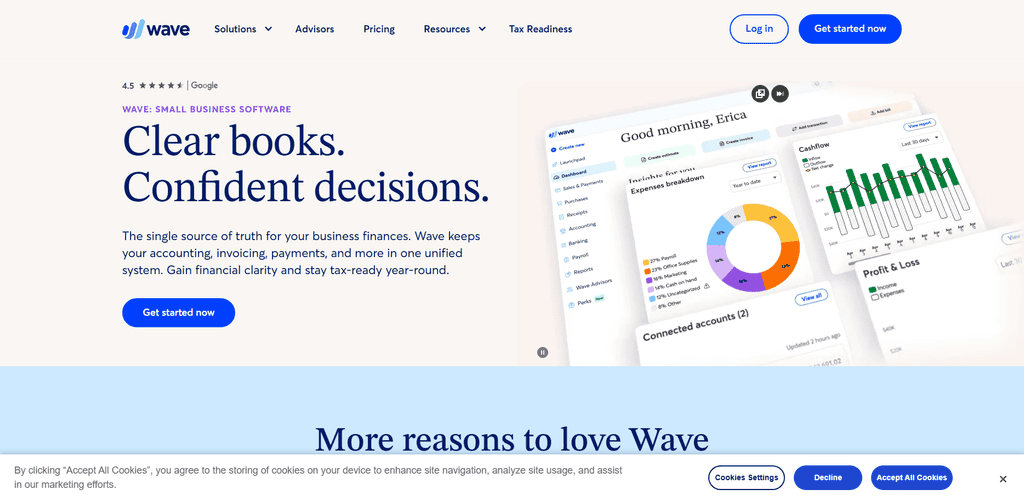
Wave tracks your income and expenses, creates profit-and-loss, balance sheet, and cash-flow reports, and helps you assemble tidy records for tax season. Wave, however, doesn’t file personal federal or state income-tax returns—that’s done separately by an accountant or tax software. It’s great for users who are watching their budget and just want clean books, not integrated tax filing
Main Features
- Provides tracking of income and expenses.
- It provides invoicing and payment management.
- It automatically imports and categorizes eligible bank transactions.
- Prepares profit and loss and other financial reports.
- Maintains accounting records for the purpose of preparing taxes.
Key Use Cases
- Independent contractors doing basic business accounting.
- Freelancers who manage payment and expenses to their clients.
- Sole proprietorships financial records organization.
- Small businesses providing services and preparing information for tax filing.
Conclusion
Your best option depends on whether you need tax filing, bookkeeping, or both. The best services for filing 1099 and self-employment returns are TurboTax Premium, H&R Block Self-Employed, FreeTaxUSA, TaxAct and TaxSlayer.
TurboTax and H&R Block provide the most guidance, but at a higher price. Freelancers who want to track expenses year-round, find deductions, and file taxes professionally will fine keeper to be the best option with one plan.
QuickBooks Solopreneur, FreshBooks, Bonsai and Wave handle invoices, income, expenses and contractor payments better, but most need separate tax-filing software. FreeTaxUSA or Wave are both good choices for DIY filers on a budget. If you want help from experts, go with TurboTax, H&R Block or Goalkeeper.
FAQ
Which platform is best for filing self-employed taxes?
TurboTax Premium, H&R Block Self-Employed, FreeTaxUSA, TaxAct Self-Employed, and TaxSlayer Self-Employed are the strongest choices for filing 1099 income, Schedule C, and Schedule SE. TurboTax and H&R Block provide the most guided support, while FreeTaxUSA is the most affordable DIY option
Which option is best for freelancers who need bookkeeping and tax filing together?
Keeper is the best all-in-one choice because it tracks income and expenses, identifies deductions, and includes federal and state tax filing in its Standard and higher plans.
Which is the cheapest self-employed tax-filing option?
FreeTaxUSA offers free federal filing for self-employed returns, with state returns costing about $15.99 each. TaxSlayer is also relatively affordable while including access to tax professionals.
Do QuickBooks Solopreneur, FreshBooks, Bonsai, and Wave file taxes?
They are mainly bookkeeping, invoicing, and expense-management tools. QuickBooks can connect users to assisted tax filing through TurboTax, while FreshBooks, Bonsai, and Wave generally require separate tax-filing software or an accountant.
Which platform is best for invoicing clients?
FreshBooks is best for polished invoicing, estimates, time tracking, and recurring billing. Wave is a strong free alternative for freelancers and very small businesses.