

In this article, I’ll explore the top AI Meeting Assistants for remote teams that enhance virtual teamwork, streamline the process for automatic meeting notes, create summaries, and help with the daily follow-ups on action items.
Being AI-driven, these Meeting Assistants ease the burden of tedious tasks, boost your team’s productivity, and help your remote teams stay engaged. We’ll also cover the features of the meeting assistants, their benefits, and their pros and cons to aid your selection.
What is AI Meeting Assistants for Remote Teams?
AI Meeting Assistants for Remote Teams are smart tools that use AI to help with meeting tasks. They can record audio, transcribe meetings, summarize them, and point out important action items.
Remote teams save time because they no longer need to take notes and communications with all employees is easier since they don’t have to send audio recordings. They can be integrated into many software platforms, including Zoom, Google Meet, and Microsoft Teams.

They help support communication and provide easily searchable insights. AI Meeting Assistants help improve organization, collaboration, and productivity for remote teams so that they have more time to and can hold virtual meetings that are more effective and better.
Why Choose AI Meeting Assistants for Remote Teams
Convenience: AI Meeting Assistants can record, transcribe, and document everything for you. They will save you and your team valuable time!
Remote Team Support: AI Meeting Assistants will send meeting minutes to team members who were unable to attend the meeting. This way your whole team can stay up to date.
Efficient: AI Meeting Assistants will take care of note taking and tracking action items so you can spend time on the things that matter most.
Meeting Notes: AI systems can analyze your meeting and provide a brief summary of what was said, along with key points and action items.
Action Items: AI Meeting Assistants help your team stay on track and provide the action items and deadlines that you discussed.
Record Keeping: AI Meeting Assistants will help close the communication gap for your remote teams by recording your discussions and decisions.
Finding Information: AI Meeting Assistants will provide your team with searchable transcriptions, making it easy to find past meetings and the information you are looking for.
Compatibility: AI Meeting Assistants can connect with Zoom, Microsoft Teams, Google Meet and other productivity tools.
Informed Decisions: AI Meeting Assistants will help you and your team make better, timely decisions by providing you with meeting insights and helping you analyze the data.
Value Time: AI Meeting Assistants will help remote teams cut back the time they spend on mundane tasks by automating meeting documentation and action items. They allow you to focus on the priority items.
Key Point & Best AI Meeting Assistants for Remote Teams
- Fireflies.ai – AI meeting transcription, automated summaries, action items, and collaboration features for remote teams.
- Otter.ai Business – Real-time transcription, smart notes, speaker identification, and team meeting insights.
- Sembly AI – AI-powered meeting summaries, task extraction, conversation analysis, and productivity tracking.
- Fathom AI – Automatic meeting recording, AI-generated highlights, summaries, and easy sharing of important moments.
- Avoma AI – Complete meeting lifecycle management with transcription, analytics, coaching, and CRM integration.
- Colibri.ai – Real-time meeting transcription, searchable notes, and conversation intelligence for better collaboration.
- Noty.ai – AI-generated meeting notes, transcripts, summaries, and productivity support for virtual meetings.
- Supernormal AI – Automated meeting documentation, AI summaries, action tracking, and team communication improvement.
- Airgram AI – AI meeting recorder with transcription, summaries, highlights, and collaboration tools.
- Clarity AI – AI-powered meeting insights, conversation analysis, and productivity features for better decision-making.
10 Best AI Meeting Assistants for Remote Teams in 2026
1. Fireflies.ai
Fireflies.ai is the most effective AI tool for meeting management. Fireflies.ai is great for remote teams because it executes all three functionalities: meeting transcription, note-taking, and collaboration. Its highlights include AI that records and transcribes; analytical features that work with calls carried out over Zoom, Google Meet, and MS Teams; and automated generation of searchable transcripts, summaries, and action items.
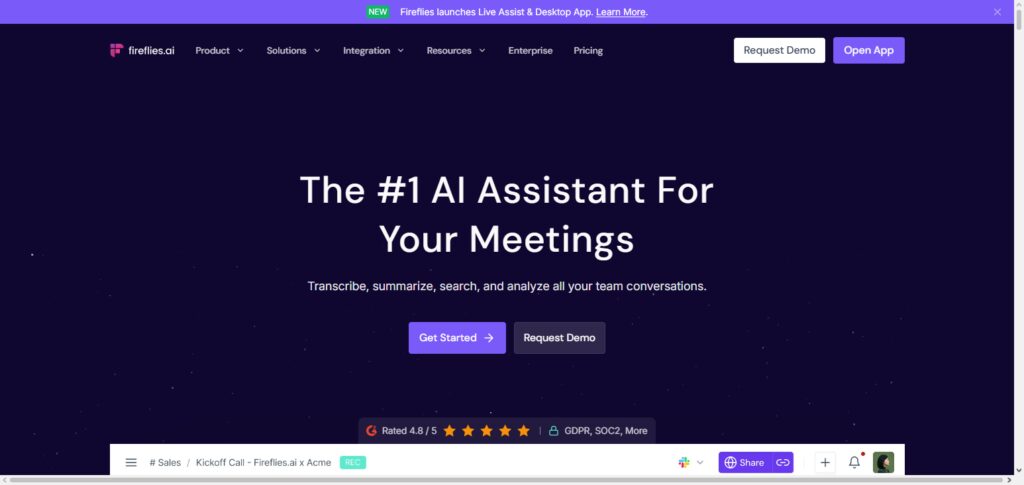
Fireflies also supports collaboration through shared notes and conversation-tracking integrations with CRMs. Voice intelligence, topic detection, and workflow automation ensure the app appropriately captures all crucial information in any meeting, while also facilitating team collaboration.
Fireflies.ai Characteristic
- Automates recording, transcription, and note-taking.
- Takes smart summaries and notes key points and action items.
- Integrates with Zoom, Google Meet, and Teams.
- Archives searchable meetings and tracks conversations.
- Automates workflows and integrates with CRMs and productivity tools.
Fireflies.ai Pros & Cons
| Pros | Cons |
|---|---|
| Accurate AI meeting transcription and summaries | Advanced features require paid plans |
| Supports Zoom, Google Meet, and Microsoft Teams | Transcription accuracy depends on audio quality |
| Automatically creates action items and highlights | Large meetings may take longer to process |
| Provides searchable meeting history | Free plan has limited features |
| Integrates with CRM and productivity tools | Setup may require initial configuration |
2. Otter.ai Business
Otter.ai is one of the Best AI Meeting Assistants for Remote Teams. It has features for real-time transcription, automatic summaries, and intelligent insights for meetings. Otter.ai Business Remote Teams offers high-level functionalities that help teams capture meeting minutes, notes, and brainstorming sessions.
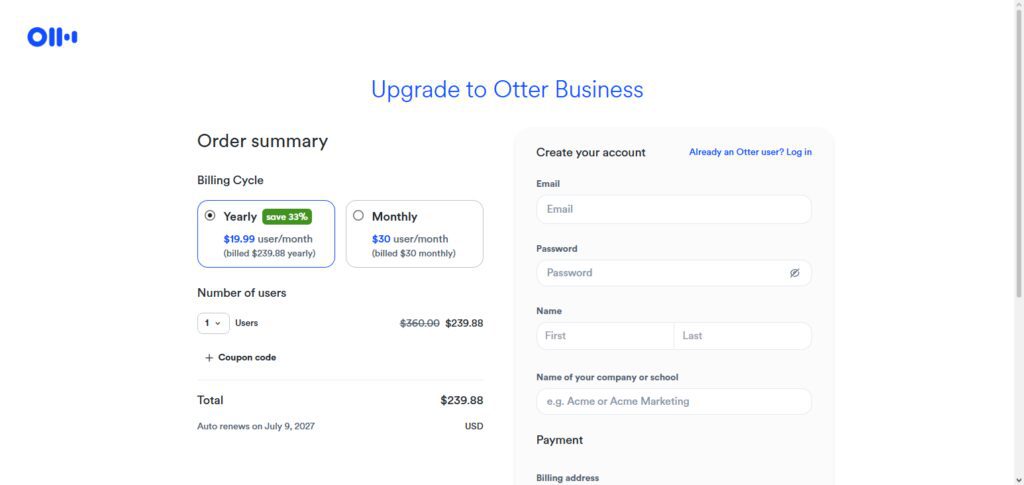
Its AI assistant not only notes, but also summarizes the notes and delineates tasks for the members of the team. Its features help meetings, integrations with the most preferred communication tools, and easy access meeting records. It also offers features for collaboration, identification of the speaker, and notetaking.
Otter.ai Business Characteristic
- Offers real-time AI transcription with speaker differentiation.
- Automatically summarizes meetings and highlights.
- Notes and transcripts can be shared to facilitate teamwork.
- Integrates with most video conferencing tools.
- Helps in conversation analysis and insight collection.
Otter.ai Business Pros & Cons
| Pros | Cons |
|---|---|
| Real-time transcription with speaker identification | Free version has limited transcription minutes |
| Creates automated meeting summaries | Accuracy can reduce with multiple speakers |
| Supports team collaboration through shared notes | Premium plans can be expensive |
| Works with popular meeting platforms | Requires stable internet for live transcription |
| Helps capture important business discussions | Limited customization options |
3. Sembly AI
Sembly AI was awarded Best AI Meeting Assistant for Remote Teams for its sophisticated capability to analyze and document meetings. Recording a meeting is just the beginning for Sembly AI. It makes word-for-word transcriptions and condenses meeting content down to a summary with key tasks and decisions.
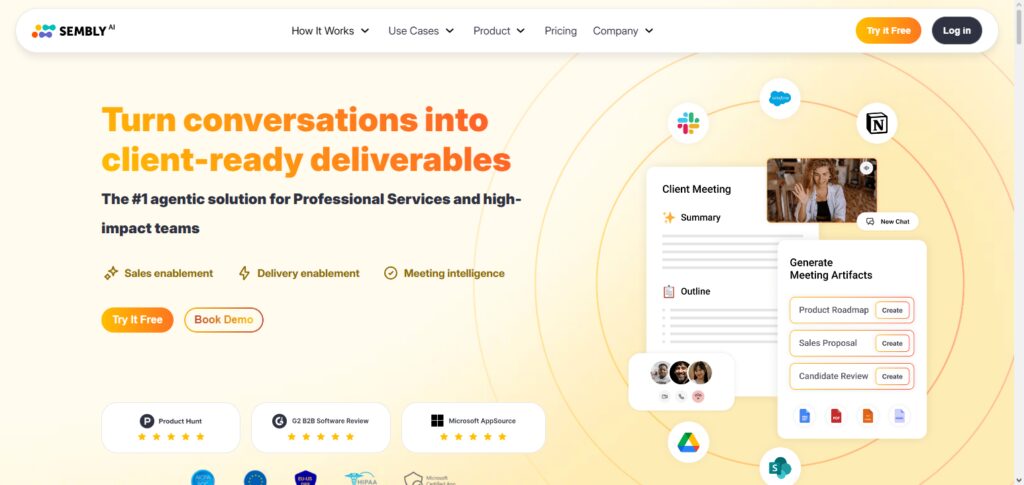
Thanks to its ability to extract priorities and next steps from a meeting, the software is a project management aid. Sembly AI works with all of the top video meeting software and gives you a library of meeting content that is searchable. Remote teams looking to boost responsibility and track progress with clear communication will benefit from Sembly AI without the burden of creating meeting notes.
Sembly AI Characteristic
- Makes meetings AI summaries and transcriptions and is detail-oriented.
- Task and decision extraction is built in.
- Includes meeting and conversation analytics.
- Integrates with most conference tools.
- Archives searchable meeting transcriptions.
Sembly AI Pros & Cons
| Pros | Cons |
|---|---|
| Generates AI summaries and meeting insights | Some advanced features require paid plans |
| Extracts decisions, tasks, and key points | AI-generated insights may need review |
| Supports multiple meeting platforms | Interface may feel complex for beginners |
| Creates searchable meeting records | Limited integrations compared to some competitors |
| Improves team accountability | Processing time depends on meeting length |
4. Fathom AI
Fathom AI is an excellent AI Meeting Assistant for Remote Teams that automatically records meetings and transcribes and summarizes meeting notes. Again, Fathom AI is excellent in that it alleviates the need to type out notes after meetings for remote employees.
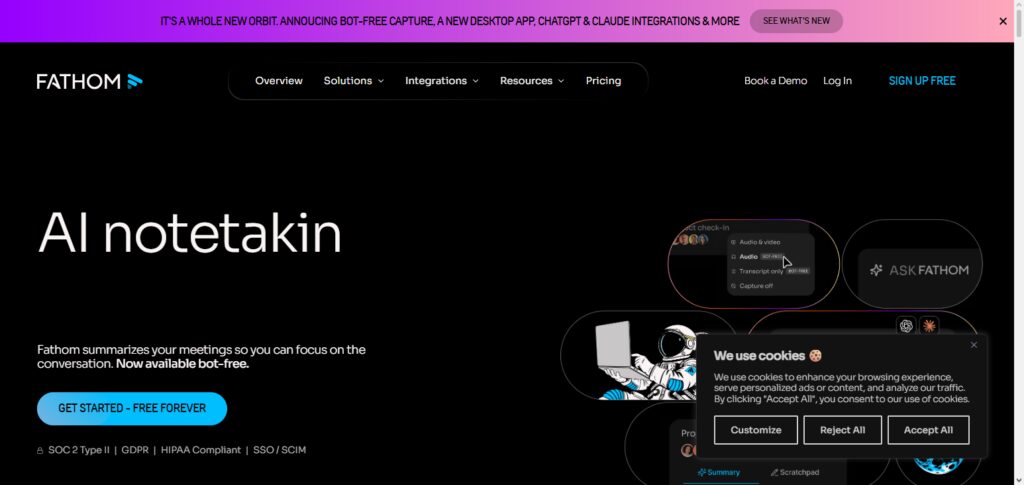
Fathom AI generates a summary of the meeting and provides the option to share meeting snippets with employees. Fathom AI is seamlessly integrated with numerous video conferencing platforms and supports remote, sales, and management teams.
The clean and simple, and intuitive design improves the sales team’s insights and augments productivity with the ability to meet and discuss the issues that require additional discussion and to concentrate the employee’s focus on meeting-related discussion.
Fathom AI Characteristic
- Summaries and recordings for meetings are done automatically.
- Notes and highlights for meetings are done via AI.
- Users can share meeting highlights.
- Integrates with video conferencing tools.
- Teams are able to use focus and less time for note-taking.
Fathom AI Pros & Cons
| Pros | Cons |
|---|---|
| Provides instant AI meeting summaries | Limited advanced workflow features |
| Automatically records and highlights discussions | Mainly focused on meeting summaries |
| Easy-to-use interface | Fewer integrations than enterprise tools |
| Saves time on manual note-taking | Audio quality affects accuracy |
| Useful for sales and business meetings | Less suitable for complex team workflows |
5. Avoma AI
Avoma is a superb meeting intelligence solution that falls into the category of the best AI meeting assistants on the market because it highly adds value to business communication and collaboration. Key features of Avoma AI are transcription, analytics, meeting summaries, and coaching. It actively supports remote teams for the entire lifecycle of a meeting, including scheduling, recording, and analyzing.
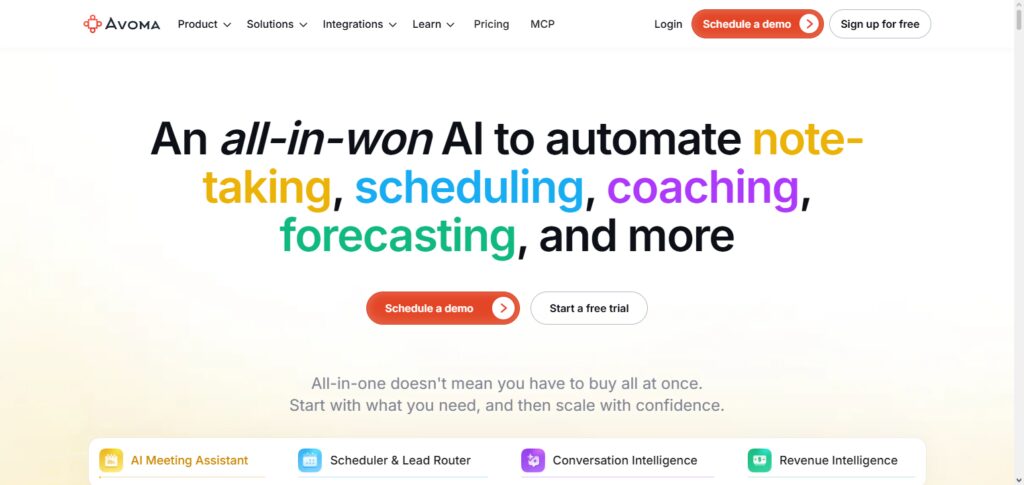
This platform has great features for sales and customer success and management teams because it integrates and pulls insights from conversations. With its extensive integrations with most CRMs and comms infrastructure, Avoma AI empowers all teams to be more data driven, support improved interactions with customers, and foster improved alignment across all remote employees.
Avoma AI Characteristic
- Transcriptions and summaries for meetings and analytics of conversations are done automatically.
- Meeting lifecycle management is done via automation of action items.
- CRM and productivity tools integrations are done automatically.
- Coaching insights for teams are done via AI.
Avoma AI Pros & Cons
| Pros | Cons |
|---|---|
| Complete meeting lifecycle management | Higher pricing compared to basic tools |
| Provides conversation analytics and insights | Can be complex for small teams |
| Strong CRM integration support | Requires setup and training |
| Offers AI coaching features | Many features target enterprise users |
| Helps improve sales and customer communication | Advanced analytics need premium plans |
6. Colibri.ai
Real-time transcription and conversation intelligence set Colibri.ai apart as one of the top AI meeting assistants. Remote teams at all organizational levels can benefit from Colibri.ai’s ability to capture and transcribe meeting notes and automatically publish them in a searchable document.
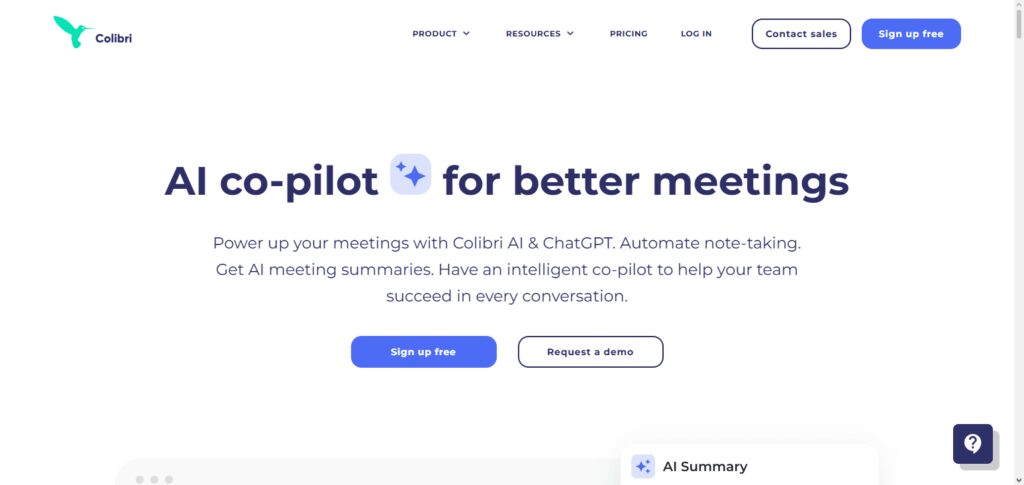
The documentation is further enhanced by Colibri.ai’s ability to identify and present quotes and insights deemed most valuable. By significantly reducing the time required for documentation, Colibri.ai improves information flow and increases the overall productivity level of the organization.
It also increases the ease of record keeping, makes follow-up and workflow improvement easier, and promotes collaboration. Any organization that has a need for meeting notes and identifying key discussion points almost instantaneously will find Colibri.ai to be a valuable resource.
Colibri.ai Characteristic
- Teams are able to do real-time transcriptions.
- Meeting notes and topics are organized and captured.
- Teams are able to enhance collaboration and documentation.
- The software application facilitates an easy preview of prior conversations.
Colibri.ai Pros & Cons
| Pros | Cons |
|---|---|
| Provides real-time meeting transcription | Fewer advanced AI features |
| Creates searchable meeting notes | Limited third-party integrations |
| Helps improve meeting documentation | Accuracy depends on audio quality |
| Easy access to previous conversations | Less suitable for large enterprises |
| Supports remote team collaboration | Smaller feature ecosystem |
7. Noty.ai
Noty.ai is one of the top meeting assistants that AI has on offer. This application generates automatic meeting notes and summaries. The app integrates seamlessly with digital meeting platforms. Like a personal assistant, Noty takes care of the documentation.
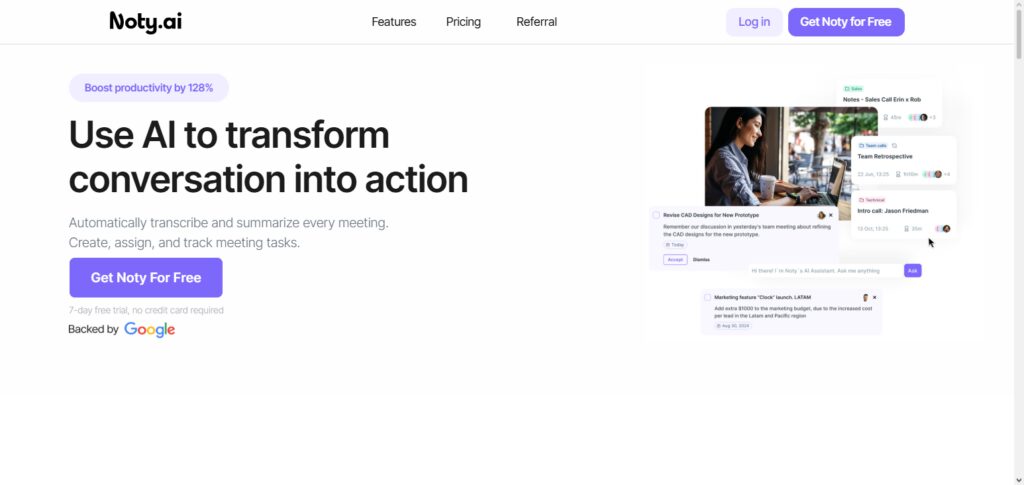
This allows the team to dedicate their time to the important discussions without being worried about the documentation. Key points are highlighted and summaries are updated. Most importantly, Noty takes care of the backlog and ensures that the summaries are up to date.
The app is easy to use and has a great interface. The use of Noty.ai promotes better communication and decreases the repetition of administrative work. As a bonus, having Noty on the team means that accurate meeting documentation is always on hand.
Noty.ai Characteristic
- Meeting notes are generated through artificial intelligence.
- Real-time transcription and summary generation are provided.
- Captures key points of an online conversation.
- Assists teams in managing tasks that need completion.
- Reduces documentation and increases productivity.
Noty.ai Pros & Cons
| Pros | Cons |
|---|---|
| Automatically creates AI meeting notes | Limited advanced analytics |
| Simple and user-friendly interface | May require manual editing of notes |
| Saves time on documentation tasks | Fewer enterprise features |
| Captures important meeting points | Limited workflow automation |
| Improves remote collaboration | Not ideal for complex meetings |
8. Supernormal AI
Supernormal AI is one of the Best AI Meeting Assistants for Remote Teams because it uses AI technology to automatically generate formal meeting notes. Supernormal AI records the meeting, and from that, forms summaries and separates tasks.
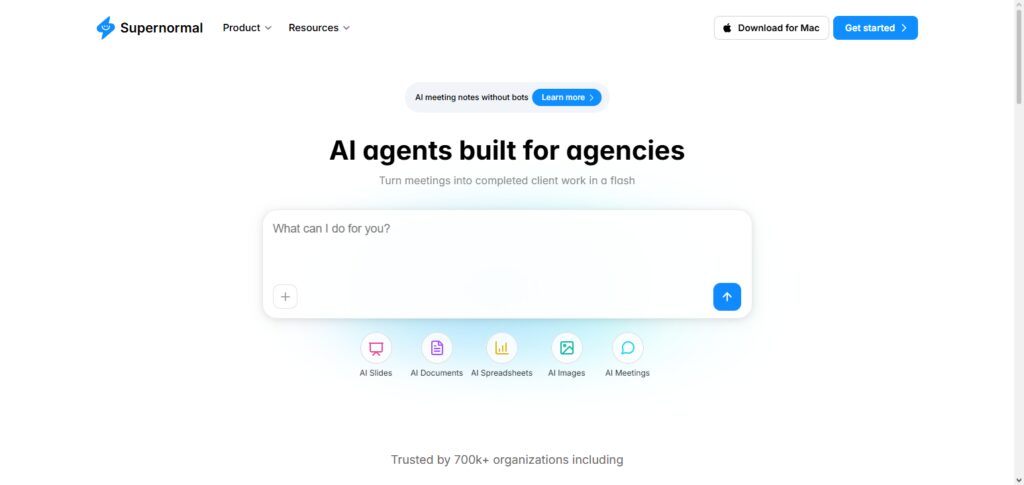
Supernormal AI assists remote teams by allowing members to concentrate on the topic of discussion while still capturing details. The software works in combination with most video meeting clients, and the notes are transparent to the members of the workgroup.
Because of Supernormal AI’s implementation of AI technology for writing meeting notes, workplace managers are able to see meeting outcomes, employees are able to see all the tasks that are assigned to them, and all workplace members are able to see the overall improvement of communication in a workplace that operates mostly in a virtual setting.
Supernormal AI Characteristic
- Creates meeting notes through artificial intelligence.
- Automatically summarizes a meeting and its decisions.
- Captures action items in conversation.
- Integrates with many meeting apps.
- Creates communication and transparency improvements in teams.
Supernormal AI Pros & Cons
| Pros | Cons |
|---|---|
| Creates automatic professional meeting notes | Limited customization options |
| Generates summaries and action items | Premium features require subscription |
| Reduces manual note-taking workload | Fewer integrations than competitors |
| Improves team communication | Accuracy depends on conversation quality |
| Easy sharing of meeting information | Limited advanced analytics |
9. Airgram AI
Airgram AI is one of the Best AI Meeting Assistants for Remote Teams, and for good reason. It combines meeting recording and meeting transcription with excellent collaboration features. Airgram AI captures your team’s online meetings and automatically drafts summaries and organizes notes for you.
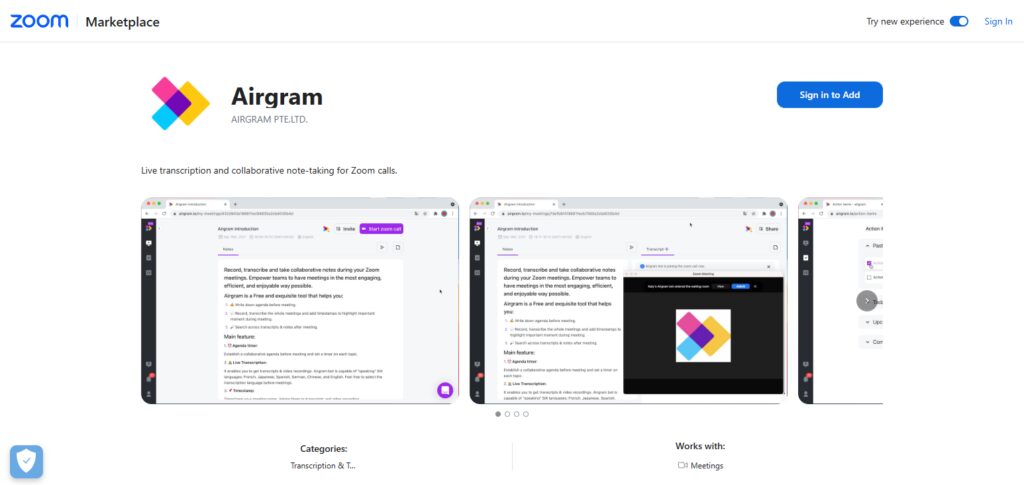
Airgram AI works with multiple meeting platforms and provides tools for reviewing meetings, creating discussion highlights, and sharing notes with your teammates. Airgram AI helps remote teams get more work done, bridges the gaps in team communication, and enhances the document management strategies for your company. With AI insights and collaboration features, your team can manage notes and focus on discussions that matter.
Airgram AI Characteristic
- Automatically records and transcribes online meetings.
- Summary and insights of meetings are generated, along with highlights.
- Supports many video conferencing apps.
- Meeting notes can be shared easily.
- Enhances collaboration and productivity for remote teams.
Airgram AI Pros & Cons
| Pros | Cons |
|---|---|
| AI-powered meeting recording and transcription | Some features require paid plans |
| Creates summaries and meeting highlights | Accuracy depends on audio clarity |
| Supports popular video conferencing platforms | Smaller ecosystem compared to major tools |
| Enables easy sharing of notes | Limited enterprise analytics |
| Helps improve remote team productivity | Advanced features need premium access |
10. Clarity AI
Clarity AI stands out among the best AI Meeting Assistants for Remote Teams. It is a developing resource that enhances communication via its advanced AI for meeting analytics and insights. It assists teams by capturing meeting content and structuring data around salient points.
The tool is useful for remote workers as it lessens the burden of note-taking and additionally aids in the cooperative function of remote colleagues. Organizations are empowered to act speedily by integrating its logical, evidence-based, and productivity-focused constructs. It improves workflow and offers easy access to critical details discussed during meetings.
Clarity AI Characteristic
- Meeting insights and conversation analyses are generated through AI.
- Summarizing discussions and decisions is simplified.
- Work is improved through automation of information organization.
- Supports communication and collaboration in teams.
- Provides remote teams helpful productivity insights.
Clarity AI Pros & Cons
| Pros | Cons |
|---|---|
| Provides AI-powered meeting insights | Features may vary by availability |
| Helps analyze conversations and decisions | Limited information compared with established tools |
| Reduces manual meeting documentation | May require customization for business needs |
| Improves remote team communication | Advanced features may require premium access |
| Supports productivity-focused workflows | Not suitable for every enterprise requirement |
Conclusion
AI Meeting Assistants for Remote Teams have dramatically improved workflow across virtual hubs. This is largely thanks to their transcription, note, summary, and action-item automation. Tools, such as Fireflies.ai and Otter.ai Business, Sembly AI, Fathom AI, Avoma AI, etc., utilize AI to help teams save, enhance, and maintain productivity across work.
Remote work has only furthered the impact of these assistants. The value they provide meeting captures and reduced admin barriers explains their popularity. When selecting an AI meeting assistant, consider the productivity features offered, budget, and required integrations. Most importantly, however, consider your team’s requirements.
FAQ
Can AI Meeting Assistants automatically create meeting summaries?
Yes, most AI Meeting Assistants can automatically generate meeting summaries by analyzing conversations. They identify important points, decisions, tasks, and follow-up actions, helping teams quickly understand meeting outcomes.
Do AI Meeting Assistants work with Zoom and Microsoft Teams?
Yes, many AI Meeting Assistants integrate with popular video conferencing platforms such as Zoom, Microsoft Teams, and Google Meet. These integrations allow automatic recording, transcription, and sharing of meeting notes.
Are AI Meeting Assistants useful for small businesses and startups?
Yes, AI Meeting Assistants are beneficial for small businesses and startups because they reduce administrative workload, improve team coordination, and help employees focus on important tasks instead of manual note-taking.
How do AI Meeting Assistants improve remote team productivity?
AI Meeting Assistants improve productivity by automating meeting documentation, highlighting key decisions, tracking action items, and providing searchable records. This helps remote teams stay aligned and complete tasks faster.
Are AI Meeting Assistants secure for business meetings?
Most professional AI Meeting Assistants offer security features such as data encryption, access controls, and privacy settings. Businesses should review each tool’s security policies before using them for sensitive discussions.