I’ll go over the Top Low-Code/No-Code Platforms in this post, which enable companies to create apps more quickly and with less technical work.
These platforms facilitate quick development, lower costs, and enable developers and non-technical users to effectively create scalable online and mobile applications while assisting with organizational digital transformation.
What Are Low-Code and No-Code Platforms?
Software development tools known as low-code and no-code platforms allow users to create applications with little to no programming experience. To make creating applications easier, they make use of pre-made templates, drag-and-drop components, and visual interfaces.
Low-code platforms are appropriate for skilled developers and businesses since they permit some coding for sophisticated customisation and intricate logic.
No-code platforms enable non-technical people to quickly construct basic apps, workflows, and internal tools without the need for any coding. When combined, these platforms speed up development, cut expenses, and enable companies to innovate more quickly without largely depending on conventional software development resources.
Why Low-Code / No-Code Platforms Matter
Growing Application Development – Steps are minimized through the use of visual aids and their assembly.
Lower Development Costs – Fewer coding resources are needed, lowering hiring development and maintenance overall costs.
Empowered Non-Tech Clients – Automated workflows allow business users and citizen developers to build applications, no in-depth programming required.
Increased Corporate Flexibility – Quickly tailored to the ebb and flow of necessary business applications.
Uniting IT and Business Teams – Empowers collaboration between developers and business actors.
Coordination of Digital Transformation – Encourages rapid innovative activities without the loss of governance and control.
Key Point & Best Low-Code / No-Code Platforms List
| Platform | Key Points |
|---|---|
| OutSystems | Enterprise-grade low-code platform for building scalable web and mobile apps with strong DevOps, AI-assisted development, and robust security. |
| Mendix | Rapid application development platform offering visual modeling, collaboration tools, and strong integration support for enterprise digital transformation. |
| Appian | Low-code automation platform focused on process management, case management, and workflow automation with strong governance and compliance. |
| Zoho Creator | User-friendly low-code platform for creating custom business apps quickly, tightly integrated with the Zoho ecosystem. |
| Bubble | No-code platform designed for building fully functional web applications with custom workflows, responsive design, and database management. |
| Glide | No-code app builder that transforms spreadsheets and databases into mobile and web apps rapidly, ideal for internal tools. |
| Airtable | Hybrid spreadsheet-database platform that enables app creation, workflow automation, and collaboration with flexible data modeling. |
| Quickbase | Low-code platform for creating data-driven business applications with strong reporting, automation, and governance features. |
| Retool | Developer-focused low-code platform for building internal tools quickly using pre-built components and direct database integrations. |
| Thunkable | No-code platform for creating native mobile apps (Android & iOS) using drag-and-drop components and logic blocks. |
1. OutSystems
The OutSystems platform excels in the enterprise-grade application development. It facilitates building web and mobile applications for digital transformation. OutSystems integrates visual development with AI tools and incorporates DevOps for full lifecycle management.
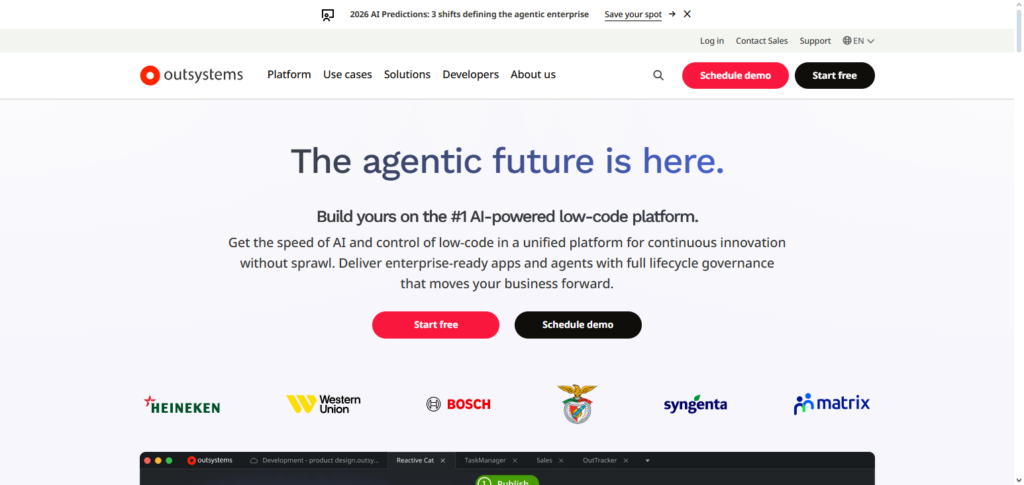
It focuses on enterprise digital transformation due to its emphasis on scale, speed, and security. Amid enterprise comparisons, OutSystems earns the title Best Low-Code / No-Code Platforms – OutSystems for its enterprise flexibility, including incorporation of custom code.
Proficient governance with performance dashboards, system components, and system management help teams to balance and control quality to gain speed to critical systems.
OutSystems Features, Pros & Cons
Features
- Development across the stacks, as they are low-code
- Tools for development are AI-assisted
- DevOps and CI/CD are built into the system
- Security and governance at the enterprise level
- Ability to deploy across multiple platforms including web and mobile.
Pros
- Scalability to a great level for huge organizations
- Integration for old systems is very strong.
- Monitoring performance and testing is at an advanced level.
- Multiple complicated aspects of business are supported.
- Access control, based on roles, is very strong.
Cons
- Organizations that are small will realize that the price is on the higher side.
- More advanced features will require a learning curve.
- For simple applications, the system is heavy.
- Complexity in licensing.
- Concerns are around being locked into the system.
2. Mendix
Mendix is a versatile low-code developer platform that allows rapid development for citizen and professional developers alike. With visual modeling and integration across cloud services, multilevel apps can be built and modified with ease. Real-time development is possible with the operated cloud, enabling effective agile workflows.
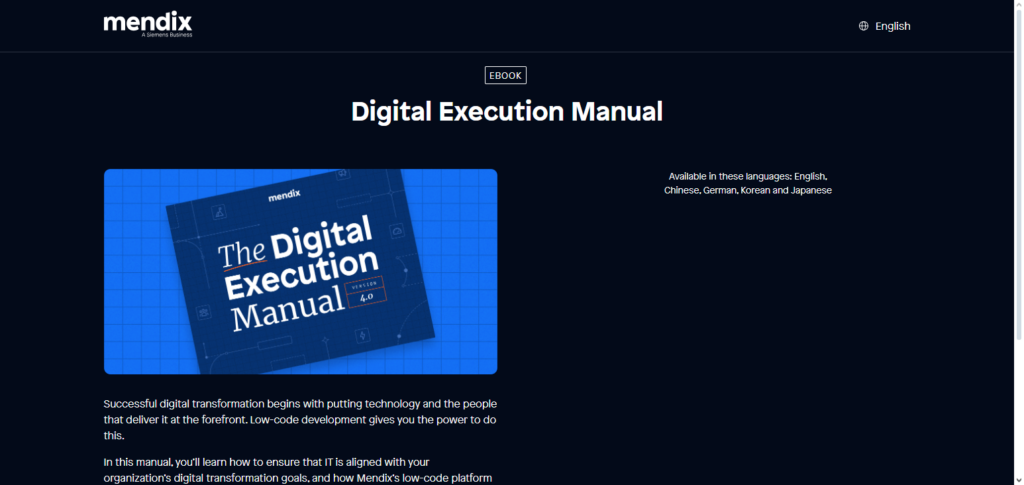
In thi cadence, Best Low-Code / No-Code Platforms – Mendix gives enterprise facilities, with advanced conditional and responsive layouts, and is considered a modern tool for agile development. To enhance productivity across departments, Mendix streamlines the development process across the platform with early-stage prototype testing and production migration.
Mendix Features, Pros & Cons
Features
- Models are visual with UI in a drag and drop format
- Team members can collaborate
- Options to deploy to multiple clouds
- Components and templates are prebuilt
- Ability to monitor applications in real-time
Pros
- Support for agile development is very strong
- There are multiple deployment options
- Development is good at a level for both citizen and expert developers.
- Good community and a marketplace that is developed.
- Control over versions built into the system.
Cons
- As organizations scale, the price point will also scale.
- Additional expertise is needed when integrating custom code.
- There is minimal support for mobile use that is offline
- For newbies, the navigation is a bit complex.
- Advanced features may come with the requirement of training.
3. Appian
Appian is one of the few low code automation platforms that enables fully developed process automation for workflows and business process management (BPM). It incorporates systemized orchestration, and case with decision management to enable cross-department operations, flexible process modifications and automation.
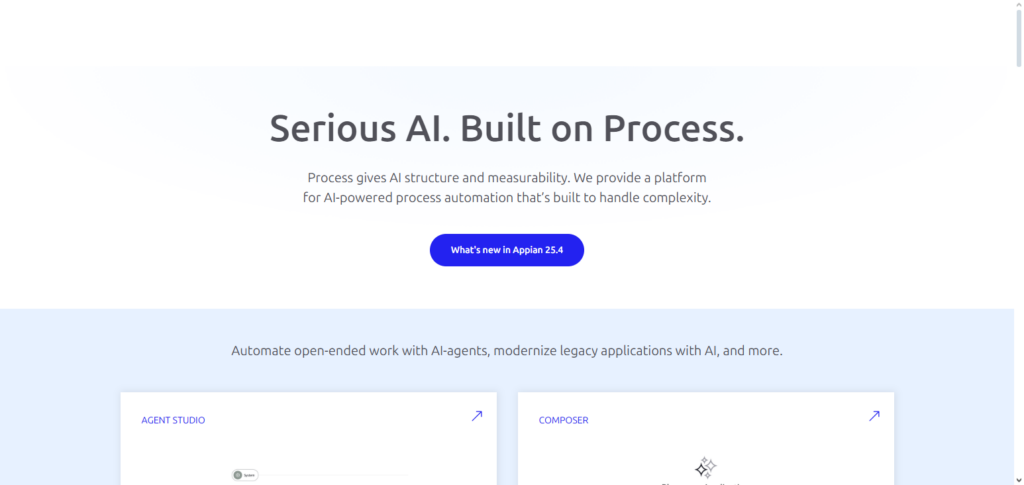
With a singular data governance model, Appian facilitates automation, process and outcome compliance with low-code development. Best Low-Code / No-Code Platforms – Appian is a popular enterprise evaluation due to its efficiency in governance high control access, systemized process and data. Most organizations with workflow automation utilize Appian to improve validation work, data transparency and service equality.
Appian Features, Pros & Cons
Features
- Management of business processes
- Management of cases
- UI builder is low-code
- Automation of Workflows
- Centralized data structure
Pros
- Performance in process-centric applications.
- Excellent compliance & audit capabilities.
- Dependable for larger enterprise workflows.
- Cohesive Data management.
- Documentation and support are thorough.
Cons
- Lacks appeal for uncomplicated consumer applications.
- Top-tier pricing is on the more expensive side.
- More considerable learning time is necessary.
- Limitations on UI customizability.
- External BPM integration is more complex.
4. Zoho Creator
Zoho Creator is a low-code platform that is easy to use, allowing organizations to create applications on a lightweight framework without managing significant technical resources. Creator is designed for small and medium businesses and integrates automated workflows, form builders, and advanced reporting functions already available in the larger Zoho applications ecosystem.
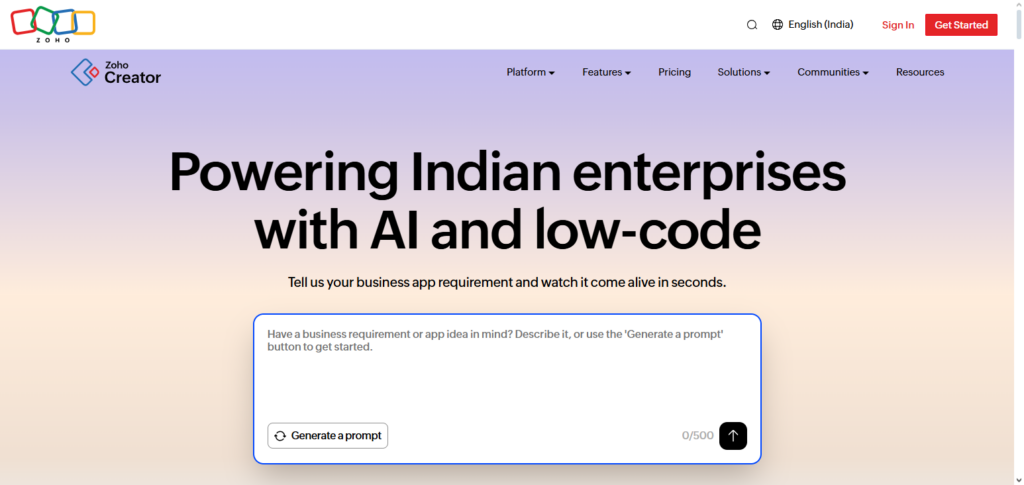
Use Zoho Creator to design and create customized applications for sales, operations, HR, and more, using an easy to use drag-and-drop interface and guided scripting.
Features: Rapid deployment, affordable design, and a growing list of customer reviews that speak to the deployment velocity. Creator is an excellent place to design custom applications that require no heavy IT maintenance. Applications are ready to deploy on mobile. Integrations ensure the data remains housed securely.
Zoho Creator Features, Pros & Cons
Features
- Builder for apps using drag and drop.
- Automation of workflows.
- Compatible with mobile applications.
- Reports and dashboards are built-in.
- Can be linked with the entire Zoho suite.
Pros
- SMBs can manage cost efficiently.
- Simple for newcomers.
- Good support for mobile devices.
- Good integration with the Zoho ecosystem.
- Implementation is rapid.
Cons
- Limited possibilities for customizing complex systems.
- Large corporations are not suited for this.
- Large data sets slow down the system.
- Without the advanced automation functions, the UI is not as modern as competitors.
5. Bubble
Bubble is a no-code platform that focuses on building versatile web apps that feature complex data structures, user accounts, and multiple database exchanges and processes. Bubble abstracts traditional coding so owners and creators are able to design business logic, integrate with other apps, and deploy to production.
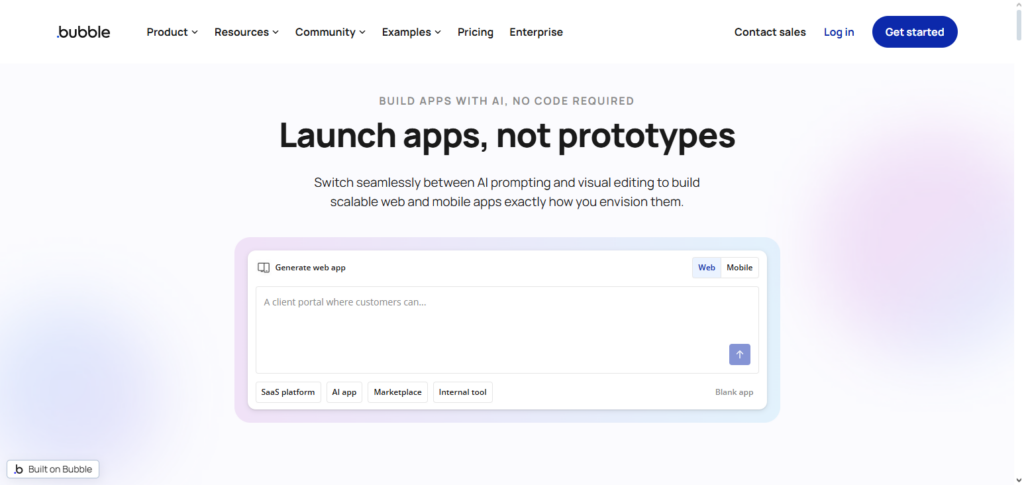
The platform is highlighted as Best Low Code/No Code Platforms – Bubble. This is due to the ability of many solo entrepreneurs to build apps and go from idea to prototype very quickly. The platform is extremely versatile due to the fact that it has a large community that creates plugins that help users to integrate with other business applications and services.
Bubble Features, Pros & Cons
Features
- Editor for web apps.
- Inclusive internal database.
- Designer for workflow system logic.
- Plugins.
- Connectors for APIs.
Pros
- No-code development is actually possible.
- Ideal for startup companies.
- Logic can be highly customized.
- Entry tier is cost-effective.
- Supportive community.
Cons
- Mobile applications support is limited.
- Logic creation can be steep.
- If apps are complex, the performance can be slow.
- Missing enterprise level functions
- Difficulties with Search Engine Optimization
6. Glide
Glide is a no-code platform that is able to yield applications by transforming a spreadsheet or database in records and business data structures. Glide is inexpensive, fast, and easy, and is built for measuring operating business efficiency.
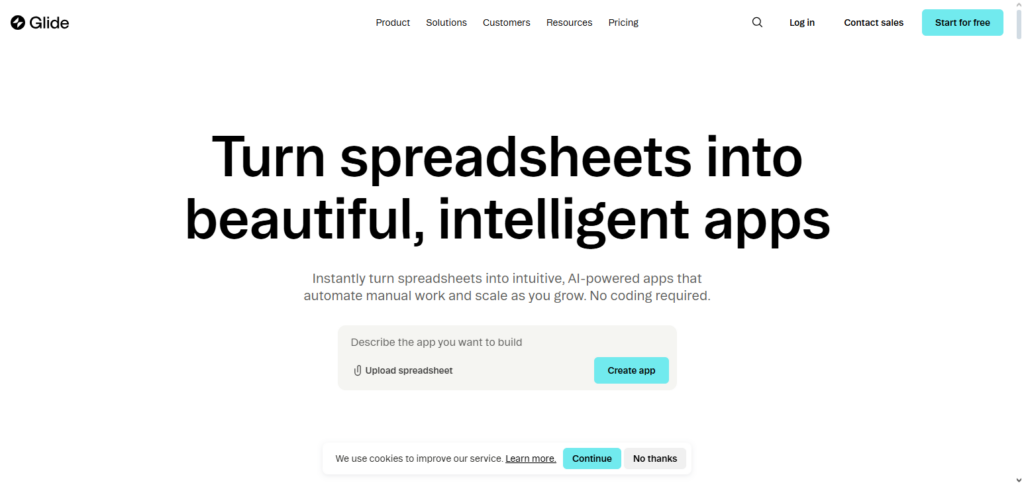
Glide is highlighted as Best No-Code Platforms – Glide. This platform is built to support and streamline business applications that are tailored for users in the field.
The design of the application is built in response to the user interface as well as the user in refinement to create business efficiency in the application. These include applications for effective event management, team coordination, and sense-making in the field to monitor, report, and track business data in real-time.
Glide Features, Pros & Cons
Features
- Creation of apps based on spreadsheets
- Templates that have been made previously
- Applications that are both web based and progressive to mobile
- Builder for simple logic
- Synchronized data in real time
Pros
- Super simple to navigate
- Applications are launched quickly
- There are budget friendly plan options
- Fantastic for in-house functional tools
- No need for coding logics
Cons
- Less advanced features
- Not the best fit for open access apps
- They rely on spreadsheets for data
- Automation features are elementary
- Not much in terms of customizing the interface
7. Airtable
Airtable’s unique combination of spreadsheet user-friendliness alongside the functionality of relational database and collaborative capabilities, is able to aid teams in the construction of flexible applications and workflows.
Airtable also allows users to create custom tables, automate workflows, and visualize data into grids, calendars, and galleries. Integrations and automation with other tools and bots streamline user communications and facilitate completion of various tasks.
The flexible systems given deep development resources and modular blocks and extensibility, is what makes Airtable a marketing, operations, and projects teams favorite tool! In almost every roundup of the platforms Airtable is one of the most democratizing data tools and is considered a Best Low-Code / No-Code Platforms Airtable for data management and application building.
Airtable Features, Pros & Cons
Features
- Combination of database and spreadsheet interface
- Views that are customizable (grid, gallery, data calendar)
- Work automation tools
- Extensions that are available in the marketplace
- Access to an Application Programming Interface
Pros
- Ability to structure data in many different ways
- Perfect for cooperation in a group
- Simpler to understand
- Good integrations with other platforms
- Productive at workflow in the project
Cons
- Not the best as an app building platform
- Automation tools have limits based on cost tier
- Not the best fit for mobile based apps
- Difficulties with performance on a large scale
- Costs are associated with advanced features
8. Quickbase
Quickbase is a low-code application platform focused on enabling businesses to develop secure, scalable, data-driven applications. It emphasizes process automation, reporting, and compliance, providing tools for stakeholders to collaborate effectively.
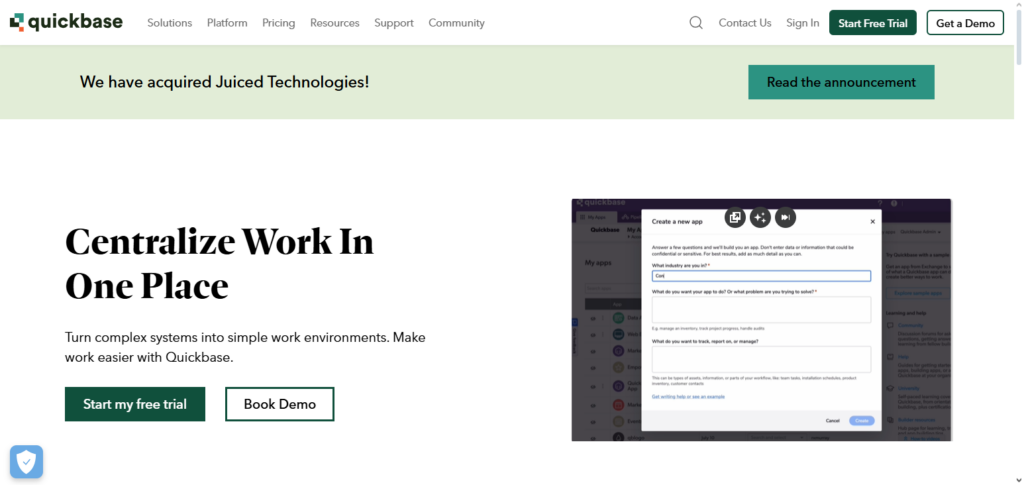
Quickbase supports integration with enterprise systems and offers strong governance to ensure data integrity and control. With workflow engines and dashboarding, teams can monitor performance and adjust logic with minimal friction. Among competitive solutions,
Best Low-Code / No-Code Platforms – Quickbase is known for its enterprise readiness and configurability. This makes it a strong option for organizations needing structured, reliable applications to manage operations and analytics.
Quickbase Features, Pros & Cons
Features
- Secure application creator
- Automation of workflows
- Analytics and reporting features
- Marketplace for integrations
- Permissions based on role
Pros
- Good governance and secutiry features
- Suitable for large enterprise functions
- Ability to customize dashboards
- Several options for expansion available
- Storage of data in a public cloud to ensure ease of access
- Supports complex data logic
Cons
- More expensive for bigger teams
- Difficulty with setup
- UI is functional but has a long-ago dated look
- Integration configuration may be a bit technical
- Advanced users need training
9. Retool
Retool’s focus is primarily on developers and enables them to create internal applications at pace using a low-code interface. Developers drag and drop UI elements (like tables and charts) on a canvas and can define app logic in JavaScript, streamlining internal workflows and building applications that integrate with APIs and databases.
Development effort is reduced on internal tools (dashboards, admin panels, and operational UI) that usually take a lot of time to build.
Tech evaluation teams reported that in their category, Best Low-Code / No-Code Platforms – Retool is recognized for its ability to build complex internal applications quickly and with a lot of flexibility. Engineering-oriented teams looking for tools to quickly build software appreciate Retool for its focus on backend integrations and customizable code. Retool is for you.
Retool Features, Pros & Cons
Features
- Internal UI via drag-and-drop
- Connects to databases directly
- API builder and ready-made connectors
- Ability to use JavaScript
- Library of pre-built components
Pros
- Excellent for internal tools
- Great with a technical user base
- Quick data source integration
- Customization via JS
- Lowers backend dev effort
Cons
- Not for public-facing applications
- Developer skills required
- Not entirely no-code
- High cost if licensing is needed as you scale
- Less flexible UI design
10. Thunkable
Thunkable is a no-code platform that allows the creation of native mobile applications on Android and iOS by using drag-and-drop components and logic blocks. Users can create apps that have responsive UIs, interact with device functionalities like GPS and camera, and are published directly to app stores.
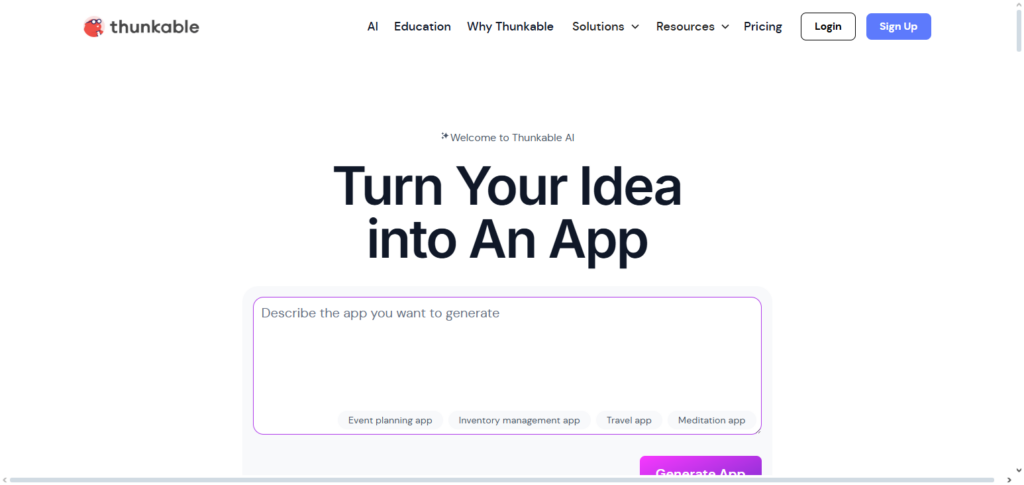
For its target audience (educators, startups, hobbyists), Thunkable is a fitting platform to create interactive apps that have multimedia content, thanks to its visual logic system.
In app creation comparisons, Best Low-Code / No-Code Platforms – Thunkable is recognized for democratizing mobile development. With mobile app development templates and a large community, Thunkable has become a fitting platform for realizing mobile applications.
Thunkable Features, Pros & Cons
Features
- Builder for mobile applications
- Exports as native for iOS and Android
- Uses built-in device features like GPS and camera
- Logic blocks
- Compatible with real-time previews
Pros
- Truly no-code mobile focus
- There is a very easy learning curve
- Prototyping and education
- Community templates
- Publishing to app stores
Cons
- For complex enterprise apps it is not ideal
- Some performance limits exist
- Customization of the UI is limited
- There are few collaboration tools
- The plugin ecosystem is limited
Benefits of Using Low-Code / No-Code Platforms
Accelerated Market Release – Visual development tools enable quick application development and launch.
Reduced Development Expenses – Cuts down on the requirement for costly coding resources and large development teams.
Higher Output – Focus on innovation, instead of repetitive coding tasks, by business users and developers.
Enhances Citizen Development – Workflow automation and application development by non-technical users.
Enhanced Teamwork – Between business stakeholders and IT teams.
Adaptability & Growth – Accommodates flexibility and growth for shifting business requirements.
Challenges and Limitations
Customization is Limited – Without custom coding, advanced and/or specific features may be difficult to add.
Scalability Issues – The performance of some platforms may struggle as applications become increasingly complex and the number of users grows.
Vendor Lock-In Situations – Applications are usually closely integrated with a specific platform, which makes it difficult to migrate.
Security and Compliance Issues – Not all platforms address enterprise-level security or regulatory compliance.
Integration Issues – The ability to perform complex integrations with legacy and/or third party systems may be limited.
Learning Curve – Even though the platforms may be simple to use, basic workflows and logic specific to the platform require time to master.
Conclusion
The top low-code and no-code platforms enable companies to create apps more quickly, lower development costs, and react swiftly to shifting consumer expectations. While tools like Zoho Creator, Bubble, and Glide make it easier for startups and non-technical users to create apps, platforms like OutSystems, Mendix, and Appian provide advanced governance and scalability to meet enterprise-scale needs.
Airtable, Quickbase, Retool, and Thunkable, on the other hand, combine capability and flexibility for internal and data-driven applications. Low-code and no-code solutions are crucial for contemporary digital transformation since selecting the best platform depends on a number of factors, including business size, technical know-how, integration requirements, and long-term scalability.
FAQ
What are Low-Code and No-Code platforms?
Low-code and no-code platforms are development tools that allow users to build applications using visual interfaces, drag-and-drop components, and prebuilt logic instead of traditional coding. Low-code platforms may allow some custom code, while no-code platforms require none.
Who should use Low-Code / No-Code platforms?
These platforms are ideal for startups, small and medium businesses, enterprises, and non-technical users. Business analysts, citizen developers, and IT teams use them to speed up development and reduce dependency on traditional software development resources.
What is the difference between Low-Code and No-Code?
Low-code platforms support minimal coding for advanced customization, while no-code platforms focus entirely on visual development. Low-code suits complex enterprise apps, whereas no-code is best for simple apps and rapid prototyping.
Are Low-Code / No-Code platforms secure?
Yes, most leading platforms offer enterprise-grade security, role-based access, data encryption, and compliance certifications. Security levels vary, so businesses should evaluate governance features before adoption.