

In this Article, I am going to talk about the Best Systems for Merchant Payment Performance insights Such systems offer real-time dashboards, reports and actionable analytics to measure
KPIs such as the authorization rate, payment declines and customer behavior wherever merchants are in charge of making better payment decisions based on data quickly.
Key Points & Best Systems for Merchant Payment Performance Insights
Visa Analytics Platform Provides peer benchmarking, customizable dashboards, and actionable insights to optimize merchant payment performance effectively.
Stripe Radar + Analytics Combines fraud detection with detailed transaction analytics, helping merchants improve authorization rates and reduce losses.

PayPal Business Insights Offers transaction success metrics, customer payment behavior analysis, and revenue trend tracking for global merchant operations.
Adyen Insights Dashboard Delivers real-time payment data, authorization optimization, and advanced routing strategies for maximizing transaction success.
Worldpay Analytics Suite Provides merchants with KPIs on chargebacks, failed payments, and customer payment preferences across multiple channels.
Square Payment Analytics Simplifies performance tracking with clear dashboards, highlighting transaction success, customer trends, and revenue growth opportunities.
Braintree Reporting Tools Enables merchants to monitor authorization rates, fraud detection, and customer payment patterns across diverse platforms.
Cybersource Payment Analytics Offers advanced fraud management, transaction monitoring, and performance insights to enhance merchant payment efficiency globally.
Fiserv Payment Performance Tools Provides merchants with transaction-level insights, chargeback analysis, and optimization strategies for better payment outcomes.
CatalystPay KPI Monitoring Focuses on key payment KPIs like conversion rates, transaction success ratios, and customer checkout experiences.
10 Best Systems for Merchant Payment Performance Insights
1. Visa Analytics Platform
Visa Analytics Platform gives merchants a deeper understanding of payment trends, customer behavior and transaction performance.
It utilizes advanced data visualization and AI-driven analytics to identify high-value customers, detect anomalies, and optimize acceptance rates. It also allows for comparisons to industry peers and regional data.

Merchants can monitor KPIs like authorization rates, transaction volume and fraud trends through real-time dashboards and customizable reports that assist with optimizing operational efficiency and strategic decision-making.
Visa Analytics Platform Features
- This is a machine learning enabled analytics to discover high-value customers and even transaction unsualities.
- Live dashboards monitoring common KPIs such as authorization rates or volume of transactions.
- Compared to industry peers and regional trends
Visa Analytics Platform Pros & Cons
Pros:
- Advanced AI-driven insights for customer and transaction behavior.
- Real-time dashboards for monitoring key KPIs.
- Benchmarking capabilities against peers and regions.
- Customizable reports for strategic decision-making.
- Helps detect fraud and optimize acceptance rates.
Cons:
- Can be complex to set up for small businesses.
- Premium features may require high subscription costs.
- Limited flexibility for non-Visa transactions.
- May require training to fully utilize analytics tools.
- Heavy data dependency can overwhelm some users.
2. Stripe Radar + Analytics
Fraud detection is the first step of protection that leads to performance analytics — with Stripe Radar, merchants can ensure their payments are protected while also understanding transaction patterns.
Its machine-learning algorithms detect suspicious activity and stop chargebacks, while analytics functions deliver up-to-the-minute views of sales trends, revenue growth and customer purchasing patterns.
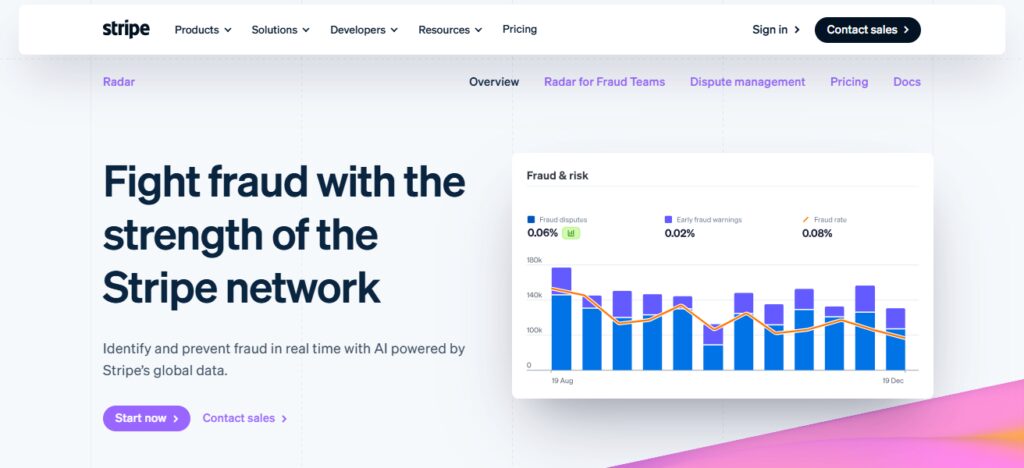
Merchants may track payment success rates, any declines on transactions and performance based off geographic location or device type.
You can also customize dashboards and automate reports that help businesses analyze their checkout flow, minimize fraud-related losses and improve payment efficiency overall.
Stripe Radar + Analytics Features
- Fraud detection and chargeback prevention using machine learning
- Insights into sales, revenue growth trends in real time, and customer behavior.
- Geographic or device monitoring of payment success rates and declines
- Dashboards you can customize and automated reports on optimizing checkouts.
Stripe Radar + Analytics Pros & Cons
Pros:
- Powerful machine-learning fraud detection.
- Real-time insights into payments, revenue, and customer trends.
- Customizable dashboards and automated reporting.
- Supports multiple devices and geographical analysis.
- Helps reduce chargebacks and optimize checkout.
Cons:
- Advanced analytics may require technical expertise.
- Some smaller merchants may find it expensive.
- Limited offline payment insights.
- Learning curve for configuring custom fraud rules.
- Reporting depth can be less compared to specialized BI tools.
3. PayPal Business Insights
PayPal Business Insights allows merchants access to a holistic view of payment performance, consumer activity, and financial insights.
The platform offers visual dashboards displaying central metrics like transaction volume, sales growth and conversion rates.
Merchants can identify opportunities to optimize based on tracking payment declines, refund patterns and performance across regions.

Also predictive analytics help you to expect customer behavior and risks. Businesses also have access to powerful reporting tools that provide actionable insights to better cash flow, maximize transaction success and use data informed reporting in strategic planning for growth.
PayPal Business Insights Features
- You can see transaction flow, growth in sales and conversion rates on visual dashboards.
- Monitoring declines in payments, refunds and performance by region
- Analytics to predict customer behavior and risks
- Simplified reporting tools for enhancing your cash flow and decision making.
PayPal Business Insights Pros & Cons
Pros:
- Easy-to-read dashboards with key metrics.
- Tracks declines, refunds, and regional performance.
- Predictive analytics for customer behavior and risk.
- Simplifies cash flow and payment monitoring.
- User-friendly for small to medium businesses.
Cons:
- Limited customization compared to enterprise BI tools.
- Focused primarily on PayPal transactions.
- Advanced insights may require upgrading plans.
- Can lack granular reporting for large enterprises.
- Limited integration with third-party analytics platforms.
4. Adyen Insights Dashboard
The Adyen Insights Dashboard provides a single view into payment performance across channels and geographies.
Merchants can monitor transaction volume, approval rates, and revenue trends in real time It also provides in-depth reports about denied payments, preferred payment methods, and fraud risk.
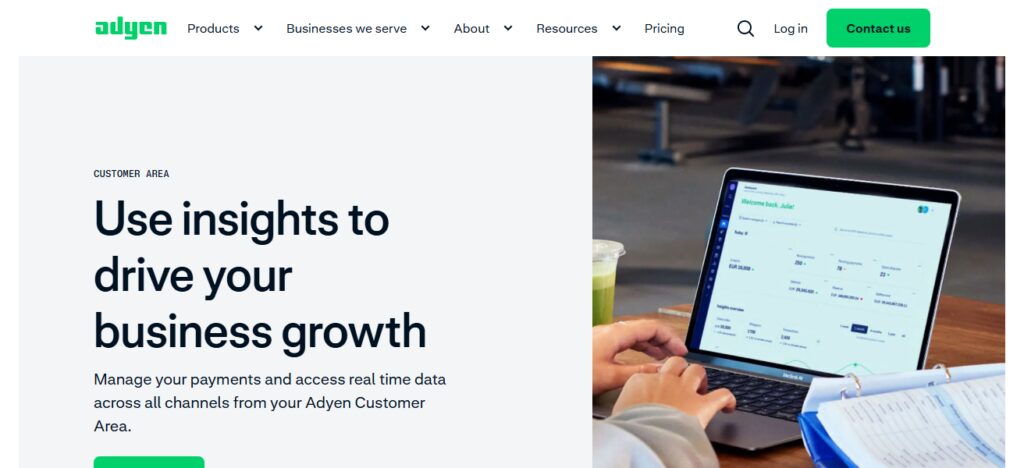
Using AI-assisted analytics, businesses can pinpoint bottlenecks, enhance the acceptance of payments, and benchmark their performance with industry standards.
Merchants have access to customized dashboards that enable them to track their business KPIs, optimize their operations and provide a better payment experience for customers that is efficient.
Adyen Insights Dashboard Features
- One view of your payment performance across channels and regions.
- In-Depth Report on decliens, preference for payment methods, and risk of fraud
- Analytics with AI to streamline acceptance rates, pinpointing bottlenecks
- Customisable dashboards for effectively tracking key business-related KPIs
Adyen Insights Dashboard Pros & Cons
Pros:
- Unified view of global payment performance.
- Detailed fraud risk and decline reporting.
- AI-driven insights to optimize acceptance rates.
- Customizable dashboards for business-specific KPIs.
- Real-time monitoring across channels.
Cons:
- More suitable for mid-to-large businesses; small merchants may find it expensive.
- Setup and onboarding can be complex.
- Advanced analytics may require technical expertise.
- Limited offline or non-Adyen transaction data.
- High dependency on accurate data input.
5. Worldpay Analytics Suite
Worldpay Analytics Suite: This offering arms merchants with insights to take action on the performance of payments, trends and consumer activity.
It collects data across several channels to display real-time transaction statistics, such as approval rates, refund activity and average order values.
Reporting tools that include advanced features help users identify anomalies, identify high performing segments, and optimize payment routing.
You can have customized dashboards as a merchant to see the KPIs that matter to your business and take steps towards improving operational efficiencies, reduce payment failures and ultimately driving revenue performance.
Worldpay Analytics Suite Features
- Real time aggregates cross set transactional metrics
- Because there are exceptional reports for the detection of anomalies and also optimization of payment routing.
- Dashboards to track the rates at which orders are approved and refunded, alongside order values.
- Practical insights to minimize failures and maximize revenue performance
Worldpay Analytics Suite Pros & Cons
Pros:
- Aggregates multi-channel transaction metrics.
- Advanced reporting for anomalies and routing optimization.
- Customizable dashboards for key business KPIs.
- Real-time insights into refunds, approvals, and order values.
- Helps improve payment efficiency and revenue performance.
Cons:
- Interface may be complex for beginners.
- Premium features require higher-tier plans.
- Limited predictive analytics capabilities.
- Custom reporting may need technical support.
- Integration with some platforms may be challenging.
6. Square Payment Analytics
Square Payment Analytics allows merchants to gain insights on sales performance, payment trends and customer purchasing behavior.
It has intuitive dashboards that monitor revenue, transaction volume, and payment success rates by location.
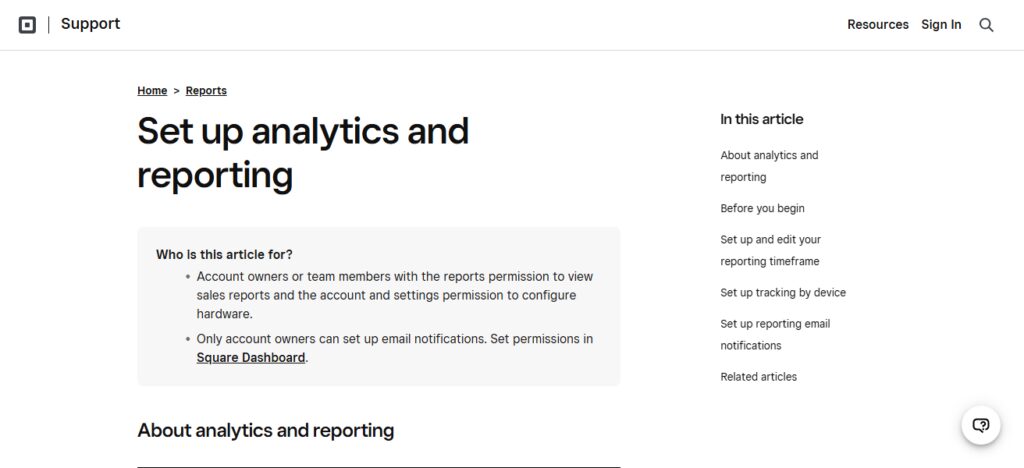
Merchants can then break it down into product, category, or customer segment to find areas for growth. The platform also offers real-time reports for refunds, disputes and declined payments.
Automated insights and visualizations allow companies to optimize pricing strategies, improve consumer experience, and facilitate payments operations across all Square-enabled channels.
Square Payment Analytics Features
- Using intuitive dashboards analytics to track revenue, transaction volume, and success rates.
- Go deeper by product, category or customer segment for insight.
- Immediate reporting on refunds, disputes and declined payments.
- In a nutshell, it establishes automated visual insights that act as performance indicators to fine-tune pricing and improvement of the customer payment experience.
Square Payment Analytics Pros & Cons
Pros:
- Intuitive dashboards for revenue, volume, and success rates.
- Drill-down by product, category, or customer segment.
- Real-time reporting on refunds, disputes, and declines.
- Automated visual insights for pricing and operational improvements.
- User-friendly for small to medium-sized businesses.
Cons:
- Primarily designed for Square transactions; limited external integration.
- May lack advanced predictive analytics.
- High-volume enterprise businesses may find features limited.
- Reporting customization is somewhat basic.
- Offline transaction insights are minimal.
7. Braintree Reporting Tools
Braintree Reporting Tools offer a deep look into payment processing, as well as performance metrics for merchants.
The platform also enables the analysis of customer behavior, preferred payment methods and regional trends. This reports can be exported for reconciliation or forecasting or regulatory compliance.
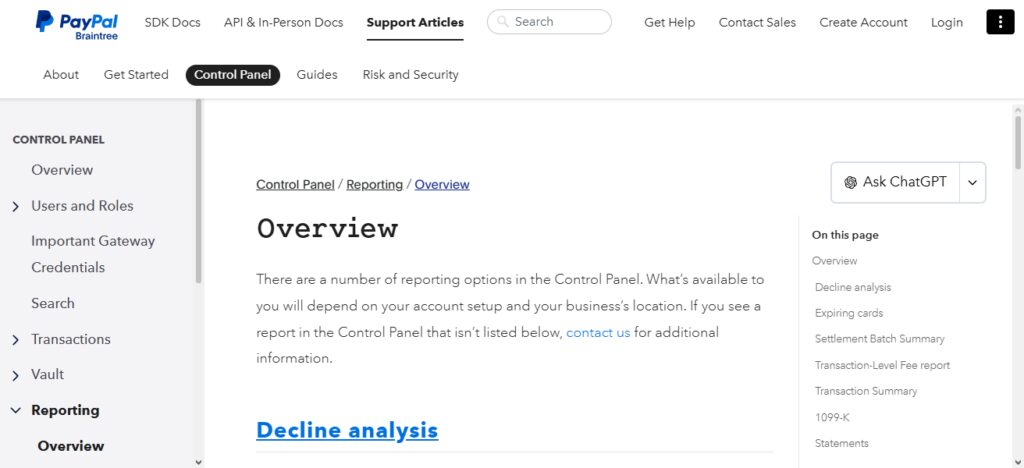
Braintree’s dashboard allows businesses to pinpoint decline reasons, improve checkout flows and maximize revenue capture.
Real-time alerts and analytics allow merchants to make data-driven decisions that can help improve overall payment efficacy.
Braintree Reporting Tools Features
- Tracking transaction volumes, successful payments, refunds and chargebacks
- Customer demographics, including preferred payment method and region.
- Detailed reports which can be exported for reconciliation, forecast or compliance.
- Live alerts and analytics to fine-tune checkout and revenue capture
Braintree Reporting Tools Pros & Cons
Pros:
- Comprehensive metrics including refunds, chargebacks, and volumes.
- Insights into customer behavior and payment preferences.
- Exportable detailed reports for compliance and forecasting.
- Real-time alerts for operational efficiency.
- Helps optimize checkout flows and revenue capture.
Cons:
- Primarily focused on Braintree payments.
- Advanced reporting may require technical setup.
- May be less intuitive for beginners.
- Limited AI-driven predictive insights.
- Integration with non-Braintree platforms can be restrictive.
8. Cybersource Payment Analytics
Cybersource Payment Analytics: advanced reporting and insights for merchants to monitor payment performance and fraud risk. Its transaction level detail allows for authorization rates, declines, chargebacks and revenue trends to be analyzed.
Merchants can break down their insights by region, payment method or device to find areas of inefficiency. AI-driven analytics enables the platform to isolate anomalies, optimize routing and reduce fraud losses.
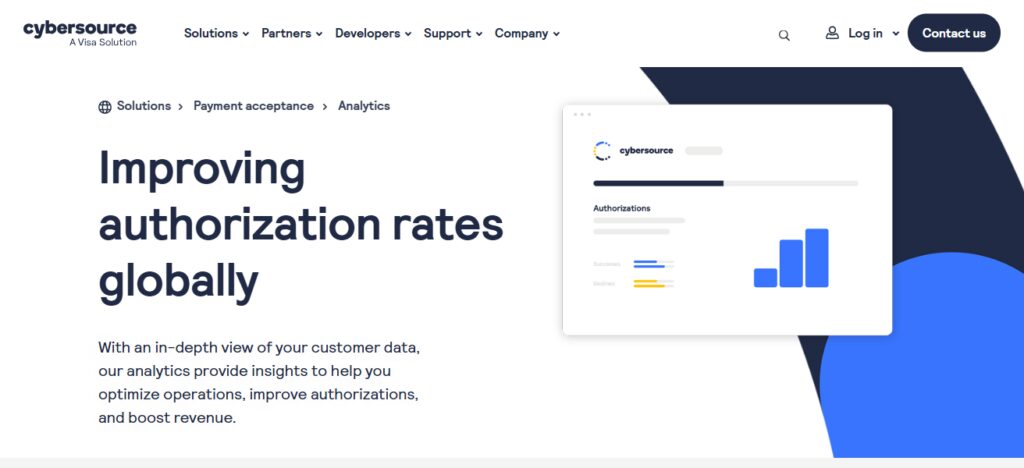
In addition, thanks to customizable dashboards and automated reports for KPIs tracking, enterprises can increase the payment success rates at their site and build strong operational and forward-looking decisions.
Cybersource Payment Analytics Features
- Data on declines, chargebacks, and revenue trends at the transaction level
- By region, payment method or device segmentation to spot inefficiencies
- Analytics using AI to identify and reduce irregularities and fraud.
- KPI tracking via dashboards and scheduled reports
Cybersource Payment Analytics Pros & Cons
Pros:
- Detailed transaction-level insights including declines and revenue trends.
- Segmentation by region, device, and payment method.
- AI-powered anomaly detection and fraud reduction.
- Customizable dashboards and automated reports.
- Supports global operations with multi-currency analytics.
Cons:
- Setup can be complex for smaller merchants.
- Advanced features may require technical expertise.
- Learning curve for dashboard customization.
- May be expensive for small businesses.
- Offline payment tracking is limited.
9. Fiserv Payment Performance Tools
Fiserv Payment Performance Tools help merchants manage payment through better analytics. It monitors important data points, including transaction volume; approvals and declines; reasons for decline; online vs in-store payments.
This level of reporting allows more advanced trend analysis, forecasting and benchmarking against industry standards.

Just as merchants themselves are able to discover fraud patterns, monitor customer behavior and speed up reconciliation.
Fiserv enables businesses to boost payment efficiency, maximize revenue capture, and optimize overall financial performance with real-time dashboards and custom KPI monitoring.
Fiserv Payment Performance Tools Features
- Online and in-store transaction volume, approval rates and decline reasons
- Reporting tool to analyze trends, forecasts and comparisons.
- Fraud detection and monitoring customer behaviors.
- Customizable KPI Monitoring: Get real-time dashboards to easily measure efficiency.
Fiserv Payment Performance Tools Pros & Cons
Pros:
- Tracks both online and in-store transactions.
- Advanced trend analysis, forecasting, and benchmarking.
- Fraud detection and customer behavior insights.
- Real-time dashboards with customizable KPIs.
- Improves efficiency and revenue capture.
Cons:
- Interface may not be intuitive for new users.
- Customization can require technical support.
- Premium tools may be costly.
- May be complex for small-scale merchants.
- Limited integration with non-Fiserv platforms.
10. CatalystPay KPI Monitoring
CatalystPay KPI Monitoring: Actionable insights into merchant payment performance with real-time analytics It monitors metrics like transaction success rates, declines, chargebacks and revenue trends.
Your merchants can also customize dashboards that track specific KPIs and highlight operational delays.
It also provides benchmarking features, allowing businesses to compare performance by region, channel, or payment method.
CatalystPay uses predictive analytics and detailed reporting to protect payment processes from transaction failures, drive data-driven strategy for revenue growth and optimize operational efficiency among other features.
CatalystPay KPI Monitoring Features
- Monitors transaction success rates, declines, chargebacks and revenue trends.
- Dashboards you can customize to monitor specific KPIs and bottlenecks.
- Capt table of ational compare across Base, channel or payment method
- Predictive analytics and in-depth reporting to drive process optimization and revenue expansion.
CatalystPay KPI Monitoring Pros & Cons
Pros:
- Real-time tracking of success rates, declines, chargebacks, and revenue.
- Customizable dashboards to monitor specific KPIs.
- Benchmarking across regions, channels, and payment methods.
- Predictive analytics for optimizing processes.
- Supports operational efficiency and revenue growth.
Cons:
- Setup and onboarding can be complex.
- Advanced analytics may require technical knowledge.
- Limited offline payment monitoring.
- Reporting may require subscription upgrade.
- Small businesses may find cost high relative to scale.
Conclusion
In summary, Best Systems for Merchant Payment Performance Insights allows businesses to track transactions, cut down on declines, identify fraudulent activity and maximize cash flow.
Visa Analytics, Stripe Radar, PayPal Insights and Adyen are just some of these platforms that offer real-time dashboards, customizable reports and actionable analytics.
The system you choose means smarter, data driven payment decisions, improved operational efficiencies and superior customer experience at all points of sale.
FAQ
What are merchant payment performance insights?
They are analytics and reports that help businesses track transaction success, declines, revenue trends, and customer payment behavior.
Why are these systems important?
They improve payment efficiency, reduce fraud, optimize revenue, and provide actionable business insights.
Which system is best for fraud detection?
Stripe Radar and Cybersource Payment Analytics are highly effective for fraud prevention and chargeback reduction.
Can small businesses use these tools?
Yes, platforms like PayPal Business Insights and Square Payment Analytics are beginner-friendly.