This article will showcase some of the best options available for AI Workflow Automation Software. Using these programs, businesses are able to automate tedious, redundant tasks, and improve productivity and efficiency across the business.
Utilizing advanced automation, integrations, and smart workflows, these platforms reduce the need for manual work. Each piece of software will be evaluated for its offerings, advantages, and disadvantages, as well as the cost, and a guide for selection will be provided.
What Is AI Workflow Automation Software?
Software for the automation of AI workflows tackles the laborious process of integrating several digital platforms to manage data and automate work processes. These software combine the power of AI, rules for automation, and the functions of digital integrations to tackle the challenge of unproductivity and errors that cost time and money.
With this software, professionals can build smart workflows to manage customer support, marketing, and communication tasks, and even handle necessary reporting and data management. Smart workflows can be built with this software without advanced coding knowledge.

Why Will Companies Require AI Workflow Automation in 2026?
- Decreasing Operational Expenses Automates monotonous activities which and reduces employee expenses, while decreasing employee working hours
- Increasing Efficiency Automated intelligent workflows streamline task accomplishment.
- Removing Manual Steps Automation diminishes repetitive tasks and lessens human errors.
- Building a Better Customer Experience Automation of workflows provides speed and enhances customer satisfaction.
- Accommodating a Remote Workforce Automation of workflows provides speed and enhances customer satisfaction.
Key Points & Best AI Workflow Automation Software
| Tool | Best For | Details |
|---|---|---|
| Zapier | Beginners and cross-app connections | Connects 8,000+ apps using simple workflows with drag-and-drop automation features. |
| n8n | Technical users and coders | Offers self-hosting, coding flexibility, JavaScript support, Python integration, and cloud options. |
| Make | Visual builders | Creates colorful workflow maps supporting complex branches, data flows, and automation. |
| Gumloop | Solo creators and visual AI workflows | Builds AI agents visually without coding for intelligent automated task management workflows. |
| Lindy | Task-specific personal assistants | Learns daily tasks, connects apps, and creates personalized AI-powered assistants. |
| Microsoft Power Automate | Windows and Microsoft Office users | Integrates deeply with Microsoft 365 apps like Word, Excel, and Teams. |
| Workato | Large businesses | Provides secure enterprise automation connecting complex IT and finance systems. |
| UiPath | Robotic Process Automation (RPA) | Automates repetitive tasks by mimicking human computer actions across applications. |
| Agentforce | Salesforce users | Helps sales teams manage customer replies and automate daily business tasks. |
| Notion | Workspaces and documents | Combines notes, databases, AI writing, summaries, and chatbot productivity tools. |
10 Best AI Workflow Automation Software
1. Zapier
Zapier is an intuitive AI workflow automation solution. Users appreciate the option to code, or not, and the interface is exceedingly user friendly. With over 8,000 apps within reach, users control the automation of tasks like data syncing or a support ticket.
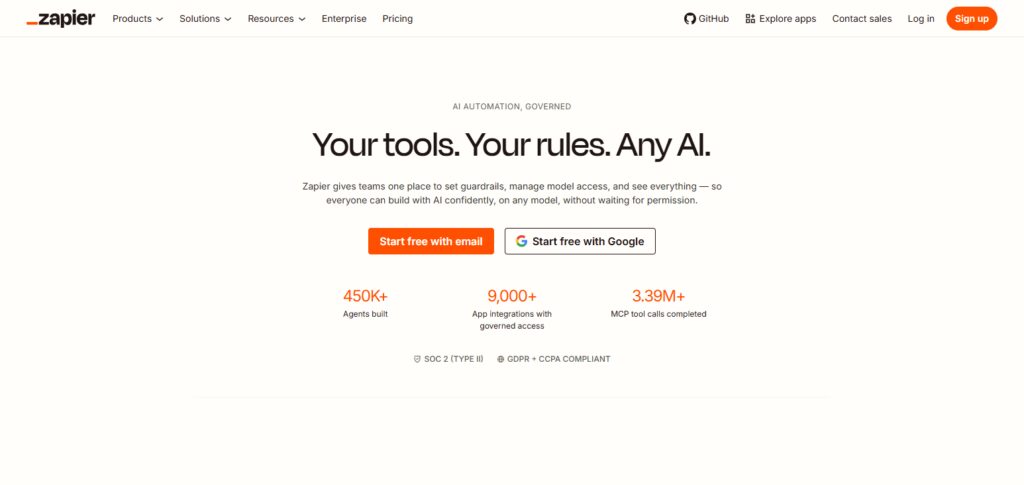
You can additionally optimize operations or refine task automation with Zapier’s AI features. For a simple, free plan, users receive an automation boost.
Growing teams or companies can subscribe for an advanced plan. Pay per plan also accounts for an increase in workflow complexity or the addition of team functions.
Zapier Features
- Expansive App Integration: Links over 8,000 apps to facilitate cross-app automation.
- Drag & Drop Automation: Provides a simple user interface to build workflows without code.
- Automated Workflow Optimization: Offers AI to recommend ways to optimize workflow automations.
- Multi-Step Workflows: Allows users to connect multiple apps and multiple stages of a business process.
- Collaboration Management: Includes shared workflow permissions and team automations management.
| Pros | Cons |
|---|---|
| Supports over 8,000 app integrations for extensive automation possibilities. | Advanced automation features can become expensive for growing businesses. |
| Simple no-code interface suitable for beginners and non-technical users. | Complex workflows may require higher subscription plans. |
| AI features help create and optimize workflows faster. | Limited customization compared with developer-focused automation tools. |
| Provides ready-made templates for quick workflow creation. | High-volume automation can increase monthly costs significantly. |
| Offers strong team collaboration and workflow management features. | Some advanced features require technical understanding. |
2. n8n
Because it’s open source, n8n affords devs the most flexibility in controlling their automations. Unlike most no-code apps, you can host the platform on your own servers and build custom workflows with your code of choice.
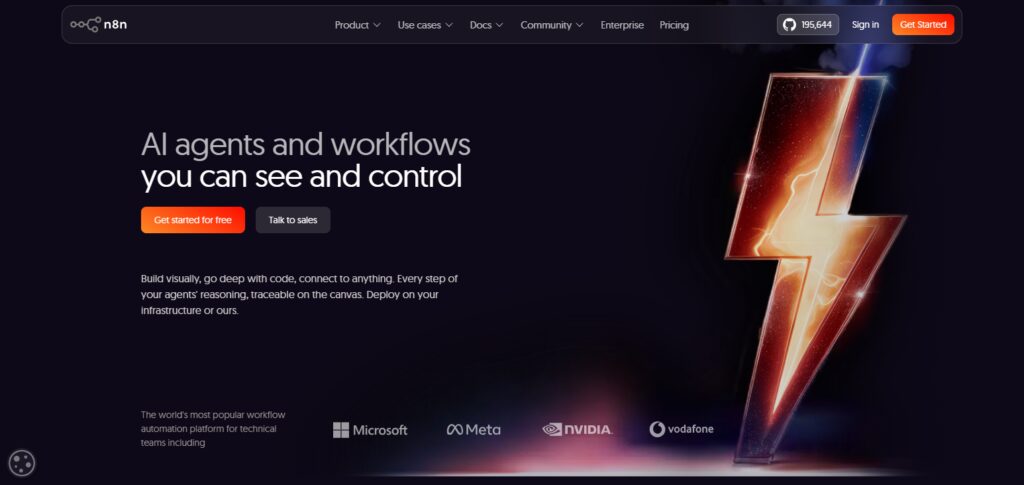
From APIs and databases to business apps and AI, n8n plays well with all. For a privacy-conscious dev team, n8n is a popular choice because it’s free to host on personal servers and can be left to the team’s local domain. For less of a drain on in-house servers, n8n offers managed cloud plans.
n8n Features
- User Controlled Automation: Custom and complete control automation via open-source software.
- Private Workflow Deployment: Businesses can provide their own security by self-hosting.
- Advanced Coding Options: Workflows can be supplemented with JavaScript and/or Python.
- Flexible Automation Integration: Automation can connect almost any app/AI or database via API.
- User Data Protection: Uses self-managed workflows to provide control over data.
| Pros | Cons |
|---|---|
| Open-source platform provides complete customization flexibility. | Requires technical knowledge for advanced workflow development. |
| Supports self-hosting for better privacy and data control. | Setup and maintenance can be challenging for beginners. |
| Allows JavaScript and Python coding integration. | Fewer beginner-friendly templates compared with competitors. |
| Connects APIs, databases, and AI tools efficiently. | Self-hosting requires server management skills. |
| Provides cost-effective automation for technical teams. | Learning curve is higher than no-code platforms. |
3. Make
Make takes a unique approach to automation with their highly visual tool. With Make’s interactive workflow builder, you can lay out the steps of your automation within the context of connected modules, data routes, and conditional branches.
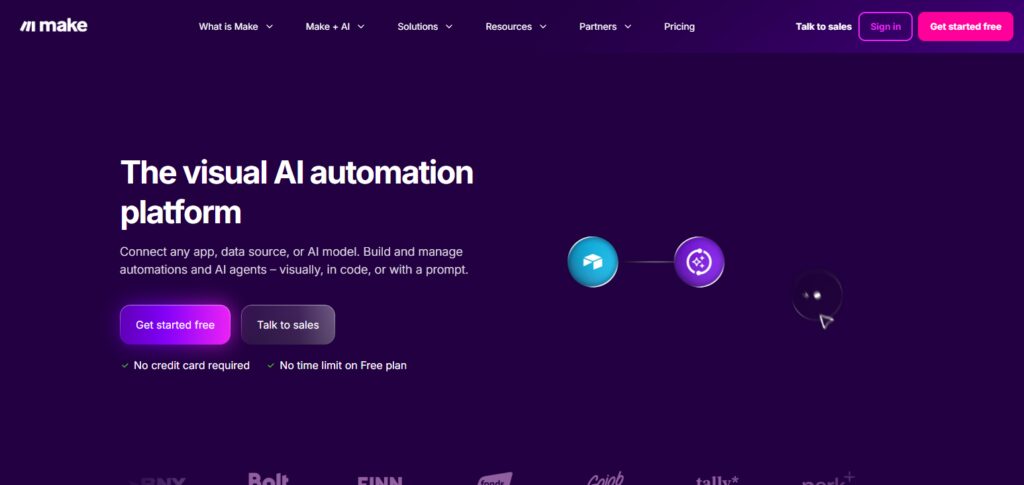
Make is a great fit for companies that deal with complex data that flows through and between a number of applications. The tool offers AI integrations to further help the user automate content creation, customer management
AI generation, business reporting, and business operations. Make’s generous free tier, and relatively cheap paid plans make this tool a great option that is both highly functional and user friendly for marketers, business owners, and operations teams.
Make Features
- Graphical Workflow Design: Allows users to map out workflows using a simple interface.
- Data Routing and Logic: Effectively executes workflows with branching or conditional logic.
- AI Tool Connections: Automation can connect business apps and AI for added intelligence.
- Instant Automation: Data is processed across connected business apps without lag.
- Custom Workflows: Allows users to design workflows that address different business needs.
| Pros | Cons |
|---|---|
| Visual workflow builder simplifies complex automation processes. | Interface may feel overwhelming for first-time users. |
| Supports advanced branching and conditional workflows. | Large workflows require careful planning and management. |
| Affordable pricing compared with enterprise automation tools. | Execution limits can affect high-volume automation users. |
| Provides strong AI integration capabilities. | Debugging complex scenarios may take additional effort. |
| Suitable for marketers and business operations teams. | Some advanced features require technical knowledge. |
4. Gumloop
Gumloop is one of the first automation platforms that merges AI with agent-based workflows. Gumloop is a game changer for businesses and individual creators that deal with O2O (online-to-offline) business and repetitive digital tasks.
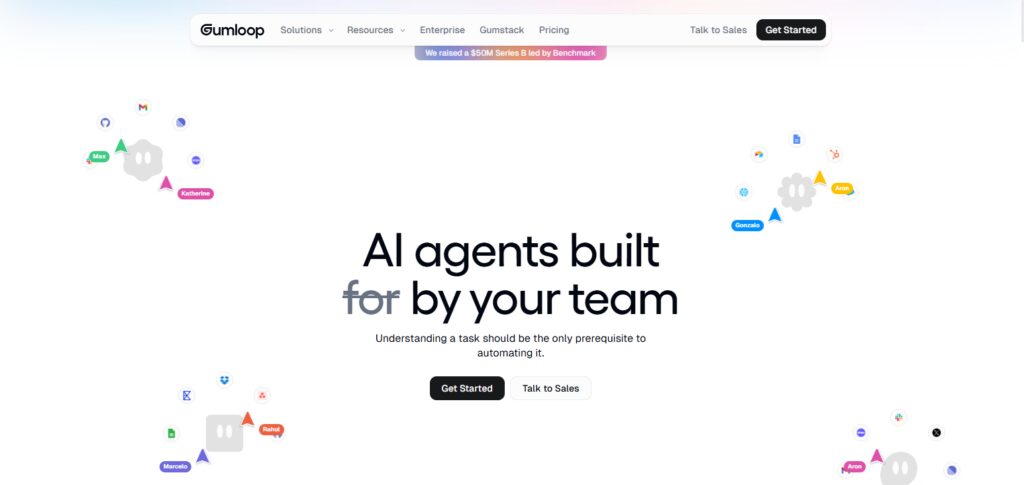
With Gumloop, you can create your own virtual agents that assist you in the automation of complex tasks. This tool is perfect for the solo creator, the startup, or the AI team, that is seeking to push the boundaries of agent based task automation.
The visual interface of Gumloop makes AI automation much more accessible, and less reliant on technical expertise and software development.
Gumloop Features
- AI Agent Creation: Constructs coding-free advanced automation agents.
- Visual AI Workflows: Simple design of intelligent processes through graphical blocks of workflows.
- No-Code Automation: Automation of complex tasks without the need for coding is made possible for creators.
- AI Task Management: Performs research, generates content, and executes digital tasks.
- Creator-Friendly Interface: Assists users in designing custom, AI-based, productivity enhancements.
| Pros | Cons |
|---|---|
| Enables AI agent creation without programming skills. | New platform with fewer integrations than established tools. |
| Provides visual AI workflow development features. | Advanced customization options are still developing. |
| Ideal for creators and AI-focused startups. | Pricing may be high for individual users. |
| Simplifies repetitive AI-based digital tasks. | Not suitable for highly complex enterprise workflows. |
| Reduces dependency on software development resources. | Limited community support compared with older platforms. |
5. Lindy
Lindy enables users to design custom AI assistants capable of performing automated tasks. Lindy gathers details about user preferences to help assist with tasks such as meeting scheduling, email responding, information organization, and customer task handling.

Lindy excels at integration with other business and communication tools due to its ability to integrate thousands of applications. Lindy is likely to continue gaining traction as more and more business professionals see value in automation.
Lindy is uniquely positioned to disrupt the market by focusing on task-specific intelligent agents, allowing simple and easy automation systems for those who wish to increase productivity and time savings.
Lindy Features
- Personal AI Assistants: Crafts AI assistants to simplify users’ everyday work.
- Learning Preferences: Adapts to user preferences to create automated workflows.
- App Integration: Interconnects thousands of applications to simplify automation.
- Email Management: Automates the answering, sending, and getting of emails.
- Smart Assistant Features: Optimizes work processes by reducing tasks.
| Pros | Cons |
|---|---|
| Creates personalized AI assistants for daily tasks. | Advanced features may require premium subscriptions. |
| Learns user preferences for smarter automation. | AI accuracy depends on provided instructions. |
| Integrates with thousands of business applications. | Limited control compared with developer automation tools. |
| Automates scheduling, emails, and communication tasks. | Not ideal for complex enterprise workflows. |
| Helps professionals improve productivity and efficiency. | New users may need time to understand capabilities. |
6. Microsoft Power Automate
Microsoft Power Automate is ideal automation software for businesses operating in the Microsoft ecosystem. Power Automate integrates heavily with Microsoft business tools like Microsoft Teams, Microsoft Excel, Outlook, and Microsoft 365.
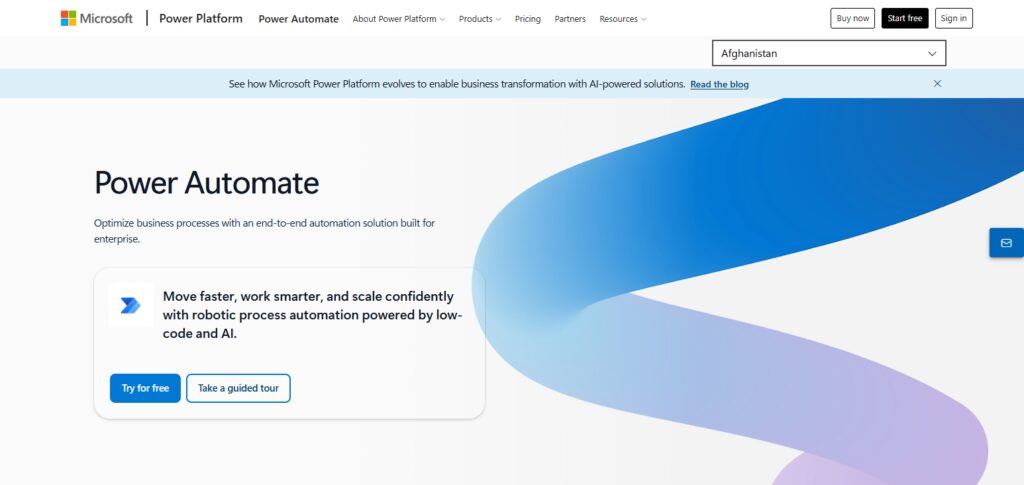
Power Automate combines multiple technologies to automate business task workflows including robotic process automation, AI, and cloud technologies for automation of business tasks like approvals, reporting, notifications, and data automation.
With Copilot, users are allowed to create workflows by writing in natural language. Power Automate is the optimal solution for businesses wanting to integrate secure automation within their Microsoft operating ecosystem.
Microsoft Power Automate Features
- Microsoft App Integration: Integrates with all Microsoft 365 business apps.
- AI Copilot: Designs flows with the power of AI and natural language.
- Robotic Process Automation: Rapidly automates daily digital business functions.
- Enterprise Safety: Guarantees secure automation with Microsoft protections.
- Cloud Workflow Automation: Enables automated flows across all apps and departments.
| Pros | Cons |
|---|---|
| Deep integration with Microsoft 365 applications. | Works best within the Microsoft ecosystem. |
| Provides powerful enterprise security features. | Licensing structure can become complicated. |
| Supports AI Copilot workflow creation. | Advanced automation requires technical expertise. |
| Combines cloud automation and robotic process automation. | Non-Microsoft integrations may require extra configuration. |
| Suitable for large organizations and businesses. | Higher-tier features can increase operational costs. |
7. Workato
Workato allows large companies to implement safe, scalable, enterprise-grade automations. It integrates numerous IT, finance, sales, and operations apps. Workato AI automates the simplification of complex workflows, enhances data accuracy, and eliminates manual tasks.
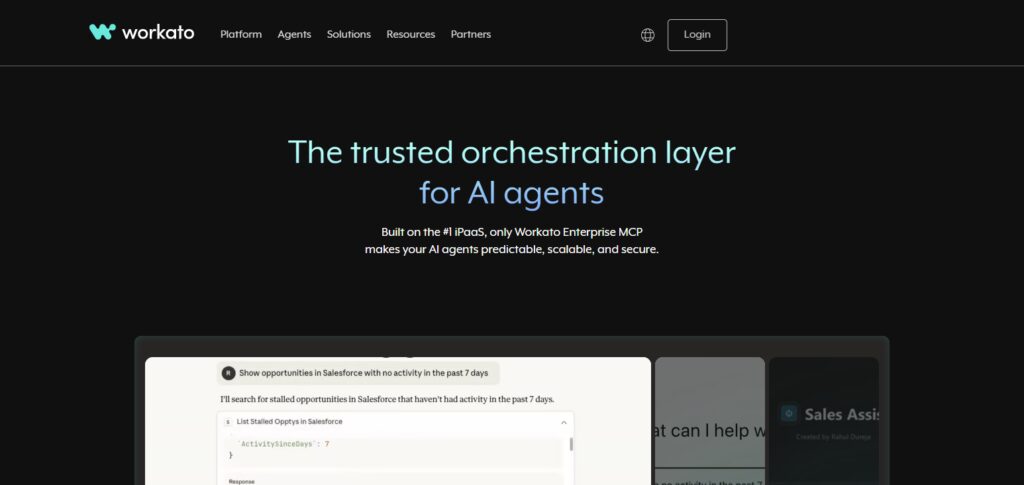
However, many simpler automation tools are not as secure as Workato. Workato is preferred by enterprises that invest in automating industrial-scale digital operations.
Workato Features
- Enterprise Workflow Automation: Fosters deep automation to large teams and businesses.
- Data Protection: Safeguards business data with enterprise level security.
- Instant Integration: Synchronizes business data across connected systems.
- AI Automation: Creates intelligent workflows that office automation.
- Enterprise Automation Controls: Empowers IT with control of enterprise automation.
| Pros | Cons |
|---|---|
| Provides enterprise-grade security and scalability. | Pricing is expensive for small businesses. |
| Connects complex business applications efficiently. | Requires enterprise-level implementation planning. |
| Supports real-time data synchronization across systems. | May be unnecessary for simple automation needs. |
| Offers strong governance and compliance features. | Requires trained professionals for maximum utilization. |
| Ideal for large IT and operations teams. | Custom solutions may increase deployment complexity. |
8. UiPath
Being one of the most prominent RPA platform, UiPath focuses on the automation of repetitive tasks done on a computer. It does this using software robots that perform tasks such as data entry, document processing, and application management among others.
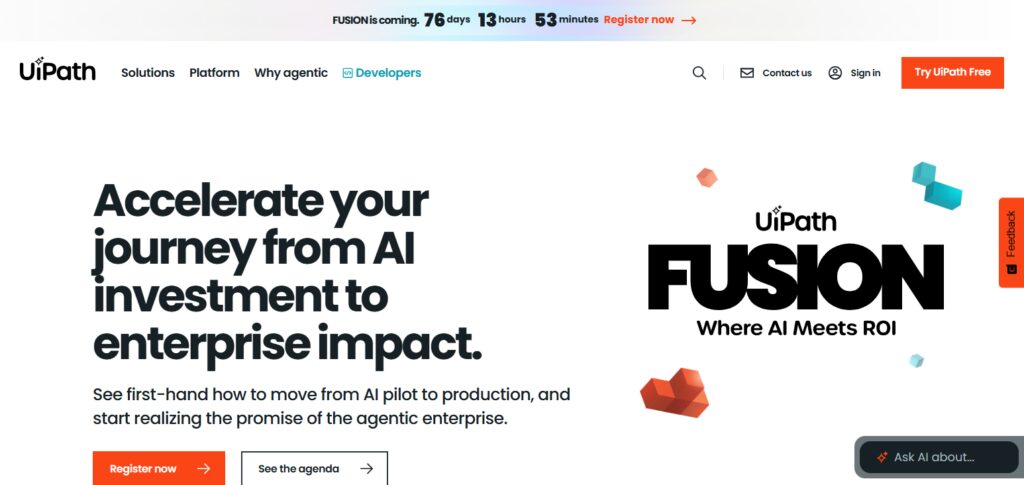
UiPath can perform other complex tasks involving document processing and business optimizations thanks to its AI capabilities. Due to its combination of RPA, AI, and analytics, UiPath is a good choice for companies that are focused on increasing productivity and decreasing costs.
UiPath Features
- Robotic Process Automation: Employs software robots to automate digital tasks.
- AI Document Processing: Extracts and interprets information from business documents.
- Intelligent Automation: Integrates AI and RPA to build workflows that make decisions.
- Process Mining: Discover ways businesses can improve their processes
- Enterprise Scalability: Makes room for automation throughout all enterprises and sectors.
| Pros | Cons |
|---|---|
| Powerful robotic process automation capabilities. | Requires technical skills for advanced automation. |
| Automates repetitive tasks with high accuracy. | Implementation can be time-consuming. |
| Combines AI, RPA, and analytics features. | Licensing costs can be high for enterprises. |
| Supports document processing and intelligent automation. | Smaller businesses may find it complex. |
| Scales effectively across large organizations. | Maintenance requires dedicated automation teams. |
9. Agentforce
Agentforce is Salesforce’s AI-driven automation platform. Agentforce aims to assist organizations in developing intelligent customer service and sales agents. It can assist organizations in automating customer conversations, managing support requests, and providing sales teams with real-time support.
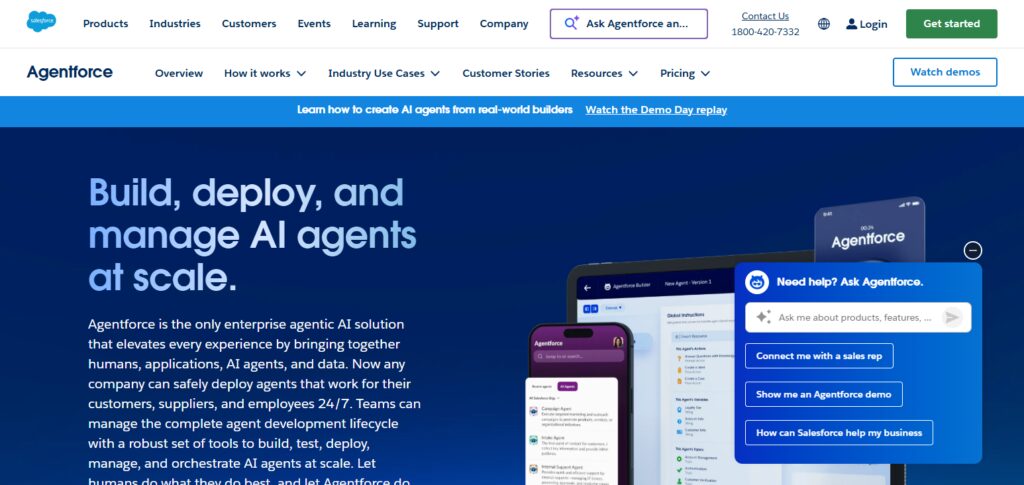
Since Agentforce is built on the Salesforce platform, it can access Salesforce CRM data and provide customized, secure AI responses. For companies wanting to adopt AI agents for improving customer support in 2026, Agentforce is a perfect native solution for Salesforce customers. It allows companies to improve customer service and support while providing tailored customer service.
Agentforce Features
- AI Customer Agents: Designs advanced agents that fully automate customer service.
- Salesforce CRM Integration: Interfaces with Salesforce business data platforms.
- Automated Customer Responses: Responds to customers using AI assistance.
- Personalized Interactions: Provides tailored services based on customer data.
- Sales Productivity Tools: Enables customers to achieve sales process automation.
| Pros | Cons |
|---|---|
| Native integration with Salesforce CRM ecosystem. | Mainly beneficial for Salesforce-based businesses. |
| Creates intelligent customer service AI agents. | Requires Salesforce knowledge for setup. |
| Provides personalized customer interactions using CRM data. | Additional Salesforce costs may apply. |
| Improves sales and support team productivity. | Limited outside Salesforce environments. |
| Offers secure AI-powered customer automation. | Customization options may require technical expertise. |
10. Notion AI
Notion is a productivity platform that integrates the management of your workspace, documentation, and databases with AI. Using Notion’s AI, you can easily draft and edit documents and even create and organize your ideas.
Automated knowledge workflows can be created by teams using Notion to connect the relevant pieces of a project with notes and information throughout the centralized workspace.
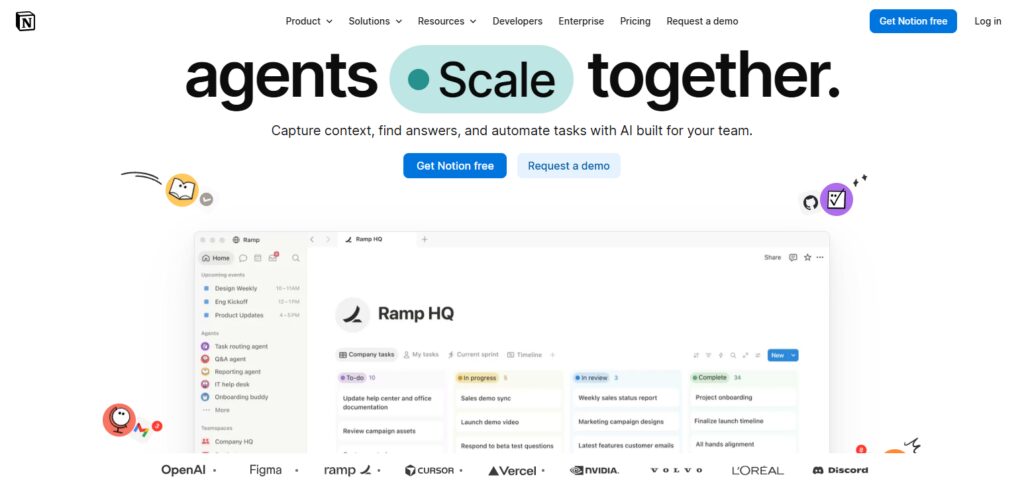
Notion AI is a powerful tool for the organization and information management for professionals, remote teams, students, and service providers.
The flexible and powerful collaboration features found in Notion offer a great balance between automation of daily productivity tasks and the maintaining a clear and organized workspace in the digital realm.
Notion AI Features
- AI Writing Assistance: Writes, edits, and enhances text on demand.
- Smart Document Summaries: Extracts and condenses pertinent data quickly.
- Knowledge Management: Streamlines and centralizes personnel and company data.
- Database Automation: Merges databases and automation features.
- Team Collaboration: Shares documents, organizes tasks, and automates processes.
| Pros | Cons |
|---|---|
| Combines documentation, databases, and AI tools. | Not designed for complex enterprise automation. |
| Helps teams organize knowledge efficiently. | AI features require additional subscription costs. |
| Provides AI writing and summarization capabilities. | Limited workflow automation compared with dedicated tools. |
| Supports collaboration among remote teams. | Large databases may experience performance issues. |
| Offers flexible templates for productivity management. | Advanced automation requires external integrations. |
How We Selected the Top-Rated AI Workflow Automation Software
Customer Reputation / Feedback: We reviewed users’ comments, the score of the reviews, the software in the industry, and the overall trust in the market.
Ease of Use: We valued software that offered simple interfaces, easy setup, and user-friendly tools to create workflows.
AI Capabilities: We assessed the tools based on the features of automation and AI and the use of agents with the capacity of smart decision-making.
Integration Support: We included the software that offered a large number of applications and easy access to third-party software.
Pricing & Scalability: We analyzed the costs, the offer of flexible and easy to modify plans, and the capacity to accommodate an evolving and growing company.
Security & Reliability: We focused on the software that offered advanced security with data protection and compliance in an enterprise setting.
Future Trends of AI Workflow Automation in 2026 and Later
- Increase of Self-Directed AI Agents: In the future, AI agents will be capable of running themselves to complete Time-consuming & Business-Consuming Tasks, Workflow, and Business Operations without the need of much human input.
- More Human-Like Business Assistants: These AI assistants will be able to handle more complex Work with Advanced Conversational capabilities and Personalized Task and Time Management.
- Decision Automation Powered by AI: AI-driven businesses will have the possibility of automating business decisions by interpreting data, predicting business intelligence, and implementing decisions.
- Growth of No-Code AI: In the future, more complex intelligent workflows will be automated by the general visual interface owing to the increase in people being able to design their own workflows and automation.
- Ultra-Personalized Workflow Automation: AI will design and implement personalized automation and workflows based on its knowledge of users, businesses, and constantly flowing data.
Conclusion
In conclusion, AI Workflow Automation Software reshapes task management, productivity, and workflows for successfully running a business. Automation tools from Zapier, n8n, and Make, alongside Microsoft Power Automate and Workato, provide diverse solutions tailored to their specific needs.
Cost, required integrations, and business goals and automation all influence the platform choice. Intelligent workflows are poised for a significant role in business expansion with ever-growing AI Tech.
FAQ
Which is the best AI Workflow Automation Software in 2026?
Zapier, n8n, Make, Microsoft Power Automate, and Workato are among the top AI workflow automation platforms based on usability, integrations, and scalability.
Is AI Workflow Automation Software suitable for beginners?
Yes, tools like Zapier, Make, and Gumloop offer no-code interfaces that allow beginners to create automated workflows without programming skills.
Which AI workflow tool is best for developers?
n8n is one of the best choices for developers because it supports open-source customization, self-hosting, APIs, JavaScript, and Python coding.
Can AI workflow automation reduce business costs?
Yes, AI automation reduces manual work, minimizes errors, improves productivity, and helps businesses save operational time and resources.