The technological advances in artificial intelligence (AI) have created a tremendous amount of interest in graphics processing unit (GPU) computation. Cloud-based solutions for GPUs have become extremely popular with researchers and businesses.
Trainable large language models and other computationally intensive simulations require significant amounts of parallel computation. GPU cloud solutions provide a great deal of flexibility at a reasonable cost. This document analyzes the various GPU cloud solutions and artificial intelligence (AI) simulations. The focus will be on the pricing structures, the various GPUs, the network solutions, and the types of workloads supported.
“What Is a GPU Cloud Platform?
A GPU cloud platform provides access to high-end GPUs through the cloud. Clients can evade the cost and complexity of owning high-end GPUs by renting GPUs through the cloud. Renting GPUs through the cloud enables clients to perform compute intensive tasks such as deep learning and simulations.
These platforms provide flexibility in pricing and allow clients to choose from different high-end GPUs. Further, networking features of these platforms allow clients to perform distributed training. The AI tools integrated in GPU clouds, enable clients to develop AI applications. In summary, GPU clouds allow clients to perform AI related tasks at an affordable cost.

How to Choose a GPU Cloud Platform?
The following details a set of criteria to analyze when selecting a GPU cloud service for artificial intelligence (AI) workloads.
Pricing Model: Consider reserved, spot, and hourly rates. The lowest rates don’t always reflect the best model for your needs. Rates may reflect transparent pricing, but a “marketplace” model may offer more favorable rates for shorter term access to GPUs.
GPU Selection: The GPU architectures offered by a cloud service impact performance and energy efficiency. Some cloud services offer a variety of GPUs including H100, A100, V100, etc.
AI Workload: Identify the models supported by the cloud service. Researchers may be limited to a single GPU, while business entities may need a large,, e.g. multi-GPU, setup for distributed training.
Networking: Consider the types of interconnects supported (i.e. InfiniBand, 100 GbE, 25 GbE, etc.) and the latencies associated with the cloud service’s offerings.
Multi-region Coverage: Select providers with coverage spanning multiple regions. Having presence in multiple regions brings down latency in applications and helps in adhering to data regulation and providing access to team members in different regions.
Cloud Integrations: Look for partnerships with cloud services for storage, analytics and ML. Hyperscalers cover most of these integrations and other service providers cover the lower end of the market with simplicity and transparency.
Enterprise Use: For regulated industries and enterprise, look for service providers with compliances certifications (i.e. ISO, HIPAA, SOC2) and security features to protect and restrict access to data to fulfill regulatory requirements.
Support and Usability: Service providers with usability features (i.e. community and support) help in quickly resolving issues. RunPod and Lambda Labs excel with usability. Other service providers (i.e. hyperscalers) rely on enterprise features and support to resolve issues.
Key Points
| GPU Cloud Provider | Key Point |
|---|---|
| RunPod | Best overall value with transparent pricing and strong community support. |
| Lambda Labs | Research-grade platform with excellent developer experience and competitive single-GPU pricing. |
| CoreWeave | Enterprise-scale multi-GPU clusters with InfiniBand for massive distributed training. |
| AWS EC2 | Deep ecosystem integration, ideal for teams already using AWS services. |
| Google Cloud | Offers both GPUs and TPUs, strong for LLMs and deep learning workloads. |
| Microsoft Azure | Seamless integration with Microsoft enterprise tools and hybrid cloud setups. |
| Vast.ai | Budget-conscious option with marketplace-style GPU rentals. |
| TensorDock | Emerging provider with flexible deployment and competitive pricing. |
| Paperspace | Beginner-friendly platform with simple dashboards and quick provisioning. |
| FluidStack | Spot instance provider offering low-cost GPU rentals for short-term workloads. |
1. RunPod
RunPod is great for developers and offers affordable prices for its products and services. With its transparent pricing structure, customers can easily see pricing for products, including H100 GPUs at $2.69 per hour. RunPod’s user-friendly dashboard allows users to deploy easily, while containerized environments help deployables scale smoothly.
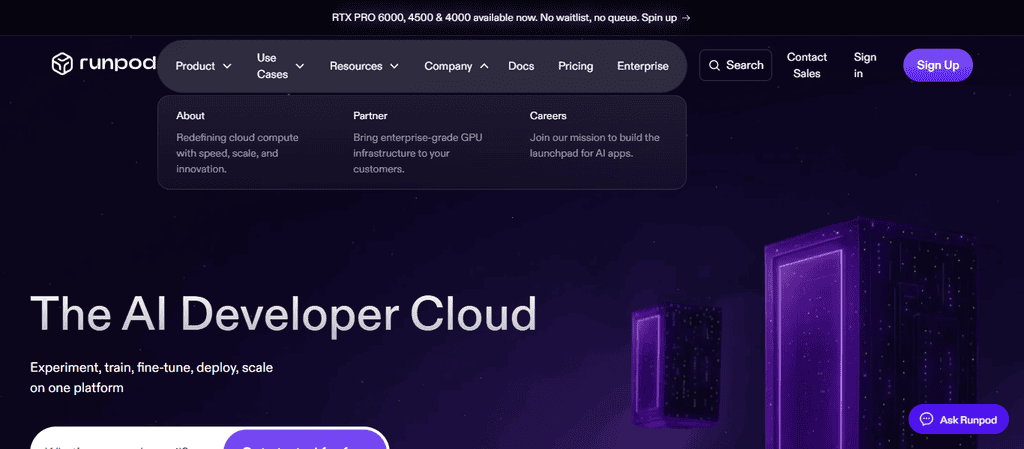
RunPod is great for AI tasks such as training language models and building generative models. It also provides distributed training with good networking. Its low prices attract numerous independent AI researchers and small AI labs.
Pros
- Hourly prices for H100, rising in popularity for ML
- Community and open source
- Easy to use for ML workflows
- Offers services to multiple regions
Cons
- No enterprise compliance
- Smaller infrastructure compared to hyperscalers
- Less advanced networking
- Less focused on enterprise workloads
2. Lambda Labs
Lambda Labs also specializes in GPU clouds for ML researchers and offers A100s and H100s for rent at competitive prices. It has a clean UI and easy onboarding. Documentation is great for Lambda Labs’ services. Developers love pre-configured environments.
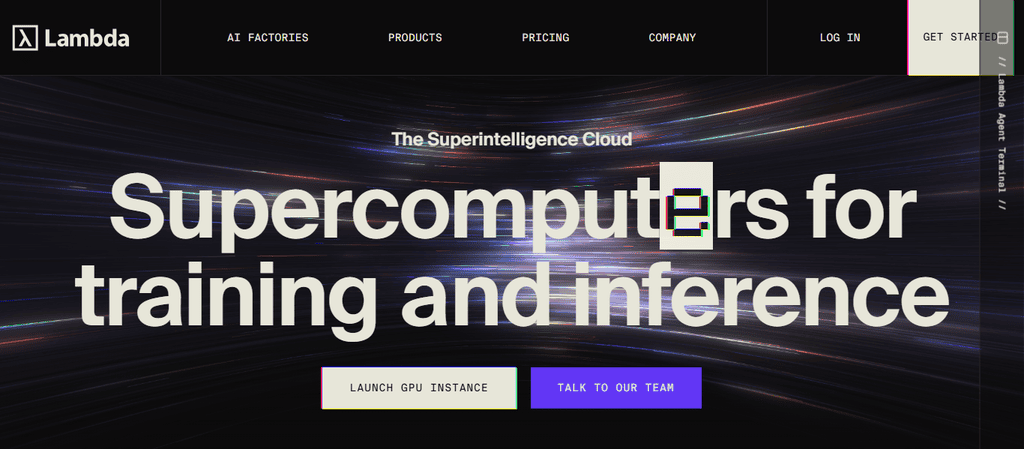
Node Labs makes it easy to build and train deep learning models and do reinforcement learning. It is also used for academic research. It provides a developer friendly environment and low cost solutions. As a result, research institutions, including universities, and startups, build and test their AI based products and services using Node Labs.
Node Labs offers a good balance between cost and developer tools to Research institutions and start ups offering AI based services
Pros
- Documentation
- Lower prices for H100 and A100 for research
- Easy to use for ML workflows
- Offers pre-made environments
Cons
- No enterprise customer focus
- Smaller infrastructure compared to hyperscalers
- Less optimized networking
- Production workload not recommended
3. CoreWeave
CoreWeave gives the advantage of using massive CPU, GPU, and clusters connected via InfiniBand networking to enterprise clients. CoreWeave also gives favorable pricing for large scale deployments. Large Scale GPU Training and Workload Orchestration for large AI and HPC workloads are made easier on CoreWeave due to its advanced Kubernetes capability.
CoreWeave offers large scale GPU based enterprise solutions including Video Content Processing, Simulations and Training as well as Large Language Model Training. Its Networking is optimized for low Latency and its reach spans North America. CoreWeave offers Enterprise clients large scale, high Performance GPU Cloud Cluster solutions.
Pros
- Enterprise ready K8s infrastructure
- Scalable for LLM workloads
- Wide variety of GPUs
- Distributed training using InfiniBand
Cons
- More expensive compared to competitors
- Services primarily located in North America
- More complex
- Less budget friendly compared to competitors
4. AWS EC2
AWS EC2 offers instances powered by GPU in their cloud environment. GPU options include the P4d (A100) and G5 (T4) instance types. Pricing models include on-demand, reserved, and spot instances.
AWS provides services that enable customers to build and deploy ML models and integrates services to facilitate storage and analysis. Offering a VPC provides customers a method to define a private network to facilitate secure inter-connection of services.
AWS EC2 provides customers Enterprise-grade solutions to scale their businesses with them. Customers embedded within the AWS environment benefit the most from the services EC2 provides.
Pros
- Deep integration with AWS services
- Flexible and varying prices
- Extensive availability of resources
- Reliable for enterprise use cases
Cons
- Pricing compared to competitors
- Varied pricing makes budgeting difficult
- Multi GPU workloads create networking overhead
- Less transparent prices for GPUs
5. Google Cloud
Google Cloud uniquely offers TPUs and GPUs (A100, H100) to enable their customers build and train sophisticated, large-scale AI models. Google Cloud bills per second, which makes TPUs cost effective.
Google Cloud and Vertex AI combined with BigQuery, make Google Cloud the preferred choice for research and advanced generative AI training, including LLMs.
Pros:
- TPUs in addition to GPUs
- Horizontal scaling for LLMs
- InfiniBand Interconnect for distributed training
- Ease of use for setting up workloads for ML
- Offers transparent per-second billing.
Cons
- Has TPU lock-in.
- More expensive than competitors.
- Riddled with complexity.
- Less community support than RunPod.
6. Microsoft Azure
Azure provides GPUs integrated with NDv4 and ND H100 instance types. Pricing models are flexible. Azure offers enterprise level service integrations, including an interface to Dynamics and Office 365.
Azure provides networking support with InfiniBand for distributed computing, and offers high availability across global regions.Azure’s product offerings fill the business needs of enterprise-level customers in regulated industries.
Pros
- Integrates with Microsoft enterprise software.
- Supports InfiniBand interconnect.
- Offers a range of HPC GPUs (H100, A100).
- Strong security and compliance.
Cons
- More expensive for startups.
- Complex enterprise focused setup.
- Smaller community than niche GPU cloud providers.
- Less flexible than focused providers.
7. Vast.ai
Vast.ai’s primary product is a GPU rental marketplace. They offer access to high end GPUs such as A100 and V100 at a comparatively low rate.
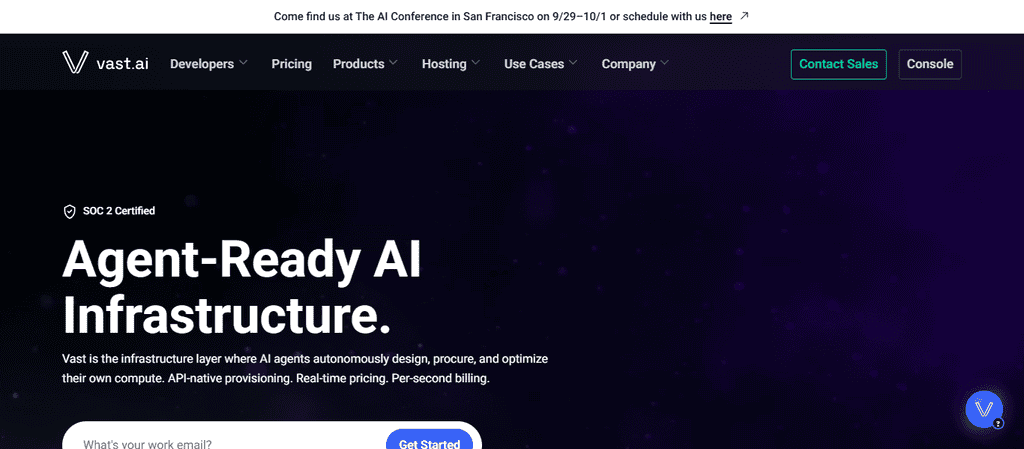
Vast.ai is good for small scale training. They offer sufficient networking for single GPU work. Availability depends on how many GPUs are listed on their marketplace. Rates and performance vary based on consumer demand. Vast.ai is very popular among independent software developers.
Pros
- Marketplace model with attractive prices.
- Flexible GPU rentals.
- Can handle small tasks.
- Clear price breakdown.
Cons
- Depends on marketplace availability.
- Not optimized for multi-node HPC like cloud providers.
- Less enterprise compliance.
- Less predictable performance.
8. TensorDock
TensorDock is a new entrant in the GPU Cloud space. They offer a range of modern GPUs including A100 and H100. Rental options are available from 1 hour to 1 month.
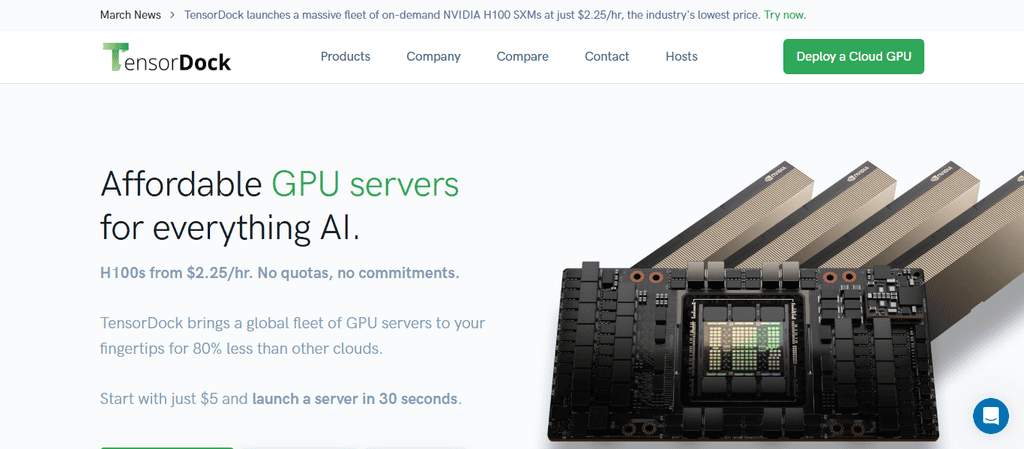
Distributed training is supported via the networking infrastructure. Availability and latency is improved due to a near regional presence. TensorDock is currently the cheapest option for GPUs in the Cloud and presents a legitimate threat to other GPU Cloud providers.
Pros
- Affordable for startups.
- Uses modern GPUs (A100, H100).
- Deployment flexibility.
- Active community and userbase
Cons
- Limited Global reach
- Limited Integrations
- Less developed and proven infrastructure
9. PAPERSPACE
Paperspace provides developers looking to get into AI and ML easy to use dashboards to provision GPU clusters. Pricing for different types of GPUs (A100, V100, T4) is provided and they charge on an hourly basis.
Out of the deux discussed here, Paperspace is more productive for developers just getting into AI and ML because of its predefined development environments and integration with Gradient to aid ML workloads.
Their networking allows for horizontal scaling but is less productive for vertical scaling to form large clusters. They cover North America and parts of Europe. In general, developers use Paperspace to prototype and do small AI workloads.
Pros
- User-friendly dashboards
- Simple provisioning of GPU instances
- Integration with Gradient
- atratable pricing
Cons
- Not meant for large-scale clustering
- Insufficient enterprise Privacy and Security
- Less worldwide deployment
- Less hyperscaler networking
10. FLUIDSTACK
For developers looking to do one off AI and ML workloads using a GPU cluster, FluidStack provides the cheapest option. They provide A100 and V100 GPUs.
Like Paperspace, FluidStack is good for single GPU workloads. They are not as productive for large scale workloads as their reliability takes a hit for larger clusters. Their major selling point is providing developers spot instances for GPUs to do one off workloads at a low cost.
Pros
- Extremely low‑cost spot GPU rentals.
- Flexible short‑term access.
- Supports A100 and V100 GPUs.
- Ideal for experimentation and temporary workloads.
Cons
- Availability depends on spot supply.
- Less reliable for production workloads.
- Networking weaker for distributed training.
- Limited enterprise support and compliance.
GPU Cloud Comparison Table
| Provider | Pricing Model | Main GPU Options | AI Workload Suitability | Networking | Availability/Regions |
|---|---|---|---|---|---|
| RunPod | Transparent hourly pricing; H100 ~$2.69/hr | H100, A100 | LLM fine‑tuning, CV, generative AI | Strong, containerized scaling | Multi‑region |
| Lambda Labs | Hourly rentals; competitive single‑GPU rates | A100, H100 | Research, academic ML, RL | Good, supports scaling | US regions |
| CoreWeave | Enterprise pricing; optimized for clusters | H100, A100, V100 | Large LLM training, simulations | InfiniBand, Kubernetes‑native | North America |
| AWS EC2 | On‑demand, reserved, spot | P4d (A100), G5 (T4) | Enterprise ML pipelines, production AI | Robust VPC networking | Global |
| Google Cloud | Per‑second billing | A100, H100, TPUs | LLMs, generative AI, analytics | High throughput, TPU support | Global |
| Azure | Flexible billing; enterprise focus | NDv4 (A100), ND H100 | Enterprise AI, hybrid cloud | InfiniBand, enterprise networking | Global |
| Vast.ai | Marketplace pricing; budget‑friendly | A100, V100 | Experimentation, small projects | Adequate single‑GPU | Supply‑dependent |
| TensorDock | Hourly/monthly rentals | A100, H100 | Startups, small teams | Distributed training supported | Multi‑region |
| Paperspace | Hourly billing; beginner‑friendly | A100, V100, T4 | Education, prototyping, small AI | Basic scaling | NA & EU |
| FluidStack | Spot instance pricing | A100, V100 | Short‑term, cost‑sensitive workloads | Adequate single‑GPU | Supply‑dependent |
Conclusion
GPU cloud platforms have disrupted the AI sector by offering extraordinary computing power at reasonable prices. Compared to on-premises hardware, these platforms provide more flexibility and a greater cost-benefit ratio. RunPod, Lambda Labs, and CoreWeave are the industry-leaders for research-grade GPU cloud services.
The ‘hyperscalers’ (AWS, Google Cloud, and Microsoft Azure) have strong position in the enterprise sector, as do Halo AI and Ncilion. Vast.ai, TensorDock, Paperspace, FluidStack, and other likeminded companies, have carved out spaces in the market for providing low-cost, GPU cloud services for research and learning.
When considering the various GPU cloud platforms, the key aspects to evaluate are pricing, the type of GPUs available, networking, and the suitability for the end-user’s computation workload.
FAQ
What is a GPU cloud platform?
A GPU cloud platform provides on‑demand access to powerful GPUs hosted in data centers, enabling AI training, deep learning, and scientific workloads without buying hardware.
Why use GPU cloud instead of on‑premise?
It reduces upfront costs, scales instantly, and offers global availability, making high‑performance computing accessible to startups, researchers, and enterprises.
Which providers are best?
RunPod, Lambda Labs, and CoreWeave excel in affordability and research usability, while AWS, Google Cloud, and Azure dominate enterprise integration.
How do I choose?
Evaluate pricing, GPU options, networking, workload suitability, compliance, and regional availability before selecting a platform.