

In 2026, companies will face a daunting task of speeding up digital transformations while lowering the cost of compliance and remaining innovators in their field. Meeting such requirements will be increasingly difficult with the traditional development process. IT backlogs and inefficient operations will worsen to accommodate the increasing demands.
Enterprise low‑code app builders resolve such friction caused by the obstacles of rapid application development, workflow automation, and governance. These platforms allow both the IT and business teams to build secure and scalable automated solutions, making them a critical part of modern enterprise automation.
What Are Enterprise Low-Code App Builders?
Enterprise low-code application development platforms eliminate the need for extensive programming for designing, deploying, and automating business applications. Building custom applications has become a more accessible option both for developers and business users.
Low-code development platforms use a combination of no or very little code development along with graphical user interface (GUI) based design tools, process automation, data connectors, and enterprise-level security.

By 2026 enterprises will adopt low-code development to drive operational efficiency, cost reduction, and innovation as digital transformation gathers pace. Eventually, low-code development becomes the strategic choice for enterprise automation of business processes and integrations to prepare for the future automation of workflows, services, and products.
Why Enterprises Need Low-Code Platforms for Automation in 2026?
Speed in App Delivery
It takes months to build an app via the IT backlog. Low-code solutions can do this in weeks, which means an enterprise can become more competitive in market transformation in 2026.
Optimization in Cost
Traditional solutions mean developers cost a lot. Low-code simplifies the process, meaning employees with less coding experience can create software, improving budgets while maintaining enterprise scalability.
Seamless Integration
Low-code can integrate with the major enterprise software solutions. Enterprise resource planning (ERP) systems, customer relationship management (CRM), and cloud systems can integrate seamlessly via low-code, synchronizing business units and reducing siloes.
Enterprise-Grade Security
Automation systems need to comply with various regulations and low-code meets that requirement because they offer enterprise-grade security, role-based access, and audit logs.
Agility and Innovation
It is easy to adapt business processes and customer experiences with low-code automation, meeting the changing demands of a volatile and competitive business environment.
Collaboration Enhancement
IT departments and business departments do not get along due to miscommunication. Low-code tools solve that problem by enabling them to collaborate when creating business solutions.
Prepared for the Future
Low-code automation will rapidly gain popularity in enterprises, reaching up to 75% of new enterprise applications by 2026. Using low-code will prepare enterprises to compete with automation and digital transformation initiatives.
Key Points
| Platform | Key Point |
|---|---|
| Microsoft Power Apps | Deep integration with Microsoft ecosystem (Dataverse, SharePoint, Teams, Dynamics) plus Copilot AI for app generation. |
| OutSystems | Enterprise‑grade scalability with release monitoring, runtime performance tracking, and strong governance. |
| Mendix | Visual workflow modeling with runtime event tracking; best for mid‑size teams needing traceable automation. |
| Appian | Unified platform with case management, RPA, AI, and process mining for complex enterprise workflows. |
| ServiceNow App Engine | Native integration with ITSM and enterprise service workflows; strong compliance and governance controls. |
| Salesforce Lightning Platform | CRM‑centric automation with declarative tools, reusable components, and enterprise data connectivity. |
| Zoho Creator | Affordable, flexible automation with drag‑and‑drop app building and strong SMB/enterprise adoption. |
| Quick Base | Rapid app deployment for operational workflows; strong auditability and governance features. |
| Pega Platform | AI‑driven decisioning and workflow automation; excels in customer engagement and compliance. |
| Retool | Developer‑friendly low‑code builder with API integrations and customizable internal tools. |
1. Microsoft Power Apps
Business operations often become unwieldy due to fragmented workflows. The need for integrated low-code solutions continues to grow in Microsoft ecosystems. Research indicates that 70% of Fortune 500 companies use Microsoft 365 and Power Apps.
The integrated Power Apps solution uses Dataverse, SharePoint, Teams, and Dynamics along with the AI Copilot on Microsoft’s platform to create apps faster.
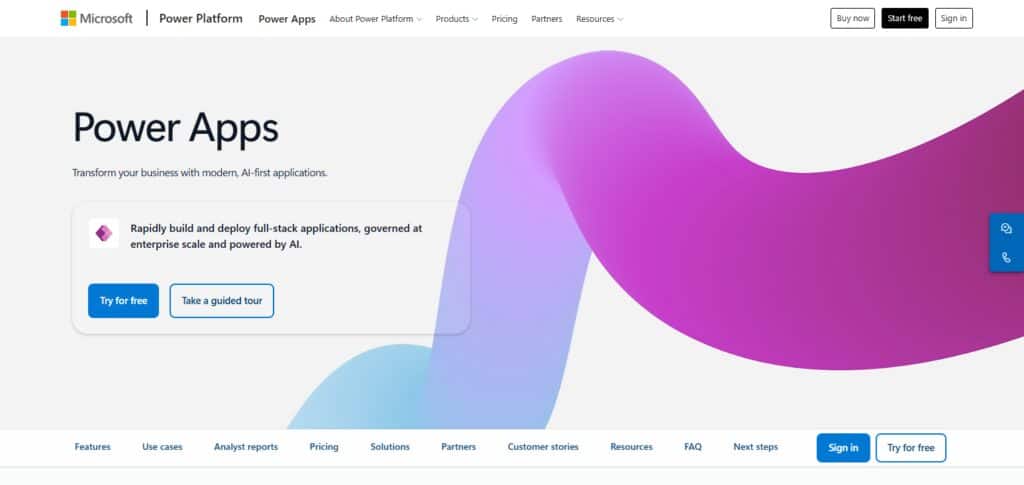
This article is intended to show that Microsoft Power Apps allows businesses and IT users to build low-code solutions to automate workflows on the same platform, bringing closer integration of both business and IT.
Pricing Model: Free Trial, Business, Enterprise (per user/app licensing)
Best For: Companies that use Microsoft 365, Dynamics and Teams and want to use their existing systems and infrastructure
Pros:
- Robust Microsoft Ecosystem I – Lets you connect with Microsoft 365, Dynamics 365, Azure, SharePoint, Teams, Power BI software.
- Internal App Development Speed – Internally creates applications with low code visual development.
- Powerful Automation – Collaborates with Power Automate for developing advanced automation and business process automations.
- Enterprise Security & Governance – Features role-based system and enterprise data control.
Cons:
- Licensing Costs Revisited – Highly priced connectors and features can escalate costs.
- Limited App Complexity – High degree of app complexity necessitates professional developers and coding.
- Large Data Performance – Higher optimization is needed for complex datasets.
- Microsoft Ecosystem Dependency – Best experience requires Microsoft technologies within organizations.
2. OutSystems
Global enterprises struggle to automate their business processes consistently across countries. The need for automation with governance and control drive market demand.
Research indicates that OutSystems is the preferred automation solution for enterprises such as banks and telecom and healthcare companies to build mission-critical automation with controlled governance.
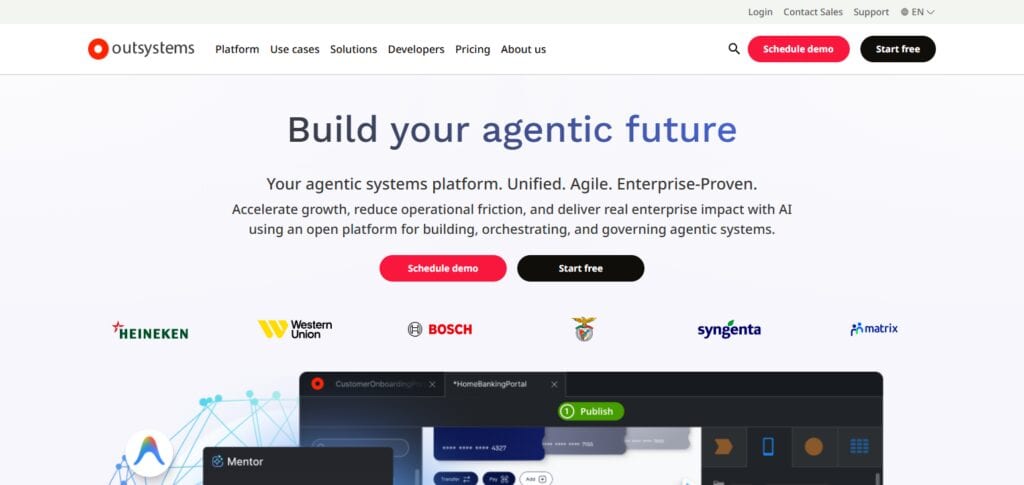
The main reason is the enterprise-level scalability and automation control offered by OutSystems. This article is intended to show that OutSystems is the preferred automation solution at scale for large global enterprises.
Pricing Model: Free Trial, Business, Enterprise (subscription with usage tiers)
Best For: Large companies needing a highly scalable, governed, critical, enterprise-level automation solution
Pros:
- Strong Performance And Scalability – Scalable Performance with large apps.
- Rapid Development – Rapid development environment compared to traditional coding which allows enterprises to build and deploy applications quicker.
- Great Integration – Connectivity with APIs, databases, and enterprise systems
- Advanced Security– Features application monitoring, security, and controls.
Cons:
- High Cost – High priced licenses.
- Complex Learning Curve – Advanced features require a learning curve.
- No Simple Automation – May be too robust for basic internal automation purposes.
- Risk of Vendor Lock-In – Moving complex applications to another platform requires effort.
3. Mendix
Most enterprises lack visibility of automation of their business workflows. Market demand highlights the need for collaboration and automation with visibility, especially from mid-sized companies. Research indicates visibility is one of the main reasons why the manufacturing and logistics sectors prefer the Mendix solution to automate business workflows.
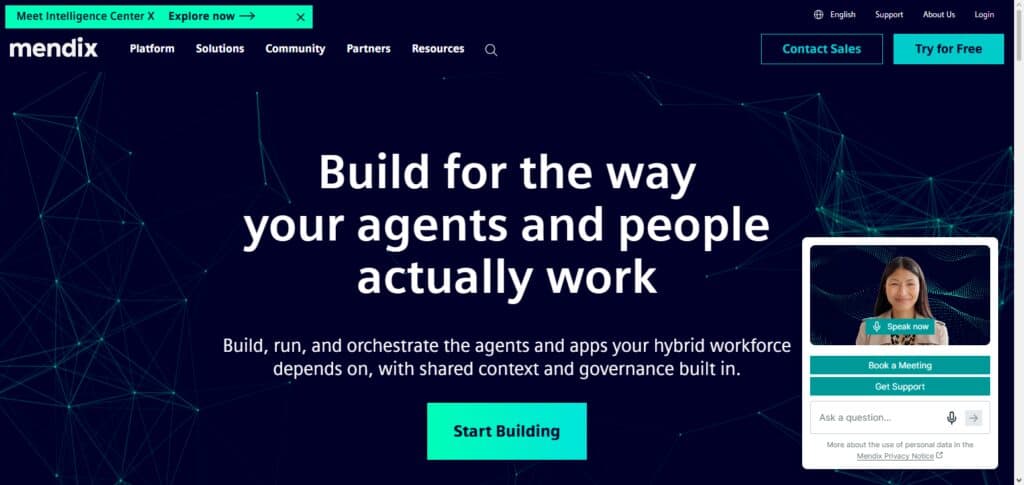
This is due to the collaboration and development features of Mendix. This article is intended to show that with Mendix, companies can have automation with controlled and visible workflows.
Pricing Model: Free Trial, Business, Enterprise (cloud and on-prem options)
Best For: Collaborative modelers and companies needing a mid-level automation solution with workflow traceability
Pros:
- Positive Reviews: Collaboration between IT and Business Teams – IT and business teams collaborate due to the presence of citizen developers and enterprise governance.
- Provide AI Assistance during Development – Offers intelligent development and automation suggestions.
- Cloud Options during Development – supports public, private or hybrid deployments.
- Enterprise Scalability – Designs complex business apps for digital transformation.
Cons:
- Expensive – More advanced enterprise capabilities cost more.
- Development Environment Learning Curve – Takes time for teams to learn.
- Complex Applications– Large projects still need developers.
- Focused more on Enterprises – Geared more towards enterprise customers.
4. Appian
Enterprises have challenges surrounding case management and compliance. Current market dynamics show a preference to have automation platforms that integrate RPA, AI, and process mining coalesce. Research indicates Appian is widely used in government, finance, and healthcare.
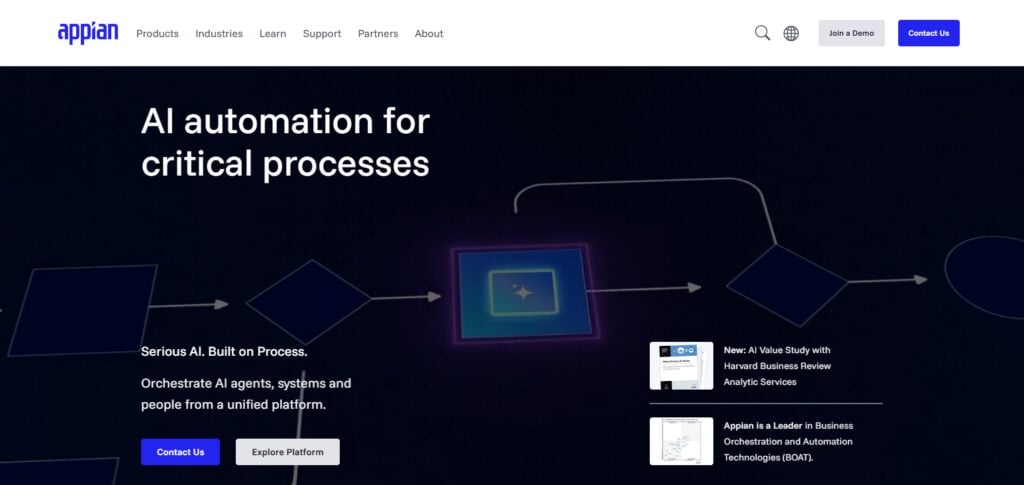
Their solution is a unified platform that incorporates case management, robotic process automation, and AI-driven workflows. The goal of this article is to explain how Appian reduces the complexity for enterprises by providing a single automation answer for the regulated markets.Pricing Model: Free Trial, Business, Enterprise (user-based pricing)
Pricing Model: Free Trial, Business, Enterprise (user-based pricing)
Best For: Unified automation solution for highly regulated industries such as finance, healthcare, and government
Pros:
- Strong Automation of Business Processes – Automates workflows for process improvement.
- Strong Case Management – Well suited for finance, healthcare, and governments.
- Low-Code Development– Significantly reduces time required for enterprise app development.
- Enterprise Security and Regulation – Provides adequate governance for compliance.
Cons:
- High Costs for Enterprise Licensing – More expensive compared to other low code options.
- Low Custom UI – Less able to meet customized user experience needs.
- Technical Automation Knowledge – Automation feature use requires understanding.
- Complex for Simple App Development – Designed for complex automated workflows.
5. ServiceNow App Engine
IT departments experience suboptimal efficiency in service workflows. Current market conditions emphasize the importance of low-code platforms that align with ITSM. Research indicates that ServiceNow powers digital workflows for the majority of the Fortune 500.
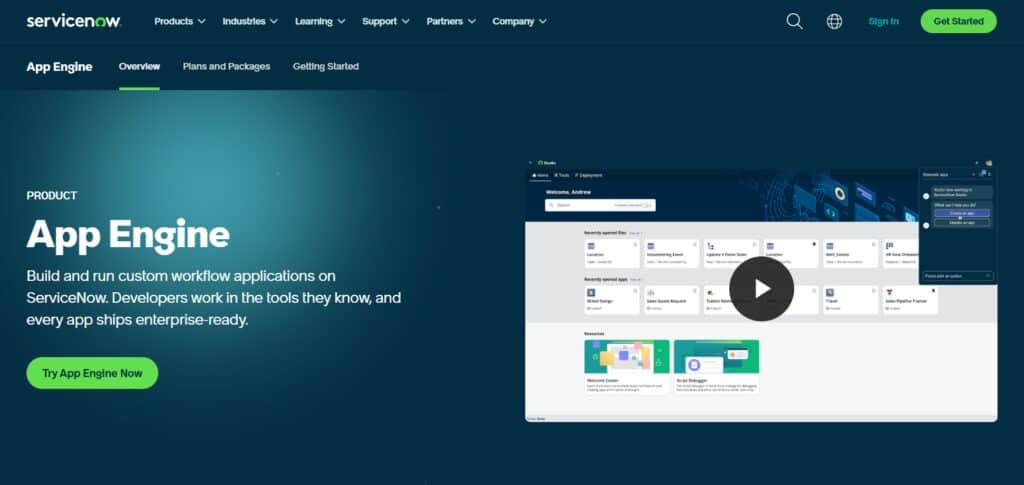
The solution is App Engine’s ITSM, along with integrated compliance and governance controls. The goal of this article is to explain how ServiceNow App Engine streamlines the automation of IT services to optimize manual processes while maintaining compliance for the enterprise.
Pricing Model: Free Trial, Business, Enterprise (workflow-based licensing)
Best For: Teams needing to automate enterprise service workflows within IT service management
Pros:
- Strong Automation of IT Workflows – Can be easily integrated in IT Service Management frameworks and enterprise workflows.
- Deep ServiceNow Platform Integration – Functions smoothly in existing ServiceNow environments.
- Enterprise Security Controls – Includes capabilities to manage governance, permissions, and compliance concerns.
- Scalable Business Applications – Can accommodate large enterprise workflow applications.
Cons:
- Pricing for Small Business Is High – Better suited for enterprise level budgets.
- Best Results Require ServiceNow Knowledge – Learning the tool can be difficult.
- Limited Outside the ServiceNow Ecosystem – Less flexible compared to independent platforms.
- Complex Functionality – Highly configurable applications may require specialists.
6. Salesforce Lightning Platform
Businesses centered around the customer in a CRM context show a lack of automation of customer workflows. Current market dynamics indicate a growing preference for declarative frameworks in the context of CRM systems. Research indicates that with a market share of more than 20%, Salesforce is the leading CRM system worldwide.
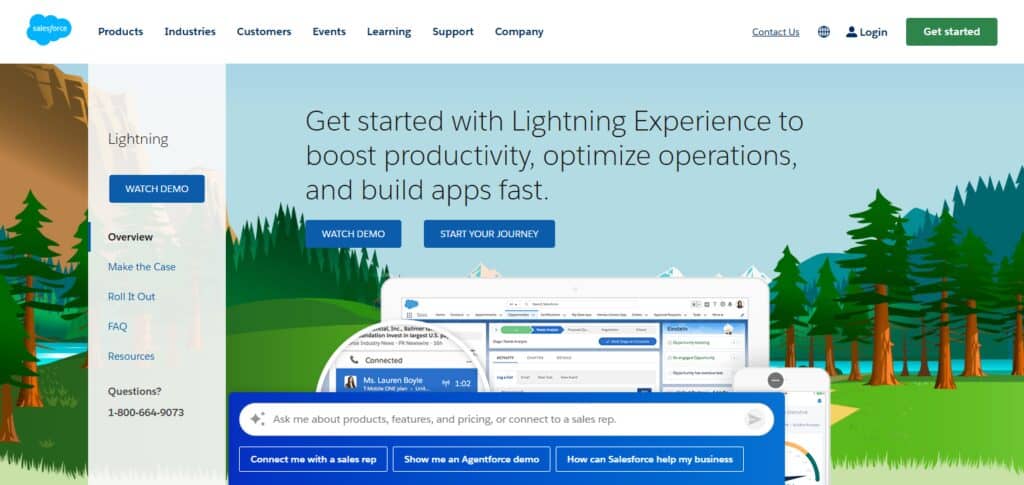
The solution is the Lightning Platform that provides drag-and-drop automation, reusable components, and connectivity to enterprise data. The goal of this article is to show how Salesforce Lightning helps its users automate customer engagement workflows from within the CRM system.
Pricing Model: Free Trial, Business, Enterprise (per user licensing)
Best For: Businesses with a focus on their CRM needing customer engagement automation
Pros:
- Powerful Platform for CRM Application Development – Best for organizations in the Salesforce ecosystem.
- Built-in Automation Tools – Built-in workflow automation using Salesforce Flow.
- Large Integrations Marketplace – Thousands of applications available in the Salesforce ecosystem.
- Enterprise Security Features – Offers rich user management and security concerns solutions.
Cons:
- High License Costs – Expensive to Add Enterprise Features
- Salesforce Dependency – Focuses on organizations in the Salesforce ecosystem.
- Complex Custom Development – Advanced business requirements need Salesforce Developers.
- High Data Storage Costs – Large Data Storage may incur additional costs
7. Zoho Creator
SMBs and enterprises encounter challenges related to cost and the need for automation. An analysis of market dynamics shows that more and more businesses are adopting inexpensive low-code automation solutions.
It was found that Zoho Creator has a flexible application building solution, with a user interface that uses a drag-and-drop feature to build, automate workflows, and has a scalable solution at a more affordable price, has users from over 180 countries.
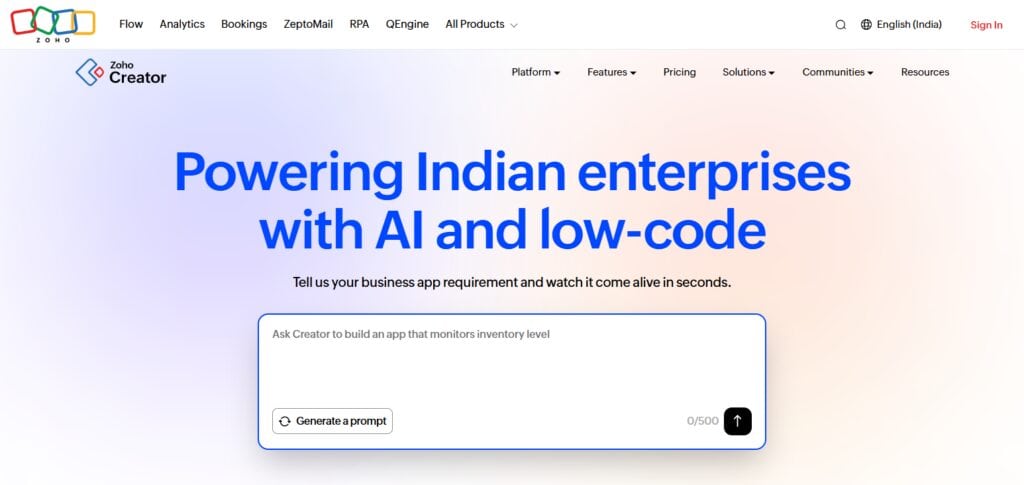
The goal of this article is to show how Zoho Creator has democratized automation by helping small businesses build applications with the same capabilities as large enterprises.
Pricing Model: Free Trial, Business, Enterprise (subscription tiers at low cost)
Best For: Small and mid-sized businesses, and enterprises wanting flexible, low-cost automation
Pros:
- Affordable and Low-Code Development Platform – For Small and Medium Enterprises.
- Easy Application Creation and Development – Drag-and-Drop Interface for creating applications.
- Powerful Business Automation Tools – Supports workflows, forms, and database applications.
Cons:
- Price for Small Businesses – More suited for enterprises.
- Focus In Salesforce Ecosystem – Ideal for organizations in Salesforce ecosystem.
- Create Advanced Tools – May require Advanced Custom Developers.
- Storage Costs – Data Storage may incur additional costs
- Strong Zoho Ecosystem Integration – Works well with Zoho CRM and other Zoho products.
8. Quick Base
Operational teams find it difficult to create workflow automation applications that need to be deployed rapidly. Current market dynamics indicate that automation is pushing for both rapid deployment and the ability to control the process.
Data from the experts shows that Quick Base has been adopted in the construction, manufacturing and supply chain industries.
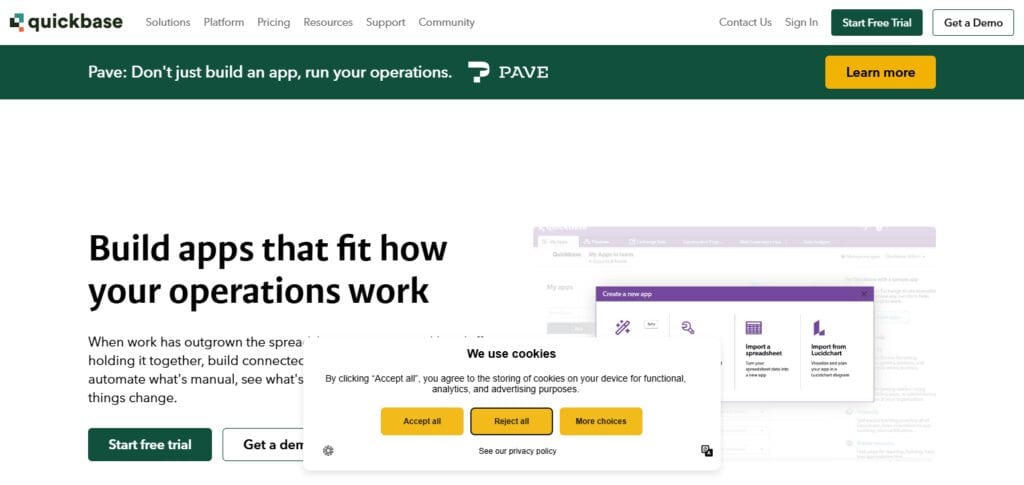
The solution is rapid application deployment, and the ability to control and audit the process. The goal of this article is to show how Quick Base helps operational teams automate the process in a controlled environment.
Pricing Model: Free Trial, Business, Enterprise (per user/app subscription)
Best For: Operational teams in construction, manufacturing and supply chain with a need for rapid deployment
Pros:
- Strong Workflow Management – Helps teams build automation for operational tasks
- Easy Data Application Creation – Business applications can be built without code.
- Excellent Collaboration Features – Capable of supporting application building in teams.
- Good Enterprise Data Management – Offers structured data handling.
Cons:
- Limited Advanced Development Features – Not suitable for highly complex applications.
- High Overall Cost – Plans for larger organizations can be expensive.
- Smaller Integration Ecosystem – Fewer integrations than larger competitors.
- Limited Custom UI Options – Design freedom can be constrained.
9. Pega Platform
Enterprises find it difficult to engage their customers, and the challenge of operating in a compliant manner has become even more difficult. Current market dynamics indicate that there is a need for automation that has the ability to make decisions using AI. It has been found that Pega has been adopted in the financial and insurance sectors for workflows that require compliance.
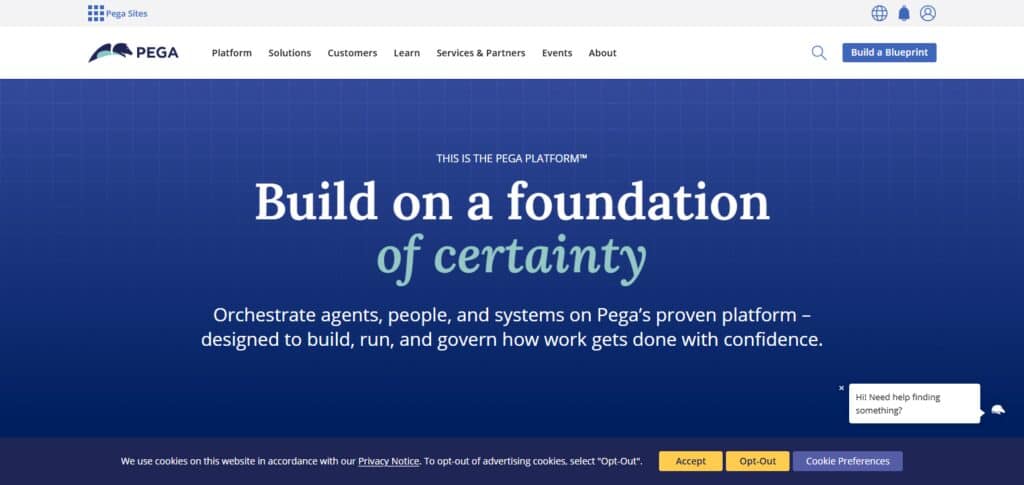
The solution is the ability to automate workflows and make decisions using AI compliance. The goal of this article is to show that Pega has the ability to automate customer engagement for enterprises while meeting the requirements of regulatory compliance.
Pricing Model: Free Trial, Business, Enterprise (custom enterprise licensing)
Best For: Financial Services firms and Insurance enterprises needing compliance and AI-driven, automated enterprise-level governance decisioning
Pros:
- Advanced Process Automation – Excellent capability for designing complex enterprise workflows.
- AI-Powered Decision Automation – Solid tools for making intelligent recommendations and automating decisions in businesses
- Strong Industry Solutions – Market offering for banking, insurance, and healthcare industries.
- Enterprise-Level Security – Includes tools for securing data.
Cons:
- High Implementation Cost – Significant Cost for deployment.
- Complex Learning Curve – Requires specialized skills.
- Overpowered for Simple Apps – Better suited for large enterprise deployments.
10. Retool
Building internal tools is time consuming. Developer-friendly, low-code platforms, which allow users to drag and drop features, are becoming widespread in response to customer demand. Data shows that Retool is more often used within APIs in startups and large businesses.
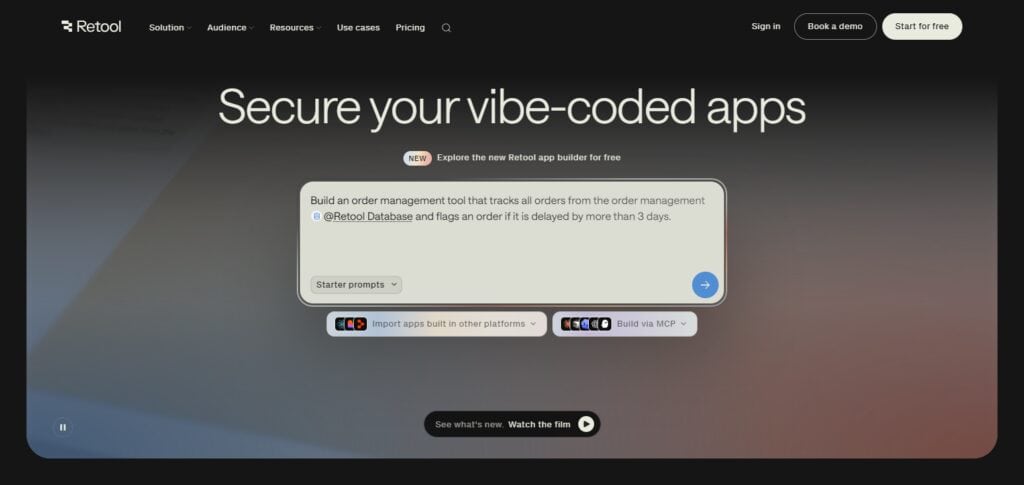
Its customization, integrations, and quick deployment of internal tools help solve the problem. This article will describe how Retool boosts developer speed and makes it easy to automate internal business processes.
Pricing Model: Free Trial, Business, Enterprise (developer-oriented subscription tiers)
Best For: Startups and enterprises needing customizable internal tools with API integrations
Pros
- Excellent Internal Tool Development – Specialized in building dashboards, admin panels, and business tools.
- Fast Development Speed – Developers can construct internal applications without delay.
- Strong Database & API Connectivity – Works with databases, APIs, and cloud services.
- Developer-Friendly Platform – Has a solid foundation and flexible framework for JavaScript development.
Cons:
- Less Suitable for Customer-Facing Applications – Primarily constructed for internal tools.
- Requires Some Technical Knowledge – More developer-centered than most citizen developer platforms.
- Limited Workflow Automation In Relation to BPM Tools – Not as powerful options like Appian and Pega for complex workflow automation processes.
- Pricing Increases With Users – Large teams may face higher subscription costs.
Security & Governance in Enterprise Low-Code Platforms
Role Based Access
Low-code platforms help set role-based permissions, giving only particular staff the capability of managing and updating workflows. Designated role-based permissions protect sensitive data and comply with each unit’s given practises and values.
Audit Trails
Compliance has a need component for transparency, and low-code platforms provide an answer to this component with logs of user actions. These logs detail the actions and enable enterprises to track any changes, thus meeting compliance demands and strengthening the governance framework.
Data Encryption
Enterprises have a lot of sensitive data that may need to be shared outside of the enterprise, and this may expose the enterprise to security breaches. Low-code platforms provide end-to-end data encryption, thus ensuring compliance with international frameworks such as the GDPR.
Compliance Certifications
Rising regulatory demands place immense pressure on enterprises, and top low-code platforms receive ISO, SOC, and GDPR certifications. The automation workflows that the top low-code platforms provide assurance to the enterprises of compliance to international governance standards.
Governance Dashboards
Top low-code platforms deliver dashboards that provide insight into the use of applications, security policies, and compliance metrics. These dashboards provide visibility into governance across the enterprise.
Automated Policy Enforcement
Risks may arise from unAutomated governance and compliance policy enforcement. Low-code platforms provide a framework for consistent policy enforcement and compliance across automated processes.
Third-Party Integrations
Integration of low-code platforms with third-party systems may pose a risk to enterprise governance. Low-code platforms provide security for APIs and third-party integration by enabling enterprise security and governance controls.
Conclusion
Enterprise low‑code app builders are essential in 2026 due to IT backlogs, cost increases, and higher automation demand. 75% of new enterprise applications are built with low‑code tools, and it is projected that the market will top $44 billion. Low‑code tools provide enterprise integrations at pace and speed, and also offer enterprise grade security and governance.
The goal is to provide both IT and business teams with the ability to rapidly construct scalable applications. Low-code development eliminates the need for high IT resource demand, and improves the overall efficiency of the organization to better prepare it for intelligent automation in the future.
FAQ
What are enterprise low‑code app builders?
They are platforms that allow organizations to build and automate applications using drag‑and‑drop tools, workflows, and integrations instead of extensive coding.
Why do enterprises need low‑code platforms in 2026?
They reduce IT backlogs, accelerate digital transformation, and enable faster innovation while ensuring compliance and enterprise‑grade security.
Which industries benefit most from low‑code?
Finance, healthcare, government, manufacturing, and retail — sectors needing automation, compliance, and rapid app deployment.
What are the key features of low‑code platforms?
Visual modeling, workflow automation, data integration, governance dashboards, and enterprise security.
How do low‑code platforms ensure security and governance?
Through role‑based access, audit trails, encryption, compliance certifications, and automated policy enforcement.