

Sites have begun using trackers to learn about your shopping habits, interests, and what you do online. Because of this maximization of online tracking, users are starting to care more about online privacy.
One option to reduce third party tracking is to use one of the Best Privacy-Focused Web Browsers That Block Financial Trackers, which can provide additional security and help keep your financial information from being compromised.
We’ll help you learn what the best privacy-based browsers are, their features, and how you can keep your personal financial information safe online.
What Are Financial Trackers?
Financial trackers are digital tools designed to keep a watch on how users conduct financial transactions on the internet. Websites, advertisers, analytics companies, and data brokers use these trackers to accumulate information through cookies, tracking pixels, fingerprinting techniques, and third-party scripts.

These tools can record visits to online banking platforms, stock trading platforms, cryptocurrency exchange platforms, and other financial services. There are many possible uses for the data collected, such as analytics, targeted advertising, and personal consumer profiling. Many browsers that are developed with user privacy as a purpose will, altogether, block financial trackers and other data tracking technologies.
Key Point
| Web Browser | Key Point |
|---|---|
| Brave Browser | Blocks third-party trackers, fingerprinting scripts, and intrusive ads by default while offering strong privacy protections without requiring extensions. |
| Mozilla Firefox | Provides Enhanced Tracking Protection (ETP), Total Cookie Protection, and extensive privacy customization to reduce financial and advertising trackers. |
| LibreWolf | A privacy-hardened version of Firefox that removes telemetry, enables strict tracking protection by default, and focuses on user privacy. |
| Tor Browser | Routes internet traffic through the Tor network, blocks fingerprinting, isolates website sessions, and maximizes anonymity for sensitive browsing. |
| Mullvad Browser | Developed with privacy-first settings to minimize browser fingerprinting, block trackers, and complement VPN or anonymous browsing setups. |
| DuckDuckGo Browser | Automatically blocks third-party trackers, upgrades websites to encrypted connections when available, and includes built-in privacy features. |
| Waterfox | A Firefox-based browser that removes telemetry, supports privacy-focused customization, and provides enhanced control over tracking protection. |
| Ungoogled Chromium | Removes Google integration, background services, telemetry, and tracking components while maintaining Chromium’s browsing experience. |
| Epic Privacy Browser | Blocks ads, trackers, fingerprinting attempts, and crypto-mining scripts by default while deleting browsing data after each session. |
| GNU IceCat | Based on Firefox with additional privacy enhancements, anti-fingerprinting features, and free software security tools that help prevent online tracking. |
1. Brave Browser
Brave Browser is a privacy-focused browser that automatically blocks third-party ads and trackers. It also blocks fingerprinting and malicious domains. Brave forces secure HTTPS connections and removes the need for additional extensions when browsing online banking.
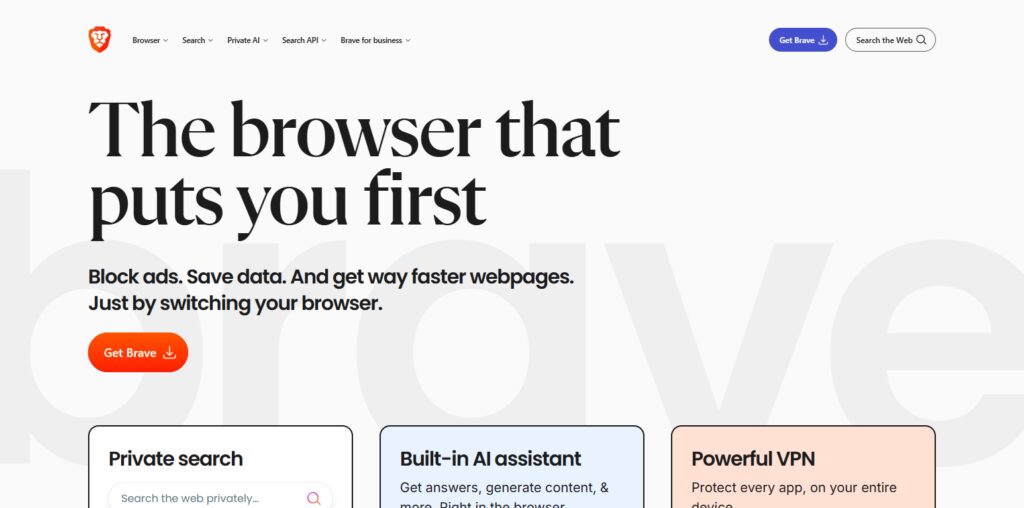
Of the Best Privacy-Focused Web Browsers That Block Financial Trackers, Brave stands out for its Shields feature. Shields makes online advertising and data collecting tracking behavior tools ineffective. Brave is privacy- and security-focused, so it performs well and has easy, customizable, private browsing. Because of its use of the Chromium platform, Brave can also use the thousands of browser extensions available for Chromium.
Browser Overview
- Developer: Brave Software
- Browser Engine: Chromium
- License: Open Source
- Supported Platforms: Windows, macOS, Linux, Android, iOS
- Best For: Fast browsing with built in privacy and tracker blocking.
Pros
- Ads, trackers, and even fingerprinting are blocked by default.
- Fast performance due to Chromium compatibility.
- All extensions from the Chrome Web Store work.
- Private Window with Tor.
Cons
- Some may not be interested in Brave Rewards and the features related to crypto.
- Some sites do not work without adjusting Shields.
- Features to sync between devices are not as advanced as Chrome.
2. Mozilla Firefox
Mozilla Firefox is also a highly customizable, privacy-focused browser. Firefox includes Enhanced Tracking Protection (ETP) and Total Cookie Protection. Firefox also blocks many trackers. Privacy protections offered by Firefox also help with banking services.
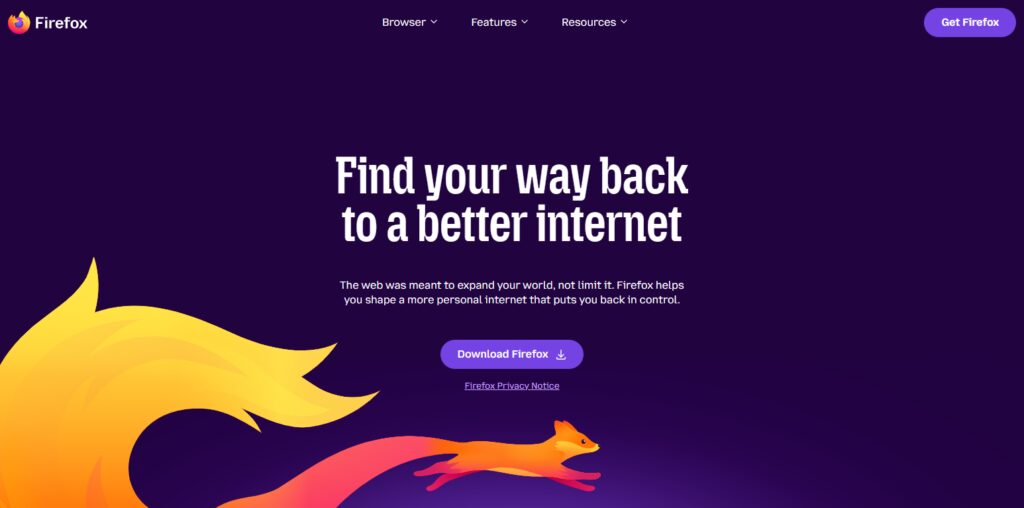
Firefox is one of the Best Privacy-Focused Web Browsers That Block Financial Trackers. Firefox gives users control of cookies, privacy settings, blocking permissions, and more. Firefox is open-source and has many extensions. Frequent updates and the commitment of Mozilla to transparent operations make Firefox a safe option for privacy-focused online banking.
Browser Overview
- Developer: Mozilla Foundation
- Browser Engine: Gecko
- License: Open Source
- Supported Platforms: Windows, macOS, Linux, Android, iOS
- Best For: Users who want privacy and security customization.
Pros
- Tracking Protection blocks most online trackers.
- Large extension library.
- Privacy settings are highly customizable.
- Firefox is updated often by Mozilla for security.
Cons
- Higher RAM usage than other browsers.
- Some websites run better on other browsers that are optimized for Chromium.
- Firefox privacy settings are highly customizable, and some may prefer protection without the customization.
3. LibreWolf
LibreWolf is a more privatized browser based on Firefox, and it keeps all of the same functionality. LibreWolf removes telemetry and data collection features from Firefox, and also includes enhanced privacy tracking.
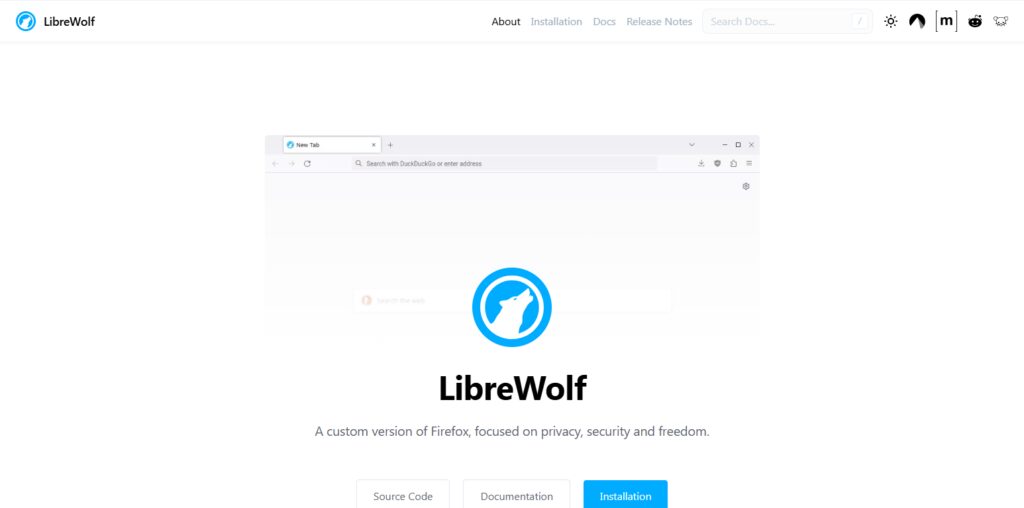
Among the Best Privacy-Focused Web Browsers That Block Financial Trackers, LibreWolf is focused on limiting browser fingerprinting. LibreWolf also blocks unwanted connections, adding layers of anonymity. Unlike many that add privacy protections on top of their cloud services or sync features, LibreWolf is a great option for users that need protection for online banking and investment services.
Browser Overview
- Developer: LibreWolf Community
- Browser Engine: Gecko (Fork of Firefox)
- License: Open Source
- Supported Platforms: Windows, macOS, Linux
- Best For: Privacy lovers having a Firefox sans telemetry.
Pros
- The Mozilla telemetry is completely removed.
- Privacy settings are more strict and sans telemetry.
- Fingerprinting is more difficult.
- Supports Firefox extensions.
Cons
- No synchronization options.
- Community support is limited.
- Some websites will need adjustments.
4. Tor Browser
Tor Browser routes your traffic through the Tor network, making it the best option for anonymity. Tor Browser blocks a number of online surveillances, and fingerprinting, and also separates site browsing sessions.
Among the Best Privacy-Focused Web Browsers That Block Financial Trackers, Tor Browser is the most protective option. It effectively stops tracking techniques and hides your IP address. Because of the way it encrypts your data, browsing may be slow, but is the best option for talking about your finances or for accessing sensitive accounts.
Overview
- Developer: Tor Project
- Browser Engine: Gecko (Firefox ESR)
- License: Open Source
- Supported Platforms: Windows, macOS, Linux, Android
- Best For: Anonymity and identity protection
Pros
- Hides IP address through the Tor network.
- Great anti-fingerprinting.
- Automatically isolates website sessions.
- Completely free and open source.
Cons
- Slow browsing.
- Some websites block Tor traffic.
- Not for streaming or large downloads.
5. Mullvad Browser
Mullvad Browser is primarily dedicated to privacy. Mullvad Browser uses anti-fingerprinting to limit user identification and tracking while also reducing background communication.
Mullvad Browser is one of the Best Privacy-Focused Web Browsers That Block Financial Trackers. It also works great with VPNs; Mullvad Browser has a strong focus on anonymous browsing, secure defaults, and easy to use.
Overview
- Developer: Mullvad VPN & Tor Project
- Browser Engine: Gecko
- License: Open Source
- Supported Platforms: Windows, macOS, Linux
- Best For: Anti-fingerprinting without the use of Tor.
Pros
- Excellent support for fingerprinting.
- No user profiling.
- Private defaults.
- Lightweight.
Cons
- No synchronization.
- Less customization compared to Firefox.
- Limited community compared to popular browsers.
6. DuckDuckGo Browser
DuckDuckGo Browser makes privacy simple. There’s no need to make any complex adjustments to the settings thanks to features such as built-in tracker blocking, automatic HTTPS upgrades, cookie protection, and privacy-oriented browsing. DuckDuckGo Browser even helps users avoid the prying eyes of third-party scripts that try to track users across websites.
DuckDuckGo Browser is an intuitive privacy browser listed as one of the Best Privacy-Focused Web Browsers That Block Financial Trackers. It helps secure users’ financial web browsing and privacy by decreasing the amount of research targeting advertising. It accomplishes all of this while being extremely fast across both desktop and mobile.
Browser Overview
- Developer: DuckDuckGo
- Browser Engine: WebView (Mobile) / Blink (Desktop)
- License: Proprietary
- Supported Platforms: Windows, macOS, Android, iOS
- Best For: Simple privacy protection for everyday users.
Pros
- Blocks third-party trackers automatically.
- Upgrades websites to HTTPS.
- Simple and beginner-friendly interface.
- Lightweight and fast.
Cons
- Limited extension support.
- Fewer advanced settings.
- Desktop version is relatively new.
7. Waterfox
Waterfox is an independent browser based on Firefox that has removed telemetry, and focuses on performance, privacy, and user control. Waterfox can Block Financial Trackers, be customized to allow privacy settings, and remain compatible with the extensions users want.
Waterfox is listed as one of the Best Privacy-Focused Web Browsers That Block Financial Trackers. It prevents third-party tracking and avoids unnecessary telemetry. It even allows users to stretch cookie and tracking protection settings while still being compatible with all the financial sites, productivity apps, and browser extensions they may need.
Browser Overview
- Developer: Waterfox Limited
- Browser Engine: Gecko
- License: Open Source
- Supported Platforms: Windows, macOS, Linux
- Best For: Users wanting Firefox compatibility without telemetry.
Pros
- Removes telemetry.
- Supports modern Firefox extensions.
- Fast browsing
- Many customization options
Cons
- Less people to report bugs or work on issues
- Slower to receive updates
- Less official help available
8. Ungoogled Chromium
Ungoogled Chromium is a Chromium-based browser that allows users to still benefit from fast browsing, but has all of the data collection features and tracking features blocked. Ungoogled Chromium makes financial web browsing safer by allowing users to browse without the Google tracking features.

Ungoogled Chromium is one of the Best Privacy-Focused Web Browsers That Block Financial Trackers. It is an easy to use privacy browser for users that want an untracked browsing experience while having the familiarity of the Google features of Chromium.
Browser Overview
- Developer: Ungoogled Chromium Community
- Browser Engine: Chromium
- License: Open Source
- Supported Platforms: Windows, macOS, Linux
- Best For: People who use Chromium and want to avoid Google Services.
Pros
- No Google tracking
- Fast Chromium performance
- Lightweight
- Good privacy
Cons
- No Google account sync
- Need to install extensions on your own
- Not beginner friendly
9. Epic Privacy Browser
Epic Privacy Browser automatically blocks ads, web trackers, fingerprinting, and crypto miners, among other tools used for online surveillance. Browsing history, cookies, trackers, and other temporary files are deleted after every browsing session.
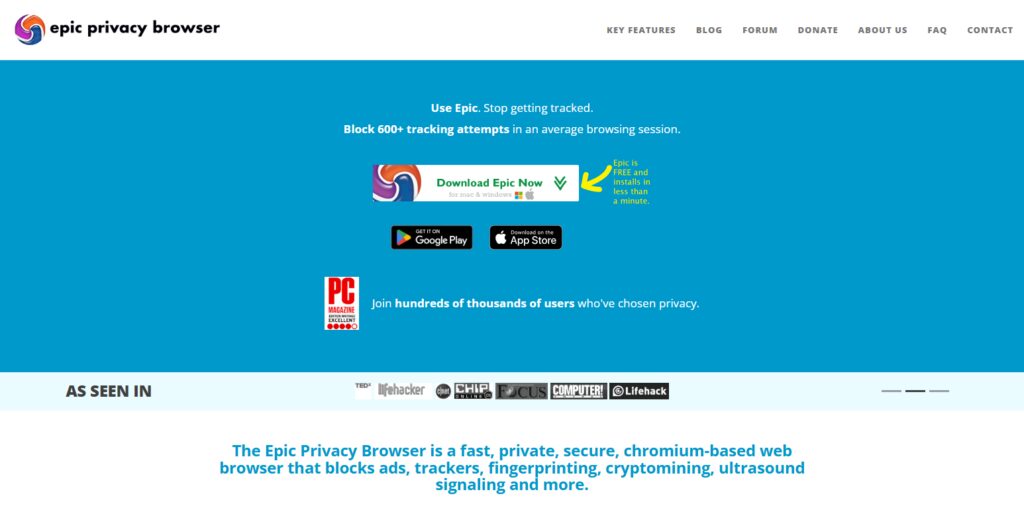
One of the Best Privacy-Focused Web Browsers That Block Financial Trackers, Epic Privacy Browser aims at stopping behavioral profiling and online tracking. Privacy-focused, and easy to use, it helps users keep safe when conducting online financial activities and research.
Browser Overview
- Developer: Hidden Reflex
- Browser Engine: Chromium
- License: Proprietary
- Supported Platforms: Windows, macOS
- Best For: Privacy Focused Browsing no configuration needed.
Pros
- Ad and tracker blocking built in
- Clears history after every session
- Fingerprint protection
- Good usability
Cons
- Limited extensions
- Small community
- Limited customization
10. GNU IceCat
Born of Firefox, GNU IceCat is free software, and like Firefox, comes with more built-in privacy and security features. Anti-fingerprinting? Check. Tracking protective? You bet. And along with no compromising proprietary features, IceCat FW offers rights-respecting features.

Of the Best Privacy-Focused Web Browsers That Block Financial Trackers, for tech savvy users, GNU IceCat provides solid privacy features. When seeking control of personal and financial browsing information, the open-source framework and security enhancements make it a good choice.
Browser Overview
- Developer: GNU Project
- Browser Engine: Gecko (Firefox Fork)
- License: Free and Open Source Software (FOSS)
- Supported Platforms: GNU/Linux and other supported desktop systems
- Best For: Privacy Focused users.
Pros
- Fully Free and Open Source
- Anti-Fingerprinting included
- No Proprietary Components
- Good privacy
Cons
- Not beginner friendly
- Small community
- Releases may be delayed from the main Firefox release.
Why Blocking Financial Trackers Matters
Safeguards Personal Financial Data – Blocks trackers from monitoring your finances, banking, investing, and online payments.
Less Surrounded by Financial Ads – Blocks trackers and ads that offer loans, credit cards, insurance, investing, etc. based on your online activity.
Breaks Cross-Site Tracking – Blocks trackers that watch your financial interests across multiple sites.
Better Online Privacy – Data brokers can’t see your online interests.
Limits Fingerprinting – Reduces unique tracking and the long-term surveillance of your device.
Increased Safety from Financial Site Attacks – Blocks trackers and reduces unsafe scripts that could attack your financial accounts.
Greater Control of Personal Data – Privacy-based web browsers give users control over cookies, permissions, and tracking, and help manage financial data.
Key Features to Look for in a Privacy-Focused Browser
Automatic Tracker Blockers – Look for browsers that block trackers, script ads, and data collection tools on their own with no need for add-ons.
Fingerprinting Protection – Find a browsing tool that provides some protection against fingerprinting or minimizes unique fingerprint collection on data gathered by websites.
Third Party Cookie Controls – A privacy browser should block or contain third party cookies to mitigate cross-site tracking and profiling.
Support for HTTPS and Secure Connections – The browser should automatically make secure requests (as HTTPS) to websites to make browsing safer.
Low or No Data Collection – The browser of choice should have little to no data collection and (if any) very low data collection with a commitment to user privacy.
Frequent Security Updates – Browsers should be frequently updated to secure the newly identified vulnerabilities and maintain a safe browsing experience.
Open Source with Privacy Controls – Open sourced browsers with flexible privacy control settings are the most secure since users can assess if the secure features are truly implemented.
Tips to Maximize Online Financial Privacy While Browsing
Use a Privacy-Focused Browser – Find a browser that has tracker blocking, anti-fingerprinting, and other monitoring features as a preference so you can reduce online monitoring.
Enable Strict Tracking Protection – Use the highest available monitoring protection to block third-party cookies, advertising trackers, and cross-site tracking scripts.
Install Browser Updates – Updating your browser will help protect your data by patching up the security holes that have been discovered since the last update.
Only Use Secure Connections – Use secure HTTPS connections when accessing banking, investing, or payment sites in order to help protect your financial data and ensure it is sent securely.
Avoid Browser Add-ons – Add-ons are a great way to help your browser navigate better, but they can become a security risk and also be a way to help them collect your data. Avoid using browser add-ons.
Clear Your Data Often – Regularly cleaning your browser history along with cached and stored files helps reduce persistent data collection and tracking.
Using a VPN Helps on Public Wi-Fi – Using a VPN encrypts your internet data enabling you to use public Wi-Fi freely. It is a good idea to use a VPN whenever you are accessing your Financial accounts.
Conclusion
Financial safety while browsing is still possible, and selecting a privacy-respecting browser is a great start. Brave, Mozilla Firefox, LibreWolf, Tor Browser, Mullvad Browser, DuckDuckGo Browser, Waterfox, Ungoogled Chromium, Epic Privacy Browser, and GNU IceCat are all good examples of privacy-expanding browsers, and they each have their strengths and weaknesses.
Each browser offers different balances of blocking trackers, antifingerprinting, and blocking fingerprinting protection. Based on your unique preferences and browsing habits, speed, anonymity, customization, and privacy can all play a role in selecting the best browser.
Secure browsers built around good online safety habits and a strict tracker protection settings, software on the device up to date, and using a secure connection can keep your online financial privacy safe.
FAQ
What is a privacy-focused web browser?
A privacy-focused web browser is designed to minimize online tracking by blocking third-party trackers, reducing browser fingerprinting, limiting cookie-based profiling, and offering stronger privacy controls than standard browsers.
Can privacy browsers completely block financial trackers?
No. While privacy-focused browsers can block many advertising trackers, third-party cookies, and fingerprinting techniques, they cannot eliminate every form of tracking. Websites you log into can still collect information according to their privacy policies.
Which browser offers the strongest anonymity?
Tor Browser provides the highest level of anonymity by routing internet traffic through the Tor network, hiding your IP address, and making browser fingerprinting much more difficult.
Is Brave better than Firefox for privacy?
Both browsers provide strong privacy protections. Brave includes built-in ad and tracker blocking by default, while Firefox offers extensive privacy customization and open-source transparency. The better choice depends on your browsing preferences and privacy needs.
Are privacy-focused browsers safe for online banking?
Yes. Reputable privacy-focused browsers such as Brave, Firefox, LibreWolf, and Mullvad Browser are generally safe for online banking when kept up to date and used over secure HTTPS connections.