In 2026, AI technology has changed the digital product development landscape. Everyone is able to build applications, websites, and digital businesses without any coding skills. With the automation economy, entrepreneurs and startups have the means to rapidly launch businesses and quickly scale.
The Best No Code AI Tools for Building Apps Websites and Online Businesses. Websites and online commerce are transforming the tech world for good, as they offer the powerful combination of simplicity, velocity, and AI intelligence. Innovation has never become this easy.
What Are No-Code AI Tools?
AI tools requiring zero programming are software platforms enabling business users to develop applications, websites, and automated business systems without coding. High-tech tools allow users to employ visual methods such as drag-and-drop builders, ready-made templates, and artificial intelligence geared to alleviate the burden of application development.
One of the selling points is the ability to develop sophisticated logic by simply constructing workflows and design elements by visual methods.

As of 2026, it is increasingly possible to find no-code artificial intelligence software accessibility in your workplace due to the speed, cost efficiency, and ease with which these programs allow you to develop complicated digital business solutions without the need for programming.
Key Point
| Tool | Key Features |
|---|---|
| Bubble | Drag-and-drop builder, workflows, database |
| Webflow | Visual design, CMS, animations, SEO tools |
| FlutterFlow | AI-assisted UI, Firebase integration |
| Glide | Turns spreadsheets into apps |
| Adalo | Drag-drop UI, app publishing |
| Softr | Airtable integration, templates |
| Zapier | AI workflows, app integrations |
| Make | Visual workflow builder, API support |
| Airtable | Spreadsheet + database hybrid, AI fields |
| Framer | AI site generation, design tools |
1. Bubble
Bubble provides users the capability to construct web apps within a no-code environment. Bubble has a powerful visual builder that allows users to create apps by placing user interfaces, designing workflows, and creating database schemas. Bubble is the go-to when creating SaaS, Marketplace, and MVP apps.
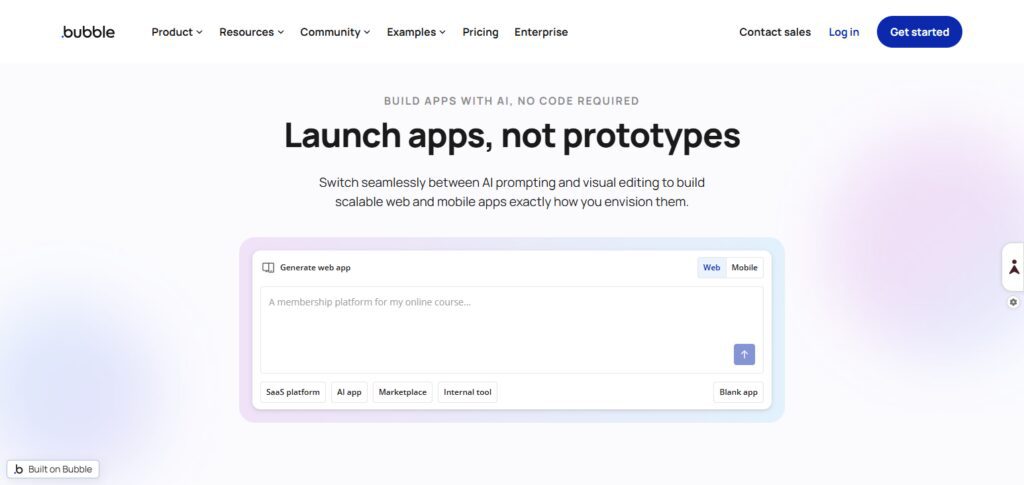
Bubble is a great no-code platform that allows users advanced control of app logic, the ability to integrate API, and a highly configurable app backend. Because gaining app development resources may be hard for a startup, Bubble is the perfect no-code solution to launch new products using your ideas to drive innovations.
In the ecosystem of ** Best No Code AI Tools for Building Apps Websites and Online Businesses – Bubble Webflow FlutterFlow Glide Adalo Softr Zapier Make Airtable Framer**, Bubble stands out for its depth and scalability.
Why it is better than others
- Creates SaaS applications with zero coding
- Advanced logic-related features
- Backed by a robust scalable backend system
- Enhanced backend without the use of additional tools
- Made for supporting advanced backend
Best Features
- Workflow editor
- Built-in database
- APIs
- Web app editor with responsiveness
2. Webflow
Webflow is a powerful no-code website builder that merges advanced design capabilities with a powerful CMS. Webflow gives users the freedom to control the design and functionality of the website with advanced control of layout, animations, and deep control of SEO.
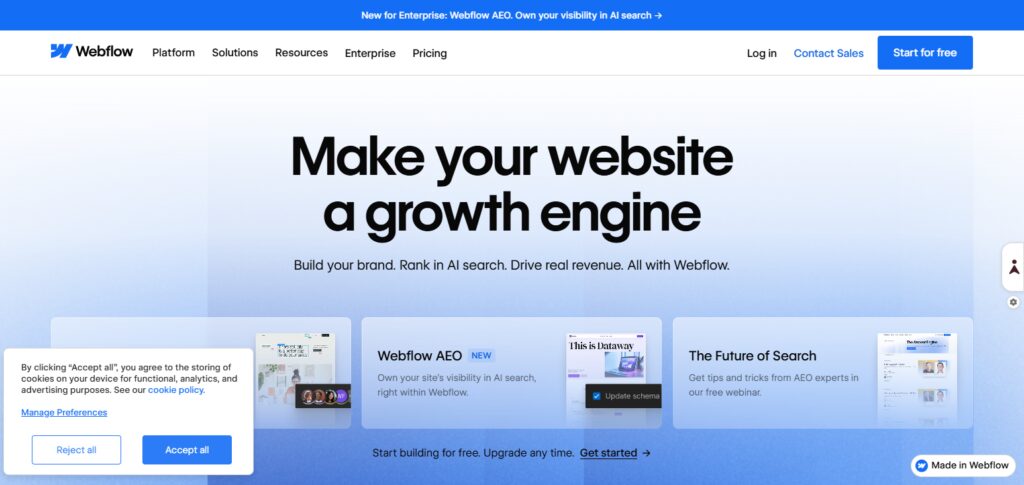
Webflow is a leader in the market where designers, agencies, and businesses use no-code solutions to build quality responsive designs. Webflow is a great to-go solution, because it has a built-in CMS and Hosting.
As part of ** Best No Code AI Tools for Building Apps Websites and Online Businesses – Bubble Webflow FlutterFlow Glide Adalo Softr Zapier Make Airtable Framer**, Webflow is ideal for design-focused businesses.
Why it is better than others
- Unmatched control over website design
- Minimal code for your site
- Good control over site ranking
- Based on your designs
- No learning for animations
Best Features
- Web design
- Content management
- Included website service
- Site ranking control
3. FlutterFlow
FlutterFlow is a visual, no-code mobile app builder that utilizes Google’s Flutter framework. Apps for both Android and iOS can be created with a simple drag-and-drop interface.
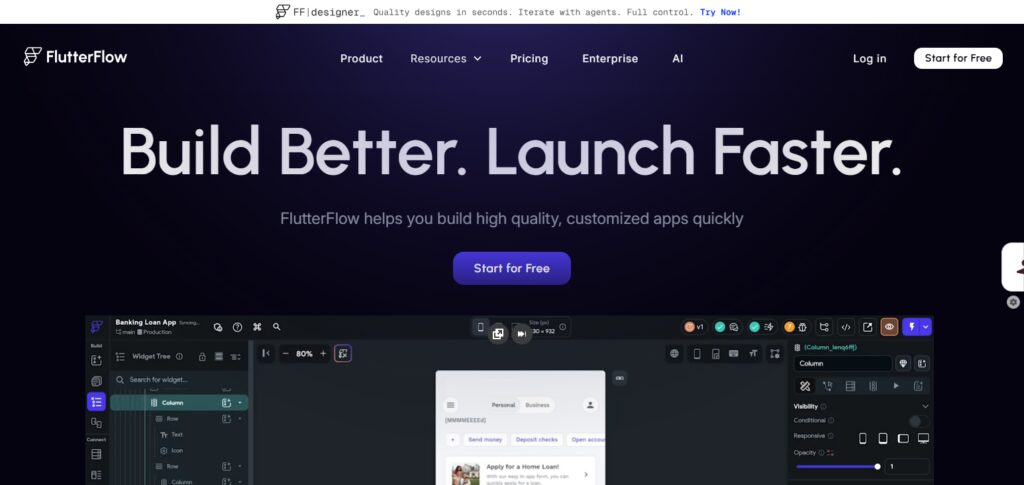
FlutterFlow works with Firebase and APIs, plus custom logic, to help turn your app idea into a real, production-level mobile app. This offer is perfect for an early stage startup that is looking to build and launch a scalable mobile solution.
In Best No Code AI Tools for Building Apps Websites and Online Businesses – Bubble Webflow FlutterFlow Glide Adalo Softr Zapier Make Airtable Framer, FlutterFlow is best suited for mobile-first product development.
Why it is better than others
- Native mobile app design
- Built using Google Flutter
- High control over backend
- Quick mobile with potential features
- Finished features as interfaces
Best Features
- UI in a snap
- Backend for Google Firebase
- APIs on the backend
- Apps in the blink of an eye
4. Glide
Glide is a no-code app builder that allows users to create mobile and web apps from spreadsheets. Its focus on simplicity allows users (regardless of their skill level) to create apps in a matter of minutes.
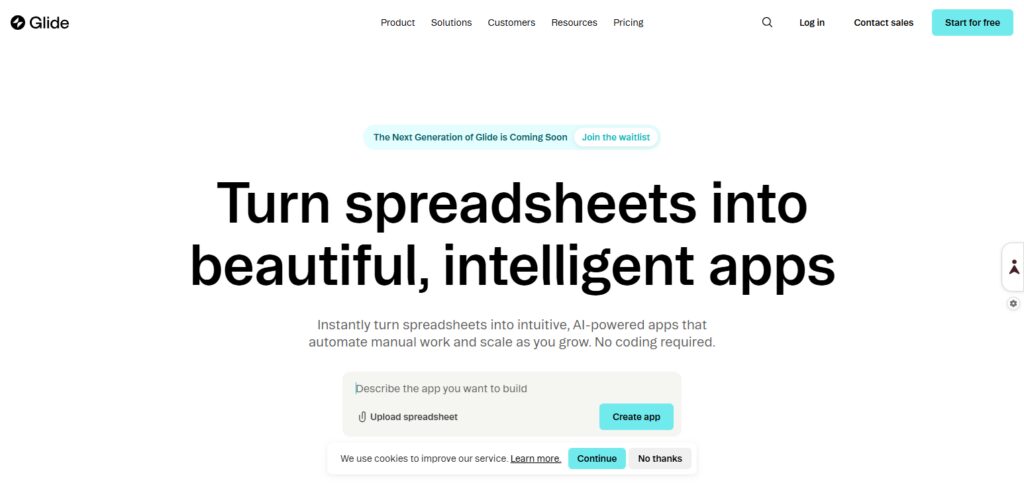
This tool is best suited for intranets, directories, item inventories and light business apps. It connects directly with Google Sheets, among other data sources, to provide a real-time app experience.
From Best No Code AI Tools for Building Apps Websites and Online Businesses – Bubble Webflow FlutterFlow Glide Adalo Softr Zapier Make Airtable Framer, Glide is best suited for the rapid development of data-centric applications.
Why it is better than others
- Instant conversion of a sheet into an app
- Ultra-simple app building
- Needed for design only
- Fast app for proof of concept
- Apps for business needs
Best Features
- Sheets from Google
- Drawing boards
- UI with a snap
5. Adalo
Adalo is a drag and drop app builder that lets users create and publish apps from scratch with no coding required. It’s a great tool to create simple screens for a seamless user experience.
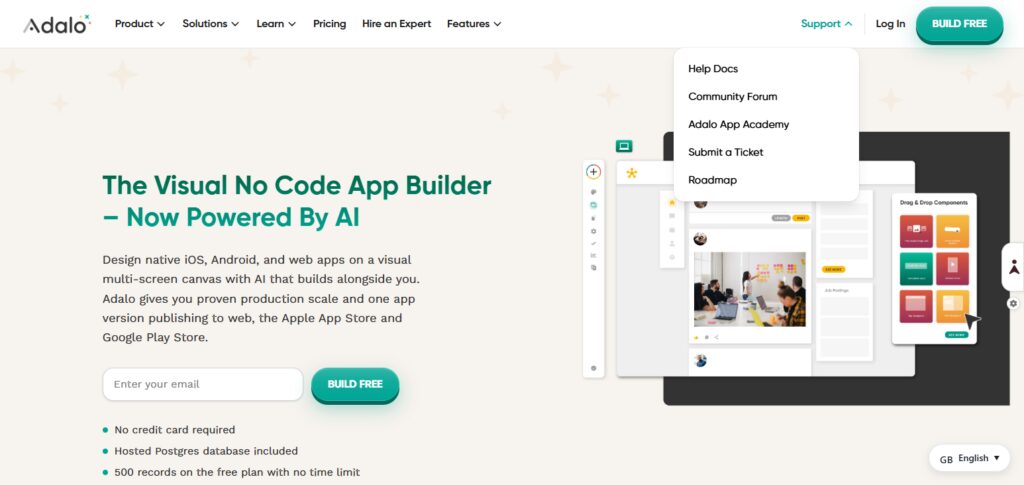
Adalo even allows users to publish their apps to the app stores straight from the platform, making it a great MVP and customer app-building site for early-stage startups.
As described in Best No Code AI Tools for Building Apps Websites and Online Businesses – Bubble Webflow FlutterFlow Glide Adalo Softr Zapier Make Airtable Framer, Adalo is a mobile app building service that is simple to use for beginners.
Why it is better than others
- Publish mobile apps
- UI controls
- Publish on app stores
- Design your first app
- Enhanced MVP development
Best Features
- Drag-n-drop
- Database
- Publish apps
- Authentication
6. Softr
Softr is a no-code service that transforms Airtable spreadsheets into useful web apps. It’s a widely-used tool to create client portals, directories, and membership sites.
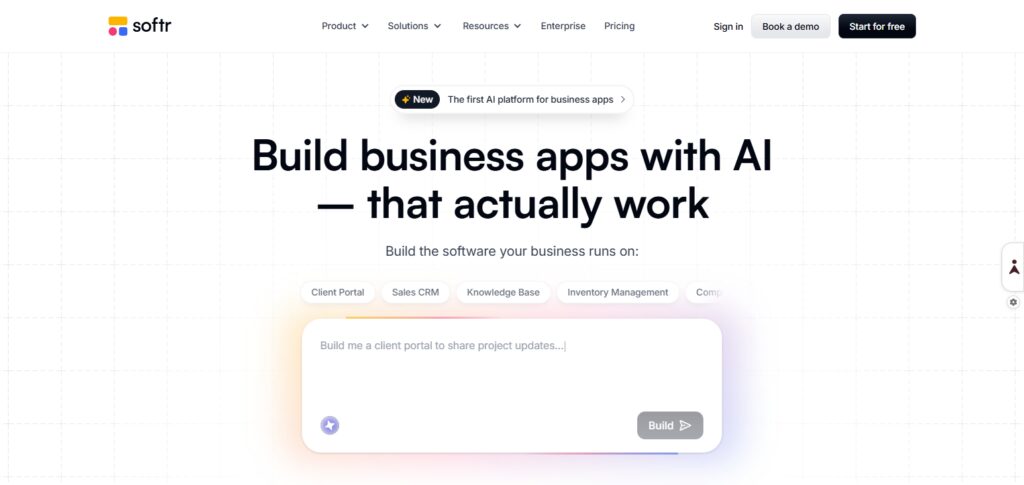
Softr simplifies the app-creation process with invitation systems and drag-and-drop design features, and even non-technical users can easily and quickly create fully functioning apps.
In Best No Code AI Tools for Building Apps Websites and Online Businesses – Bubble Webflow FlutterFlow Glide Adalo Softr Zapier Make Airtable Framer, Softr is an excellent tool for building Airtable-centric web apps.
Why it is better than others
- Use Airtable to build full applications
- Rapid development of web applications
- Zero development is needed
- Client portals can be built with ease
- Robust membership system
Best Features
- Airtable as database
- Membership and login systems
- prebuilt flexible designs
- User interface that is editable by moving blocks
7. Zapier
With Zapier, a no-code tool, users can create leveraged automation across a myriad of services via an extremely simple interface. It allows users to configure automated workflows, called Zaps, between different services.
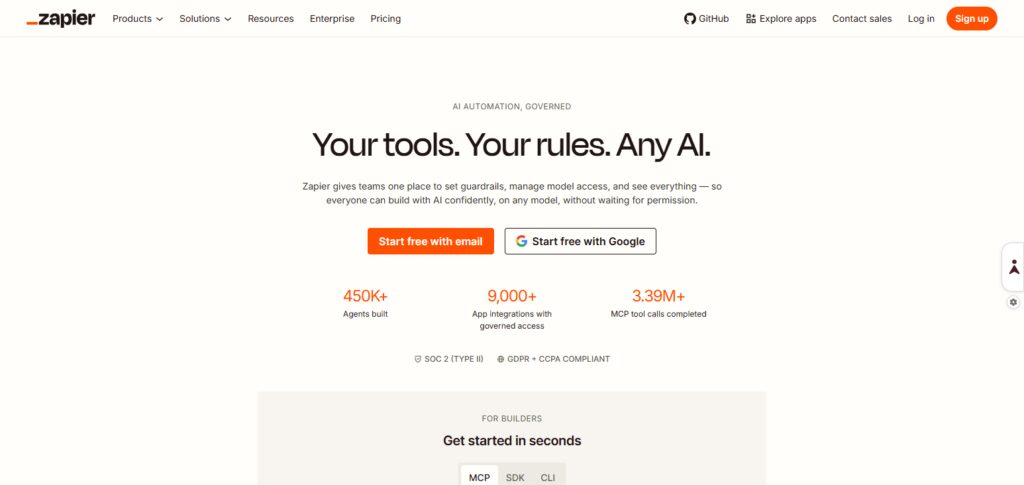
It is widely popular for the automation of marketing, sales, and other business operational tasks, and swiftly eliminates time-consuming tasks.
Among the listing in Best No Code AI Tools for Building Apps Websites and Online Businesses – Bubble Webflow FlutterFlow Glide Adalo Softr Zapier Make Airtable Framer, Zapier is the main tool for the automation of various workflows.
Why it is better than others
- Connects over six thousand applications
- Automates numerous workflows
- Does not need any development for setup
- Saves time for numerous operational activities
- Compatible with many SaaS applications
Best Features
- Defined workflows (Zaps)
- Capability to define multiple subsequent automated steps
- List of supported applications
- Automation of workflows using AI
8. Make
Compared to other automation tools, Make offers advanced logic and customization. It is a great tool to build complex workflows for the connecting of apps and APIs.
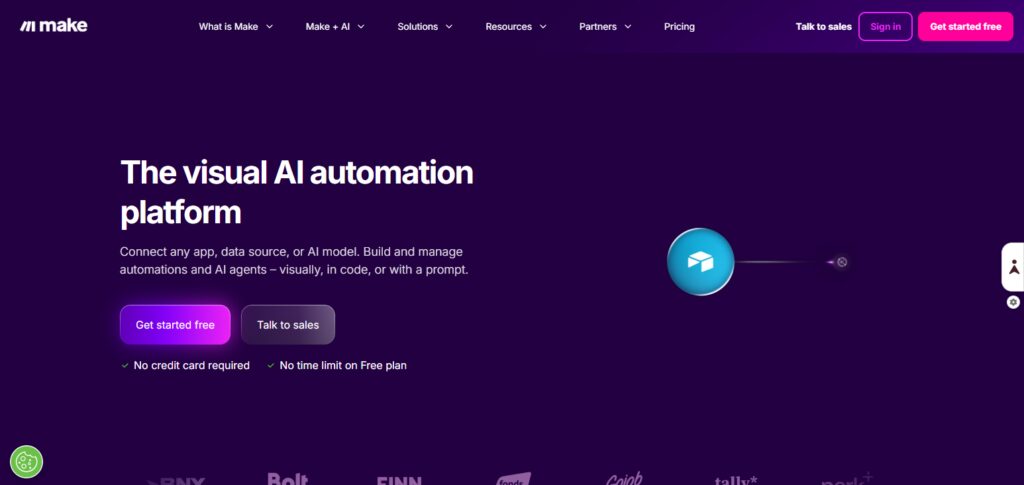
Make is widely adopted to design advanced business automation with numerous steps, along with API integration among various tools. It is great for no-code users who have a technical background.
Among Best No Code AI Tools for Building Apps Websites and Online Businesses – Bubble Webflow, FlutterFlow Glide Adalo Softr Zapier Make Airtable Framer, Make is great for complex automation tasks.
Why it is better than others
- Uses automation that is more than basic
- Uses a workflow builder that is visual
- Ability to define complex workflows
- Automation of scaling business operations inexpensively
- Flexibility through customization of API
Best Features
- Builder that allows designing workflows by moving blocks
- Connects applications through API
- Executes with zero delay
- Ability to do complex automation of workflows
9. Airtable
Airtable is a database that brings structure to data and is presented in a sheet format, helping users to create better databases with rich fields, various views, and automation.
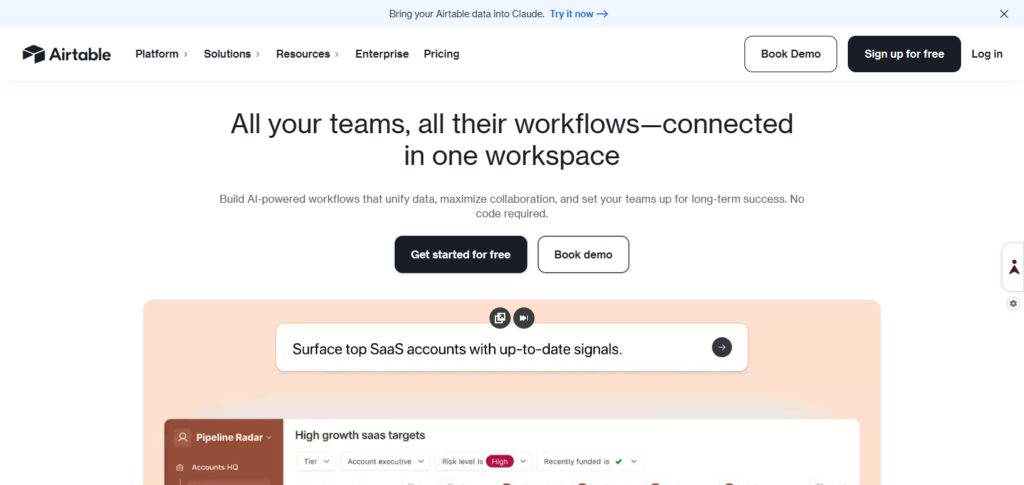
It’s great for CRM systems, project management, content planning, and tracking various business metrics, and works in conjunction with various no-code app-building tools.
Within Best No Code AI Tools for Building Apps Websites and Online Businesses – Bubble Webflow FlutterFlow Glide Adalo Softr Zapier Make Airtable Framer, Airtable is a strong backend database.
Why it is better than others
- Merges the functions of a spreadsheet and a database
- Structured apps built with ease
- Excellent real-time collaboration
- Serves as no-code app’s backend
- Data modeling flexibility
Best Features
- Custom tables
- Multiple view formats (Grid, Kanban, Calendar)
- Automation with triggers
- Apps integration
10. Framer
Framer is a no-code website builder that leverages AI to help users design and publish sites in a speedy and modern way. Framer focuses on being speedy, flexible, and easy to create with AI.
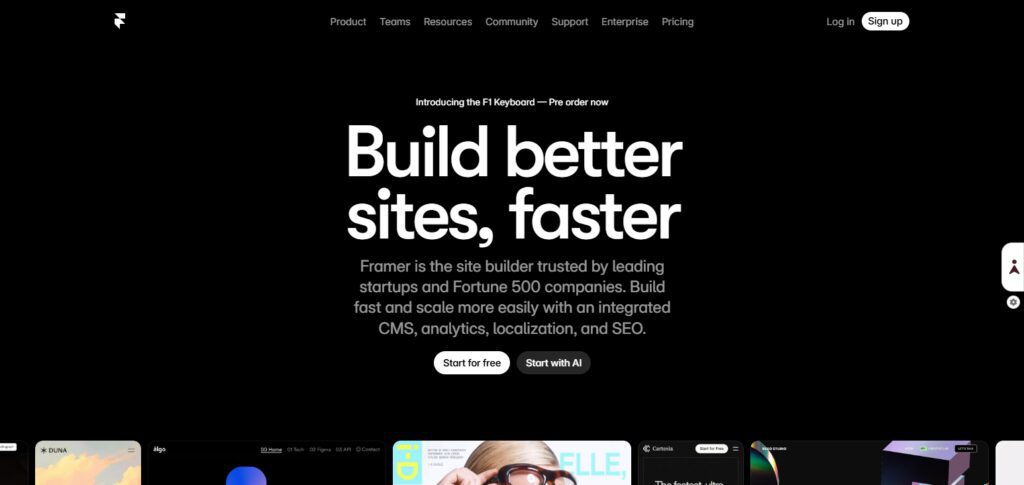
It is great for building landing pages, startup sites, and product showcases. It comes packed with built-in hosting, animations, and tools for responsive sites.
In Best No Code AI Tools for Building Apps Websites and Online Businesses – Bubble Webflow FlutterFlow Glide Adalo Softr Zapier Make Airtable Framer, Framer is the go-to for speedy AI website building.
Why it is better than others
- Creation powered by AI
- Building pages as landing pages happens within seconds
- UI/UX with the latest trends
- Hosting is done for you in-house
- Speed is exponentially enhanced compared to legacy page builders
Best Features
- AI devises web pages
- Tools for design that adapts to any screen
- Incorporates Animations
- Hosting with a Domain
Why No-Code AI Tools Are Important in 2026
Speedier Product Development
Startups and creators can build apps and websites in days, not months, thanks to no-code AI tools, allowing product development to be completed far quicker.
No More Learning to Code
Everyone is a potential digital product creator in 2026. It doesn’t matter if you’re a founder, a marketer, or even a student. You’ll be able to create digital products, and you won’t have to learn how to program.
Suitable for Any Startup
Using no-code AI platforms saves a startup a ton of money because they don’t have to hire developers, UI/UX designers, or backend engineers.
AI Automation Integration
Workflows, content generation, and automated processes are integrated with AI in the latest no-code tools.
The New Era of Solo Founders
Now, one person can create SaaS products and online businesses that are designed to scale.
Quick and Low Risk
The new MVP (Minimum Viable Product) can be built and the demand in the market can be tested in less time than it used to take.
Growth of Digital Businesses
No-code AI tools can be used to design and create a business that is scalable by using their built-in databases, APIs, and other automated integrated tools.
Key Features to Look for in No-Code AI Tools
Drag and drop
A visual tool helps to quickly and effectively build apps and websites without the need for any coding.
AI automation
The ability to use AI to automate tasks and make intelligent suggestions greatly accelerates the development process.
APIs
The ability to connect to virtually any payment gateway, database, CRM, or marketing system is extremely useful.
Scalability
The tool must be able to handle increasing amounts of web traffic and complicated workflows.
Databases
The ability to collect, manage, and organize data inside the tool is important.
Responsive Websites
The tool provides an easy way to create apps and websites and automatically optimizes every design for every device, such as smartphones, tablets, and computers.
Safety and Security
The tool provides safety for your business and ensures that user data is secure and that everything is protected and constantly available.
Advantages of Using No-Code AI Tools
Increased Speed of Development Building applications, automation, and web systems has become significantly quicker using no-code AI tools vs traditional coding. This increased speed means businesses can progress faster.
Reduced Expenses From Development Building systems using no-code AI tools means businesses do not need to hire a sizable development team. This will reduce the expenses a company incurs to hire developers, designers, and backend engineers.
No Coding Skills Needed No-code AI tools democratize the development of digital products to all types of users. Whether you’re a student, entrepreneur, or even a marketer, you can develop a digital product without having to master a programming language.
Cost-Efficient Testing of Business Ideas Businesses can now rapidly develop and test MVPs, meaning businesses do not need to commit large amounts of capital to test the viability of a business idea.
AI Automation in the Tools Automation of business processes and content generation is one of the many AI features that speed up and improve the way users leverage these tools for their business.
Simplified Editing Complex redeployment for making edits is a thing of the past. Visual editors have made it easy to implement edits and updates to the business tools.
Long-Term Resources for Expanding a Business No-code AI tools have APIs and databases that allow integrations to provide the extendable resources that most businesses need as they grow and scale for a long time.
Conclusion
In 2026, the development of websites, online platforms, and applications from start to finish has been made easy with the introduction of no-code AI solutions. Everyone can now scale their ideas with speed and at low cost without requiring exceptional coding skills or any coding skills.
Digital solutions with AI automation, seamless integrated, scalable infrastructure have been provided to startup founders and businesses to safely and rapidly implement their ideas. The continuous development of AI will change the way ideas are launched and digital entrepreneurship.
FAQs
What are no-code AI tools?
No-code AI tools are platforms that allow users to build apps, websites, and automate business processes without writing any programming code. They use visual editors and AI features to simplify development.
Can I build a full business using no-code tools?
Yes, you can build complete online businesses using no-code platforms, including SaaS products, marketplaces, landing pages, and automation systems.
Are no-code AI tools good for beginners?
Yes, they are ideal for beginners because they require no coding skills and offer drag-and-drop interfaces, templates, and AI assistance.
Which is the best no-code tool for building apps?
Tools like Bubble, FlutterFlow, and Adalo are popular for building powerful mobile and web applications without coding.
Can no-code tools scale for large businesses?
Yes, many modern no-code tools support APIs, databases, and integrations that allow businesses to scale as they grow.