

This article covers the best PDF Generation APIs for SaaS Platforms. Here, you will find tools for document automation, seamless scalability, and perfect adherence to your requirements.
Ranging from Adobe PDF Services API, which offers enterprise-grade solutions, to developer-friendly PDFMonkey API, these APIs will help your SaaS business create, control, and distribute high-quality PDFs with ease.
What Is a PDF Generation API?
A PDF Generation API is a way for developers to build, edit, and manage PDFs from their applications automatically. Rather than designing PDFs from scratch, PDF Generation APIs build them from HTML, templates, forms, or data in a structured form, like JSON.
PDF Generation APIs are highly useful for SaaS applications to generate invoices, contracts, reports, certificates, receipts, and other business documents. PDF Generation APIs are easily integrated into web and mobile applications.

This helps businesses automate their workflows for better productivity. Plus, PDF Generation APIs help document and manage PDFs easily and quickly, meaning a higher quality standard is achievable.
Why SaaS Platforms Should Use PDF Generation APIs
Automate Document Generation: Save time and effort by generating documents like invoices, reports, contracts, receipts, and certificates automatically.
Enhance User Experience: Generation of downloadable, professional PDFs gives users instant access to their documents.
Decrease Development Time: Relying on third-party APIs helps developers spend more time on the other features of the product rather than building a PDF engine.
Guarantee Uniform Formatting: Consistent branding, layout, and document styling can be maintained across all devices and all formats.
Sustain Growth: PDF generation requests won’t affect the performance of the SaaS product even during rapid growth and expansion of user requests.
Simplify Integration: Integration using SDKs and REST APIs to connect with web applications, CRMs, ERPs, payment gateways, and cloud services is a smooth process.
Improve Document Security: Secure API authentication will provide protection of sensitive documents during processing by offering encryption and digital signatures.
Increase Operational Efficiency: A streamlining of document processing reduces the requirement for maintenance and manual labor for documenting.
Provide Variety of Documents: With a single API, generation of a range of documents, from invoices to legal documents, is possible.
Allow Customization of PDF Documents: Generation of PDFs with company logos, branding, and custom document headers and footers is possible with the use of custom templates.
Benefits of Using PDF Generation APIs
Quick Document Creation: Skip the hassle of formatting and designing. Generate PDFs in seconds.
Products of Automation: Generate contracts, invoices, reports, and receipts automatically in response to system changes or user requests.
Productivity Boost: Employees will have more time to attend to more pressing and higher value tasks.
Document Quality Control: All PDF documents will contain the same designs and structures.
Simple Integration: Use APIs to easily connect to SaaS and CRMs, ERPs, payment and cloud storage systems.
APIs that Grow: Start with your PDF generation needs and scale up as your requests and business grows.
Better Protection: Safeguard sensitive documents with various security features.
Flexible Templates: Use and personalize template designs to generate unique PDFs.
Formatting Consistency: PDFs will keep the same structure and formatting regardless of the device or OS used.
Affordable Option: Integration with the APIs will help your company avoid the unnecessarily high costs of creating and maintaining a proprietary system.
Key Point & Best PDF Generation APIs for SaaS Platforms
| PDF Generation API | Key Features |
|---|---|
| Adobe PDF Services API | PDF creation, editing, OCR, document conversion, digital signatures |
| DocRaptor API | CSS support, JavaScript rendering, headers/footers, scalable generation |
| PDFMonkey API | Template editor, JSON data merge, branding, automation |
| Form.io PDF API | Auto-fill PDFs, form submissions, workflow integration, custom templates |
| PDFShift API | Chrome rendering, custom headers, authentication, webhooks |
| Cloudmersive PDF API | Merge, split, convert, OCR, watermark, security features |
| PDFTron API | PDF editing, annotation, digital signatures, form filling, SDK support |
| WeasyPrint API | HTML/CSS to PDF, Python integration, print-ready documents |
| DocSpring API | Fill PDF forms, template management, e-signature integrations |
| PDFCrowd API | HTML conversion, JavaScript support, page customization, cloud API |
1. Adobe PDF Services API
The Adobe PDF Services API provides effective enterprise-grade PDF generation for SaaS platforms. Convert documents from word, excel, or html into PDF documents using Adobe PDF Services. Additionally, the API allows manipulation of document text and layout.
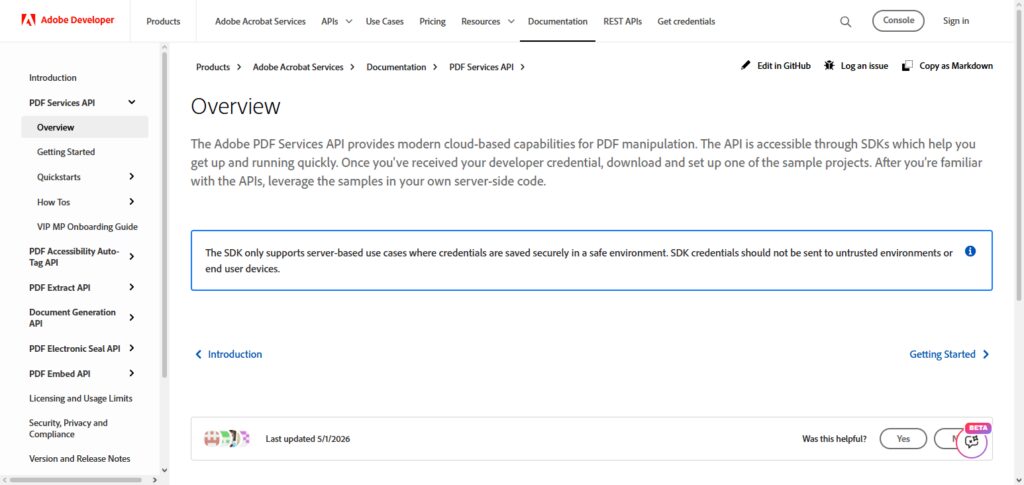
Adobe PDF Services integrates into the Adobe ecosystem for ease and stability and combines RESTful endpoint services with high scalability and low operational latency.
Using the API, documents may be generated, manipulated, and downloaded in “bulk”, providing an optimal solution for large scale SaaS applications. The API offers extensive documentation and enterprise grade services to its clientele.
Adobe PDF Services API Characteristic
- Converts Word, Excel, and HTML documents to PDF
- Can extract text and manipulate layout
- Supports batch processing for large scale SaaS workflows
- Complies with security standards at an enterprise level
- Offers RESTful endpoints and SDKs for convenient integration
| Advantages | Disadvantages |
|---|---|
| Enterprise-grade reliability and compliance | Higher pricing compared to open-source options |
| Supports multiple formats (Word, Excel, HTML) | Requires more technical setup for integration |
| Batch processing for large-scale workflows | May be overkill for small SaaS startups |
| Strong SDKs and RESTful endpoints | Limited customization compared to open-source |
| Backed by Adobe ecosystem and support | Vendor lock-in with Adobe services |
2. DocRaptor API
The DocRaptor API is an advanced conversion API that uses PrinceXML for even more precise HTML/CSS rendering and more control over the final files that frustrated developers migrated to the DocRaptor API.
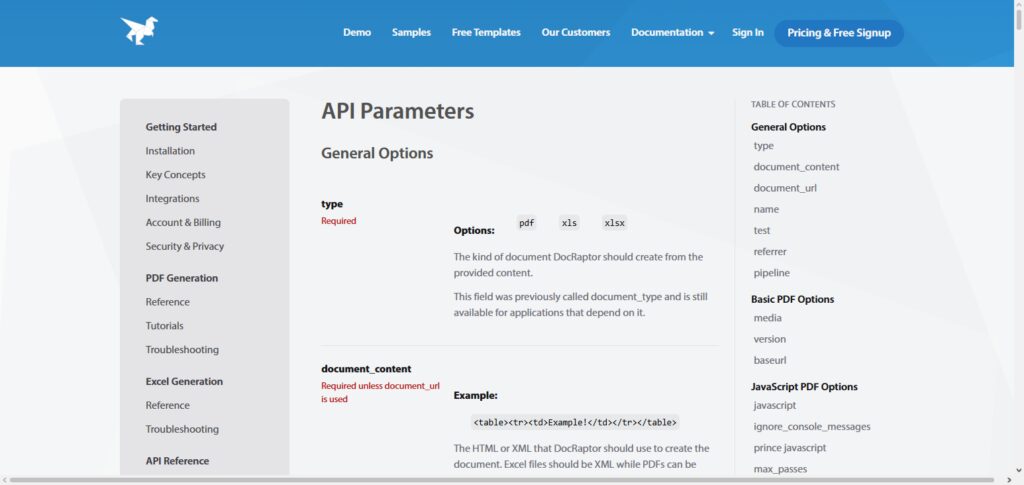
Developers will find it easy to use due to the RESTful endpoints, and it can generate complex PDFs in a fraction of the time. Due to the accessibility, standards compliance, and advanced features of the PDFs generated, this API is perfect for any document generation needs,
especially for archivability and file security. As a SaaS, this API has no downtime, so you won’t find a more reliable solution for document generation for PDF API needs. DocRaptor is the go to for PDF APIs.
DocRaptor API Characteristic
- Offers perfect HTML to PDFs using PrinceXML
- Supports advanced CSS and JavaScript rendering
- Complies with PDF/A for archiving and accessibility
- Allows custom headers, footers, and styles
- Guarantees strong uptime with enterprise support
| Advantages | Disadvantages |
|---|---|
| Pixel-perfect HTML-to-PDF conversion | Relies heavily on PrinceXML licensing |
| Advanced CSS and JavaScript rendering | Higher cost for enterprise usage |
| PDF/A compliance for archiving | Limited free tier for testing |
| Strong uptime guarantees | Complex layouts may require fine-tuning |
| Easy RESTful integration | Less flexibility compared to open-source |
3. PDFMonkey API
PDFMonkey API is a PDF generation service customized for SaaS platforms to generate PDFs from templates. Developers can create templates using HTML/CSS and fill them with data in the form of JSON. This service also works great for generating invoices, contracts, and reports.
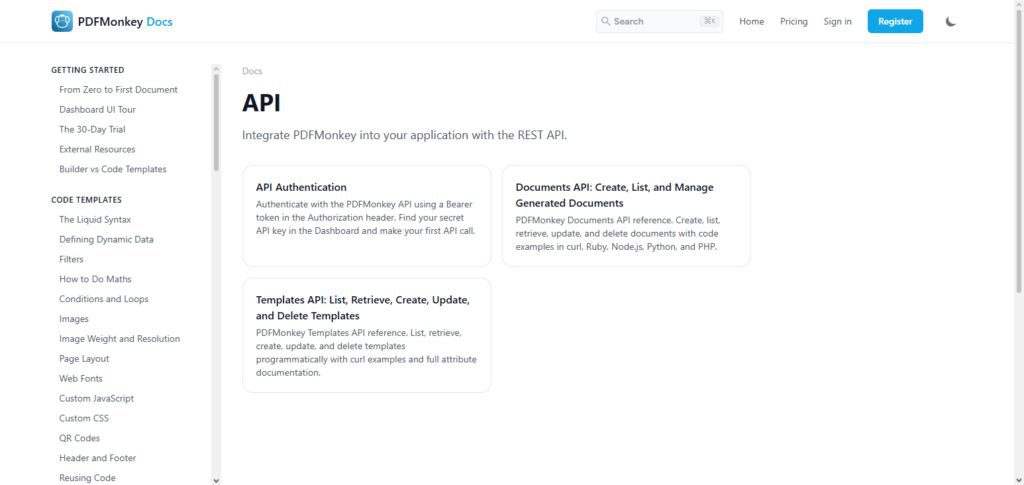
Simplicity, scalability, and automation are the aspects of the service PDFMonkey focuses on. It also offers an integration of webhooks for the automated delivery of documents. PDFMonkey provides monitoring and analytics through its dashboard.
The PDFMonkey API focuses on the privacy of data and offers services that are GDPR compliant, which makes it a good choice for SaaS companies from the EU. When the developer-friendliness and affordability of the service are also accounted for, PDFMonkey API becomes a great offer for mid-sized and startup SaaS companies.
PDFMonkey API Characteristic
- Supports HTML/CSS PDF generation through templates
- Populates PDFs through embedded JSON
- Supports webhooks for asynchronous delivery
- Offers secure storage with GDPR compliance
- Features an affordable and simple interface for developers
| Advantages | Disadvantages |
|---|---|
| Template-based automation with HTML/CSS | Limited advanced manipulation features |
| JSON data population for dynamic documents | Not ideal for enterprise-scale workloads |
| Webhook integrations for real-time delivery | Smaller ecosystem compared to Adobe or PDFTron |
| GDPR compliance for EU businesses | May lack advanced compliance certifications |
| Affordable pricing for startups | Limited customization for complex workflows |
4. Form.io PDF API
Of all the SaaS solutions, Form.io’s PDF API is the only one to combine PDF generation with form management. It allows developers to create forms with flexible layouts that can capture and store user input in the form of PDFs.
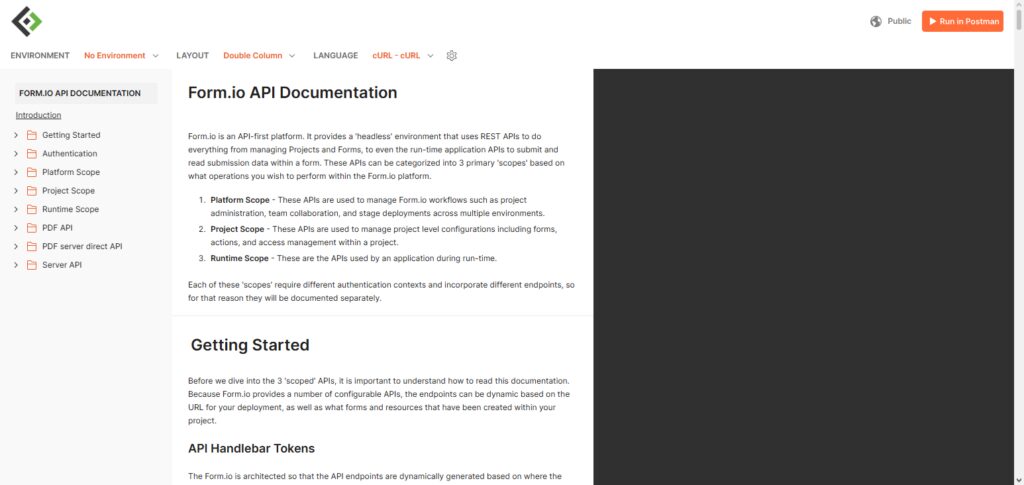
This can be especially beneficial to SaaS solutions in the healthcare and finance industries that are required by law to maintain certain records. The API incorporates custom templates, digital signatures, and automates the process.
Because of its close partnership with Form.io’s form management system, the API captures and formats data automatically. This API is flexible enough for use by enterprises that design and create forms and papers that are part of and support their internal and external processes.
Form.io PDF API Characteristic
- Supports PDF generation from form submissions
- Supports custom templates and signature generation
- Integrates seamlessly with the Form.io builder
- Supports automation of compliance workflows
- Scales and deploys at an enterprise level
| Advantages | Disadvantages |
|---|---|
| Seamless form-to-PDF conversion | Heavily tied to Form.io ecosystem |
| Supports digital signatures | Less flexible for non-form use cases |
| Workflow automation for compliance-heavy industries | Higher learning curve for developers |
| Enterprise-grade scalability | Pricing may be high for startups |
| Strong integration with form builder | Limited standalone PDF features |
5. PDFShift API
PDFShift API translates HTML to PDF in a way that works for fast-moving SaaS businesses. PDFShift is meant to be incredibly fast at scaling while remaining easy to integrate. Developers can quickly make a RESTful call with their HTML and receive a trimmed picture of a PDF in no time. PDFShift provides control for custom headers, footers, and even settings for how pages should be sized.
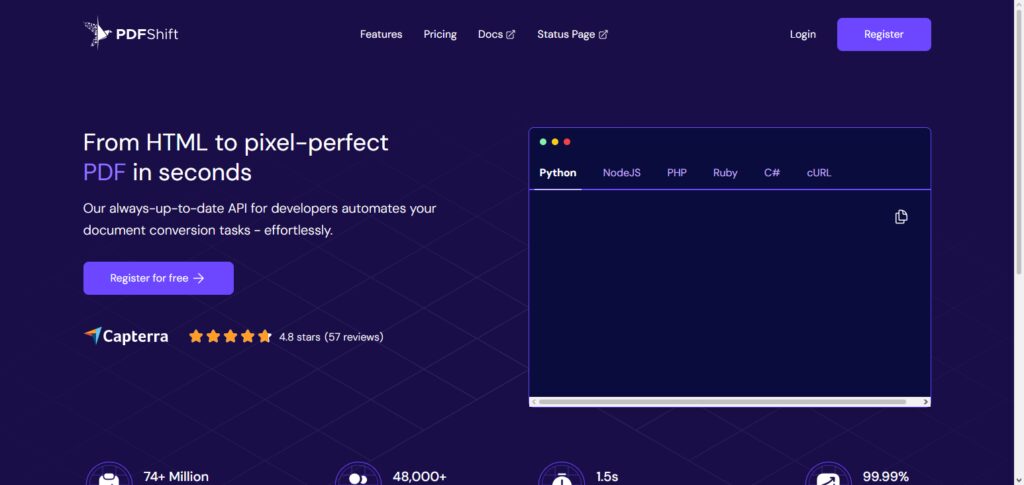
It is designed to easily adapt to rapidly changing and large amounts of work, which is especially useful to SaaS businesses that may create thousands of documents every day. PDFShift built their platform around security and cares for their customers’ more sensitive data with their strict security and GDPR compliance.
Their documentation is easily understandable for developers and their pricing is simple which has resulted in PDFShift building a great client base of both enterprises and startups.
PDFShift API Characteristic
- Fast PDF generation from HTML through a RESTful API
- Supports custom headers, footers, and page settings
- Designed to support large scale SaaS applications
- Complies with security standards of the GDPR
- Features a simple interface
| Advantages | Disadvantages |
|---|---|
| Fast HTML-to-PDF conversion | Limited advanced document manipulation |
| Simple RESTful integration | May struggle with very complex layouts |
| Optimized for large-scale workloads | Smaller support ecosystem |
| GDPR-compliant and secure | Limited customization compared to enterprise APIs |
| Affordable and developer-friendly | No advanced features like OCR or signatures |
6. Cloudmersive PDF API
Cloudmersive PDF API supports a rich feature set, allowing users to manipulate PDFs in many ways, including merging, splitting, and adding watermarks, and even extracting text. For SaaS platforms, this enables developers to create rich workflows for documents without relying on many different solutions.
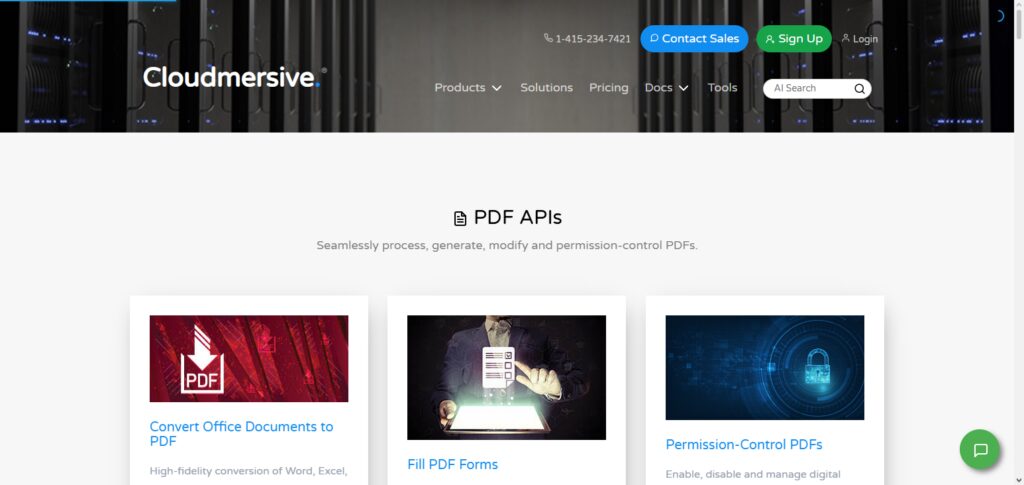
The PDF API is cloud-native and can be integrated with already existing applications. It also utilizes state-of-the-art technical security and covers industry compliance and standards. Cloudmersive guarantees even the highest up-times and offers enterprise support.
Because their PDF API offers a breadth of features beyond simple creation that covers almost the entire spectrum of document management SaaS companies will find ample use in this API.
Cloudmersive PDF API Characteristic
- Supports PDF generation and manipulation
- Supports text extraction and PDF encryption
- Scales to SaaS applications
- Supports security standards of the PDF format
- Features enterprise support with a strong uptime guarantee
| Advantages | Disadvantages |
|---|---|
| Full suite: generation, merging, splitting | Pricing can be higher for full feature use |
| Text extraction and encryption support | May be complex for simple SaaS needs |
| Cloud-native scalability | Requires strong developer knowledge |
| Enterprise-grade uptime guarantees | Limited open-source flexibility |
| Compliance with industry standards | Vendor dependency for updates |
7. PDFTron API
PDFTron API is a developer-oriented solution with advanced capabilities for creating and editing PDFs. It has multiple PDFs conversion, document annotations, digital signature and real-time collaboration features. SaaS platforms utilize its SDKs in different programming languages including JavaScript, Python and Java.
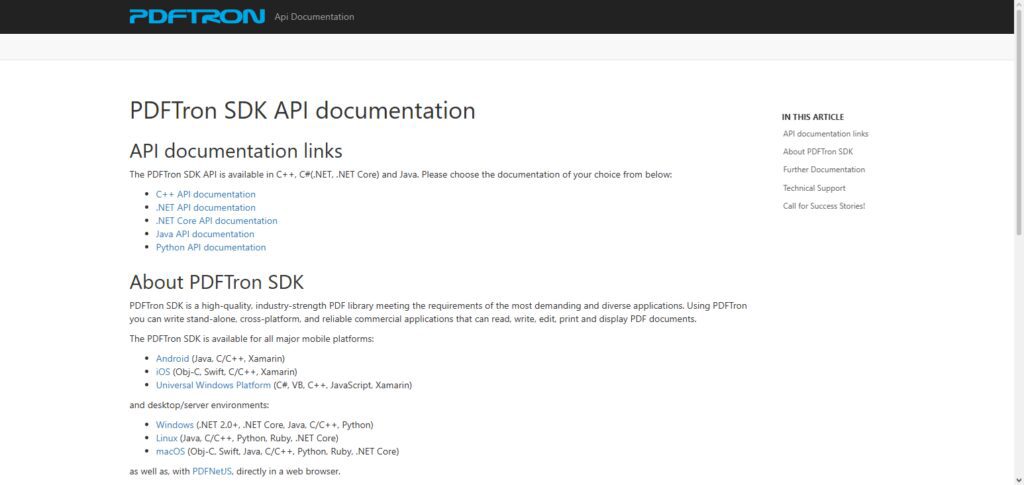
PDFTron focuses on performance, scalability and compliance, which helps it with enterprise-grade applications.
It also has the capability to handle complex workflows such as redaction, OCR and dynamic forms. Due to its vast documentation and customer support, PDFTron is one of the best options for SaaS companies because it provides advanced PDF features that go beyond the simple generation of PDS.
PDFTron API Characteristic
- Converts lots of document types to PDFs
- Removes/Redacts & Annotates
- Complies with Document Signing Standards
- Supports SDKs in JavaScript, Python, Java
- Enterprise-level Pervasiveness and Compliance
| Advantages | Disadvantages |
|---|---|
| Advanced features: annotations, OCR, redaction | Higher pricing for enterprise features |
| Multi-format conversion support | Complex integration for beginners |
| SDKs across multiple languages | May be too advanced for small SaaS |
| Digital signatures and interactive forms | Requires strong developer expertise |
| Enterprise-grade scalability | Vendor lock-in risk |
8. WeasyPrint API
WeasyPrint API is an open-source tool for HTML-to-PDF conversion. It is designed for accuracy and simplicity. Because WeasyPrint API uses modern web standards (supporting complex layouts and CSS), this tool is a good match for processing reports, contracts, and invoices in SaaS platforms. It’s open-source, so it’s cost-effective as well as handy to customize.
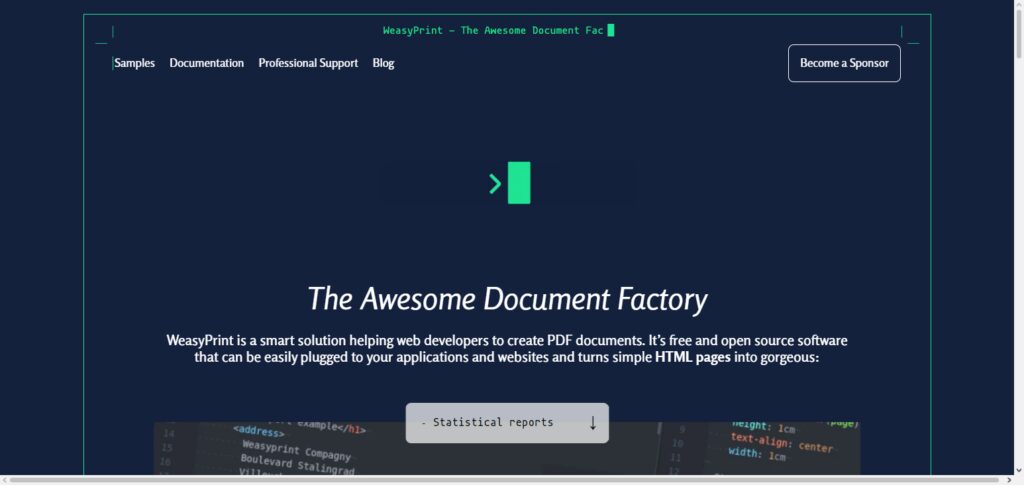
WeasyPrint is easy to incorporate in SaaS workflows to generate documents on-the-fly. Although WeasyPrint may not have as much enterprise-level support as commercial APIs, it is a transparent tool. While the users have to manage the support and bugs, it is favored among the startups and developers as a good tool for PDF generation.
WeasyPrint API Characteristic
- Document Creation through HTML and PDF
- Supports advanced CSS layout
- Provides good flexibility for developer customization
- Great for startups because of the price
- Community driven with a focus on development
| Advantages | Disadvantages |
|---|---|
| Open-source and cost-effective | No enterprise-level support |
| Supports modern CSS and layouts | May lack advanced compliance features |
| Flexible customization for developers | Performance may lag at scale |
| Transparent and community-driven | Limited documentation compared to commercial APIs |
| Ideal for startups and developers | Requires self-hosting and maintenance |
9. DocSpring API
DocSpring API focuses on PDF generation in SaaS applications with document, contract, and invoicing forms and on document generation from templates. It uses JSON and HTML to allow developers to create form templates and populate them with user data dynamically.
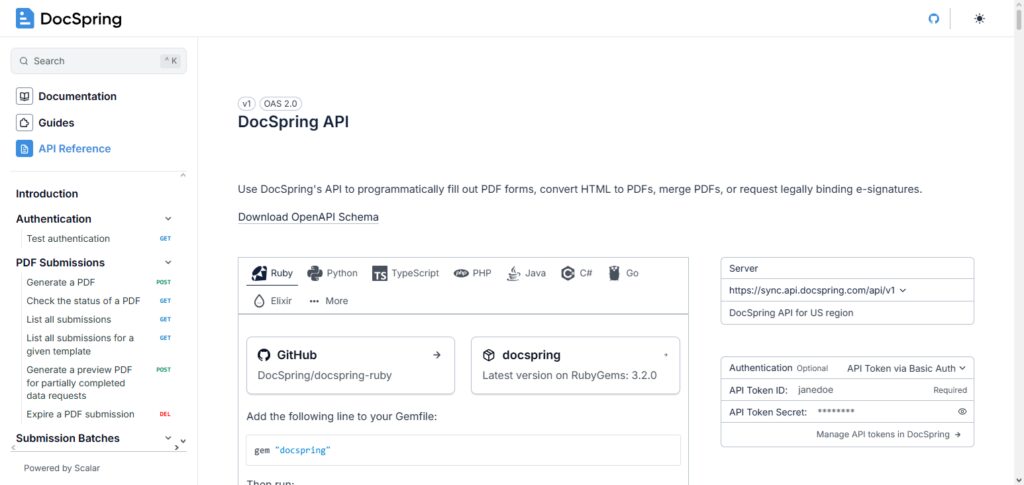
Flexible features include the use of conditional logic, the inclusion of digital signatures, and the establishment of automated workflows. DocSpring is designed to deal with scale, and for SaaS application businesses that are creating thousands of documents daily.
The dashboard includes oversight, analysis, and issues detection. Because of document generation from templates and robust security and compliance, DocSpring API is a trusted option for businesses that want automated and PDF document generation in their SaaS applications.
DocSpring API Characteristic
- PDF document generation through templated JSON/HTML
- Offers relatively simple conditional logic
- Supports document signing of contracts
- Built to scale for thousands of documents
- Offers a dashboard for monitoring and tracking errors
| Advantages | Disadvantages |
|---|---|
| Template-driven automation | Limited advanced manipulation features |
| Conditional logic for dynamic documents | Pricing may be high for startups |
| Digital signature support | Smaller ecosystem compared to Adobe |
| Scalable for thousands of documents | Requires template setup expertise |
| Dashboard with monitoring and analytics | Less flexible for non-template workflows |
10. PDFCrowd API
The PDFCrowd API offers flexible SaaS HTML-to-PDF conversions that enable the easy creation of PDF outputs from web pages, HTML, or even screenshots. Supporting streamlined configurations for PDF margins, headers, footers, and even watermarks, PDFCrowd focuses on quick integrations and developer documentation.
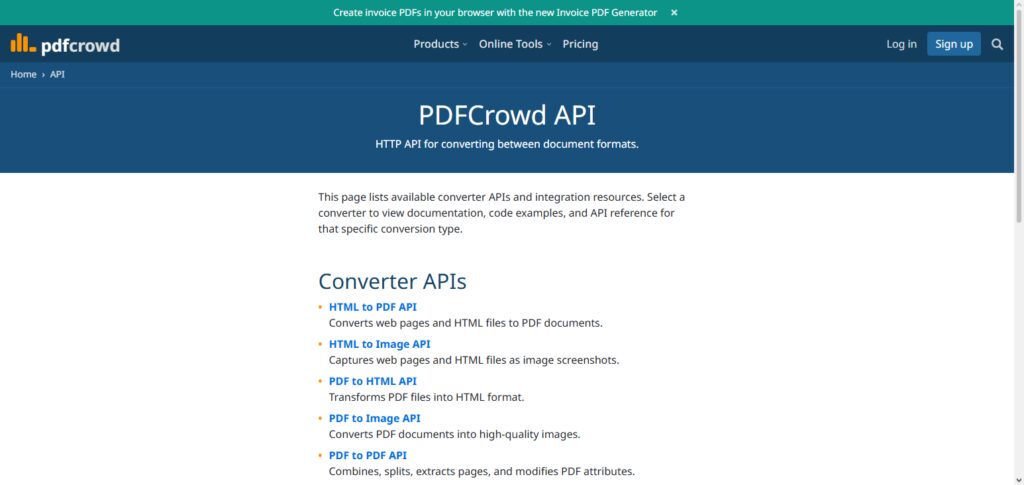
This offers a highly efficient PDF generation service for other SaaS businesses. Offering reliable service and affordable pricing, PDFCrowd is a solid option for generating PDFs. All of these features offer excellent time and cost savings for new PDF automation startup integrations among other mid-sized SaaS businesses.
PDFCrowd API Characteristic
- Easily generates PDFs through conversion of web pages, HTML, or even screenshots
- Offers customizable margins, headers/footers and watermarks
- Built to scale and easily integrates with SaaS apps
- Provides documentation support and reasonable pricing
| Advantages | Disadvantages |
|---|---|
| Converts web pages, HTML, screenshots | Limited advanced features |
| Customizable headers, footers, watermarks | May struggle with complex layouts |
| Lightweight and easy integration | Not ideal for enterprise compliance |
| Affordable pricing | Smaller support ecosystem |
| Developer-friendly documentation | Limited scalability for very large SaaS |
Common Challenges and Limitations of PDF Generation APIs
Rendering Inconsistencies: There are no guarantees that PDF generation will work properly when large portions of HTML, CSS, and JavaScript are used.
API Rate Limits: Many services lock the usage of their API at very low levels, which becomes an important consideration for any API client that suffers from very high volume usage.
Large File Processing: PDF generation can become very slow if the documents contain large files or high resolution images.
Pricing at Scale: The generation of large volumes of documents can become very pricy, especially when the service operates a pay-per-use model.
Template Management: Creation and management of many PDF templates can become a large burden for very large applications.
Limited Customization: Some services allow very little customization of the layout, fonts, or interactivity of the PDFs.
Integration Complexity: Implementing authentication or custom workflows may require more development work.
Dependency on Third-Party Services: Many cloud-based services will stop generating documents if they experience an outage.
Compliance Requirements: Ensuring an API will meet security and regulations such as GDPR or HIPAA where required will become necessary for businesses that manage sensitive data.
Performance Under Heavy Load: Bulk generation of documents or simply a high volume of requests can become very slow if the API or service is not highly optimized.
Conclusion
When looking at the best PDF Generation APIs for SaaS Platforms, the different offerings lead to different advantages for different businesses. Adobe PDF Services API and PDFTron API are excellent for enterprise-grade solutions, as they provide advanced workflows as well as compliance and scalability.
For SaaS applications, DocRaptor API and PDFShift API provide precise pixel-perfect conversions for HTML-to-PDF. PDFMonkey API and DocSpring API provide easy integration with JSON and HTML. Form.io PDF API combines PDF generation with form management, while Cloudmersive PDF API provides a complete collection for document manipulation.
Flexible and cost-effective offer WeasyPrint API, a clever open-source PDF generation API, while PDFCrowd API provides a lightweight and reliable PDF generation API suitable for start-ups.
FAQ
What are PDF Generation APIs?
PDF Generation APIs are tools that allow SaaS platforms to automatically create, manipulate, and deliver PDF documents from various inputs like HTML, JSON, or form data. They streamline workflows such as invoices, contracts, reports, and compliance documents.
Which API is best for enterprise SaaS?
For enterprise-grade SaaS platforms, Adobe PDF Services API and PDFTron API are the strongest options. They offer advanced compliance, scalability, and features like digital signatures, redaction, and collaboration tools.
Which API is best for startups?
Startups benefit from lightweight, cost-effective solutions like PDFMonkey API, DocSpring API, and PDFCrowd API. These APIs emphasize simplicity, template-driven automation, and affordability.
Which API supports form-to-PDF conversion?
Form.io PDF API is the best choice for SaaS platforms needing dynamic form submissions converted into structured PDFs. It integrates form management with document generation seamlessly.