
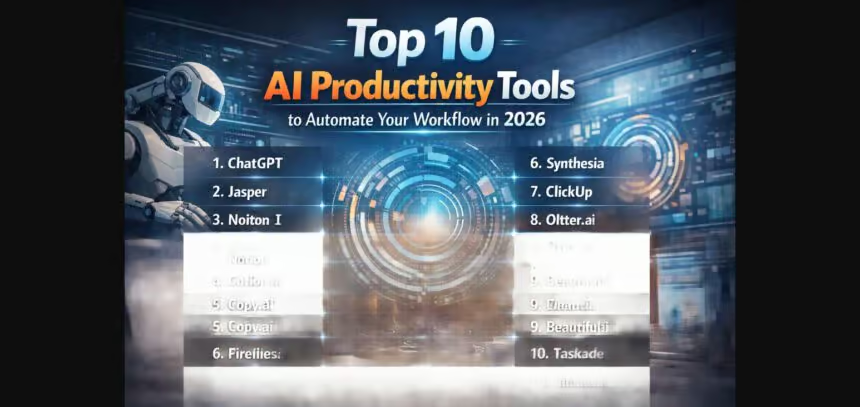
Automating intelligently, the way we work in 2026 is being revolutionized and creative AI productivity tools are moving from a novel to necessity. AI Productivity Tools In 2026, The Top 10 Best AI Productivity Tools To Make Your Workflow Automatic | Keep Your Work Simple Automate your workflow using technology with a focus on efficiency and simplicity.
And, They find plenty of applications in the field, from writing and research to project management and automation; enabling people and organizations to optimize processes to get results quicker with a smarter approach in a highly competitive digital marketplace.
What Are AI Productivity Tools?
AI productivity tools are AI-driven software applications that assist with task automation, efficiency enhancement, and workflow optimization in personal and professional settings.
These tools utilize technologies that include machine learning and natural language processing to take care of tasks such as writing, analyzing data, scheduling meetings, conducting research and communication.

Popular tools such as ChatGPT and Microsoft Copilot allow their users to undertake complicated tasks in a matter of seconds with little effort. AI productivity tools are responsible for modern contribution to digital productivity by minimising the manual effort and improvement in precision.
Key Point
| AI Productivity Tool | Key Automation / Productivity Feature |
|---|---|
| ChatGPT (OpenAI) | Automates writing, coding, research, brainstorming, and workflow planning using advanced conversational AI |
| Microsoft Copilot | Integrates with Word, Excel, Outlook to auto-generate documents, analyze data, and manage emails |
| Google Gemini (Workspace AI) | Automates email replies, document creation, meeting summaries, and smart search across Google apps |
| Notion AI | Auto-generates notes, project plans, summaries, and task management inside Notion workspace |
| Zapier AI | Connects apps and automates workflows like data transfer, lead capture, and task creation without coding |
| Make (Integromat AI) | Builds advanced automated workflows across apps with AI-assisted logic and process optimization |
| GrammarlyGO | Enhances writing with AI-powered tone correction, rewriting, email drafting, and clarity improvements |
| Perplexity AI | Automates research by providing real-time answers, summaries, and source-backed insights |
| Trello AI (Atlassian Intelligence) | Automates task organization, project summaries, and workflow suggestions in project boards |
| Claude (Anthropic) | Supports long-form writing, document analysis, coding help, and workflow automation assistance |
Top AI Productivity Tools to Automate Your Workflow in 2026
1. ChatGPT (OpenAI)
ChatGPT is the most sophisticated AI productivity assistant, a tool through which you can hold Free-form natural language conversations with the Assistant that will automate writing, coding, research and creating workflow plans.
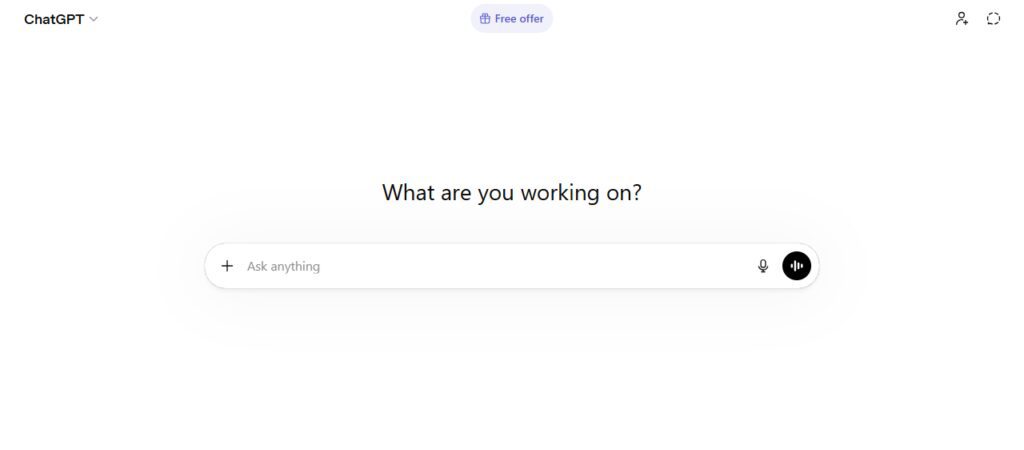
It aids the users in producing high-quality content, troubleshooting technical issues and fast idea generation. ChatGPT in 2026 serves as a one-stop shop AI tool for both people and organizations that breaks complex tasks into short responses.
It is an automation tool that can help increase productivity in different sectors by processing data, creating summaries of large files, generating marketing material and supporting decision-making.
Key Features:
- Content writing and editing with AI
- Coding assistance and debugging
- Research summarization
- Idea generation and planning
- Document and report creation
Best Use Cases:
- Blogging and content creation
- Software development
- Business strategy planning
- Academic research
- Marketing and communication
2. Microsoft Copilot
Microsoft Copilot is an AI-driven productivity tool that sits inside Microsoft 365 applications like Word, Excel, Outlook and Teams. Using intelligent AI assistance, it automatically creates documents, analyzes data, drafts emails and summarizes meetings.
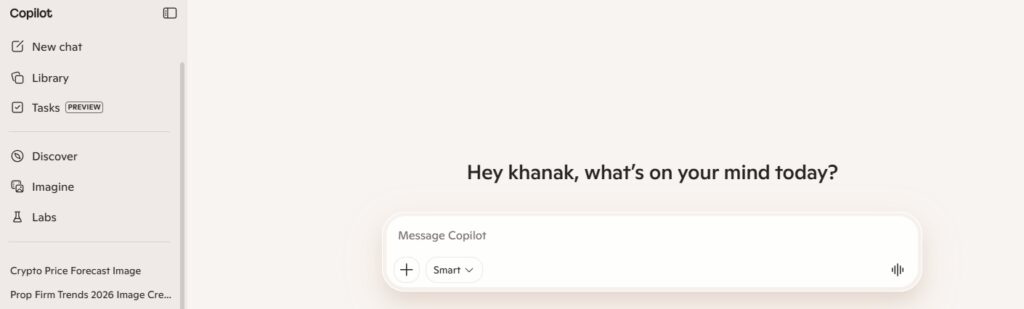
Copilot is introduced in 2026 and provides businesses with faster office workflows eliminating manual effort. Corporate Assistants generate structured output such as reports, spreadsheets and presentations based on understanding of user commands.
Key Features:
- Automated document generation
- Excel data analysis
- Email drafting and replies
- Meeting summaries
- Workflow assistance in the Office apps
Best Use Cases:
- Corporate reporting
- Business communication
- Financial analysis
- Office automation
- Team collaboration
3. Google Gemini (Workspace AI)
Google Gemini, which is an AI productivity system built into Google Workspace that can automate actions across Gmail, Docs, Sheets and Drive. It assists users with email generation, document summarization, spreadsheet analysis, and quick information retrieval.
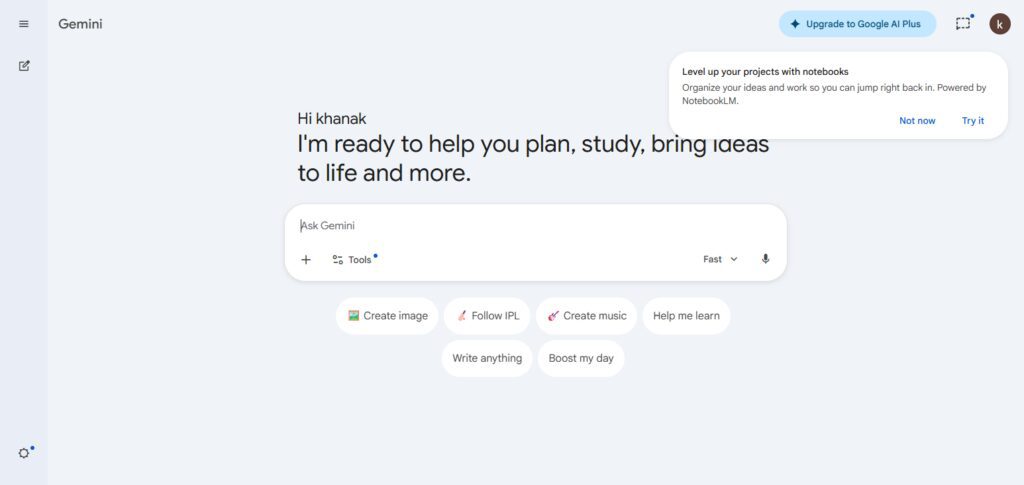
In 2026, Gemini integrates with Google tools to connect AI and elevate productivity in transforming applications into seamless workflow automation.
This will guide the evolution of its ecosystem to support simple natural language commands for users and streamline workflow, where data, communication and research can be managed within one environment.
Key Features:
- Drafting with Gmail smart replies
- Docs content generation
- Sheets data insights
- Smart document summarization
- AI-powered search assistance
Best Use Cases:
- Email management
- Academic writing
- Data analysis
- Research work
- Business communication
4. Notion AI
With this innovation, Notion AI became a smart assistant in the workspace area of Notion to help automate note-taking and project planning or add structure to content. This assists users in creating summaries, and making task lists to organize their workflow more effectively.
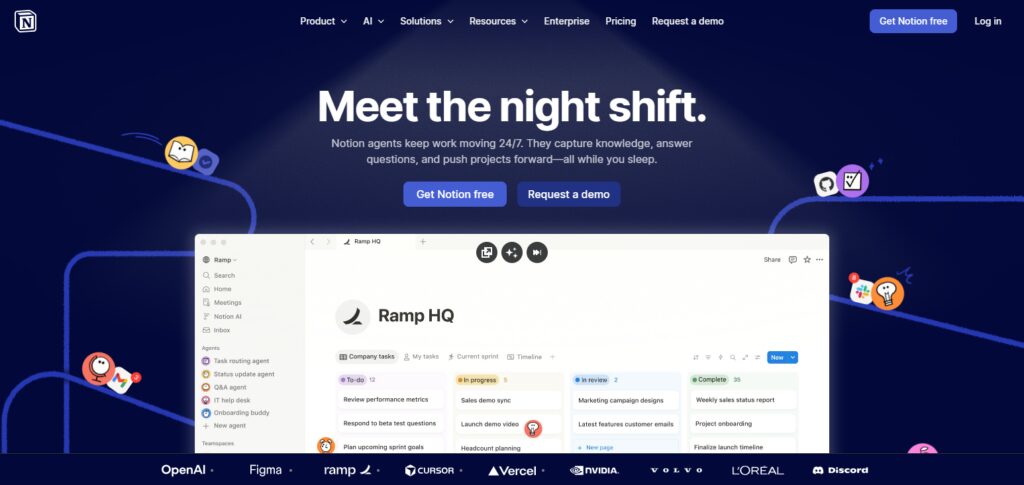
By 2026, Notion AI is commonly used to manage personal and team productivity by transforming incoherent ideas into organized systems.
It minimizes manual documentation effort and enhances the clarity of project execution with intelligent suggestions and automating some content generation.
Key Features:
- Automated note summarization
- Task and project generation
- Content structuring
- Workflow planning
- Knowledge organization
Best Use Cases:
- Project management
- Study notes and research
- Team collaboration
- Content planning
- Personal productivity
5. Zapier AI
Zapier AI is a no-code automation tool that integrates various applications and automates repeatable workflows. Users can build automation workflows such as data transfer, lead generation, alerts and task creation without having to write code.
Zapier Ai will be key for businesses to integrate and save manual work moving all through various programming apparatuses in 2026. This helps connect apps for seamless and effective workflow automation.
Key Features:
- No-code automation builder
- App integration system
- Workflow triggers and actions
- Data synchronization
- AI workflow suggestions
Best Use Cases:
- Marketing automation
- CRM management
- Lead tracking
- Business operations
- Productivity automation
6. Make (Integromat AI)
Make (formerly Integromat AI) is a comprehensive workflow automation tool that enables users to create intricate multi-step automations across multiple applications. The program offers visual workflow building and AI assistance to optimize tasks and operations.
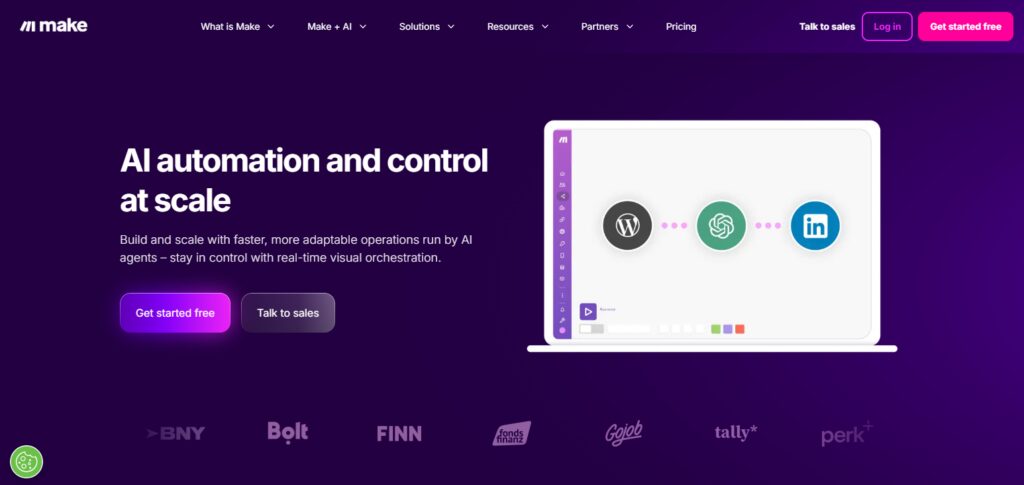
In 2026, Make is a popular tool for creating automation systems that can scale to accommodate large volumes of data, interactions and business processes. It is best suited for users who require greater control and customization in automation.
Key Features:
- Visual workflow builder
- Multi-step automation
- App integration system
- AI optimization suggestions
- Advanced logic handling
Best Use Cases:
- Business process automation
- IT workflow systems
- Data management
- Marketing automation
- Enterprise operations
7. GrammarlyGO
GrammarlyGO is an AI writing assistant that refines communication to be grammatically accurate, tone appropriate, clear to read, and well-structured as you write.
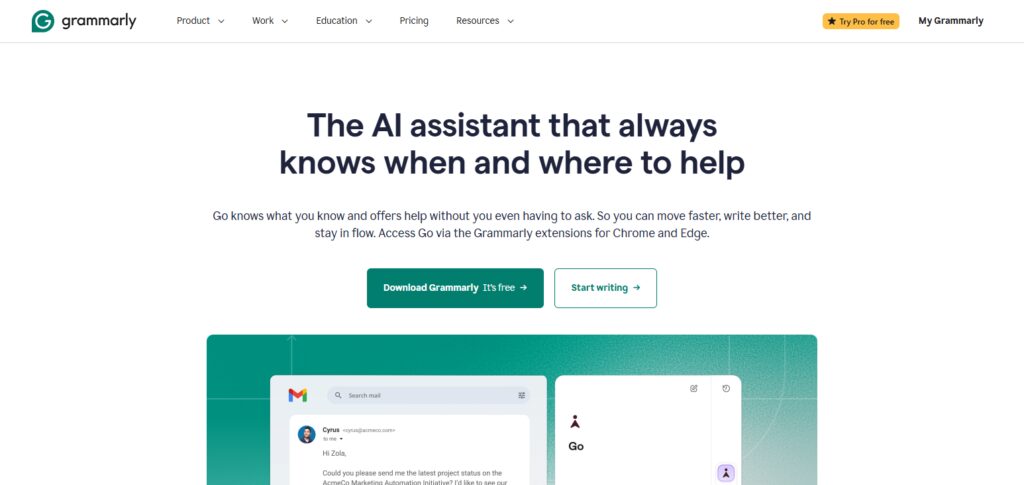
It assists users in restructuring sentences, creating emails instantly and also helps professional content within a minute or two.
GrammarlyGO is now an integral part of business communication and content, producing high-quality written output across all platforms (2026). The task of writing is simplified, and it also increases the readability for all users.
Key Features:
- Grammar and tone correction
- AI rewriting and suggestions
- Email drafting
- Content clarity improvement
- Real-time writing assistance
Best Use Cases:
- Professional emails
- Academic writing
- Blogging
- Business communication
- Social media content
8. Perplexity AI
Designed as an AI-powered research and search assistant, Perplexity AI offers immediate, source-backed responses to user queries.
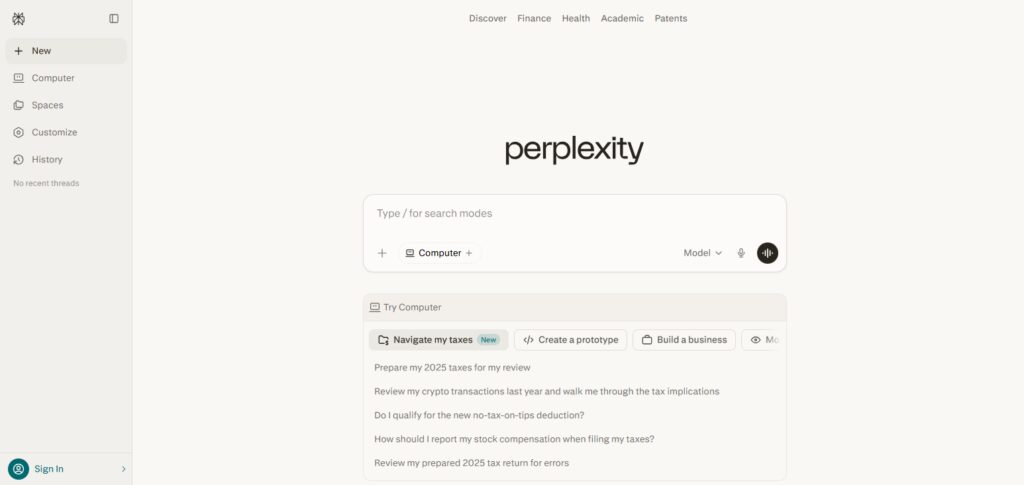
The combination of search engine and AI summarization methods results in an accurate, concise flow of information.
In 2026, it is extensively used for rapid research, fact-checking and knowledge discovery.” It summarizes multiple sources into digestible insights, which helps users understand complex topics in no time.
Key Features:
- Real-time AI search
- Source-based answers
- Content summarization
- Research assistance
- Conversational search experience
Best Use Cases:
- Academic research
- Fact-checking
- Market analysis
- Learning new topics
- Content research
9. Trello AI (Atlassian Intelligence)
Atlassian Intelligence — Trello AI A project management tool that organizes tasks, creates workflows and provides collaboration features for teams automatically. It assists users in creating boards, assigning individual tasks and creating project summaries automatically.
Trello AI makes you just a bit more productive in 2026 by providing smart suggestions and automatically adding repetitive project management tasks. It enhances visibility into the workflow and coordination within the team.
Key Features:
- Automated task management
- Smart project summaries
- Workflow suggestions
- Team collaboration tools
- AI-powered organization
Best Use Cases:
- Project management
- Team coordination
- Agile workflow planning
- Task tracking
- Business operations
10. Claude (Anthropic)
Claude is Anthropic’s AI assistant trained for document analysis, long-form writing and coding. It allows users to sift through vast amounts of data and formulate structured, informed answers.
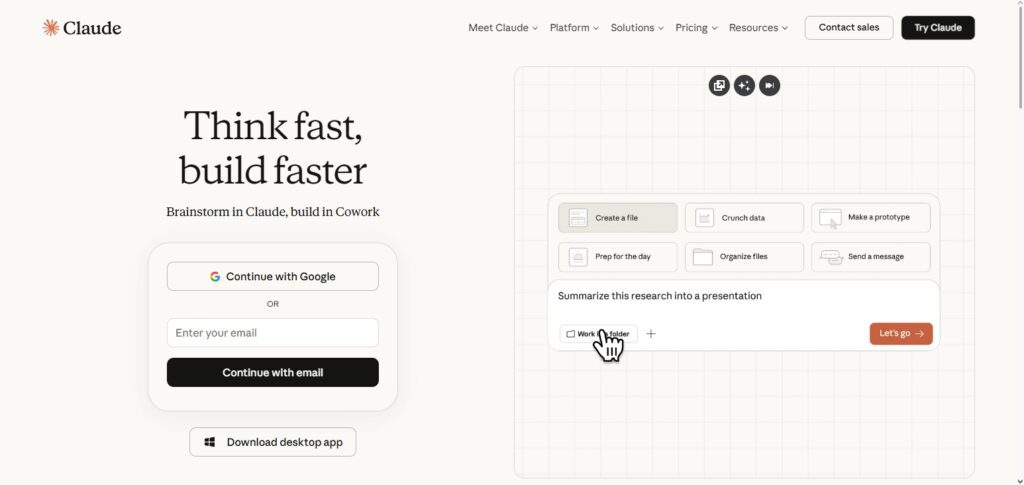
By 2026 it is ubiquitous in professional writing, research analysis, and technical problem solving. Most importantly it is centered on reliable and safe interaction with the AI which makes this an enterprise / academic grade release.
Key Features:
- Long document analysis
- AI writing assistance
- Coding support
- Safe AI responses
- Research summarization
Best Use Cases:
- Academic research
- Legal and business writing
- Software development
- Data analysis
Key Benefits of Using AI Productivity Tools
Increased Efficiency
Tools like AI cut out some of the manual labor that typically needs to be done —data entry, writing, scheduling etc.Rather than spending time on tedious tasks or content creation, it frees up users to finish work quicker and spend more time on high-value activities (which can’t be automated away) that involve creative problem-solving and decision-making.
Time Saving
AI productivity tools process routine operations immediately, thus greatly minimizing the time spent on manual/pencil work and allowing people/businesses to have multiple things under control in an efficient manner.
Improved Accuracy
By minimizing human errors in processes like calculations, data processing and content generation, AI guarantees more accurate results and reliable outputs across workflows in businesses.
Better Decision Making
AI tools process multiple sets of data in a short time and provide insights based on trends, patterns, and real-time information to assist users in decision-making.
Enhanced Collaboration
Using AI, platforms can assign tasks, summarize meetings, and organize communication in a clear manner which helps improve teamwork, coordination between remote work environments.
Cost Reduction
By automating workflows with AI, manual labor and operational costs are lowered, which can assist businesses in saving money while also enhancing overall productivity and efficiency within daily processes.
Scalability and Growth
AI tools help businesses to scale operations with ease due to their capacity to manage workloads without needing additional resources, helping them grow and expand while maintaining productivity standards and performance.
Future of AI Productivity Tools Beyond 2026
Autonomous AI Workflows
Tools will become perfectly autonomous systems that monitor and manage an entire workflow without input from humans, translating to greater efficiency, accuracy, and productivity across industries/business operations worldwide.
Deeper App Integration
AI future tools will integrate securely across a number of types systems and ecosystems without issues that will allow effective information sharing, unified workflows, less silos and better collaboration between software applications or services.
Hyper-Personalization
AI will enable deeply personalized experiences based on user behaviors, preferences and working styles, such that our tools could offer tailored suggestions, intelligently automate tasks and increase individual productivity with time.
Voice and Multimodal Control
AI productivity tools will run off voice commands, visual inputs and text interactions at the same time, facilitating multiple communication methods in a real-time environment allowing users to manage task more naturally and with efficiency.
Predictive Automation
With the ability to analyze historical actions and trends, AI systems will proactively anticipate user needs automatically by suggesting or completing tasks before they have been requested, making workflows more efficient and faster than ever before.
Enhanced Security and Privacy
From now on, upcoming AI tools will have robust security measures and data protection systems that can maintain user privacy while managing sensitive information, thus being better suited to be used for enterprise and personal use.
AI Collaboration with Humans
We have the obvious fact that AI still will not act just as a tool, it would be more of an encouraging partner in our decision-making, creativity and problem-solving efforts leading to a more synergistic human-AI collaboration.
Common Use Cases of AI Productivity Tools
Content Creation & Writing Automation
AI tools assist in the quick generation of anything from blog posts to social media content, emails, and even reports, elevating overall writing quality while enabling marketers w…
Business Process Automation
AI handles repetitive business processes such as data entry, customer service via chatbots, invoicing, and workflow automation to lessen manual labour and improve operational efficiency.
Project Management & Task Organization
AI helps in scheduling projects, assigning tasks to employees, and tracking their progress as well as generating summaries, which would help teams stay organized and meet deadlines quickly.
Customer Support & Chatbots
Customer queries are managed by AI-powered chatbots, who immediately respond to users and improve user experience while lessening the burden on human support teams.
Data Analysis & Reporting
These powerful data insights and report analytics tools help wastewater professionals make critical decisions faster.
Email Management & Communication
AI already draft emails, suggest different replies or organize inboxes and even provides communication clarity enabling professionals save time at work.
Software Development & Coding Assistance
With this kind of help provided by AI tools, developers can generate code easily and debug the errors while suggesting revisions leading to improving development speed and resulting in better quality code.
Research & Knowledge Discovery
AI-enabled tools help to quickly gather information, even simplifying complex ideas and helping in research overall makes learning and information gathering efficient.
Marketing Automation
AI can automate campaign strategies, audience targeting and analysis of performance for content generation to enhance marketing approaches as well as return on investment.
Conclusion
By 2026, AI productivity tools have become an indispensable part of life. Tools such as ChatGPT, Microsoft Copilot and Google Gemini are positioning themselves to increase efficiency across sectors, from automating repetitive tasks to streamlining decision-making and collaboration.
Not only do these solutions save time and drive fewer mistakes, but they also allow scalable growth and smarter operations. The evolution of artificial intelligence, in particular, will be the touchstone for adopting productivity tools that ensure competitiveness, performance and long-term success in an ever more automated digital world.
FAQ
What are AI productivity tools?
AI productivity tools are software solutions powered by artificial intelligence that automate tasks like writing, data analysis, scheduling, and workflow management, helping users save time and improve efficiency.
Which are the best AI productivity tools in 2026?
Some of the top tools include ChatGPT, Microsoft Copilot, Google Gemini, Notion AI, Zapier AI, Make, GrammarlyGO, Perplexity AI, Trello AI, and Claude.
How do AI tools improve productivity?
AI tools automate repetitive tasks, reduce human errors, provide quick insights, and streamline workflows, allowing users to focus on more important and strategic activities.
Are AI productivity tools suitable for beginners?
Yes, most AI tools are designed with user-friendly interfaces and require little to no technical knowledge, making them accessible for beginners, students, and professionals alike.
Can AI tools replace human work?
AI tools are designed to assist, not replace humans. They handle repetitive and time-consuming tasks, while humans focus on creativity, decision-making, and critical thinking.