Today’s digital world moves quickly, and managing routine administrative tasks every day can slow down productivity. Best Personal Assistant AI Agents to Outsource Everyday Admin are changing how people and businesses manage work by automating scheduling, emails, reminders, and workflows.
These intelligent tools assist you by performing routine tasks. This saves users time and energy, and allows them to be more concerned about important objectives, leaving AI to handle daily work for them.
What Are Personal Assistant AI Agents?
Personal Assistant AI Agents are designed to dynamically assist businesses and individuals in managing routine administrative tasks. They leverage AI to integrate automation, natural language processing, machine learning, and more to take on tasks like arranging meetings, managing email, task organization, and workflow.
Unlike standard tools, these AI Agents learn and adapt to the user’s preferences. Their goal is to do the tedious work and save the user time and increase productivity. They function as a digital assistant and work continuously and intelligently across many different applications and platforms.

Key Point
| AI Agent | Key Point (Admin Outsourcing Use) |
|---|---|
| Motion | Automatically schedules tasks, meetings, and prioritizes your daily calendar using AI planning |
| Reclaim AI | Smart calendar optimization that automatically blocks time for tasks, habits, and meetings |
| Notion AI | Helps manage notes, documents, emails, and task summaries inside a unified workspace |
| Microsoft Copilot | Assists in emails, documents, spreadsheets, and daily office productivity tasks |
| Google Assistant | Voice-based personal assistant for reminders, scheduling, calls, and daily queries |
| Amazon Alexa | Smart assistant for reminders, shopping lists, home automation, and daily routines |
| Bardeen AI | Automates repetitive browser-based tasks like data entry, scraping, and workflow actions |
| Zapier | Connects apps and automates workflows like emails, CRM updates, and task creation |
| Lindy AI | AI agent that can manage emails, scheduling, and basic business admin workflows |
| Clara | AI meeting assistant that handles scheduling emails and coordination automatically |
1. Motion
Motion is an AI-powered productivity tool that helps you manage your calendar, tasks, and daily activities. Using the latest technology, it intelligently prioritizes work, pushes tasks to be completed later, and time blocks your calendar. All of this is done without the need for your input.
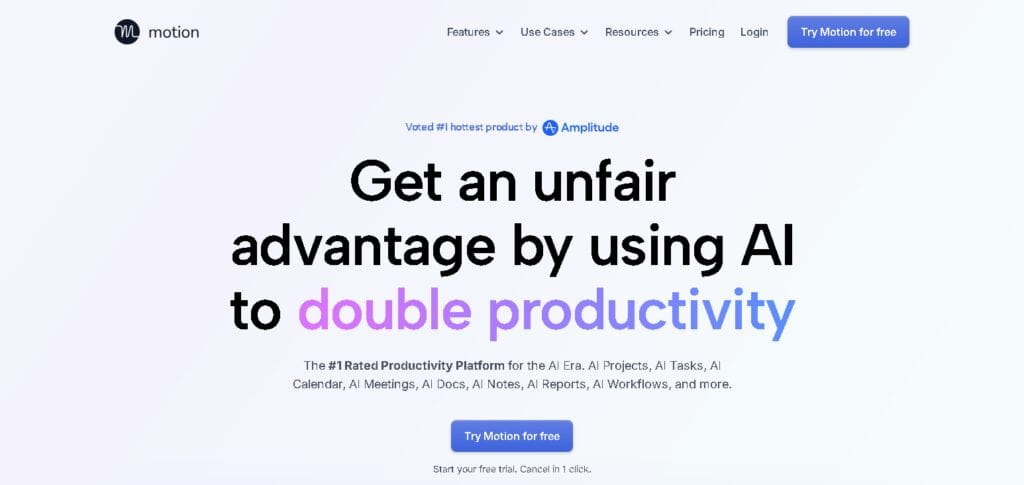
For those who struggle with time management, Motion is an excellent tool. It simply continually reshuffles your schedule throughout the day based on your deadlines and the meetings booked on your calendar. It reduces the mental fatigue that this level of planning typically causes by acting as your fully automated personal executive assistant.
Key Features
- Automatic calendar scheduling with AI
- Intelligent task prioritization
- Reschedules missed tasks
- Balances workload at any time
- Google Calendar & productivity tool integration
2. Reclaim AI
Reclaim AI provides smart calendar optimization that automatically schedules your tasks, habits, meetings, and breaks. Reclaim AI integrates with Google Calendar, helping to ensure your work time and personal time are in proper balance.
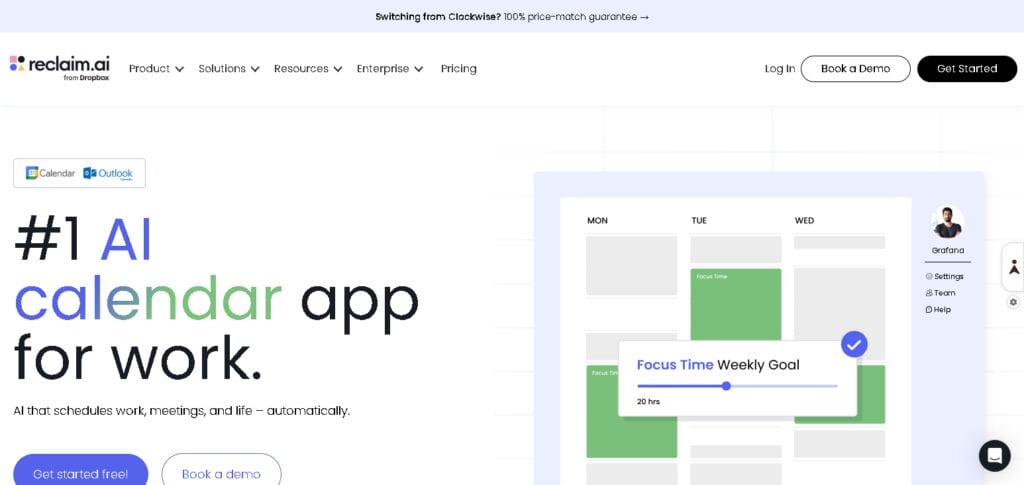
This application is especially popular among individuals and teams that desire a better work-life balance. Particularly impressive is the adaptability of Reclaim AI; the moment a new task or meeting is added to the day, it adjusts your daily schedule accordingly, ensuring nothing is left unaccounted for.
Key Features
- Automates time blocking
- Schedules personal and work habits
- Avoids calendar conflicts
- Syncs tasks with Google Calendar
- Optimizes schedules with AI
3. Notion AI
An AI writing and productivity assistant, Notion AI helps streamline the process of note-taking, document summarizing, task management, and information organization.
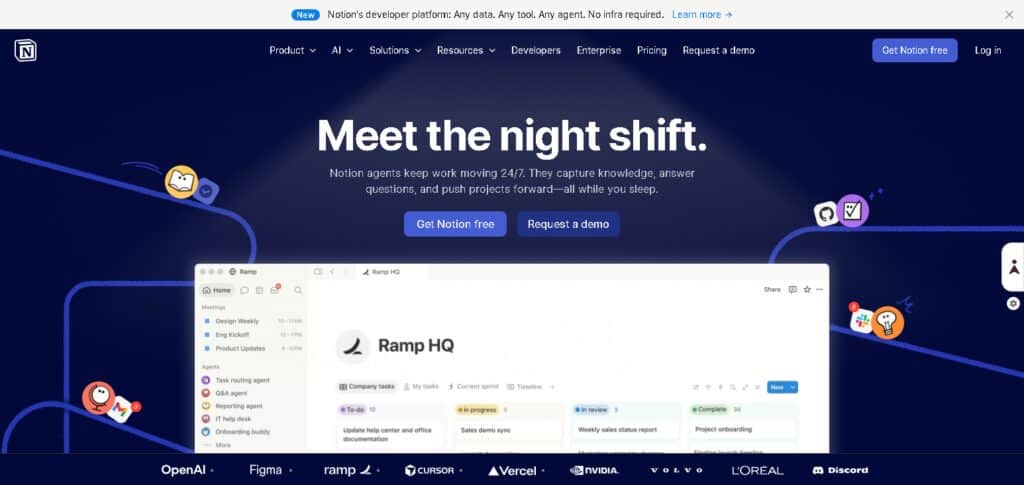
Knowledge workers and businesses heavily involved in the production and consumption of documentation will find this tool especially powerful.
By using Notion AI, an organization can greatly reduce the burden of administration by sidestepping raw notes and giving the organization a finished product of highly structured and highly actionable content.
Key Features
- Built-in writing assistant with AI
- Summarizes lengthy notes
- Generates tasks and databases
- Rewrites and improves content
- Organizes knowledge
4. Microsoft Copilot
Microsoft Copilot is embedded AI that exists in Microsoft Office365 applications such as Word, Excel, Outlook, and Teams. Microsoft Copilot helps its users overcome the challenges associated with drafting emails, creating and analyzing documents, and summarizing meetings.
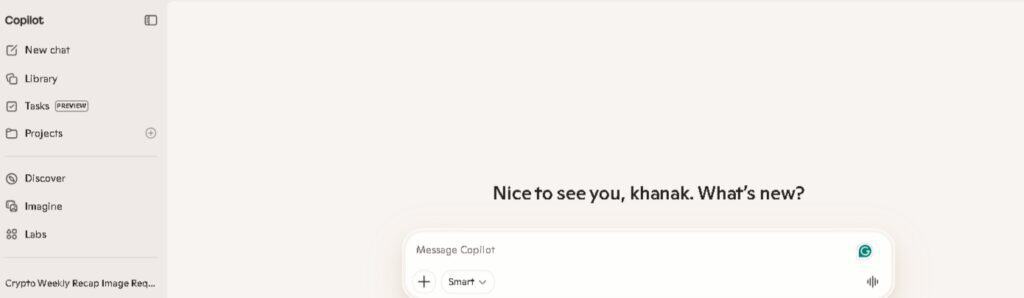
It increases workplace productivity by limiting the amount of time employees need to spend on redundant paperwork.
Key Features
- AI features in Microsoft 365
- Writes emails in Outlook
- Analyzes data in Excel
- Creates documents in Word
- Summarizes meetings in Teams
5. Google Assistant
Google Assistant is a voice-activated AI assistant for organizing daily tasks for reminders and calls, sending messages, and facilitating web searches. Compatibility for Google and its smart devices is provided for all Android devices.
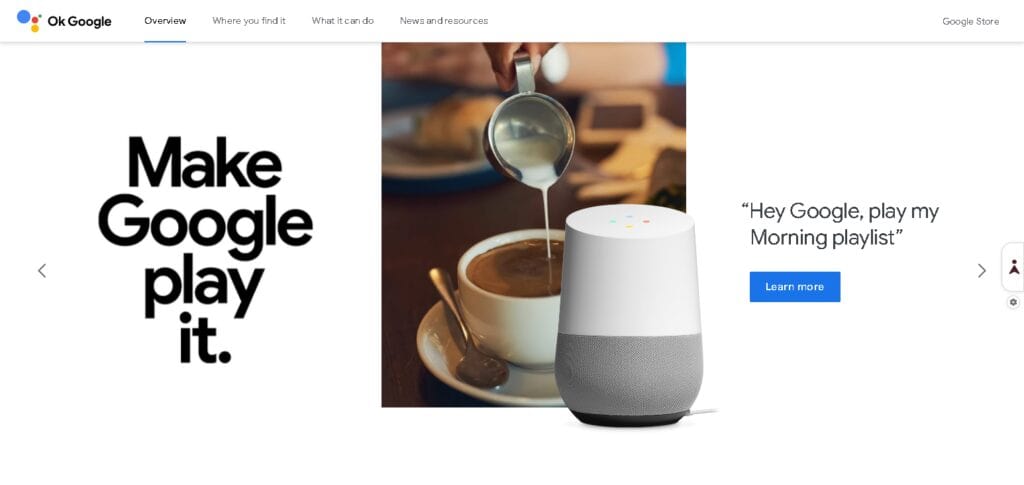
It is very popular for hands-free assistance and personal productivity. Google Assistant is helpful for task management and hands-free implementation of time-saving voice task commands.
Key Features
- Voice-based AI assistant
- Smart reminders & alarms
- Google ecosystem integration
- Real-time search assistance
- Hands-free command execution
6. Amazon Alexa
Alexa is Amazon’s voice control smart assistant, used throughout the home for task management and smart home control from a voice app.
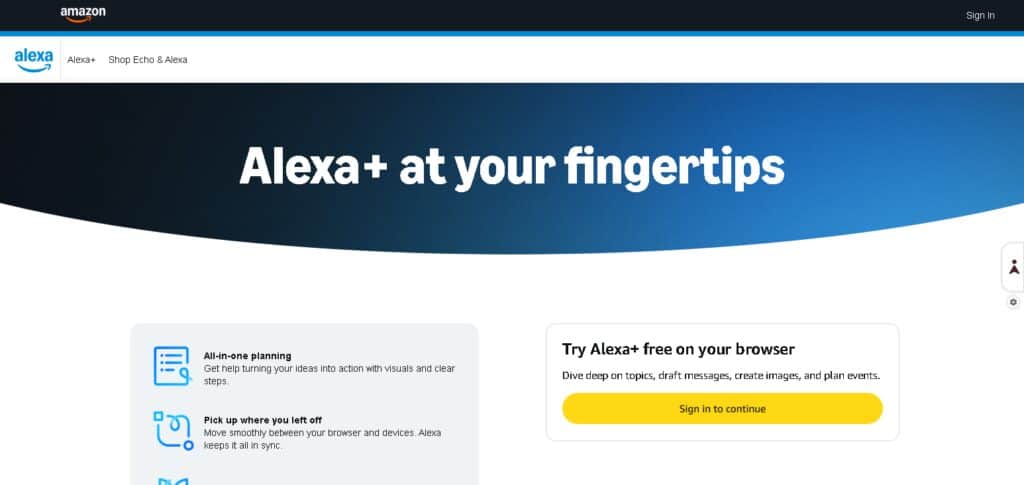
It is very popular for use in smart homes as a central control point. Alexa provides automation for everyday organizational and control tasks.
Key Features
- Voice-controlled smart assistant
- Smart home automation control
- Shopping list management
- Music and media control
- Skills-based app ecosystem
7. Bardeen AI
Bardeen AI is a task management app that runs in your browser. It is designed to eliminate repetitive tasks by scraping data, automating workflow, and linking apps together.
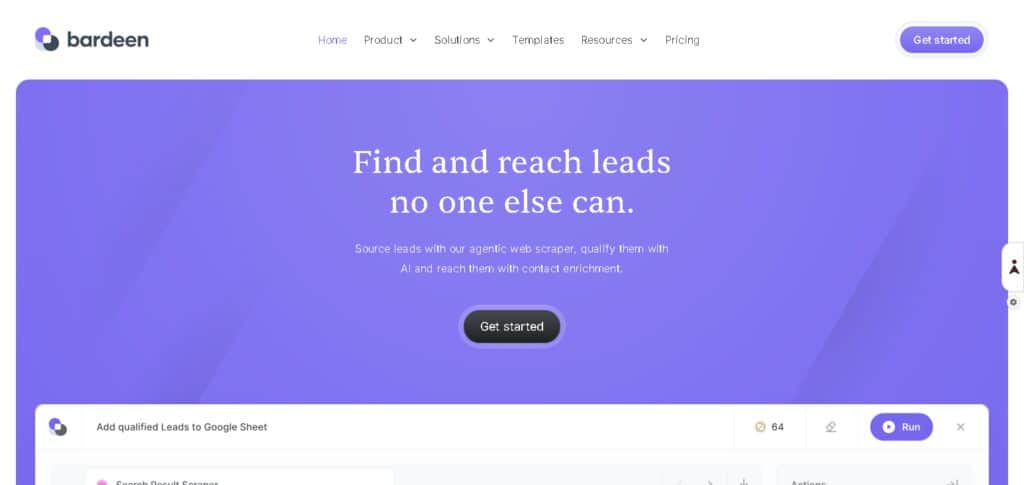
It is great for marketing, sales, and research jobs. Bardeen AI solidifies the automation of tasks that involve multiple steps.
Key Features
- Browser-based automation workflows
- No-code task automation
- Data scraping from websites
- App-to-app workflow integration
- Pre-built automation templates
8. Zapier
Zapier is an app integration tool that offers automation for a large number of apps. It allows an automation process for it’s countless applications to be defined in a “Zap.”
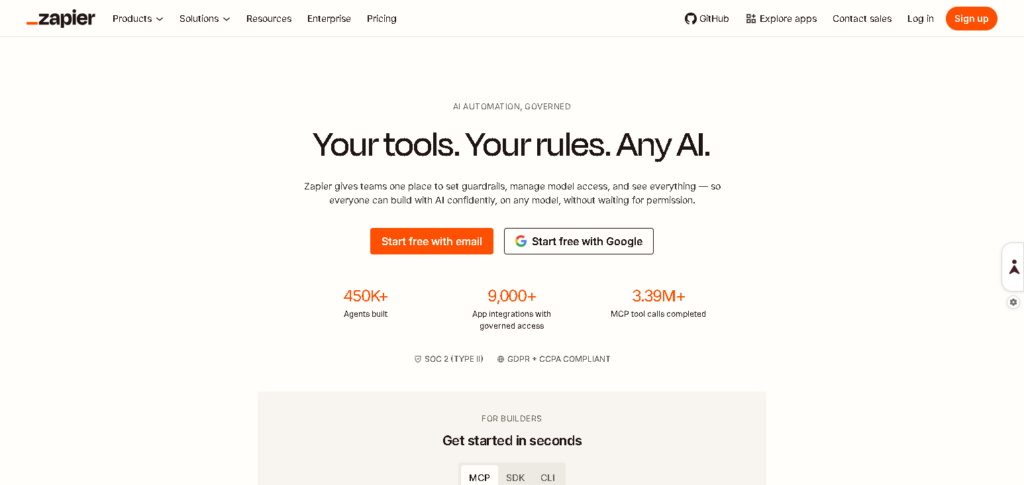
Zapier is designed to connect various applications, hence minimizing the need for tedious manual work. As such, Zapier is very popular among businesses for streamlining administrative processes.
Key Features
- App integration automation platform
- Workflow automation via “Zaps”
- No-code automation builder
- Thousands of app integrations
- Multi-step automation support
9. Lindy AI
Lindy AI excels in the automation of emailing, scheduling, customer outreach, and completing other workflows. Lindy AI is the virtual employee with a specialty in administrative assistance.
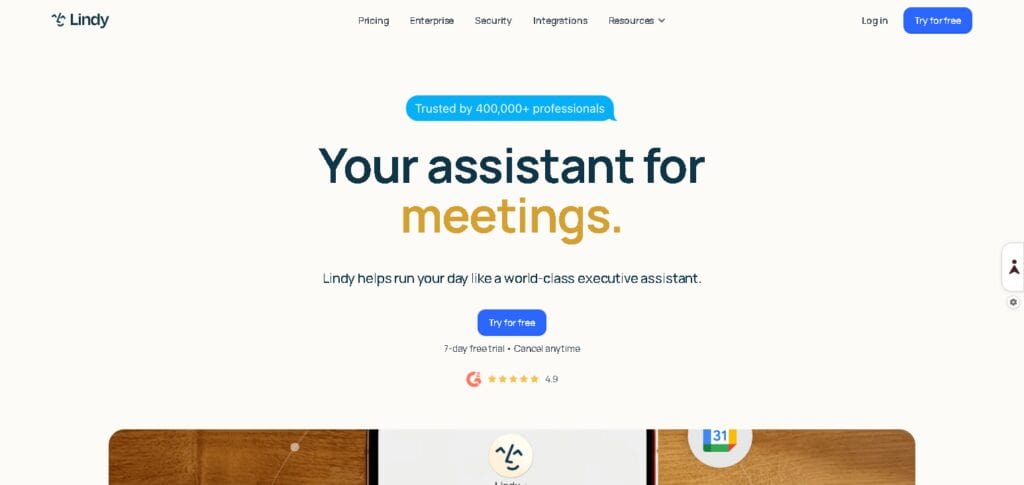
Startups and professionals in need of support with mundane office activities are the prime beneficiaries of Lindy AI. It is a huge time-saver as it takes the initiative to manage the more laborious activities of communication and coordination.
Key Features
- AI virtual assistant for businesses
- Email and communication handling
- Meeting scheduling automation
- Workflow automation system
- Custom AI agent creation
10. Clara
Clara takes the role of a virtual employee with a specialty in organizing meetings through email-based meeting management. Clara works as an executive assistant to accept meeting invitations and ensure that calendars are in sync.
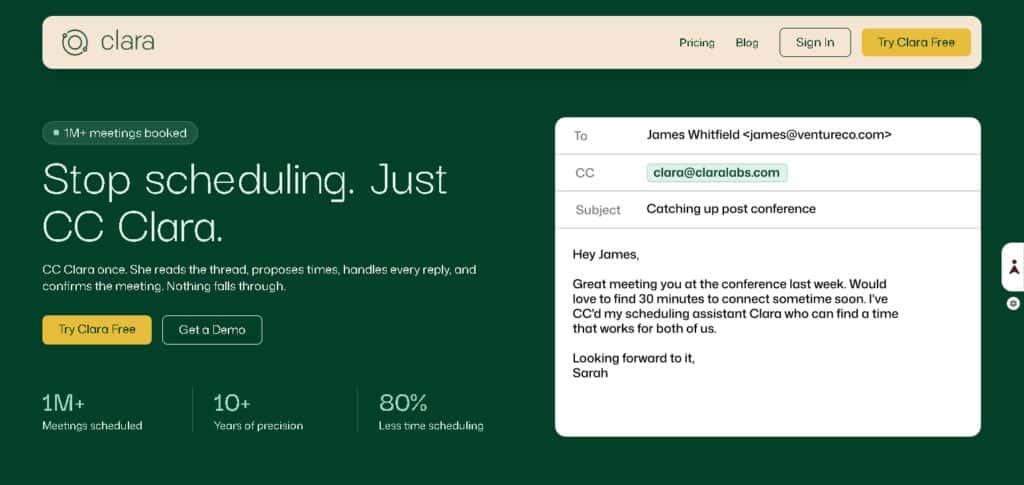
It is a very effective tool for busy professionals who prefer to have their meeting schedules created for them with virtually no interaction. Clara is effective at eliminating the time-consuming process of meeting coordination.
Key Features
- AI-based email scheduling
- Scheduling via chat
- Automated calendar management
- Intelligent meeting scheduling
- Time zone adjustment
Why Businesses & Individuals Need AI Admin Assistants?
Giving Back Your Time
AI admin assistants take care of mundane tasks like emails, scheduling, and sending reminders, saving employees dozens of hours of work every month.
Boosting Output
They allow employees and teams to concentrate on more productive and valuable tasks, cutting back on everyday admin work.
Simple Prioritizing
AI helps take the guesswork out of deciding what’s important and what should be tackled first when the deadlines loom.
Taking the Guesswork Out of Time Management
They understand how to avoid time conflicts in busy schedules and make the most of meeting availability spanning multiple teams and even time zones.
Lower Costs
Less reliance on human assistants to do admin functions means lower operating costs for the business.
Less Mistakes
AI helps take the guesswork out of scheduling, data entry, and other repetitive communications, freeing employees from mundane work and doing it more accurately.
Endless Hours
AI never gets tired and manages time better. It takes care of the business tasks no matter what time of the day or night.
Key Features of AI Personal Assistant Tools
Automation of Scheduling and Calendar Management
AI assistants take care of the planning, organizing, and optimization of appointments, activities, and schedules spontaneously.
Email Automation with AI-Derived Smart Replies
AI assistants can draft and respond to emails in a matter of seconds from AI-influenced suggestions and contextual responses.
Task Prioritization
These tools prioritize and ensure that essential tasks with the earliest deadlines are completed first.
Workflow Automation by AI
Assists users in interconnected apps and partial task automation for work like entry and updates collection.
Interpreting Natural Language
Assists users on entry and command simplification of text and voice.
Productivity Tools Integration
AI assistants are blended into the partnering tools and aids in calendars, emails, projects, and cloud storage.
Automatic Reminders and Alerts
AI assistants provide reminders and alerts for critical activities like meetings and deadlines to ensure users do not omit tasks.
Conclusion
AI personal assistants are changing how companies and people approach mundane administrative tasks. The AI can schedule meetings, sort through and respond to emails, and automate and rank priority tasks. AI agents reduce the time employees spend on administrative tasks. Workers can be more efficient, save time, and reduce errors to improve workplace organization.
AI personal assistants improve workplace productivity, and more efficient and improved decision-making ultimately saves a company money. Employees also have the benefits of personal time and improved work-life balance. The more advanced AI becomes, the more autonomous the personal assistants will also become. Personal assistants will handle all tasks in a seamless manner.
FAQ
What are AI personal assistant tools?
AI personal assistant tools are software agents that use artificial intelligence to help manage daily tasks such as scheduling, emails, reminders, and workflow automation, reducing manual effort.
How do AI admin assistants improve productivity?
They automate repetitive administrative work, prioritize important tasks, and streamline workflows, allowing users to focus on high-value and strategic activities.
Can AI assistants replace human virtual assistants?
AI assistants can handle many routine tasks like scheduling and email management, but they may not fully replace human assistants for complex decision-making and personalized support.
What are the main features of AI personal assistant tools?
Key features include smart scheduling, email automation, task prioritization, workflow automation, app integration, and real-time reminders.
Are AI personal assistants useful for businesses?
Yes, businesses use them to reduce operational costs, automate admin tasks, improve team coordination, and increase overall efficiency.