

I will cover the Best Tools For Project Management that aid in planning, collaboration, and delivery of work within the team.
These tools can efficiently help with managing tasks, tracking progress, or enhancing team communication.
Everything from startups to enterprise level requires the right project management software to achieve success.
| Tool | Key Point |
|---|---|
| ClickUp | All-in-one platform with customizable views (List, Board, Gantt, Calendar). |
| Notion | Combines notes, tasks, databases, and wikis in one flexible workspace. |
| Monday.com | Highly visual project tracking with automation and powerful integrations. |
| Asana | Excellent for managing complex workflows and cross-functional teams. |
| Trello | User-friendly Kanban board system ideal for simple, drag-and-drop task flows. |
| Wrike | Robust enterprise features including resource management and real-time reports. |
| Smartsheet | Spreadsheet-style interface with powerful collaboration and Gantt tools. |
| Jira | Best-in-class tool for agile software development and bug tracking. |
| Teamwork | Ideal for client work with built-in time tracking, billing, and invoicing. |
| Basecamp | Simplified communication and task tracking in one flat-fee platform. |
1. ClickUp
ClickUp seeks to eliminate the need for multiple productivity applications by offering an all-in-one project management tool and rich in features.

It allows task assignment and goal tracking with time tracking sesions, permitting assigments to be set as prioritised, dependent, or any of configurable within the dashboard.
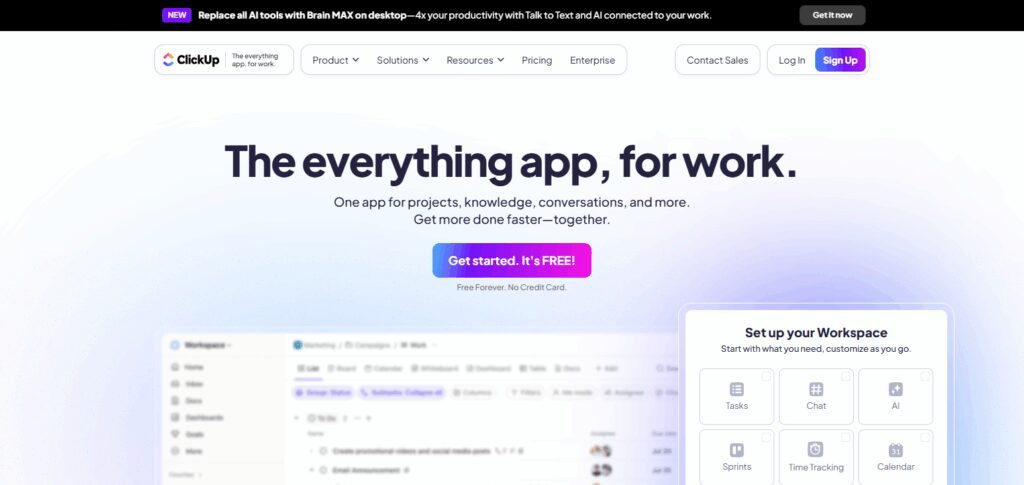
The task views List, Board, Calendar, Gantt caters to various team workflows. Among the Best Tools for Project Management, ClickUp stands out with its built-in docs, whiteboards, and goal-tracking features enabling real-time project execution.
Its automation engine and integration with Slack, Google Workspace, and over 1,000 other tools eliminate repetitive tasks. ClickUp’s powerful free plan is ideal for startups and growing teams who need versatility.
ClickUp – Features
- List view, Gantt view, Calendar view and Kanban view
- Docs, whiteboards and goal tracking
- Scheduling automation using advanced workflows.
- Track time natively or through other applications. Time estimates.
- Manage task relationships through dependencies.
- Real-time collaboration, chat and modern team communication.
2. Notion
Notion combines several features: note-taking, task management, and a knowledge base organized under a single, minimalistic interface. Users can build custom workflows from a variety of blocks such as kanban boards, tables, databases, calendars, and rich media.
Notion facilitates team documentation and helps centralize project plans and daily tasks. It is also one of the Best Tools for Project Management as it is very flexible and aesthetically pleasing giving users the freedom to design their workspace why they wish.
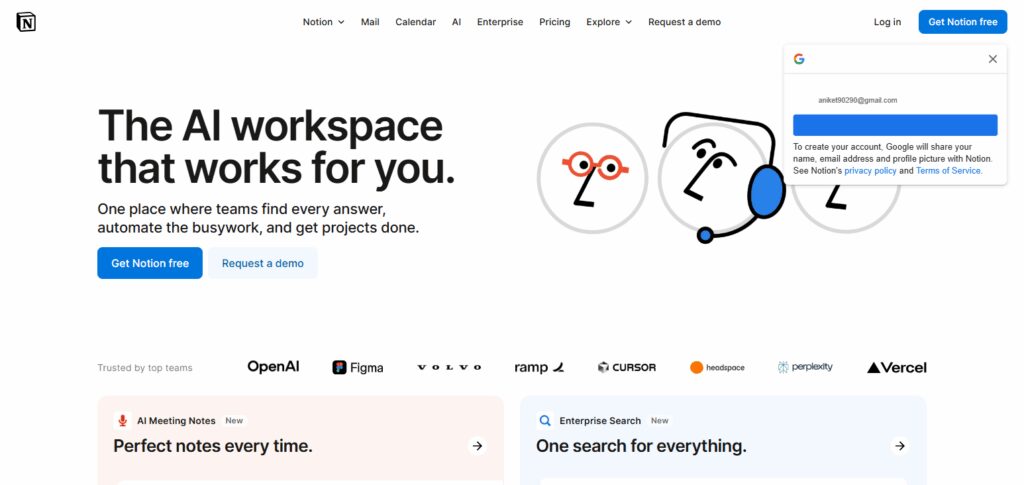
Teams can manage everything from sprint boards to content calendars and work together in real time. Its built-in AI assistant further boosts productivity by summarizing notes, text generation, and structured content organization.
Startups, small businesses, and content creators that prioritize good design and structure with an emphasis on cross-functional team visibility appreciate Notion the most.
Notion – Features
- Custom blocks that can be used for databases, wikis and task listing
- Kanban board, tables, lists and calendars
- Inbuilt AI tools for Summarization, Writing, and Organizing
- Collaborative documents with edit history
- Integrates with GitHub, Slack, Figma and Google drive.
- Web clipping tool and synchronized databases
3. Monday.com
Monday.com offers a state-of-the-art work operating system that makes project management a visual activity. The automation of workflows is capabilities such as milestones, automation, custom columns and status updates.
It further enables cross-departmental collaboration and progress tracking with more than 200 templates and deep integrations. Within the category of Best Tools for Project Management, Monday.com stands out with its user-friendly design and wide adaptability for different departments such as marketing, human resources, operations and product development.
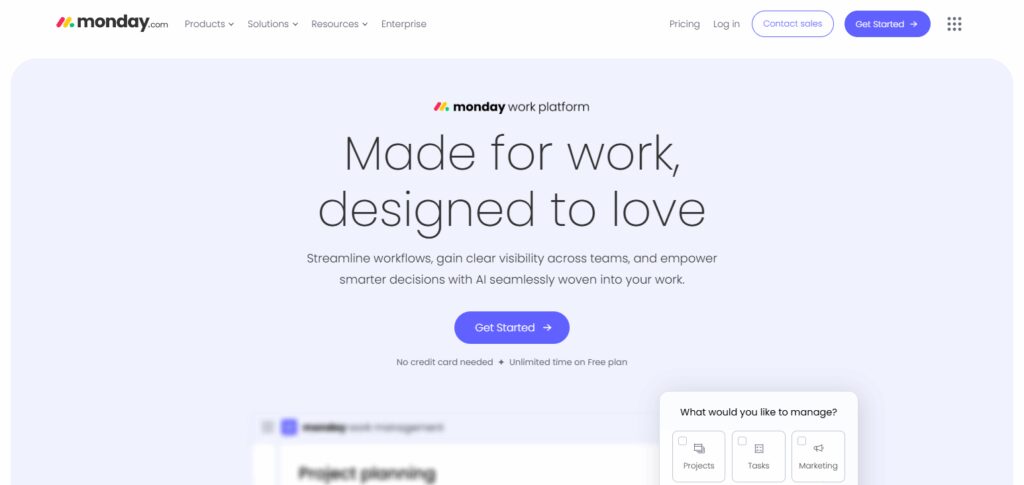
Dashboards provide real-time insights into project status, revealing health indicators, bottlenecks, and timelines, while automations streamline processes. “If this, then that” rules allow manual processes to be shed off, improving productivity.
In addition, Monday tracks time and manages workloads which is beneficial for both remote and hybrid teams. Employees are productively assisted through mobile applications with access to offline features and notifications.
Monday.com – Features
- Colour coded task tracking with visual dashboards.
- Calendar, Gantt, Timeline and Kanban views.
- Automation for recurrent workflows
- More than 200 templates available, ready to use.
- Advanced tools for workload and resource management.
- Share files, leave updates or comments in real-time.
4. Asana
Asana enables teams to structure, monitor, and manage their work with efficiency. It provides different project views: lists, boards, calendars, and timelines. Each task can be assigned to specific team members and comes with a deadline and context.
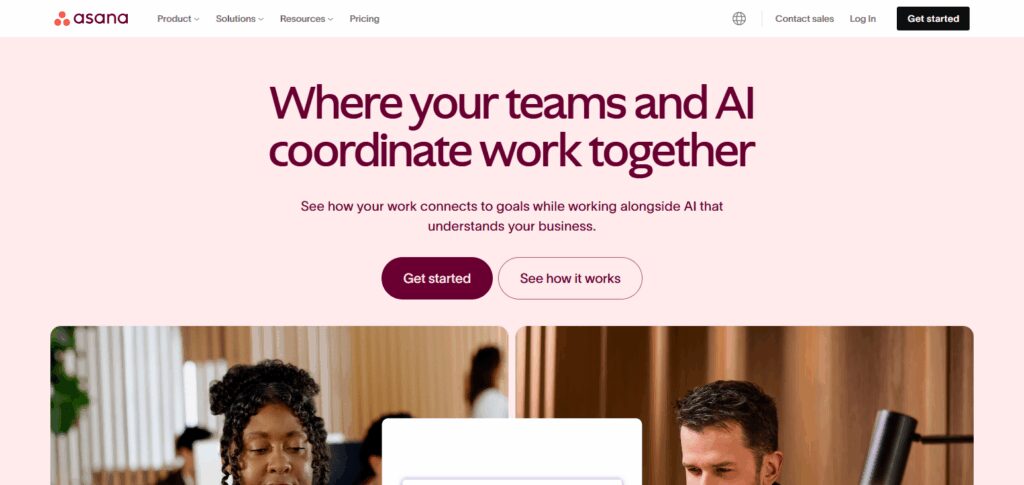
Automated workflows and dependency management are especially useful for managing complicated projects. Asana is recognized as Best Tools for Project Management due to its multifunctional cross-team collaboration features such as milestones, portfolios, and workload balancing.
It works well with other tools such as Slack, Zoom, and Google Drive. Project managers can create, update, and monitor plans and schedules using visual project timelines. It is reliable and scales easily, serving major organizations.
Asana – Features
- Assigning tasks with deadlines and setting priorities
- Project views: List, Board, Timeline, and Calendar
- Automated systems and workflow rules
- Goals and milestones for the project
- Balancing work and task dependencies
5. Trello
Trello is an easy-to-use project management tool that is based on the Kanban methodology. It uses an intuitive card system where each task has to be moved manually through various customizable stages, allowing for easy project tracking.
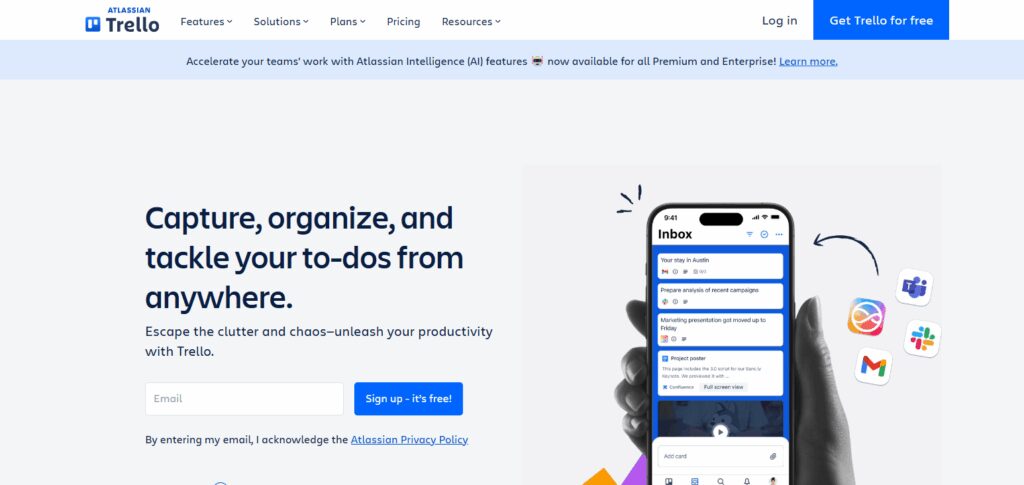
This tool is ideal for personal use, simple task tracking, and small group collaborations. Among the Best Tools for Project Management, Trello has been recognized for its low learning curve and ease of use. Users are able to extend functionality using Power-Ups with calendar views, automation, integrations, and custom fields.
Real-time collaboration with commenting and file attachments is also supported. From marketing campaigns to complex software sprints, Trello helps you visualize every detail and offers clear structure. Users can also access it on mobile devices without internet connection.
Trello – Features
- Kanban board with drag and drop features
- Editable task cards with checklists, deadlines, and labels
- Power-Ups: Extensions for calendar and automation
- Predefined workflows for various types of projects
- Collaboration with notifications and updates in real-time
- Access from desktop and mobile, including offline access
6. Wrike
Wrike is a powerful tool for managing projects and collaborating on work in detail. It is particularly tailored for large organizations and works seamlessly with big teams. The software integrates real-time Gantt charts, workload views, dynamic request forms, and tools for resource allocation.
As with every organizational tool, customization plays an important role. In Wrike, customization is delivered through dashboards, folder structures, as well as role-based permissions. Because of powerful security features and analytics capabilities, Wrike is regarded as one of the Best Tools for Project Management.
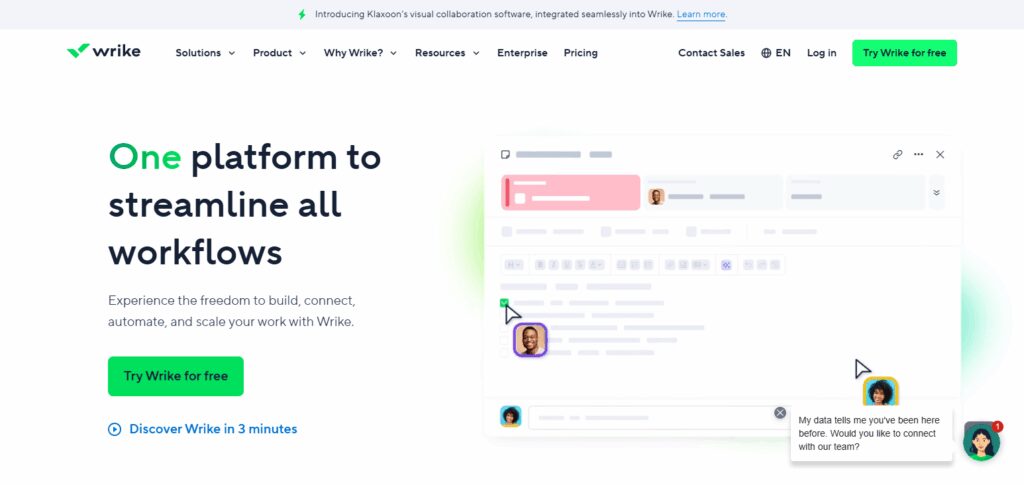
Project tracking is possible at very fine and also portfolio levels. Collaborative work on tasks is simplified with built-in proofing and approval workflows which make it a favorite in marketing and creative departments.
Agile methodologies are also supported with scrum boards and custom workflows. Integration with Salesforce, Adobe Creative Cloud, and Microsoft 365 makes it an efficient end-to-end solution.
Wrike – Features
- Visual project overview in real-time
- Scheduling of tasks by importance and advanced Gantt charting
- Custom workflows with folder trees
- Forms for receiving requests and tasks
- Proofing and In-app need approval mechanisms
7. Smartsheet
Unlike other project management tools, Smartsheet utilizes an automation-enabled spreadsheet format for advanced tasks reporting and grid-level assignment tracking. It enables the use of Gantt charts, calendars, forms, and dashboards to plan, execute, and scale projects.
Smartsheet has been acknowledged as one of the Best Tools for Project Management owing to its versatility in sectors such as construction, IT, and education. It allows collaborative team-based work planning and incorporates data- driven scheduling.
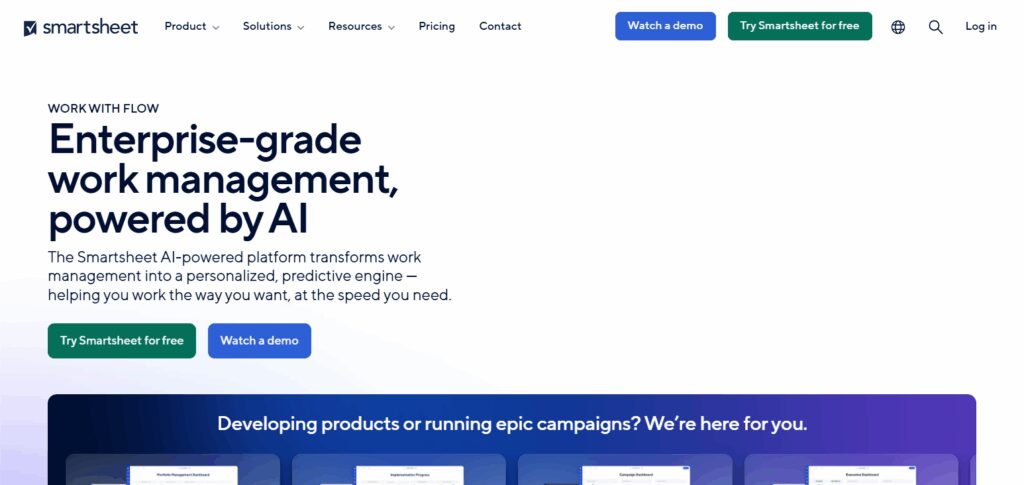
Teams are able to assign roles, set dependencies, and track progress through visual aids. The system features project-based snapshots alongside Excel-like complex logics cell formula support.
For companies that function under a flexible structure, Smartsheet’s compatibility with Jira, Slack, and Microsoft Teams makes it perfect.
Smartsheet – Features
- Integrated tools for projects in a table format
- Gantt, calendar, and grid view charts
- Conditional automated processes for data
- Forms to collect data or create tasks
- Management of workflows and approvals
- KPI management and dashboards
8. Jira
For managing software development projects, especially in Agile, Scrum, or Kanban frameworks, Jira by Atlassian remains unmatched. Sprint planning, issue tracking, backlog grooming, and release management are all easily accomplished.
Real time tracking of bugs, features, and updates is available for developers. Jira is one of the Best Tools for Project Management and boasts deep functionality and configurability. It offers velocity charts, burndown reports, and custom workflows designed for the software lifecycle.
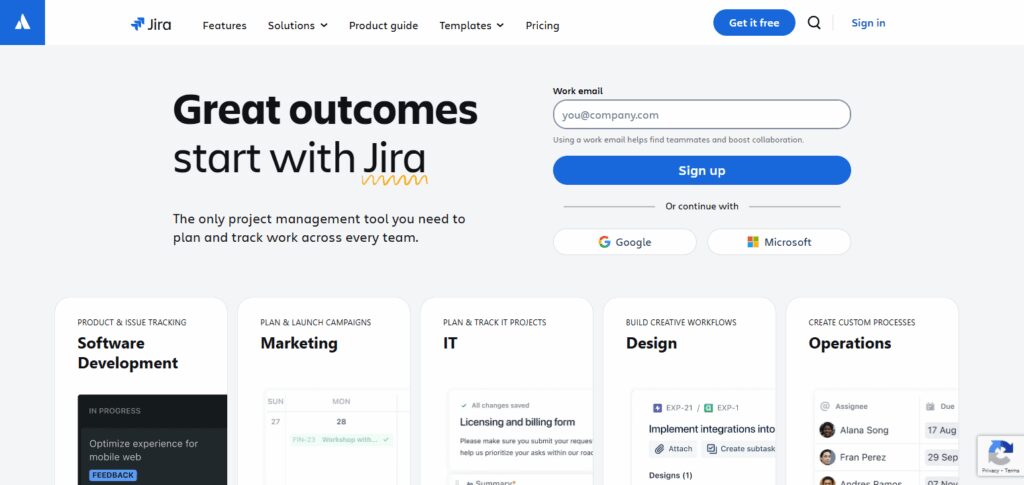
With native integration to Bitbucket, Confluence, and GitHub, Jira creates a seamless DevOps pipeline. Teams can automate task creation, set triggers, and monitor critical performance indicators.
While complex, Jira is still a must-have for engineering departments in all kinds of companies, be it a startup or a global enterprise.
Jira – Features
- Agile project management: Scrum & Kanban boards
- Tracking of issues and bugs
- Sprints: planning, backlog grooming, burndown charting
- Custom workflows and role-based permissions
- Integrations with DevOps tools (Bitbucket, GitHub, Confluence)
9. Teamwork
This is a service business-oriented project management software designed for marketing agencies, consultants, and freelancers. It features time tracking, invoicing, task management, and a client portal which facilitates communication and billing, making them more efficient.
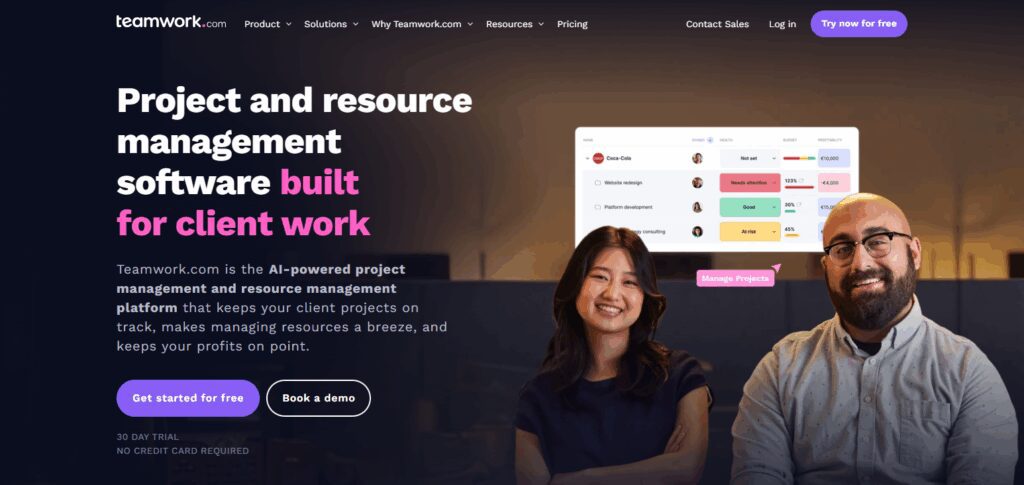
Teamwork is recognized as one of the Best Tools for Project Management since it specializes in handling client work from start to finish. It allows you to assign and monitor billable hours, track utilization, set privacy controls for internal versus client views, and more.
Teamwork also provides workload reports and task priorities to balance team capacity, offering enhanced utilization. Its value for agencies is further augmented by integration with Slack, HubSpot, and QuickBooks. The interface is neat and user-friendly, offering automation and templates to minimize manual work and speed up delivery.
Teamwork – Features
- Automated billing and time management
- Construct a project framework and planner
- Portals and dashboards for clients
- Prioritized and dependency based task lists
- Comments, files, and messages
10. Basecamp
Basecamp is an all-in-one project management and team communication tool with a flat fee policy, unlike its competitors which charge based on tiers. Ranging from task delegations to file distribution and discussions, everything is done seamlessly.
It is great for small groups, remote employees, and people who prefer a clean system. As one of the Best Tools for Project Management,(Basecamp) has a competitive advantage of flat rate monthly billing for all users which is beneficial for bigger teams.
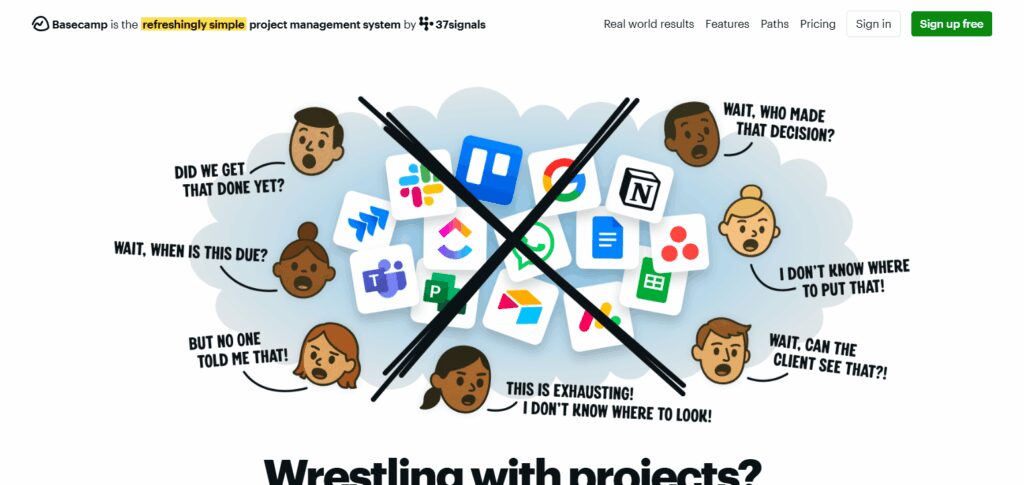
Basecamp comes with message boards, to-do lists, calendars, group chat (Campfire) in real time, and automatic check ins for transparency.
To reduce inbox clutter, Basecamp merges communication onto one platform. While it lacks sophisticated project tracking tools, it offers ease, reliability, strong coordination features, and stability.
Basecamp – Features
- To-do lists for task management
- Message boards for announcements/discussions
- Group chat (Campfire) for quick communication
- Shared calendar with project schedules
- Automatic check-ins for team updates
Conclusion
Users also need to consider their company’s size, the scope of work, inter-team collaboration, and the workflow’s complexity when picking a project management tool. Monday.com and ClickUp are examples of tools with “one-stop-shop” capabilities that help teams with automation, adaptability, and scaling.
Trello is a good fit for straightforward, visual task tracking, while Notion stands out for documentation and task management for creative teams. For enterprise-level tools, Wrike, Smartsheet, and Jira offer advanced analytics, security, as well as development-oriented features.
Teamwork is great for client-facing projects with time tracking, while Basecamp provides a clean, communication-centered interface. Whichever your business is, from a startup to well-established enterprise, the Best Tools for Project Management listed here will help improve collaboration, boost productivity, and multitask without missing deadlines.